









TL;DR: Choosing the best customer service software is essential for delivering fast, personalized support at scale. This article compares 20 of the best customer service software platforms for 2026, outlining their strengths, limitations, pricing, and ideal use cases.
With so many customer service software solutions available in 2026, finding the right platform can be challenging, especially for startups and growing businesses.
The ideal solution should do more than manage support requests. It should help your team improve efficiency, deliver exceptional customer experiences, and scale as your business grows.
According to Salesforce’s State of Service Report, 86% of customer service agents say customer expectations are higher than they used to be, highlighting the growing pressure on support teams to deliver faster, more personalized, and consistent support experiences.
The best customer service software for your organization depends on factors such as team size, budget, support channels, automation requirements, and long-term business goals. Leading platforms such as BoldDesk, Zendesk, Freshdesk, HubSpot Service Hub, and Salesforce each offer unique strengths for different use cases.
In this guide, we’ll compare the best customer service software solutions for 2026, covering their key features, pricing, AI capabilities, pros and cons, and ideal use cases to help you choose the right platform for your business.
What is customer service software?
Customer service software is a platform or suite of tools that businesses use to manage support interactions.
These solutions help support agents track, prioritize, and resolve customer inquiries efficiently across multiple channels such as email, live chat, social media, and customer self-service portals.
In today’s competitive market, investing in a robust customer service platform is essential for delivering exceptional experiences and building long-term customer loyalty.
Looking for a dedicated customer service software platform rather than a comparison guide? Explore BoldDesk customer service software.
Customer service technology vs. customer service software
Many teams use the terms customer service technology and customer service software interchangeably, but they serve different purposes.
Customer service technology refers to the broader ecosystem of tools, processes, and infrastructure used to support customer interactions. This includes artificial intelligence, analytics platforms, communication channels, automation frameworks, integrations, and software applications.
Customer service software, on the other hand, focuses on the platforms organizations use to manage customer conversations, optimize agent workflows, track performance, and improve service delivery.
If you’re evaluating technology strategies, read our guide to customer service technology. If you’re comparing vendors and solutions, continue with the software recommendations below.
Top customer service software solutions
Customer support software assists businesses in managing and tracking every customer interaction, ensuring a smooth and seamless customer experience.
To identify the leading customer service software solutions, we evaluated core features, scalability, and real-world usability, along with verified customer reviews and ratings from G2.
For teams that support customers on the go, mobile accessibility is equally important. Explore our guide to customer-service mobile apps to learn how mobile-first support tools can help agents respond faster and stay productive from anywhere.
Let’s take a closer look at the top software solutions that help businesses excel in customer service.
1. BoldDesk – Best for AI-powered automation and self-service for SMBs
BoldDesk is an AI customer service software that helps teams manage support operations, collaborate on complex issues, and automate repetitive tasks so agents can focus on high-value conversations.
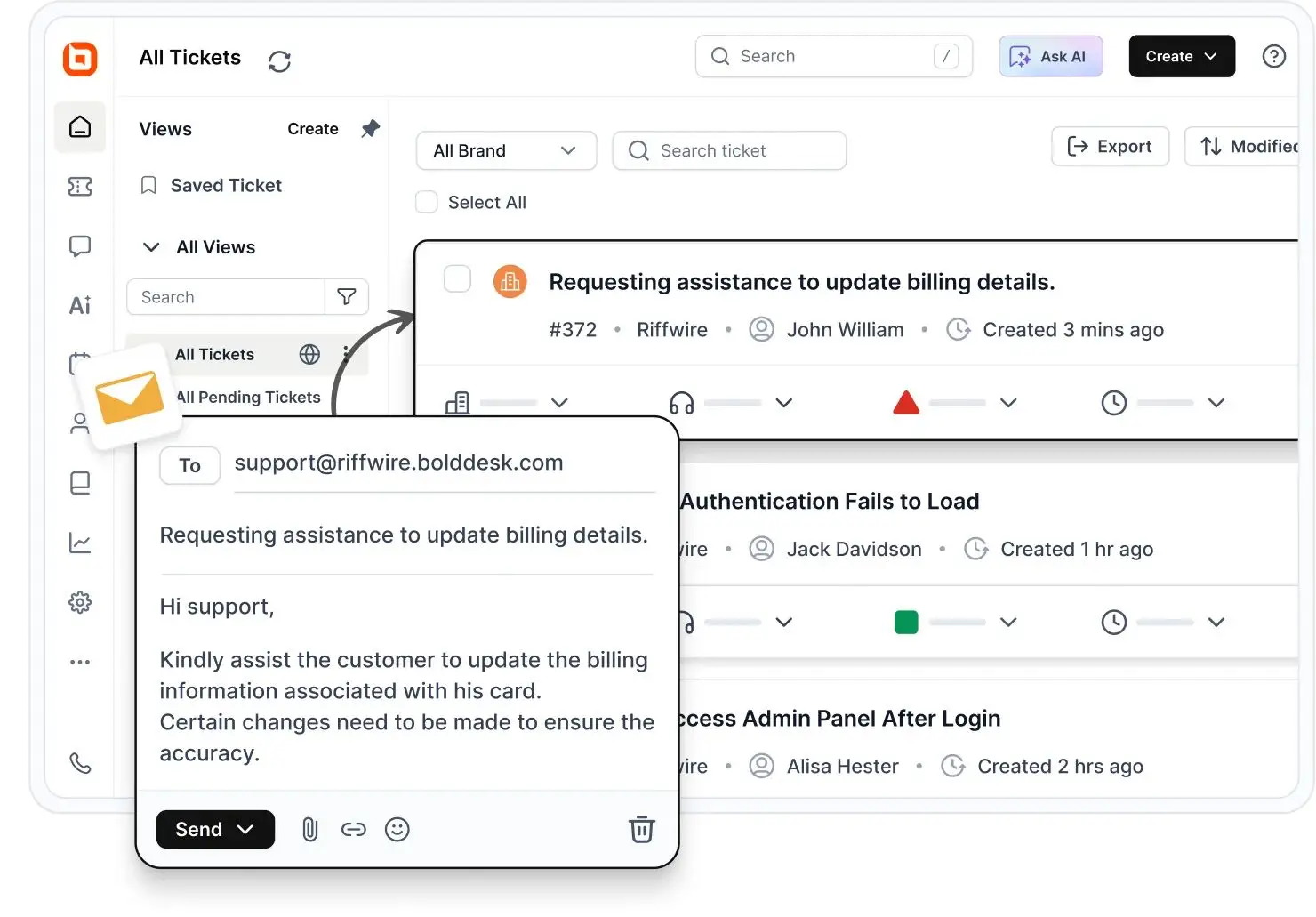
With live chat software, agents can deliver real-time responses through chat widgets, creating a more positive support experience.
When integrated with omnichannel customer service, agents can manage customer conversations from all communication channels in one unified platform.
BoldDesk’s help desk ticketing system offers user-friendly client portal software, an interface that allows customers to monitor and submit support tickets with ease.
Key features
- Ticketing system
- AI and automation capabilities
- Multilingual knowledge base
- Live chat software
- Omnichannel support
For more information on BoldDesk features, please refer to the following video.
Pros
- Smart automation and AI capabilities reduce repetitive work and improve agent productivity.
- User-friendly interface with powerful ticketing and self-service functionality.
- Affordable pricing with enterprise-grade features suitable for growing businesses.
Con
- Integration library is still smaller than some long-established competitors like Zendesk or Salesforce.
Pricing
BoldDesk ensures predictable, scalable pricing for support teams of all sizes. You get full feature access in every plan. No hidden costs or upgrade barriers.
| No. of agents | Monthly price (USD) | Free AI credits/month |
| 5 | $99 | 500 |
| 10 | $199 | 1,000 |
| 25 | $349 | 1,500 |
| 50 | $499 | 2,000 |
| 75 | $749 | 2,500 |
| 100 | $999 | 3,000 |
Visit the BoldDesk pricing page for a complete overview of all pricing tiers and plan details.
BoldDesk AI add‑ons pricing
Enhance your support operations with AI‑driven tools designed to reduce manual effort and increase team productivity.
- AI Agent: Resolve tickets autonomously using AI for just $20 per 1,000 credits.
- AI Copilot: Empower your agents with AI guidance for $20 per agent/month to improve accuracy and response speed.
These add‑ons give you affordable ways to scale support without adding headcount.
Need more agents? Scale your support operations with a solution built for growing teams. Start your 15-day free trial and experience how BoldDesk simplifies customer service management.
2. Zendesk – Best for enterprise-level support
Zendesk is powerful customer service software tailored for large organizations. It allows users to handle conversations via email, X, and Facebook with any of their plans.
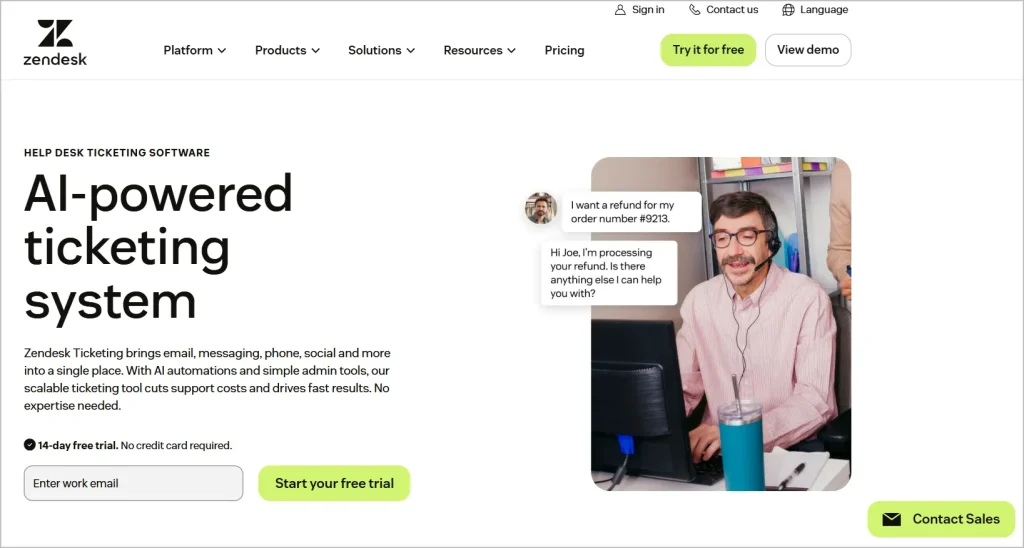
It provides a collection of features specifically designed to optimize and improve customer service processes, making it stand out from other Zendesk alternatives.
Their more expensive plans also enable the management of phone and chat conversations.
Key features
- Omnichannel customer support
- Advanced reporting and analytics
- AI-powered ticket routing and automation
Pros
- Comprehensive omnichannel support across email, chat, phone, and social channels.
- Strong analytics and customization options for large support teams.
Con
- Can become expensive as teams scale and advanced features are added.
Pricing
- Free trial available
- Paid plans begin at $19/user/month
Transform Customer Support Today for Free!
As a startup, enjoy robust customer service software that simplifies workflows, boosts support, and improves customer experiences.
3. Freshdesk – Best for scalable customer service
Freshdesk offers two types of support: a basic help desk solution and comprehensive omnichannel support.
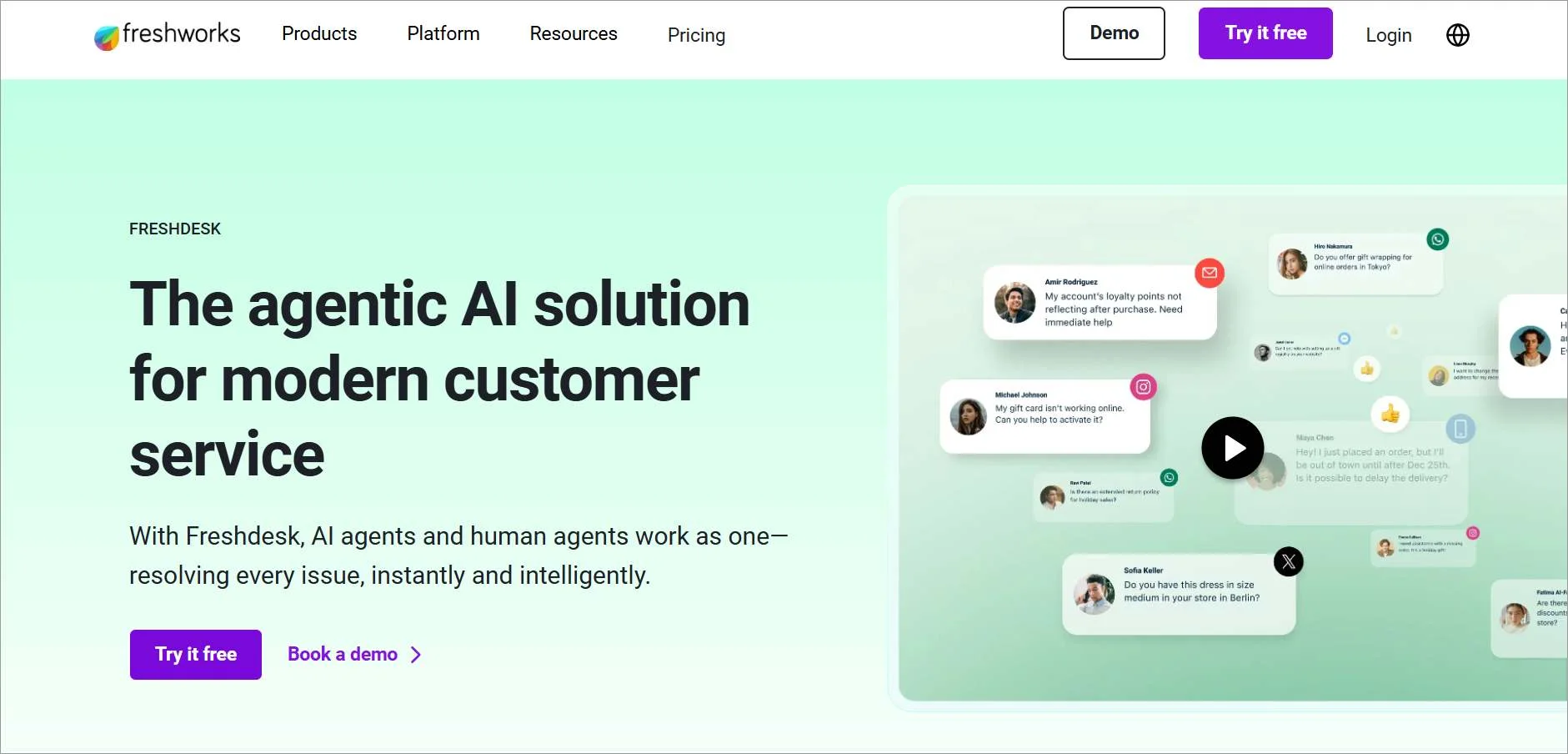
Freshdesk is a cloud-based customer support software designed to deliver good customer service to businesses of all sizes.
It converts customer inquiries from emails, phone, web, chat, and social media into manageable tickets, making it easier to optimize support operations.
However, exploring Freshdesk alternatives might be beneficial depending on your specific needs and budget.
Key features
- Ticket management system
- Automation workflows
- Self-service knowledge base
Pros
- Easy-to-use interface with quick implementation.
- Strong automation and integration capabilities for growing teams.
Con
- Advanced reporting and customization are limited on lower-tier plans.
Pricing
- Free trial available
- Paid plans begin at $15/user/month
4. Salesforce – Best for CRM-driven customer service
Salesforce is a CRM (customer relationship management) platform specifically engineered to facilitate collaboration among teams within companies for better customer service.
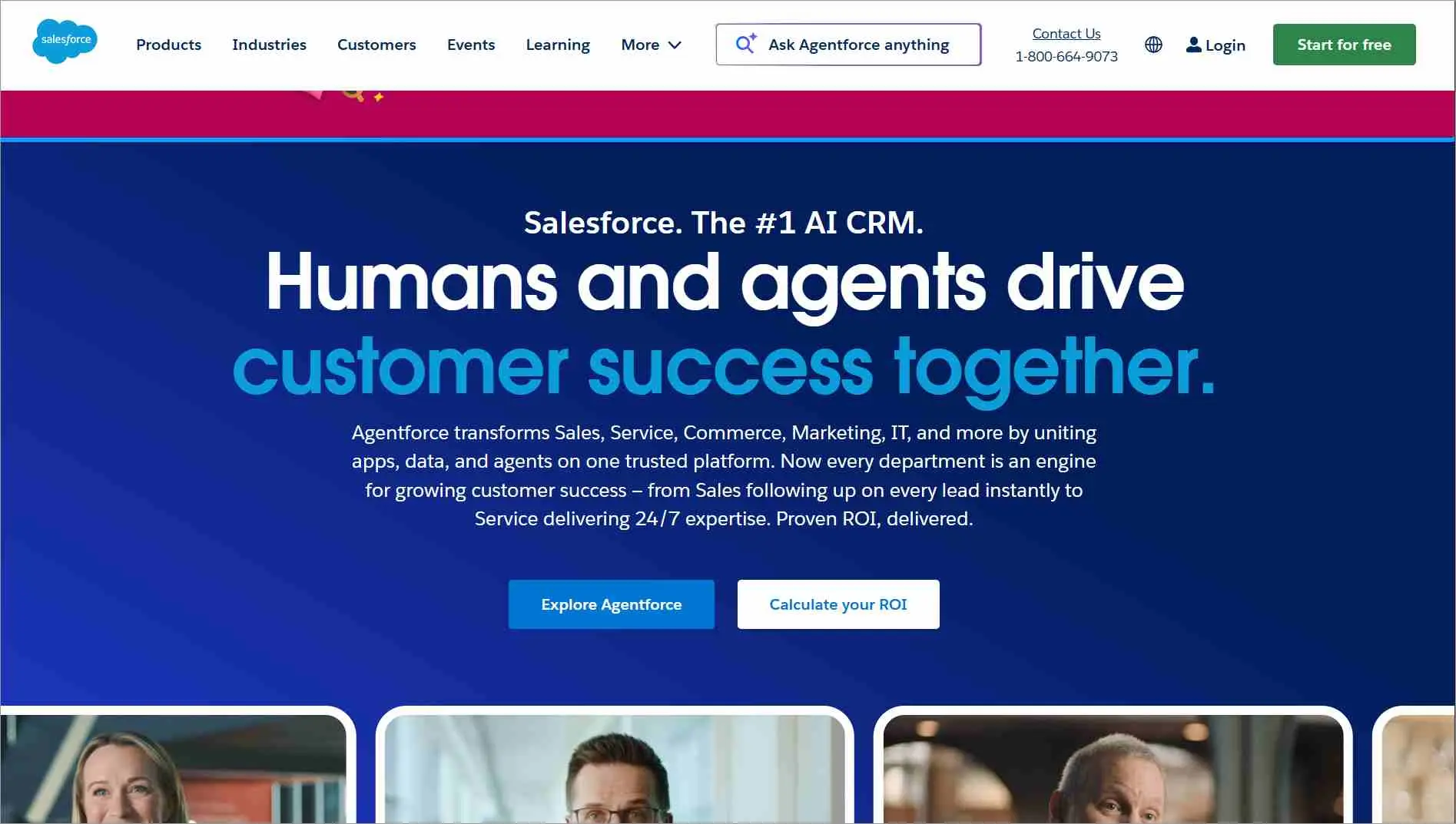
It also offers a customer service platform called Service Cloud, which gives teams across IT, sales, marketing, and support access to the same customer data.
This single view enables agents to access relevant details swiftly and provide fast support. On its more expensive pricing tiers, Salesforce provides B2B customer service solutions for its clients.
Key features
- Unified customer view
- AI-powered support tools
- Omnichannel engagement
Pros
- Deep CRM integration provides complete customer context.
- Highly customizable for complex enterprise workflows.
Con
- Steep learning curve and complex setup process.
Pricing
- Free trial available
- Paid plans begin at $25/user/month
5. HubSpot Service Hub – Best for all-in-one customer service
HubSpot is a CRM platform that includes a ticketing system and live chat capabilities. It also offers a customer service product known as Service Hub.
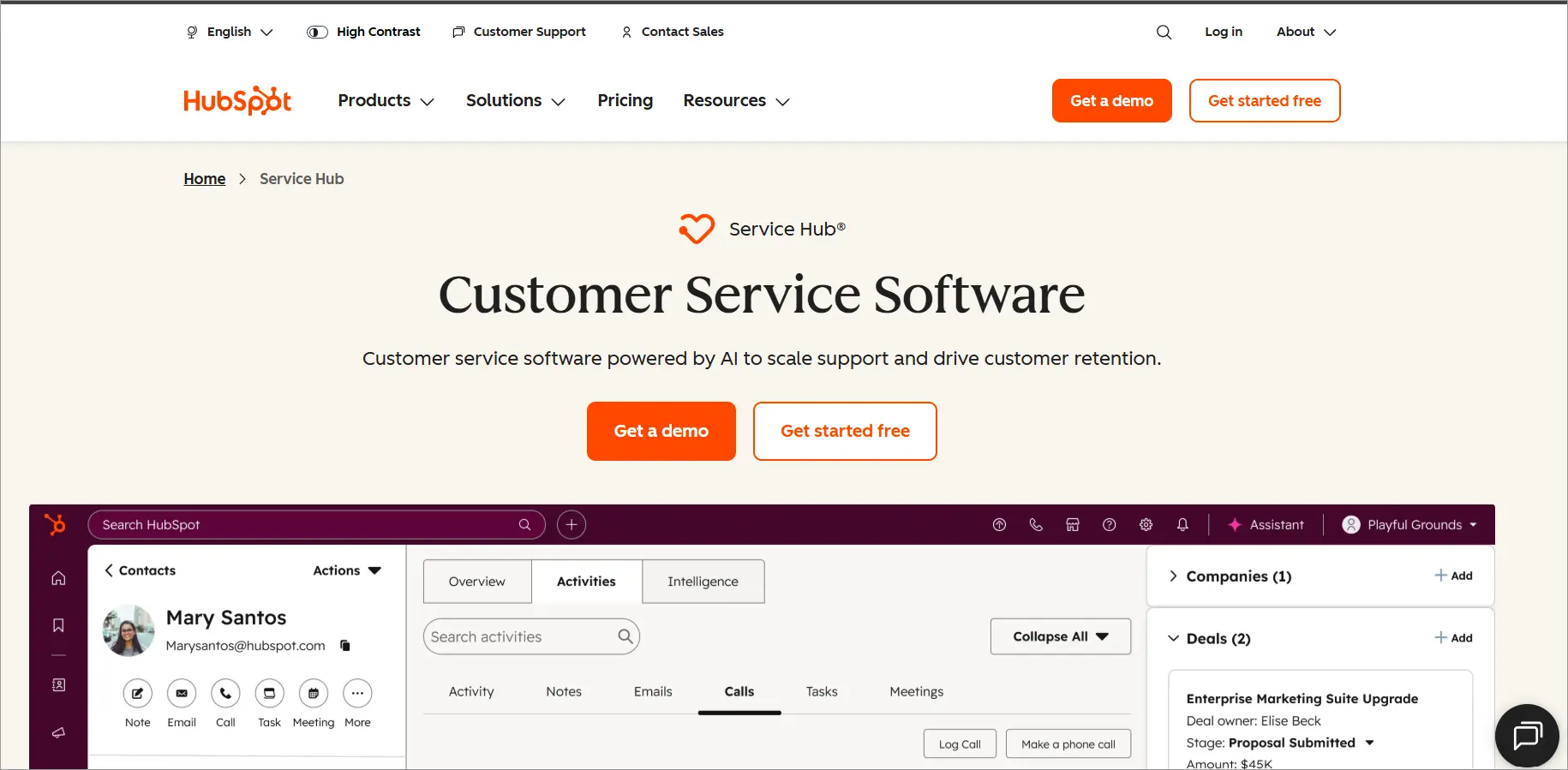
HubSpot Service Hub is especially beneficial for teams that already utilize HubSpot’s CRM. The products integrate smoothly, providing agents with relevant data that helps them personalize their support efforts.
Key features
- Ticketing system
- Customer feedback management
- Workflow automation
Pros
- Seamlessly integrates with HubSpot CRM and marketing tools.
- User-friendly interface with strong automation features.
Con
- Costs can increase significantly as businesses grow.
Pricing
- Free trial available
- Paid plans begin at $20/user/month
6. Aircall – Best for voice support and call management
Aircall is a phone support software designed with simplicity and user-friendliness at its core.
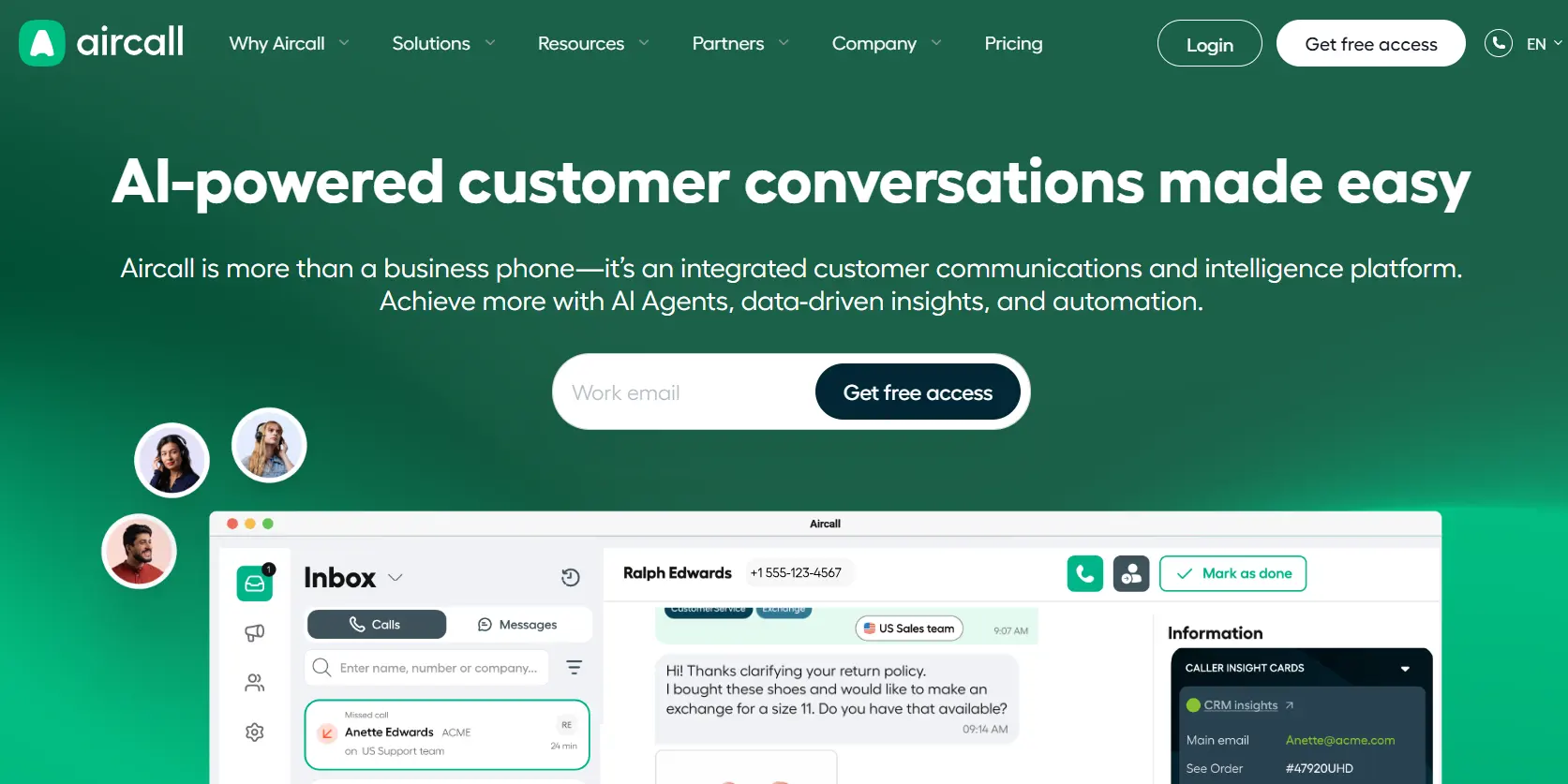
It is particularly suitable for small- to medium-sized businesses. Aircall’s customer service solution gathers relevant customer data, providing agents with the needed background for each interaction.
Aircall integrates with numerous customer service tools, such as live chat and social messaging platforms, offering support across multiple channels.
Key features
- Cloud phone system
- Call routing and IVR
- CRM integrations
Pros
- Excellent call quality and intuitive user experience.
- Extensive integration marketplace.
Con
- Minimum-user requirements may not suit very small teams.
Pricing
- Free trial available
- Paid plans begin at $30/user/month
7. Helpshift – Best for in-app and mobile-first support
Helpshift primarily offers in-app customer assistance services tailored for mobile applications.
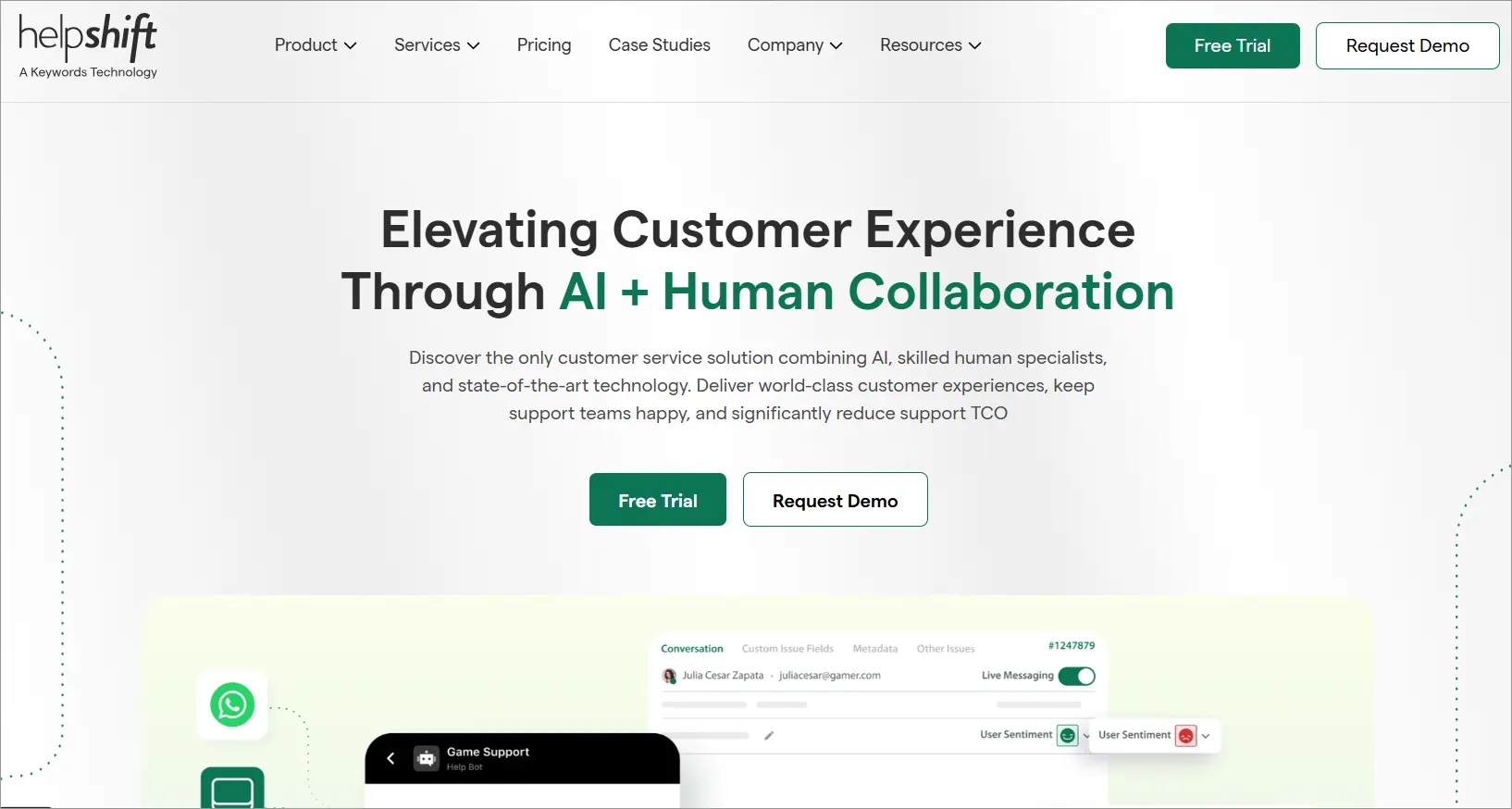
It is one of the top customer service software solutions that offers a collection of tools for businesses to provide support across various channels.
Helpshift’s main purpose is to help businesses facilitate their customer support process, improve response times, and enhance overall customer satisfaction.
Key features
- In-app messaging
- AI-powered chatbots
- Mobile support platform
Pros
- Purpose-built for mobile and app-based businesses.
- Strong automation capabilities for repetitive inquiries.
Con
- Higher pricing compared to many traditional help desk solutions.
Pricing
- Free trial available
- Paid plans begin at $150/month
8. LiveAgent – Best for multi-channel support
LiveAgent is a platform that centralizes customer requests from various channels into one management system.
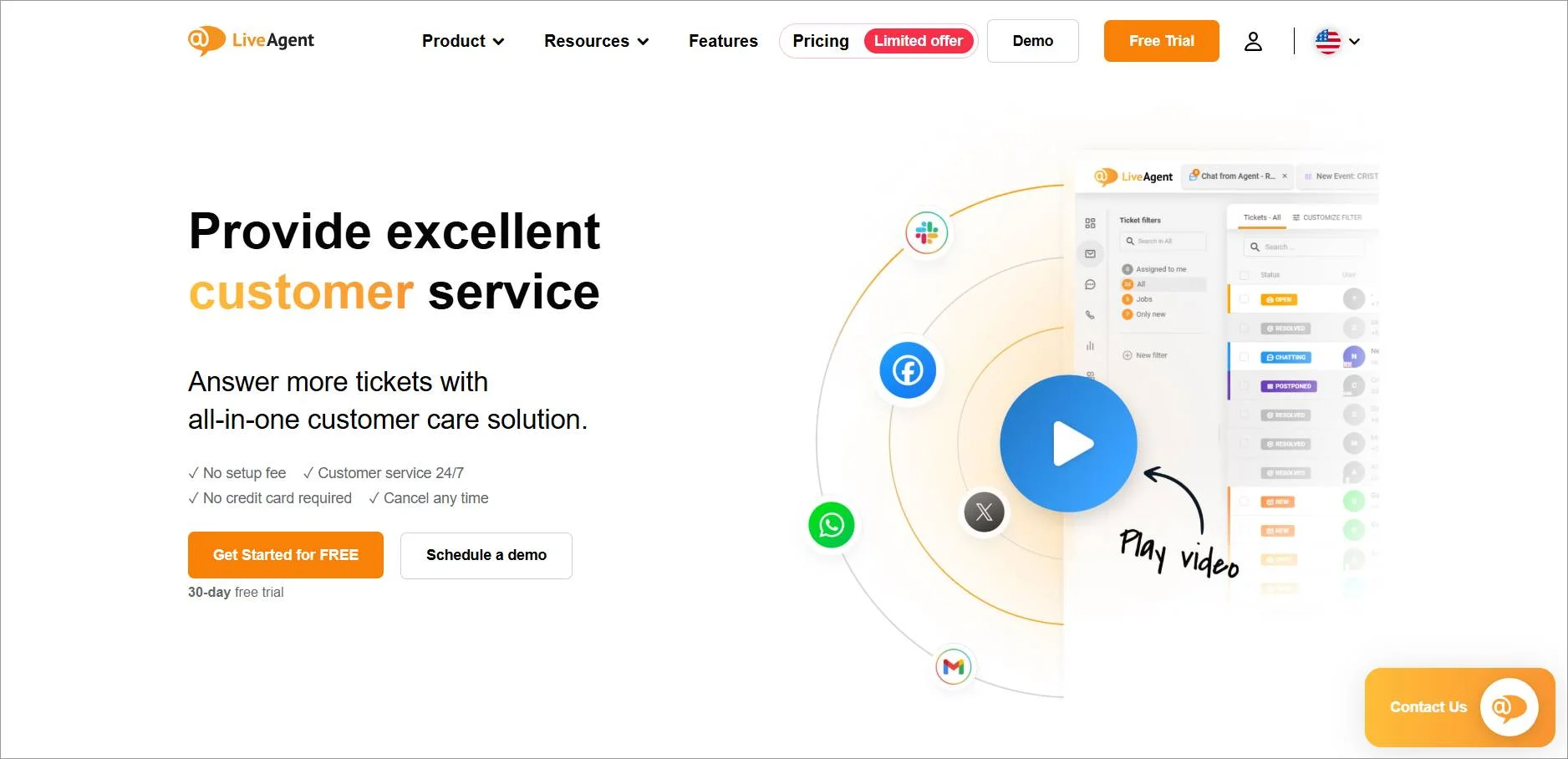
It joins all customer communication and support, enabling you to serve your customers regardless of their location.
LiveAgent combines communications from email, calls, and social media into a single dashboard. It is a robust option for smaller service teams that utilize WordPress.
Key features
- Unified inbox
- Live chat functionality
- AI answer assistant
Pros
- Supports multiple communication channels from one dashboard.
- AI assistant available across all pricing plans.
Con
- Interface can feel overwhelming for first-time users.
Pricing
- Free trial available
- Paid plans begin at $15/user/month
9. Zoho Desk – Best for CRM integrations
Zoho Desk is a customer support software designed to enhance your agents’ ability to deliver excellent customer service.
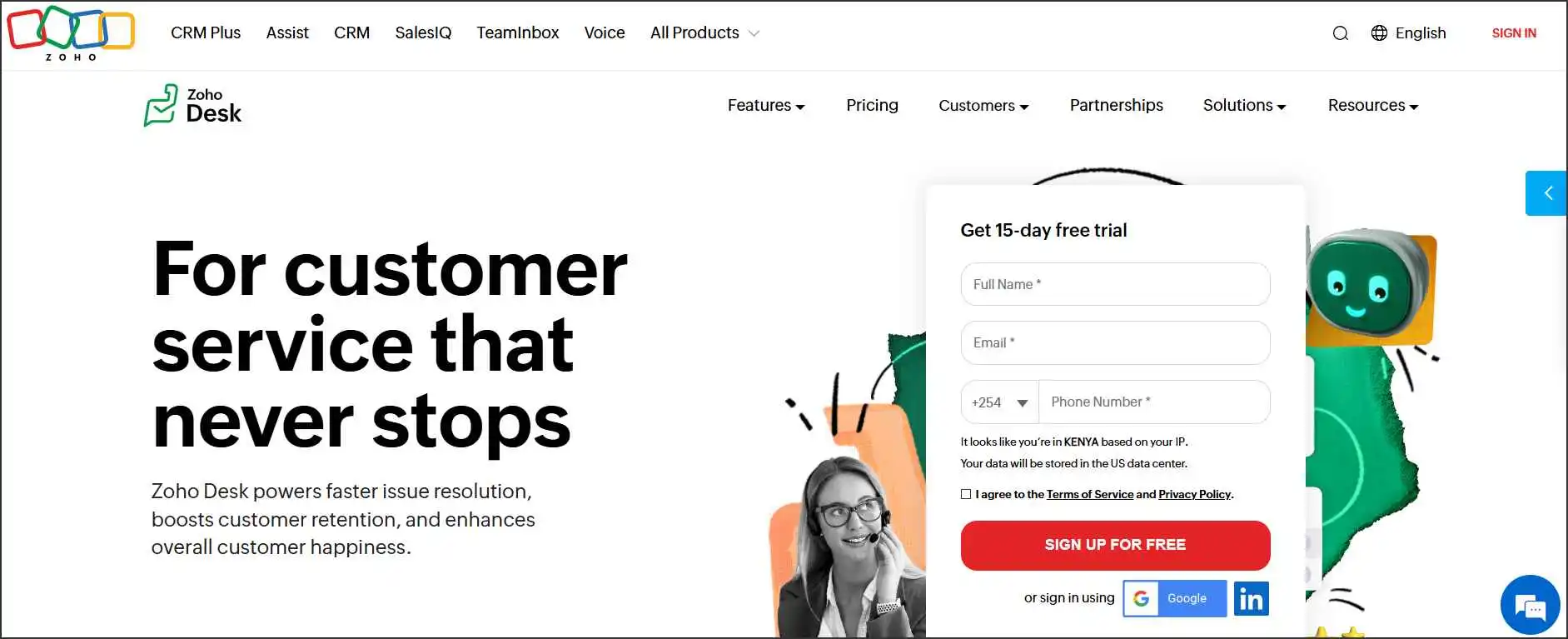
The platform is equipped with tools and automation features that simplify agent workflows and improve productivity. Businesses evaluating customer support solutions may also consider Zoho Desk alternatives depending on their requirements.
Key features
- Omnichannel ticketing
- Workflow automation
- Zoho ecosystem integration
Pros
- Cost-effective pricing for SMBs.
- Strong integration with Zoho applications and third-party tools.
Con
- Learning curve can be challenging for new users.
Pricing
- Free trial available
- Paid plans begin at $7/user/month
10. Help Scout – Best for email-based customer support
Help Scout is a customer service solution designed to replicate the experience of working from a shared inbox.
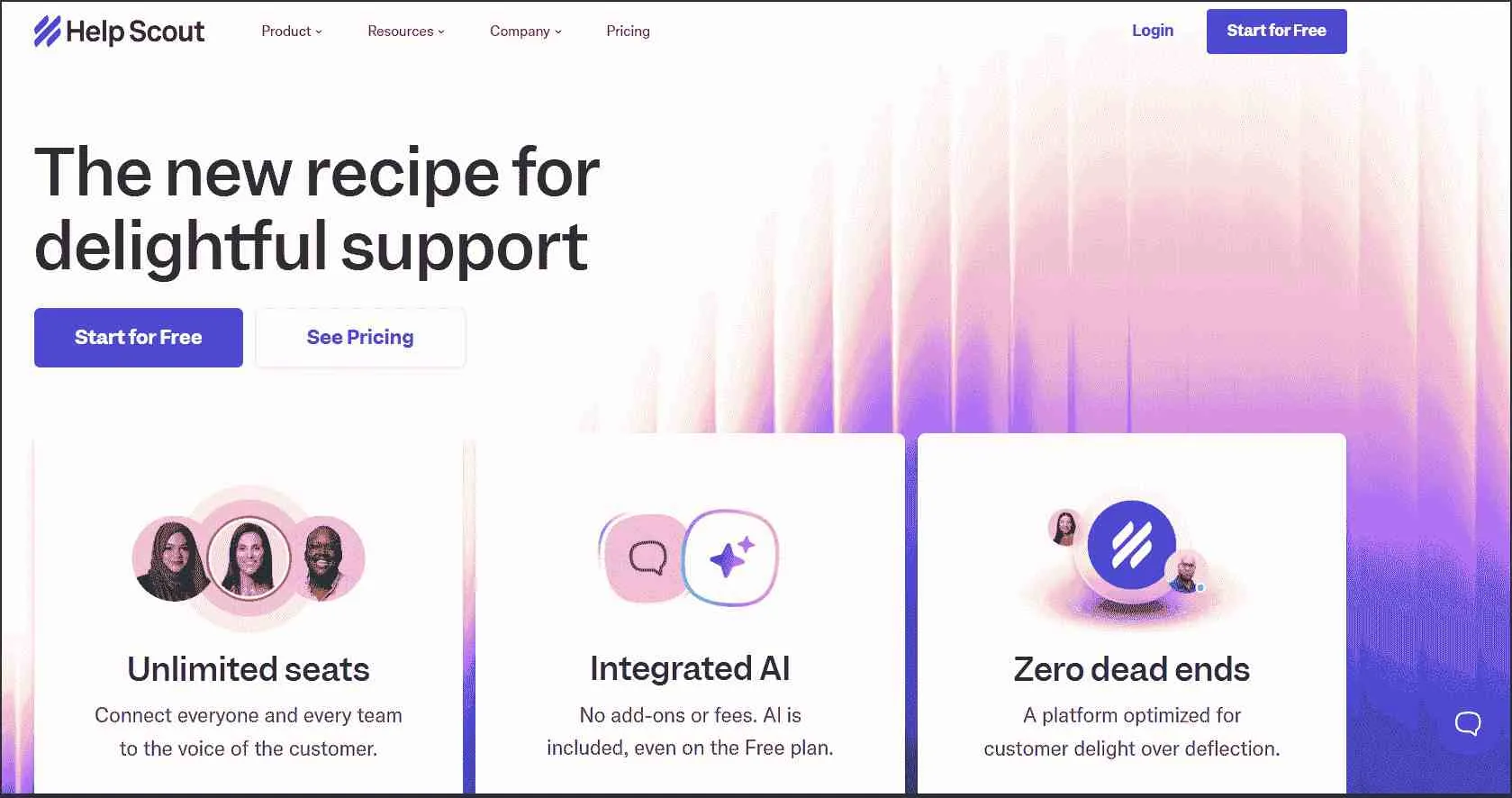
Unlike Help Scout alternatives, it offers the added benefit of tracking customer inquiries via email and live chats.
Key features
- Shared inbox
- Knowledge base
- Customer conversation management
Pros
- Clean interface designed for personalized customer conversations.
- Strong collaboration features for support teams.
Con
- Advanced reporting requires higher-priced plans.
Pricing
- Free trial available
- Paid plans begin at $25/user/month
11. Olark – Best for simple live chat for small businesses
Olark’s customer service tool assists teams in delivering a great customer experience. The software offers customization features, allowing customers to have a comprehensive brand experience.
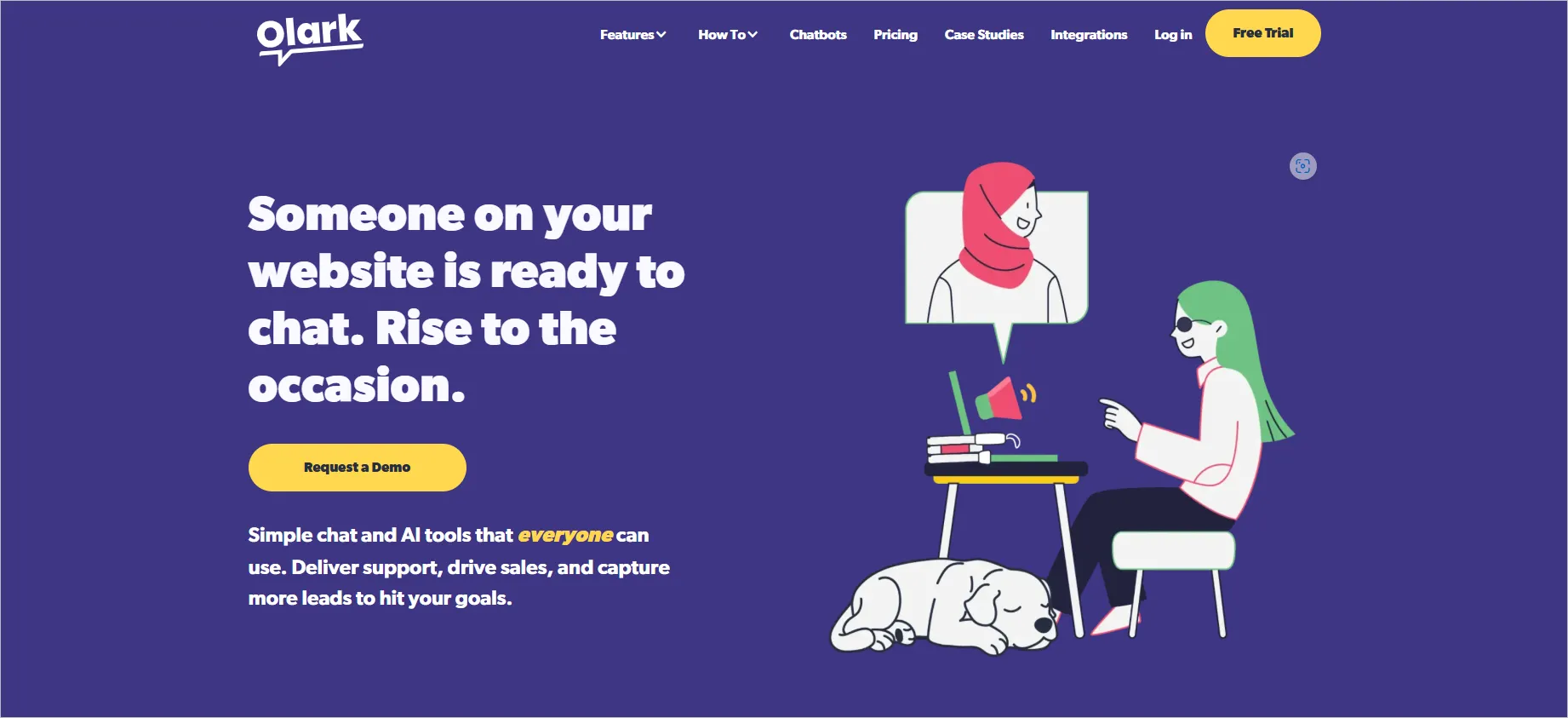
It enables customers to get instant answers to their questions, thus enhancing the overall customer experience.
Key features
- Live chat widget
- Visitor monitoring
- Real-time reporting
Pros
- Very easy to deploy and manage.
- Strong customization options for chat experiences.
Con
- Limited AI, automation, and omnichannel capabilities.
Pricing
- Free trial available
- Paid plans begin at $29/user/month
12. Front – Best for shared inbox and team collaboration
Front is a customer service platform that prioritizes human interaction. It seeks to foster strong and personal relationships with customers instead of just seeing them as tickets.
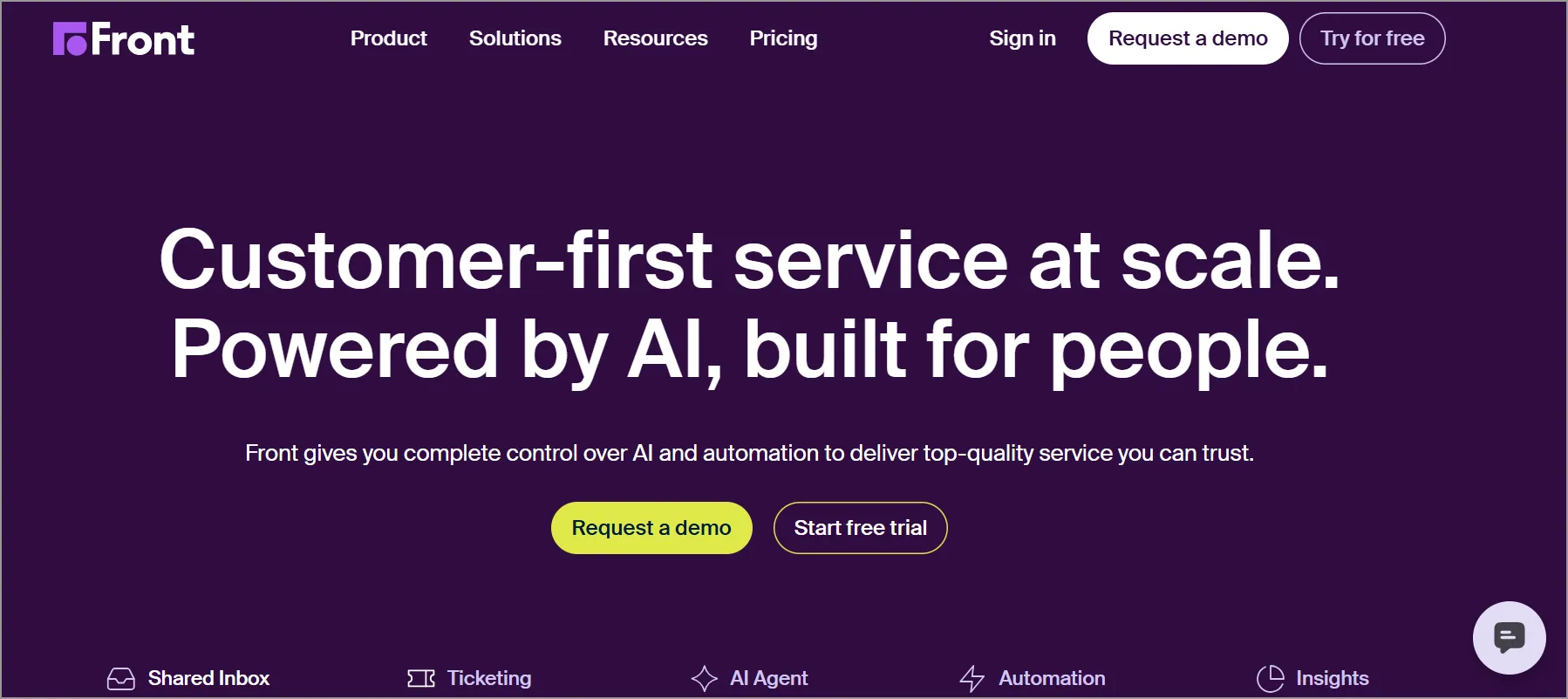
Front is an ideal choice for those in search of a straightforward, Gmail-like application for customer service.
Described on their website as a “shared team inbox,” they facilitate the union of all team discussions in one location.
Key features
- Shared inbox
- Internal collaboration tools
- AI-assisted workflows
Pros
- Excellent team collaboration capabilities.
- Modern and intuitive user experience.
Con
- Pricing can be expensive for larger teams.
Pricing
- Free trial available
- Paid plans begin at $25/user/month
13. LiveChat – Best for real-time chat support and engagement
LiveChat is a live chat and help desk tool designed to deliver good customer service.
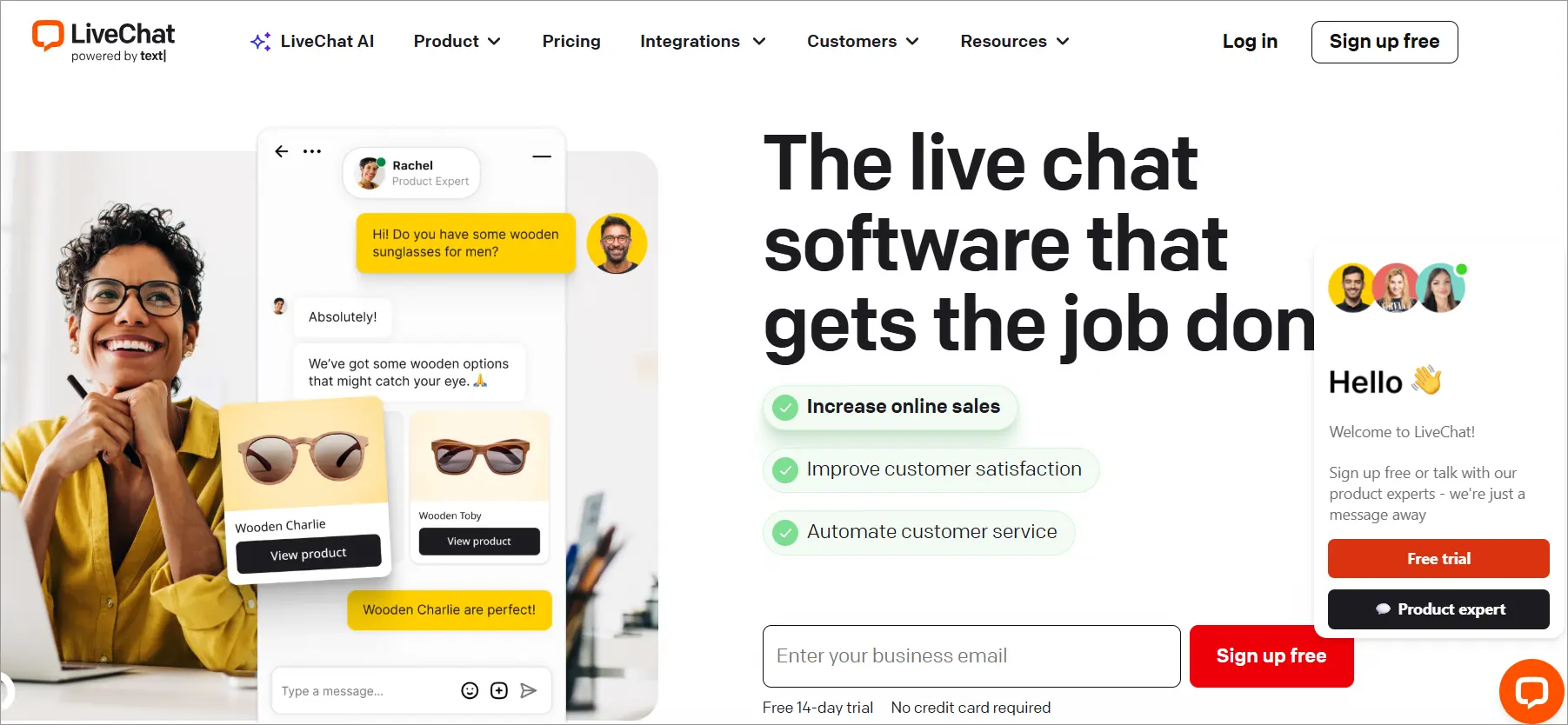
It appears as a straightforward chat box on the surface, but it actually functions as an all-inclusive help desk ticketing system.
Key features
- Live chat support
- Canned responses
- CRM and ecommerce integrations
Pros
- Fast and effective customer engagement through chat.
- Strong integration ecosystem.
Con
- Some users report occasional notification and billing issues.
Pricing
- Free trial available
- Paid plans begin at $19/user/month
14. Jira Service Management – Best for IT service management and incident tracking
Jira Service Management is commonly known for its project management and issue-tracking software used by development teams.
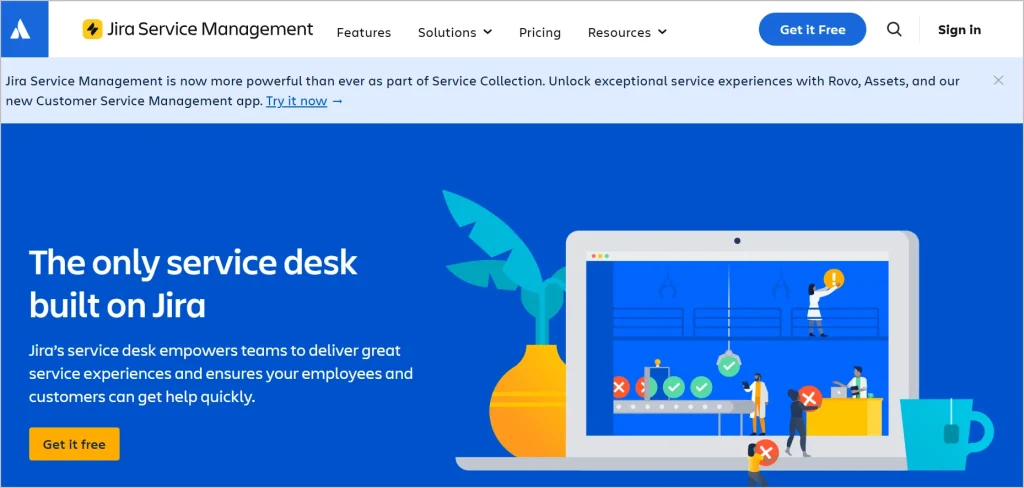
This support tool aids IT teams in managing incidents and related requests. It also allows businesses to provide assistance to both employees and customers.
Key features
- Incident management
- Change management
- Atlassian integrations
Pros
- Ideal for IT service desk environments.
- Powerful workflow customization and issue tracking.
Con
- Setup and administration can be complex.
Pricing
- Free trial available
- Paid plans begin at $20/user/month
15. Hiver – Best for a Gmail-based help desk
Hiver is a customer service help desk designed for integration with Google Workspace.
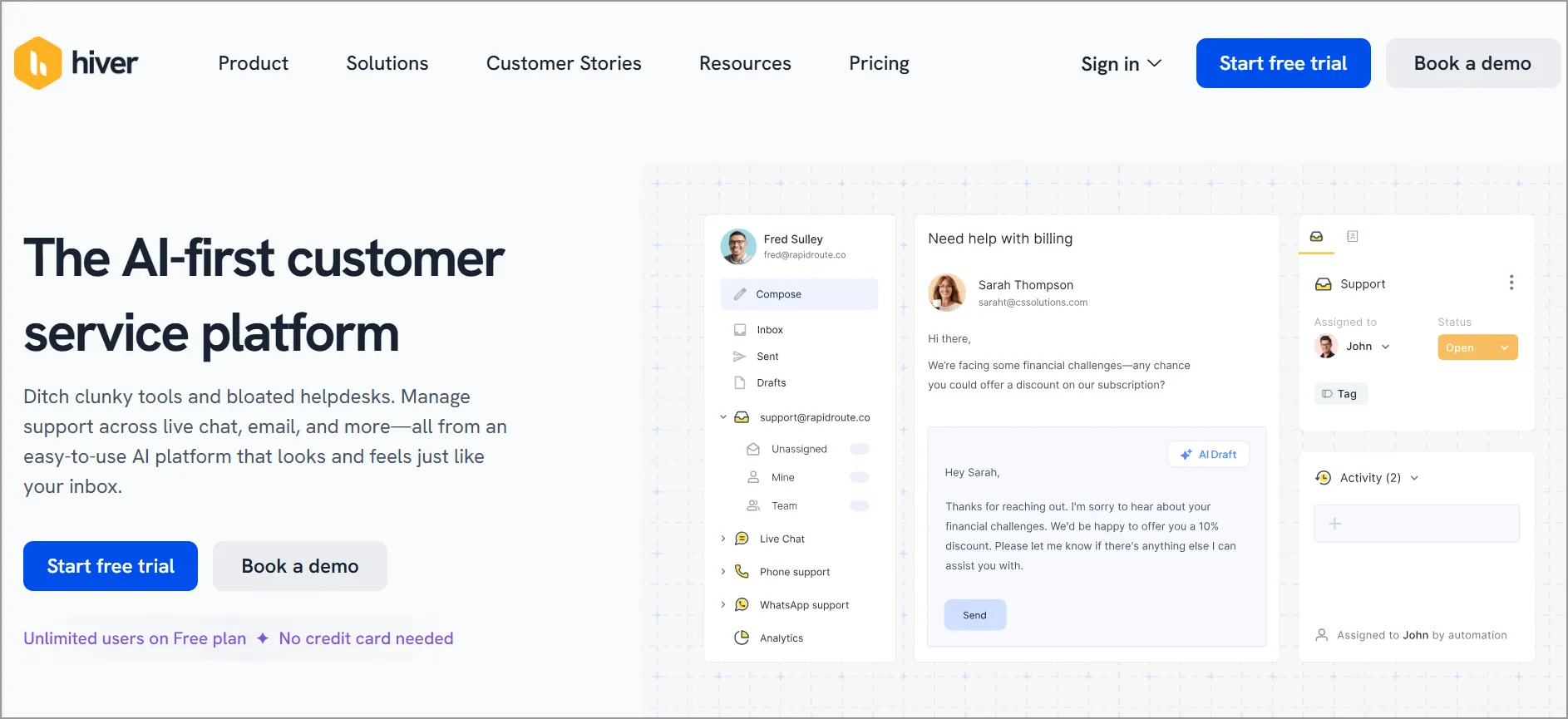
Instead of adopting a new platform, Hiver enhances your company’s current Google Workspace programs by adding common customer service features such as Gmail shared inbox, analytics, and SLAs.
Key features
- Shared Gmail inbox
- SLA management
- Team collaboration
Pros
- Works directly within Gmail with minimal training required.
- Strong collaboration and email management features.
Con
- Customization options are limited compared to dedicated help desks.
Pricing
- Free trial available
- Paid plans begin at $25/user/month
16. Bitrix24 – Best for collaboration and customer service in one platform
Bitrix24 is a popular customer service software that provides a suite of communication, social collaboration, and management tools.
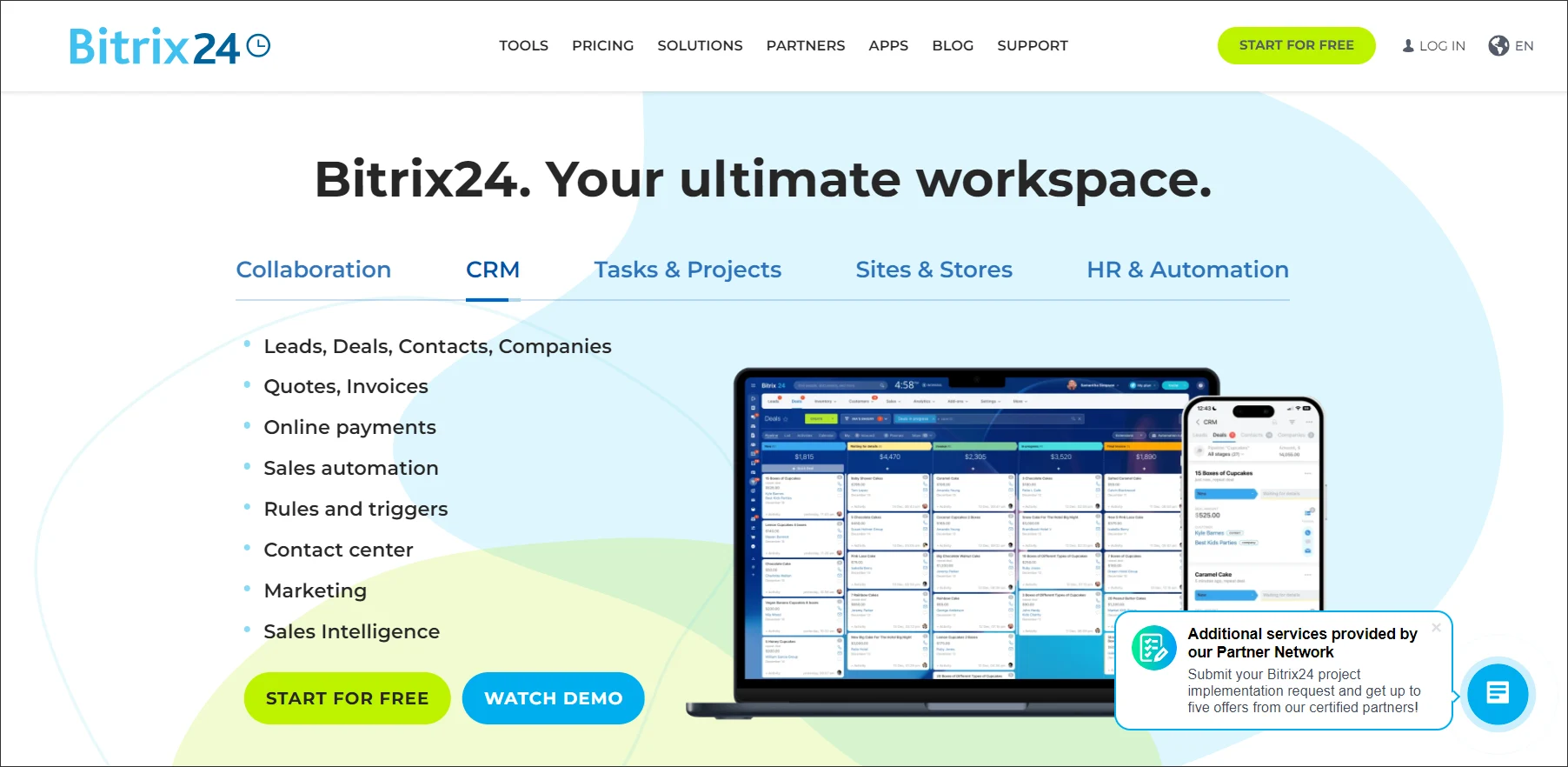
Bitrix24 also possesses project and team management features, making it suitable for remote customer service teams.
Key features
- CRM functionality
- Project management
- Omnichannel communications
Pros
- Comprehensive all-in-one business platform.
- Strong automation and collaboration capabilities.
Con
- Interface can feel cluttered and overwhelming.
Pricing
- Free trial available
- Paid plans begin at $49/user/month
17. Nextiva service CRM – Best for cloud-based CRM
Nextiva Service CRM is a software that helps businesses manage and improve customer relationships.
This software provides a unified customer service platform that allows businesses to track customer interactions, manage customer data, and automate certain processes.
Key features
- VoIP phone system
- Customer relationship management
- Omnichannel communications
Pros
- Combines communications and customer service in one platform.
- Robust voice and contact center capabilities.
Con
- Higher total ownership cost than many alternatives.
Pricing
- Free trial: Contact Nextiva
- Paid plans begin at $15/user/month
18. Intercom – Best for conversational support
Intercom is customer service software that enables companies to communicate with their customers on their website, app, social media, or email.
Intercom’s customer service solution employs messaging and automation to enhance the experience for both customers and in-house teams.
This software is designed to help businesses manage and improve their customer engagement and support compared to Intercom alternatives.
Key features
- AI-powered chatbot
- Live chat
- Customer messaging platform
Pros
- Market-leading conversational customer engagement tools.
- Strong automation and AI capabilities.
Con
- Premium pricing may not fit smaller businesses.
Pricing
- Free trial available
- Paid plans begin at $29/user/month
19. Happyfox – Best for help desk with advanced automation
Happyfox is a customer service tool suitable for use by not just customer service teams, but also HR and marketing departments.
It enables the streamlining of internal customer service through its IT support and customer support operations modules.
Together with Happyfox alternatives, it provides customizable workflows and automation features that help simplify and reduce routine tasks, thereby making work more manageable.
Key features
- Ticket management
- Workflow automation
- Knowledge base management
Pros
- Powerful automation and customizable workflows.
- Reliable platform with frequent product improvements.
Con
- Many advanced features are reserved for higher-tier plans.
Pricing
- Free trial available
- Paid plans begin at $24/user/month
20. Tidio – Best for live chat and chatbot automation
Tidio is a communication tool for businesses that keeps live chat, chatbots, and marketing automation in one place.
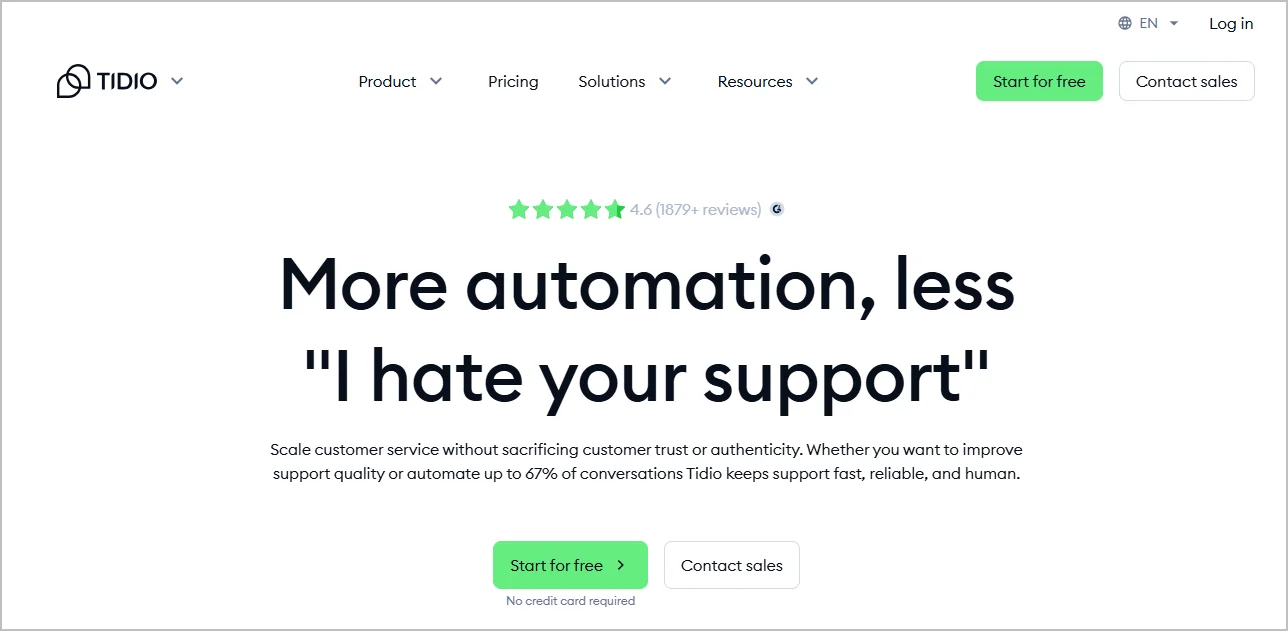
This customer service platform is designed to help businesses communicate with their customers faster and more effectively.
Key features
- AI chatbots
- Live chat
- Ecommerce integrations
Pros
- Easy-to-use platform with quick deployment.
- Strong chatbot capabilities at competitive pricing.
Con
- Advanced analytics require paid plans.
Pricing
- Free plan available
- Paid plans begin at $24.17/user/month
Summary of the top 20 customer service software solutions
Below is a summary of the best customer service platforms:
| Customer service software | Best for | G2 review | Starting price |
| BoldDesk | SMBs seeking affordable AI-powered customer support | 4.5/5 | $99/month for 5 agents |
| Zendesk | Large enterprises requiring scalable omnichannel support | 4.3/5 | $19/user/month |
| Freshdesk | Growing businesses needing an easy-to-scale help desk | 4.4/5 | $15/user/month |
| Salesforce Service Cloud | Organizations heavily invested in CRM-driven service operations | 4.4/5 | $25/user/month |
| HubSpot Service Hub | Businesses already using HubSpot’s ecosystem | 4.4/5 | $20/user/month |
| Aircall | Teams focused on phone and call center support | 4.4/5 | $30/user/month |
| Helpshift | Mobile app companies and mobile-first support teams | 4.3/5 | $150/month |
| LiveAgent | Budget-conscious teams needing multichannel support | 4.5/5 | $15/user/month |
| Zoho Desk | SMBs using Zoho products and CRM integrations | 4.4/5 | $7/user/month |
| Help Scout | Customer-centric teams prioritizing email support | 4.4/5 | $25/user/month |
| Olark | Small businesses looking for simple live chat | 4.3/5 | $29/user/month |
| Front | Collaborative support teams managing shared inboxes | 4.7/5 | $25/user/month |
| LiveChat | Businesses focused on real-time customer engagement | 4.5/5 | $19/user/month |
| Jira Service Management | IT service desks and technical support teams | 4.3/5 | $20/user/month |
| Hiver | Google Workspace and Gmail-based support teams | 4.6/5 | $25/user/month |
| Bitrix24 | Businesses seeking an all-in-one collaboration and support platform | 4.1/5 | $49/user/month |
| Nextiva Service CRM | Businesses needing unified communications and customer service | 4.5/5 | $15/user/month |
| Intercom | SaaS companies focused on conversational customer support | 4.5/5 | $29/user/month |
| HappyFox | Mid-sized organizations requiring advanced workflow automation | 4.5/5 | $24/user/month |
| Tidio | Ecommerce businesses using AI chatbots and live chat | 4.6/5 | $24.17/user/month |
Note: Pricing and G2 ratings were accurate at the time of publication and are provided for comparison purposes only. Actual pricing, features, and review scores may change over time. Please visit the vendor’s official website and G2 profile for the latest information.
Top 3 well-rounded customer support software
Rather than excelling in just one area, these platforms stand out by delivering a broad feature set with flexible pricing, making them ideal for businesses seeking both functionality and affordability.
They strike the perfect balance between capability and cost, ensuring maximum value for modern support needs. They include:
1. BoldDesk web help desk
BoldDesk web help desk combines simplicity with enterprise-grade power. Its intuitive interface makes onboarding effortless, while advanced features like AI Copilot, smart ticket routing, and automation help teams resolve issues faster.
With SOC 2® Type 2 certification and HIPAA compliance, BoldDesk is an ideal solution for businesses that prioritize security without sacrificing flexibility.
BoldDesk offers affordable pricing, robust integrations, and a future-ready AI approach, making it a top choice for both small businesses and enterprises.
2. Hiver
Real-time updates, private notes, and intuitive workflows eliminate the chaos of shared inboxes.
3. Helpshift
Helpshift shines in mobile and in-app customer support, making it a favorite for app-driven businesses.
Its AI-powered bots handle repetitive queries, while agents focus on high-value interactions. With omnichannel messaging and proactive engagement tools, Helpshift ensures customers get instant help wherever they are.
What are the various types of customer service platforms?
Understanding the different types of customer service platforms is essential for choosing the right solution for your business.
Here are the most common types of customer support software and how each can enhance your support strategy.
Help desk software
With key features like ticket management, automation, reporting, customer portal, and omnichannel support, this platform equips support teams to manage customer issues efficiently.
It helps businesses track interactions, prioritize issues by urgency, and assign tickets to the right agents.
Internal help desk software can streamline employee support requests, boosting productivity.
Knowledge base software
Knowledge base software acts as a centralized library for FAQs, guides, manuals, and procedures.
It enables customers to find answers to common questions and helps both support agents and customers access critical information quickly.
This improves self-service support, reduces ticket volume, and enhances operational efficiency.
Live chat software
Live chat support software allows businesses to communicate with customers in real time via a website or app.
Advanced features include automated responses, chat transcripts, customer profiles, and performance analytics.
It’s ideal for delivering instant support, improving customer satisfaction, and reducing wait times.
Shared inbox software
Shared inbox software enables multiple team members to collaborate on a single email account, making it easier to manage customer inquiries and support tickets.
This fosters team collaboration, ensures consistent responses, and prevents missed messages.
Phone support software
Phone support software helps businesses handle customer inquiries via calls efficiently. It logs, tracks, and manages support calls while providing reporting tools for performance analysis.
This ensures the timely resolution of customer queries, complaints, suggestions, and requests, improving accountability.
Features of customer service tools
While specific features vary by platform, most tools share common capabilities designed to simplify support operations.
The following are the key features that help businesses manage interactions efficiently and deliver exceptional service.
| Features | Description |
| Ticketing system | Creates, manages, and tracks customer inquiries through ticket creation, assignment, and resolution processes, ensuring no request goes unnoticed. |
| Omnichannel support | Integrates multiple communication channels (email, phone, live chat, social media, etc.) into one platform for seamless customer interactions. |
| Integration capabilities | Connects with contact management, live chat, and third-party tools to refine workflows and deliver a unified support experience. |
| Reporting and analytics | Monitors key metrics like response time, resolution rate, and customer satisfaction to identify trends and improve performance. |
| Automation and workflow | Automates repetitive tasks such as ticket routing, answering FAQs, and sending follow-up reminders to boost productivity and reduce manual effort. |
| Self-service options | Provides a knowledge base with FAQs, articles, and tutorials to empower clients to resolve issues independently. |
| Live chat | Enables real-time communication between customers and support agents for instant assistance and improved satisfaction. |
Benefits of having the best customer service software
Customer service software empowers businesses to deliver faster, more organized, and higher-quality support. Providing exceptional customer experiences is no longer optional. It’s a key competitive advantage.
Salesforce’s State of the Connected Customer report found that 57% of customers have moved to a competitor that offered a better experience, highlighting how effective customer service can drive loyalty, retention, and long-term business success.
Here are some of the key benefits businesses can gain by investing in the right customer service software:
- Boosts customer satisfaction and loyalty: Equipping agents with the right tools enables quick, accurate responses. This leads to faster, reliable support, reducing frustration, strengthening long-term relationships, and driving repeat purchases.
- Delivers actionable insights: Built-in reporting and analytics tools provide visibility into key customer service metrics. These insights help identify trends, optimize team performance, and make data-driven decisions that improve service quality.
- Enhances customer experience: Features like AI agents, 24/7 customer service, and omnichannel support deliver instant help through preferred channels. This ensures a consistent and seamless experience.
- Reduces operational costs: Automated customer service and centralized systems minimize manual work, reducing the need for a large customer support team and cutting down on labor and operational costs.
- Scales with your business: Customer service tools adapt as your business grows, handling more requests, integrating with other tools, and adding new features to maintain high-quality service.
How to choose the right customer service software
Choosing the best customer service software can help improve response times, boost agent productivity, and deliver better customer experiences. When evaluating solutions, focus on the features and capabilities that support your current needs while enabling future growth.
Here’s what to look for:
- Evaluate essential features: Choose customer service software that centralizes ticket management, supports self-service, automates repetitive tasks, and provides actionable customer insights. Essential capabilities include ticketing, knowledge base management, AI automation, reporting, and SLA management.
- Prioritize scalability: Select a platform that can grow with your business by supporting increasing ticket volumes, larger teams, additional channels, and evolving support requirements.
- Focus on ease of use: An intuitive interface helps agents onboard faster, work more efficiently, and resolve issues quickly, maximizing the value of your investment.
- Assess AI and automation: Look for features such as AI-assisted responses, intelligent ticket routing, chatbots, workflow automation, and self-service tools that improve efficiency and reduce manual effort.
- Check security and compliance: Ensure the platform offers robust security controls, data encryption, role-based access, audit logs, and compliance certifications that meet your business requirements.
- Review integrations: The best customer service software integrates seamlessly with your CRM, communication tools, e-commerce platforms, and other business applications to create a unified support workflow.
- Compare pricing and ROI: Evaluate overall value beyond subscription costs by considering implementation, scalability, included features, AI add-ons, and available free trials.
- Research reviews and success stories: Real-world customer feedback can provide valuable insights into a platform’s usability, reliability, and support quality. Explore case studies and user reviews, such as G2 reviews, to see how the customer support software performs in businesses like yours.
Choose the best customer service software for lasting business success
Making the right choice in customer service tools is a strategic decision that impacts your entire customer experience.
The best software can help you scale effortlessly, customize workflows, and deliver fast, reliable support that builds trust and loyalty. Your decision today sets the foundation for stronger relationships and sustainable growth.
Compare options carefully, leverage free trials, and select a platform that aligns with your business goals.
What features matter most when choosing customer service tools? Have you tried any tools that transformed your support experience?
Drop your comments below; your insights can help others make smarter choices.
Related articles
- 10 Best AI Chatbots for Customer Service in 2026
- 16 Best Help Desk Software for 2026 Compared
- Customer Service Mobile Apps to Improve Support Efficiency (2026)
FAQs
Small businesses need customer service tools because they can help them manage support efficiently, improve response times, and deliver a professional customer experience that builds trust and loyalty without requiring a large team.
Data migration can be complex when dealing with large volumes of tickets, customer profiles, and historical interactions, as it requires careful planning and mapping.
Some providers like BoldDesk simplify the process by offering free migration support to reduce errors and minimize downtime.
AI in customer support software streamlines support workflows by automating tasks like ticket routing and response suggestions, enabling faster resolutions and more personalized customer interactions.
You can measure the ROI of a customer service solution by comparing its cost to the value it delivers through efficiency and customer experience improvements.
Track key customer experience metrics such as reduced response times, higher CSAT or NPS scores, lower operational costs, improved retention rates, and revenue growth from repeat customers.
Customer service software helps businesses manage customer interactions across multiple channels like email, chat, and social media to improve support experiences.
Help desk software is more specialized for resolving technical issues, focusing on ticket management, SLA tracking, and troubleshooting workflows.
CRM software, on the other hand, is designed to store and analyze customer data, supporting sales and marketing to build long-term relationships rather than just handling support requests.





