


Customer Service Mobile Apps to Improve Support Efficiency (2026)
-
by Lavender Awuor Okello
- Updated on: September 22, 2026

TL;DR: Customer service mobile apps give teams the ability to support customers anytime, anywhere. They combine real-time communication, self-service tools, and mobile access to improve responsiveness, customer experience, and support efficiency.
Support delayed is support denied, especially on mobile. When customers reach out for help on their mobile devices, it’s often urgent. They might be in the middle of checking out, tracking an order, or resolving a payment issue, and they expect timely answers.
There’s no time for long waits, confusing navigation, or switching between tabs. Customer service mobile apps are built to meet these exact moments.
These apps bring support directly into the customer’s hands, offering fast, in-app customer support exactly when and where it’s needed.
Research by Itransition shows 55% of customers prefer mobile apps as their primary channel for interacting with brands, doing work, and performing transactions, while 22% use both the mobile and web channels.
In this guide, you will learn what customer service mobile apps are, why they matter to your customers, and the right mobile service apps to help you deliver reliable support.
What is a customer service mobile app?
A customer service mobile app is a software application that allows businesses to interact with and support customers directly within a mobile environment, enabling users to get help without leaving the app.
Instead of waiting for desktop access or relying on traditional call centers, your customer support team can handle customer inquiries and respond to tickets from any location.
Support doesn’t stop when you leave your desk, and your pocket help desk ensures your tools don’t either. These customer service mobile apps put quick, accessible, and seamless service directly into your agent’s hands.
Whether you’re using email, social media, or a knowledge base, a mobile customer service app keeps your support operations moving, even when you’re not at your desk.
Why are customer service mobile apps important?
Customer expectations have shifted; speed, convenience, and accessibility now define great customer service. Modern support is all about on-the-go help, being there the moment your customer needs you.
Here’s why customer service mobile app support is essential.
- Improves team efficiency: Mobile support features like live chat, instant notifications, and self-service tools reduce repetitive tickets, allowing agents to focus on complex, high-value issues.
- Reduces customer complaints and loss: Quick mobile support helps resolve issues on the go, before they escalate, lowering the chances of negative customer reviews or users switching to competitors.
- Boosts customer loyalty: When customers get real-time, reliable help through their mobile, they feel valued, encouraging them to return and even recommend your business to others.
- Increases sales and profits: Good support through a mobile app makes it easier for customers to complete purchases, come back again, and spend more, because they know help is easily available.
- Enhances brand reputation: When customers have a great support experience on mobile, especially when it’s instant and easy, they’re more likely to share it with friends, family, or on social media, boosting your brand image and attracting new customers.
Common types of mobile customer service apps today
In today’s digital age, mobile customer service apps are an important part of a comprehensive customer service software strategy, helping businesses deliver efficient and connected support across devices.
Depending on your business needs, mobile customer service apps generally fall into the following categories:
- Help desk apps: Convert customer requests into tickets for easy tracking, prioritization, and resolution. Often support multiple channels like email, chat, and phone in one place.
- Live chat apps: Enable real-time conversations with customers, typically embedded in websites or mobile apps for quick responses.
- Knowledge base apps: Provide searchable self-service resources like FAQs and help articles, reducing support requests.
- Internal messaging apps: Facilitate real-time customer communication, file sharing, and group chats within support teams.
- Video conferencing apps: Allow face-to-face interactions for troubleshooting, onboarding, or meetings via video calls.
- Automation tools: Streamline repetitive tasks such as assigning tickets, follow-ups, and alerts based on customer actions.
How to choose the right customer service app
Choosing the right service mobile apps can make or break your support strategy. Here are key factors to consider:
- Ease of use: Look for an intuitive interface that your team can adopt quickly without extensive training.
- Rich feature set: Look for mobile customer service apps that combine AI for customer experience features, omnichannel support, and robust analytics for performance tracking and customer satisfaction.
- Integration options: Check compatibility with your existing CRM, help desk, and other business tools to avoid workflow disruptions.
- Scalability: Choose an app that grows with your business, offering advanced features as your support needs expand.
- Cost and value: Balance pricing with features. The best app should deliver a strong ROI without hidden costs.
If you’re evaluating complete support platforms and comparing vendors, explore our guide to the best customer service software for a broader comparison of leading solutions.
Examples of customer service platforms with mobile app support
Mobile customer service apps are no longer limited to basic ticket management. Today’s platforms allow support teams to respond to customers, collaborate internally, access knowledge bases, and monitor performance directly from mobile devices.
The following platforms offer mobile capabilities that help businesses deliver support on the go. Rather than ranking these tools, this section highlights examples of solutions that provide mobile customer service functionality.
BoldDesk
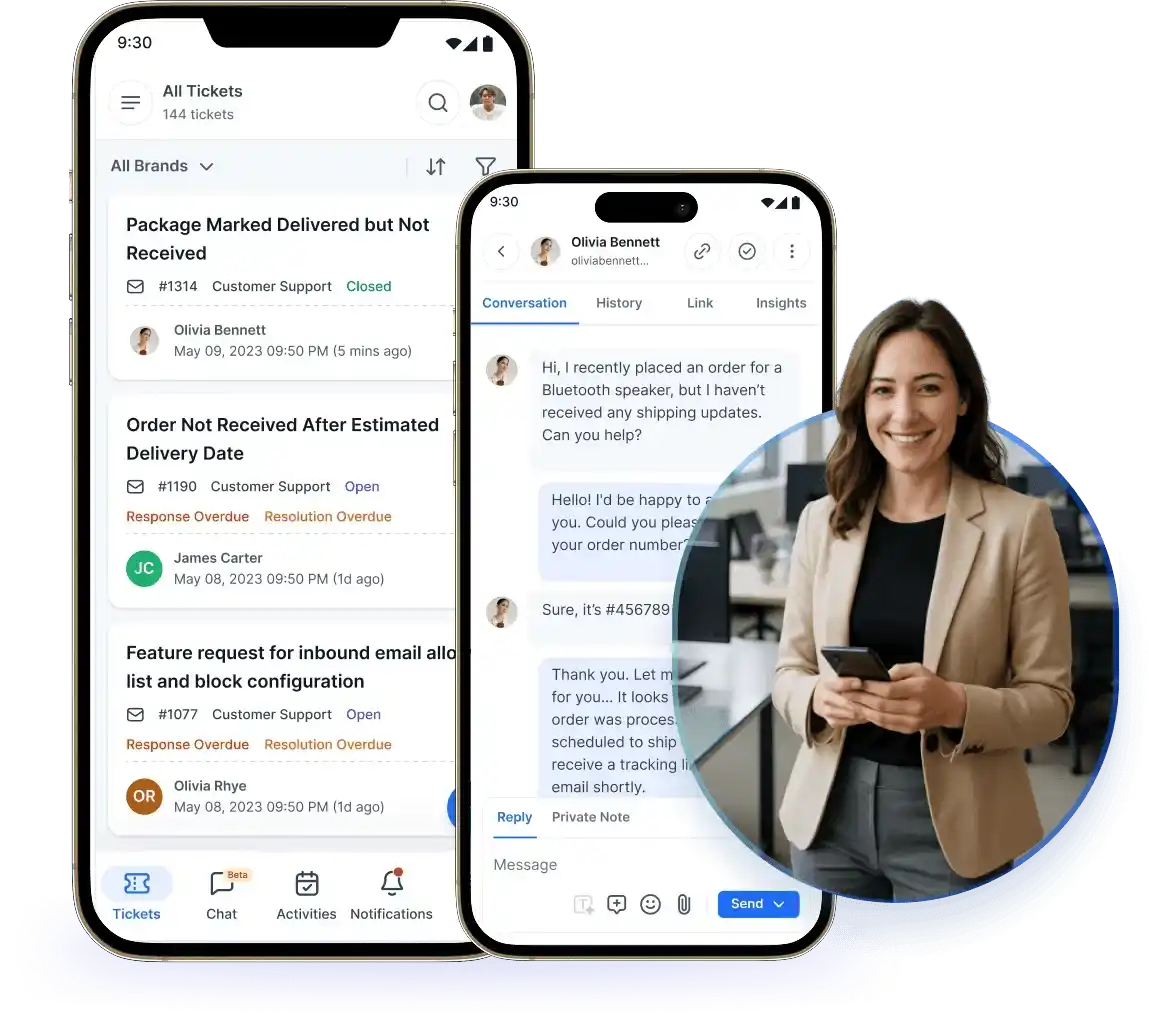
BoldDesk enables support teams to manage customer conversations, tickets, and live chats from a centralized mobile experience. Available for Android and iOS, the platform allows agents to stay productive whether they’re working remotely, traveling, or handling after-hours support requests.
With mobile access, support teams can:
- Create and manage tickets
- Respond to live chats in real time
- Receive push notifications for customer updates
- Access AI-powered assistance
- Manage support across multiple channels
Businesses looking for a mobile-first help desk solution may find value in tools that combine mobility, automation, and customer communication in a single platform.
Kayako
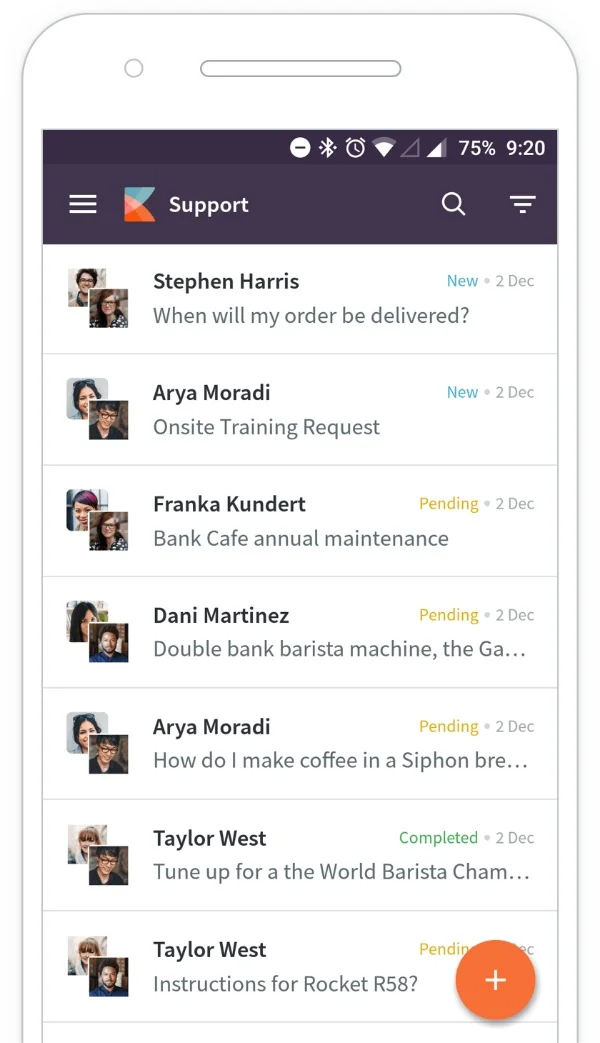
Kayako offers mobile support functionality designed to help agents manage conversations and customer requests away from their desks.
With mobile access, agents can:
- Respond to customer conversations
- Update and manage support cases
- Collaborate with teammates
- Access customer interactions remotely
The platform is particularly useful for teams that need to maintain visibility into customer conversations while working remotely or across multiple locations.
Hiver
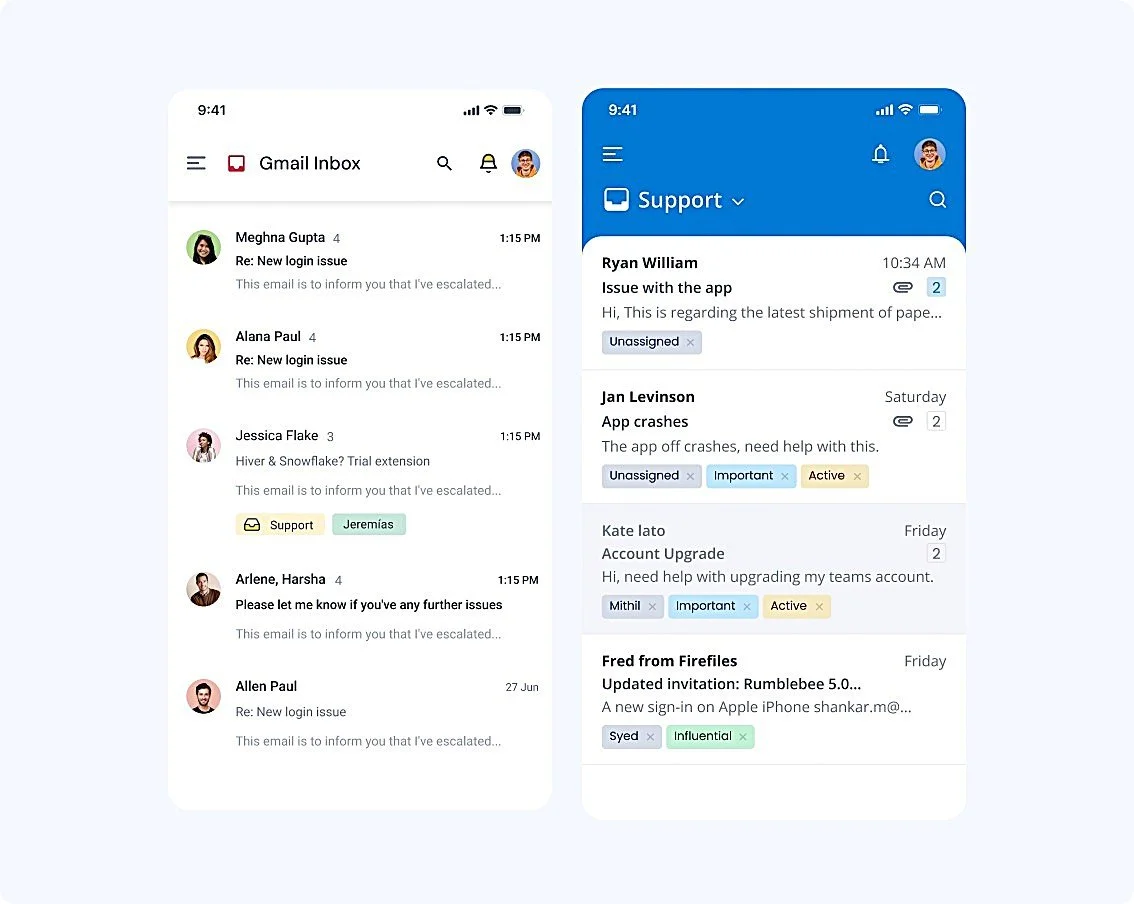
Hiver extends customer support capabilities into Gmail and Outlook environments, allowing teams to manage shared inboxes and support conversations from mobile devices.
Its mobile functionality helps agents:
- Resolve customer requests
- Monitor conversations
- Add internal notes
- Collaborate on email-based support workflows
For organizations that rely heavily on email support, mobile accessibility can help ensure timely responses regardless of location.
Aircall
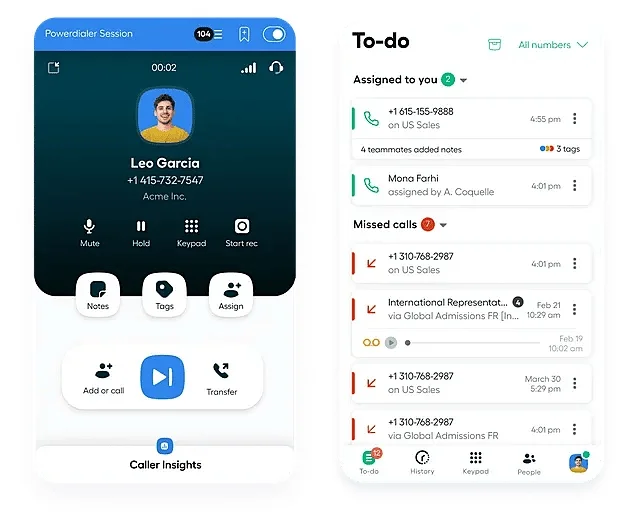
Aircall provides mobile access to business phone and customer communication capabilities, making it well suited for teams that handle large volumes of voice interactions.
With mobile access, support representatives can:
- Manage inbound and outbound calls
- Access customer context
- Collaborate with teammates
- Stay responsive when away from the office
This flexibility helps support teams maintain service continuity across distributed work environments.
Jira Service Management
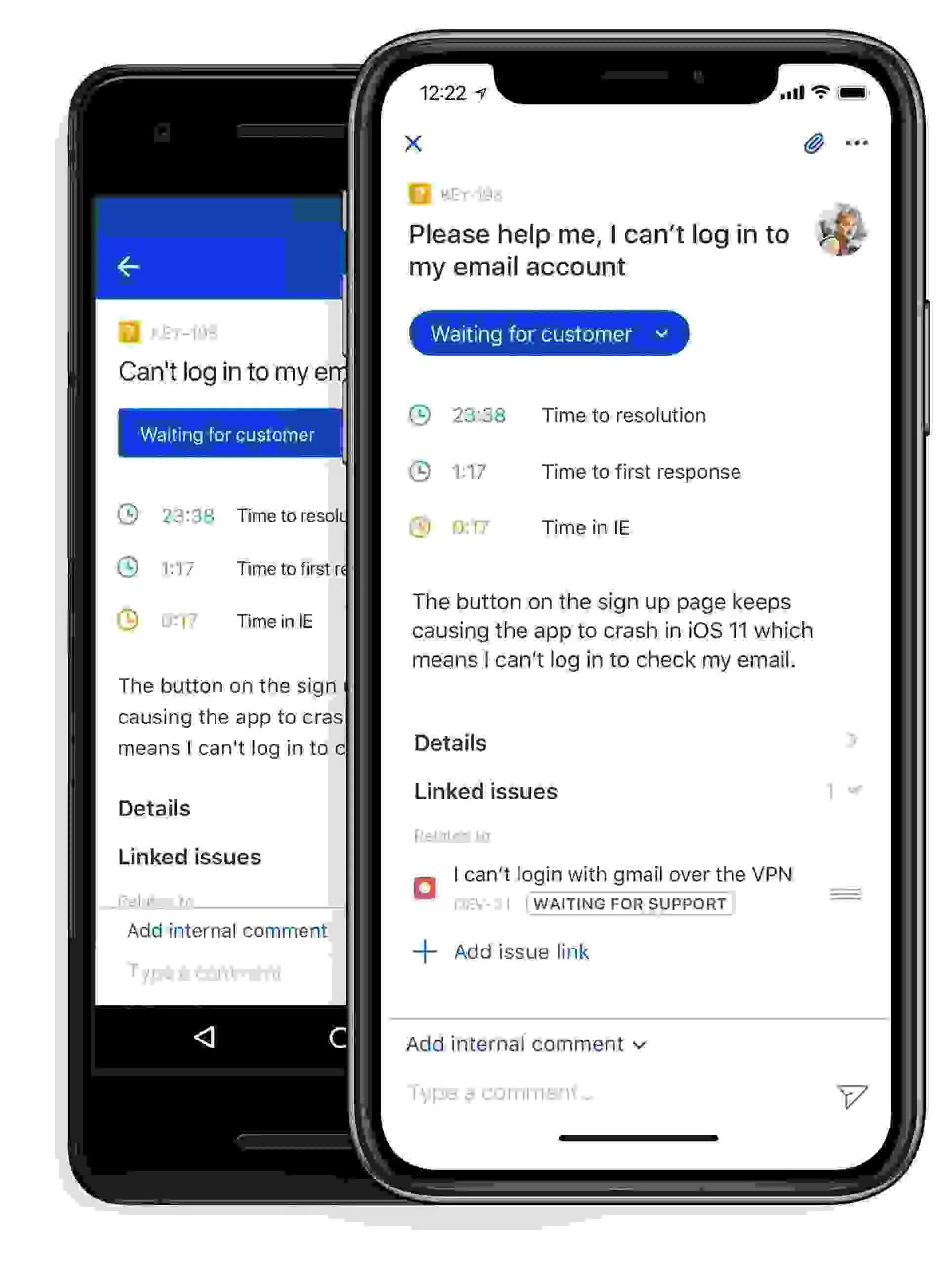
Jira Service Management allows teams to manage incidents, service requests, and support workflows from mobile devices.
Its mobile capabilities help teams:
- Track and update tickets
- Monitor SLAs
- Manage approvals
- Stay informed through real-time notifications
Organizations already using the Atlassian ecosystem may benefit from having service management tools accessible on the go.
Help Scout
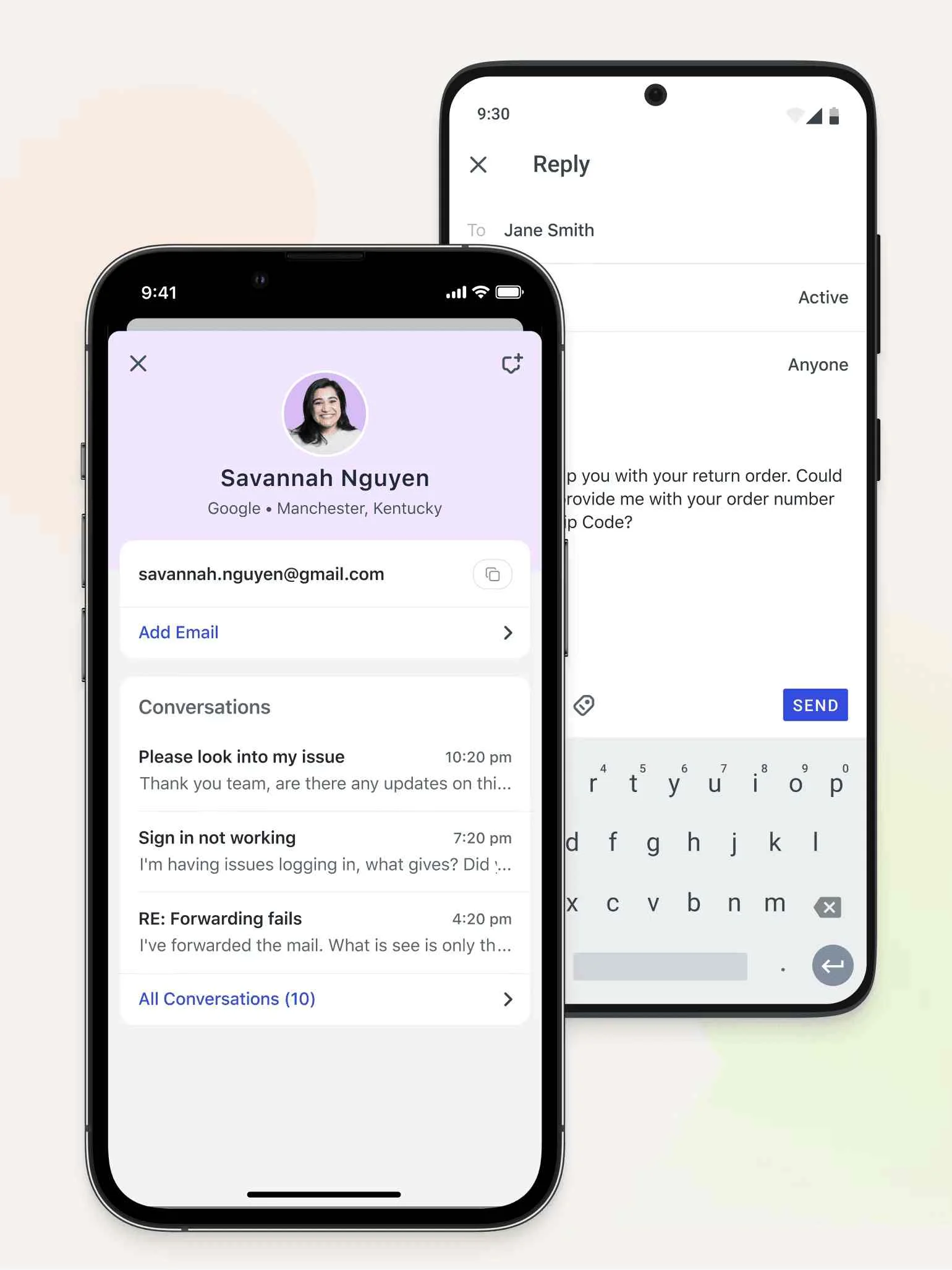
Help Scout offers mobile access to customer conversations, shared inboxes, and support workflows.
Using the mobile app, support teams can:
- Manage customer conversations
- Respond to customer inquiries
- Monitor support workflows
- Stay connected across support channels
The platform focuses on delivering simple, customer-centric support experiences while helping teams maintain responsiveness across channels.
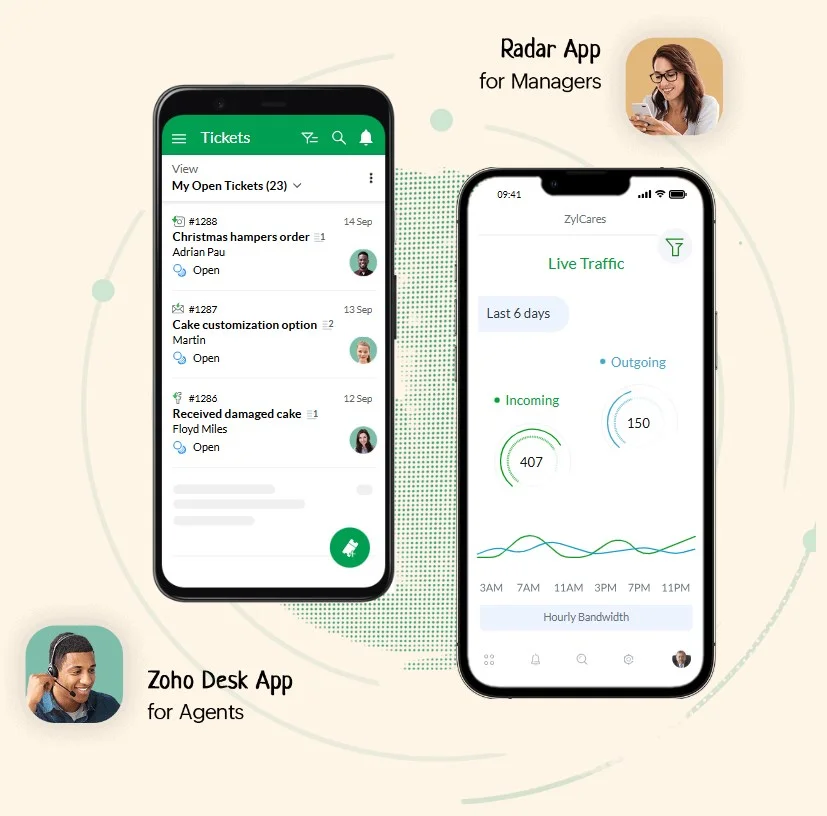
Zoho Desk
Zoho Desk provides mobile customer service functionality that enables agents to manage tickets, customer information, and support activities from smartphones and tablets.
Mobile users can:
- Track ticket status
- Access customer records
- Collaborate with teammates
- Receive real-time updates
This accessibility allows support teams to continue serving customers regardless of their location.
Leveraging customer service mobile apps for a seamless experience
Remember that every tap, swipe, and message on mobile support apps represents an opportunity to strengthen customer engagement and show your commitment to customer success.
A mobile customer service app isn’t just another channel; it’s how customers connect with your business on the go.
Start your 15-day free trial today to see how a mobile-first customer service app can help your team respond faster and support customers anywhere. If you have any queries, contact the support team.
We hope this article was helpful. Feel free to leave a comment below.
Related articles
- Customer Support vs. Customer Service: The Key Differences
- The Power of Real-Time Support in Customer Experience
- Digital Customer Service: Benefits, 7 Best Practices and Examples
FAQs
What features should I look for in a customer service mobile app?
Look for ease of use, real-time notifications, AI-powered automation, omnichannel support, and integrations with existing tools. Scalability is also essential to support growing customer service workloads.
How do customer service mobile apps improve customer experience?
Customer service mobile apps enable faster responses, better issue tracking, and personalized interactions across channels. This reduces friction and ensures consistent support at every touchpoint.
How secure are customer service mobile apps?
Customer service mobile apps use enterprise-grade security features such as data encryption, role-based access controls, and secure integrations to protect customer information. This ensures compliance while maintaining safe access for support teams.
How do you measure the effectiveness of a mobile customer service app?
The effectiveness of a mobile customer service app can be measured using key support metrics such as response times, resolution rates, customer satisfaction scores, and ticket volume. Monitoring these KPIs helps businesses identify areas for improvement and optimize support performance.
Can support teams work entirely from mobile apps?
Yes. Many modern customer service platforms provide mobile functionality that allows agents to create tickets, communicate with customers, collaborate internally, and monitor performance directly from mobile devices.
ABOUT THE AUTHOR

Lavender Awuor Okello 
Lavender Okello is a customer service specialist who turns complex information into simple, actionable content. Her blogs and documentation focus on improving customer experience and making everyday workflows more efficient.
Read more articles by this author Connect with the author on LinkedIn.
Be the first to get updates