
01 Click. Explore. Decide.
Explore BoldDesk AI-Native Customer Service Software
Interactive tours of the AI agent, AI Copilot, ticketing, live chat and self-service, built on a real BoldDesk workspace. No signup, no setup: click through the product the way your team would use it.
- 19 interactive tours
- No signup needed
- Runs in your browser
02 AI-native support
-
Start with the AI that does the work
The AI agent resolves customer requests on its own, from answer to action. AI Copilot works beside your agents on every ticket it hands over.
-
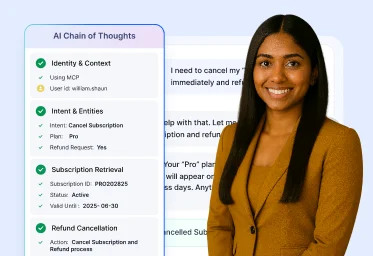
In action
AI Agent in Action
Watch the AI agent resolve real customer requests, such as a subscription cancellation and refund, from start to finish, with every reasoning step visible.
-
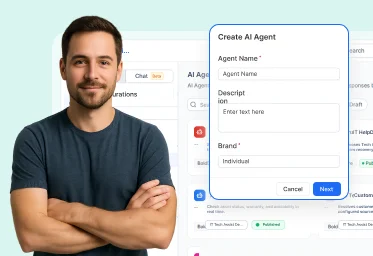
Setup
AI Agent Setup
Train the AI agent on your help content, shape how it answers, and put it live on chat to support customers right away.
-
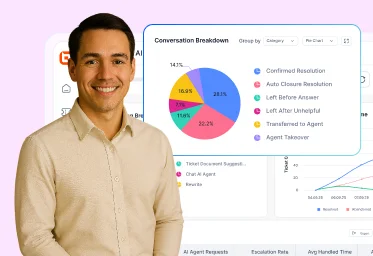
In action
AI Agent Performance
Track the AI agent's key metrics, trends and insights on its dashboard, and see where it can resolve even more.
-
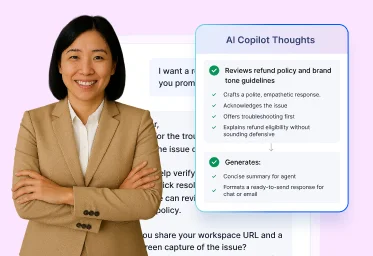
In action
AI Copilot in Action
See agents resolve tickets faster with AI triage, ticket summaries, translation and suggested replies inside the ticket view.
-
Setup
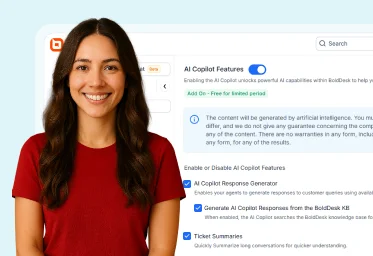
AI Copilot Setup
Configure, customize and activate AI Copilot so every agent gets AI help on their tickets.
03 The full platform
Tour every part of the help desk
The channels, workflows and self-service the AI works across, each in a short guided tour.
Channels
-
Setup
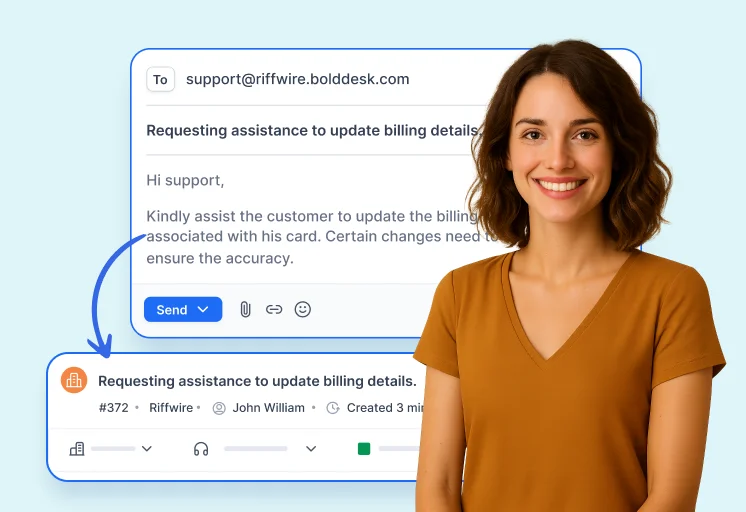
Support Email
Turn shared inboxes into organized, trackable ticket threads, so no customer email goes unanswered.
-
Setup
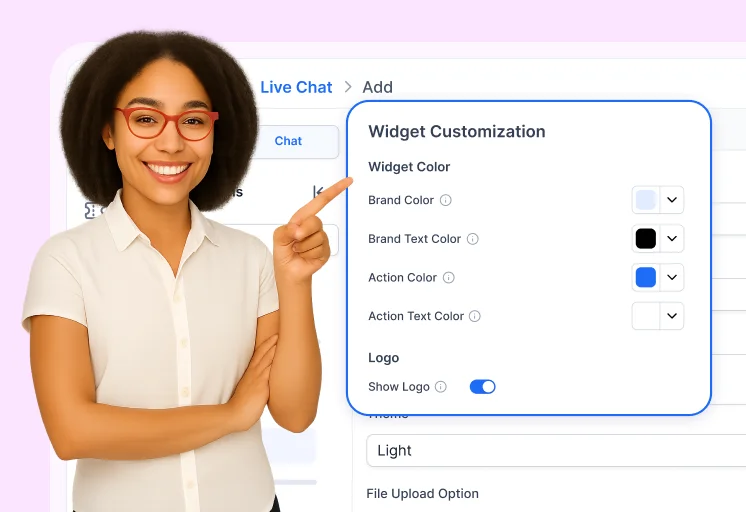
Live Chat Setup
Add live chat to your website, connect with customers in real time and track chat performance.
-
In action
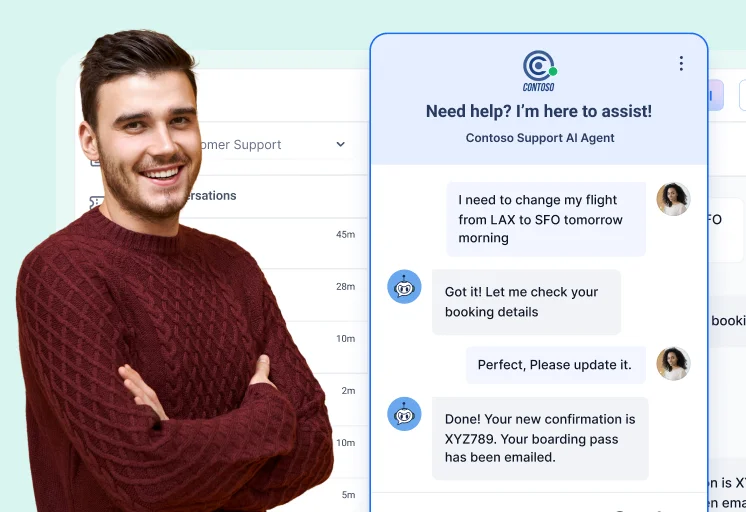
Live Chat in Action
See the AI agent answer first on chat and hand over to a human agent, with the full context, when it should.
-
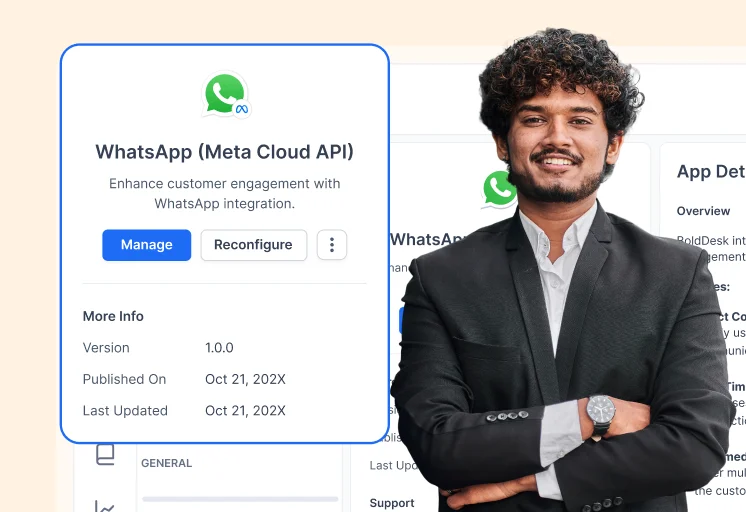
Setup
WhatsApp Chat Setup
Connect WhatsApp through Meta or Gupshup and answer WhatsApp messages alongside every other channel.
Ticketing and workflows
-
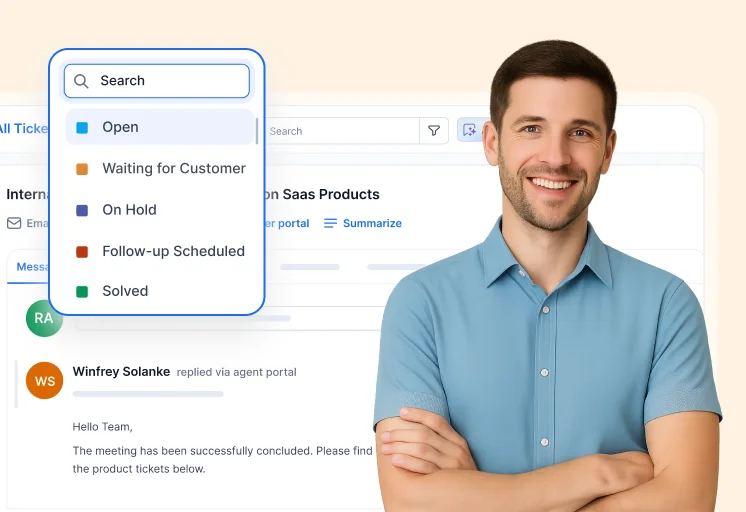
Setup
Ticketing System
Turn every customer conversation into a ticket your team can assign, prioritize and resolve from one view.
-
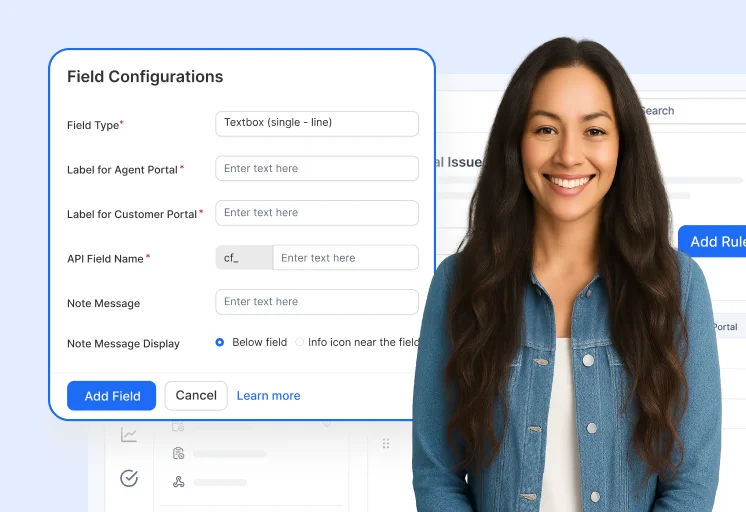
Setup
Customize Ticket Forms
Build ticket forms with the fields and rules your business needs, so every request arrives complete.
-
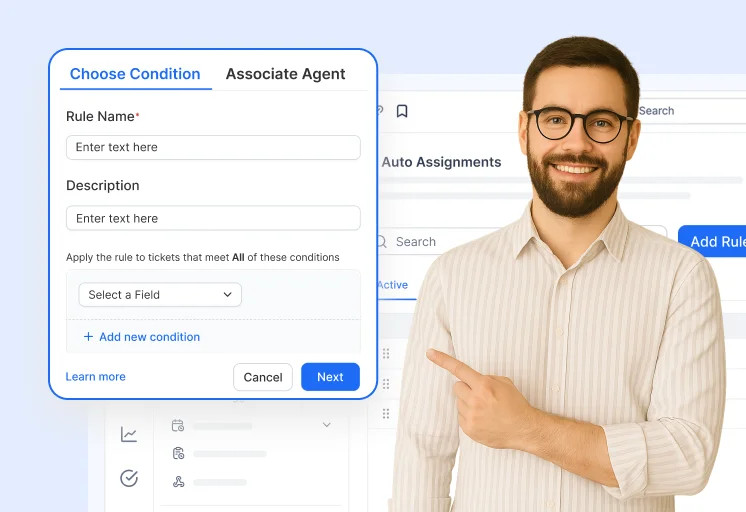
Setup
Auto Assignment Workflow
Route tickets with rules and round-robin assignment that balance the load across your agents.
-
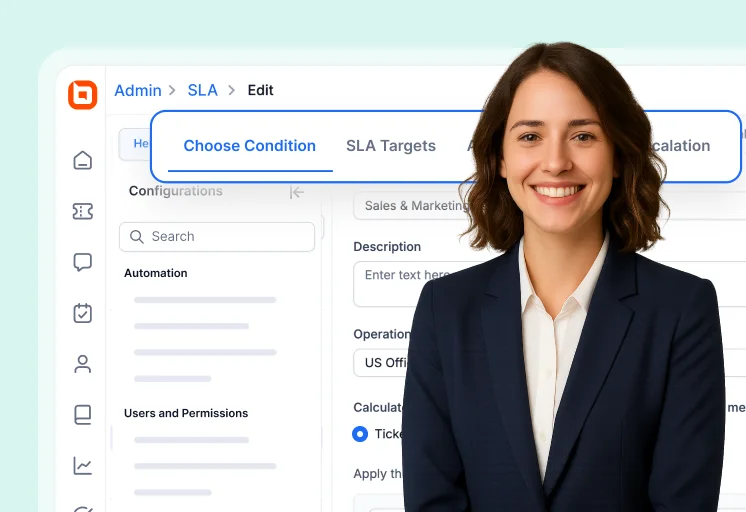
Setup
SLA Management
Set business hours and SLA policies, and let escalations keep every ticket on time.
-
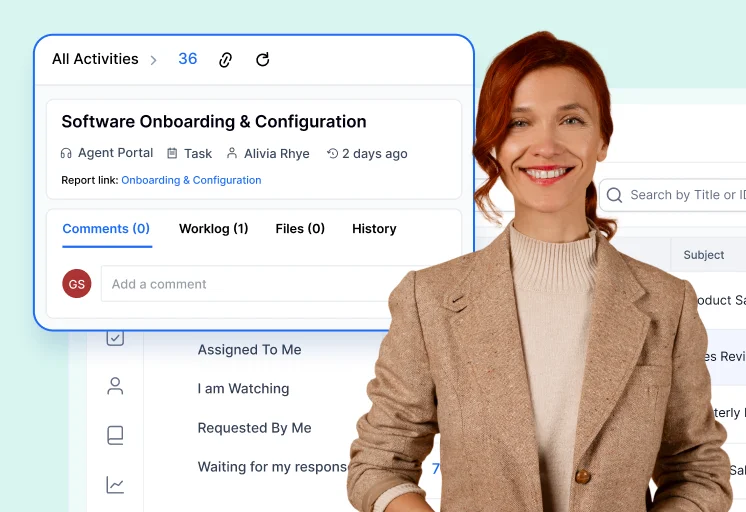
In action
Task Management in Action
Track tasks, calls, comments and approvals on the ticket itself, so the whole team works from one record.
Self-service
-
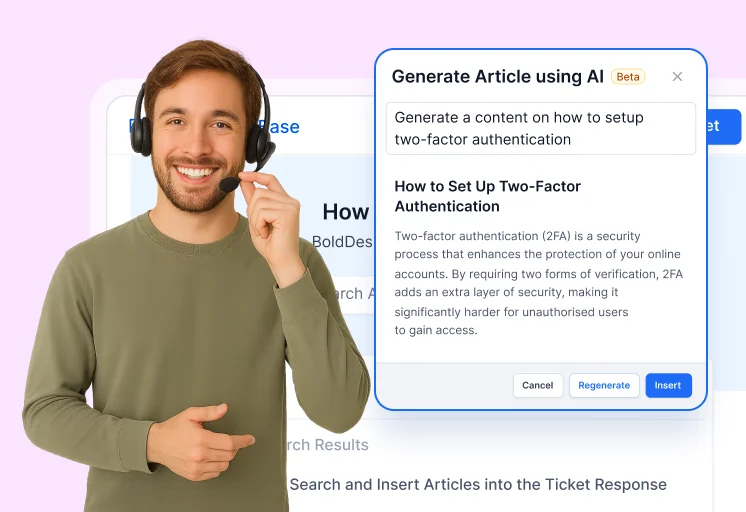
Setup
Knowledge Base Setup
Create, brand, organize and publish knowledge base articles, then see which ones customers read.
-
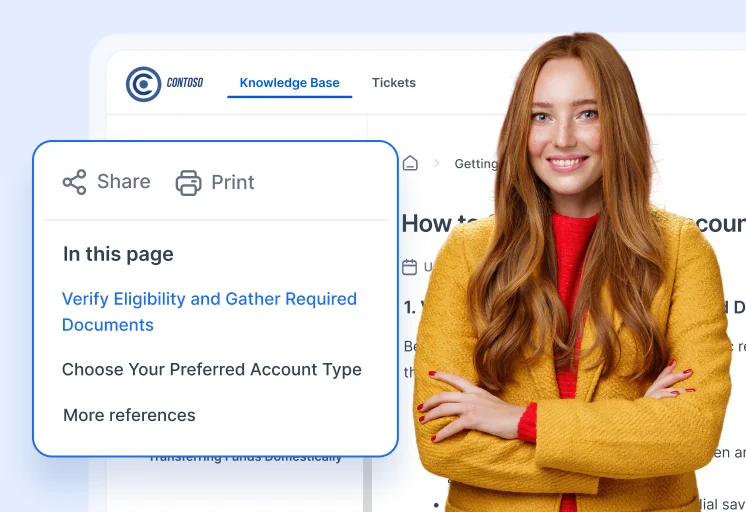
In action
Knowledge Base in Action
See customers find answers through search and suggested articles before they ever open a ticket.
-
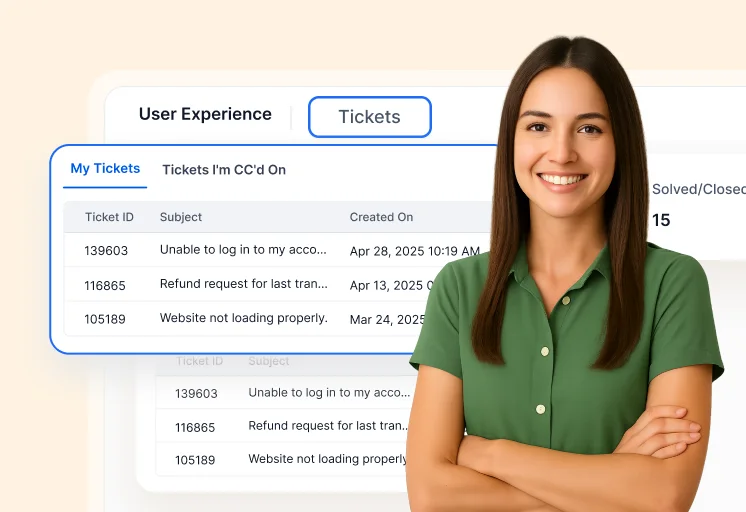
Setup
Customer Portal
Brand your support portal and let customers submit, track and manage their own tickets.
Insights and administration
-
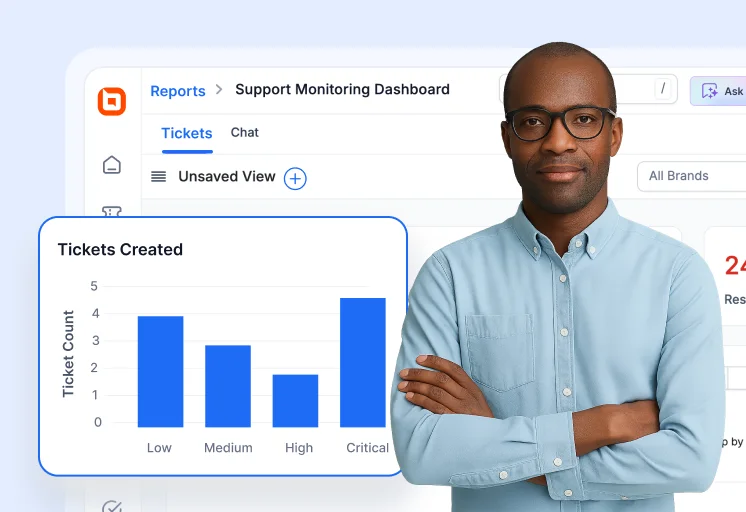
In action
Reports & Analytics
Follow real-time support metrics on reports and dashboards, and make decisions from the data.
-
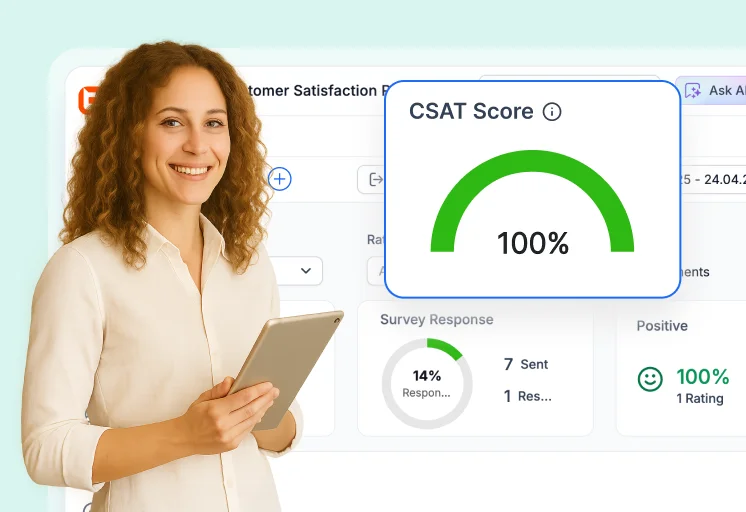
Setup
Customer Surveys (CSAT)
Send CSAT surveys after each resolution, collect feedback and track satisfaction over time.
-
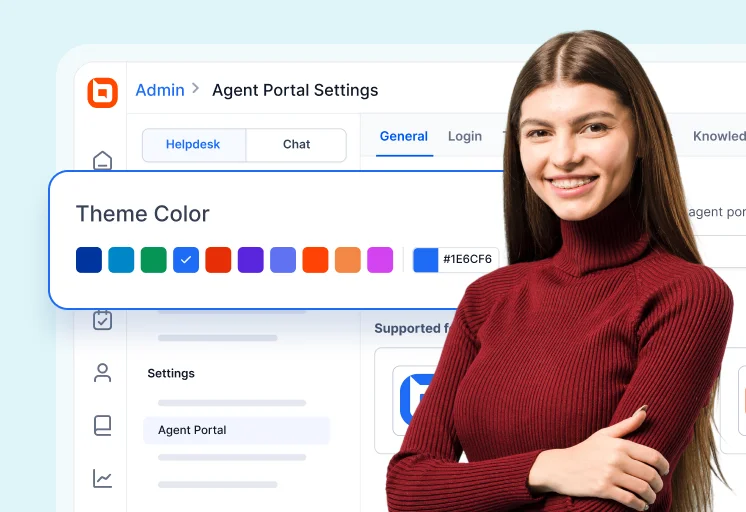
Setup
Agent Portal Setup
Customize the agent workspace, control what each team sees and fit the portal to how your team works.
See it on your own tickets
Start a free trial and set BoldDesk up for your team, or book a demo and walk through your use case with our experts.