
Self-Help Demos for Instant Support

Explore our collection of demo videos to learn how BoldDesk can empower your team, streamline support, and elevate customer satisfaction.

Step-by-Step Tutorials Tailored to Your Needs

No Record Found

Getting Started
  • Getting Started

    • Email

      • Ticketing

        • Automations

          • Portals / Knowledge Base

            • Live Chat

              • AI

                • Admin & Security

                  Getting Started

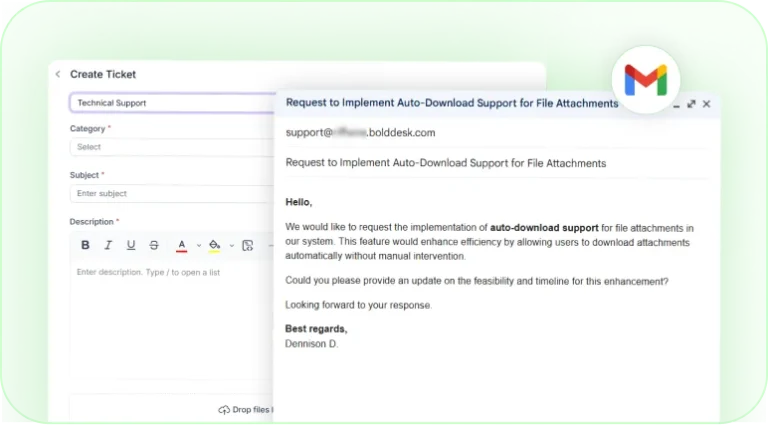
                  Ticket creation form with email request converted into a support ticket.

                  How to Create Tickets in BoldDesk
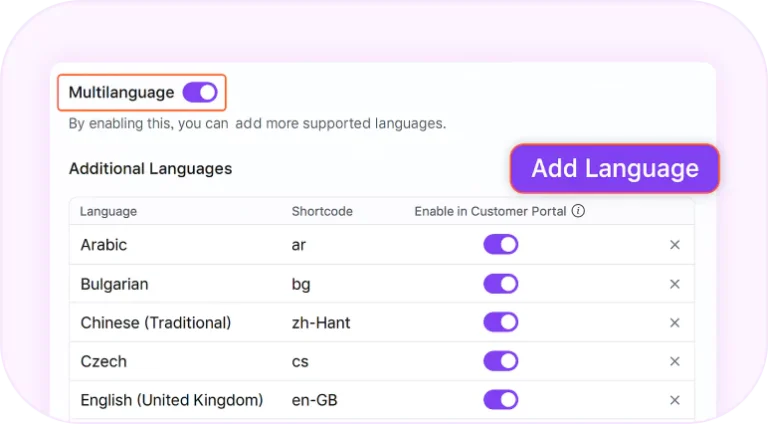
                  Multilanguage support settings with options to add and manage languages.

                  How to Configure Multilanguage Support
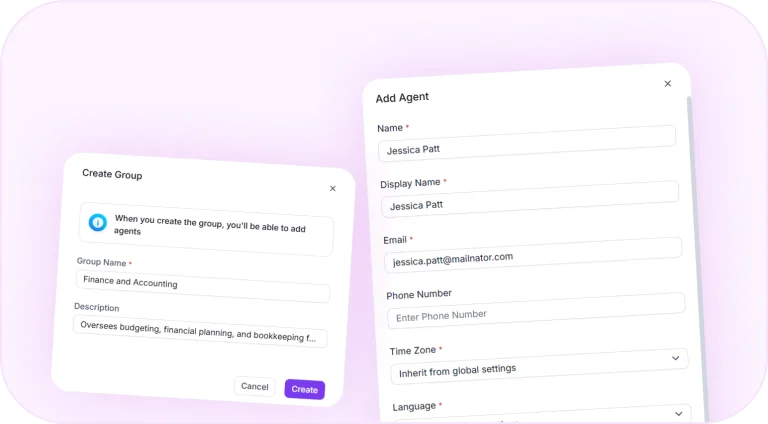
                  Agent and team setup forms for organizing support staff.

                  Adding Agents and Organizing Them by Teams/Departments
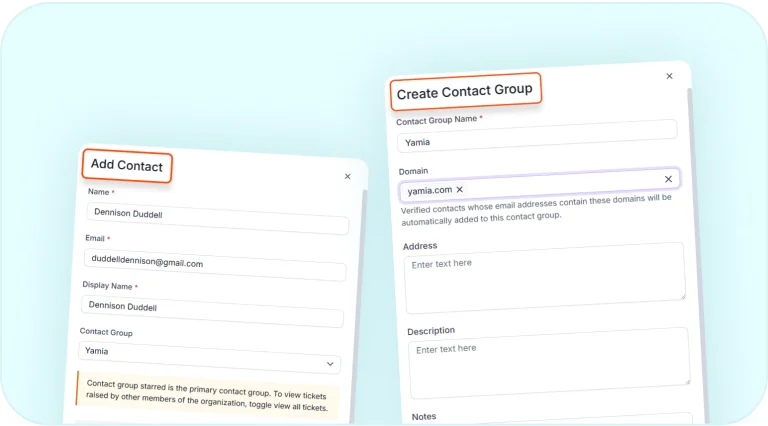
                  Contact management forms for adding contacts and creating groups.

                  Effortlessly Add Contacts and Organize Them into Groups
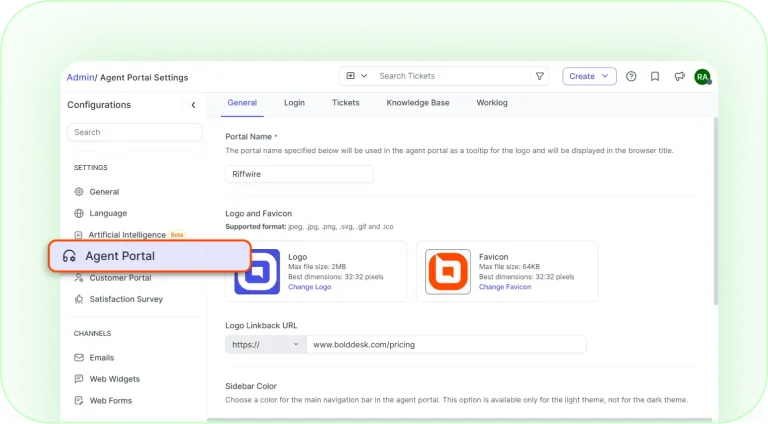
                  Agent portal settings page for customizing branding and interface options.

                  How to Customize Your BoldDesk Agent Portal
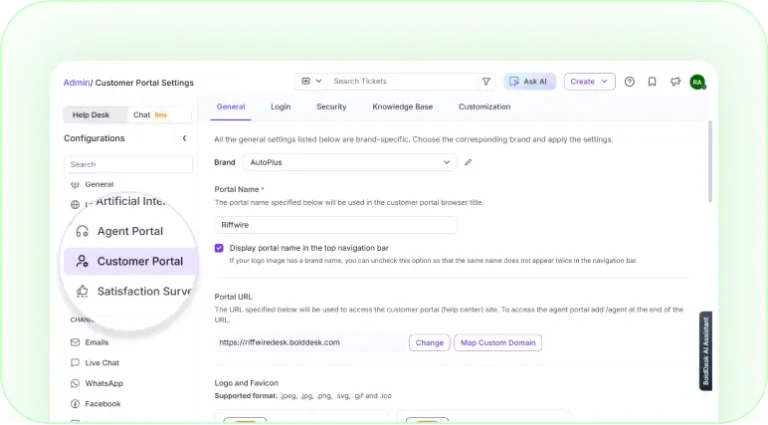
                  Custom domain settings for a customer support portal.

                  How to Customize Your BoldDesk Customer Portal
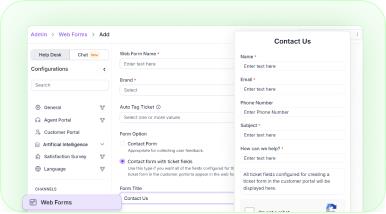
                  How to Create Custom Contact Form for Your Website
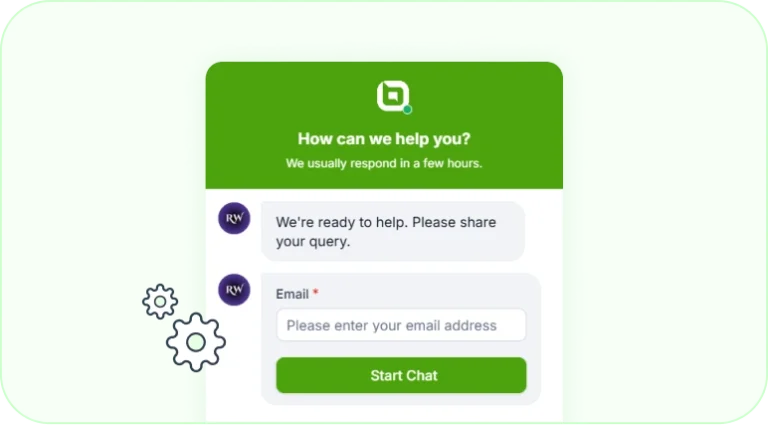
                  Live chat widget for starting a customer support conversation.

                  Setting Up Live Chat Widget in BoldDesk
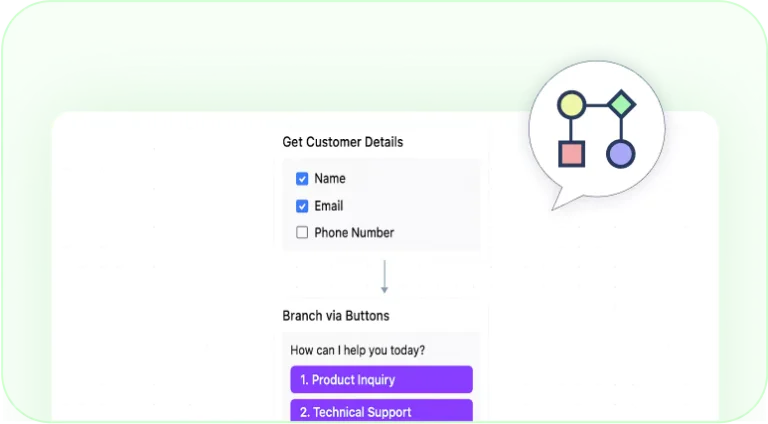
                  Chat workflow builder for collecting customer details and routing requests.

                  Getting Started with Chat Workflows

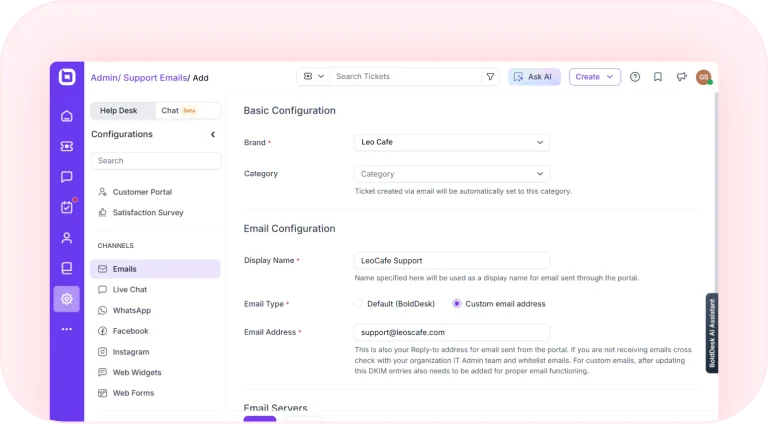
                  Support email configuration page for connecting customer support email accounts.

                  Configuring Your Support Email in BoldDesk
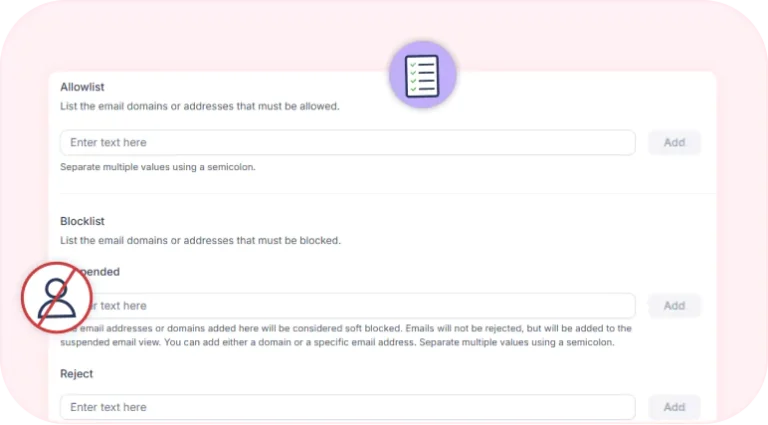
                  Email allowlist and blocklist configuration settings.

                  Configuring Email Allowlist and Blocklist
                  Customizing Email Notification Templates for Better Customer Engagement
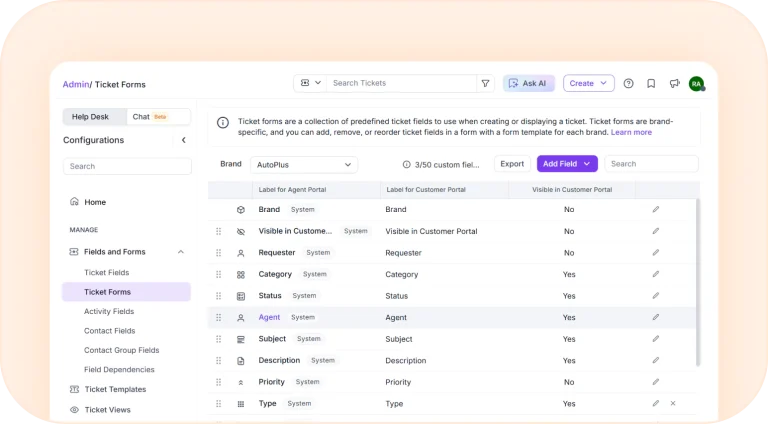
                  Customizing Your Ticket Creation Form for Efficient Customer Support
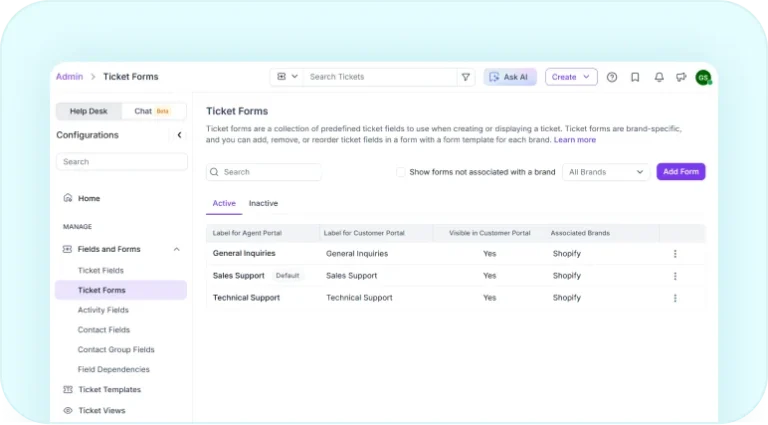
                  Ticket forms management page for creating and organizing support forms.

                  Create and Manage Multiple Ticket Forms for Better Support
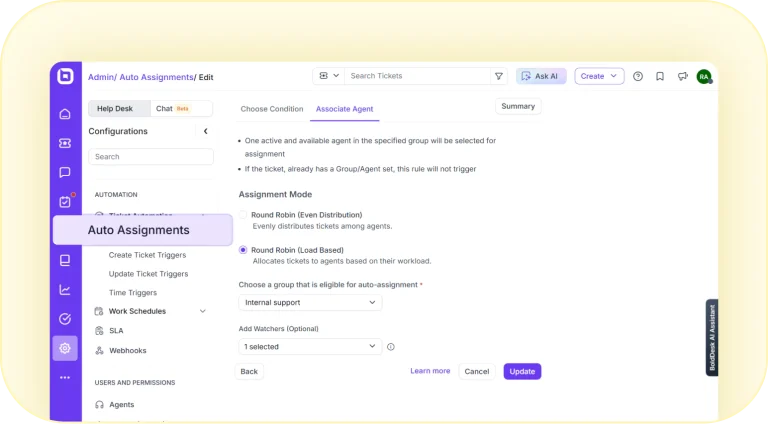
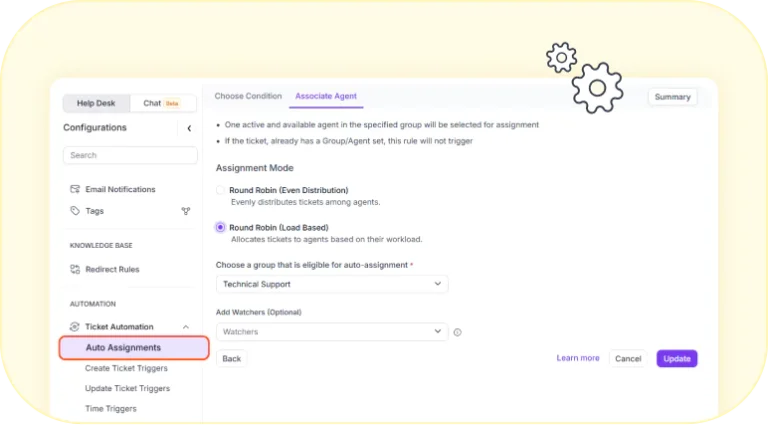
                  Auto-assignment settings for routing tickets to available agents.

                  Automatically Assigning Tickets to Agents Upon Creation
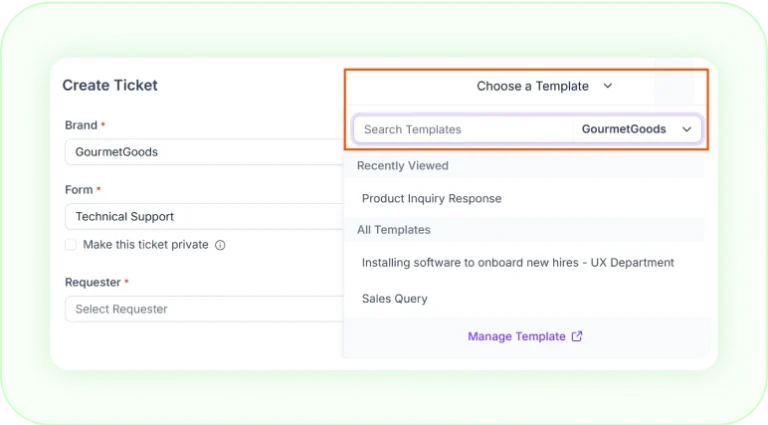
                  Ticket creation form with template selection menu open.

                  Boost Productivity with Ticket Templates in BoldDesk
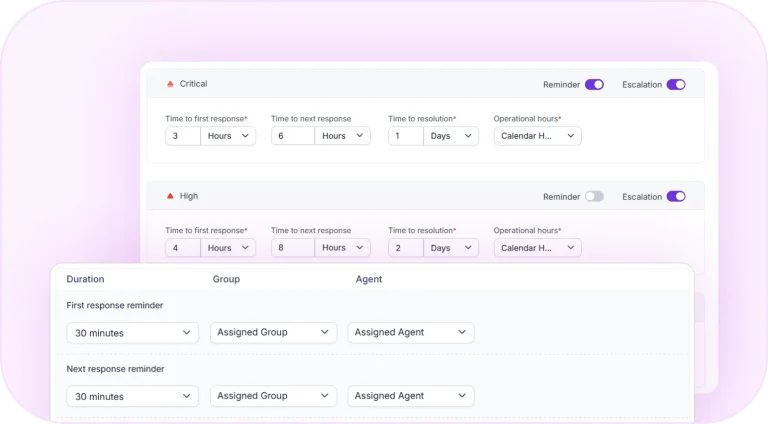
                  SLA settings with response, resolution, reminder, and escalation targets.

                  How to Configure SLAs for Efficient Ticket Management
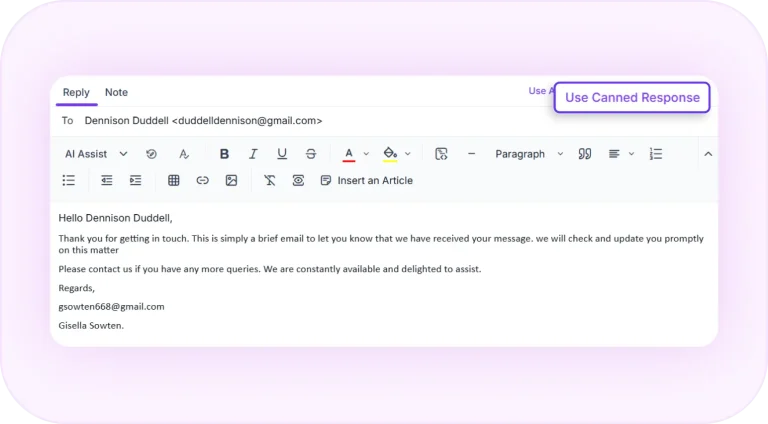
                  Canned response inserted into a customer support email reply.

                  Simplify Customer Support with Canned Responses
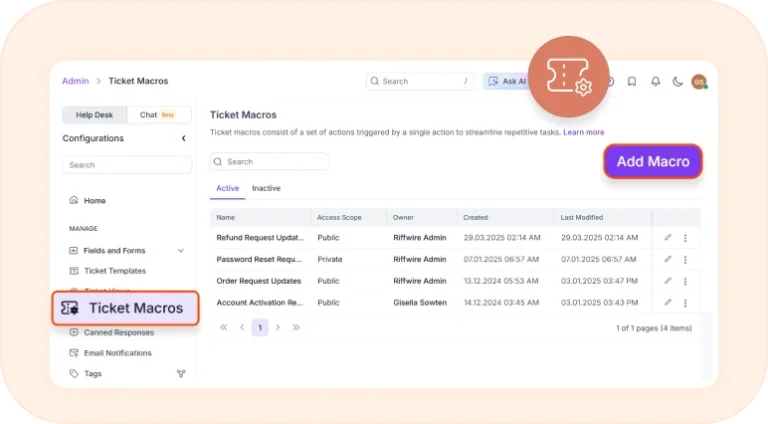
                  Ticket macros page for managing automated ticket actions.

                  How to Use Ticket Macros in BoldDesk

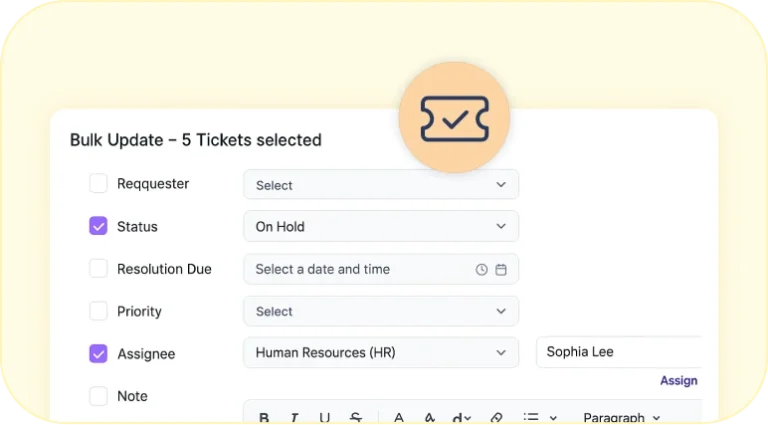
                  Bulk ticket update form for changing status, priority, and assignee.

                  Bulk Updating Tickets in BoldDesk

                  Auto-assignment settings panel for routing tickets to support agents.

                  Setting Up Agent Workload Limits for Tickets and Chats
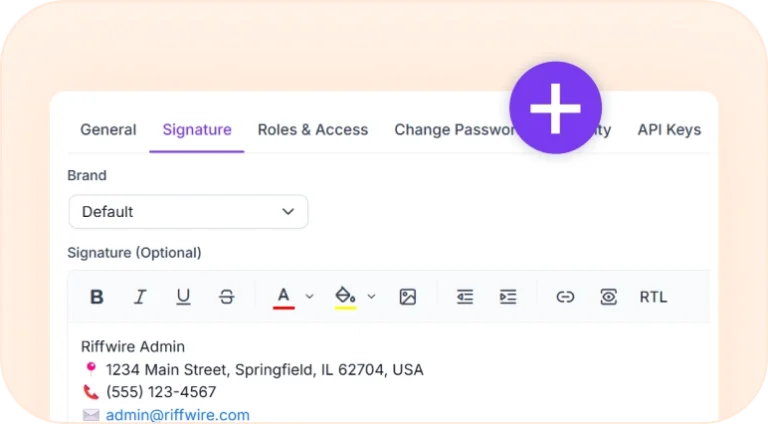
                  Agent signature settings for adding branded email signatures.

                  How to Add Agent Signatures in BoldDesk
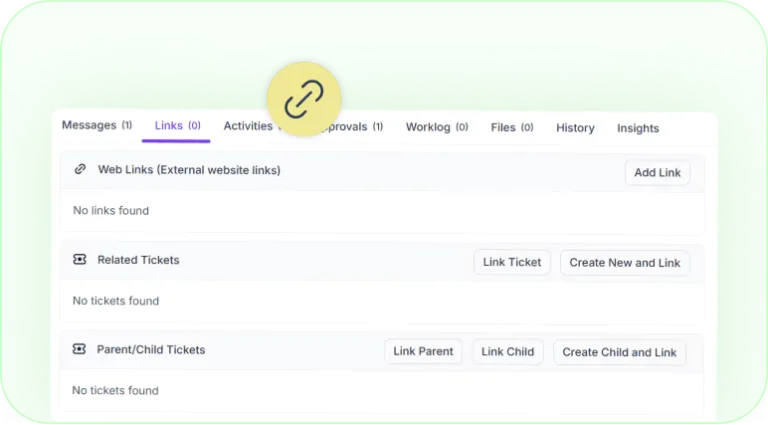
                  Ticket linking options for related and parent-child tickets.

                  Linking Tickets in BoldDesk

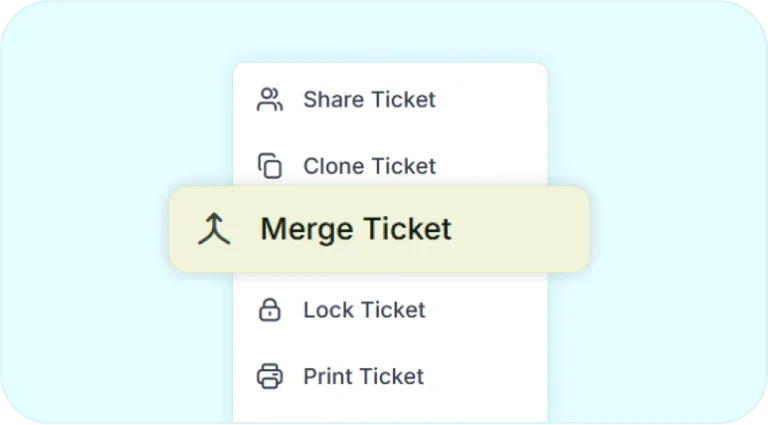
                  Merge ticket option for managing duplicate support tickets.

                  How to Manage Duplicate Tickets with the Merge Feature
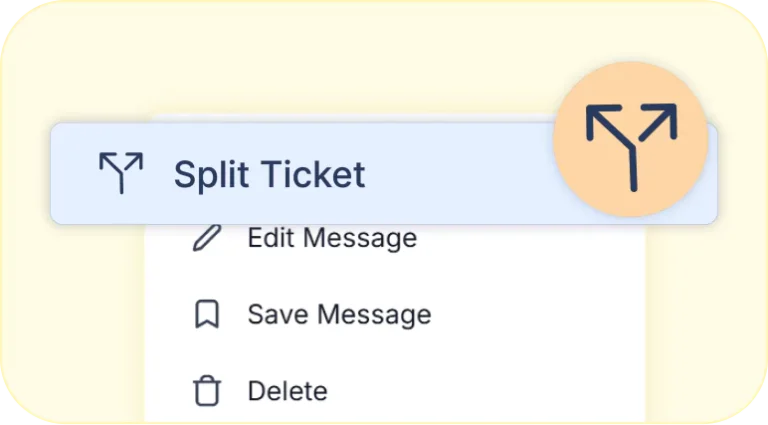
                  Split ticket option for creating separate tickets from a customer reply.

                  Splitting Customer’s Reply into New Tickets in BoldDesk
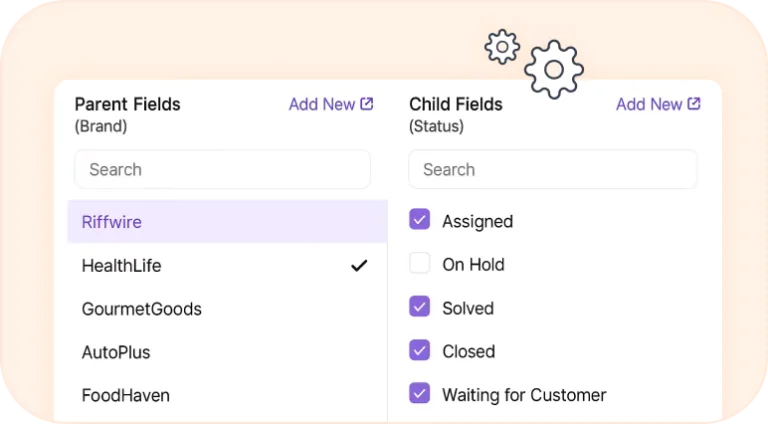
                  Field dependency settings linking brand options to status values.

                  Setting Up Field Dependency for a Cascading Dropdown
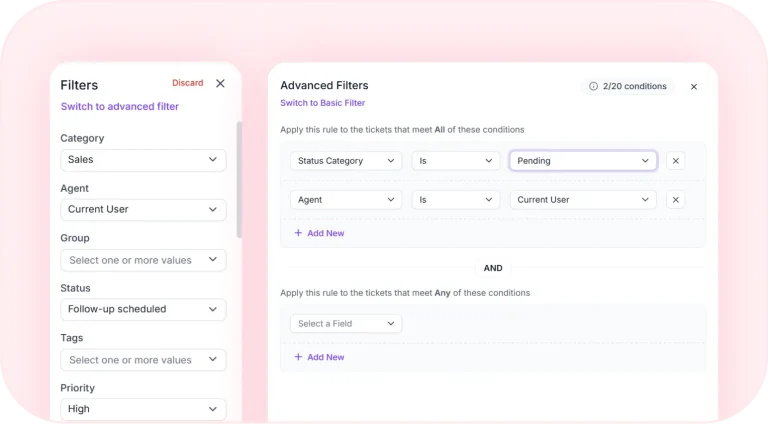
                  Advanced ticket filters for managing and tracking support requests.

                  How to Filter and Manage Tickets for Better Support Efficiency
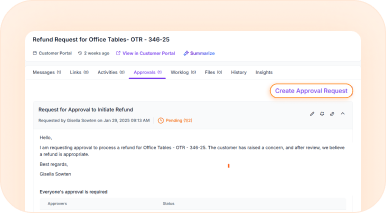
                  Streamlining Your Support Process with Ticket Approvals
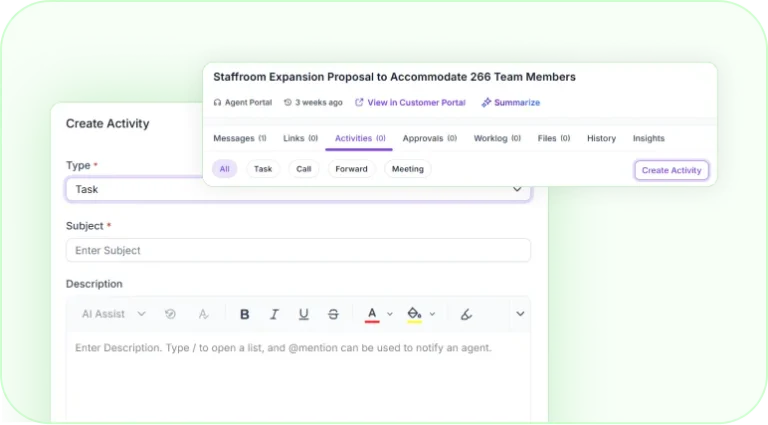
                  Ticket activities tab with task creation form.

                  Simplify Ticket Management with BoldDesk Activities
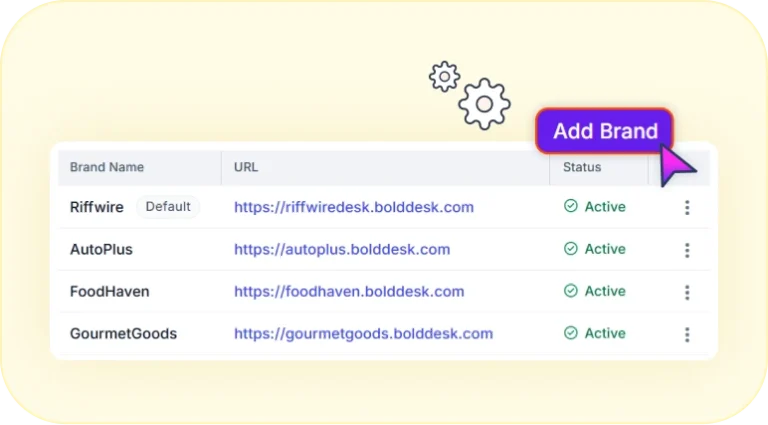
                  Multi-brand support center with multiple brand portals and settings.

                  Set up a Multi-Brand Support Center in BoldDesk
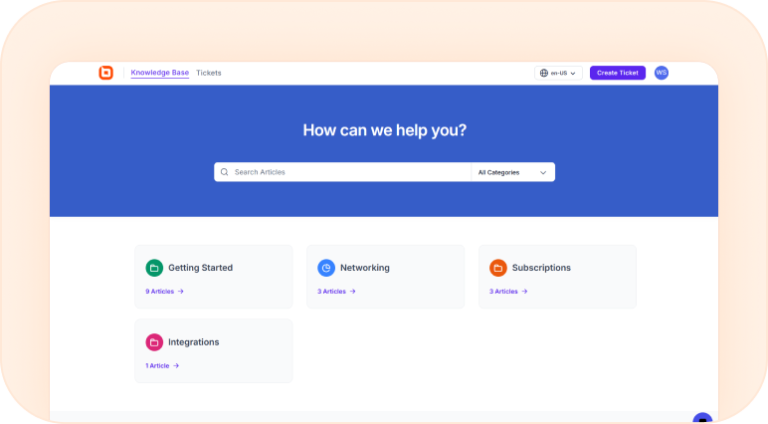
                  Empower Customers With Self-Serviced Knowledge Base in BoldDesk
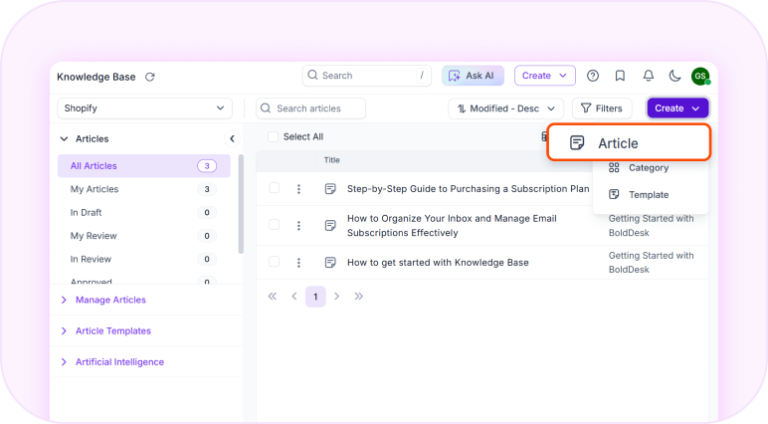
                  How to Create and Manage Knowledge Base Articles
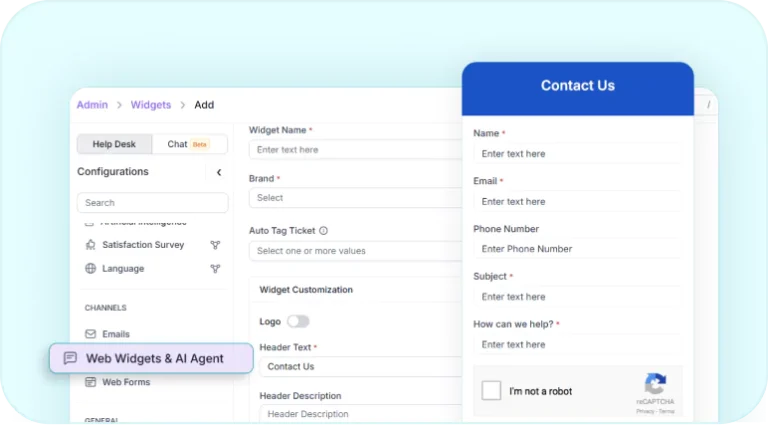
                  Website contact widget for collecting customer support requests.

                  Set Up a Web Widget for Your Website with BoldDesk
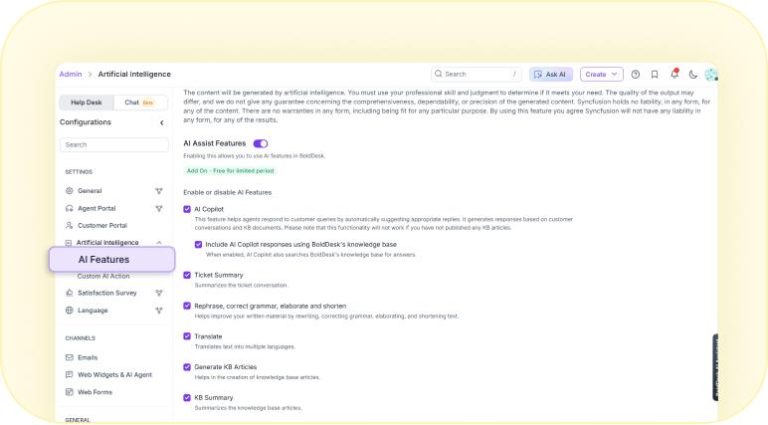
                  Transform Your Support Process with Artificial Intelligence
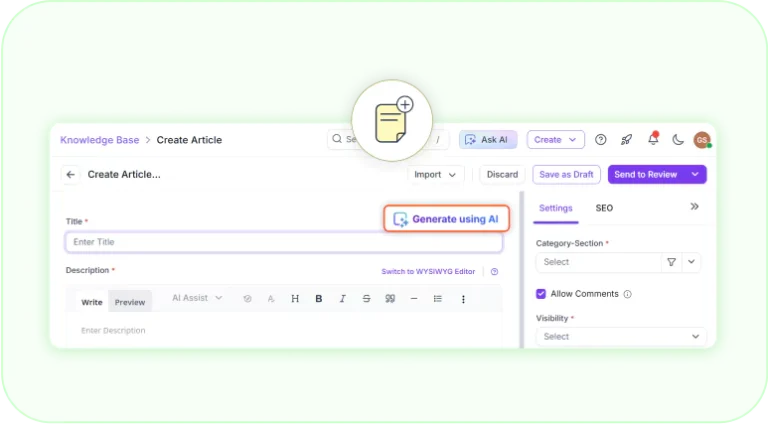
                  AI-assisted knowledge base article creation page.

                  How to Use BoldDesk AI to Generate KB Articles
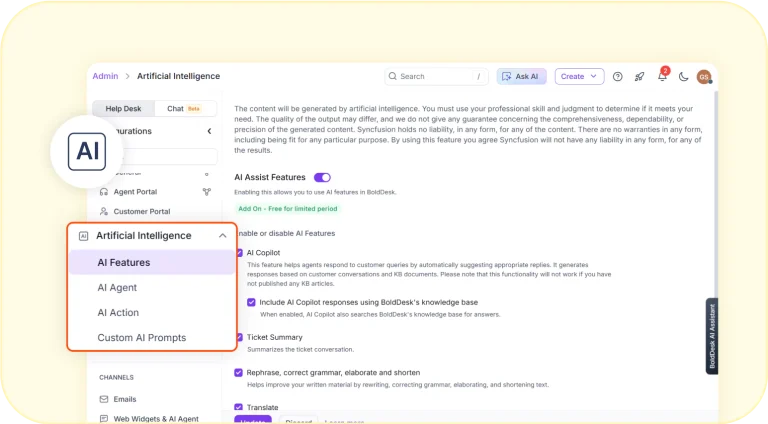
                  AI-powered support settings with copilot, AI agent, and automation options.

                  Enhance Customer Support with AI-Powered Features
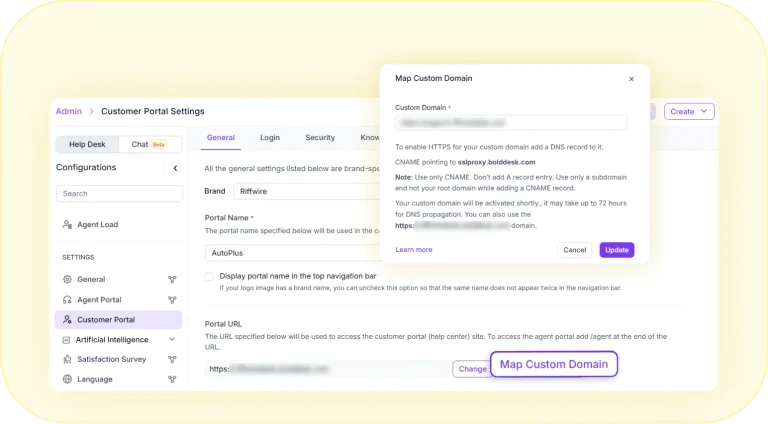
                  Elevate Your Support Experience: Map a Custom Domain in BoldDesk
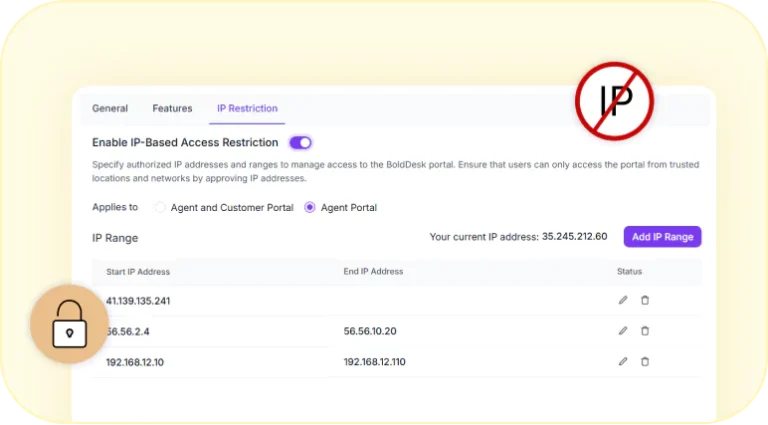
                  IP-based access restriction settings for secure portal access.

                  How to Configure IP Restriction in BoldDesk for Secure Access
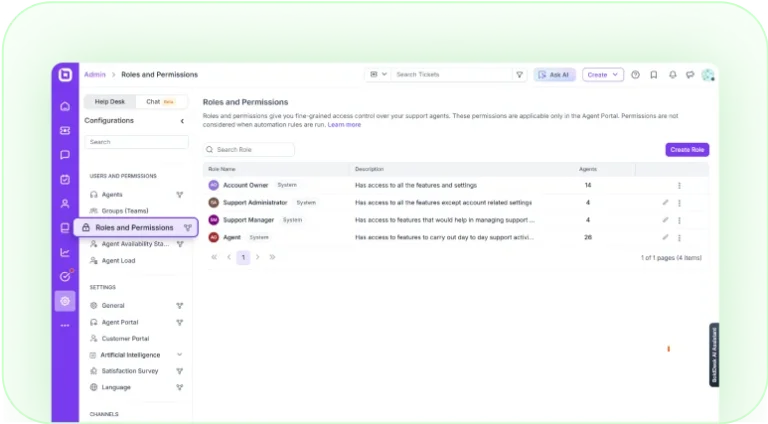
                  Roles and permissions dashboard for managing agent access.

                  Streamline User Access and Permissions with Role-Based Controls
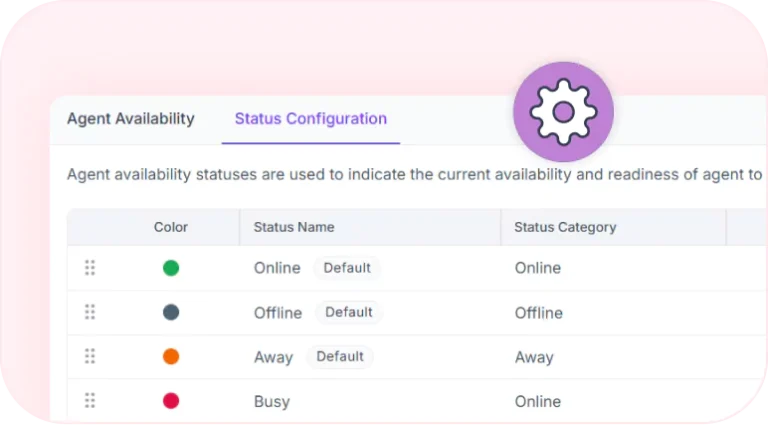
                  Agent availability status configuration with online, offline, away, and busy states.

                  How to Configuring Agent Availability Status
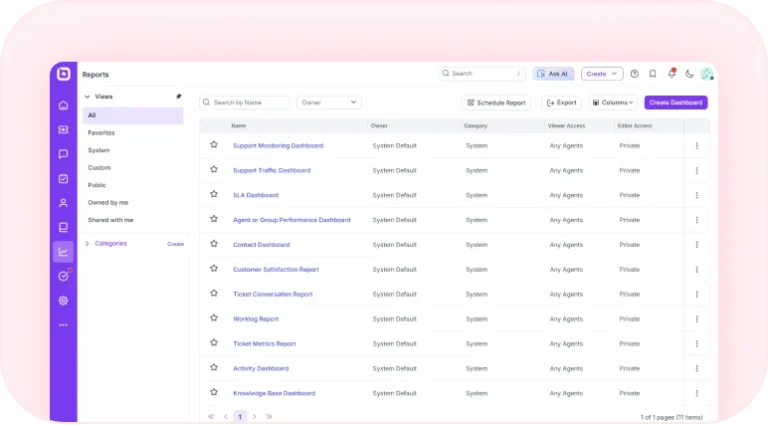
                  Reports dashboard with support analytics and custom dashboard management.

                  Simplifying Support Analytics with Dashboards and Reports
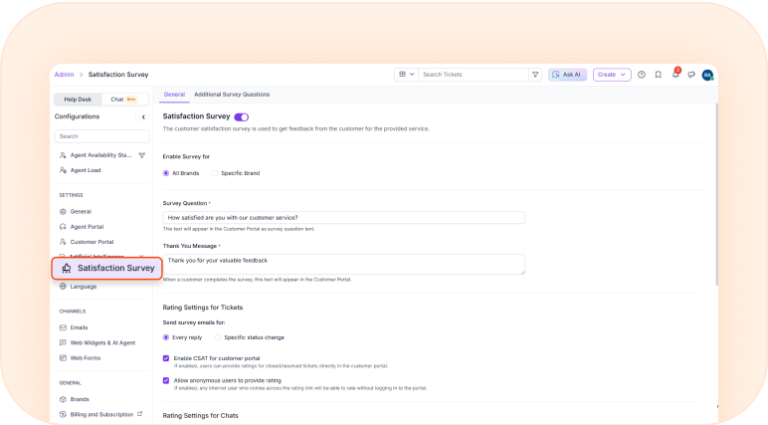
                  Efficiently Collect Feedback with a Customized Satisfaction Survey