Task Management Software

Stop Wasting Time on Tasks, Manage Them Smartly

  • Centralized Work – Capture tasks, subtasks, calls & meetings in one workspace.
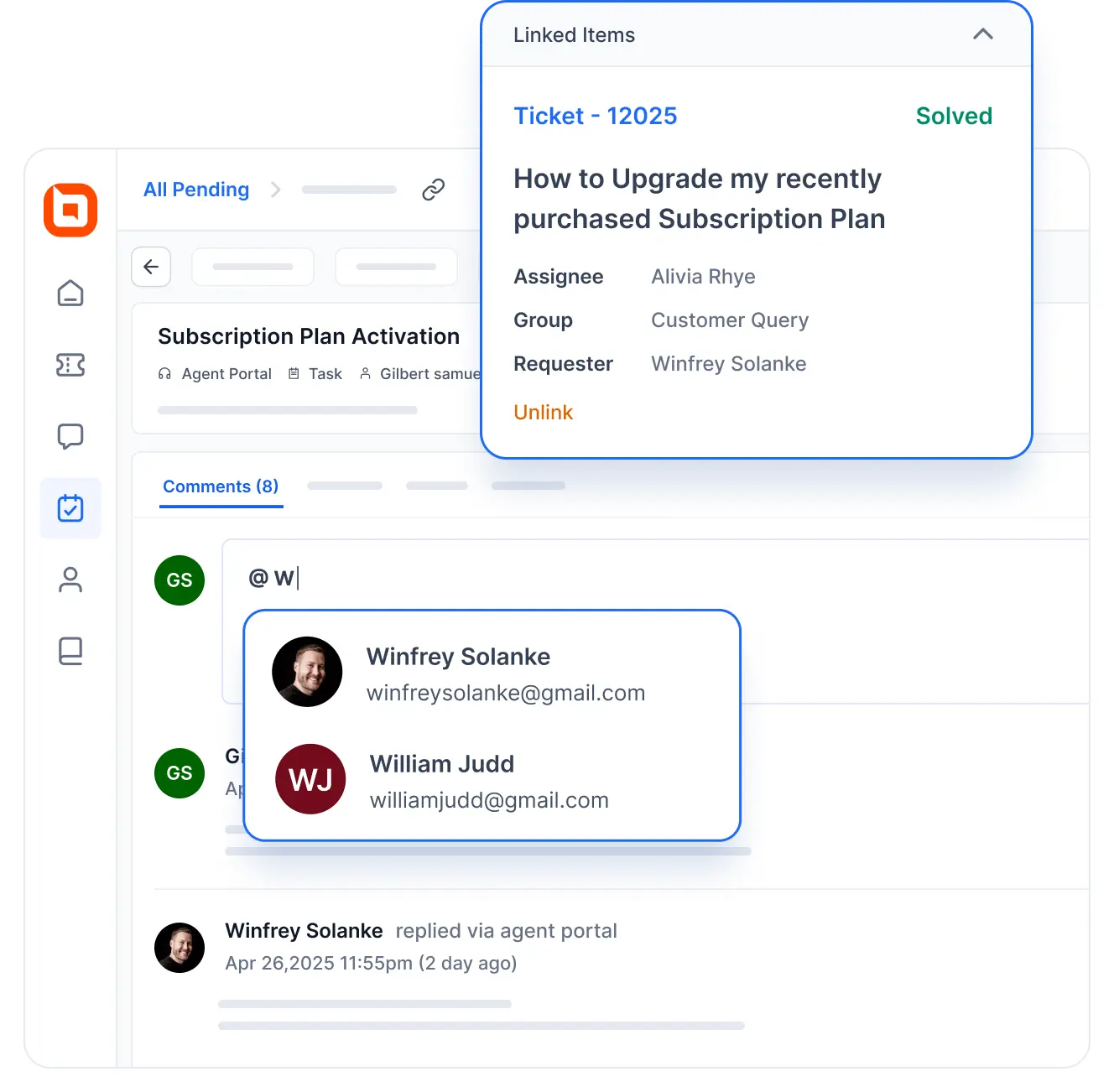
  • Context‑Aware Collaboration – Tie work items to tickets and contacts.
  • SLA‑Driven Priorities – Automate escalations and due dates.
  • Real‑Time Visibility – Track progress with Worklog and activity updates.
  • No credit card required
  • Cancel anytime
  • No credit card required
  • Cancel anytime
Task management system interface showing linked ticket details and user tagging in subscription activation workflow.

Trusted by companies of all sizes

What are activities?

Track Every Interaction—Tasks, Calls &
Meetings in One Unified System

Resolve tickets more efficiently by breaking them down into subtasks and assigning them to different agents. With IT help desk task tracking, you can log calls, record meeting notes, and manage tasks all in one place.

Why choose BoldDesk as your Task management System?

Streamline, Centralize, and Elevate your
Task Management in a Single Platform

Transform the way you manage work with BoldDesk, a seamless solution for organizing tasks and tracking progress. Designed to centralize workflows, enhance collaboration, and ensure efficiency, it’s the ultimate tool to keep teams aligned and projects on track.

Use cases

Onboarding, Service Workflows & Meeting Logs
Keep Tasks On Track

Everything Your Team Needs to Stay on Track

Edit Content

Activities module

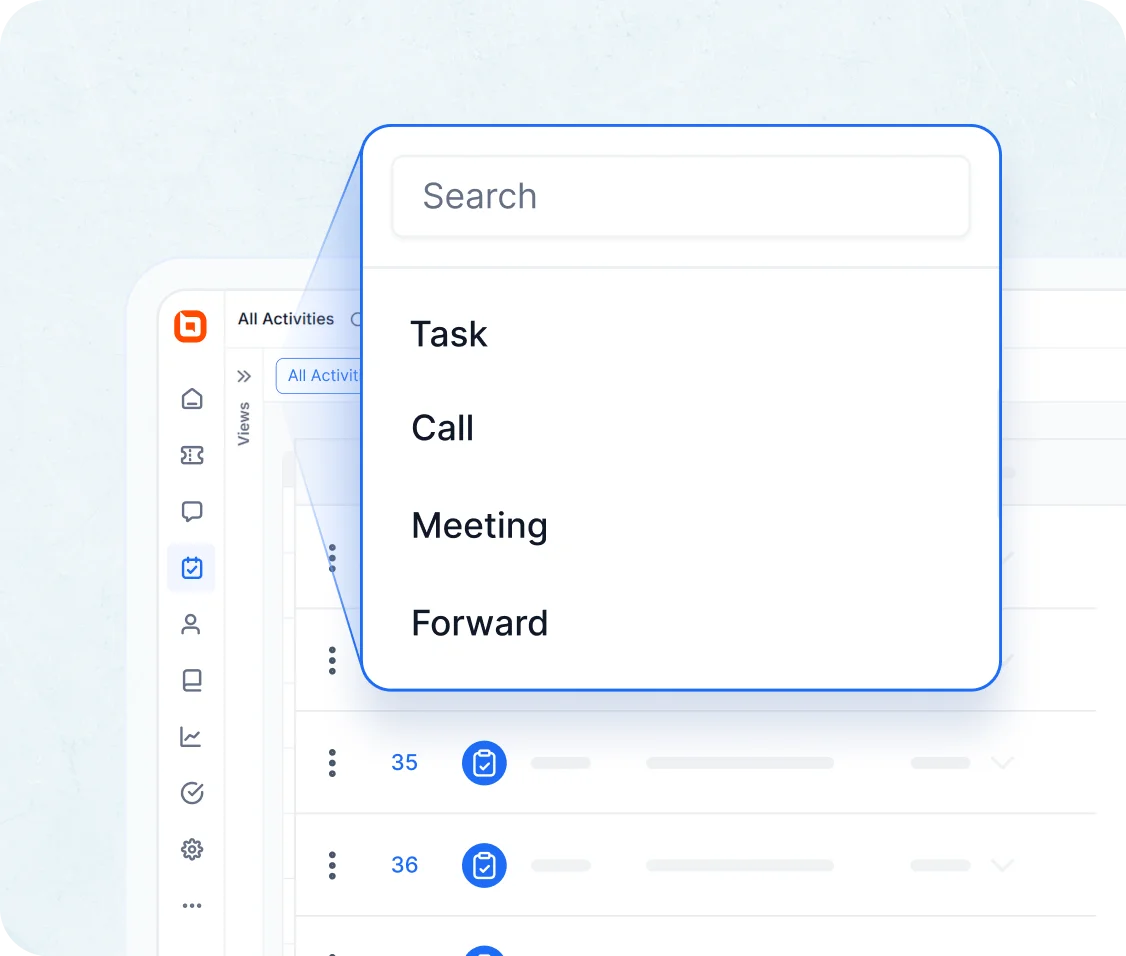
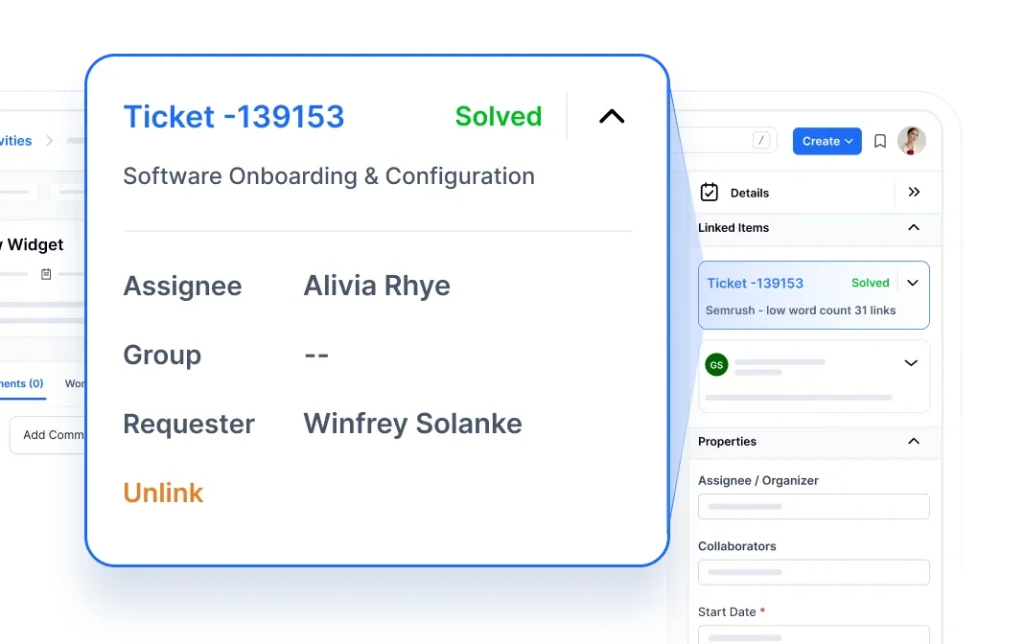
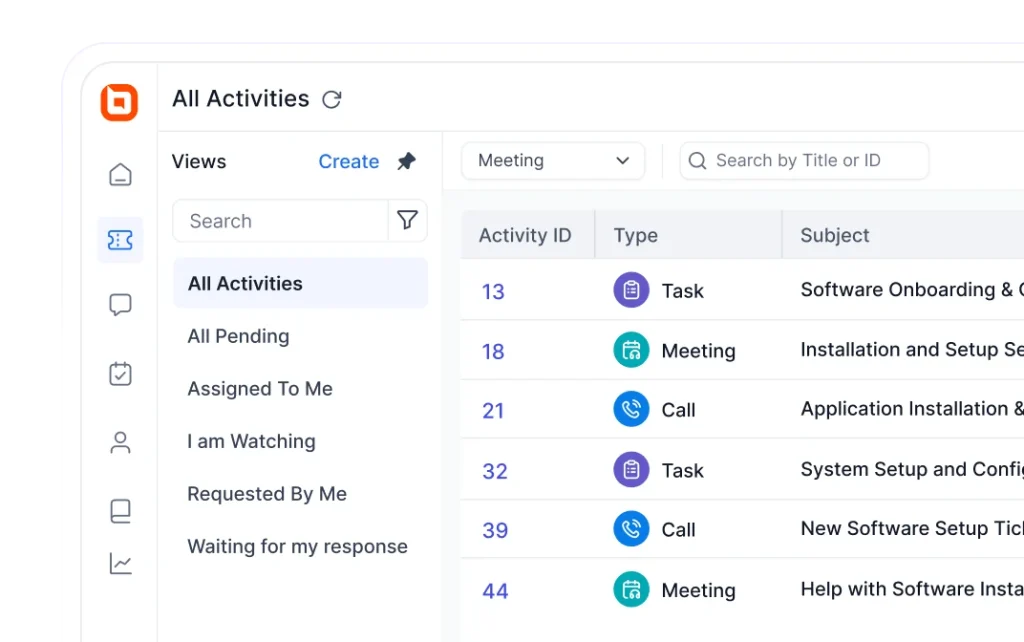
Tickets and activities can be linked. Related activities can be found on a ticket’s Details page under the Activities tab. Activities can be allocated to different agents, rather than the same one, and their statuses enable activity tracking.

Interface of a task management system showing search dropdown listing tasks, calls, meetings, and forward activity opts.
Edit Content

Tasks

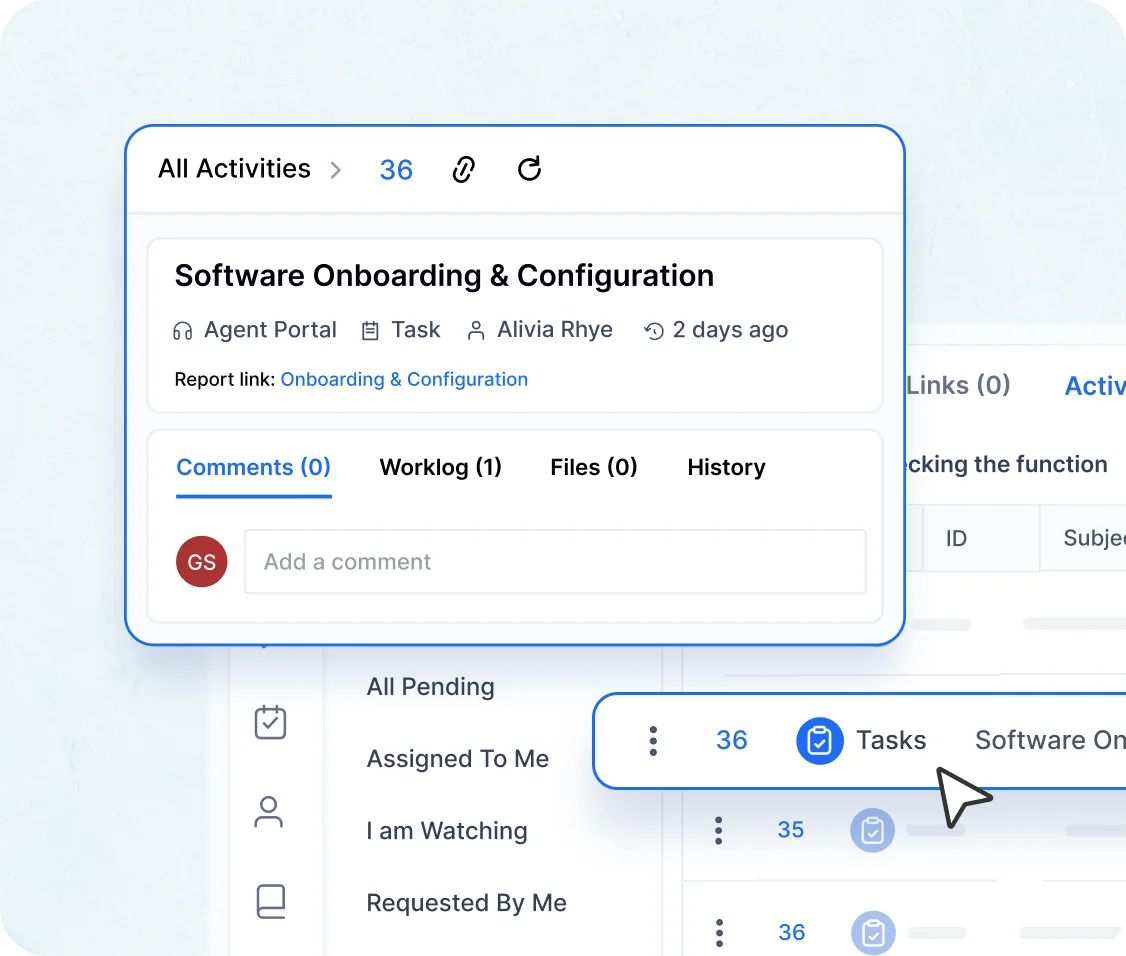
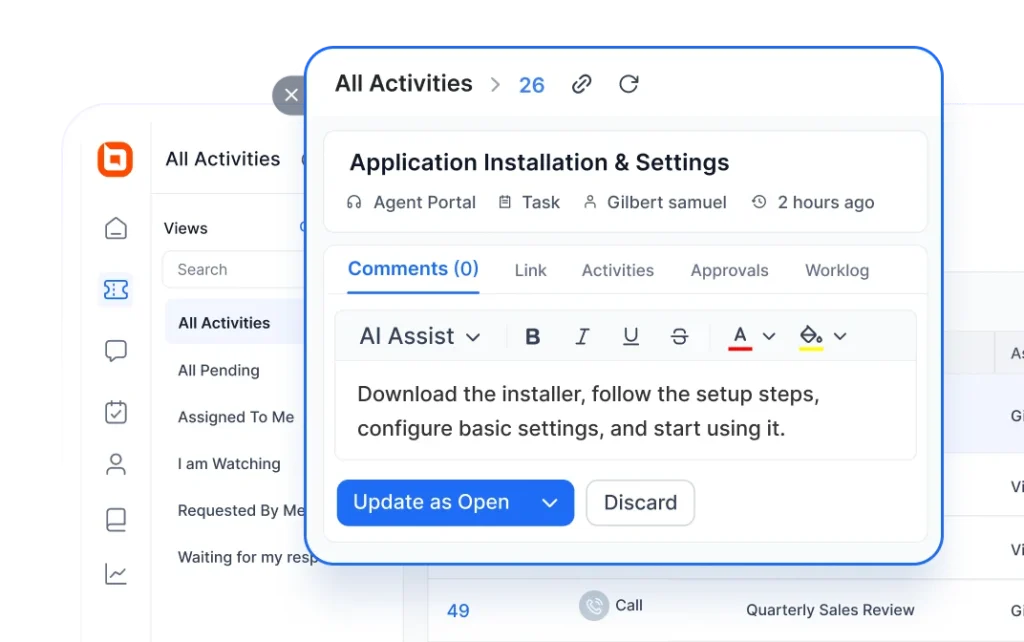
When several teams collaborate on a single ticket, any number of tasks can be added to the ticket and assigned to separate agents.

Features that enhance task module:

  • Delegate responsibilities to various agents.
  • Set due dates for tasks.
  • Get email notifications whenever there are updates to a task.
Tasks module with task management system
Edit Content

Calls

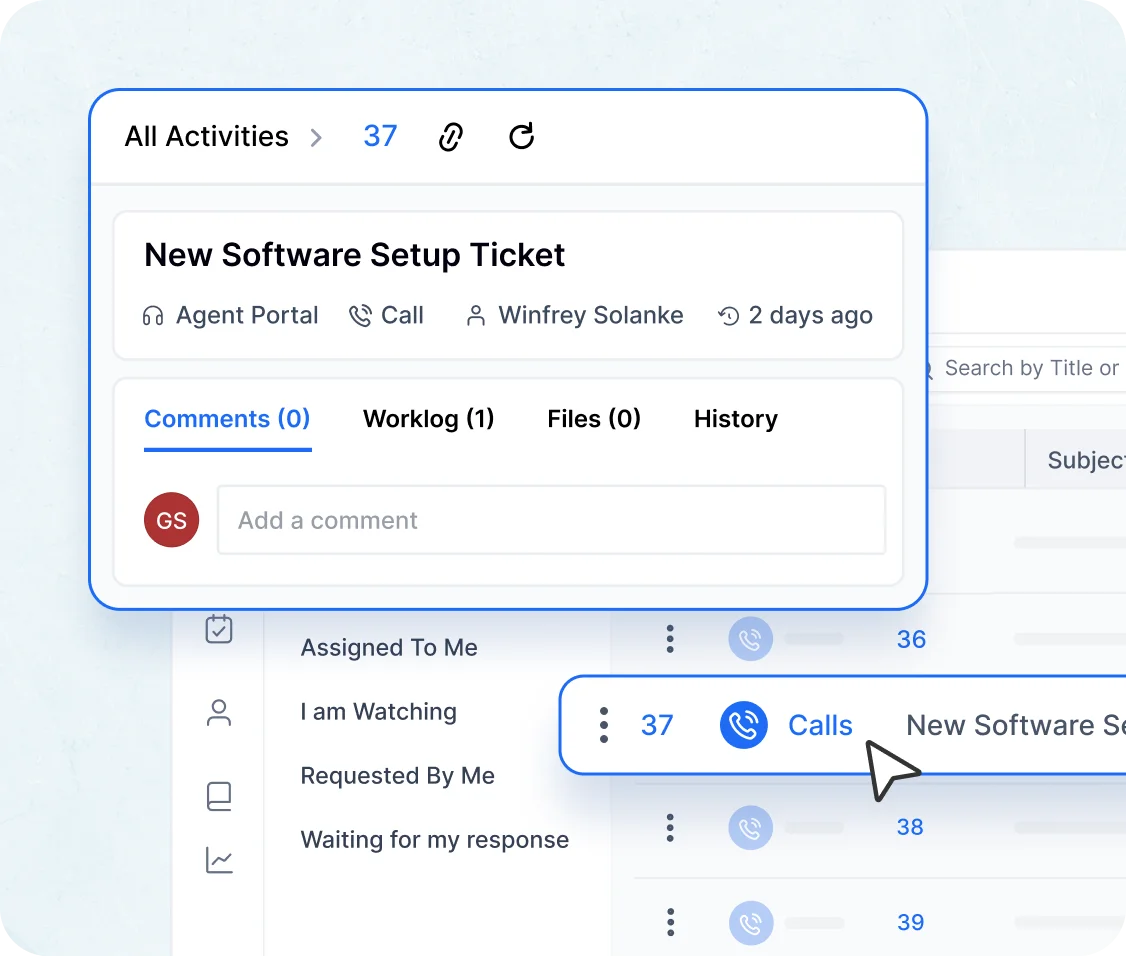
Record phone calls and track customer interactions to provide context to your teams.

  • Keep track of when a phone call was made.
  • Record the duration and status of the call.
  • See all call activities across the organization on a single page.
Calls in task management system
Edit Content

Meetings

Capture meeting minutes and track customer interactions to give full context to your teams.

  • Monitor when meetings are scheduled and which participants attend them.
  • Log meeting duration and current status.
  • View all meeting activities across the organization on one dashboard.
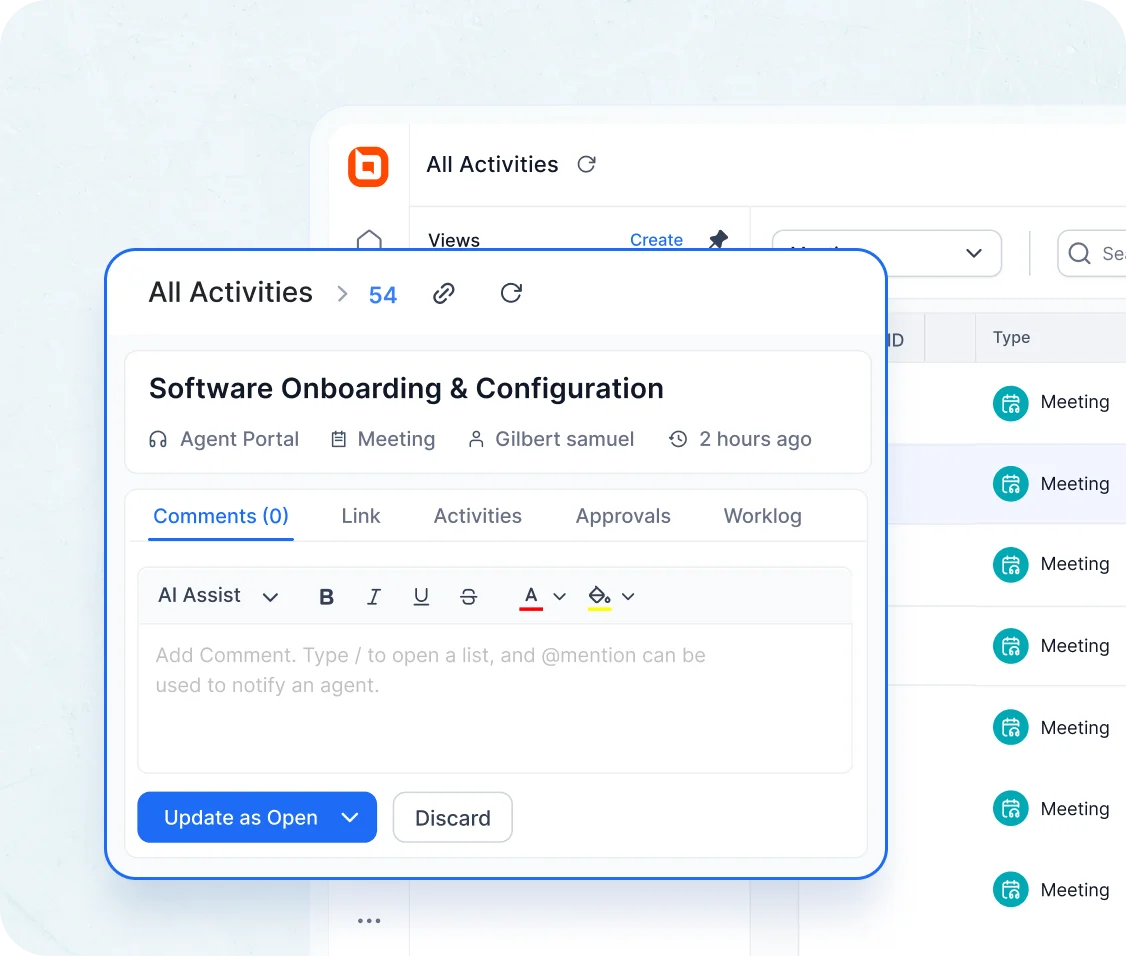
Task management system view showing software onboarding task details with comments, worklog, files, and history option

Task Management Features

Simplify Task Handling Across the
Entire Support Workflow

Quick Preview

Glance Through Task Details Without Leaving Your Current View

Quickly open and review activities without switching pages.

Task organization view with priority settings and team coordination highlighting best task management software tools.

Internal Collaboration

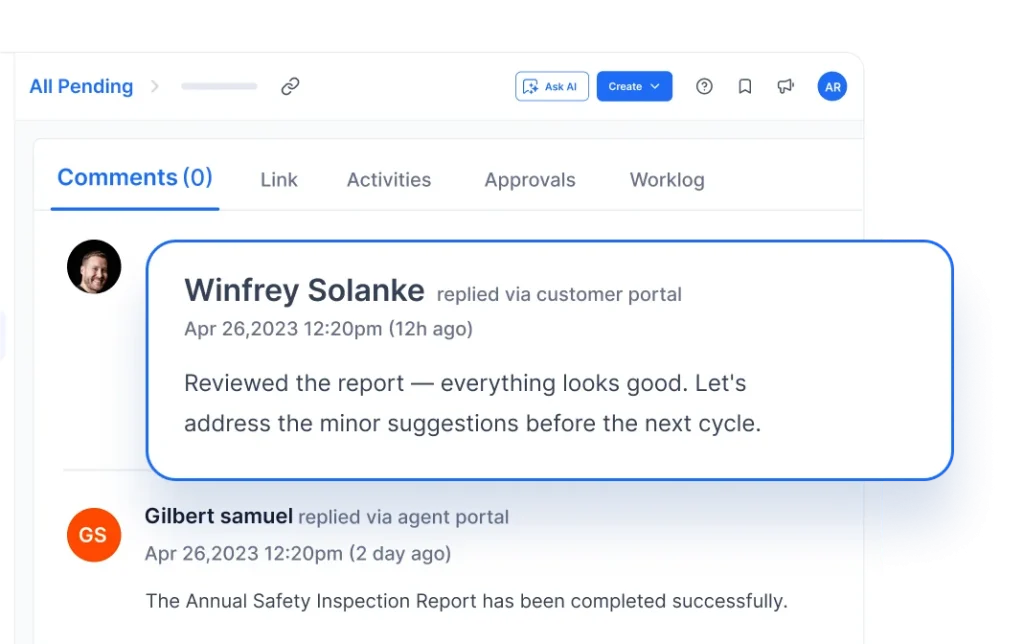
Keep Agents Aligned by using Comments and Notes Right Inside the Ticket

You can also add comments and notes so agents can stay informed.

Collaboration tools for multi-agent ticket resolution highlighting advanced customer support task management capabilities.

Set Deadlines

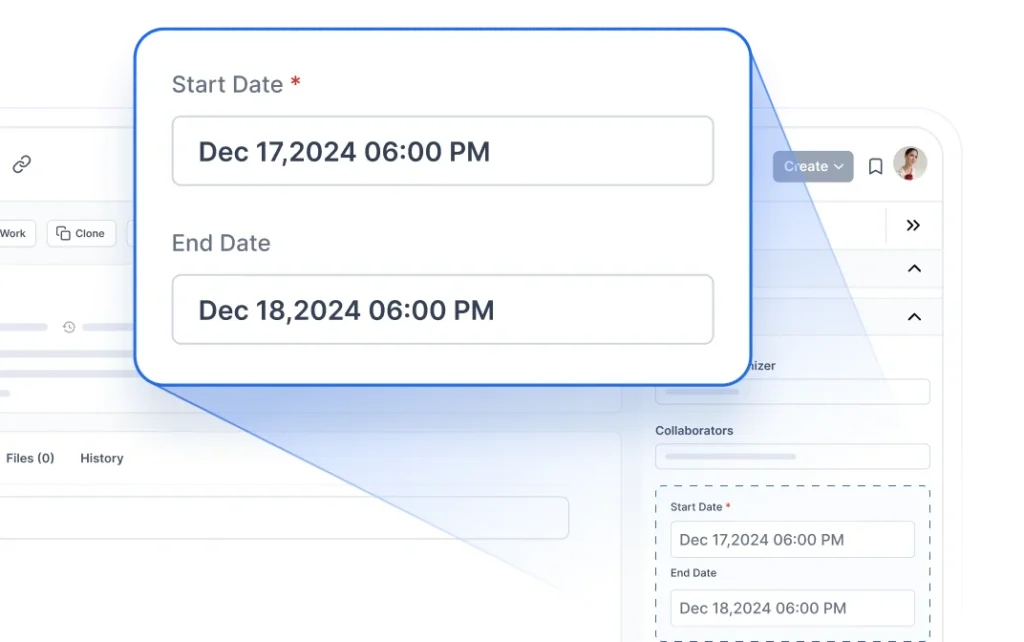
Stay on Schedule by Setting Clear Due Dates for Each Ticket

Add due dates to keep your team on track and avoid delays.

Set deadlines in task management system

Link Items

Easily Connect Related Tasks, Meetings, and Calls for Full Context

Connect tasks, calls, or meetings to a ticket or contact for better context.

Workflow automation screen displaying SLA reminders and automated actions highlighting SLA-based task management feature.

Status Tracking

Track Progress at Every Stage—Open, In Progress, or Completed

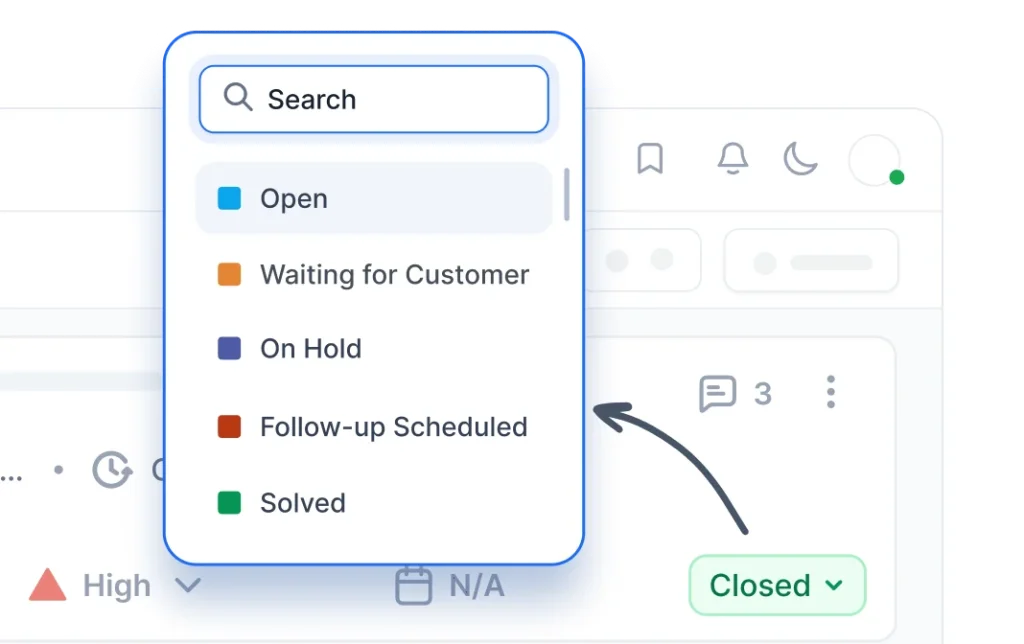
Keep tabs on whether an activity is open, in progress, or completed.

Status tracking in task management system

Activity Overview

Get a Centralized View of All Tasks, Calls, and Meetings Linked to Tickets

See all activities—tasks, calls, and meetings—in one place, tied to the ticket they support.

Activity tracking panel showing tasks, calls, and meetings organized in an efficient help desk task management software.

Think Switching is Hard? We’ll Migrate You for Free!

Streamline your workflow with BoldDesk Task Management System—featuring intelligent automation, unlimited task tracking, and seamless collaboration to boost efficiency!

  • Easy Onboarding
  • Safe & Secure
  • Easy Setup
  • Safe & Secure
Migration in task management system
Onboarding workflow split into subtasks for teams showcasing streamlined help desk task management software capability.

Your Success Never Sleeps: BoldDesk’s Always-On Support Partner

  • 24/5 expert support to help you onboard and thrive.
  • Extensive documentation, tutorials, and resources.
  • Dedicated assistance for resolving issues proactively.

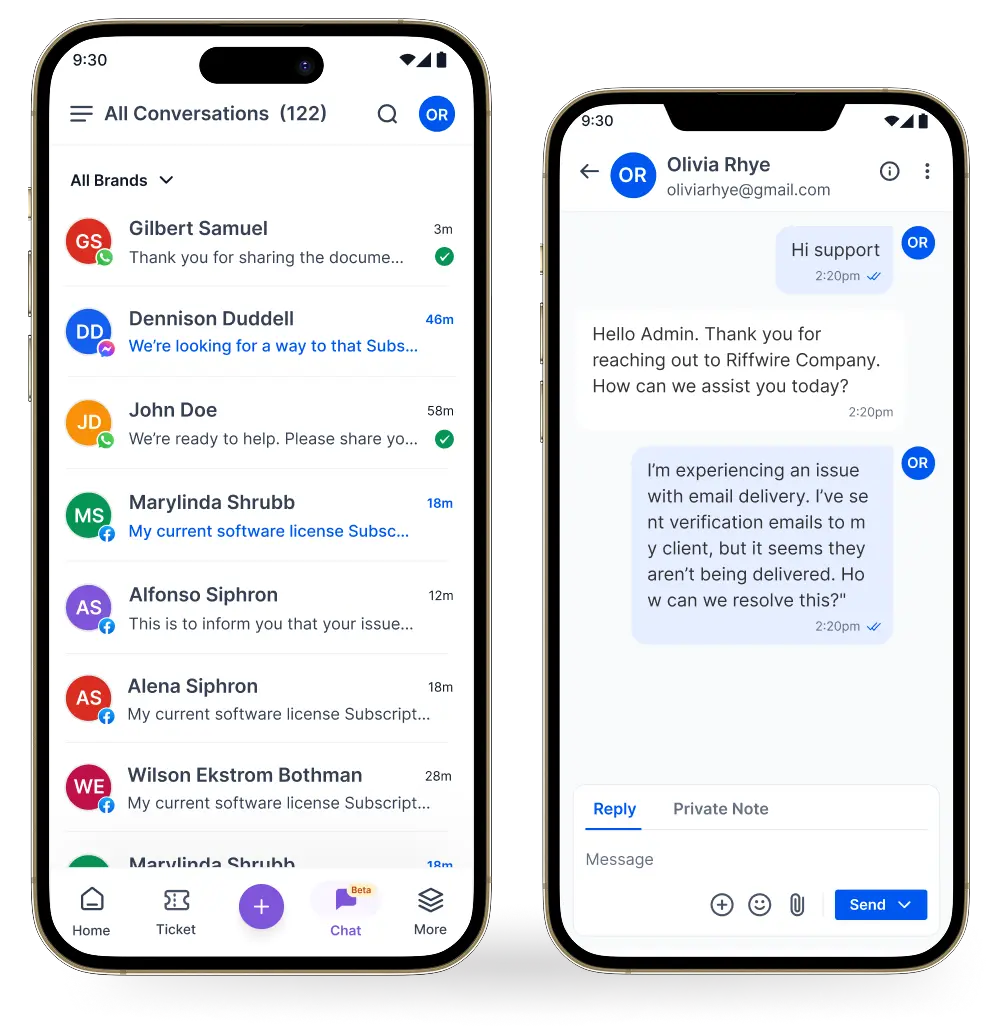
Stay Connected Wherever You Are With Our Mobile App

Download our iOS or Android app to manage your conversations on the move. Easily receive and respond to messages across all channels using the app.

Messaging app on two phones showing recent conversations and a chat about resolving email delivery problems

Frequently Asked Questions

A task management system helps your team plan, track, and complete work. BoldDesk lets you create, assign, and monitor tasks to stay organized and meet your deadlines.

Make a new task, include information like the name, description, and deadline, and then assign it to the appropriate team member.

When creating or editing a task, you can assign it by choosing the team member’s name in the assignee dropdown. When someone is given a task, they’ll be informed.

Select New Task and fill in the necessary information, including the title, description, due date, and priority. Next, hand it off to the necessary team member.

To keep you informed, BoldDesk provides real-time notifications for task updates, comments, and impending deadlines.

Comments can be included in each task, which facilitates team collaboration and communication within the task itself.

BoldDesk helps teams stay organized, collaborate better, and boost productivity by letting them track calls and meetings alongside tasks in one place.
  • Better Organization: Manage tasks, due dates, calls, and meetings from a single view.
  • Improved Collaboration: Assign tasks, share updates, and communicate within tickets effortlessly.
  • Higher Productivity: Streamline workflows so teams can focus on what matters most.
A Task Management System helps teams understand how to organize support tasks in one place through the following key features:
  • Task Creation & Assignment: Easily create tasks and assign them to the right team members.
  • Prioritization: Set task priorities so teams can focus on what matters most.
  • Collaboration: Improve teamwork by communicating and sharing updates directly within tasks.
  • Deadline Management: Set deadlines and reminders to ensure tasks are completed on time.
  • Task Tracking: Track task status in real time and monitor progress with full visibility.

Yes, you can log when meetings are scheduled, track who attended, and record the meeting status and duration for future reference.

Calls can be logged as activities and linked to tickets or contacts. You can track the date, time, duration, and status of the call, and maintain a full record of customer interactions.

AI-First Customer Support. Simple, Transparent Pricing

  • Free trial
  • No card required
  • No lock-ins
  • No hidden costs
  • Free trial
  • No card required
  • No lock-ins
  • No hidden costs
Edit Content
Edit Content

No of Agents

Pricing

AI Credits

Info

5

$99 /month $1,188 billed yearly
500 credits /month

10

$199 /month $2,388 billed yearly
1000 credits /month

25

$349 /month $4,188 billed yearly
1500 credits /month

50

$499 /month $5,988 billed yearly
2000 credits /month

75

$749 /month $8,988 billed yearly
2500 credits /month

100

$999 /month $11,988 billed yearly
3000 credits /month

* All prices are shown in USD($).

Edit Content

No of Agents

Pricing

AI Credits

Info

5

$124 per month
500 credits /month

10

$249 per month
1000 credits /month

25

$436 per month
1500 credits /month

50

$624 per month
2000 credits /month

75

$936 per month
2500 credits /month

100

$1249 per month
3000 credits /month

* All prices are shown in USD($).

Edit Content
Edit Content

No of Agents

Pricing

AI Credits

Info

200

$1998 /month $23,976 billed yearly
4000 credits /month

300

$2999 /month $35,988 billed yearly
5000 credits /month

400

$3999 /month $47,988 billed yearly
6000 credits /month

500

$4999 /month $59,988 billed yearly
7000 credits /month

* All prices are shown in USD($).

Edit Content

No of Agents

Pricing

AI Credits

Info

200

$2498 per month
4000 credits /month

300

$3749 per month
5000 credits /month

400

$4999 per month
6000 credits /month

500

$6249 per month
7000 credits /month

* All prices are shown in USD($).

Edit Content
Edit Content

No of Agents

Pricing

AI Credits

Info

600

$5999 /month $71,988 billed yearly
8000 credits /month

700

$6999 /month $83,988 billed yearly
9000 credits /month

800

$7999 /month $95,988 billed yearly
10000 credits /month

900

$8999 /month $1,07,988 billed yearly
11000 credits /month

1000

$9999 /month $1,19,988 billed yearly
12000 credits /month

For more than 1000 agents, you can contact our team

* All prices are shown in USD($).

Edit Content

No of Agents

Pricing

AI Credits

Info

600

$7499 per month
8000 credits /month

700

$8749 per month
9000 credits /month

800

$9999 per month
10000 credits /month

900

$11249 per month
11000 credits /month

1000

$12499 per month
12000 credits /month

For more than 1000 agents, you can contact our team

* All prices are shown in USD($).

Features and Benefits

  • Ticketing System
  • Email Ticketing
  • Workflow Automation
  • WhatsApp & SMS
  • Custom Dashboard
  • Role-Based Access Control
  • Multibrand Help Desk
  • Integration Marketplace
  • SSO / SAML Authentication
  • Free Migration
  • Live Chat
  • Omnichannel Inbox
  • Ticket Auto Assignment
  • Instagram & Facebook
  • Live Chat
  • Omnichannel Inbox
  • Ticket Auto Assignment
  • Instagram & Facebook
  • Scheduled Reports
  • Custom Email Templates
  • Multiple SLAs & Business Hours
  • API & Developer Platform
  • Audit Logs
  • Professional Onboarding
  • Scheduled Reports
  • Custom Email Templates
  • Multiple SLAs & Business Hours
  • API & Developer Platform
  • Audit Logs
  • Professional Onboarding
  • AI Agents
  • AI Copilot
  • CSAT Surveys
  • Knowledge Base
  • Recurring Tickets
  • Custom Fields
  • Ticket Approval
  • 40+ Global Languages Including RTL
  • HIPAA Compliance
  • 24×7 Support

Recent Activities in Task Management System
Tutorials and Blogs

Explore expert insights and best practices for activity management and task workflows. Stay updated on the latest trends to enhance efficiency with task management for customer support teams.

Test out all the features of BoldDesk

Start your 15-day free trial with instant access

  • No credit card required
  • Easy setup
  • 80% AI Agent Automation
  • 100+ Rich Features
  • No credit card required
  • Easy setup
  • 80% AI Agent Automation
  • 100+ Rich Features
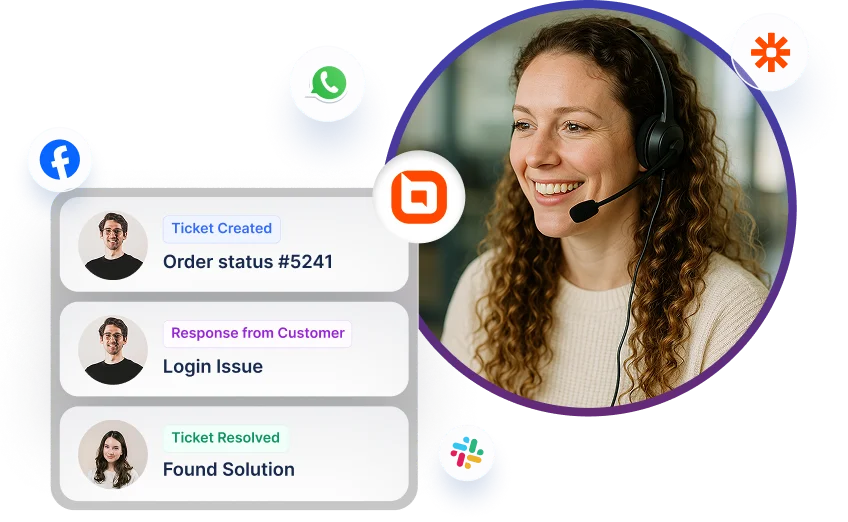
Help desk software interface showing ticket updates with multi-channel icons for Facebook, WhatsApp, and Slack.