




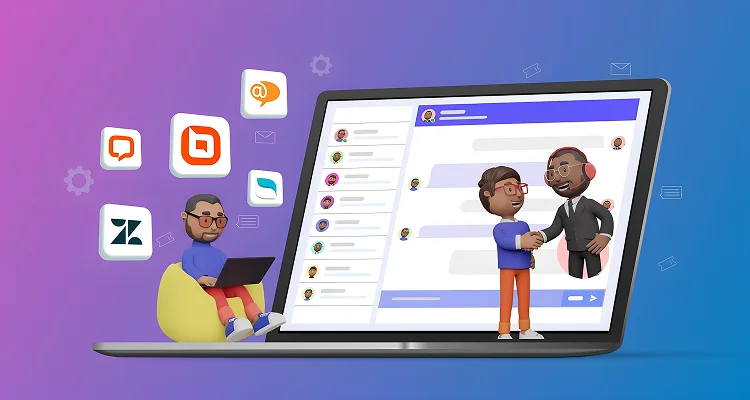




TL;DR: Live chat software enables real-time customer conversations on your website. The best tools combine routing, automation, analytics, and integrations to help teams resolve issues faster and convert more visitors. Leading solutions like BoldDesk, Intercom, and Zendesk can help deliver instant, consistent customer support.
Live chat has evolved from a simple website support feature into a core driver of modern customer experience.
Today’s customers expect instant help, without delays, switching channels, or repeating the same issue.
According to recent live chat statistics, live chat achieves an average customer satisfaction rate of about 92%, making it one of the highest-rated customer support channels.
From AI-powered automation to omnichannel messaging, modern live chat tools make it easier to provide fast, scalable, and high-quality customer service.
In this guide, we’ll explore the top live chat platforms, comparing key features, pricing, pros, cons, and best‑fit use cases to help you choose the right solution.
The right live chat tool depends on what the widget is for, not on which has the longest feature list.
Which live chat software is right for you?
The best live chat software depends on your business size, support needs, and budget.
Different businesses prioritize different live chat capabilities, from AI automation and omnichannel support to affordability and ease of setup.
Use the quick recommendations below to find the best fit for your use case.
| If you need | Look at |
| A well-rounded tool with no major trade-offs | BoldDesk |
| Something simple built for a small team | Tidio |
| A conversion-focused tool for sales-driven teams | LiveChat |
| The strongest free plan | HubSpot |
| Enterprise-grade workflows and scale | Zendesk |
| Chat, email, and social in one inbox with ticketing | BoldDesk |
| A permanently free tier for a very small team | HubSpot or Chaport |
| Flat pricing that does not scale per agent | BoldDesk |
| In-app messaging for a SaaS product | Intercom |
| The deepest AI deflection at enterprise scale | Intercom or Zendesk |
The details for each tool are below. If you’re already using a tool and you’re looking to leave, our LiveAgent alternatives guide may also be helpful.
How we evaluated the live chat software
We evaluated more than 20 live chat tools and shortlisted 14 for this comparison.
We assessed them based on channel coverage, AI capabilities, pricing models, reporting, integrations, user reviews, and overall value for businesses of different sizes.
- Product research: We reviewed official vendor websites, documentation, feature pages, and other publicly available resources.
- Pricing analysis: We collected starting prices from official vendor pricing pages in August 2026.
- Customer feedback: We considered publicly available G2 and Capterra ratings and reviews to understand users’ experiences.
- Use-case fit: We assessed each platform’s suitability for small businesses, ecommerce teams, SaaS companies, sales teams, and enterprise support operations.
- Comparison criteria: We focused on live chat functionality, AI and automation, omnichannel support, integrations, analytics, scalability, ease of use, and pricing.
Disclosure: BoldDesk is our product, and we evaluated it using the same criteria as every other platform and included its limitations. Pricing, ratings, and features were verified in September 2026 and may change.
Comparison table of the top live chat solutions in 2026
The table below compares 14 live chat platforms by their key features, starting price, ideal use case, and customer ratings.
| Live chat software and key features | Pricing | Best for | G2 review | Capterra rating |
BoldDesk
|
Starts at $99/month for 5 agents | AI-powered omnichannel customer support | 4.5/5 | 5/5 |
Olark
|
Starts at $29/user/month | Simple live chat for small businesses | 4.3/5 | 4.7/5 |
Tidio
|
Starts at $24.17/month (100 conversations) | Ecommerce chat automation | 4.6/5 | 4.7/5 |
Chatra
|
Starts at $25/user/month | Affordable live chat for startups | 4.2/5 | 4.7/5 |
Lime Connect
|
Starts at $100.15/month for 4 users | WhatsApp-first customer messaging | 4.4/5 | 4.6/5 |
Chaport
|
Starts at $33.84/month for 4 users | Easy-to-use live chat with automation | 4.7/5 | 4.9/5 |
LiveChat
|
Starts at $19/user/month | Conversion-focused sales chat | 4.4/5 | 4.6/5 |
Acquire
|
Contact Acquire | High-touch customer engagement | 4.2/5 | |
Zoho Desk
|
Starts at $7/user/month | Zoho-integrated support workflows | 4.4/5 | 4.5/5 |
LiveAgent
|
Starts at $15/user/month | Ticketing tools integration | 4.5/5 | 4.7/5 |
SendPulse
|
Starts at $8 per month | Marketing automation and chat | 4.6/5 | 4.6/5 |
HubSpot
|
Starts at $9/user/month | CRM-connected live chat | 4.4/5 | 4.6/5 |
Zendesk
|
Starts at $19/user/month | Enterprise-grade support operations | 4.3/5 | 4.4/5 |
Intercom
|
Starts at $29/user/month | In-app messaging for SaaS products | 4.5/5 | 4.5/5 |
The four pricing models, and which one suits you
In 2026 live chat tools bill in four different ways. This matters more than any feature comparison, because it determines what happens to your bill as you grow.
| Model | How it works | Best when | Risk |
| Per agent | Pay per seat per month | Small, stable teams | Cost rises with headcount even if volume does not |
| Per conversation | Pay per chat or per bundle | Low, predictable volume | A traffic spike raises the bill. Model it at your busiest month, not your average |
| Per AI resolution | Pay each time AI resolves a chat | Testing automation | Unbounded. Success costs more |
| Flat by team size | One price for a band of agents, all features included | Teams that want a predictable bill | You pay for the band, not for exact usage |
A trap worth knowing about: Several tools with attractive entry prices cap AI usage tightly and gate meaningful volume behind a much higher tier. Check the AI conversation cap on the plan you would actually buy, not the one in the headline.
How to compare properly: Model twelve months at your expected headcount, conversation volume, and AI usage rather than comparing entry-level pricing. A tool that looks affordable at 5 agents can become one of the most expensive options at 20.
Where BoldDesk sits: Flat monthly price by team size with every feature included, plus AI credits as a separate allowance ($20 per 1,000 beyond the included amount). Predictable, and it does not punish you for growing volume. It also means you pay for a band rather than exact usage, which is less efficient if your team sits just above a threshold.
Best live chat software and apps for real-time support
With so many options available, choosing the best live chat software can be challenging.
To help simplify your decision, we’ve compiled this list of the top live chat solutions to help you find the right fit for your customer support needs.
1. BoldDesk
Best for: Small to mid-sized teams that want AI live chat software with ticketing and omnichannel support at a predictable cost.
BoldDesk offers a powerful live chat solution as part of its omnichannel help desk software, enabling real-time customer support across websites and apps.
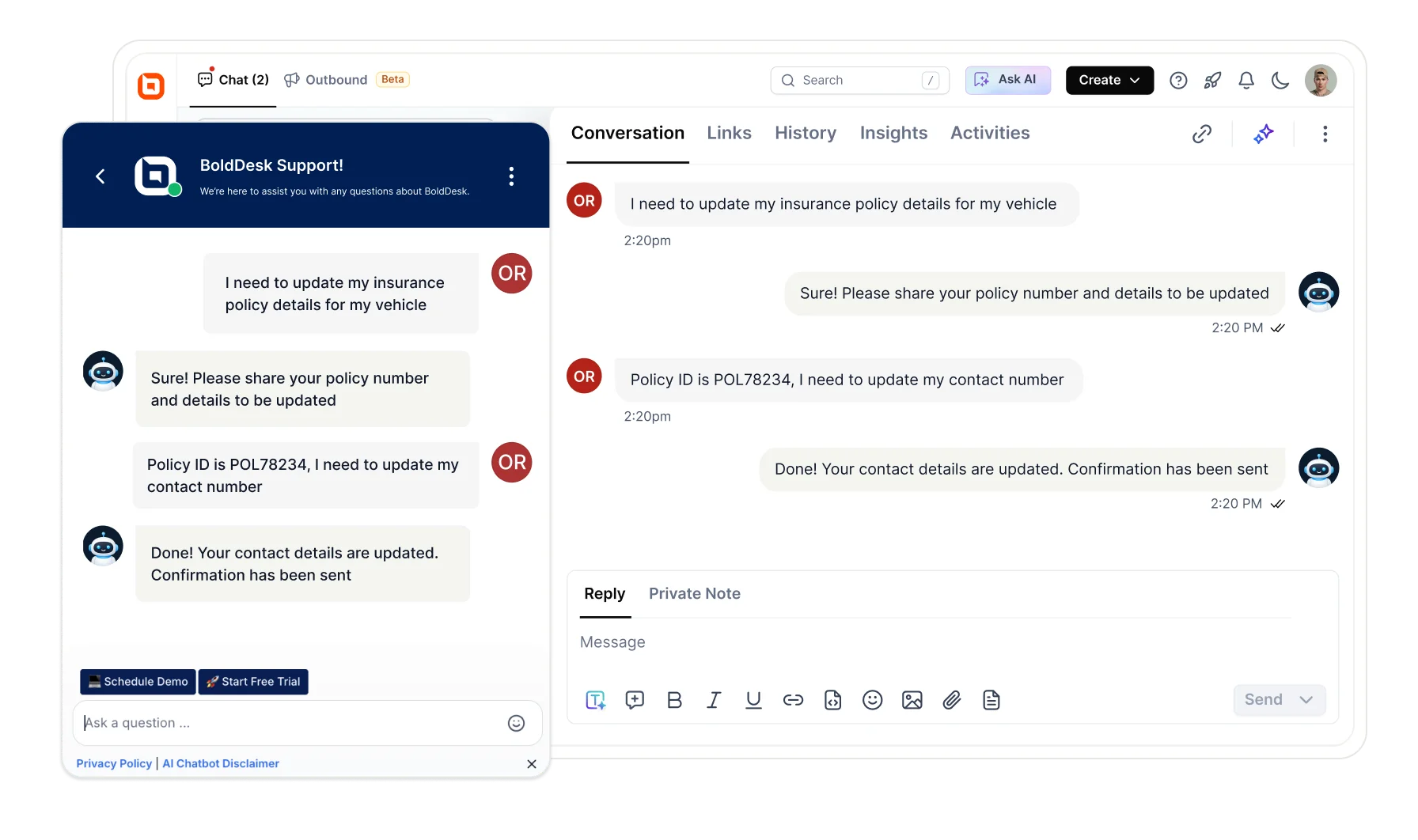
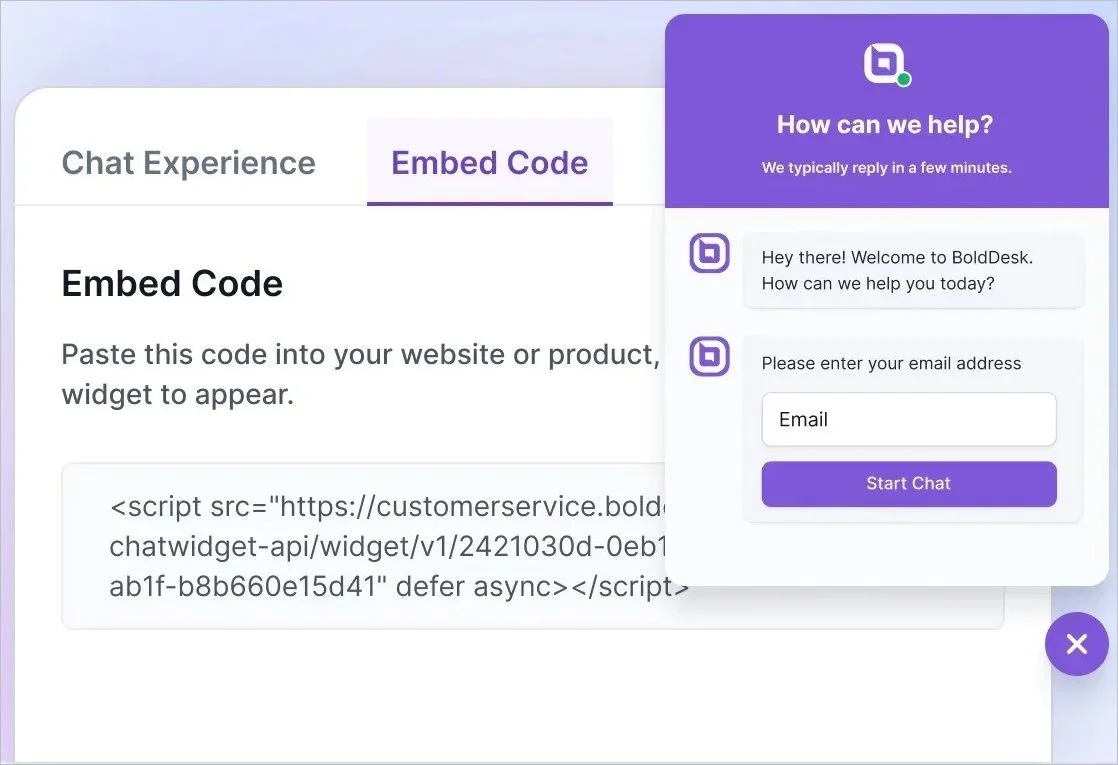
Businesses can deploy a customizable live chat widget and quickly add live chat to their website without extensive development work.
It also enables businesses to convert chat conversations into tickets, ensuring issues can be tracked and followed through to resolution.
BoldDesk’s key features
- Omnichannel live chat experience
- Live chat reporting and analytics
- Customizable chat widgets
- AI agent and AI Copilot in chat
- Chat history and conversation transcripts
Why choose BoldDesk’s live chat software?
BoldDesk differentiates itself by combining live chat, ticketing, and AI‑driven automation into a single platform designed for fast, consistent customer support.
Here’s what makes BoldDesk a strong choice:
- Quick deployment: The live chat widget can be embedded into your website or app in seconds and start engaging customers immediately.
- AI‑driven assistance: Features like AI Agent, AI Actions, and AI Copilot automate responses, trigger workflows, and provide real‑time response suggestions to reduce resolution times.
- Unified chat and ticketing: Convert live chats into tickets to track issues, maintain context, and ensure consistent follow‑ups.
- Omnichannel support: Omnichannel customer service lets you manage conversations from channels like WhatsApp, Facebook, and more through a single, unified dashboard.
- Visitor insights: Track customer browsing behavior before chats begin, enabling more personalized responses and better website optimization.
- 24/7 message handling: Allow customers to leave messages outside business hours and receive responses via email.
Cons
- No permanently free plan. There is a 15-day trial and a free year for eligible startups, but no free tier to sit on indefinitely.
Pricing: BoldDesk offers tiered pricing based on the number of agents, starting at $99 per month for 5 agents.
Free trial: 15 days
What users say on G2
“BoldDesk helps us manage all customer queries in one place, which makes tracking and resolving issues much easier.” – Nilesh C., Team Lead, Customer Experience, Small-Business
2. Olark
Best for: Small businesses that want a simple live chat for websites with an easy setup.
Olark is a lightweight live chat platform designed for small and mid‑sized businesses that want simple, real‑time website support.
It focuses on easy deployment, agent visibility, and quick customer conversations without complex setup.
Key features
- Customizable chat widgets
- Pre-chat forms and visitor information capture
- Automated chat routing and assignment
- Targeted chat invitations and triggers
- CRM and business tool integrations
Pros
- Send personalized messages triggered by location, page URL, or browsing patterns to boost engagement and conversions.
- Set limits on the number of chats each agent can handle at once to maintain quality and avoid burnout.
Cons
- While Olark offers basic analytics, it lacks the advanced reporting features found in more robust platforms.
Pricing: Starts at $29/user/month
Free trial: 14 days
What users say on G2
“I like the fact that Olark is nice and simple to set up!” – Verified User in Computer Software
3. Tidio
Best for: Ecommerce businesses that rely on AI chat automation and multichannel customer engagement.
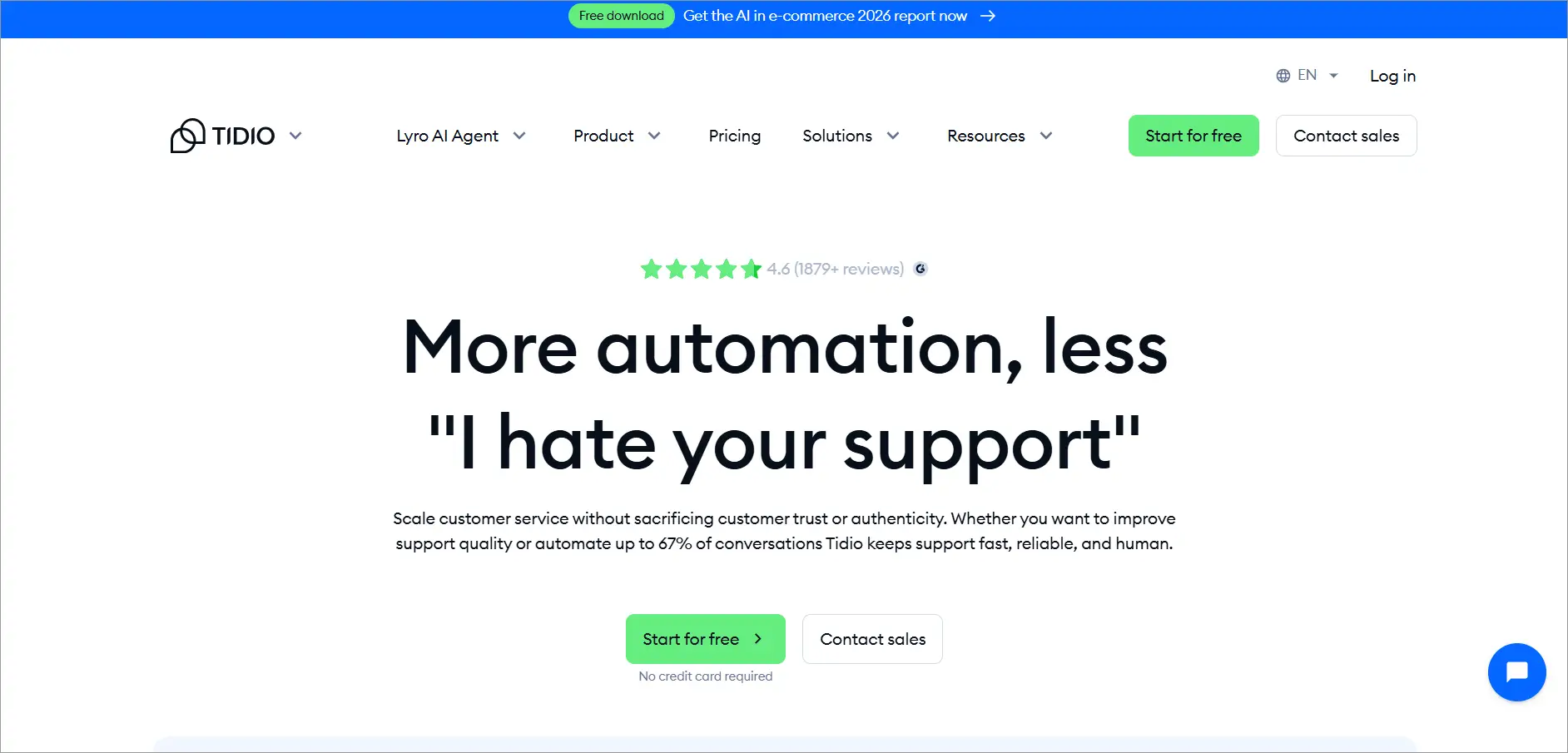
Tidio is a customer messaging platform tailored for businesses looking to improve their ecommerce live chat experience through automation and multichannel engagement.
It centralizes messages from chat and other channels, making it easier to engage customers and manage interactions from one interface.
Key features
- AI chatbot and Lyro AI assistant
- Shopify and ecommerce integrations
- Omnichannel shared inbox
- Visitor tracking and behavior insights
- Automated workflows and chat routing
Pros
- Manage customer conversations from live chat, email, Messenger, and Instagram, all in one unified dashboard.
- Automatically gathers visitors’ details like location, browsing behavior, and contact info to help agents personalize support and follow up.
Cons
- While Tidio offers chatbot and automation features, usage is capped in every plan, including paid tiers, limiting scalability for high-volume support teams.
Pricing: Starts at $24.17/month for 100 conversations
Free trial: 7 days
What users say on G2
“The live chat interface is straightforward to use, and being able to respond to questions in real time helps cut down on wait times and improves the overall support experience.” – Sree K, Software Development Engineer in Test III, Computer Software, Mid-Market
4. Chatra
Best for: Startups looking for an affordable live chat with lightweight collaboration features.
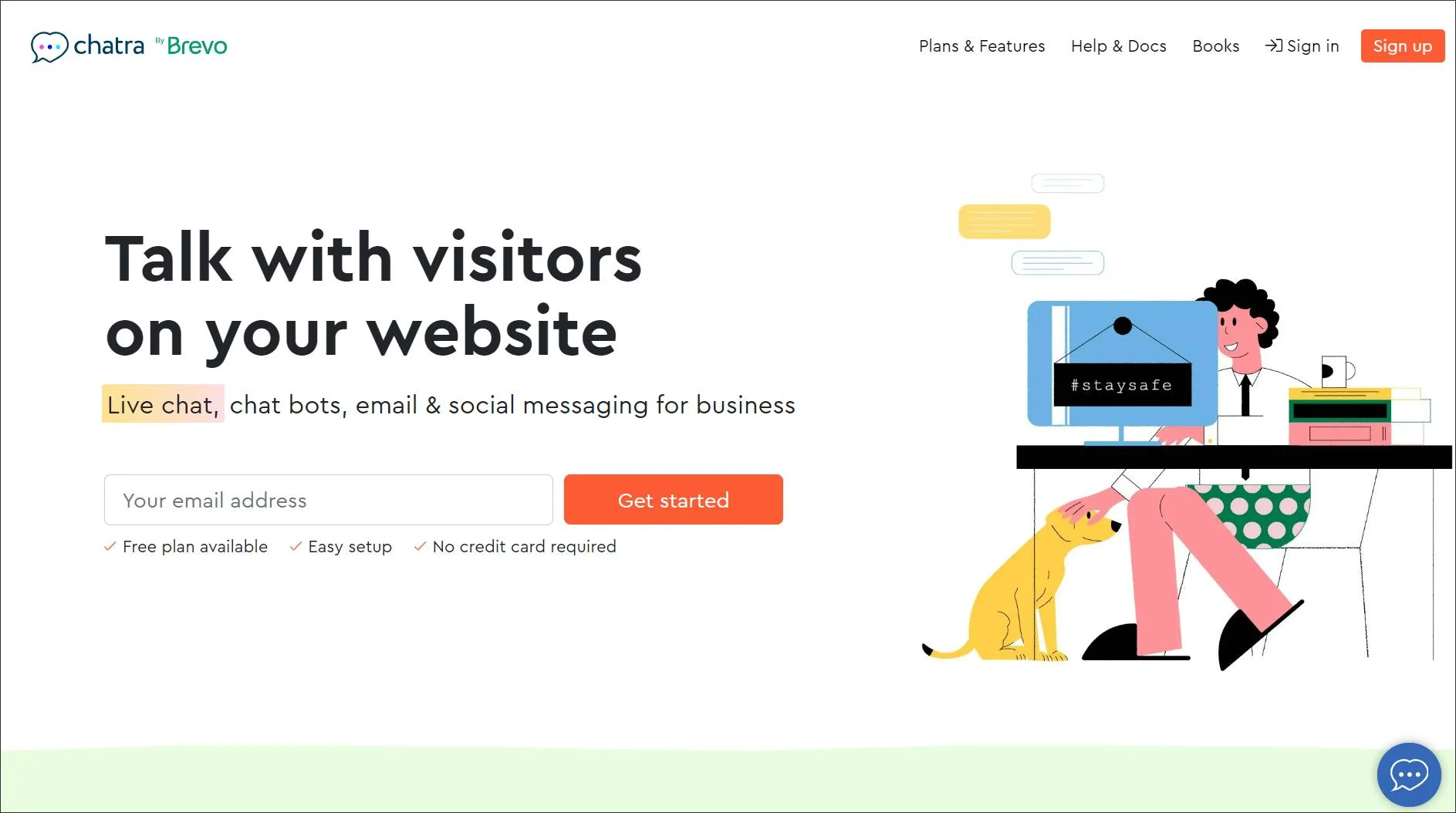
Chatra is one of the best live chat apps for websites that enables real‑time conversations by showing active visitors and allowing instant engagement.
It supports offline messaging and team collaboration, helping businesses answer questions quickly and assist customers throughout the buying journey.
Key features
- Real-time visitor monitoring
- Offline message collection
- Group chats for agent collaboration
- Facebook Messenger integration
- Typing insights and proactive messaging
Pros
- Provides typing insights and visitor tracking to enable proactive live chat support.
- Combines chat, email, and Facebook Messenger into a single inbox for streamlined communication.
Cons
- Lacks a built-in ticketing system and advanced automation features.
Pricing: Starts at $25/user/month; free plan available for one user
Free trial: 10 days
What users say on G2
“It’s user-friendly for chatting, and the ability to attach files is very helpful.” – Verified User in Health, Wellness and Fitness
5. Lime Connect
Best for: Businesses focused on WhatsApp-first customer communication and messaging automation.
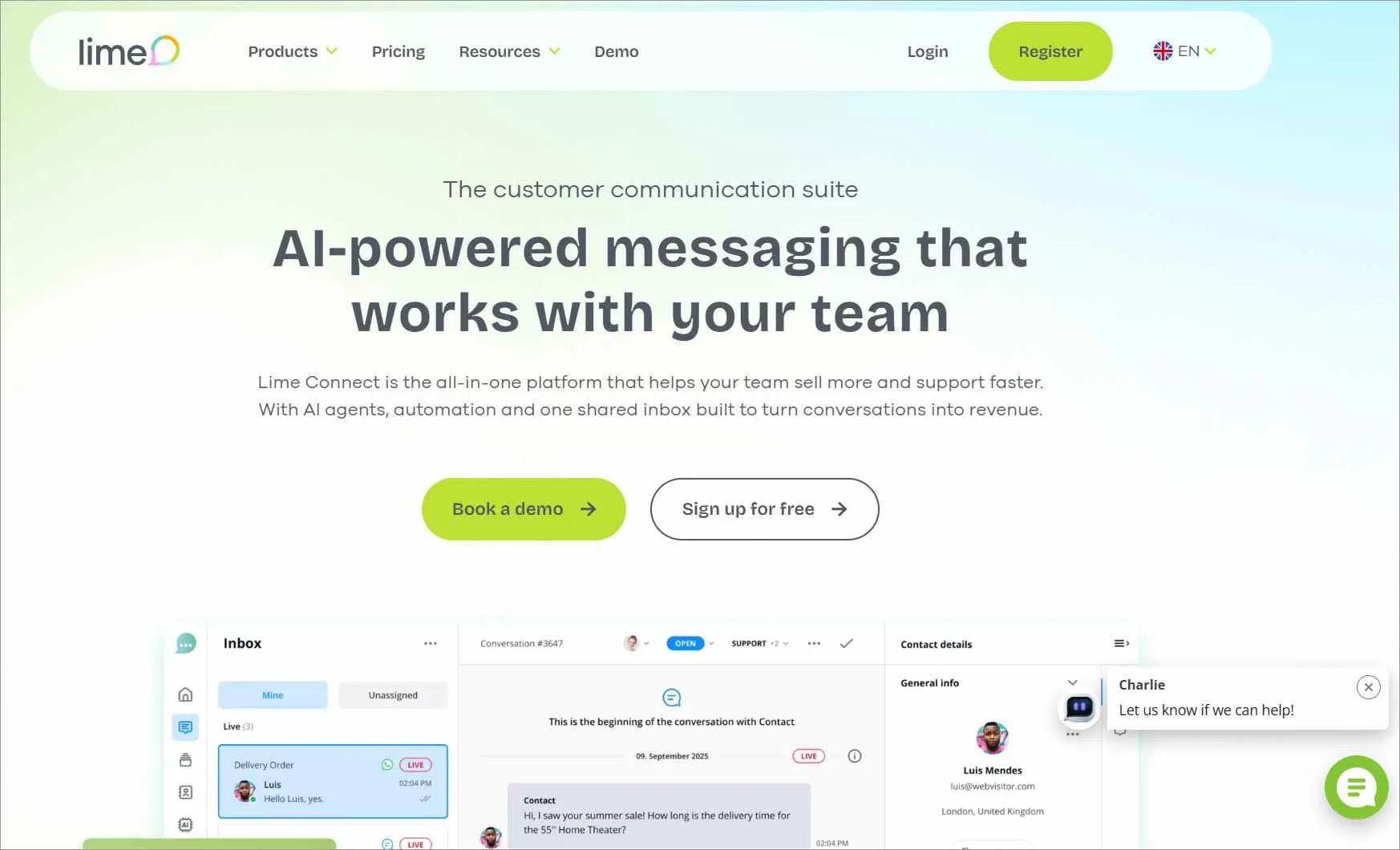
Lime is one of the best live chat software solutions designed to help businesses engage website visitors in real time.
It offers flexible chat widgets and integrations that make it easy to tailor conversations and manage messaging alongside existing tools.
Key features
- WhatsApp marketing
- Integration options
- AI automation
- Live translation
- Messenger customization
Pros
- Unifies messaging across websites, WhatsApp, Facebook Messenger, and SMS.
- Features an AI Automation Hub with chatbot, Smart FAQ, and NLP-powered responses.
Cons
- Automation setup can be complex for non-technical users.
Pricing: Starts at $100.15/month for 4 users; free plan available for one user
Free trial: 14 days
What users say on G2
“The UI is simple yet effective, it has many useful features, and it is easy to implement it in our operations” – Nello P., Small-Business
6. Chaport
Best for: Growing teams that want easy-to-use live chat with built-in automation and chatbot features.
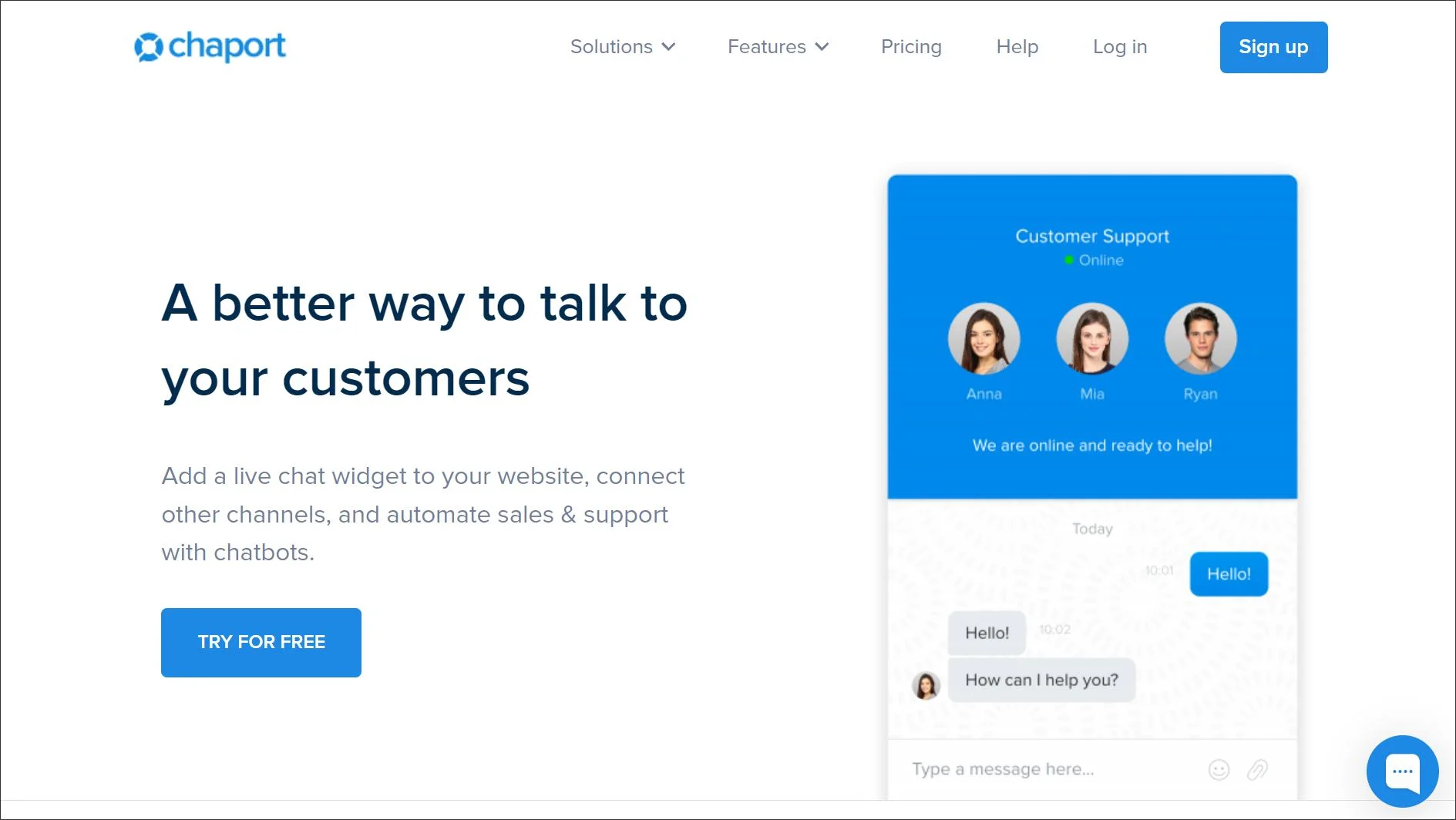
Chaport is a simple live chat platform that supports real‑time communication with website visitors through features like automatic chat routing and proactive messaging.
It helps businesses engage customers quickly and manage conversations efficiently without a complex setup.
Key features
- AI-powered chatbot
- Automatic chat routing
- Customizable chat widget
- Proactive chat invitations
- Chat reporting and analytics
Pros
- Offers a customizable chat widget for websites with proactive messaging and branding options.
- Includes an AI-powered chatbot to automate customer interactions and save time.
Cons
- The free live chat software plan is limited to two operators, which may not suit growing teams.
Pricing: Starts at $33.84/month for 4 users; free plan available for two users
Free trial: 14 days
What users say on G2
“The user-friendly interface ensures easy navigation and seamless interactions” – Silence A., Mid-Market
7. LiveChat
Best for: Sales-driven businesses that prioritize customer engagement and conversion-focused live chat.
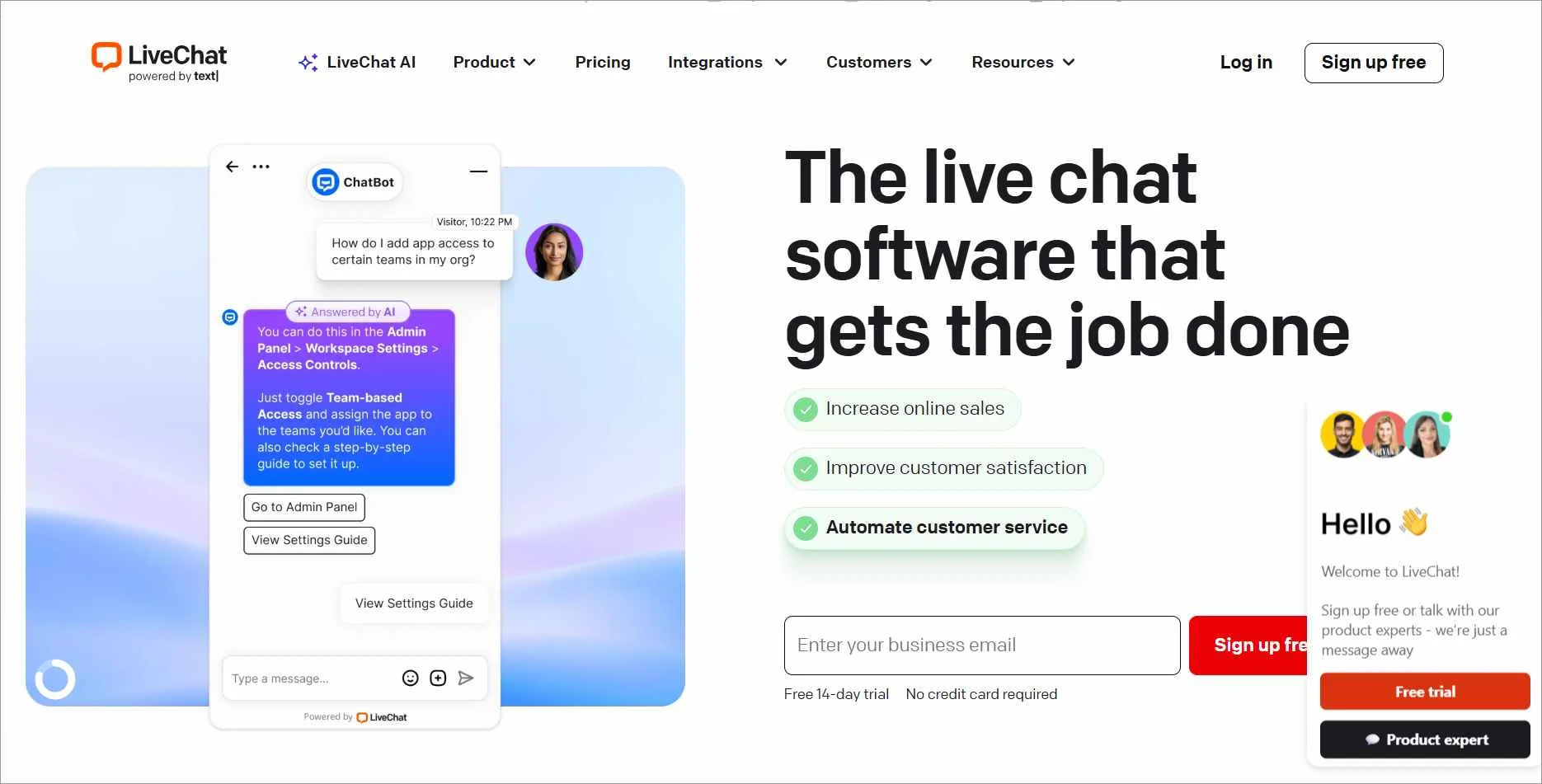
LiveChat is a customer service chat platform that enables real‑time conversations between businesses and website visitors, enabling efficient online support.
Key features
- Real-time website chat
- Customizable chat widgets
- Canned responses and chat shortcuts
- Chat transfer and agent routing
- Multichannel messaging support
Pros
- Easily tailor the look and feel of your chat interface to match your brand, creating a seamless and professional customer experience.
- Connect LiveChat with popular tools like CRM systems, ecommerce platforms, and analytics apps to streamline workflows.
Cons
- Requires third-party tools or add-ons for full support functionality, which can increase complexity and cost compared to some LiveChat alternatives.
Pricing: Starts at $19/user/month
Free trial: 14 days
What users say on G2
“LiveChat helps us streamline and centralize real-time communication with prospects and clients across our website.” – Brianna C., Senior Marketing Specialist, Small-Business
8. Acquire
Best for: Teams that need high-touch customer interactions with video, co-browsing, and live messaging.
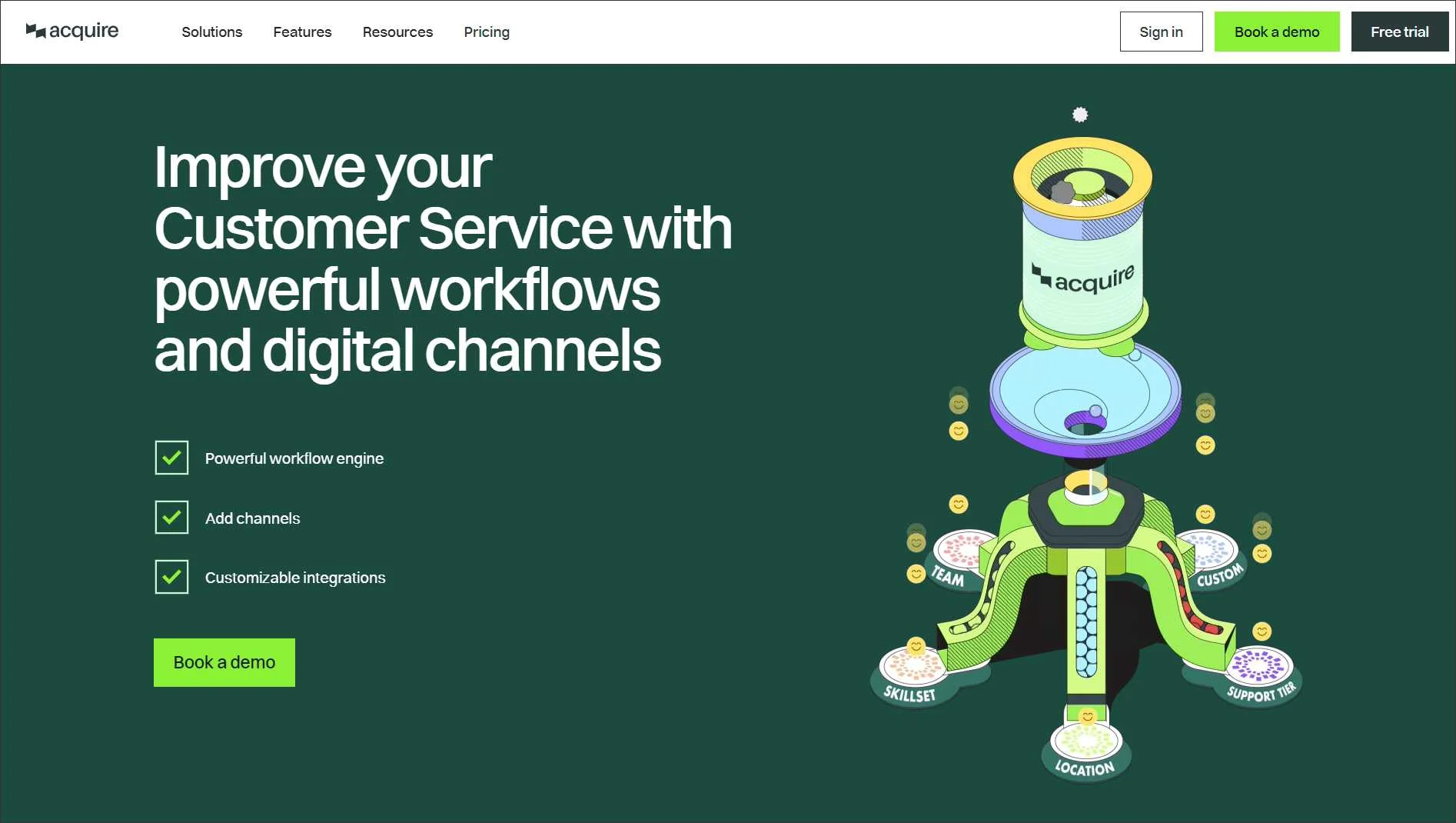
Acquire is an omnichannel customer support platform that enables businesses to engage customers across live chat and other channels, allowing agents to guide customers more effectively during support and sales conversations.
Key features
- Live messaging
- Voice and video calling
- Workflows
- Co-browsing and screen sharing
- Unified customer interaction history
Pros
- Supports real-time customer engagement through chat, video, and screen sharing for personalized support.
- Includes AI chatbots to automate FAQs and lead qualification.
Cons
- Customization options for the chat widget are limited.
Pricing and free trial: Contact Acquire
What users say on G2
“Simply interface. Easy integration process with our existing software. Easy to manage multiple chats at a time.” – Brian Y., Small-Business
9. Zoho Desk
Best for: Organizations already using Zoho products that want live chat integrated into support workflows.
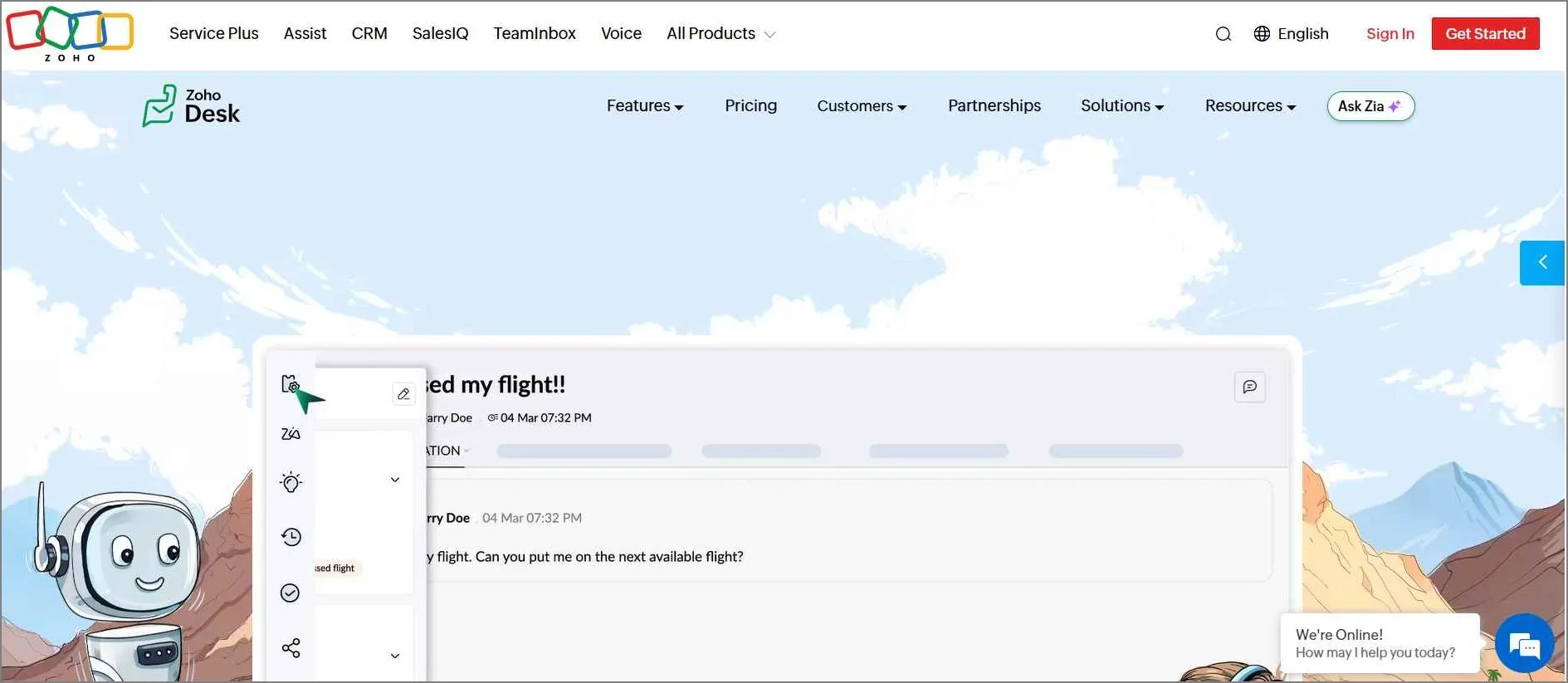
Zoho Desk is a help desk platform within the Zoho ecosystem that includes live chat and customer messaging capabilities to reduce wait times and enable real‑time support.
Its built‑in AI assistant uses knowledge base content to answer common questions, helping teams deflect tickets and improve response efficiency.
Key features
- AI-powered customer assistant
- Automated ticket routing
- Knowledge base and self-service portal
- Omnichannel customer conversations
- Custom reports and support analytics
Pros
- Provides AI-powered ticket routing and sentiment analysis to streamline support and avoid agent collision.
- Delivers a 360-degree customer view by pulling data from multiple channels.
Cons
- Has a steep learning curve for teams unfamiliar with Zoho’s ecosystem.
Pricing: Starts at $7/user/month
Free trial: 15 days
What users say on G2
“What I particularly like about Zoho Desk is the centralized and clear management of all customer inquiries.” – Thomas A., Administrator, Small-Business
10. LiveAgent
Best for: Customer support teams that want live chat tightly connected with ticketing and call center tools.
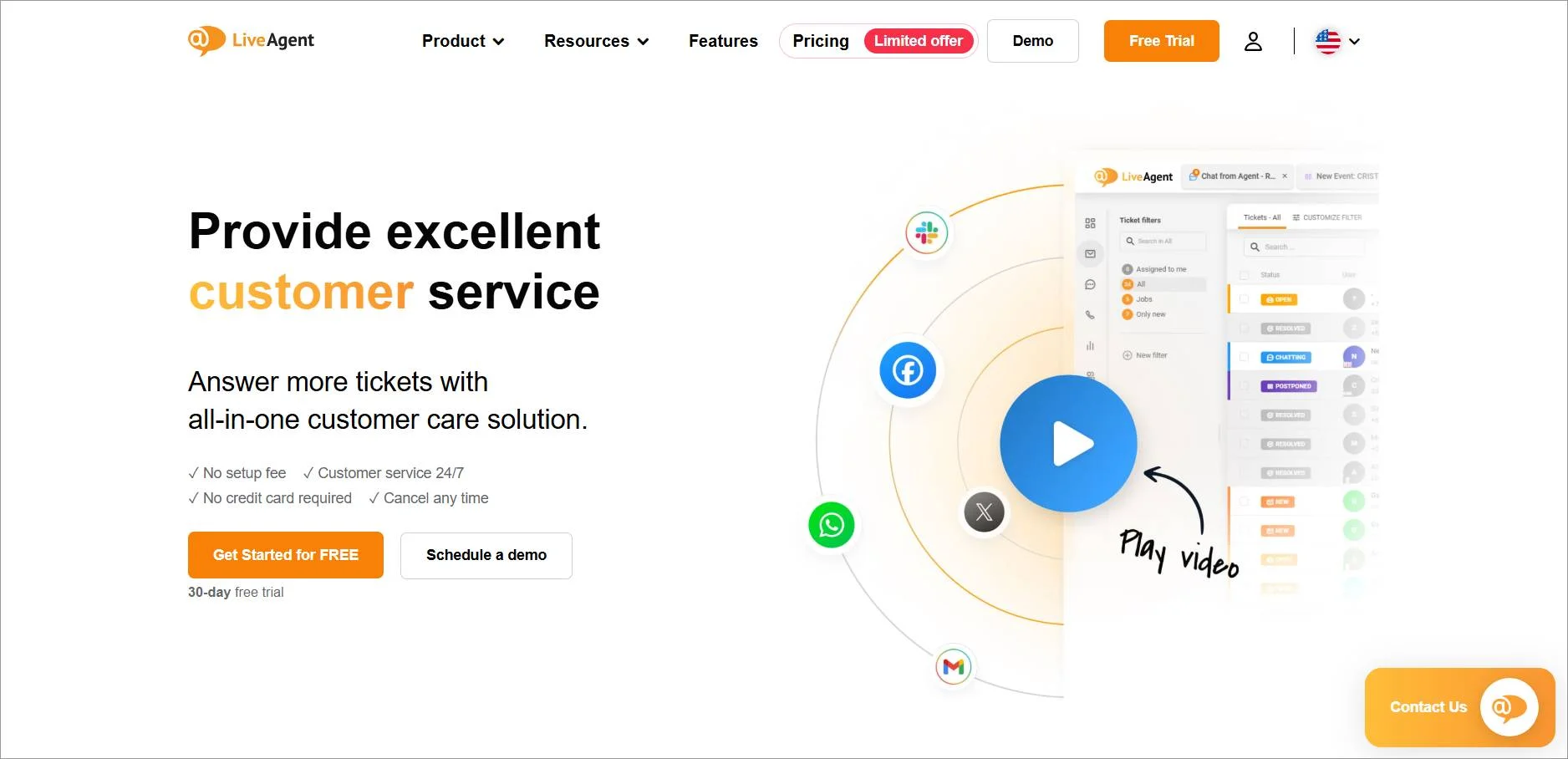
LiveAgent is a multipurpose live chat tool for customer support, enabling teams to manage conversations across channels and track issues efficiently.
Key features
- Ticketing system
- Call center
- Customer service reporting
- Multilingual support
- Customer portal
Pros
- Reaches out to visitors automatically based on behavior, boosting conversions and customer satisfaction.
- Stores chat transcripts, customer details, and ticket history securely within the platform, with no need for external tools.
Cons
- Some powerful tools like automation rules and reporting are only available in premium packages, leading some businesses to evaluate LiveAgent alternatives with more accessible features.
Pricing: Starts at $15/user/month
Free trial: 14 days
What users say on G2
“A major advantage of LiveAgent was its multi-site live chat system, which enabled us to seamlessly manage customer inquiries across multiple websites from the same hub.” – Jessica R., Account Manager, Small-Business
11. SendPulse
Best for: Marketing teams that combine live chat with email campaigns, chatbots, and automation.
SendPulse offers live chat tools that include chatbot integration, a built‑in CRM, and a mobile app for managing customer conversations on the go.
It helps teams centralize interactions, automate replies, and stay responsive across channels.
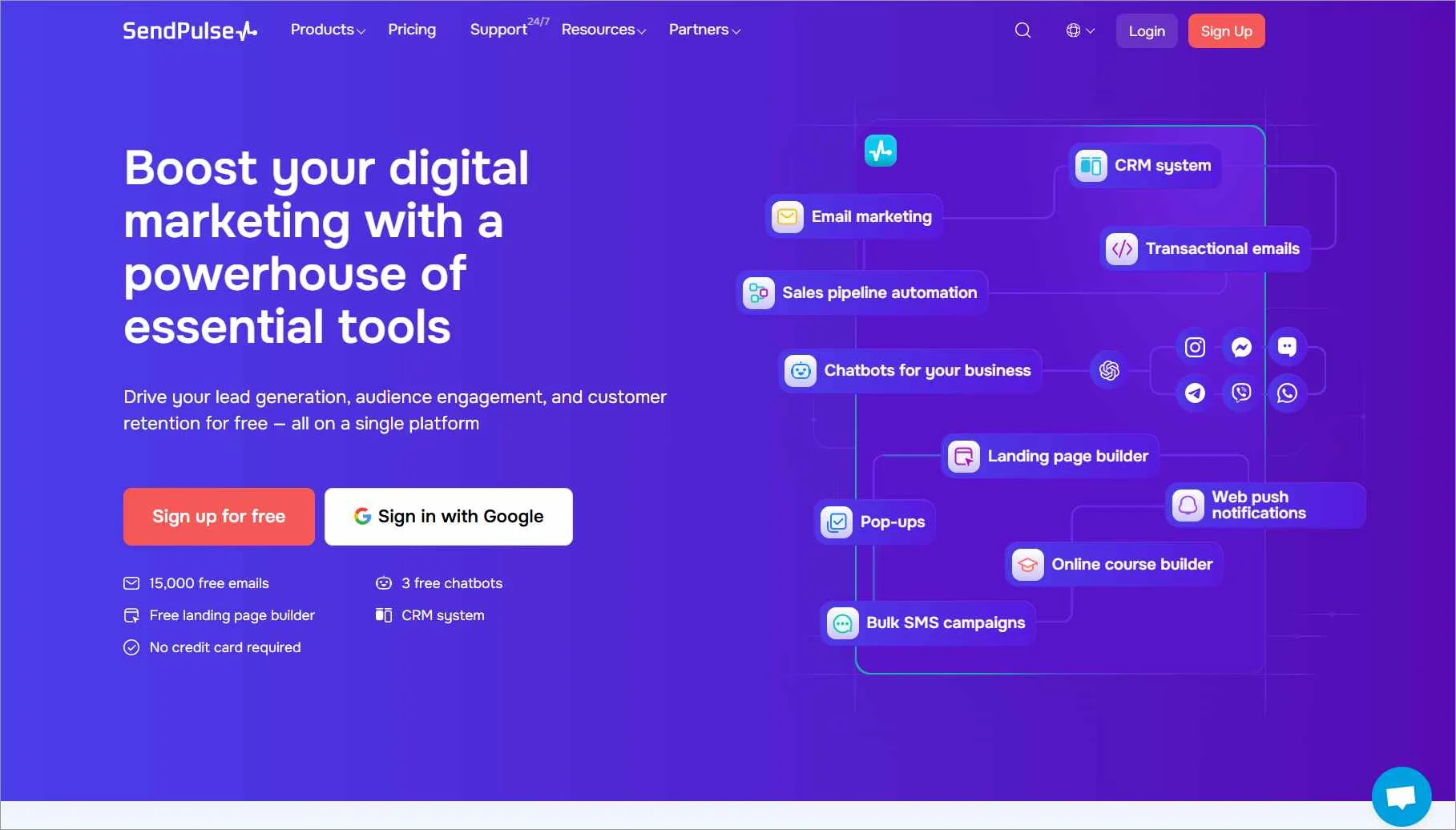
Key features
- WhatsApp chatbots
- Automation
- Email campaigns
- Omnichannel inbox
- Bulk SMS
Pros
- Engages customers across multiple channels, including live chat, email, and push notifications.
- Offers a visual automation builder that simplifies workflow creation without coding.
Cons
- A multi-channel setup may require technical expertise for full optimization.
Pricing: Starts at $8 per month
Free trial: 7 days
What users say on G2
“The SendPulse chatbot builder is intuitive, easy to use, and it simply works.” – Vercueil v., Founder, Small-Business
12. HubSpot
Best for: Businesses that want live chat deeply integrated with CRM, marketing, and sales operations.
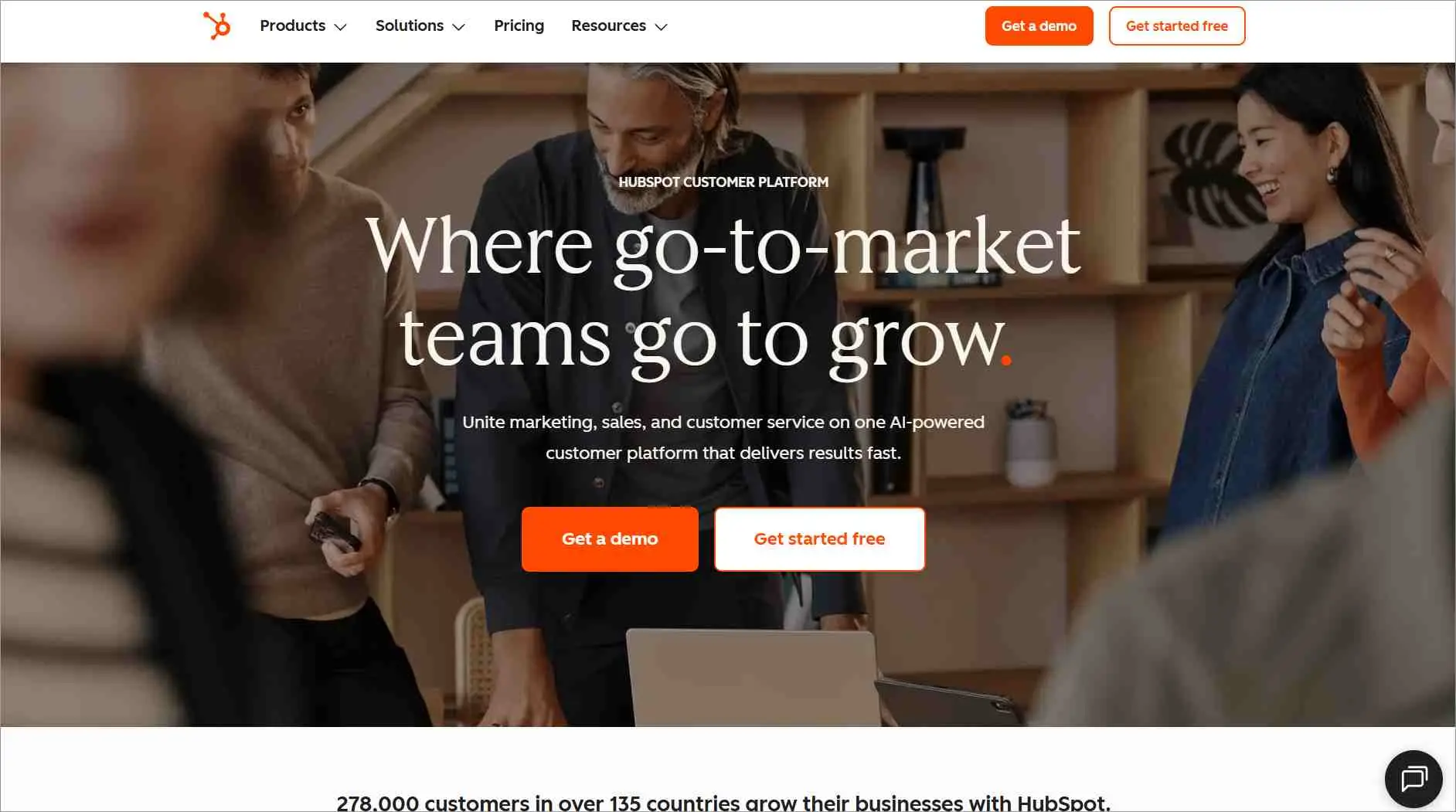
HubSpot offers one of the best live chat solutions as part of its all‑in‑one marketing, sales, and customer service platform, enabling teams to manage conversations alongside CRM data, automation, and support tools.
Key features
- CRM-connected live chat
- Conversational inbox
- Chatbots and workflow automation
- Chat routing and ticket creation
- Customer activity tracking and insights
Pros
- Automatically direct chats to the right agent based on availability, skill set, or custom criteria, ensuring faster and more relevant responses.
- Track chat metrics like response time, resolution rate, and customer satisfaction to continuously optimize your support strategy.
Cons
- While HubSpot works well within its own ecosystem, connecting with external tools may require workarounds or additional setup.
Pricing: Starts at $9/user/month; free plan available
Free trial: 14 days
What users say on G2
“I like that HubSpot keeps all the information in one place and makes it easy to see what’s going on at a glance.” – Verified User in Higher Education
13. Zendesk
Best for: Enterprise support teams that require advanced workflows, automation, and scalable support operations.
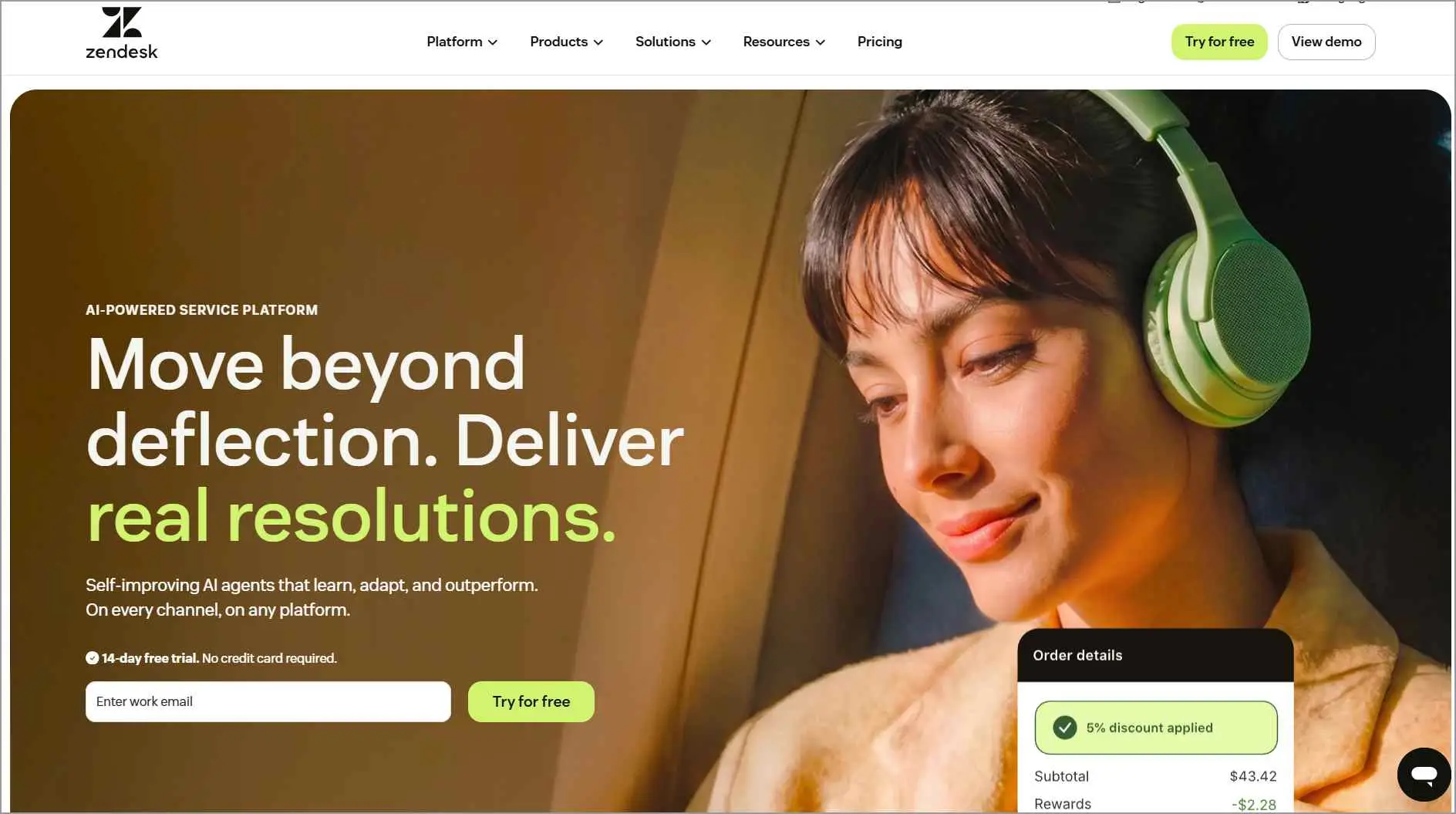
Zendesk’s chat solution allows businesses to manage real‑time conversations alongside tickets, automation, and customer data.
This integration helps support teams deliver consistent, contextual assistance across multiple channels from a unified interface.
Key features
- Real-time messaging and live chat widget
- AI-powered bots and automated responses
- Omnichannel conversation routing across web, mobile, and social
- Ticketing and case management
- Knowledge base and self-service deflection
Pros
- Zendesk leverages advanced AI trained on billions of customer interactions to automate responses and reduce resolution time.
- Tailor workflows, chat triggers, and interface elements to match your business needs and branding, offering flexibility for teams of all sizes.
Cons
- Unlike some platforms with built-in automation, Zendesk requires custom chat triggers to enable proactive outreach, which may be time-consuming for smaller teams.
Pricing: Starts at $19/user/month
Free trial: 30 days
What users say on G2
“One thing I like about Zendesk is that it keeps all customer conversations in one place. Whether the customer contacts us by email, chat, or another channel.” – Donavan D, Training Manager, Logistics and Supply Chain, Mid-Market
14. Intercom
Best for: Product-led SaaS companies focused on in-app messaging, onboarding, and proactive engagement.
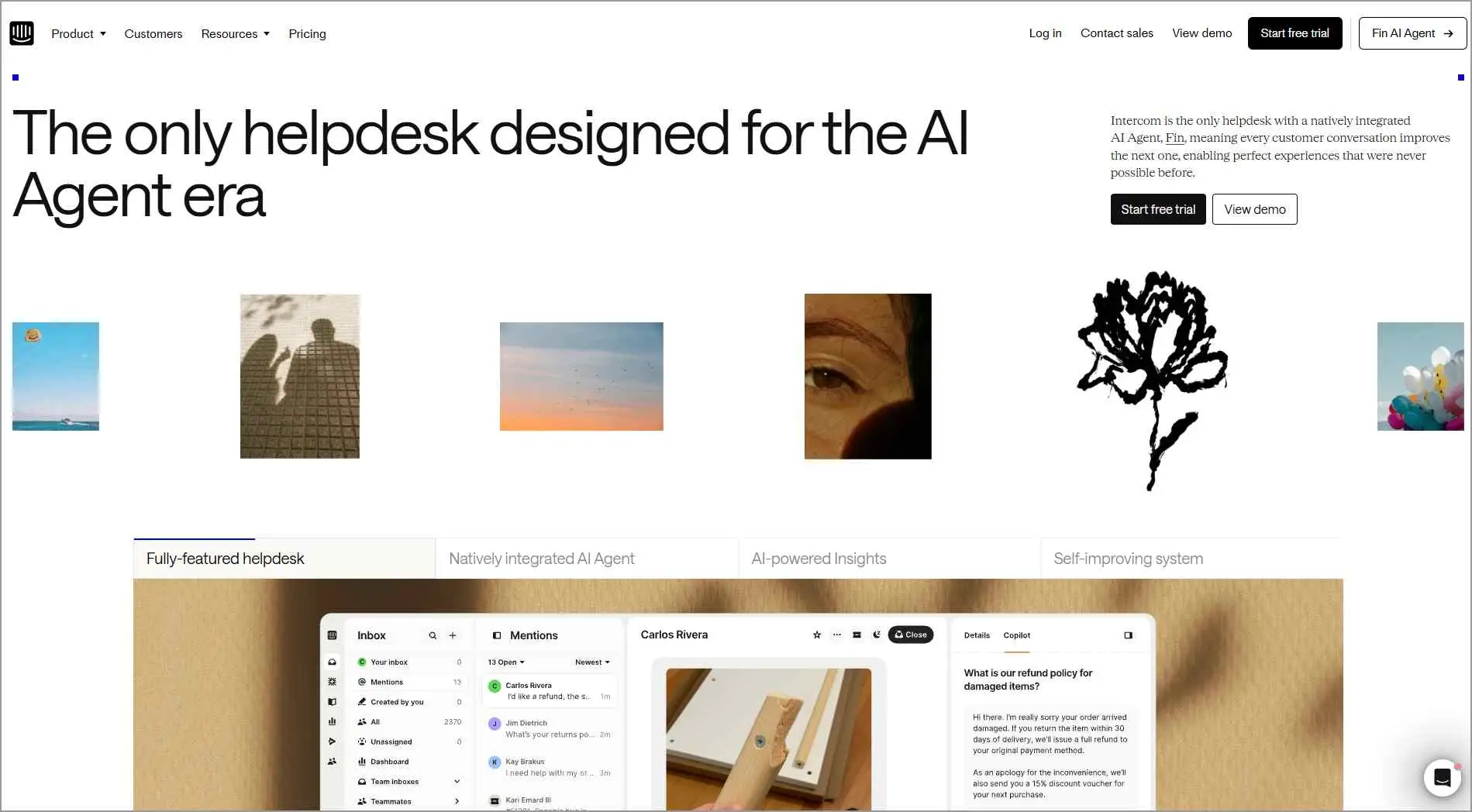
Intercom is a customer support platform that includes live chat as a core feature, enabling businesses to engage users with personalized, real‑time messaging.
It uses customer data and behavioral context to trigger targeted messages and route conversations, helping teams deliver more relevant support.
Key features
- Automated responses
- Integration options
- Reporting and analytics
- Knowledge hub
- Ticketing system
Pros
- Intercom uses automation and AI to initiate conversations, resolve common queries, and guide users through their journey.
- Match the chat interface to your brand and control visibility settings to optimize user experience across different pages.
Cons
- Intercom’s advanced features come at a high cost, which may not be the best live chat software for small businesses or startups with limited budgets.
Pricing: Starts at $29/user/month
Free trial: 14 days
What users say on G2
“It really redefines what a chatbot can do, and the functionality and UI/UX are far beyond what I’ve seen with other chatbot providers.” – Karan S., Events Platform Administrator, Mid-Market
How does live chat software work?
Live chat software works by embedding a chat widget on your website or app, letting visitors start a conversation that’s automatically routed to an available agent.
The agent responds within the same interface using tools like pre-chat forms, live chat scripts, offline messaging, and AI-powered automation to keep the conversation moving.
For a step-by-step walkthrough of setting this up on your own site, see our guide on how to add live chat to your website.
Why live chat software is important for modern customer support
Live chat enables businesses to provide immediate assistance without requiring customers to leave a website or switch channels.
It also helps teams manage conversations more efficiently through automation and AI-powered assistance.
As a result, it has become a key component of modern live chat support strategies.
Key features to consider when choosing the right live chat software
When evaluating live chat support software, consider the following factors to ensure it meets your support and business needs.
- Ease of use: Choose the best live chat solutions with an intuitive interface to enable faster onboarding and more efficient agent workflows with minimal training.
- Feature set: Look for essential features such as real‑time messaging, chat transcripts, canned responses, customer sentiment analysis, and real‑time reporting and analytics to improve support efficiency and consistency.
- Integration capabilities: The software should integrate seamlessly with your existing tech stack, including help desk, contact management systems, and ticketing systems, to centralize data and streamline workflows.
- Customization options: Look for tools that allow you to personalize chat widgets, automate greetings, and tailor chat flows based on customer behavior.
- Scalability: Choose a live chat support solution that can support growing teams, multiple departments, and higher chat volumes without compromising performance.
- Cost-effectiveness: Compare pricing models and free trials to balance affordability with the features required to meet your customer service goals.
- User experience: Evaluate both the customer-facing and agent-facing experiences, including performance, mobile responsiveness, and accessibility.
- Reviews and ratings: Check trusted platforms like G2 for user reviews and real-world feedback to validate performance and identify limitations.
Deliver faster, smarter support with the best live chat software
Fast, seamless communication has become a key differentiator for delivering modern customer experiences.
By improving response times, customer satisfaction, and agent productivity, live chat platforms play a critical role in building scalable and effective support operations.
Choosing the right live chat solution based on your business needs and budget can help strengthen customer relationships and drive long-term growth.
Ready to streamline support workflows and deliver faster, more personalized support? Start a 15-day free trial to see how BoldDesk works for your team.
Have you used live chat tools before? Share your insights in the comments to help other businesses make informed decisions.
Related articles
- 12 Live Chat Metrics to Measure for Effective Customer Support
- The Power of Real-Time Support in Customer Experience
- How Ecommerce Support AI Agents Can Drive Revenue Growth in 6 Months
Frequently Asked Questions
Live chat software is a real‑time messaging tool that lets businesses communicate with website or in-app visitors through an embedded chat interface.
It usually appears as a chat widget, allowing customers to contact support or sales while browsing.
Live chat software connects customers with human agents in real time, while chatbots use automation and AI to handle common questions and simple requests. Learn more in our guide to chatbot vs. live chat.
Live chat software comes in different types based on business needs and feature depth.
These include standalone live chat software, help desk-integrated live chat, omnichannel live chat software, AI-powered live chat solutions, and sales-focused live chat tools.
The key features for live chat tools include real-time messaging, chat routing and assignment, conversation history, analytics, and integrations with help desk or CRM systems to ensure fast, contextual support.
Modern platforms also add AI-powered automation, omnichannel messaging, and customization options to help teams scale efficiently and deliver consistent customer experiences.
While live chat software improves customer engagement, it can be limited by internet connectivity, agent overload during peak times, and the need for proper setup and training.
To be effective at scale, businesses should balance automation with human support for complex or sensitive conversations.
AI enhances live chat software through intent detection, automated responses, chatbot workflows, and predictive routing.
These capabilities reduce wait times, increase resolution efficiency, and allow agents to focus on complex customer issues.





