



TL;DR: The best live chat widget depends on your budget, support requirements, automation needs, and integration preferences. While tools such as Tidio, HubSpot, and Chaport offer permanent free plans, BoldDesk provides a 15-day free trial and a free year for eligible startups.
You’ve probably seen it happen; you’re browsing a website when a small chat window pops up, asking if you need any help.
It feels simple, almost effortless, yet that tiny interaction can be the spark that turns a casual visitor into a committed customer.
A live chat widget is a small chat box embedded on a website that lets visitors get instant assistance from a human agent or an AI assistant.
With real‑time responses and human‑like interaction, it’s no surprise that more consumers prefer live chat over waiting in long queues or switching channels.
Gartner reports that self‑service and live chat will surpass traditional support channels such as phone and email as the top customer service technologies by 2027.
At the same time, the market offers a wide range of live chat solutions, each with different features, automation capabilities, and customization options, making it challenging to determine which one best fits your customer needs.
In this article, we’ll compare the best live chat widgets, including their key features, pricing, free-plan availability, and ideal use cases to help you choose the right solution.
What is a live chat widget?
A live chat widget is a small software tool embedded on a website or app that enables real-time communication between businesses and their customers.
It is one of the core features of live chat software, helping support and sales teams answer questions, resolve issues, and engage visitors instantly.
Most live chat widgets appear as a floating chat button that opens a conversation window, alongside other features such as chatbots, routing, and reporting.
How does a live chat widget work?
A live chat widget is added to a website using a small code snippet. When visitors open it, the system can collect their details and route the conversation to an available agent, chatbot, or AI assistant.
Messages are exchanged in real time, and transcripts are saved for future reference.
Modern widgets may include file sharing, automated routing, and integrations with other channels or tools and reporting tools for tracking key live chat metrics.
Why does your business need a live chat widget?
Adding a live chat widget to your website offers several advantages, including:
- Ensures faster customer support: Live chat widgets allow customers to get instant answers to their questions, improving customer satisfaction and increasing conversion opportunities.
- Increases sales: By providing immediate assistance, live chat widgets can help guide customers through a purchase, answer any queries about products or services, and reduce the chances of cart abandonment.
- Reduces support costs: Chat website widgets are often more cost-effective than phone support because agents can handle multiple conversations at once, reducing staffing needs.
- Gives a competitive advantage: Offering live chat support shows customers that you value their time and experience, setting your business apart from competitors who do not provide the same customer service standards.
- Gathers customer insights: Chat conversations reveal customer pain points, common questions, and buying objections, helping you improve products, services, and overall customer experience.
- Enables proactive engagement: With live chat widgets, businesses can proactively reach prospects with targeted messages, helping generate leads and increase engagement.
- Establishes stronger customer relationships: The personalized nature of live chat creates better customer interactions, strengthens trust, and encourages repeat business.
Comparison table for the best live chat widgets
Below is the live chat widget tools comparison summary designed to help businesses choose the right software for customer engagement.
To identify the best options, we used a two‑layer evaluation approach: a structured assessment of features and usability, paired with market validation from trusted third‑party review sources on G2.
This approach balances vendor claims with real customer experiences to ensure accuracy and credibility.
| Live chat widget software | Features | Pricing | Free plan | G2 ratings |
| Tidio |
|
$24.17/month, up to 100 billable conversations | Permanent free plan | 4.6/5 |
| Chaport |
|
$33.84/month, up to 4 agents | Permanent free plan | 4.7/5 |
| Lime Connect |
|
$100.15/month, for 4 users | Permanent free plan | 4.4/5 |
| Chatra |
|
$25/agent/month | Permanent free plan | 4.2/5 |
| Olark |
|
$29/agent/month | Permanent free plan | 4.3/5 |
| Zoho SalesIQ |
|
$7/agent/month | Permanent free plan | 4.4/5 |
| HubSpot |
|
$9/agent/month | Permanent free plan | 4.4/5 |
| BoldDesk |
|
$99/month, for 5 agents | 15-day free trial + free for one year for eligible startups | 4.5/5 |
| Zendesk |
|
$19/agent/month | Free trial | 4.3/5 |
| LiveChat |
|
$19/agent/month | Free trial | 4.5/5 |
| LiveAgent |
|
$15/agent/month | Free trial | 4.5/5 |
Top live chat widgets for websites in 2026
Selecting the right live chat widget is crucial for enhancing customer interaction and engagement.
Below is a curated list of the best live chat widgets for websites designed to help businesses choose the right software.
1. BoldDesk
Best for: Small to mid-sized businesses that need an all-in-one help desk and live chat solution with AI support and omnichannel capabilities.
BoldDesk is an all-in-one help desk with live chat software that takes real-time support to the next level.
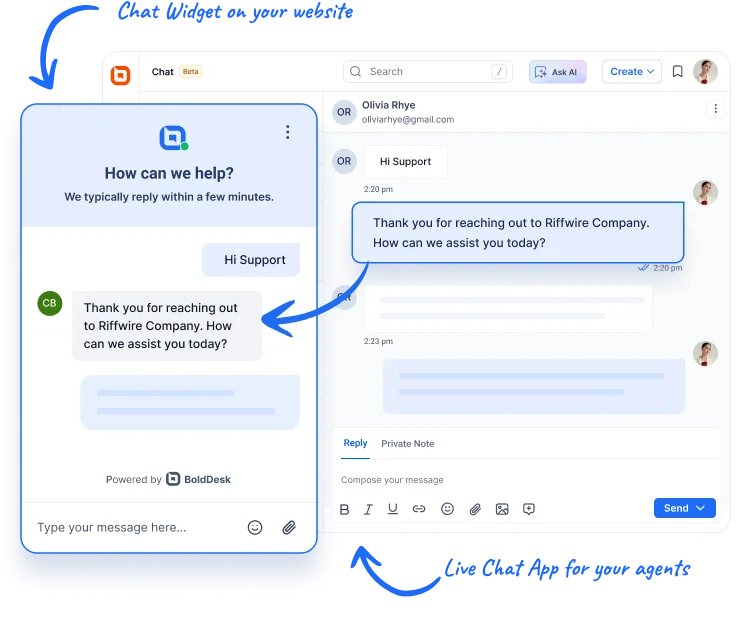
The platform streamlines support through omnichannel communication, automated routing, collaboration tools, analytics, mobile support, and offline messaging for continuous customer service.
Key features of BoldDesk’s live chat
- Chat widget customizations
- Automated chat routing
- AI Agent
- AI Copilot
Pros
- Offers a customizable widget that embeds with a single line of code.
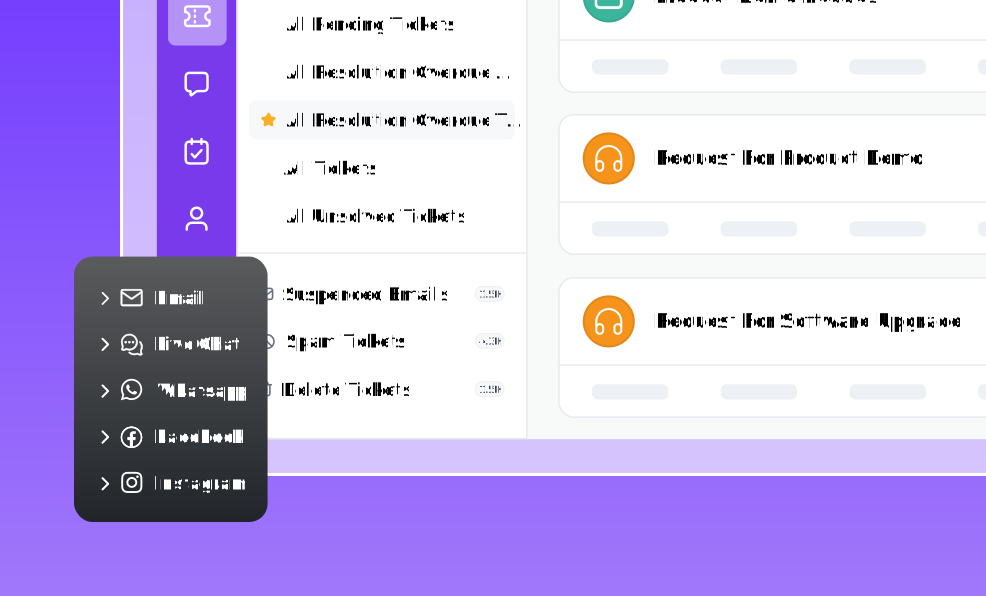
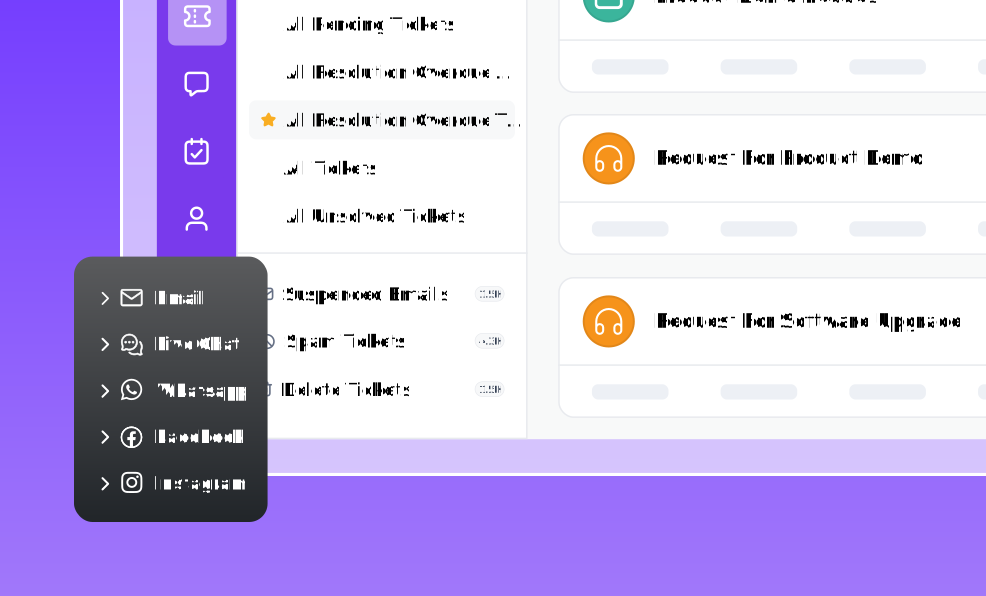
- Extends the chat widget into omnichannel customer service by centralizing conversations from multiple channels into a single dashboard.
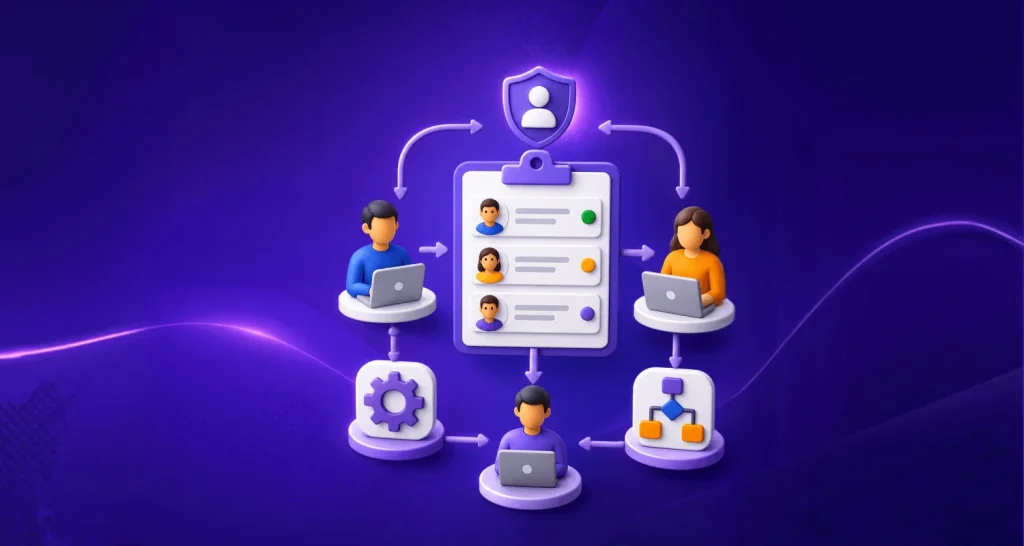
- Automatically converts chats into tickets and routes them to the right agents.
- Delivers real-time context with visitor activity tracking, email transcripts, and delivery or read receipts.
- Supports 24/7 customer service with offline messaging, mobile agent accessibility, automated canned responses, and file sharing.
Cons
- Fewer native integrations than larger, longer-established competitors. Some tools require Zapier or custom API work to connect.
Pricing
- Pricing is based on the number of agents, starting at $99 for 5 agents, with all features unlocked.
Free trial: 15 days
Need More Agents? Let’s create a tailored solution just for you — speak with our experts today.
2. Tidio
Best for: Businesses that want a mix of live chat, chatbots, and marketing automation in one tool.
Tidio is a live chat platform that can be integrated into websites to help businesses communicate with their customers in real-time.
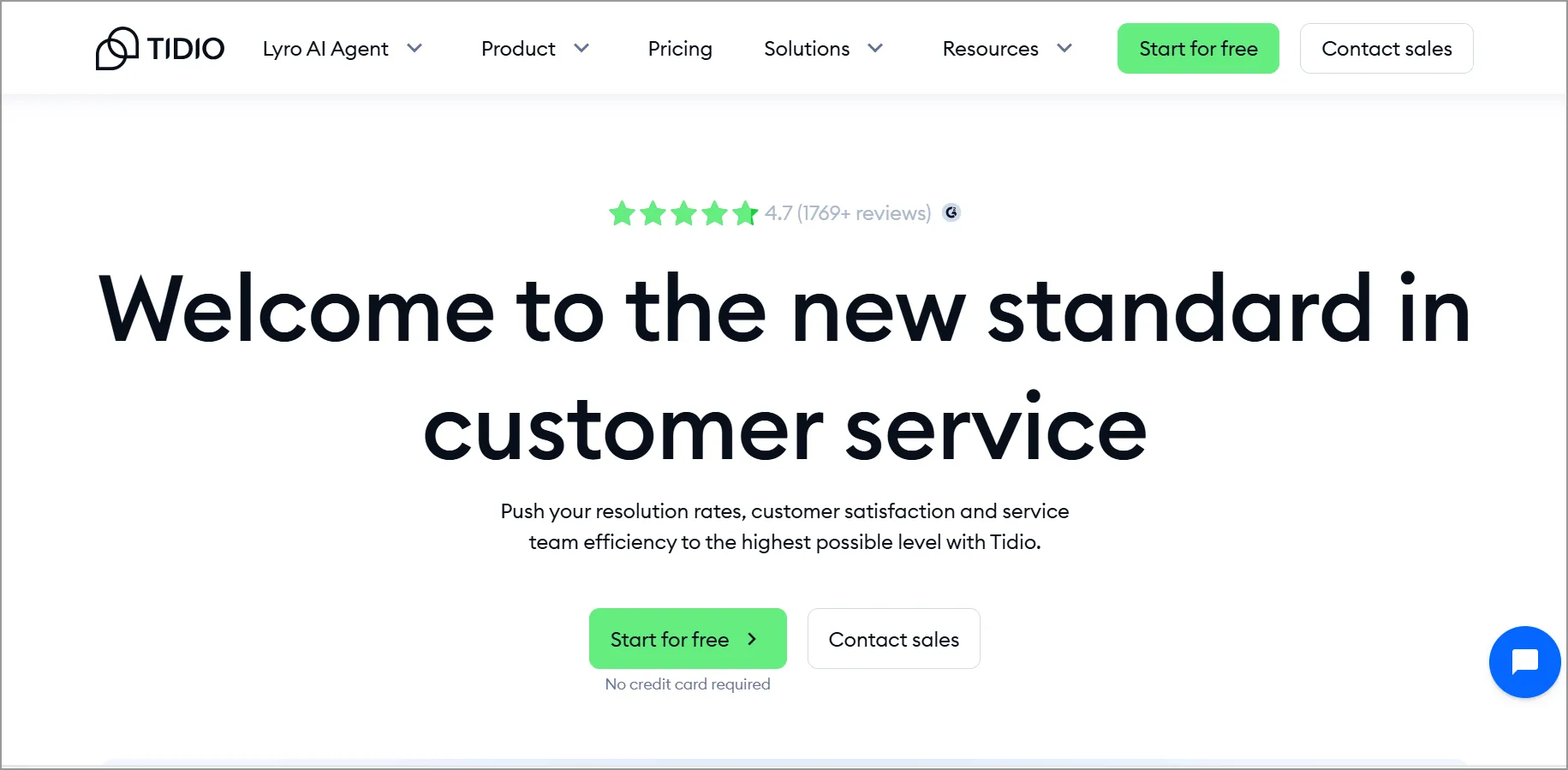
It’s a versatile tool that combines live chat widgets, bots, and marketing automation to save time and provide excellent customer service.
Features
- Customization options
- AI assist features
- Reports and analytics
- Automated responses
Pros
- Offers a free plan and competitively priced paid tiers.
- Enables branded engagement while providing visibility into chat performance.
Cons
- Advanced automation features require paid plans.
Pricing
- Free plan available.
- Paid plans start at $24.17/month, with up to 100 billable conversations.
Free trial: 7 days
3. Chaport
Best for: Businesses that require multichannel messaging (chat, email, social) in one interface.
Chaport is a messaging platform that enables companies to communicate with their clients via live chat, email, and social media, all from a single interface.
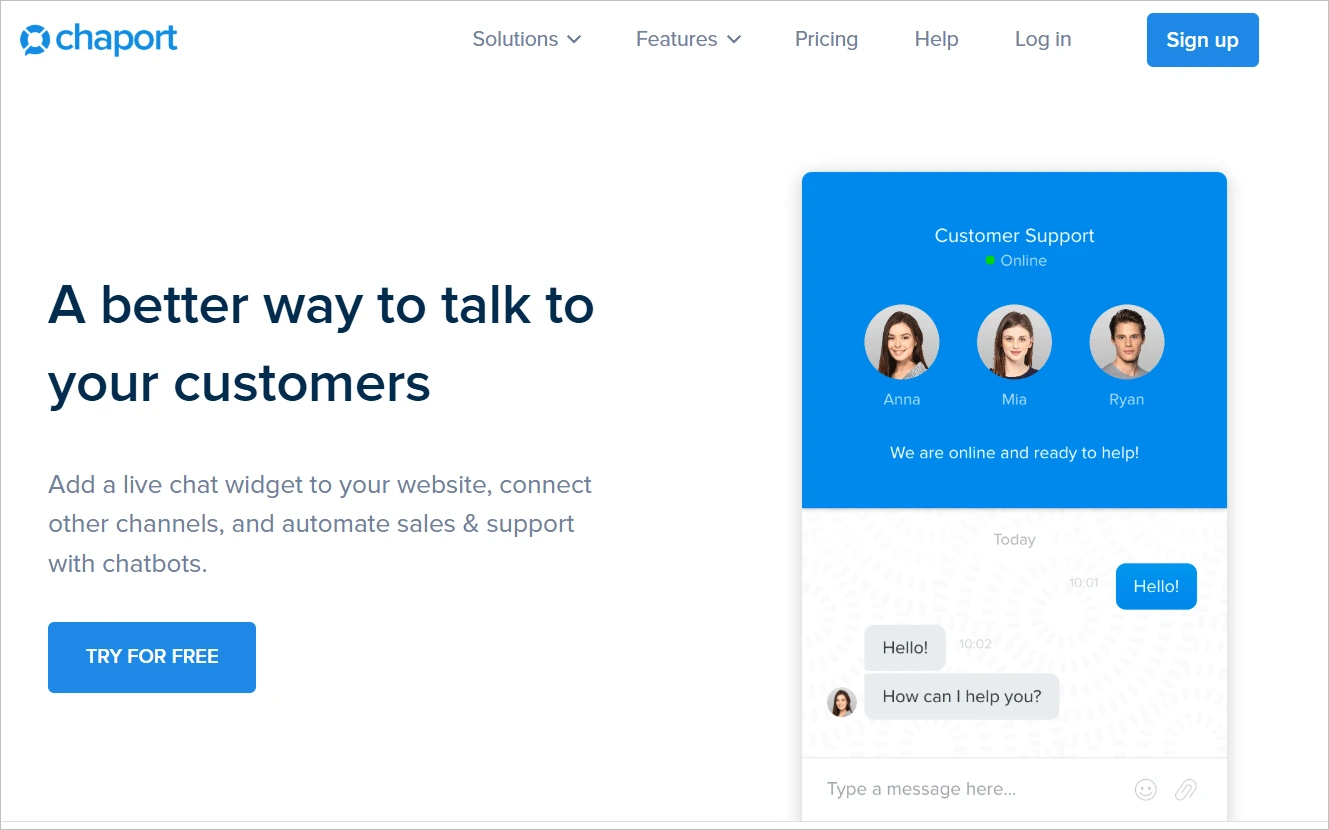
Chaport live chat widget is a specific platform component that can be embedded into a website. It allows visitors to start real-time conversations with customer support teams or sales representatives.
Features
- Automated chat routing
- Customizable chat widgets
- Reporting and analytics
- Multilingual support
Pros
- Streamlines customer conversations across channels without requiring multiple tools.
- Helps global teams deliver localized support efficiently.
Cons
- More advanced capabilities require higher‑tier plans.
Pricing
- A free plan is available for 2 agents.
- Pro: $33.84/month, up to 4 agents.
Free trial: 14 days
4. Lime Connect
Best for: Companies that want a live chat solution with strong auto translation features for global audiences.
Lime Connect is a cloud-based live chat software solution that allows businesses to integrate a chat widget into their websites for immediate communication with visitors and customers.
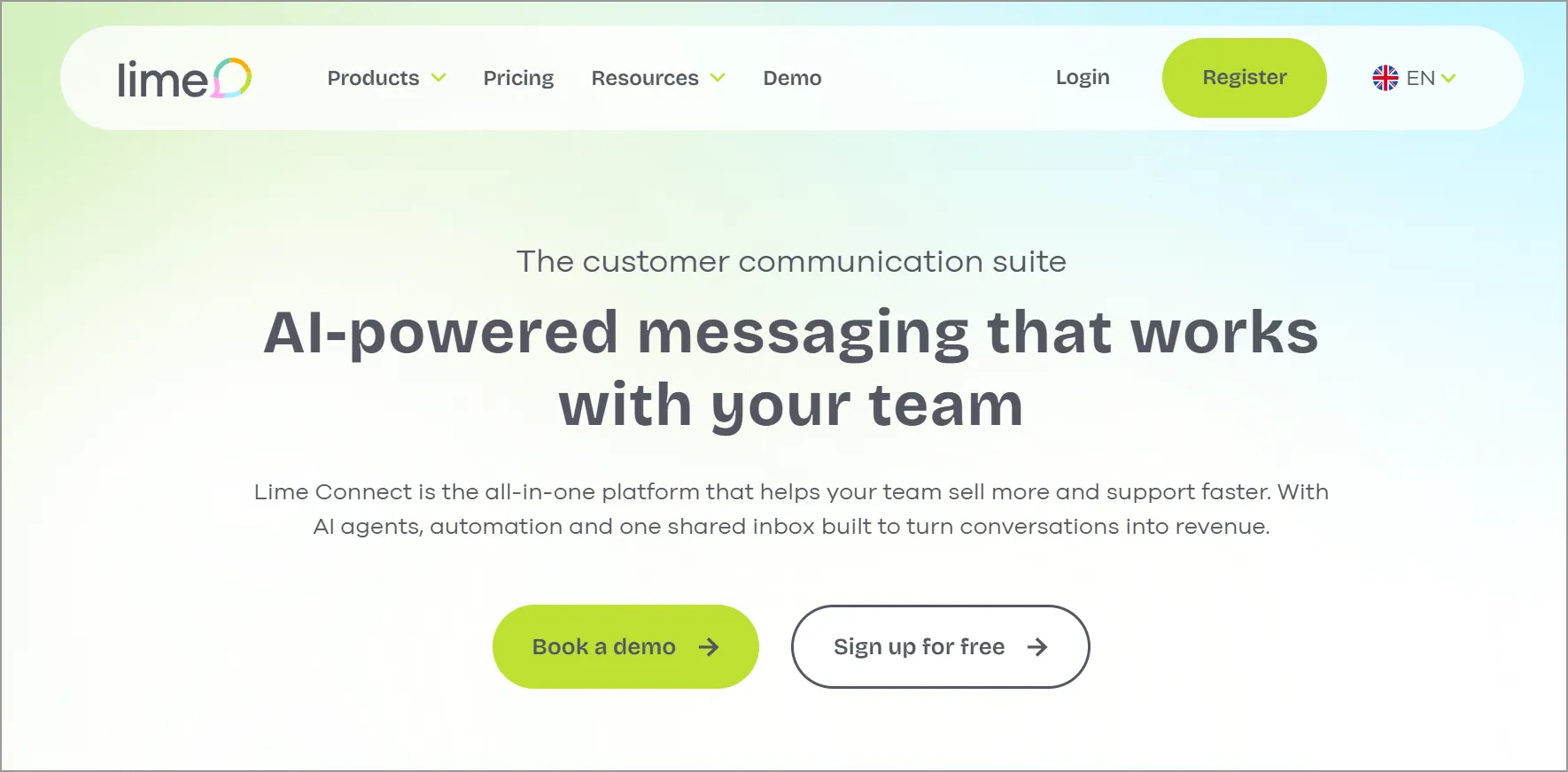
It is designed to help businesses connect with their customers in real-time, providing a seamless and personalized communication experience.
It’s a popular choice for businesses looking to provide efficient and convenient customer service through multiple channels.
Features
- Customizable branding
- Auto-translation
- Proactive chat
- Customer feedback
Pros
- Encourages proactive engagement that increases lead capture.
- Helps teams refine service quality through built-in feedback loops.
Cons
- Higher entry price compared to other tools.
Pricing
- A free plan is available for 1 agent.
- Team: $100.15/month, for 4 users.
Free trial: 14 days
5. Chatra
Best for: Small businesses seeking simple, real-time communication with offline messaging and proactive chat.
Chatra is a live chat widget that facilitates real-time communication between businesses and their website visitors.
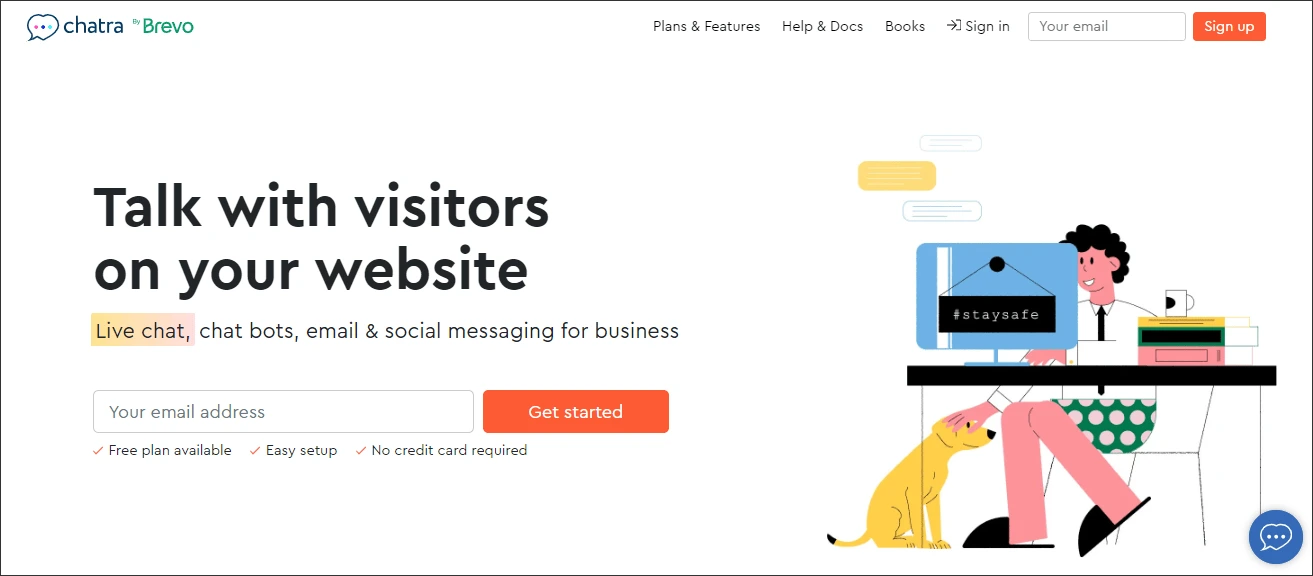
Chatra’s live chat widget is designed to enhance customer support, improve website visitor engagement, and contribute to overall customer satisfaction for businesses of varying sizes.
Features
- Offline messaging
- Proactive chat
- Customization options
- Analytics and reporting
Pros
- Helps small teams maintain consistent engagement even outside business hours.
- Aligns the chat experience with brand identity to improve trust and conversions.
Cons
- Fewer advanced automation features compared to other platforms.
Pricing
- A free plan is available for one agent.
- Essential: $25/agent/month.
Free trial: 10 days
6. Olark
Best for: Small teams that need a very simple live chat tool with real-time reporting.
Olark is a straightforward and easy-to-use live chat tool with features like automated messaging, real-time reporting, and searchable transcripts.
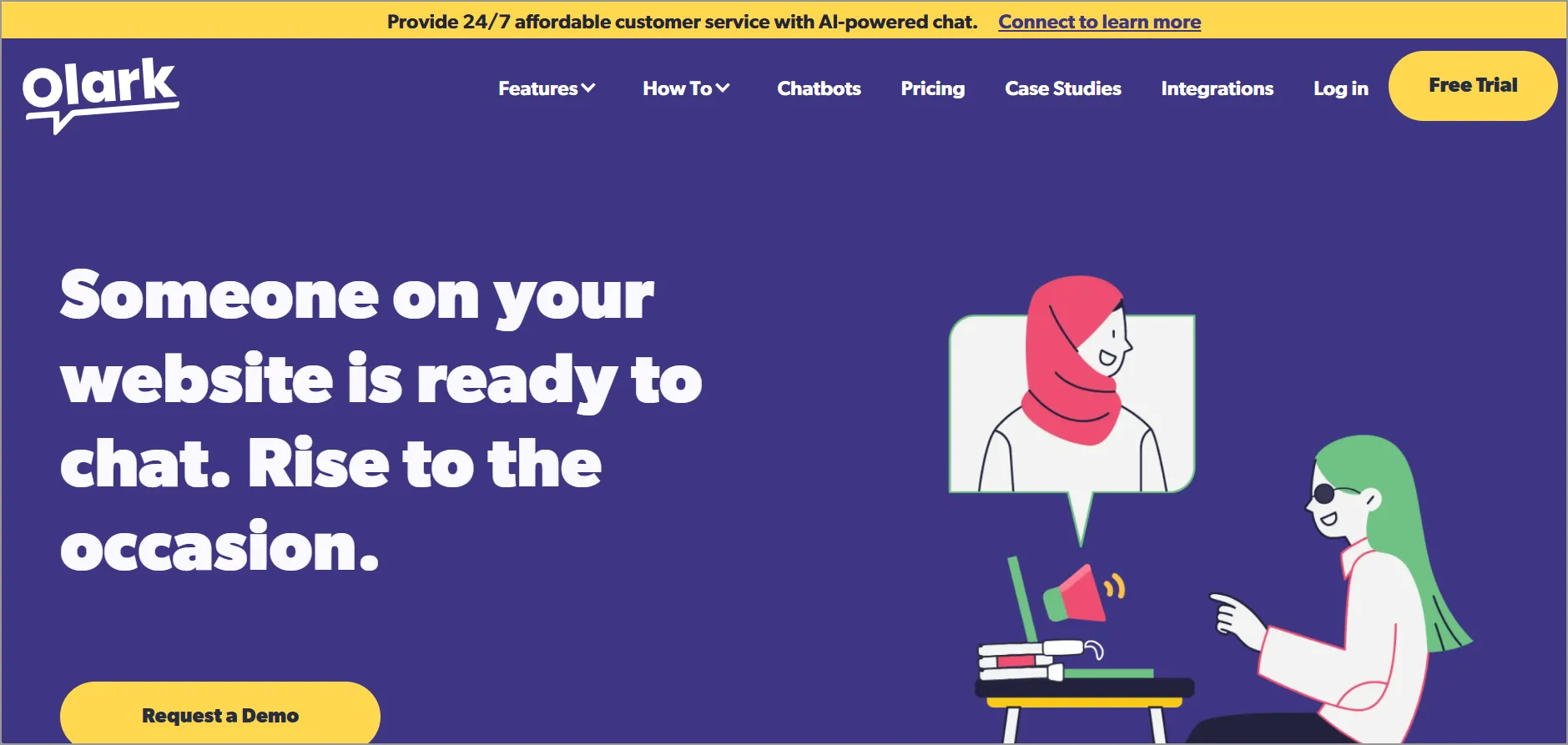
It offers a simple and easy-to-use chat widget that is perfect for small businesses.
Features
- User-friendly interface
- Automated translation
- Team performance monitoring
- Real-time tracking
Pros
- Makes it easier for small teams to serve international customers.
- Gives managers clear visibility into agent performance and workload trends.
Cons
- The feature set feels basic for large enterprises.
Pricing
- Standard: $29/agent/month.
Free trial: 14 days
7. Zendesk
Best for: Businesses already using the Zendesk ecosystem and want seamless integration with Zendesk Support.
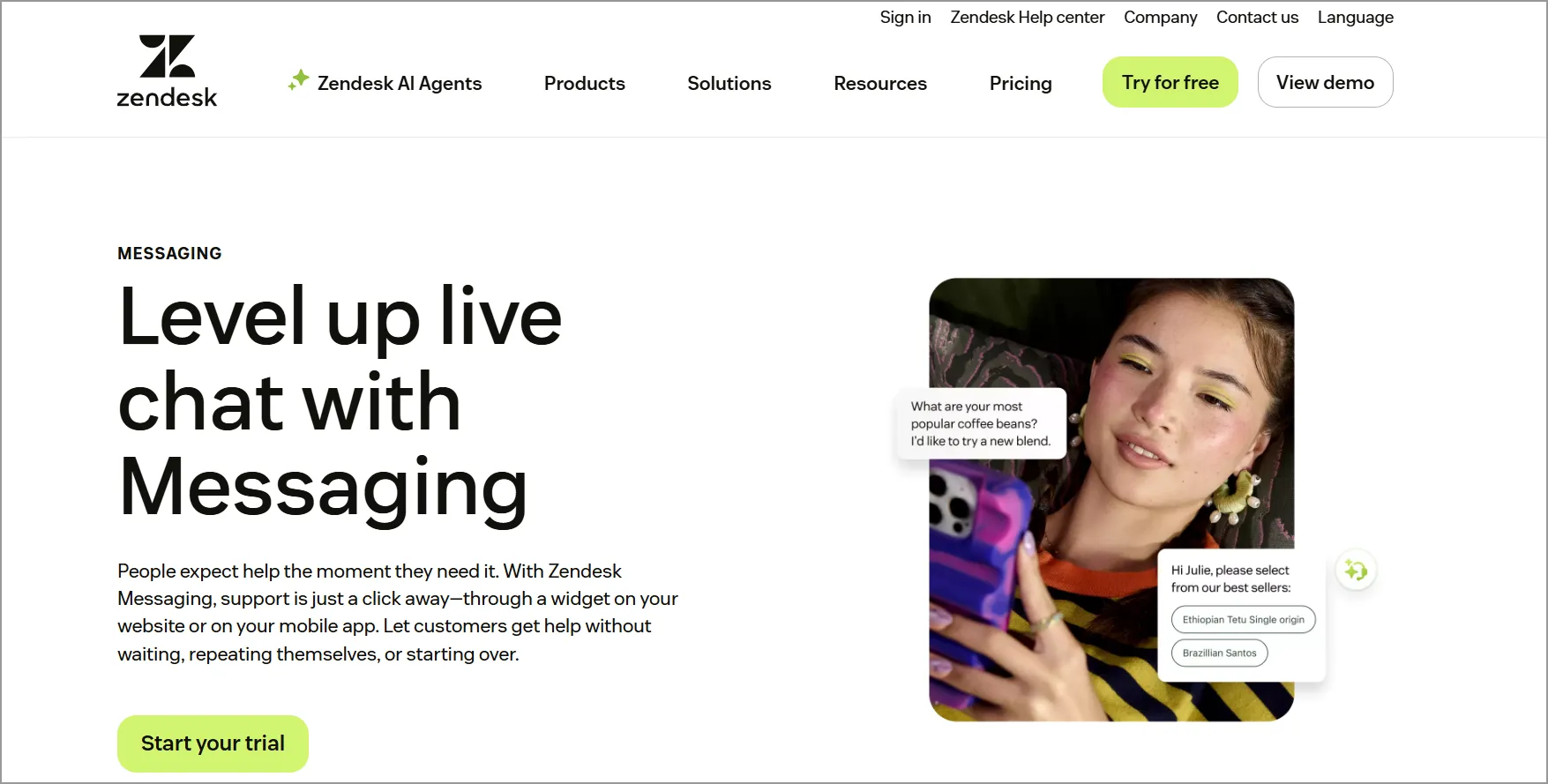
Zendesk is a live chat solution that enables businesses to communicate with their clients in real time through a chat interface on their websites or mobile apps, providing immediate customer support and engagement.
Features
- Custom user interface styling
- Automated triggers
- Reporting
- Chat tags
Pros
- Seamlessly integrates with the Zendesk product ecosystem.
- Supports automated triggers for efficient customer engagement.
Cons
- Best value is unlocked only for users already in the Zendesk ecosystem.
Pricing
- Support team: $19/agent/month.
Free trial: 14 days
8. Zoho SalesIQ
Best for: Organizations already using Zoho applications seeking integrated chat functionality.
The Zoho SalesIQ live chat widget is a feature offered within the Zoho SalesIQ customer support platform to facilitate real-time communication between businesses and their website visitors or customers.
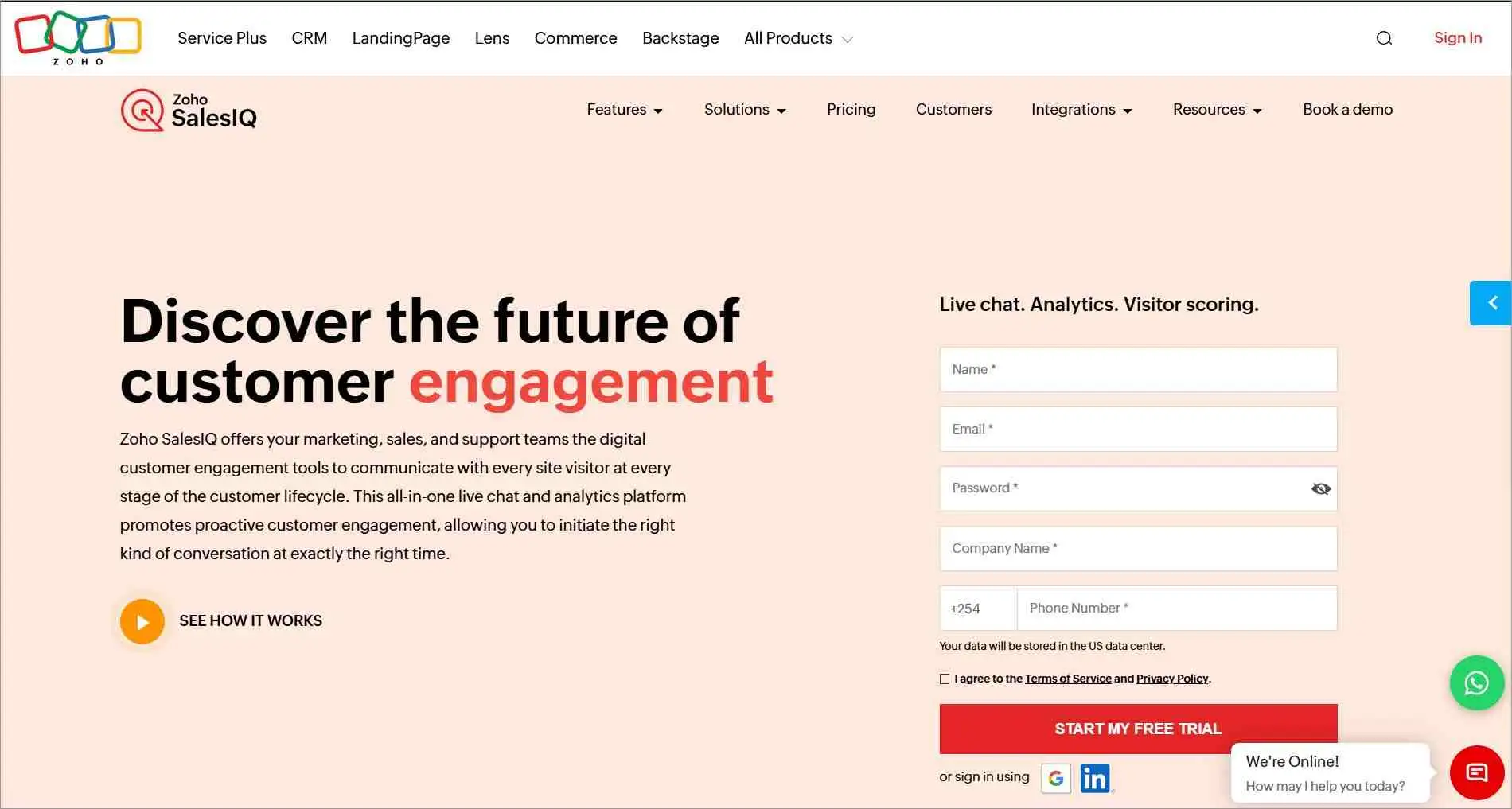
Zoho SalesIQ is a customer service platform that includes various tools for customer support, including email, social media, live chat, and more.
Features
- Widget personalization options
- Automated chat routing
- Reporting
- Integration capabilities
Pros
- Integrates smoothly with Zoho SalesIQ and the wider Zoho Suite.
- Offers automated chat routing and solid reporting.
Cons
- Most powerful capabilities rely on using Zoho SalesIQ as the core platform.
Pricing
- Express: $7/agent/month.
Free trial: 15 days
9. LiveChat
Best for: Companies that need a highly customizable and easily integrated live chat solution.
The LiveChat chat widget is a tool provided by LiveChat, Inc., which offers online customer service software with live chat support, ticketing system, and web analytics capabilities.
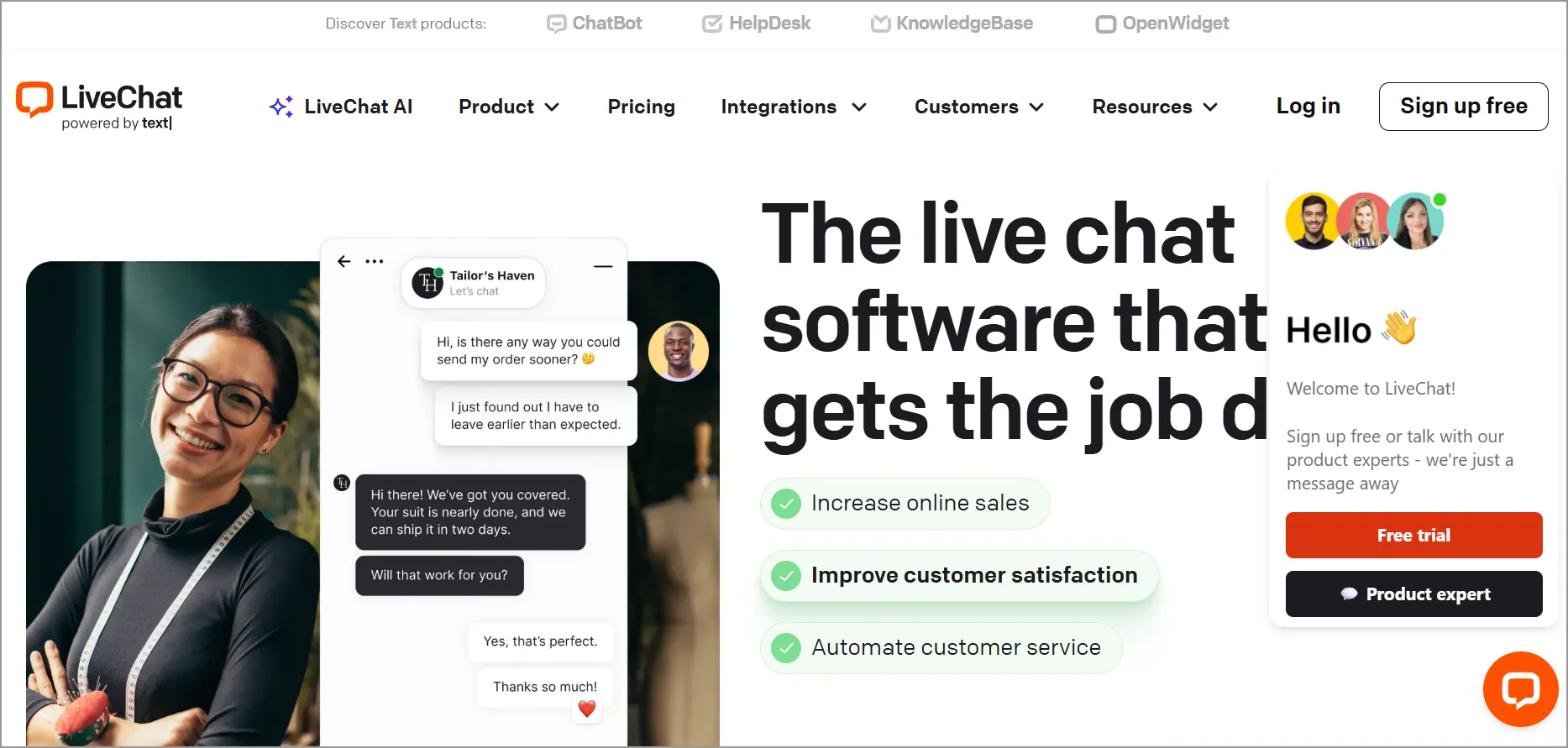
The chat widget is designed to enable real-time communication between website visitors and customer support agents.
Features
- Customization
- Easy integration
- Advanced reporting
- Automated chat routing
Pros
- Offers easy, fast installation.
- Highly customizable widget with broad integration support.
Cons
- The starting price is high for small teams.
Pricing
- Starter: $19/agent/month.
Free trial: 14 days
10. HubSpot
Best for: Businesses using HubSpot CRM and want native integration between chat and sales/marketing workflows.
The HubSpot live chat widget allows businesses to engage with their website visitors in real time through a chat interface.
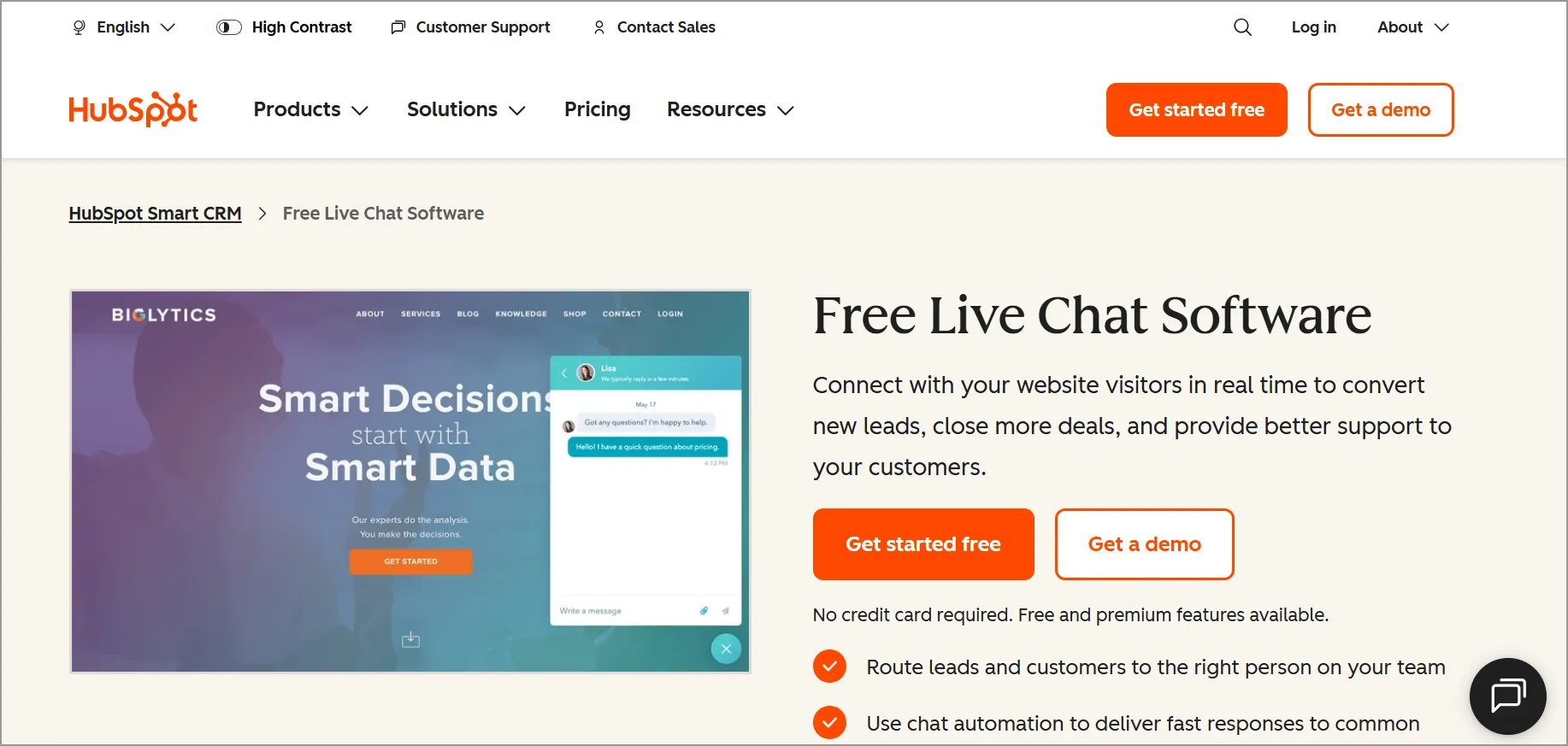
This widget can be added to any website by embedding a code snippet provided by HubSpot.
Features
- Customizable chat widgets
- Conversation routing
- Agent performance monitoring
- Integrations with Slack and HubSpot CRM
Pros
- Native integration with HubSpot CRM for seamless sales/support workflows.
- Includes conversation routing and Slack notifications.
Cons
- Scaling requires upgrading multiple HubSpot modules, increasing overall costs.
Pricing
- A free plan is available with limited functionality.
- Starter: $9/agent/month.
Free trial: 14 days
11. LiveAgent
Best for: Companies that want live chat as part of a broader customer service suite.
LiveAgent offers a robust live chat widget designed to facilitate real-time communication between businesses and their website visitors.
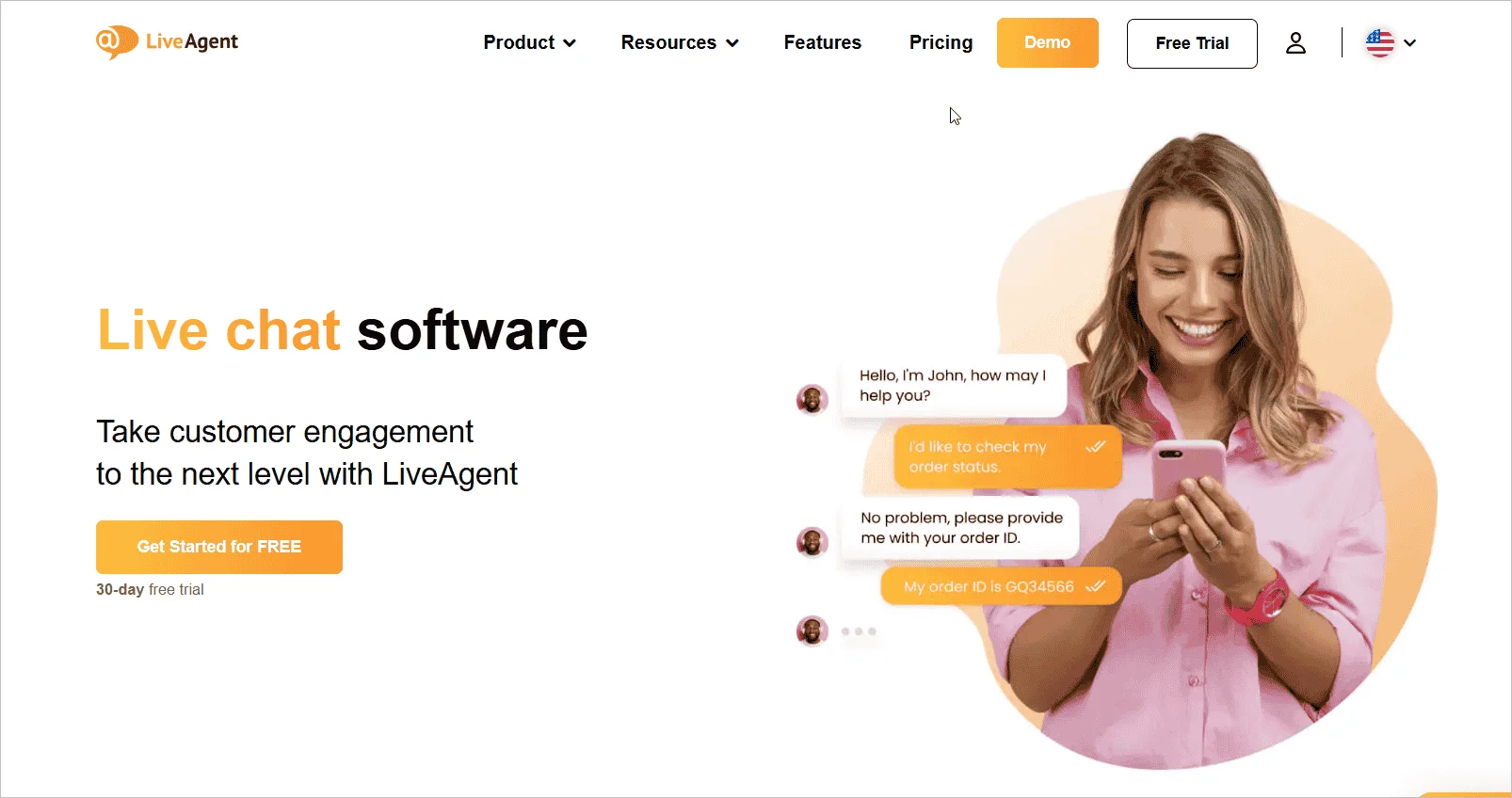
Widely compatible with various content management systems and e-commerce platforms, its customizable and seamlessly connected live chat widgets allow direct connections with platforms like WordPress, Shopify, and BigCommerce.
Features
- Personalized chat invitation
- Visitor activity tracking
- Animated chat buttons
- Proactive messaging
Pros
- Part of a full customer service suite (ticketing, call center, knowledge base).
- Encourages proactive engagement that reduces bounce rates and improves conversion opportunities.
Cons
- The interface feels heavier due to its large multi‑tool ecosystem.
Pricing
- Small business: $15/agent/month.
Free trial: 30 days
How to choose the right live chat widget for your business
Choosing the best live chat widget depends on how well it supports your business goals, customer expectations, and long-term growth.
Here are the key factors to consider:
- Define your objectives: Identify whether your main focus is customer support, lead generation, sales, or improving engagement.
- Understand your audience: Choose a live chat widget that matches your customers’ communication preferences, especially mobile behavior.
- Prioritize ease of use: Before making a decision, consider how to add live chat to your website and whether the solution offers a straightforward implementation process.
- Check integration support: Ensure the live chat widget connects smoothly with the best productivity tools, such as CRM and help desk software, among others, to maintain a unified workflow.
- Plan for scalability: Select a solution that can grow with your business by supporting more agents, higher chat volume, and advanced help desk automation.
- Look for customization options: The ability to tailor the widget’s appearance, color scheme, and messaging ensures a consistent and branded customer experience across all touchpoints.
- Ensure mobile responsiveness: The chat experience should work seamlessly on different devices, such as desktops, smartphones, and tablets.
- Review security and compliance: Choose a chat widget that supports secure data handling and meets relevant compliance standards.
- Evaluate pricing and trials: Compare plans, free trials, feature limits, and upgrade costs to ensure the solution fits your budget and long-term requirements.
- Prioritize analytics and reporting: Ensure the chat widget offers robust reporting and analytics features to help you track chat performance, agent productivity, customer satisfaction, and conversion impact.
How to integrate a live chat widget into a website (step-by-step)
Understanding how to add live chat to your website can help businesses evaluate deployment requirements when comparing different live chat solutions.
Adding a live chat widget to your website typically involves the following steps:
- Choose a live chat platform that aligns with your business requirements, budget, and support goals.
- Create an account and explore available features, pricing plans, and customization options.
- Customize the widget to match your branding, including colors, messaging, and display settings.
- Generate the installation code or integration script provided by the platform.
- Install and test the widget to ensure it displays correctly and conversations are routed properly.
- Configure key settings, such as business hours, chat routing, automation, and notifications.
- Monitor performance and optimize the experience using customer feedback, reporting, and analytics.
Common mistakes in live chat setup and how to avoid them
Setting up a live chat widget can significantly enhance customer engagement and support, but it’s important to navigate the process carefully to avoid common mistakes.
Here are some common mistakes made while setting up a live chat widget and how to avoid them:
| Challenge | What happens | Solutions |
| No clear objective | Chat is implemented without a defined goal or strategy. | Set clear goals (sales, support, lead generation) and configure routing and workflows accordingly. |
| Slow or no response | Visitors don’t receive timely replies. | Assign ownership, set SLAs, and use auto-acknowledgements to manage expectations. |
| Poor widget placement | The chat button is hard to find. | Keep it visible on all pages in a consistent corner (bottom left or right). |
| No mobile optimization | Chat performs poorly on smaller screens. | Use a responsive widget optimized for both desktop and mobile. |
| Default branding | The widget feels disconnected from your brand. | Customize colors, greetings, and tone to match your brand identity. |
| No performance tracking | Missed insights into customer needs and service gaps. | Regularly review transcripts and analytics to improve performance. |
| No offline plan | Visitors are left waiting outside business hours. | Add clear offline messaging and enable message capture or alternative contact options. |
| Overcomplicated interface | Users hesitate or abandon the chat. | Keep the interface simple and intuitive with minimal friction. |
| Intrusive pop-ups | Visitors feel interrupted or frustrated. | Use delayed triggers or allow users to initiate chats. |
Integrate a live chat widget for immediate interaction with customers
Welcoming visitors with instant support and personalized engagement creates a more satisfying experience, boosting customer service, increasing sales, and driving overall business success.
After reviewing your options, choose a live chat solution that offers your business the right balance of features, usability, and value. Investing in the best live chat software platforms like BoldDesk can lead to higher customer satisfaction and better conversion rates.
We’d love to hear from you. Please share your experiences and recommendations on live chat tools in the comments section below!
Related articles
- 11+ Best Ecommerce Live Chat Tools for Customer Engagement
- 35+ Key Live Chat Statistics Every Organization Should Know in 2026
- Proactive Live Chat: 5 Best Practices, Examples, and Setup Guide
FAQs about live chat widget
Yes. Most modern live chat widgets include automation features like chatbots, auto responses, and AI-assisted replies.
Tools like BoldDesk use AI to handle common queries automatically while routing complex issues to human agents.
Free live chat widgets work for basic needs, but growing businesses often need automation, integrations, analytics, and multiple agents.
Platforms such as BoldDesk allow businesses to start free and scale as support demands increase.
Live chat widgets are widely used across industries such as SaaS, eCommerce, IT services, healthcare, and education.
Any business that needs real-time customer interaction, faster response times, or lead qualification can benefit from using a live chat widget.
Reputable live chat widget providers follow strict security standards, including data encryption, access controls, and compliance with data protection regulations.
Always review a provider’s security and compliance policies before implementation.
When switching providers, consider data migration options, ease of integration, feature differences, pricing changes, and support availability.
Testing the new solution through a free trial can help ensure a smooth transition.