








TL;DR: This guide lists the top free tools for startups, covering customer support, shared inboxes, communication, project management, analytics, and automation. It explains what each tool does, who it is best suited for, and the limits of its free plan, helping early-stage teams build organized and cost-effective workflows before upgrading to paid solutions.
Launching a startup with limited resources often means juggling product development, support, and operations at the same time. With tight budgets and small teams, founders quickly end up wearing every hat, from building the product to handling customer questions.
As inquiries increase, scattered inboxes and manual processes become difficult to manage.
This guide highlights free tools that help startups organize customer support operations, streamline communication, and stay on top of daily workflows before committing to paid platforms.
Summary table of the top free tools for startup teams
The table below gives you a quick, side‑by‑side view of the top 13 free startup tools so you can easily see what each tool offers and choose the one that best fits your needs.
| Tool | What it does | Best for | Free plan details |
| BoldDesk | Help desk platform for support ticketing, automation, and knowledge base. | Growing teams wanting a full support system without upfront cost. | 12 months free, 10 Momentum plan agents, full Momentum features, onboarding, and migration. |
| Missive | Shared inbox for collaborative email management. | Small teams needing a simple shared inbox with internal chat. | Free for up to 3 users, 15-day history, 2 shared accounts, and basic workflows. |
| tawk.to | Real-time live chat, ticketing, and basic CRM. | Teams needing instant customer communication without costs. | Unlimited agents, unlimited chats, free forever, includes ticketing and a knowledge base. |
| Slack | Team communication via channels, DMs, and file sharing. | Small teams needing internal communication and messaging. | Unlimited users, 90-day message history, up to 3 app integrations, and 1:1 huddles. |
| Asana | Task and project management workspace. | Teams organizing early workflows across contributors. | Unlimited tasks, projects, and messages, 100 MB per file, up to 2 users, and list, board, and calendar views. |
| Jira | Issue tracking with Scrum/Kanban boards and workflows. | Teams needing structured project and ticket tracking. | Free for up to 10 users, unlimited issues and projects, customizable workflows, and Agile boards. |
| Calendly | Automated scheduling via booking links. | Teams needing simple meeting scheduling without back-and-forth emails. | 1 active event type, 1 calendar connection, and unlimited one-on-one meetings. |
| Zoom | Video meetings, screen sharing, and conferencing. | Teams needing virtual meetings and internal video communication. | Up to 100 participants, unlimited meetings, with up to 40 minutes per meeting. |
| Google Analytics | Website and user behavior analytics. | Teams needing free SEO and traffic insights. | Core GA4 features, including real-time data, audience insights, acquisition, and behavior tracking. |
| Zapier | Workflow automation connecting multiple apps. | Teams automating simple tasks with no code. | 100 tasks/month, two-step Zaps, 1 user, and 15-minute polling. |
| ChatGPT | AI assistant for writing, research, and customer support tasks. | Drafting replies, creating SOPs, and summarizing conversations. | Access to core AI capabilities for writing, brainstorming, coding, and file analysis. |
| Perplexity | AI-powered research and answer engine. | Competitor research, technical questions, and fact-finding. | Source-backed answers, web search, and conversational research. |
| Grammarly | AI writing and grammar assistant. | Improving emails, documentation, and customer communications. | Grammar and spelling checks, tone detection, and basic writing assistance. |
10 Free business tools for every startup’s needs
Free tools offer a smart way to build, grow, and manage your business without upfront costs. From customer service and communication to productivity and analytics, these tools help you stay lean while scaling fast.
Below are support‑adjacent categories that make it easy to assemble a practical early-stage stack.
Free customer support and shared inbox tools
As customer conversations increase, startups need a centralized platform to keep every request organized and prevent important emails from slipping through the cracks.
Free tools can help startups move faster, but the real advantage comes from building support habits that convert early users into loyal customers.
A clear set of do’s and don’ts for startup help desk teams helps founders avoid missed replies, messy handoffs, and slow follow-ups that can cost valuable leads.
1. BoldDesk for customer service management
Best for: Early-stage teams that need comprehensive help desk capabilities without costly upgrades
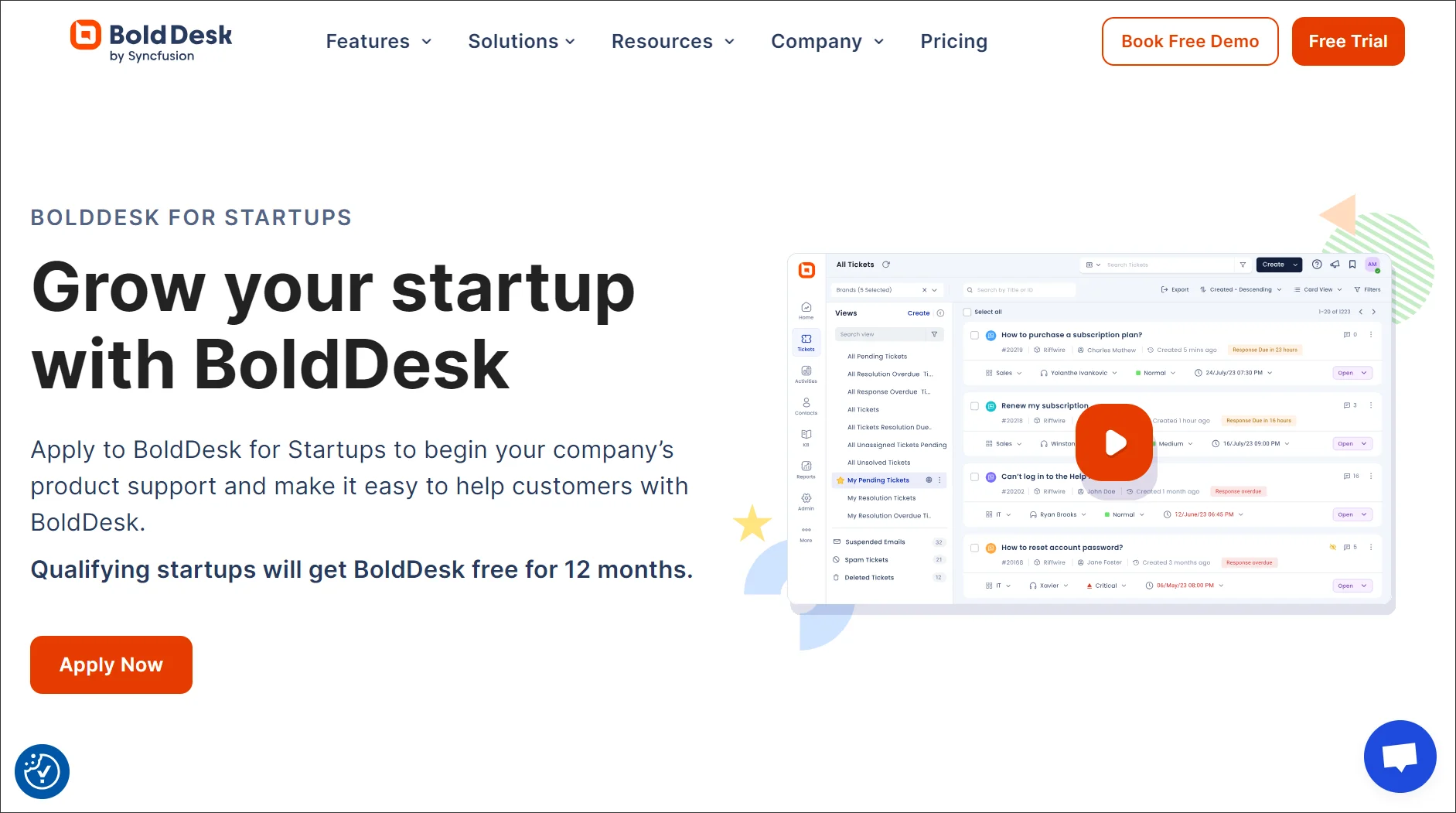
BoldDesk gives fast‑growing teams a structured way to organize customer questions, track support requests, and centralize communication as their service needs expand.
Early-stage teams can capture incoming inquiries, document interactions, and maintain clear visibility across active conversations, ensuring nothing is missed.
BoldDesk can be customized to track support requests, streamline workflows, facilitate collaboration, automate repetitive tasks, and improve the overall customer experience.
Startup program details:
- 12 months free for eligible startups
- Up to 10 free agents
- AI Agents for real-time automated customer responses
- Omnichannel support
- Workflow automation, ticket assignment, SLAs, and escalations
- Ticket templates, macros, and CSAT surveys
- Knowledge base
- Free data migration and onboarding assistance
Why startups use it:
- Centralizes customer conversations in one workspace
- Helps support teams collaborate on customer requests
- Automates repetitive support workflows
- Supports multiple communication channels as the business grows
2. Missive for collaborative shared inbox management
Best for: Small teams handling customer or partner emails collaboratively.
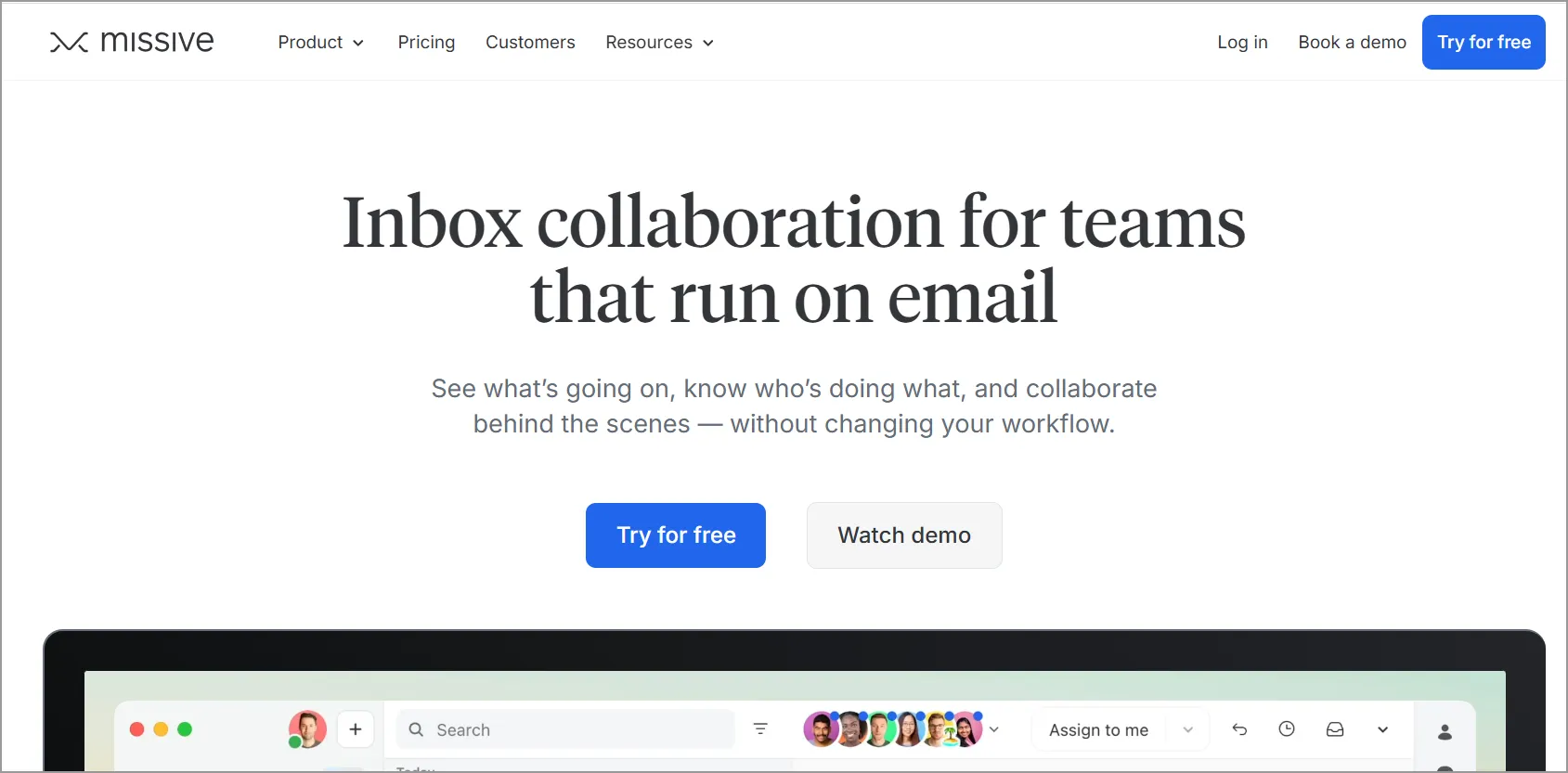
Missive is a shared inbox platform that centralizes team email, internal discussions, and workflow context in one interface.
It helps teams collaborate on shared email addresses without duplicating work or losing conversation history.
- Permanent free plan for up to 3 users
- 15‑day message history
- Up to 2 shared accounts per organization and 2 personal accounts per user
- Basic shared inbox functionality, including internal chat and email‑based workflows
Why startups use it:
- Makes shared email easier to manage
- Improves visibility into who’s handling what
- Keeps conversations and internal discussions in one place
- Reduces confusion in customer communication
Free live chat and communication tools
Most new businesses would need free startup tools that add real-time user engagement on their site or app without complexity.
Here are some top tools that offer free plans for live chat and team communication.
3. tawk.to for free live chat support
Best for: Early-stage startups that want immediate customer interaction without investing in paid chat software.
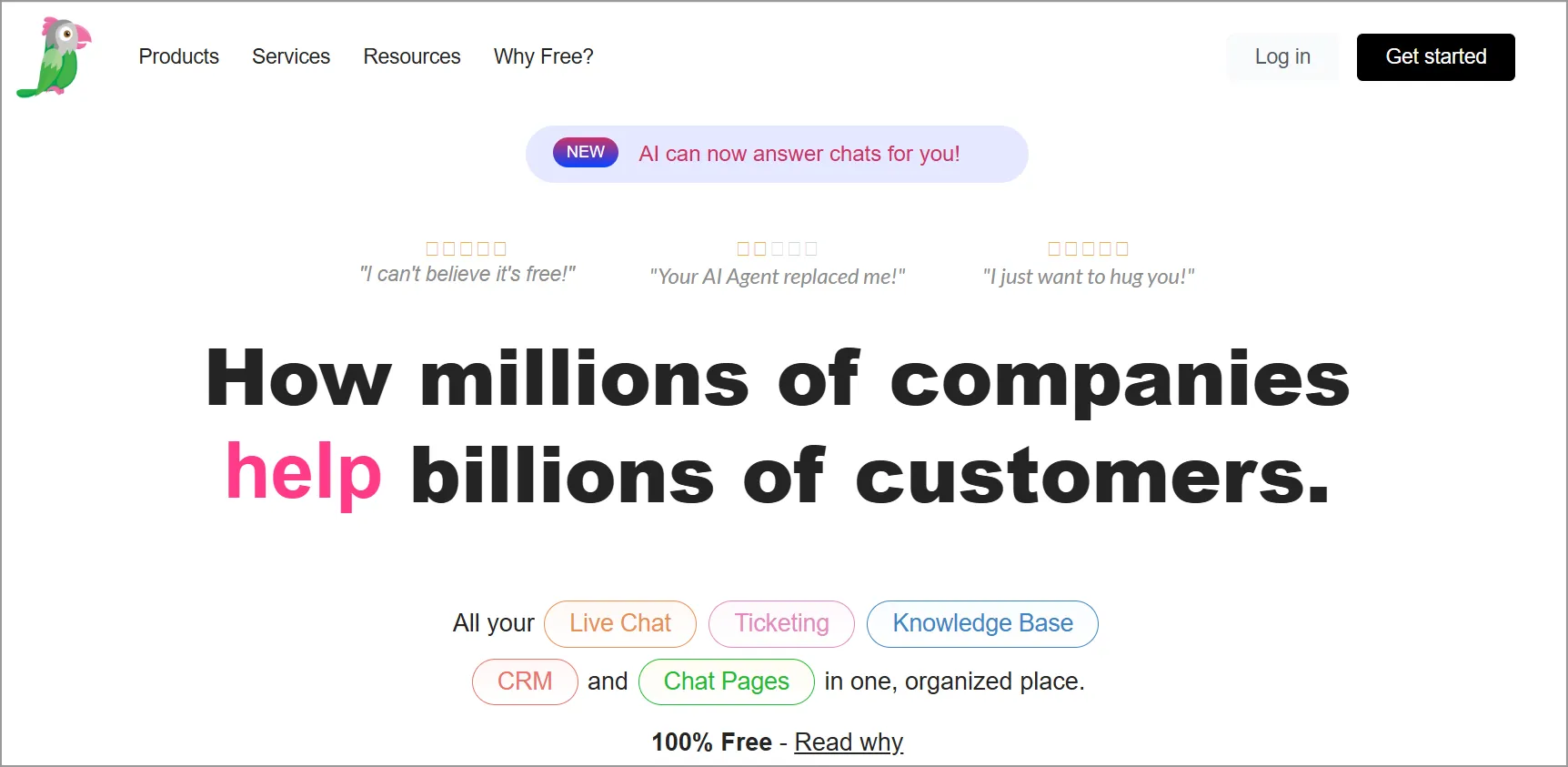
tawk.to offers a completely free, real‑time chat widget that lean teams can use to communicate instantly with customers and website visitors.
Teams can respond instantly to questions, manage multiple conversations at once, and provide quick assistance without needing complex setup or paid licenses.
Free plan details:
- Unlimited agents
- Unlimited chats and concurrent conversations
- Includes live chat, a ticketing system, hosted knowledge base, and CRM‑like visitor information
- Free forever; branding removal and AI tools require add‑ons
Why startups use it:
- No cost, no agent limits
- Real-time engagement with website visitors
- Helps improve conversions and customer trust
- Simple setup with minimal configuration
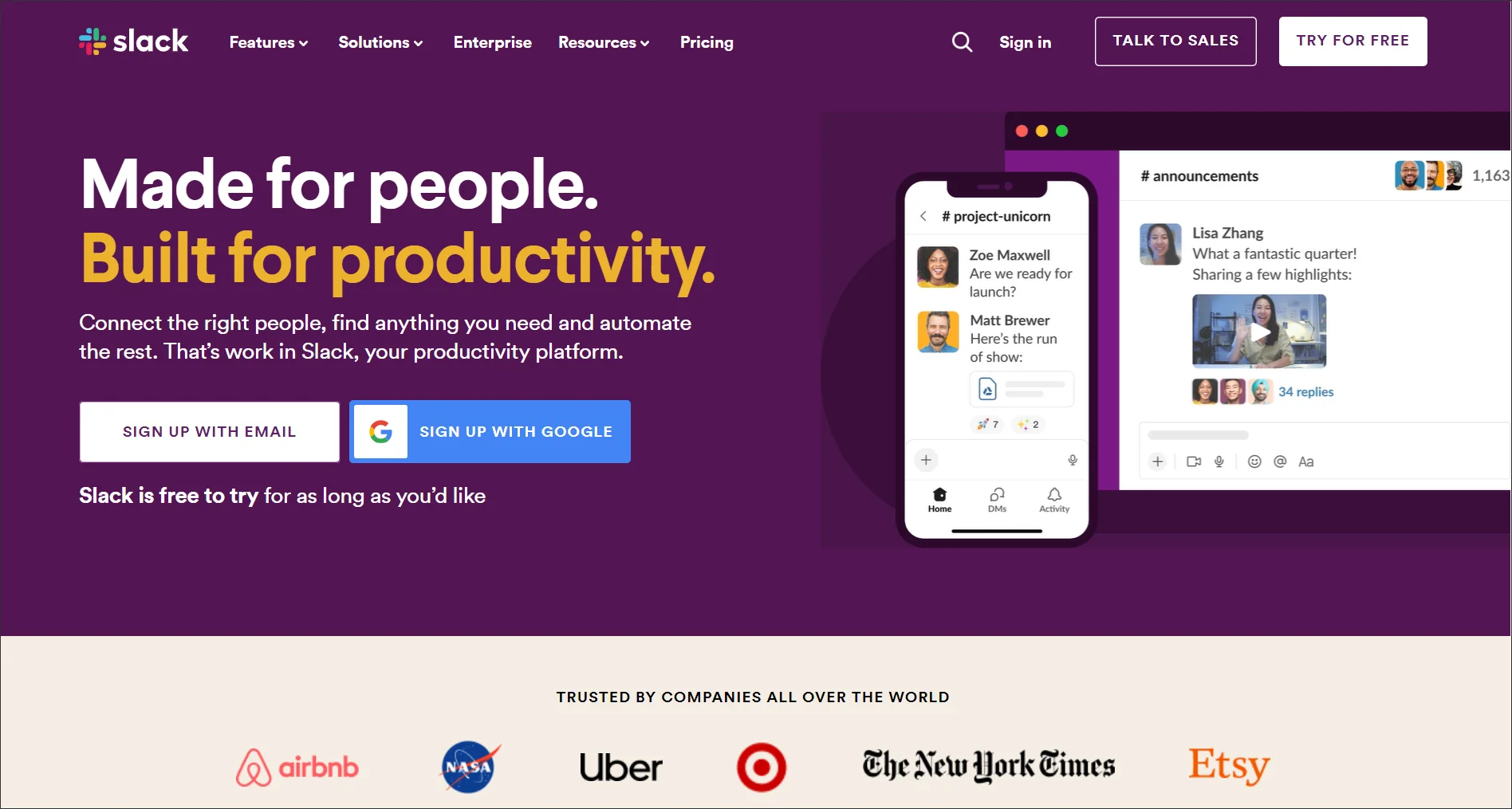
4. Slack for instant messaging
Best for: Startups that want fast, flexible internal communication as teams grow.
Slack is a communication platform that organizes conversations into channels, direct messages, and threads to keep team communication structured.
It supports file sharing, lightweight collaboration, and a wide range of integrations.
Free plan details:
- Unlimited users on the free tier
- 90‑day message history
- Up to 3 app integrations
- 1:1 huddles
Why startups use it:
- Centralizes team communication
- Reduces email overload
- Supports integrations with other tools
- Works well for remote and distributed teams
Free productivity and ticket organization tools
As your startup grows, keeping tasks, customer requests, and team responsibilities organized becomes increasingly important. These free startup tools help you manage projects, track progress, and ensure nothing slips through the cracks.
5. Asana for project management
Best for: Startups managing multiple tasks, deadlines, or contributors.
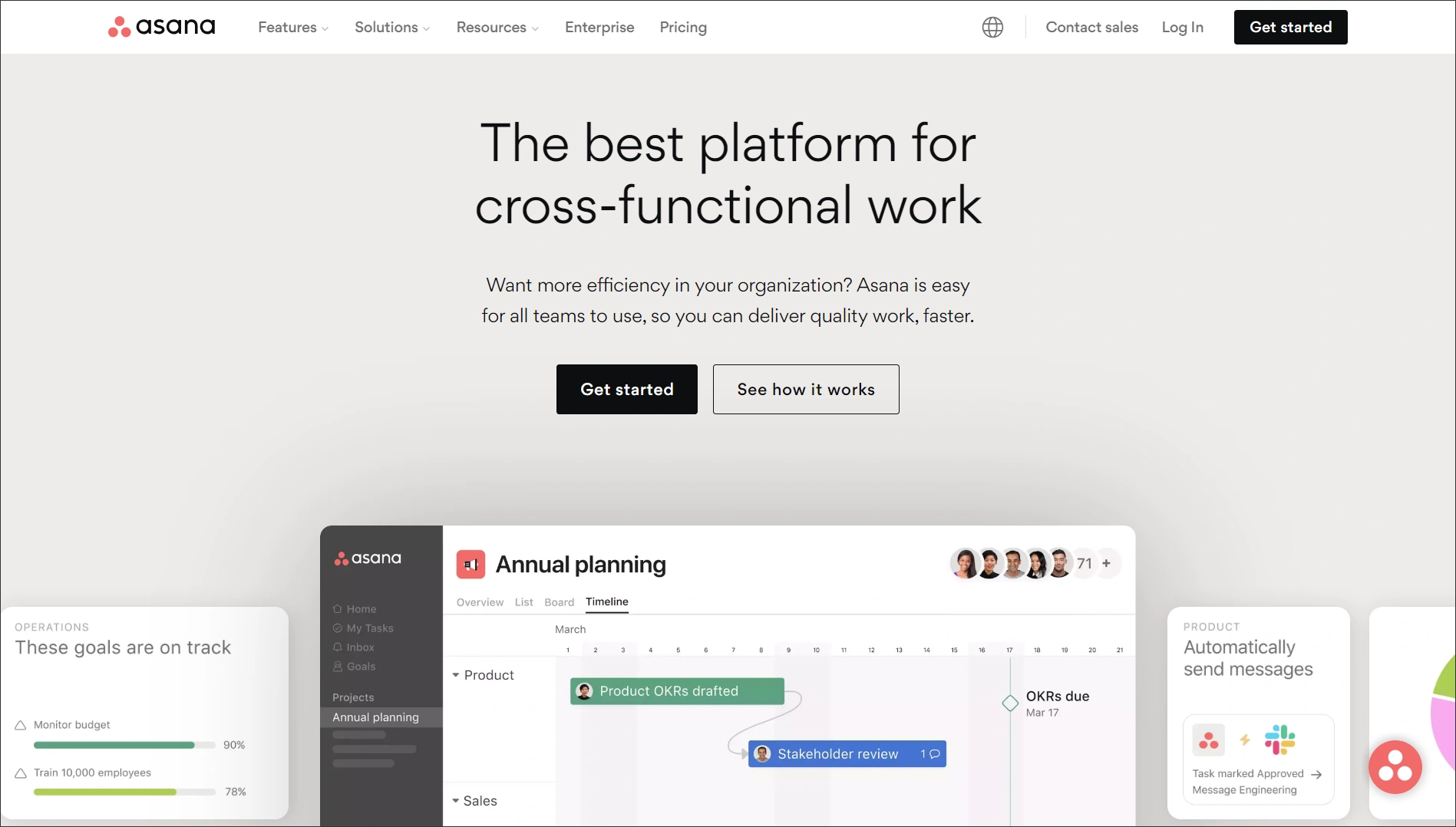
Asana gives a workspace where small and growing teams can organize tasks, outline project steps, and coordinate work across multiple contributors.
The tool supports list, board, and calendar views, making it easier for teams to manage their workflows.
Free plan details:
- Unlimited tasks, projects, and messages
- Up to 2 users
- Unlimited storage (100MB per file)
- Includes list, board, and calendar views to structure work
Why startups use it:
- Keeps work organized and visible
- Helps founders track progress without micromanaging
- Supports simple workflows without heavy setup
- Encourages accountability across teams
6. Jira for project and ticket tracking
Best for: Product-led or engineering-heavy startups.
Jira provides structured issue tracking with highly customizable workflows, helping teams manage tasks in agile environments using Scrum or Kanban boards.
It also supports ticket prioritization, tagging, and detailed workflow visibility.
Free plan details:
- Supports up to 10 users
- Unlimited issues and projects
- Scrum and Kanban boards
- Customizable workflows and reporting tools
Why startups use it:
- Brings clarity to technical work
- Helps teams prioritize and track progress
- Supports agile and iterative development
- Integrates well with development tools
Free internal collaboration tools
Stay on top of your tasks and manage time effectively with these free productivity tools for startups. They help streamline project management, task tracking, and calendar scheduling.
7. Calendly for collaboration
Best for: Founders handling sales calls, demos, interviews, or partnerships.
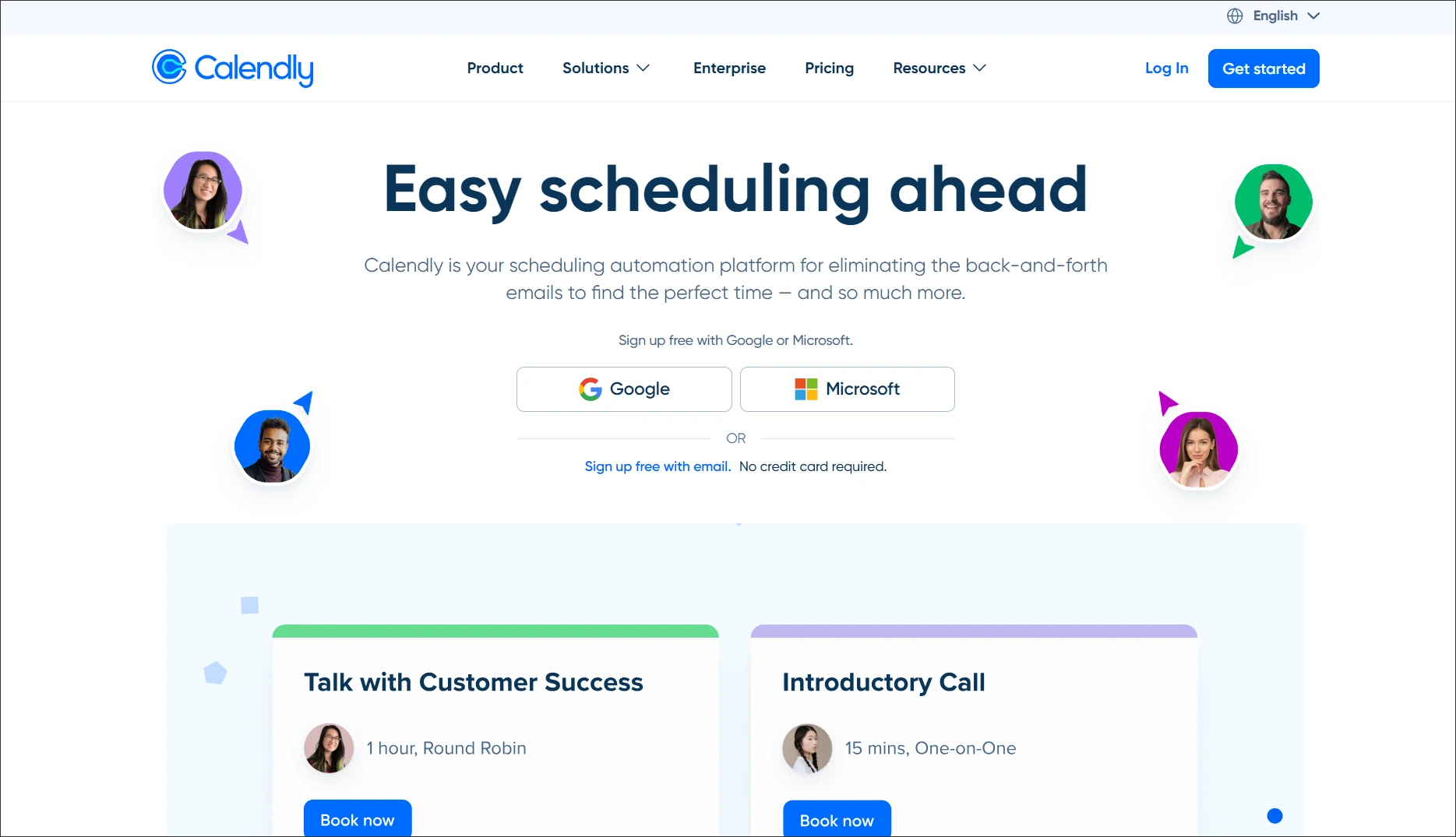
Calendly helps small startup teams streamline meeting coordination by allowing people to book time based on preset availability, eliminating back‑and‑forth scheduling emails.
Users can set availability, share scheduling links, automate basic notifications, and connect a single Google, Outlook, Office 365, or iCloud calendar to avoid double‑bookings.
Free plan details:
- One active event type
- One connected calendar
- Unlimited 1‑on‑1 meetings
- Basic scheduling notifications + availability controls
Why startups use it:
- Saves time on scheduling
- Reduces meeting friction
- Helps founders manage busy calendars
- Improves professionalism in external interactions
8. Zoom for video meetings and internal communication
Best for: Remote teams, customer demos, and early-stage pitching.
Zoom provides a reliable video‑conferencing platform that helps small and growing teams communicate face‑to‑face, share screens, and collaborate remotely.
The tool allows startups to hold video conferences and share screens, making it useful for internal communication as they get started.
Free plan details:
- Up to 100 participants per meeting
- Unlimited meetings, with up to 40 minutes per meeting
- Local recording
- Basic collaboration features, including Whiteboard and in-meeting chat

Why startups use it:
- Easy setup for virtual meetings
- Reliable video and screen sharing
- Works across devices and locations
- Useful for internal and external communication
Free reporting and workflow automation tools
To grow your startup, you need to boost online visibility and monitor performance metrics. These free tools for startups offers essential features for SEO, email marketing, and social media management.
9. Google Analytics for SEO monitoring
Best for: Startups looking to understand website performance and growth.
Google Analytics helps young and growing teams understand how people interact with their website by measuring traffic patterns, user behavior, and the points where visitors tend to drop off.
It allows teams to track conversions and identify how users navigate across their website.
Free plan details:
- Entire GA4 platform is free for standard use
- Real‑time analytics
- Audience insights and demographics
- Acquisition, behavior, and conversion tracking
Why startups use it:
- Tracks visitor behavior and traffic sources
- Helps identify what’s working (and what’s not)
- Supports data-driven decision-making
- Completely free to use
10. Zapier for streamlined workflow operations
Best for: Teams looking to save time and streamline operations.
Zapier enables startups to automate simple, repetitive tasks by connecting different apps without needing to write code.
Startup teams can set up automated workflows, known as Zaps, to handle actions such as sending email notifications, organizing files, or passing information between tools like Gmail, Slack, and Trello.
Free plan details:
- 100 tasks per month
- Two‑step Zaps only (one trigger + one action)
- One user
- 15‑minute polling interval
Why startups use it:
- Test workflows before committing to paid software
- Stay lean while validating ideas
- Build operational discipline early
- Scale more confidently when growth demands it
Free AI tools that speed up support and operations
AI tools can help startups handle everyday work more efficiently, from drafting customer replies to researching competitors and improving written communication.
The following tools offer free plans with enough functionality to help teams get started, although some advanced AI capabilities require paid upgrades.
- ChatGPT: Draft customer responses, create macros and SOPs, summarize conversations, and assist with content creation. Free plan available with access to core AI capabilities; advanced models and higher usage limits require a paid plan.
- Perplexity: Conduct fast research with source-backed answers for competitor analysis, technical questions, and operational decision-making. Free plan available with limited daily access to advanced AI models and premium research features.
- Grammarly: Improve writing quality, maintain a consistent tone, and reduce communication errors across support and business communications. Free plan includes basic writing assistance, while advanced rewriting, tone suggestions, and other AI features require a paid plan.
- AI inside help desks: Many modern support platforms now include AI-powered features such as response drafting, ticket summarization, workflow automation, and self-service assistance. Availability varies by platform and plan.
Turn your toolkit into a simple, reliable system
Free tools for startups help new businesses get started, but as customer messages grow, managing them across different tools can still lead to missed follow-ups and delays.
This is where simple workflows matter. Connecting support conversations, tasks, and ownership into a repeatable process helps founder-led companies stay organized, respond faster, and deliver consistent support without adding complexity.
You’ve got the free startup tools. Now make them work together.
Explore the startup support workflow
Related articles
- Best Free Help Desk Software for Startups and Small Businesses (2026)
- The Evolution of Startup Customer Service: Scaling Beyond Free Tools
- 12 Actionable Strategies for Scaling Customer Support in 2026
Frequently Asked Questions
A dedicated help desk helps startups organize customer conversations, manage support requests, and automate routine tasks.
For early-stage teams, BoldDesk offers a free 12-month startup program with ticketing, AI automation, omnichannel support, and a knowledge base.
Key features include ticket management, shared inboxes, live chat, automation, a knowledge base, and basic reporting. Startups should focus on tools that simplify communication and reduce manual work.
Free tools for startups typically limit users, storage, automation, reporting, and admin controls. These restrictions become more significant as startups scale.





