








TL;DR: Issue tracking software helps teams log, prioritize, and resolve issues efficiently using automation, integrations, analytics, and collaborative workflows. The right tool depends on your use case, scalability needs, customer experience goals, and budget. Platforms like BoldDesk and Jira Software offer intuitive interfaces that support structured, scalable issue management.
Modern support and operations teams handle a constant flow of bugs, customer questions, service requests, and internal issues.
Without the right issue tracking software, these problems slip through the cracks, slowing resolution times, creating customer frustration, and reducing team efficiency.
An issue tracker gives teams a structured way to capture, prioritize, and resolve issues across products, services, and internal processes. Instead of scattered emails or spreadsheets, everything lives in one centralized platform, making support clearer, workflows faster, and progress easier to track.
In this guide, you’ll discover the top issue tracking solutions available today, along with the key features, benefits, and essential criteria to consider when choosing the right platform for your team.
What is issue tracking software?
Issue tracking software is a system that helps organizations record, organize, track, and resolve issues such as bugs, errors, customer complaints, and operational problems.
It centralizes all reported issues in one place, allowing teams to assign tasks, track progress, prioritize critical problems, and ensure timely resolution.
Businesses use issue tracking software to improve visibility, reduce response times, streamline workflows, and enhance collaboration, helping teams to consistently deliver high-quality products and services by addressing issues as they arise.
What are the key features of issue tracking software?
High-quality issue tracking software should have the following features to help your agents deliver smooth, personalized service:
AI and automation
AI analyzes issue data to identify patterns and highlight critical problems, helping teams resolve issues faster. Automation handles repetitive tasks such as issue creation, tagging, status updates, and routing, while alerts ensure timely escalation.
Integrations
Integrations connect issue tracking software with tools such as CRMs, communication tools, and project management platforms. This creates unified workflows, reduces context switching, and improves cross-team visibility.
Reporting and analytics
Robust reports and analytics features provide visibility into issue trends, resolution times, backlogs, and team performance.
Custom reports help teams track progress, allocate resources, and identify recurring issues to prevent future problems and optimize customer experience strategies.
Ticket conversation support
Built-in ticket conversations keep all issue-related communication in one place. Features like threaded replies, internal notes, and automatic routing reduce back-and-forth and speed up resolution.
Benefits of using an issue tracking system
Issue tracking systems are widely used in a range of industries, including IT, software development, manufacturing, and customer service.
Here are some of the key advantages of using issue tracking software:
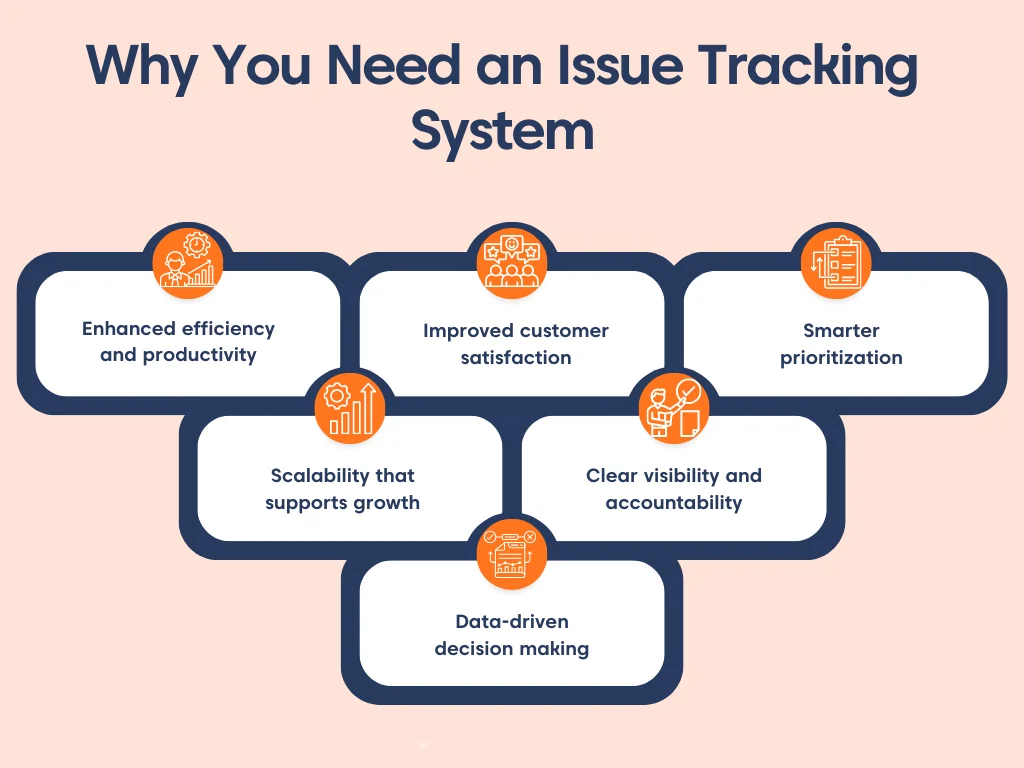
Enhanced efficiency and productivity
With automation features, software can reduce the time spent on repetitive tasks, ultimately improving the overall efficiency of the team.
Improved customer satisfaction
By resolving issues efficiently and promptly, businesses can improve customer satisfaction and foster stronger relationships with their clients.
Smarter prioritization
Issues are automatically ranked by urgency and impact, ensuring critical problems receive immediate attention and preventing service delays.
Scalability that supports growth
As ticket volume increases, the system expands smoothly, maintaining performance and efficiency without requiring major operational changes.
Clear visibility and accountability
Issue management software gives everyone a clear view of issue status, ownership, and progress, reducing confusion, improving coordination, and ensuring nothing slips through the cracks.
Data-driven decision making
Issue tracking software comes with reporting features that provide insightful data on issue trends, resolution times, and team performance, enabling continuous improvement and strategic planning.
Quick comparison of the best issue tracking software (2026)
Below is a summary of the best issue tracking systems, selected based on core capabilities, scalability, user experience, and verified customer ratings from trusted G2 reviews, ensuring a fair and performance‑driven comparison.
| Name | Features | Pricing starts at | G2 rating |
| BoldDesk |
|
$99/month for 5 users | 4.5/5 |
| Zendesk |
|
$19/month/user | 4.3/5 |
| ClickUp |
|
$7/month/user | 4.7/5 |
| GitHub Issues |
|
$4/month/user | 4.7/5 |
| LiveAgent |
|
$15/month/user | 4.5/5 |
| Freshdesk |
|
$19/month/user | 4.4/5 |
| Jira Software |
|
$9.05/month/user | 4.3/5 |
| HubSpot Service Hub |
|
$9/month/user | 4.4/5 |
| TeamSupport |
|
$45/month/user | 4.4/5 |
| HappyFox |
|
$24/month/user | 4.5/5 |
| SysAid |
|
Not publicly listed. | 4.5/5 |
| Wrike |
|
$10/month/user | 4.2/5 |
| Zoho BugTracker |
|
$2/month/user | 4.4/5 |
| Nuclino |
|
$6/month/user | 4.7/5 |
| Redmine |
|
Offers a free plan; however, some plug-ins necessitate payment. | 4/5 |
15 Top issue management software to consider
Issue tracking software is a crucial tool for managing projects, regardless of size. It offers users a structured system to supervise and record progress.
Let’s explore some of the leading software solutions that can assist businesses in excelling at customer service in 2026.
1. BoldDesk
Best for omnichannel ticketing with a built‑in knowledge base and a flexible issue tracking system for growing teams.
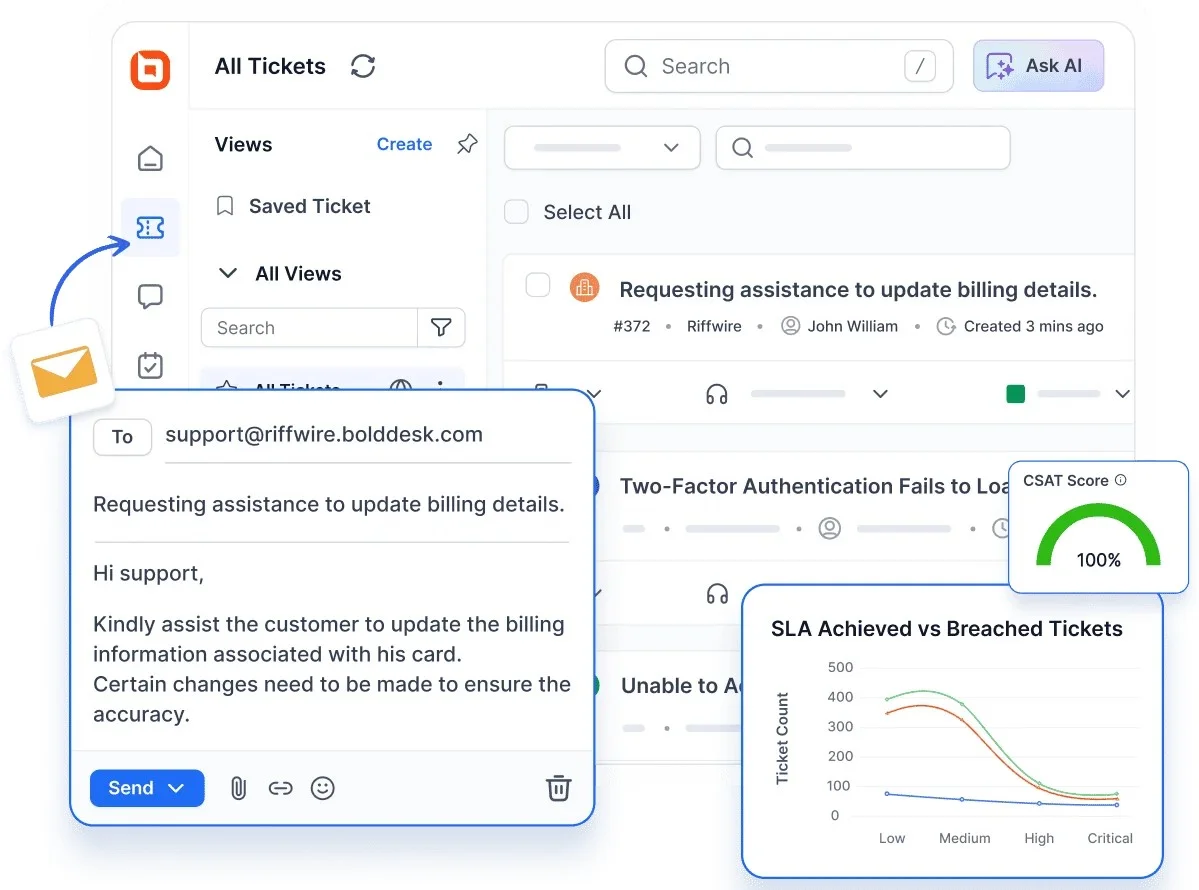
BoldDesk is a modern issue tracking and customer support platform designed to manage the full ticket lifecycle, from intake and categorization to resolution and reporting.
Unlike traditional issue trackers that focus only on logging and assigning bugs, BoldDesk combines structured ticket workflows with omnichannel communication, allowing teams to manage customer issues from email, live chat, WhatsApp, Facebook Messenger, and other channels in a single unified inbox.
Its workflow automation and SLA-based routing ensure that issues are assigned, prioritized, and escalated automatically, reducing manual triage and improving response consistency.
For teams that handle recurring questions alongside technical issues, BoldDesk includes a built-in knowledge base software that supports self-service, helping reduce ticket volume while keeping issue context connected to customer conversations.
BoldDesk also supports advanced customization, including custom fields, forms, and automation rules, making it adaptable to IT teams, product teams, and customer support departments alike.
Rather than functioning only as a bug tracker, BoldDesk provides a scalable issue management system that grows with your team’s operational complexity.
Top features
- Robust ticketing system
- Live chat software
- Omnichannel inbox
- Effective automated workflows
- Knowledge base software
- Integrations
- Reports and analytics
- AI Copilot
- AI Actions
- AI Agent
- Customization
- Multilingual support
Pricing
Whether you’re a startup or exploring BoldDesk for the first time, our pricing is built to be transparent, scalable, and ready for modern support teams.
Every plan includes the full feature set, so you can grow confidently without paying extra for essential capabilities.
| No. of agents | Monthly price (USD, billed yearly) | AI credits per month |
| 5 | $99 | 1,000 |
| 10 | $199 | 2,000 |
| 25 | $499 | 6,000 |
| 50 | $999 | 10,000 |
| 75 | $1,399 | 15,000 |
| 100 | $1,799 | 20,000 |
BoldDesk also includes flexible AI features designed to enhance your support operations without locking you into flat or unpredictable fees.
AI Agent is included in every plan and uses AI credits from your tier (from $99/month for 1,000 AI credits; top-ups $40 per 1,000), giving you flexibility and control over costs.
Additionally, you can supercharge your human agents with the AI Copilot, included in every plan.
For a complete breakdown of pricing tiers, including features and AI credits, explore the full BoldDesk pricing details.
Free trial: 15 days
2. Zendesk
Best for consolidating multi‑channel customer tickets in a single, customizable workspace on an enterprise scale.

Zendesk is a problem-solving software that gathers all your company’s customer tickets in a single location. It enables you to manage, evaluate, and resolve problems to ensure customer satisfaction.
It provides a single, dynamic interface where all customer interactions are consolidated, essentially allowing you to juggle multiple tasks without bungling them.
Pricing
Starts at $19 per user/month.
Free trial: 14 days
3. ClickUp
Best for teams that want project management and issue tracking in one place with real‑time activity streams.
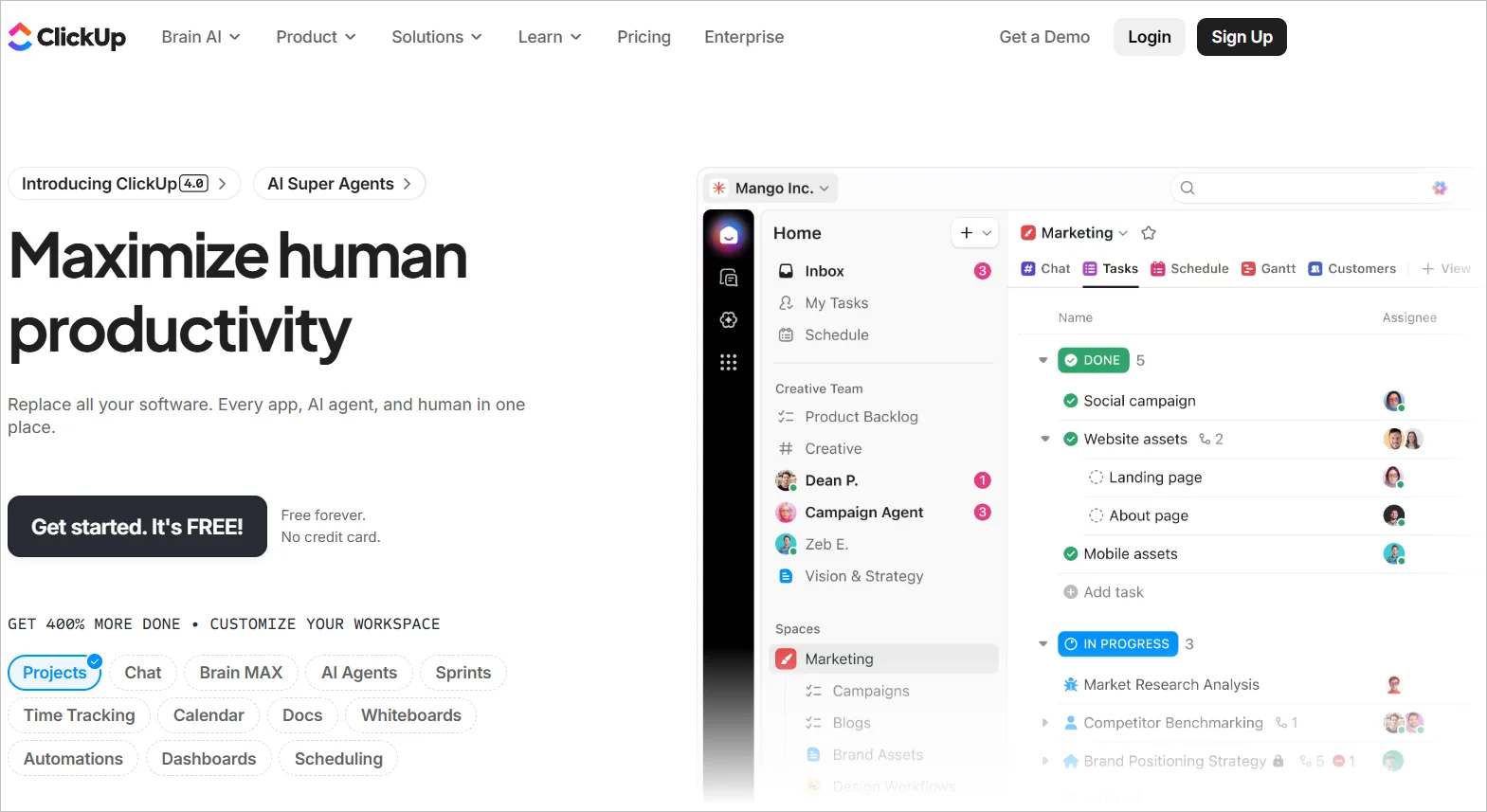
ClickUp is a highly rated productivity and issue tracking tool utilized by efficient teams in both small and large firms.
This customer service project management software enables your teams to achieve optimal outcomes for customer retention.
It is an ideal choice for issue tracking if you and your team are familiar with project management tools.
This fully cloud-based tool offers a plethora of features that aid in communication, collaboration, task assignment, task status tracking, alert setting, and much more.
ClickUp’s activity stream presents tasks in real-time, enabling you to see them as they are created and completed.
Pricing
Starts at $7 per user/month.
Free trial: 14 days
4. GitHub Issues
Best for developer‑led teams tracking code issues with customizable fields and workflows inside GitHub.
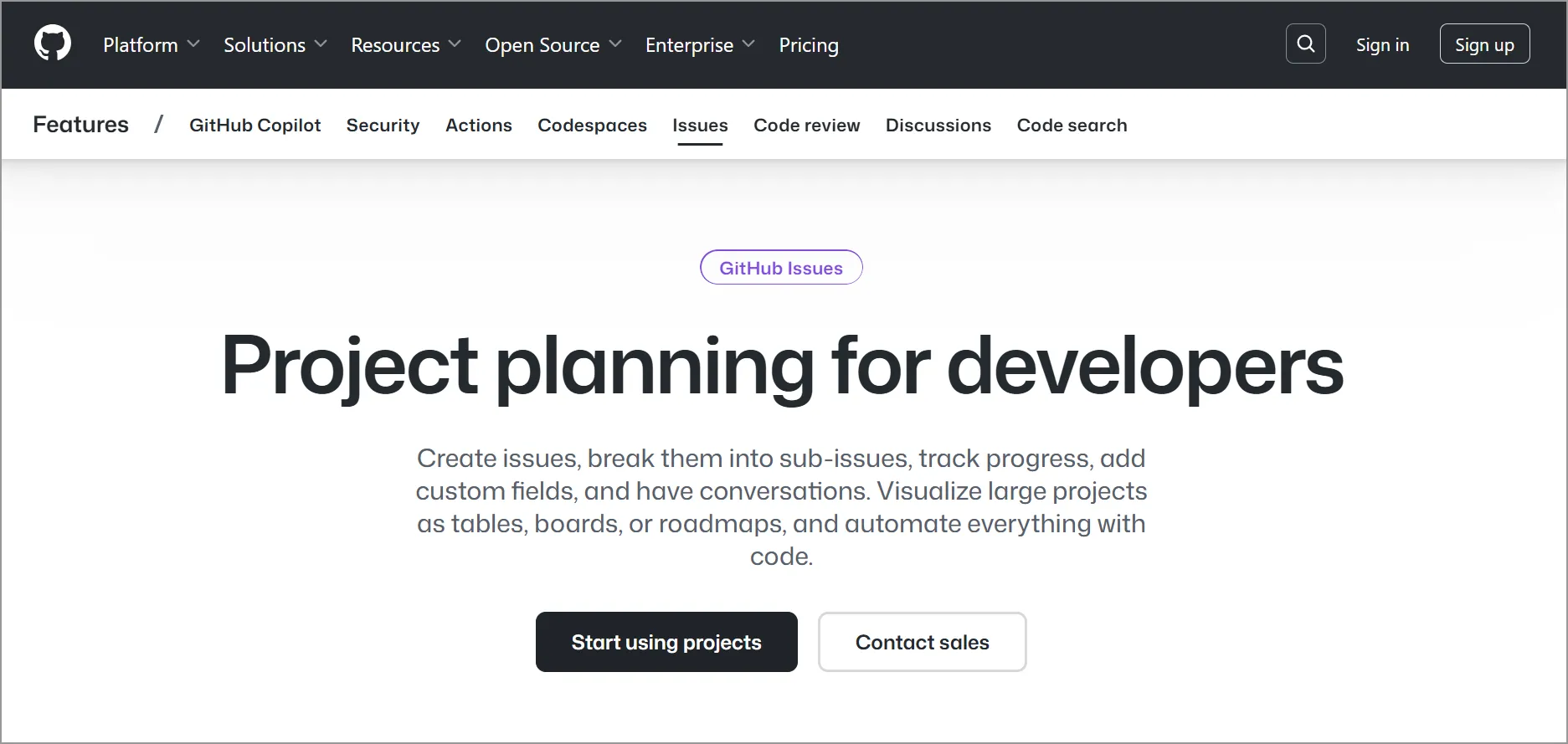
GitHub Issues, widely used online issue tracking software, is integrated into the GitHub code repository platform.
It is frequently used by software development teams to identify and solve issues in software code.
GitHub provides all the necessary features of a ticket tracker system with the added advantage of flexibility to adapt to your preferred way of working.
It has numerous features for issue tracking, such as breaking down issues into manageable tasks, creating boards and tables, collaborating using Markdown, and more.
Teams can even customize the issue tracking software to suit their needs, with options to include custom fields and workflows.
However, GitHub’s downside might be its steep learning curve. While developers familiar with GitHub can easily navigate the platform, those new to it might find the multitude of features overwhelming.
Nevertheless, GitHub’s utility for developers means it can facilitate collaboration across engineering and customer service functions.
Pricing
Starts at $4 per user/month.
Free trial: 30 days
5. LiveAgent
Best for support teams needing live chat workflows with smart chat routing and custom chat widgets.

LiveAgent is a potent issue tracking application designed to streamline and manage customer service problems.
It empowers businesses to swiftly respond to customer inquiries, monitor progress, and consolidate all information in one location.
The software also allows for chat window customization, intelligent management of chat traffic, automated greetings, and more.
Pricing
Starts at $15 per user/month.
Free trial: 30 days
6. Freshdesk
Best for small businesses seeking user‑friendly, omnichannel support backed by Freshworks Academy resources.
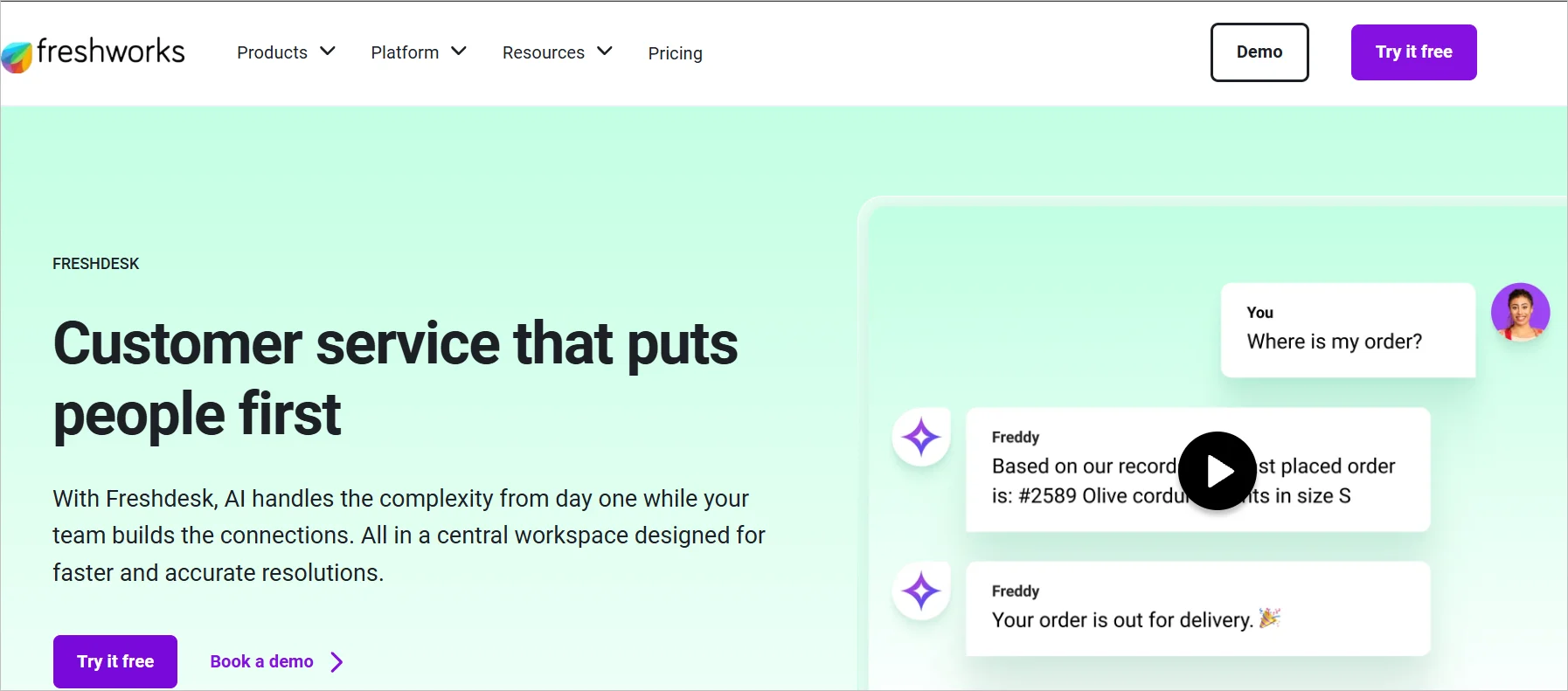
Freshdesk is a suitable choice if you want to improve your internal or external support operations with an omnichannel solution that enables tracking, recording, and customer issue management.
It’s particularly targeted at smaller businesses, given its affordable prices and user-friendly interface.
An additional advantage of Freshdesk is the Freshworks Academy, which eases the task of training your agents on the new system.
Pricing
Starts at $19 per user/month.
Free trial: 14 days
7. Jira Software
Best for engineering and support collaboration on agile issue management across complex development lifecycles.
Jira Software is a specialized issue management tool that efficiently bridges your engineering and support teams on any development issues.
It has the essential features required to elevate and connect tickets in your integrated support system or within Jira itself.
Jira assists teams in planning, delegating, monitoring, overseeing, and reporting tasks.
It serves as a unifying platform for teams, catering to an extensive range of needs, from Agile software development and customer support to the requirements of small businesses and large corporations.
Pricing
Starts at $9.05 per user/month, for 50 users.
Free trial: 7 days
8. HubSpot Service Hub
Best for teams that want ticketing, live chat, and CSAT within a broader HubSpot CRM ecosystem.
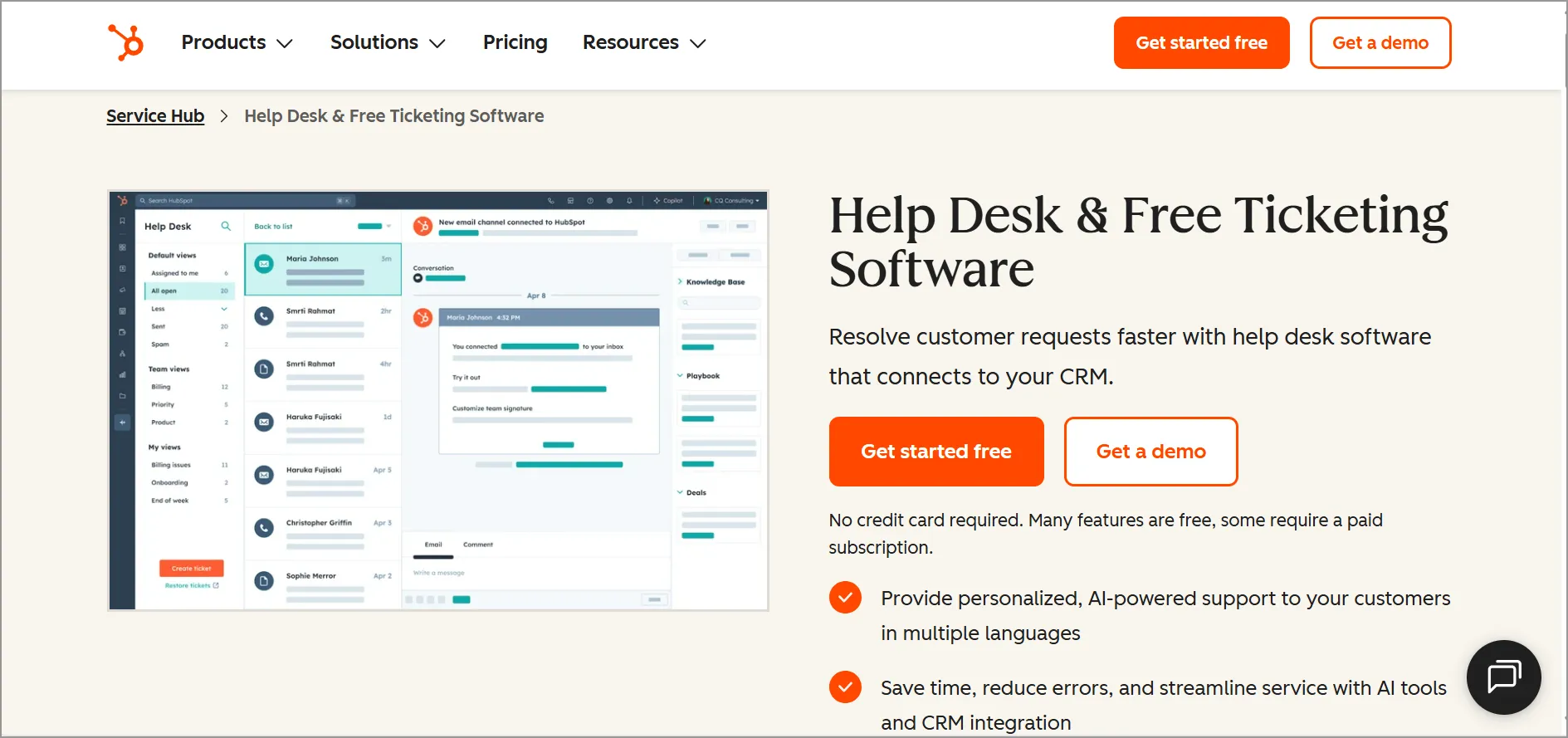
HubSpot Service Hub is a cloud-based issue tracking software that aids businesses in managing and tracking customer queries and issues.
It includes features like ticketing, live chat, and automation to streamline customer service processes. It also provides tools for measuring customer satisfaction and tracking agent performance.
Pricing
Starts at $9 per user/month.
Free trial: 14 days
9. TeamSupport
Best for B2B support organizations needing deep customization for client accounts.
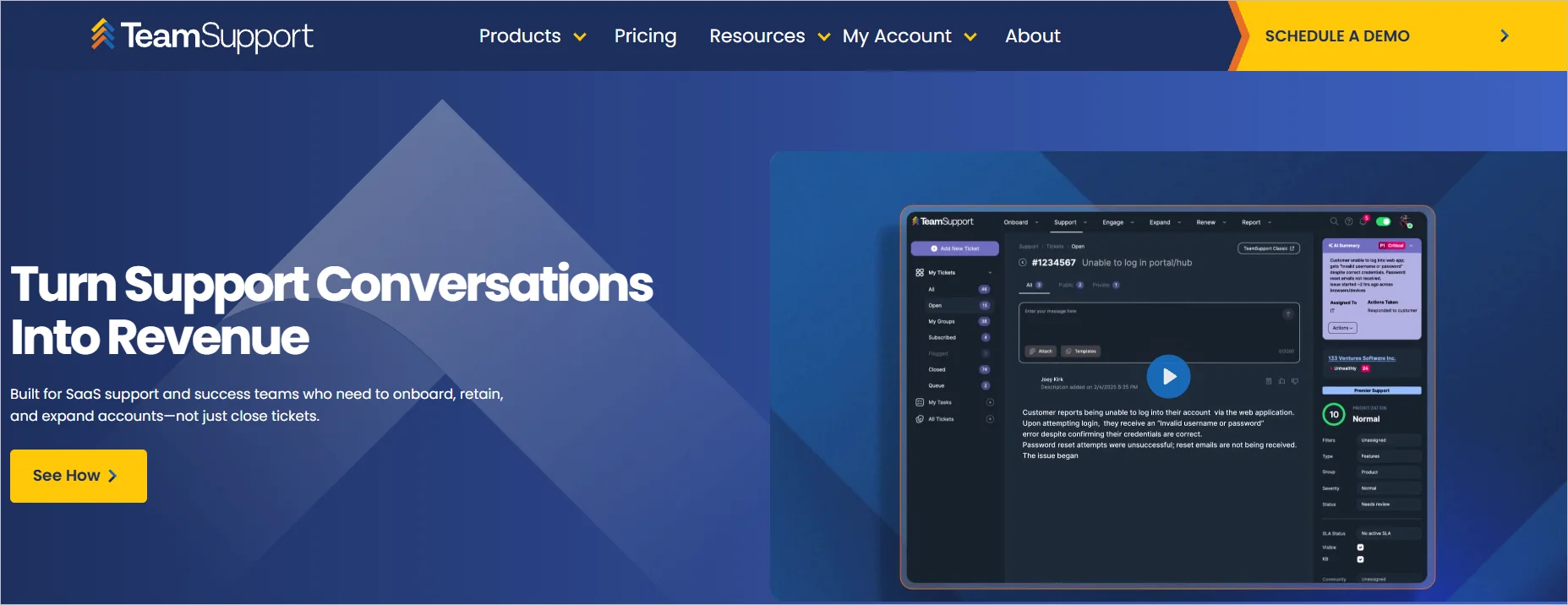
TeamSupport is a versatile issue tracking system specifically designed for business-to-business companies to enhance customer support.
Besides assisting in tracking reported problems, it also provides quick solutions.
It is highly customizable, with options for custom fields, workflows, and rules, allowing you to seamlessly integrate it into your existing processes.
Pricing
Starts at $45 per user/month, for 5 users.
Free trial: 7 days
10. HappyFox
Best for help desks prioritizing structured ticket categorization and feedback loops to improve service quality.
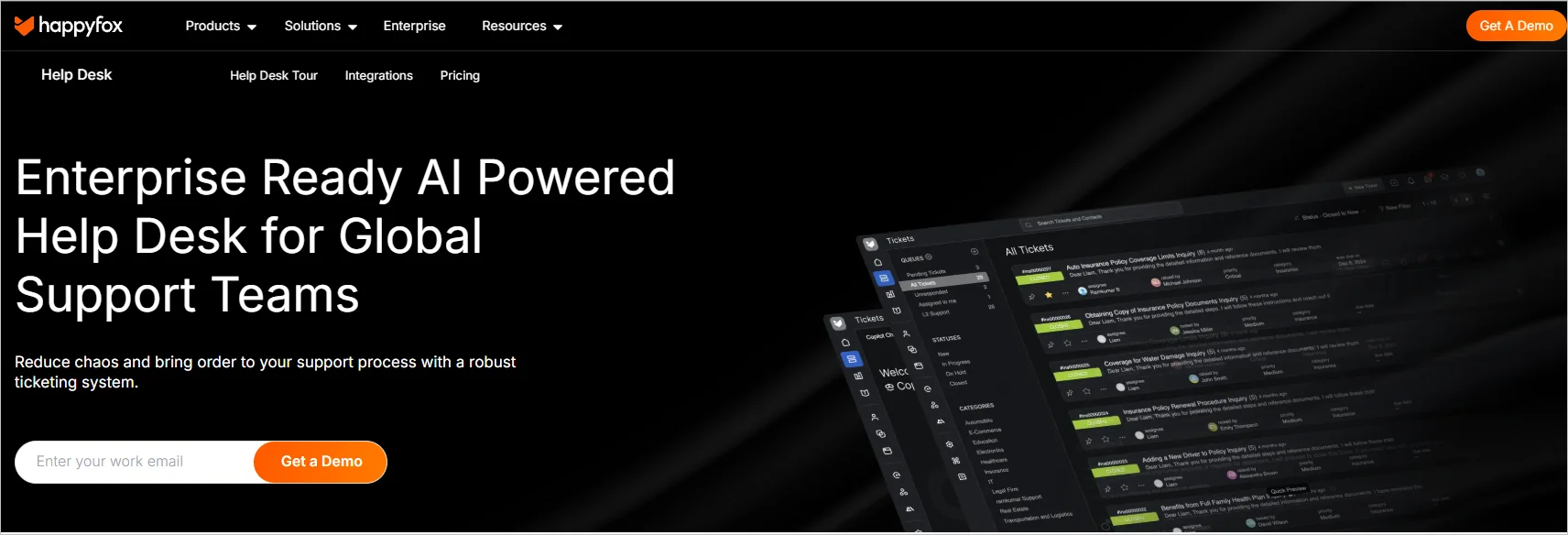
HappyFox is reputable issue tracking software designed to assist your team in creating swift and flawless issue resolution processes.
It doubles as a help desk with extensive customer service functionalities, equipped with features aimed at enhancing service delivery and reducing staff costs.
HappyFox categorizes tickets according to their type, urgency, and status. It enables the collection and analysis of customer feedback to identify areas that need improvement.
Pricing
Starts at $24 per user/month.
Free trial: 14 days
11. SysAid
Best for IT-focused teams wanting a simple, customizable interface for logging and tracking support issues.
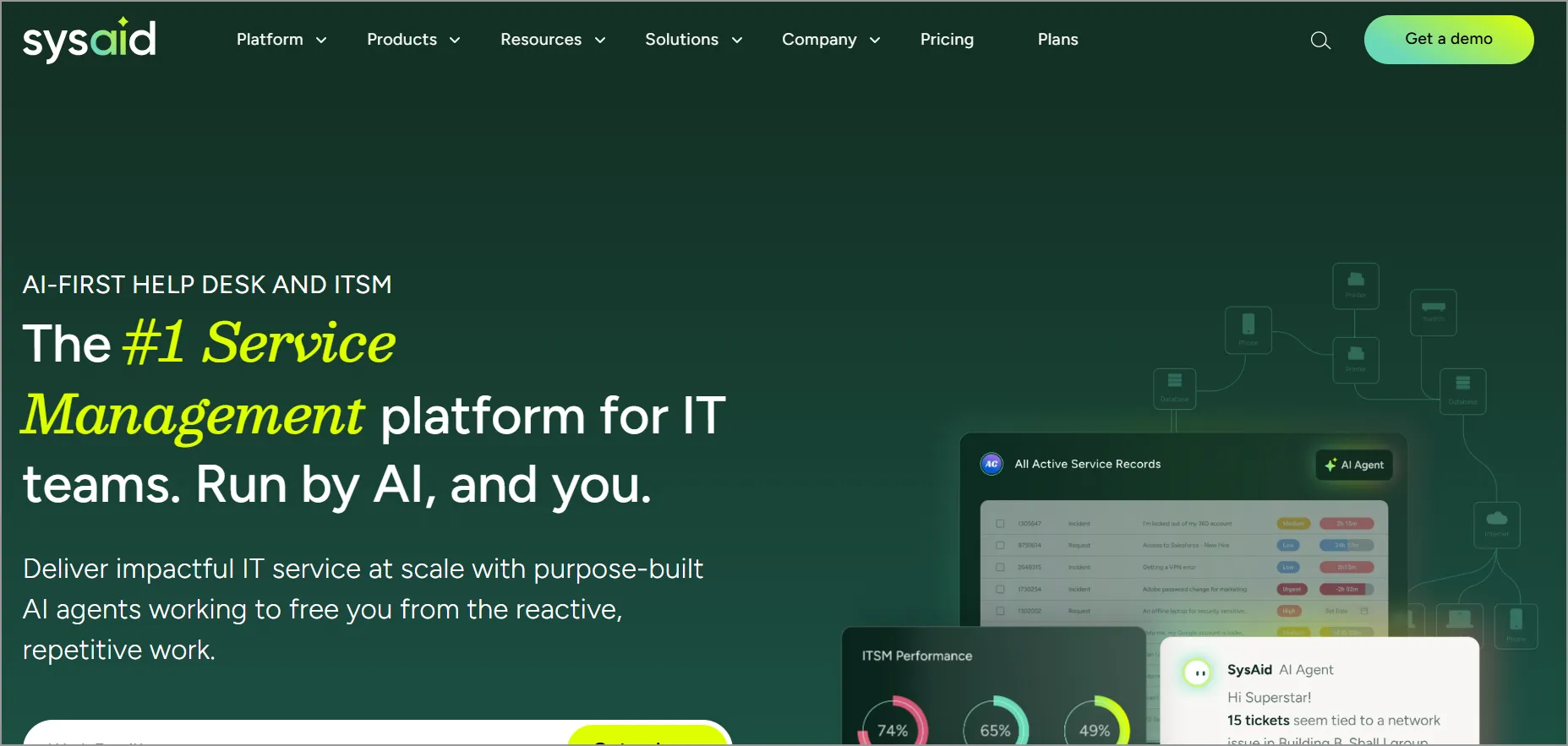
SysAid Help Desk ranks among the top in simple issue tracker software.
It ensures the seamless management of customer support queries, allowing you to efficiently track issues, thereby enabling you to meet support service expectations.
It is an excellent choice for businesses seeking a streamlined, user-friendly issue tracking application.
Its perceptive user interface makes it easy to log new issues or access existing ones swiftly. The system can be customized to meet the individual needs of your business.
Pricing
Contact SysAid.
Free trial: 14 days
12. Wrike
Best for operations and projects that need tasks, collaboration, and reporting features alongside issue workflows.

Wrike is a project management tool equipped with features for handling tasks, collaborating with teams, and reporting.
This project management software solution, which is based on the cloud, is aimed at optimizing project workflows.
This comprehensive platform is structured to aid in managing projects, organizing work, improving collaboration, and speeding up execution across all departments.
Pricing
Starts at $10 per user/month (2-15 users).
Free trial: 14 days
13. Zoho BugTracker
Best for organizations already on Zoho that want streamlined bug tracking software tightly integrated with Zoho Desk.
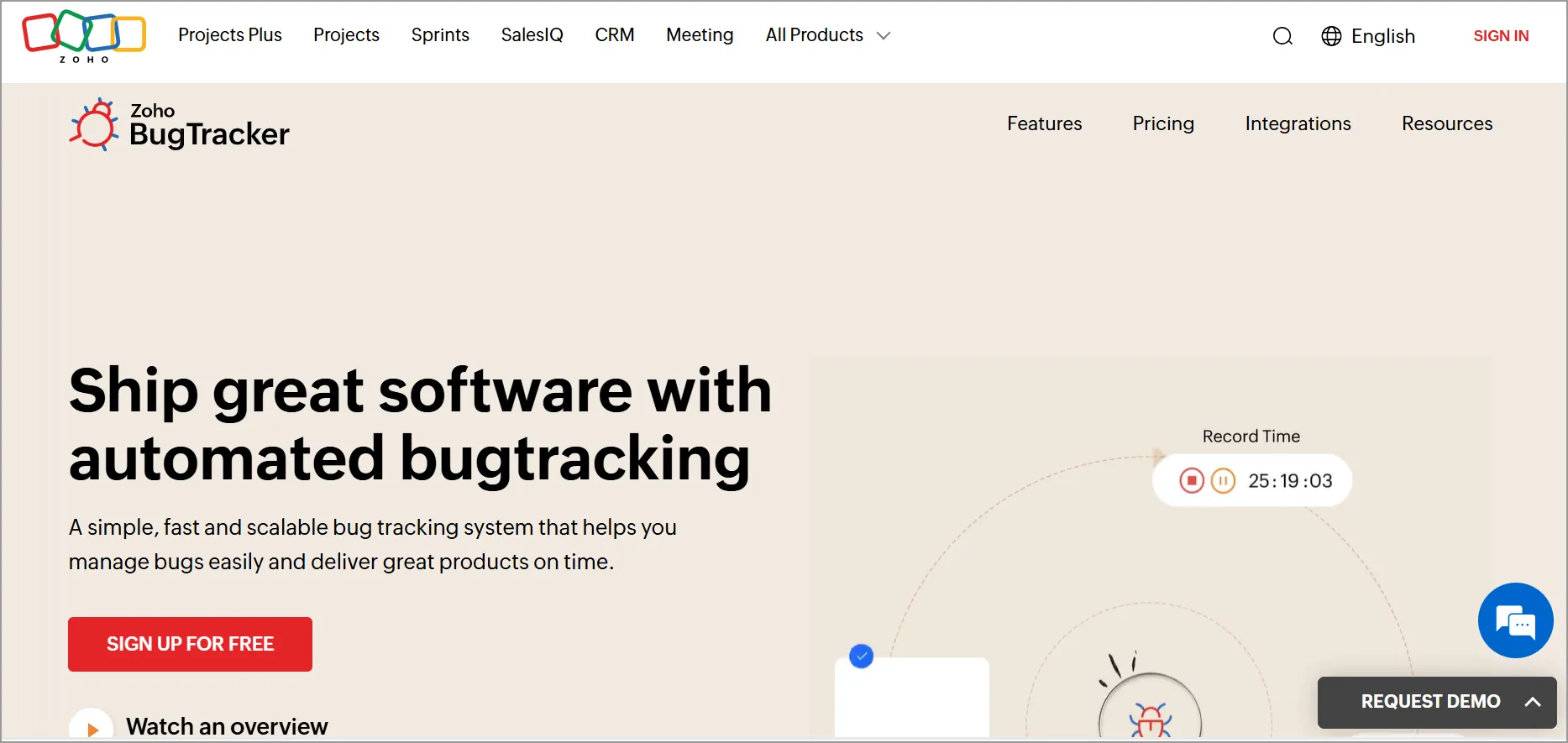
Zoho BugTracker is a straightforward, potent tool for tracking issues. It is a system for tracking bugs that alerts customer service representatives when new problems are reported or updates are made.
This bug tracking tool allows you to design a customized interface that caters to the requirements of both your team and your customers.
A key advantage of BugTracker is its flawless integration with other Zoho suite products, like Zoho Desk. This allows support teams to effortlessly submit customer tickets through BugTracker and monitor their status, and team up with engineers directly from Zoho Desk.
Pricing
Starts at $2 per user/month.
Free trial: 15 days
14. Nuclino
Best for collaborative teams organizing issues alongside docs in boards, tables, or lists.
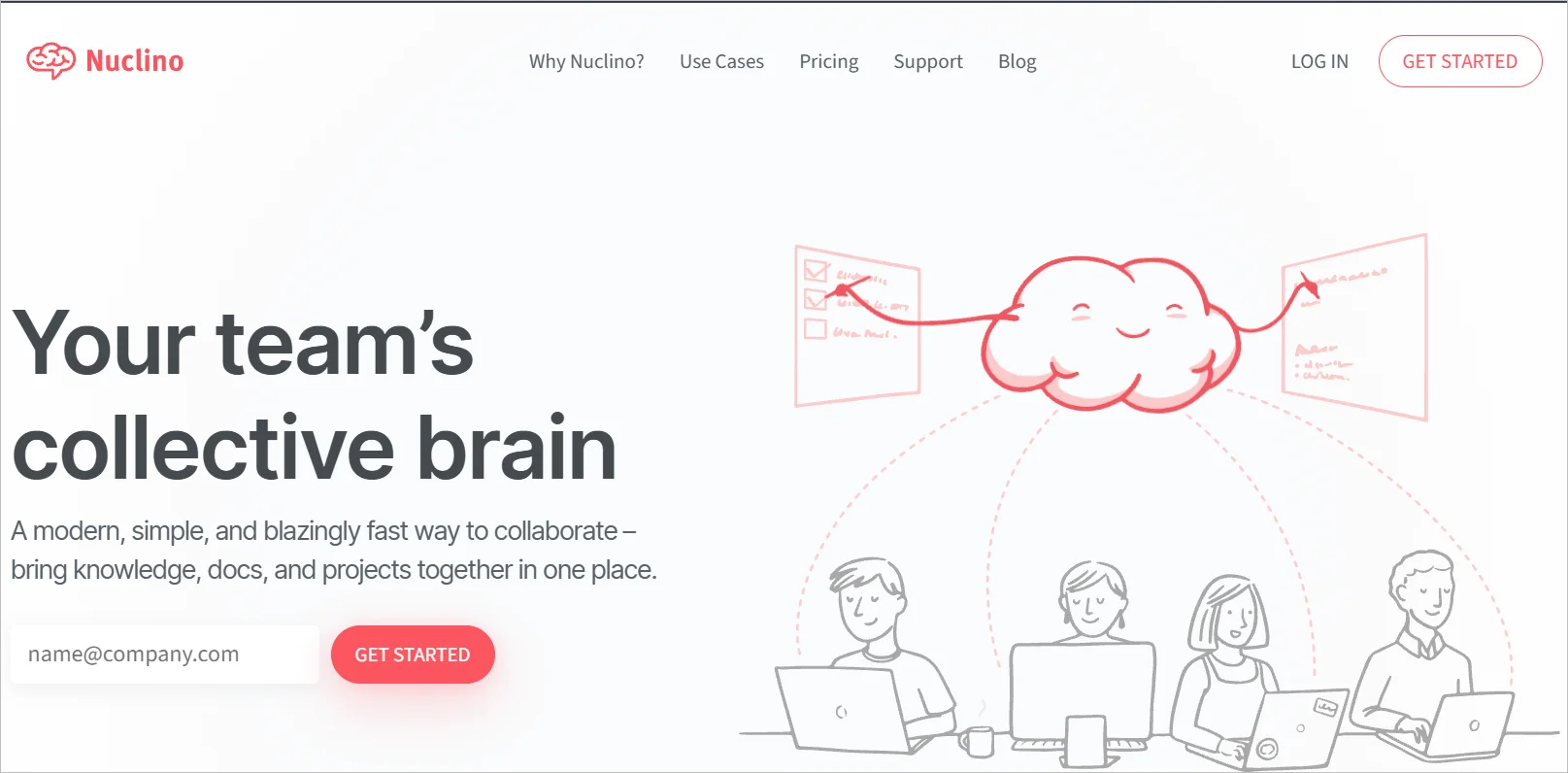
Nuclino is a collaborative workspace and knowledge-sharing platform for teams.
It allows users to create, organize, and collaborate in real-time on documents, notes, tasks, and projects. You can generate a custom workflow to manage issues.
The platform features a simple, intuitive interface and supports various content types such as text, images, files, checklists, and more.
There’s a range of ways to organize issues in Nuclino, such as through a nested list, table, or a Kanban board, which allows for the visual representation of progress through drag-and-drop cards.
It also offers fields for tracking further details about each issue, including assignee, priority, device type, operating system, etc.
Pricing
Starts at $6 per user/month.
Free trial: 14 days
15. Redmine
Best for open-source enthusiasts who need a modular project and issue tracking with robust plugin or theme options.
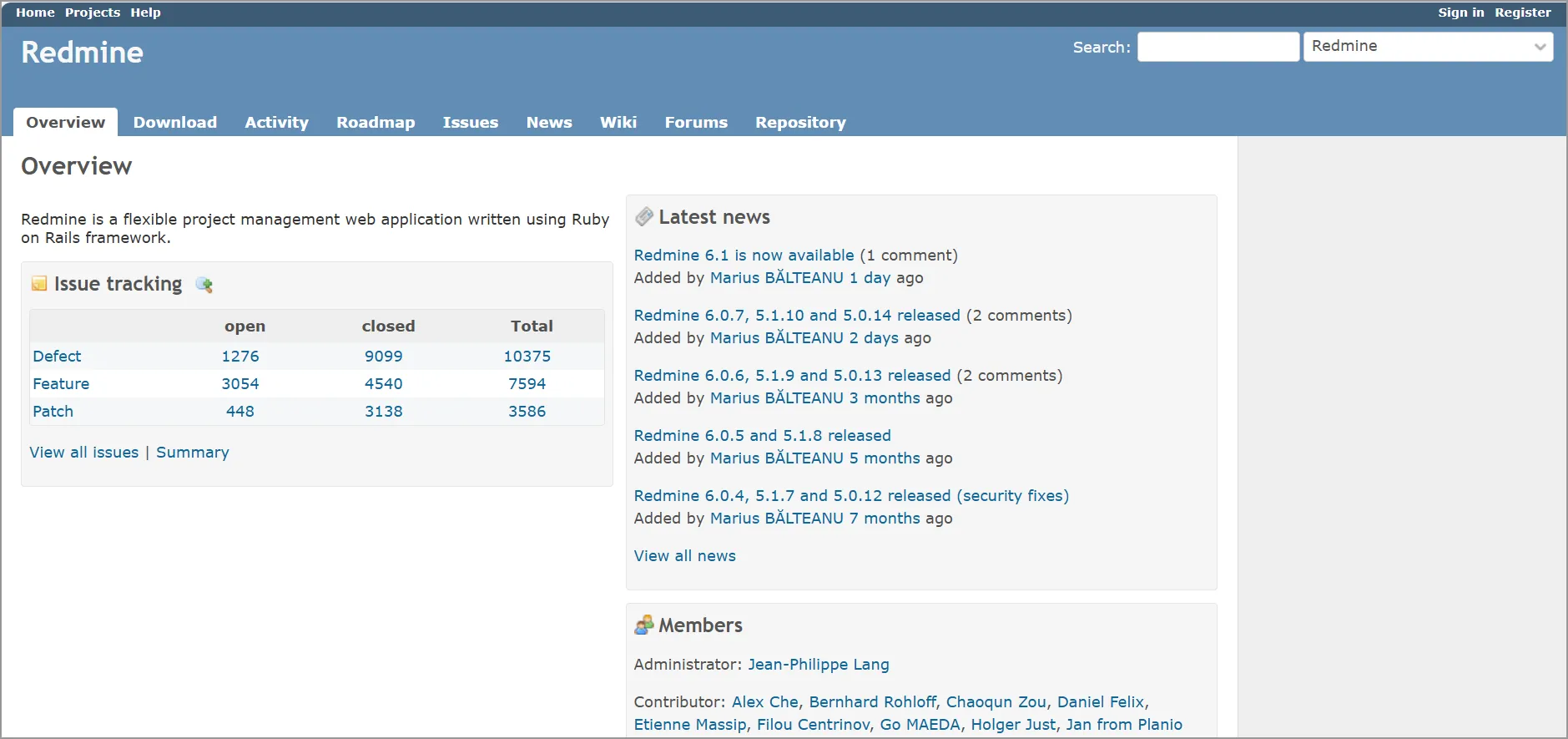
Redmine is an open-source tool for project management and issue tracking, offering features like timeline viewing, Gantt charts, and calendars.
Although its interface may seem somewhat old-fashioned and less user-friendly compared to some of its paid counterparts, it packs all the features required for managing projects and monitoring issues.
It’s modular, expandable, and multifaceted, with an extensive selection of plugins and themes to customize it.
Pricing
Redmine offers a free plan; however, some plug-ins necessitate payment.
Free trial: 30 days
How to choose the right issue tracking software
Choosing the right issue tracking software depends on your business use case, team structure, and growth plans. When evaluating options, consider the following key factors:
- Business needs: Determine whether you need to track software bugs, customer-reported issues, internal requests, or all three. Clear use cases ensure the tool fits your workflows.
- Scalability: Select software that can handle increasing issue volumes, users, and complexity as your business grows without sacrificing performance.
- Customer experience: Look for intuitive interfaces and smooth workflows that make it easy for teams to manage issues and for customers to submit and track requests.
- Time to value: Assess how quickly the platform can be deployed and start delivering measurable improvements in efficiency and resolution speed.
- Total cost of ownership: Consider all costs, including pricing tiers, user limits, features, and long-term scalability, to ensure the solution aligns with your budget.
Choose the right issue tracking software for your business
Selecting the best issue tracking software comes down to understanding your team’s needs, your operational workflows, issue volumes, budget, and growth plans. Taking the time to evaluate these factors ensures you choose a platform that not only works for you today but also scales with you in the future.
Solutions like BoldDesk equip teams with powerful tools to streamline issue management, enhance visibility, and support efficient collaboration.
For organizations seeking an intuitive, customizable system that’s easy to implement, BoldDesk stands out as a solid choice alongside leading platforms such as Zendesk, Zoho Desk, HappyFox, and Freshdesk.
If you’re ready to simplify and optimize your issue tracking process, consider trying BoldDesk through a free trial or booking a personalized demo to see how it aligns with your team’s workflow.
Have questions or thoughts? Feel free to reach out or drop a comment!
Related articles
- 15 Best Help Desk Software in the Market for 2026 | BoldDesk
- Help Desk vs Service Desk: What’s the Difference? | BoldDesk





