




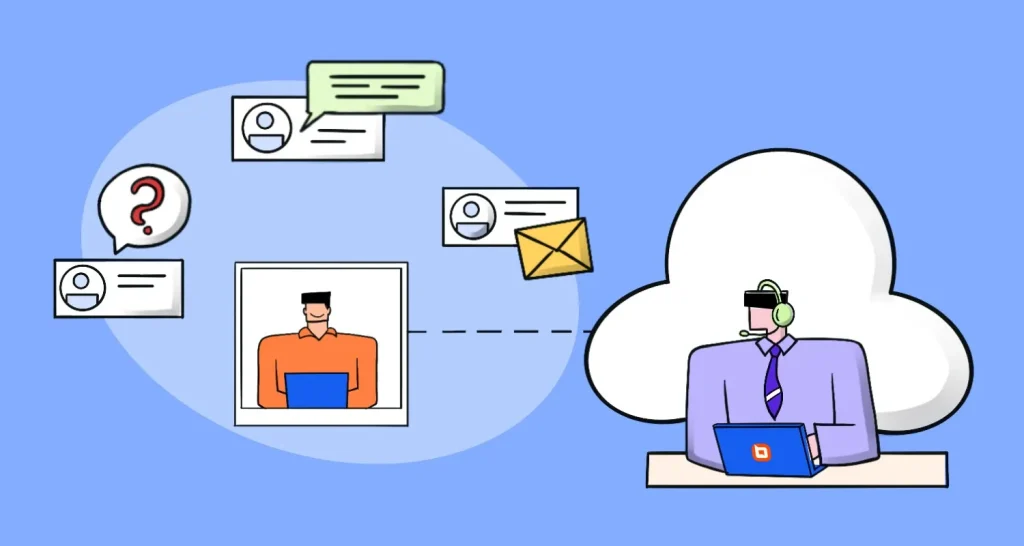




TL;DR: The best SaaS help desk software enables teams to streamline customer service with AI-powered support, omnichannel communication, and scalable ticketing. Platforms like BoldDesk, Kayako, and Tidio offer features that improve response times, enhance self-service, and support global teams in delivering faster, more consistent customer experiences.
Delivering fast, consistent customer support has become a competitive requirement as ticket volumes grow and customers expect quicker resolutions across channels.
Many teams struggle to maintain customer service standards while scaling their support operations.
SaaS help desk software addresses this by centralizing conversations, automating workflows, and enabling teams to manage support efficiently at scale.
If budget is a major consideration, you may also want to explore some of the best free help desk software options available for startups and growing businesses.
In this blog, we’ll explore top SaaS help desk solutions, their key benefits, and best practices to help you elevate your customer support.
What is SaaS help desk software?
SaaS (Software as a Service) help desk software is a customer support solution delivered over the Internet. It helps customer service teams manage and track support requests from different customer service channels in a unified platform.
Modern SaaS help desk platforms have features such as task automation, AI assistance, and reporting tools to help support teams work more efficiently.
SaaS help desk software can be accessed from anywhere for a subscription fee, making it more reliable and affordable than traditional help desk software hosted on company premises.
What are the features of SaaS help desk software?
Before evaluating software vendors, mastering help desk do’s and don’ts for SaaS can help you utilize key features more effectively and streamline your support workflows.
Below are the key SaaS help desk features to look for while choosing the ideal one for your team.
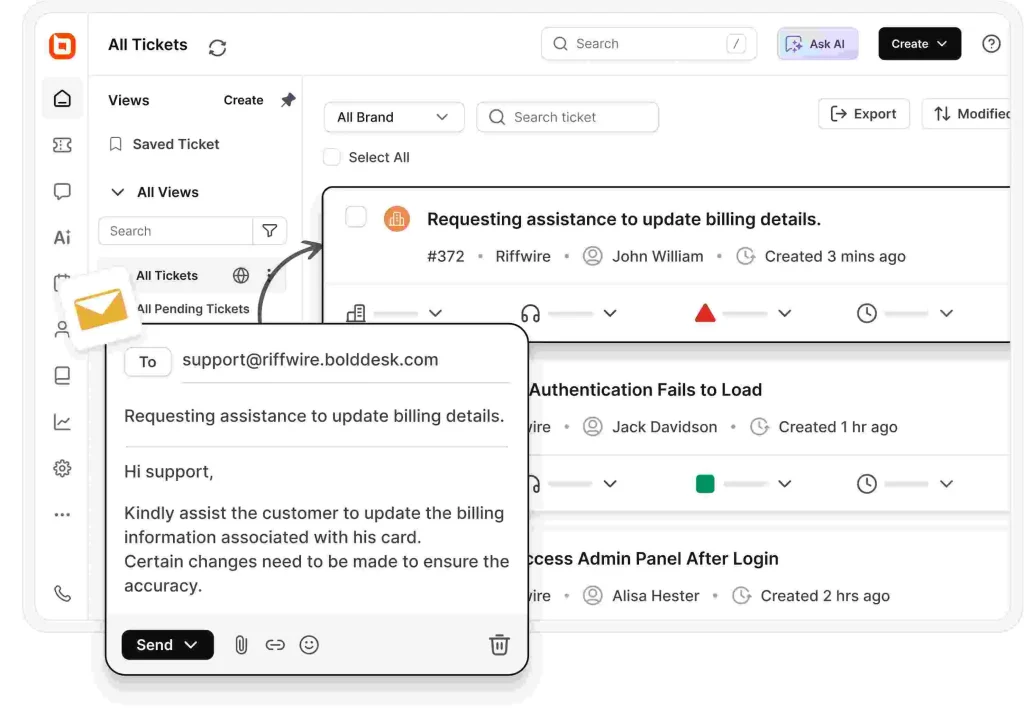
- Ticketing system: SaaS help desk ticketing system converts customer inquiries from email, chat, and social media into trackable tickets for efficient management.
- Omnichannel support: Centralizes conversations from multiple channels into a single inbox for seamless customer interactions.
- Self-service options: Enable customers to find answers, manage requests, and track tickets independently through FAQs, a knowledge base, and a self-service portal.
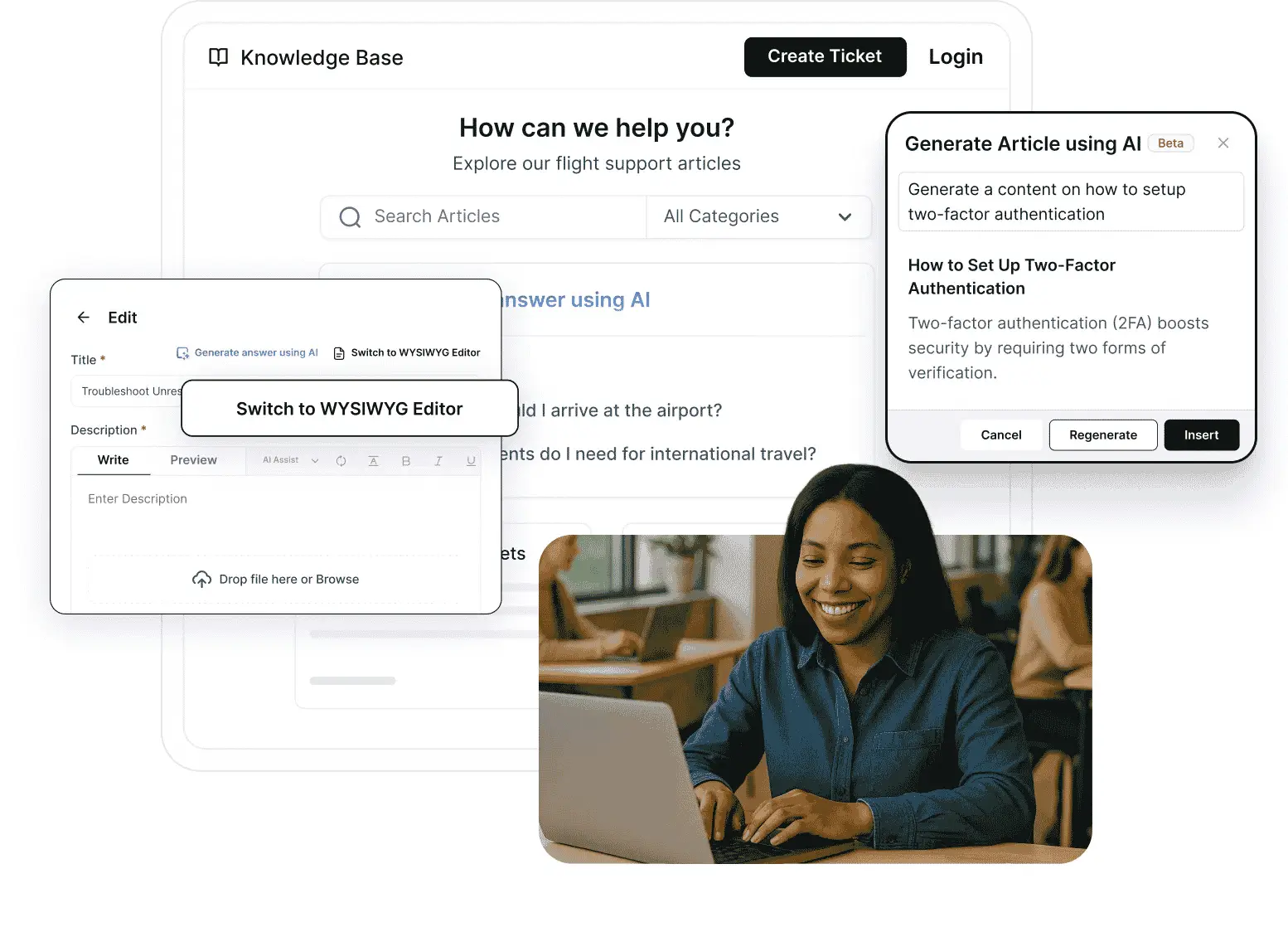
- Automation: Automatically categorizes, prioritizes, assigns tickets, and manages SLAs to improve efficiency.
- Customization and branding: Personalize the help desk with your company’s logo, colors, and branding.
- Integrations: Connect with CRM, workflow, and ecommerce help desk platforms to provide agents with complete customer context.
Beyond the functionalities discussed above, organizations must also evaluate security and compliance risks. For a deeper analysis of how leading platforms safeguard data, see our guide on help desk security review.
Comparison table for the best SaaS help desk software
We evaluated the best SaaS tools in help desk software category using criteria that reflect the real operational needs of modern SaaS businesses.
Our scoring focused on core help desk features, AI capabilities, scalability and customization, user experience, self-service, verified customer feedback from reputable software review platforms such as G2, security, and compliance readiness.
| Tool & key features | Starting price | G2 rating | Capterra rating |
| BoldDesk | $99/month for 5 agents (includes 500 free AI credits/month) | 4.5/5 | 5.0 |
| LiveAgent | $15 per agent/month | 4.5/5 | 4.7/5 |
| HappyFox | $24 per agent/month | 4.4/5 | 4.6/5 |
| Zoho Desk | $7 per agent/month | 4.4/5 | 4.5/5 |
| Kayako | $79 per agent/month | 4.0/5 | 4.0/5 |
| Jira Service Management | $20 per agent/month | 4.3/5 | 4.5/5 |
| Hiver | $25 per agent/month | 4.6/5 | 4.7/5 |
| Kustomer | $89 per agent/month | 4.4/5 | 4.7/5 |
| Talkdesk | $85 per agent/month | 4.4/5 | 4.5/5 |
| Tidio | $24.17/month for 100 billable conversations | 4.6/5 | 4.7/5 |
| JitBit | $29 per agent/month | 4.3/5 | 4.5/5 |
Note: Pricing, G2 ratings, and Capterra ratings were last verified in July 2026 and are subject to change. Please check the vendor’s website and G2 profile for the latest information.
Looking beyond SaaS-specific solutions? Explore our complete list of the best help desk software to compare additional platforms, pricing models, and features.
Top SaaS help desk solutions
You must carefully analyze and compare the options available to pick the right help desk for your business. We’ve put together a list of some top SaaS help desk examples for you to pick from.
They include:
1. BoldDesk
Best for: SaaS companies seeking a modern, AI-powered, highly customizable help desk with omnichannel and multilingual support that scales with growth.
BoldDesk is an AI-assisted SaaS help desk solution that offers a range of modern, user-friendly support capabilities, enabling businesses of all sizes to deliver efficient customer service.
Its omnichannel customer service consolidates inquiries from multiple communication channels into a single inbox, giving agents a unified platform to track, manage, and resolve tickets.
BoldDesk also includes a multilingual help desk feature, allowing global teams to assist users in multiple languages. This capability has contributed to strong customer feedback and positive SaaS help desk software reviews.
Key features of BoldDesk
- Robust ticketing system: The SaaS help desk’s email ticketing system automatically converts support emails into tickets and assigns them to service agents, streamlining the support process.
- Live chat: BoldDesk’s live chat software allows you to provide real-time customer support. It integrates into your website so your support team can respond immediately to customer inquiries, provide tailored support, and build stronger relationships.
- Multichannel support: The platform offers multiple support channels, such as phone, email, social media customer service, and live chat, in one combined portal.
- Knowledge base: You can create and update detailed articles and FAQs to help your customers solve issues independently without contacting support.
- AI Copilot and automation: BoldDesk leverages AI Copilot to enable you to automate repetitive tasks such as ticket assignment and escalation, increasing your agents’ efficiency.
- AI Agent: BoldDesk’s powerful AI agent effectively handles customer inquiries and workflows without human intervention, reducing manual workload for your support team.
- Mobile support: BoldDesk’s mobile help desk is optimized for iPhone and Android smartphones and tablets, allowing support agents to respond to customer requests on the go.
- Integrations: It integrates with several other applications to increase the functionality of your helpdesk and create a unified platform for delivering exceptional customer experiences.
- Reports and analytics: You can easily generate reports on agent performance and ticket resolution times and perform analyses to gain crucial insights.
- Customization features: The app lets you personalize the look and feel of your help desk according to your brand’s colors and design.
Pricing
BoldDesk equips businesses with a powerful hybrid support solution that combines AI’s efficiency with human agents’ empathy and reliability.
Its flexible pricing model allows companies to manage support costs effectively while delivering high-quality customer service across all channels.
All features are included for every customer, no feature restrictions, no locked modules, and no forced upgrades. Startups and free trial users also enjoy full access to every feature from day one.
Human agents can also be upgraded with AI Copilot for $20 per agent/month, helping them respond faster and resolve tickets efficiently.
With BoldDesk, businesses can scale their support operations confidently while focusing on customer satisfaction.
Need More Agents? Let’s create a tailored solution just for you — speak with our experts today.
2. LiveAgent
Best for: Teams that rely on live chat and multilingual communication with analytics.
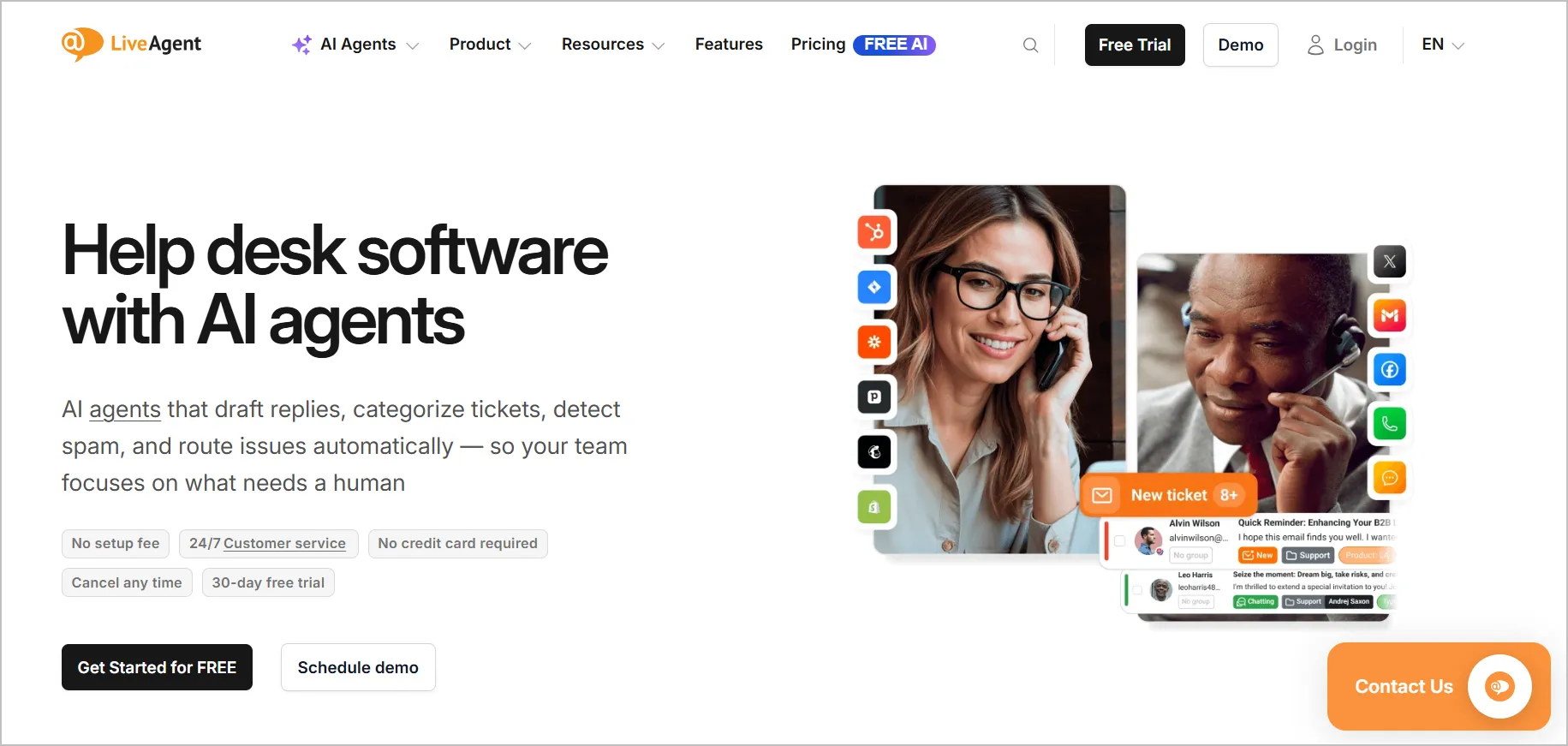
LiveAgent SaaS help desk software provides features such as multilingual chat widgets, chat routing, and chat history. Its interactive live chat software helps support teams to provide exemplary customer service.
Key features
- Live chat
- Reports and analytics
- AI assistant
Pros
- Offers multilingual live chat widgets, making it suitable for global audiences.
- Provides reports, analytics, and an AI assistant to support faster responses.
Cons
- Analytics and advanced reporting require higher-tier plans as compared to other LiveAgent alternatives.
Pricing
- Small business: $15 per agent/month
- Medium business: $29 per agent/month
- Large business: $49 per agent/month
- Enterprise: $69 per agent/month
Free trial: 30 days
3. HappyFox
Best for: Support operations that require AI features, service desk functions, and structured task management.
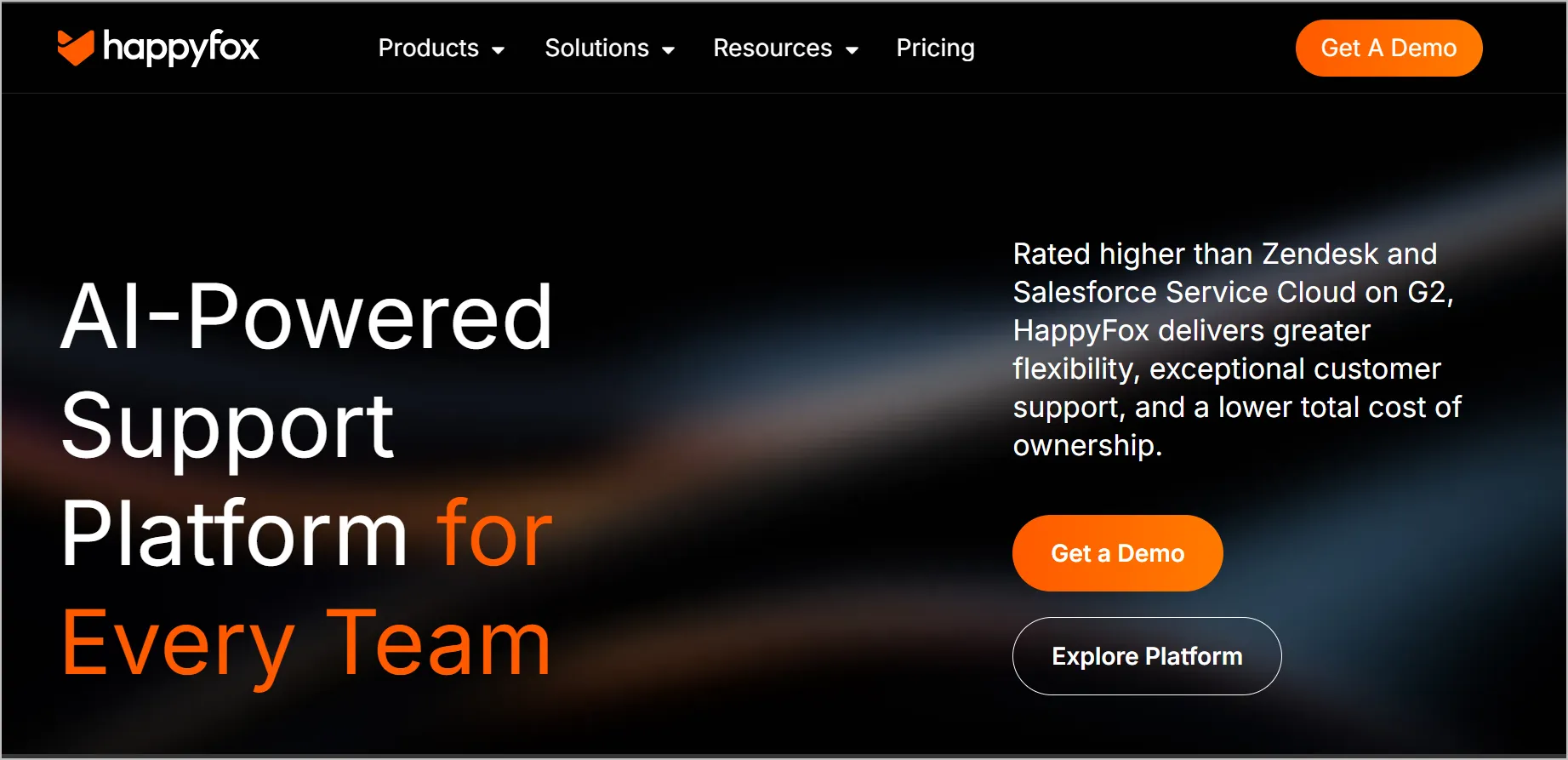
HappyFox is a popular SaaS help desk software offering features such as canned responses, task management, and reports.
Key features
- AI capabilities
- Live chat
- Service Desk
Pros
- Offers AI capabilities, live chat, and service desk functions suitable for varied support operations.
- Includes canned responses and task management to improve agent productivity.
Cons
- AI and service desk features can be too much for teams with limited workflows as compared to HappyFox alternatives.
Pricing
- Basic: $24 per agent/ month
- Team: $49 per agent/month
- Pro: $99 per agent/month
- Enterprise PRO: Contact HappyFox
Free trial: 14 days
4. Zoho Desk
Best for: Small to medium teams that need a customizable help desk solution with self-service and ecosystem-wide integrations.
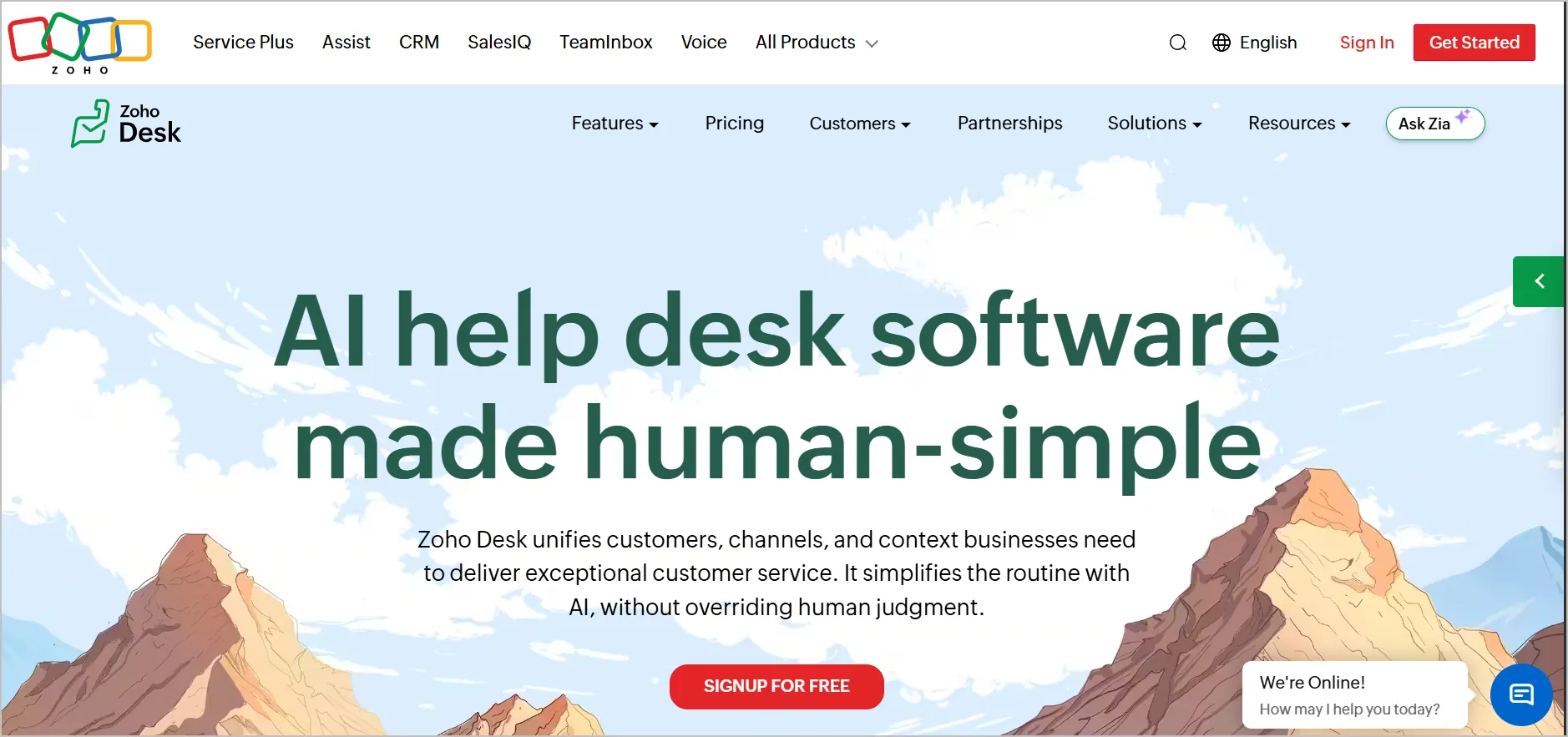
Zoho Desk is a help desk SaaS software that includes several integrations, amongst other features such as chatbots and reports.
Key features
- Zia AI
- Customization
- Self-service
Pros
- Includes Zia AI, customization options, and strong self-service tools.
- Broad integrations across the Zoho ecosystem.
Cons
- Lower-tier plans lack advanced analytics and AI features compared to Zoho Desk alternatives.
Pricing
- Express: $7 per agent/month
- Standard: $9 per agent/month
- Professional: $16 per agent/month
- Enterprise: $28 per agent/month
Free trial: 15 days
5. Kayako
Best for: Companies that require strong omnichannel support with an AI-powered knowledge base.
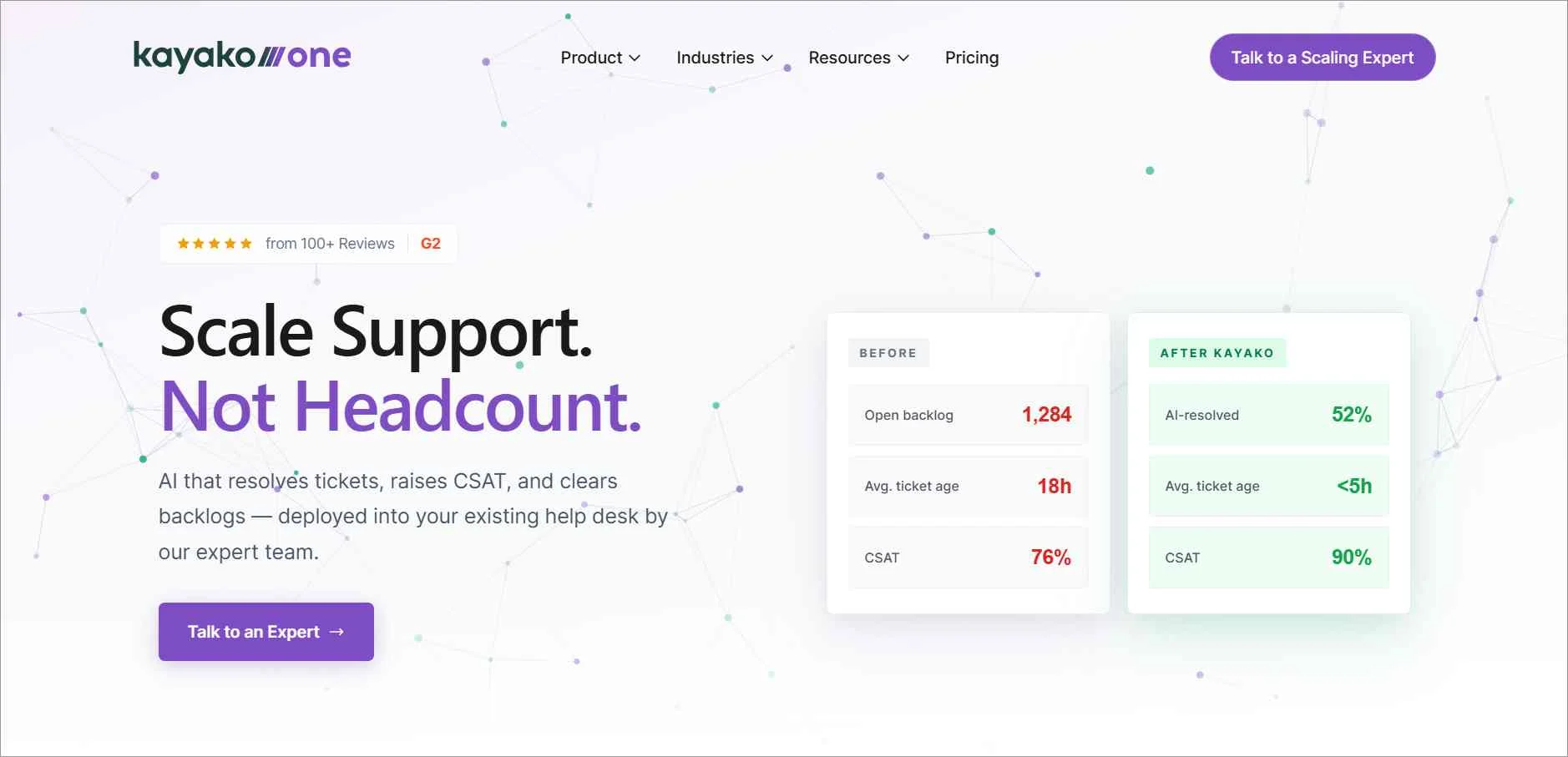
Another good help desk software SaaS example is Kayako. It offers several features such as reporting and AI assistance.
Key features
- AI Knowledge Base
- Omnichannel support
- Integrations
Pros
- Strong omnichannel support with an integrated AI-powered knowledge base.
- Provides multiple integrations to support broader workflows.
Cons
- Limited plan flexibility compared to competitors.
Pricing
- $79 per agent/month
Free trial: 14 days
6. Jira Service Management
Best for: IT service management (ITSM) teams that need structured workflows, automation, and native Jira/Atlassian ecosystem integration.
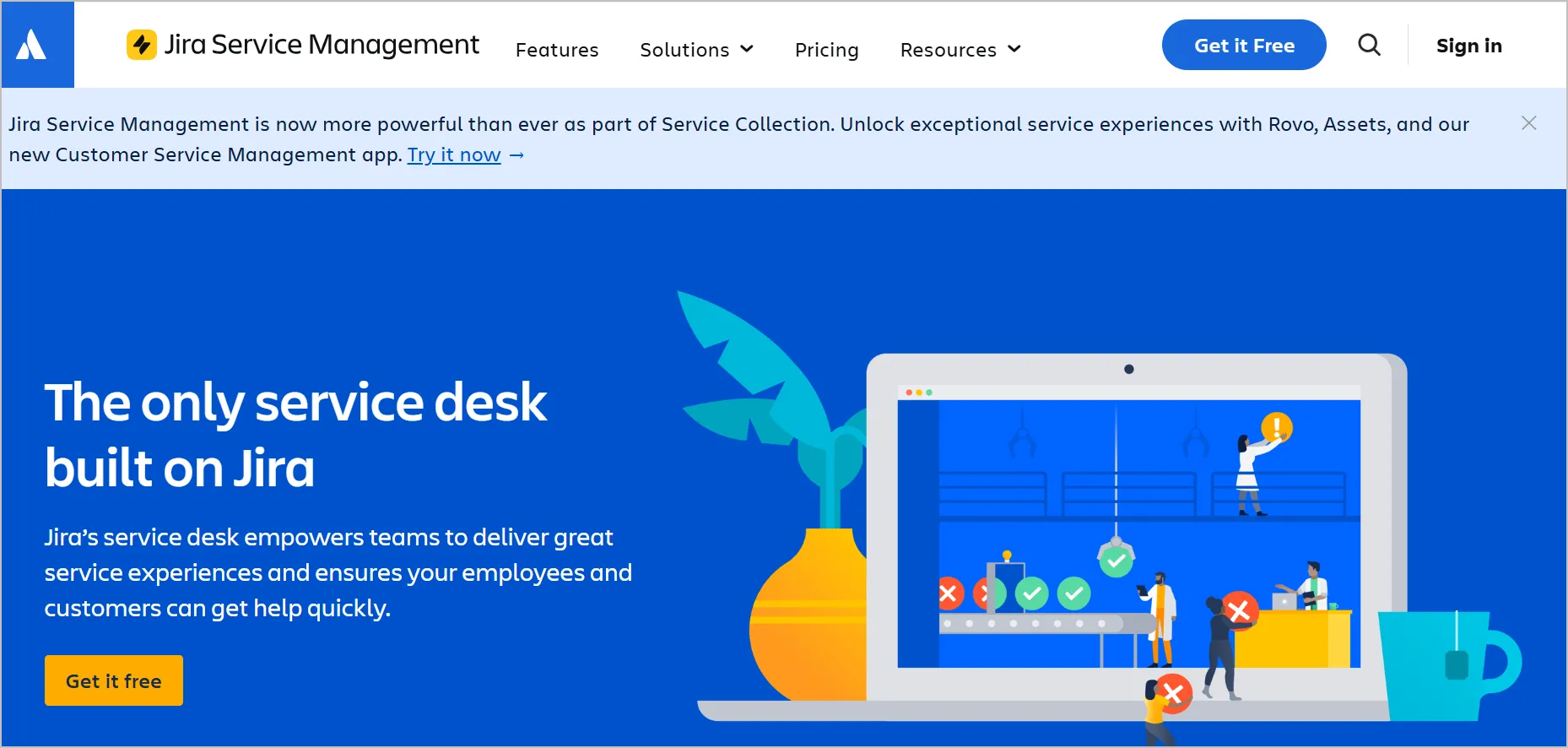
Jira, which is well known for its IT service system, provides Jira Service Desk as its customer-facing SaaS help desk solution. It has basic features, including integrations and a knowledge base.
Key features
- Knowledge base
- Automation
- Ticketing system
Pros
- Strong automation and an ITSM-oriented ticketing system.
- Knowledge base integration via Confluence enables structured documentation.
Cons
- Designed primarily for IT teams, making it less ideal for CX-driven organizations.
Pricing
- Standard: $20 per agent/month
- Premium: $51.42 per agent/month
- Enterprise: Contact sales
Free trial: 7 days
7. Hiver
Best for: Google Workspace (Gmail) centric teams that need a shared inbox help desk with AI support and collaborative email management.
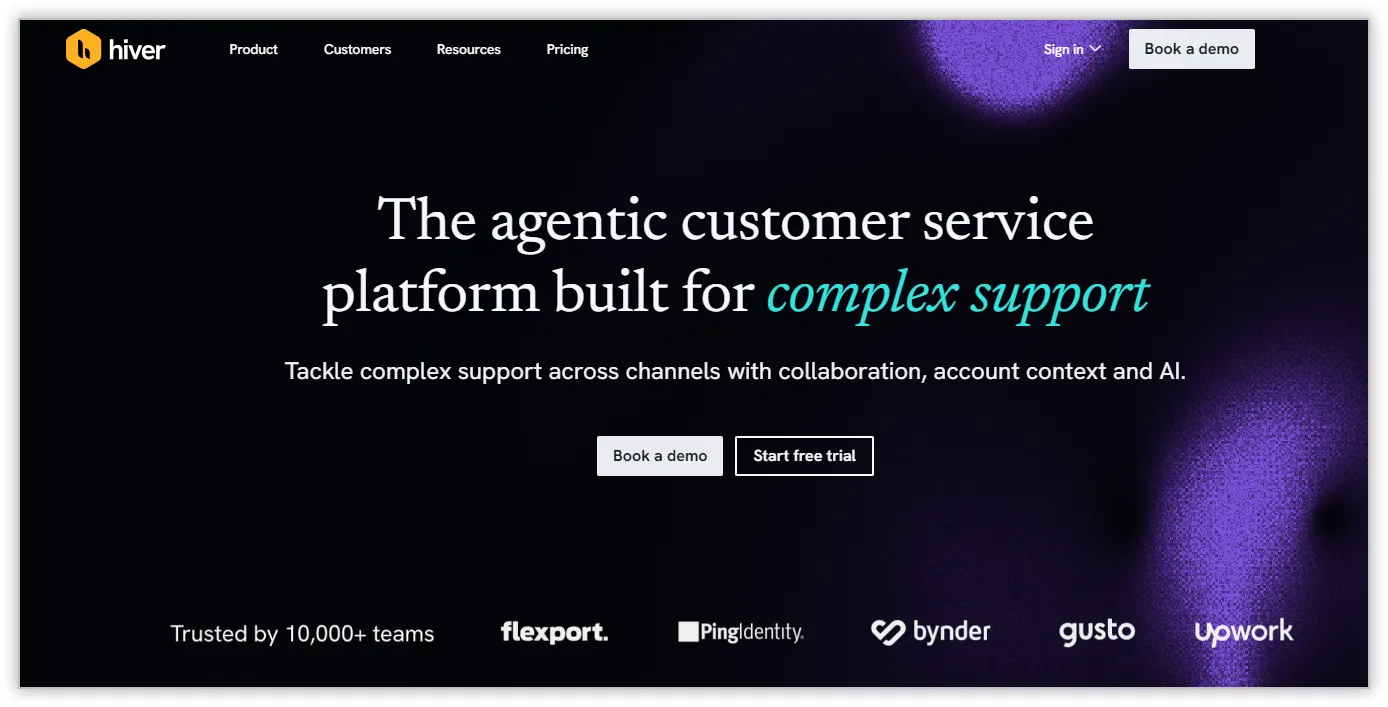
Hiver is an easy-to-use help desk for SaaS software, which is well-known for its Gmail integrations. It enables teams to share and manage email accounts, fostering seamless collaboration.
Key features
- Omnichannel Inbox
- Hiver AI
- Customer portal
Pros
- Built around Gmail, enabling seamless shared inbox collaboration.
- Includes Hiver AI and a customer portal for structured support.
Cons
- Gmail dependency limits suitability for organizations outside the Google ecosystem as compared to other Hiver alternatives.
Pricing
- Growth: $25 per agent/month
- Pro: $69 per agent/month
- Elite: $105 per agent/month
Free trial: 7 days
8. Kustomer
Best for: Organizations that want AI-driven omnichannel support with workflow automation and deep integration options.
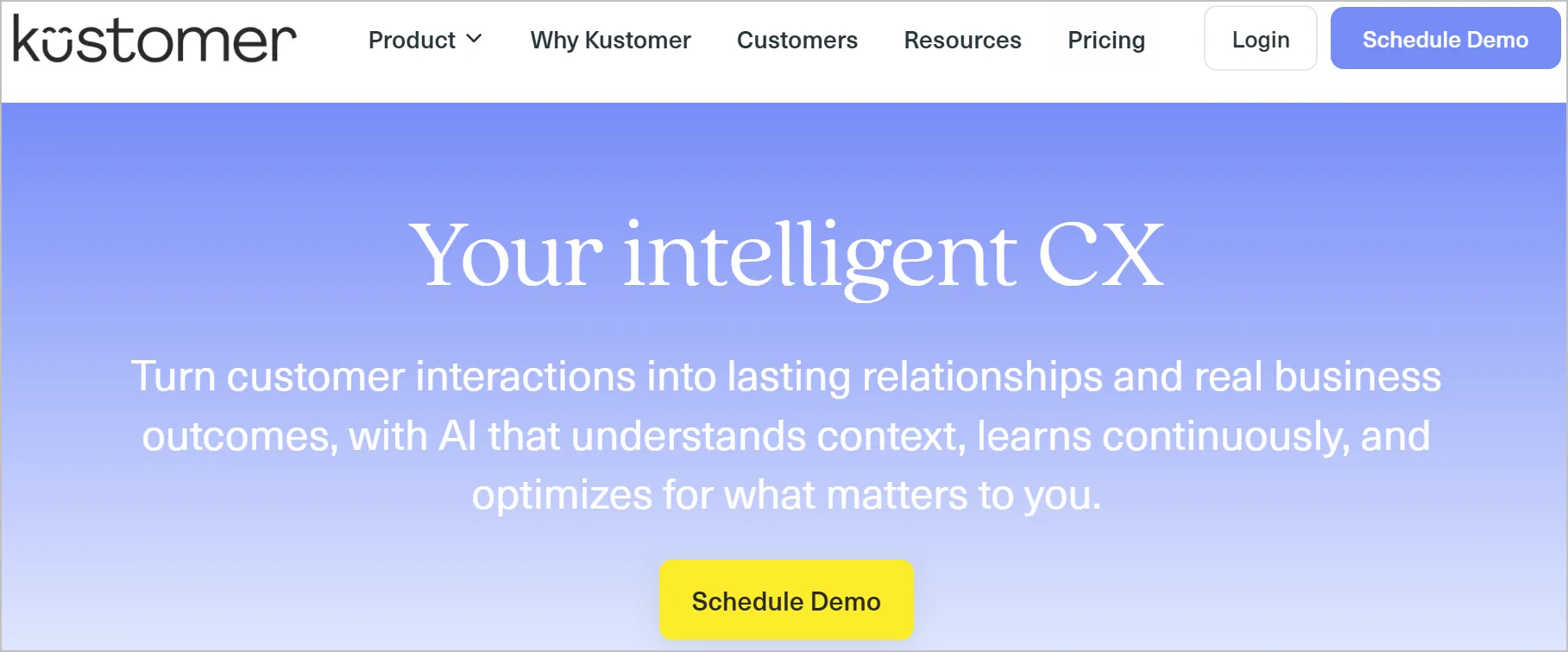
With Kustomer, you get a SaaS help desk with the necessary features to personalize customer support. These include multiple integrations and AI assistance.
Key features
- AI Agent Studio
- Integrations
- Workflow automation
Pros
- Offers robust integrations across tools and channels.
- Supports workflow automation for personalized, omnichannel assistance.
Cons
- Complexity may require more onboarding time.
Pricing
- Enterprise: $89 per agent/month
- Ultimate: $139 per agent/month
Free trial: 14 days
9. Talkdesk
Best for: Contact center operations requiring advanced voice support, AI-powered call routing, and reporting tools.
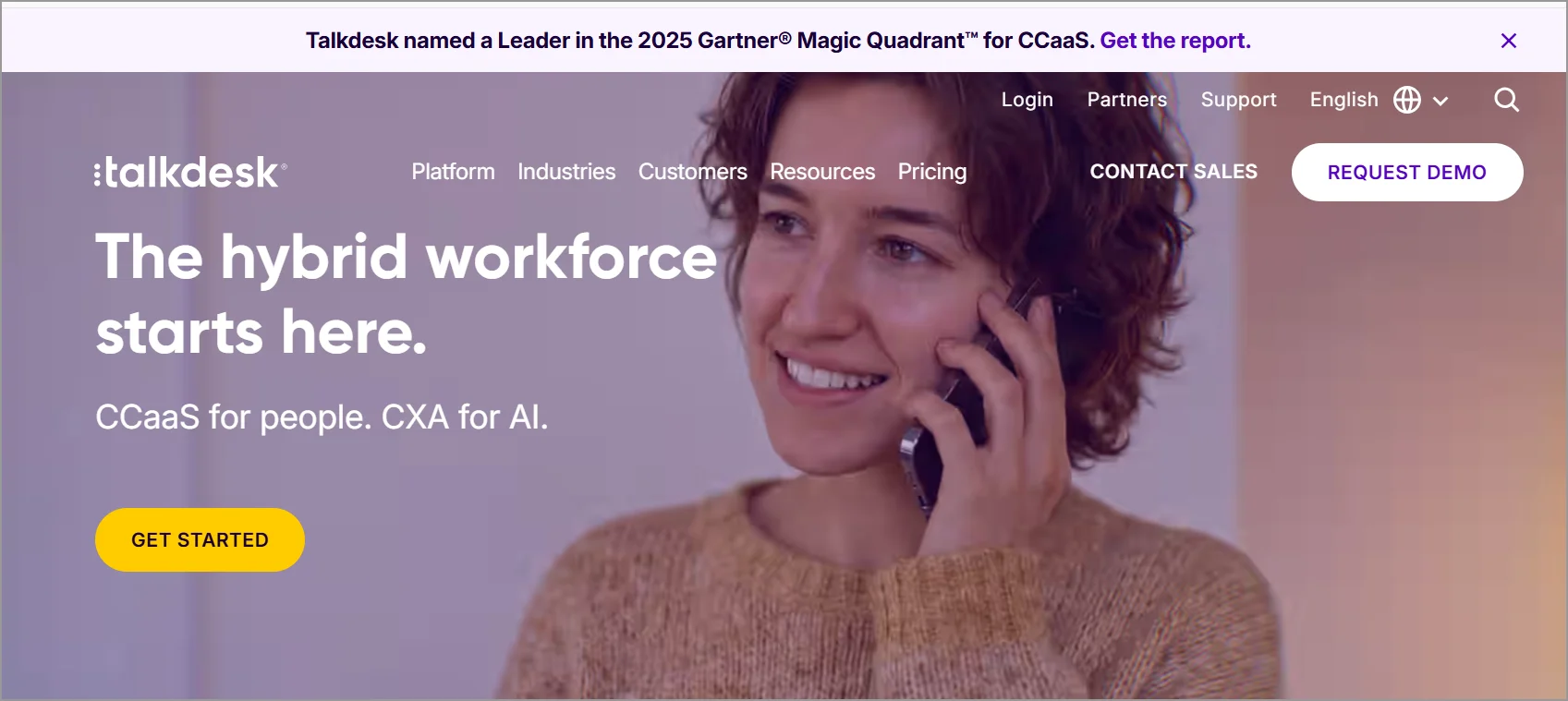
Talkdesk is a SaaS help desk software popular for its AI assistant. It has several features that enable support staff to provide satisfactory assistance.
Key features
- AI assistance
- Call routing
- Reports and analytics
Pros
- Designed for high-volume voice support teams.
- Offers strong AI assistance and call routing capabilities.
Cons
- Voice-centric features exceed the needs of digital-first teams.
Pricing
- Digital Essentials: $85 per agent/month
- Voice Essentials: $105 per agent/month
- Elite: $165 per agent/month
- Industry Experience Clouds: $225 per agent/month
Free trial: 15 days
10. Tidio
Best for: Small to medium teams looking for an affordable, chat-first help desk with an AI chatbot and video support capabilities.
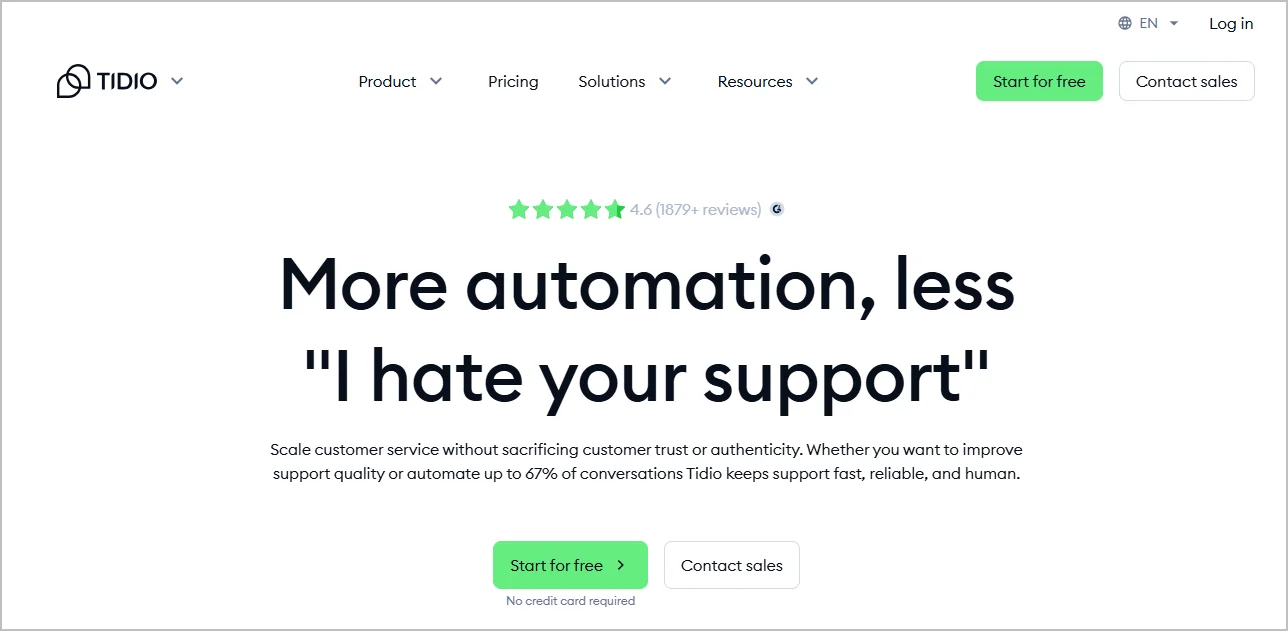
Tidio is a SaaS help desk software that helps customer service agents to respond to client inquiries using AI. It is also equipped with a dedicated chatbot for customer service.
Key features
- Lyro AI Agent
- Live chat
- Video call support
Pros
- Lyro AI Agent enables automated customer handling.
- Includes live chat, video call support, and chatbot capabilities.
Cons
- Primarily designed for chat-driven support.
Pricing
- Starter: $24.17/month for 100 billable conversations
- Growth: $49.17/month 250 billable conversations
- Plus: $749/month Custom billable conversations
- Premium: Contact for pricing
Free trial: 7 days
11. JitBit
Best for: Teams that require mobile help desk access and email to ticket workflow with optional on-premises deployment.
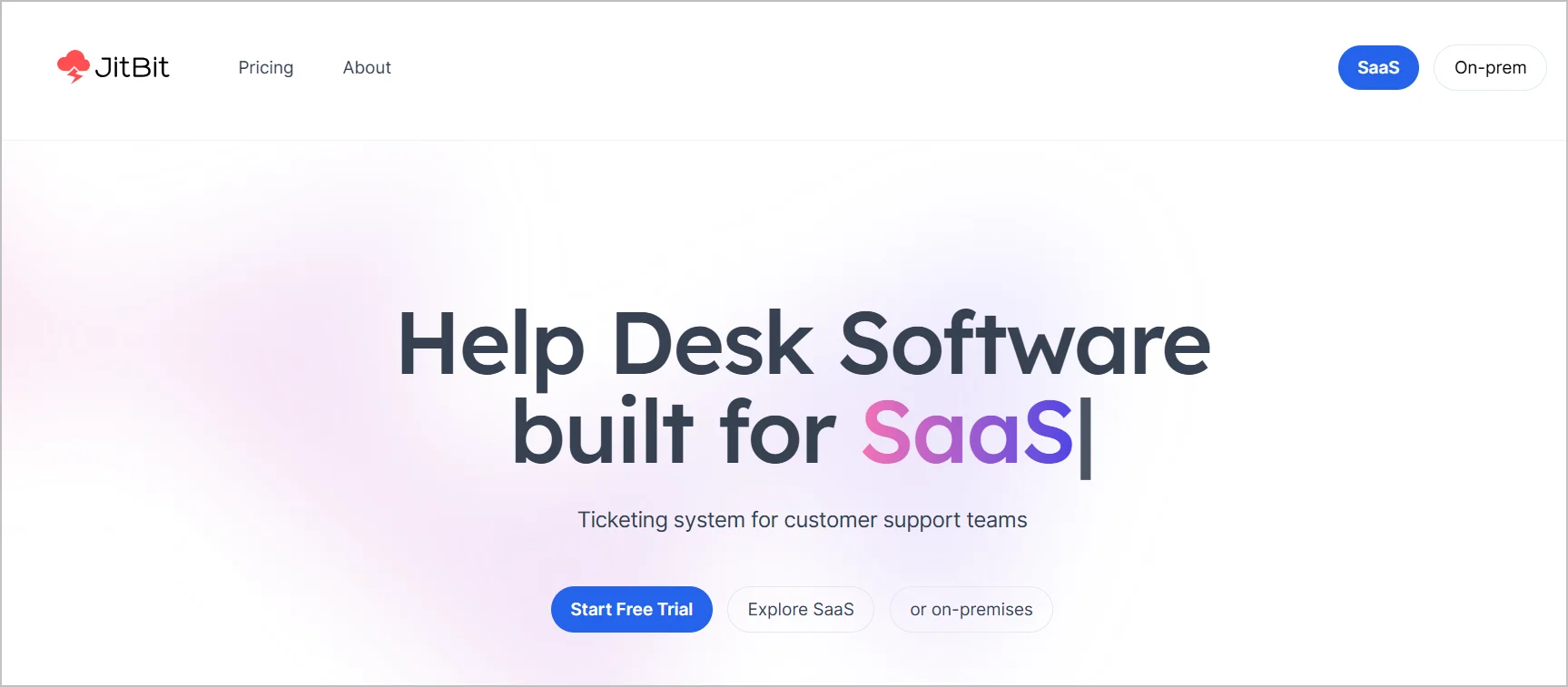
JitBit is a help desk SaaS software with a live chat and multiple integrations. It is designed to help customer support teams provide assistance with the help of a ticketing system.
Key features
- Mobile help desk
- Team mailbox
- Help desk automation
Pros
- Strong automation features for workflow simplification.
- Supports multiple integrations and team mailbox collaboration.
Cons
- The SaaS version is comparatively limited in advanced capabilities.
Pricing
- Freelancer: $29 per agent/month
- Startup: $69 per 4 agents/month
- Company: $129 per 7 agents/month
- Enterprise: $240 per 9 agents/month
Free trial: 21 days
Why do companies need specialized SaaS help desk solutions?
The overall SaaS market continues to grow as companies of all sizes expand their use of cloud‑based tools.
Research by Grandview shows the global SaaS market was valued at USD 399.10 billion in 2024 and is projected to reach USD 819.23 billion by 2030, growing at a 12.0% CAGR from 2025 to 2030.
Below are some benefits of SaaS help desk software solutions that improve customer service efficiency:
- Lower cost, faster to launch: Most SaaS help desks can be configured and running within hours, not weeks. This means, no servers to buy or apps to build.
- Scales and stays current automatically: Add users and features as you grow, with security patches and updates rolled out continuously by the vendor.
- Accessible from anywhere: Agents can support customers from any device with an internet connection, enabling remote customer service without extra infrastructure.
- Supports customer onboarding: Guides new users through setup and adoption with automated workflows and self-service resources. Faster onboarding means customers realize value sooner and stick around longer.
- Simplifies billing and subscription support: Centralizes renewal, upgrade, downgrade, invoice, refund, and payment-failure inquiries so they reach the right team faster.
- Reduces churn through faster, more personalized support: Slow or generic support is a top reason SaaS customers cancel. A dedicated help desk spots at-risk accounts early and resolves issues before they become cancellations.
- Streamlines bug and feature request management: Provides a structured way to log, prioritize, and track customer feedback alongside the product team, keeping customers informed throughout.
Choose the best SaaS help desk software to elevate your business
The best SaaS help desk software is one that enables your team to perform at their highest level, gives customers a better experience that enhances client satisfaction, improves customer retention, and makes them more inclined to stick with you. BoldDesk does just this.
With robust SaaS help desk features for ticket management, self-service, and team collaboration, BoldDesk empowers your business to provide top-class SaaS customer support across all communication channels.
Contact us to discover how this SaaS help desk can complement your support efforts and propel your business to greater heights!
We hope these tips help you pick the right SaaS help desk software. Do you have any additional insights? Please leave your comments in the section below!
Related articles
- 11 Best Help Desk Software for Small Businesses in 2026
- IT Help Desk Software: Features, Benefits, and Best Practices (2026)
- 15+ Best SaaS Affiliate Programs That Offer High Earnings (2026)
FAQs
A SaaS help center is a customer self-service portal where users can find answers to common questions, access guides, and troubleshoot issues without needing direct or agent support.
It often includes a searchable knowledge base, FAQs, tutorials, and how-to videos.
A SaaS help desk focuses primarily on resolving customer or employee issues, while a service desk takes a broader approach that includes IT service management processes and service delivery. Learn more in our detailed help desk vs service desk comparison guide.
Yes. Most SaaS help desks let you customize branding, ticket fields, workflows, user permissions, and integrations to match your business processes and support requirements. This helps create a more efficient experience for both agents and customers.
A SaaS help desk improves customer experience by helping teams deliver faster, more personalized support. Features like automation, self-service tools, and centralized customer information enable quicker resolutions and more consistent service across every interaction.
SaaS help desk software reduces churn by helping support teams respond faster, resolve issues efficiently, and deliver consistent customer experiences. With automation, self-service tools, and a unified view of customer interactions, businesses can improve customer satisfaction and encourage long-term retention.





