








TL;DR: Cloud-based ticketing systems centralize customer inquiries, automate workflows, and enable support teams to deliver faster, consistent service from anywhere. With AI-powered automation, omnichannel communication, analytics, and self-service capabilities, businesses can scale efficiently. Leading platforms, such as BoldDesk and Jira Service Management, offer robust cloud-based support solutions.
Managing daily customer complaints across multiple channels can feel overwhelming, especially when support tickets pile up faster than your team can resolve them.
For businesses handling high inquiry volumes, speed, reliability, and scalability aren’t optional; they’re essential for delivering consistent customer satisfaction.
A cloud-based ticketing system offers a smarter, more efficient way to manage customer issues. Centralizing all support requests into a single online platform enables support teams to respond faster, collaborate seamlessly, and work from anywhere.
With built-in security and automatic updates, cloud-based ticketing systems help keep operations secure, stable, and agile.
In this blog, we’ll explain what a cloud-based ticketing system is, explore its key features and benefits, and share a curated list of the 13 best cloud-based help desk solutions to help you get started.
What is a cloud-based ticketing system?
A cloud-based ticketing system is an online customer support solution that helps businesses manage, track, and resolve customer support tickets through the internet.
Because it operates on the cloud, support agents can access and handle customer inquiries from any internet-connected device, including smartphones, tablets, laptops, and desktop computers.
Unlike traditional on-premises help desk software that requires local installation, manual updates, and ongoing maintenance, cloud-based ticketing systems are fully web-based and automatically updated by the provider.
Designed for flexibility and scalability, these systems help businesses streamline customer service operations by enabling distributed teams to collaborate efficiently, respond faster to customer issues, and deliver modern, reliable support from anywhere.
What are the differences between an on-premises help desk and a cloud-based help desk?
Although cloud-based help desks and on-premises help desks have similar purposes, they differ significantly in various aspects, like ease of use, accessibility, cost, and infrastructure.
| Criteria | On-premises help desk | Cloud-based help desk |
| Accessibility | Only accessed within the organization’s network. | It is easily accessible from any location, provided there is an internet connection. |
| Cost | Infrastructure, maintenance, and software licenses result in higher expenses. | Users subscribe to the features they need, resulting in lower costs. |
| Convenience and efficiency | Often require additional downloads and updates. | Accessed in real-time without installation, and you can get the latest version easily. |
| Scalability | Scaling up can be expensive and complicated, requiring extra infrastructure and licensing. | Scale up easily by upgrading to a higher plan without the need for additional infrastructure. |
| Data security | Physical security measures protect servers and networks from unauthorized personnel. | Operates on a unified platform, making it easier to enforce security policies, track user activity, and detect threats. |
| Location | Physically located within an organization. | Hosted on the provider’s servers, accessible through the web or mobile app. |
Key features of a cloud-based ticketing system
A cloud-based ticketing system contains several features that facilitate customer service and increase efficiency. They include the following:
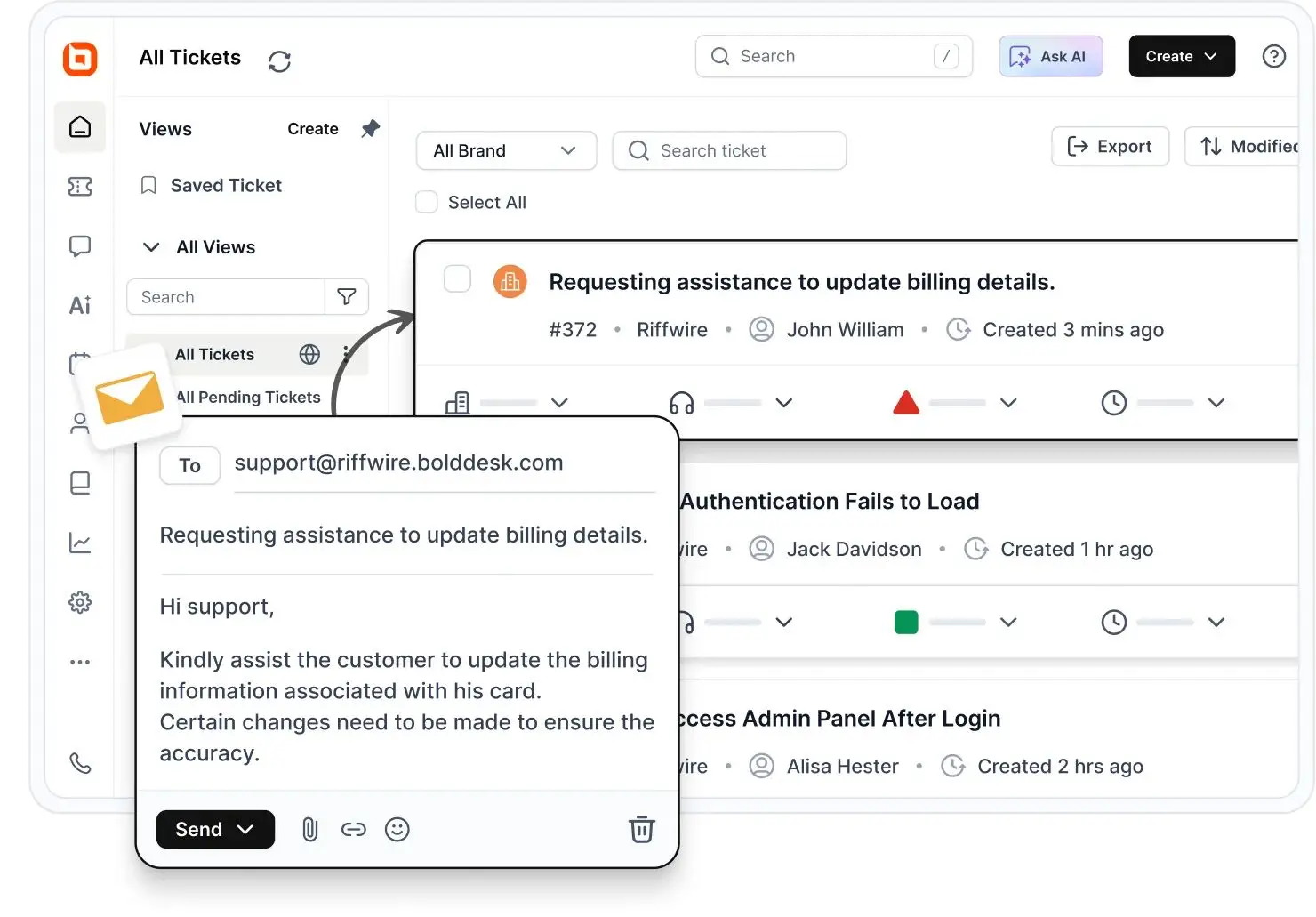
Ticketing system
A help desk ticketing system converts incoming customer requests to tickets, categorizes, prioritizes, and routes them to the right support agent for resolution. It helps customer service teams to track customer issues and streamline support operations.
Omnichannel support
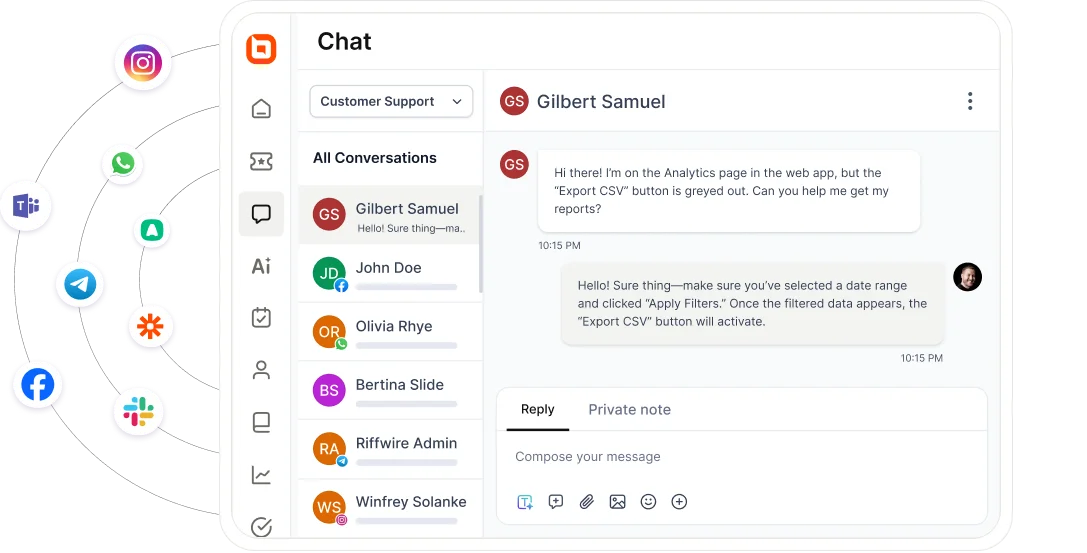
A cloud-based ticketing system features omnichannel customer service by consolidating customer interactions from platforms such as live chat, WhatsApp, Facebook, Instagram, Telegram, Email, and SMS, all in one place.
This unified view enables personalized, informed responses, ensures no inquiry is missed, and improves collaboration when handling complex issues.
Artificial intelligence (AI)
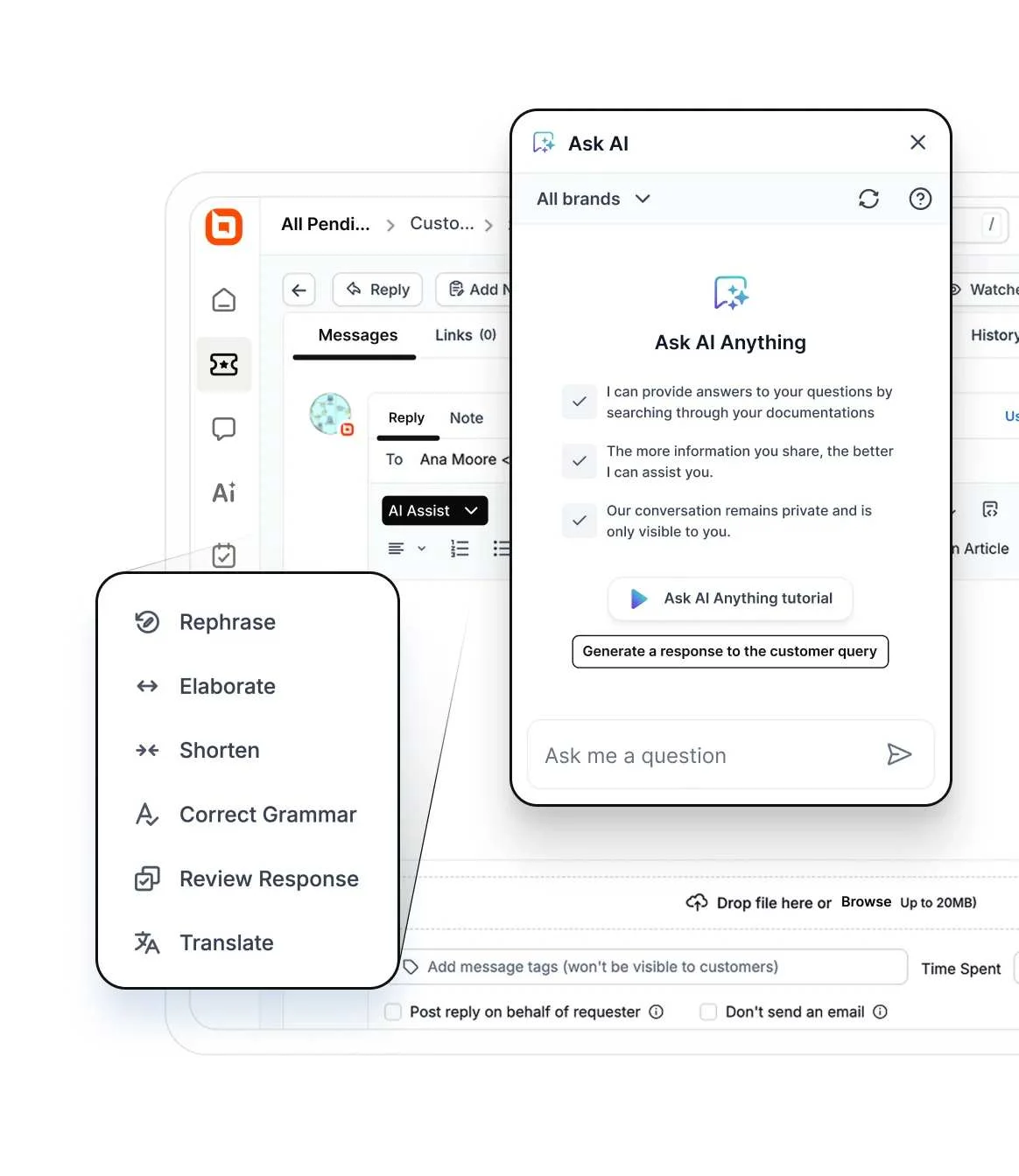
A cloud ticketing system has artificial intelligence features that aid support agents in their daily customer service operations.
Some of the key AI tools include:
-
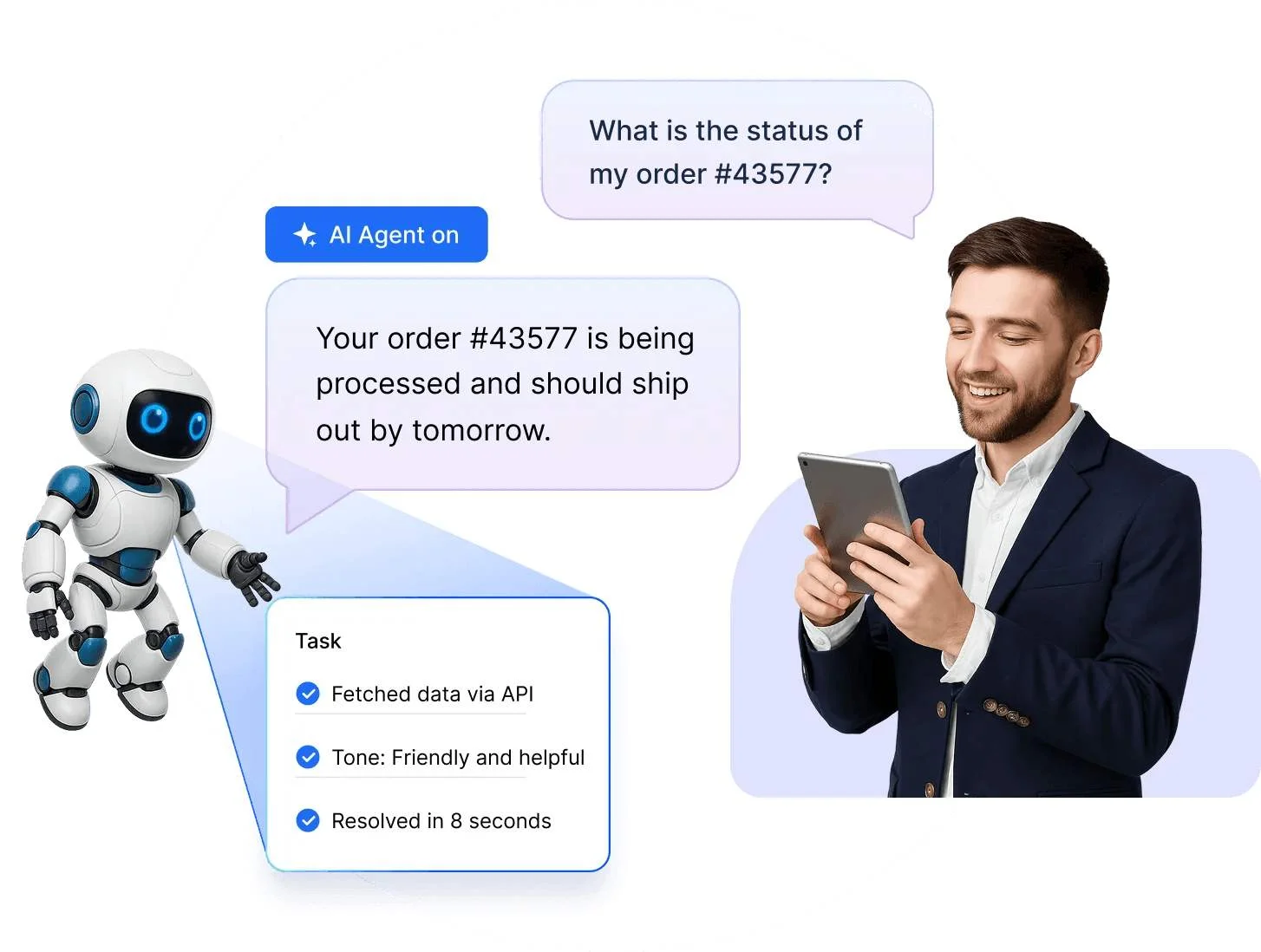
AI Agent: Acts as a 24/7 virtual assistant that instantly analyzes customer queries and resolves common issues. It also integrates with external systems through APIs for actions like order cancellations and status checks, all while maintaining a consistent brand tone.
-
AI Copilot: Assists agents by generating accurate replies based on ticket context, suggesting relevant knowledge base articles, and summarizing ticket history. This helps agents work faster and improve response accuracy.
- AI Actions: Automates customer support by securely connecting to existing systems via API, allowing agents to execute complex workflows like refunds, data updates, and license checks directly from conversations.
Knowledge base
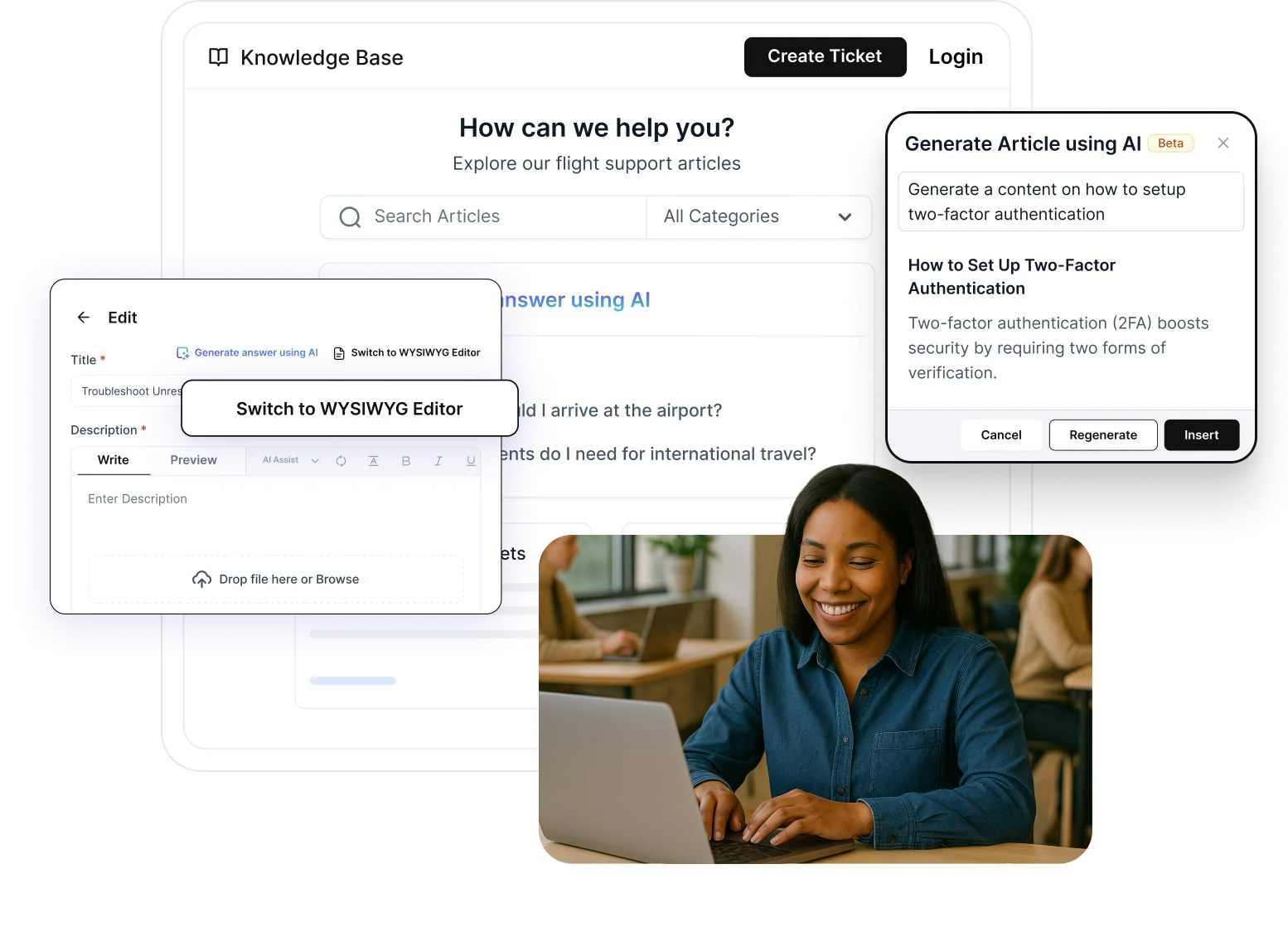
A cloud-based help desk includes knowledge base software that stores information for employees and customers. Support agents can quickly access the information required to solve inquiries, reducing ticket resolution time.
AI-powered search improves accuracy by understanding user intent rather than relying on exact keywords. With multilingual support, global users can access content in their preferred language through AI translation or manually created articles.
Reporting and analytics
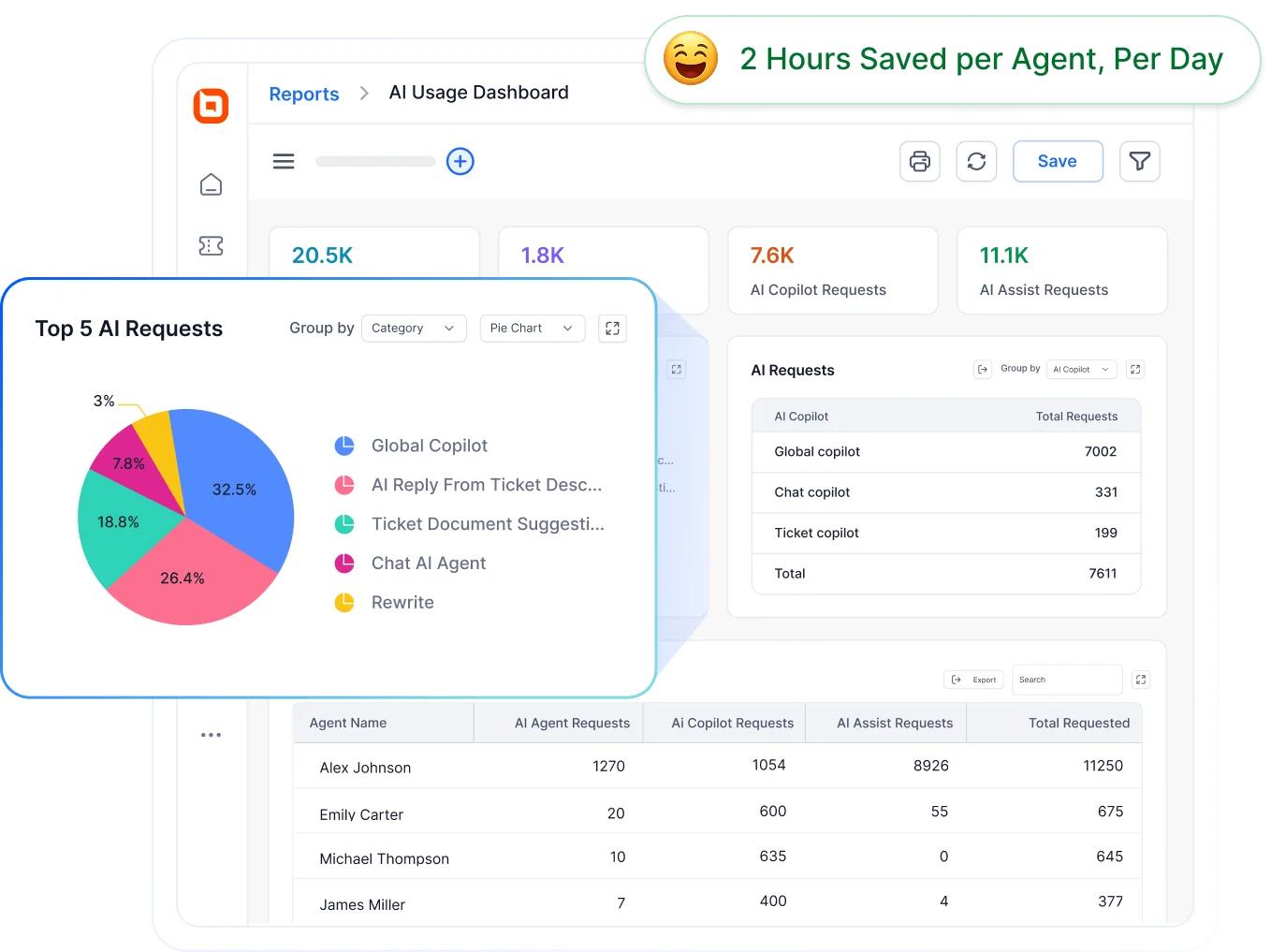
A web help desk offers powerful built-in reporting and analytics tools and dashboards to track key metrics such as customer satisfaction score, SLA, agent performance, and support traffic monitoring.
These insights help teams monitor overall performance, identify customer service trends, and make data‑driven decisions to continuously improve customer support.
Automation
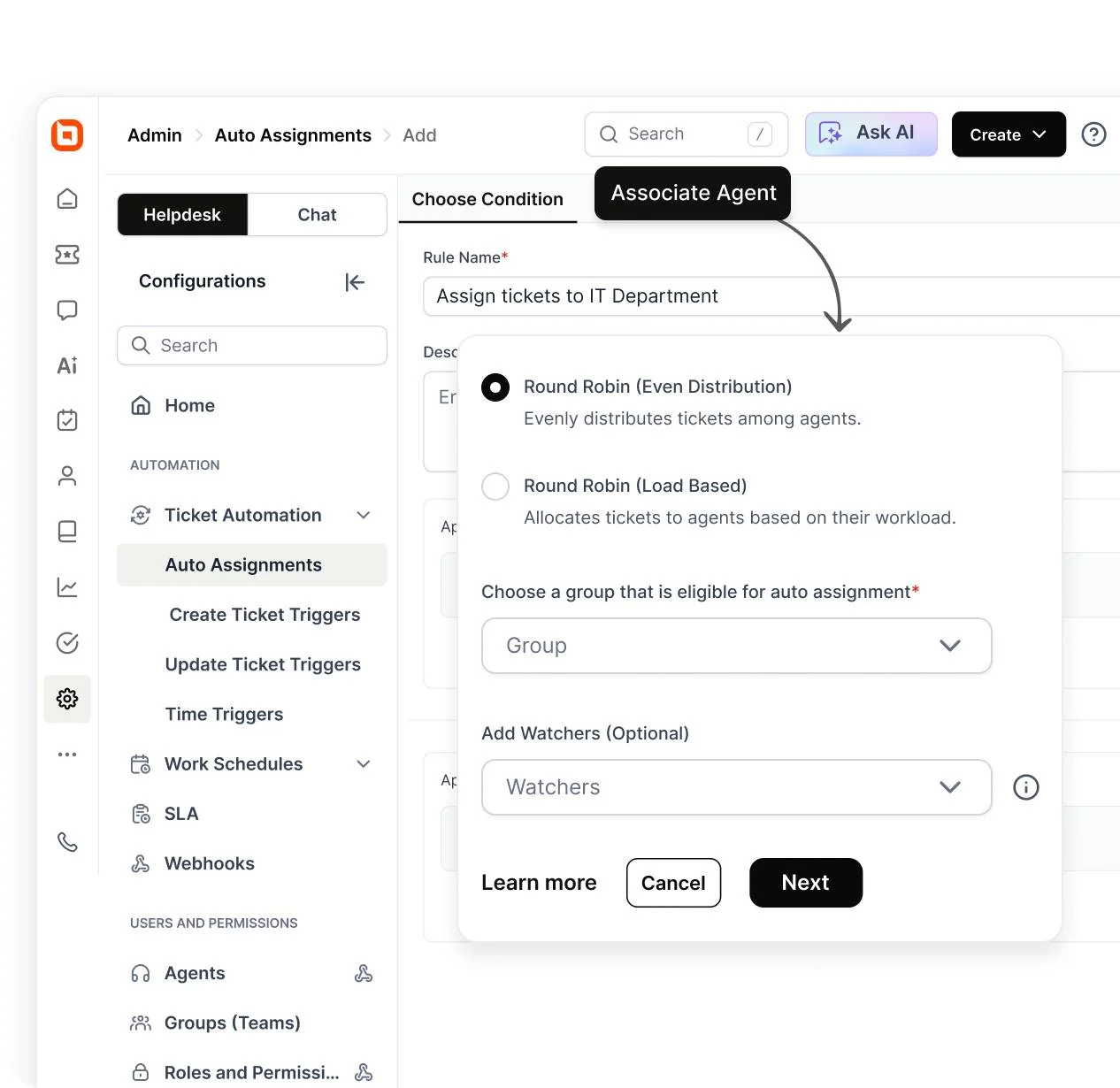
A cloud-based ticketing system leverages help desk automation to streamline customer support by performing predefined actions without manual input.
It can automatically route and assign tickets, send email alerts for SLAs and notifications, and reopen or close tickets based on status or inactivity.
These automation features boost efficiency, speed up responses, and ensure consistent, high‑quality support across all channels.
Comparison table of the best cloud-based ticketing systems
Below is a comparison of the top cloud‑based ticketing systems in the market, highlighting their strengths and reviews to help you evaluate which tool aligns best with your support needs.
The tools in this comparison were chosen based on core features, pricing transparency, scalability, and verified customer satisfaction reflected in G2 ratings and reviews.
| Cloud-based ticketing system | Best for | Pricing starts at | G2 rating |
| BoldDesk | AI‑powered, all‑in‑one customer support with automation, omnichannel, and scalable pricing. | $99/month for 5 agents | 4.5/5 |
| Desk365 | Microsoft Teams–centric support teams needing a simple, affordable help desk. | $12/agent/month | 4.8/5 |
| Jira | ITSM and project‑driven teams needing customizable workflows and DevOps alignment. | $7.91/agent/month | 4.3/5 |
| Spiceworks | Small teams need a free, simple, internal IT help desk. | $5/agent/month | 4.3/5 |
| Salesforce | Large organizations needing CRM‑driven, enterprise‑grade omnichannel service. | $25/agent/month | 4.4/5 |
| Hiver | Gmail‑centric teams wanting shared inbox support with AI‑driven collaboration. | $25/agent/month | 4.6/5 |
| HappyFox | Multichannel support with strong automation for growing SMBs and enterprises. | $29/agent/month | 4.5/5 |
| SysAid | IT service management (ITSM) teams needing AI‑assisted, enterprise‑level workflows. | Contact SysAid | 4.5/5 |
| Front | Shared inbox collaboration for teams handling high email and messaging volume. | $25/agent/month | 4.7/5 |
| Dixa | High‑volume omnichannel customer service with intelligent routing. | $89/agent/month | 4.2/5 |
| Gorgias | eCommerce brands needing deep store integration and order management in support. | $10/agent/month | 4.6/5 |
| Kustomer | Conversation‑driven support with unified timelines and strong automation. | $89/agent/month | 4.5/5 |
| Vision Helpdesk | Multichannel help desk with workflow automation for SMBs. | $12/agent/month | 4.6/5 |
Best cloud-based ticketing systems for customer support
Budget and functionality are the primary concerns for business owners seeking a cloud‑based help desk.
In a Gartner survey, 79% of leaders cited cloud-based contact center systems among the most valuable service technologies; underscoring why teams prioritize platforms that balance robust capabilities with cost control.
As a result, cost-effective cloud ticketing systems have become essential for delivering efficient customer support at scale.
Below are some of the best options to consider in 2026:
1. BoldDesk
Best for AI‑powered, all‑in‑one customer support.
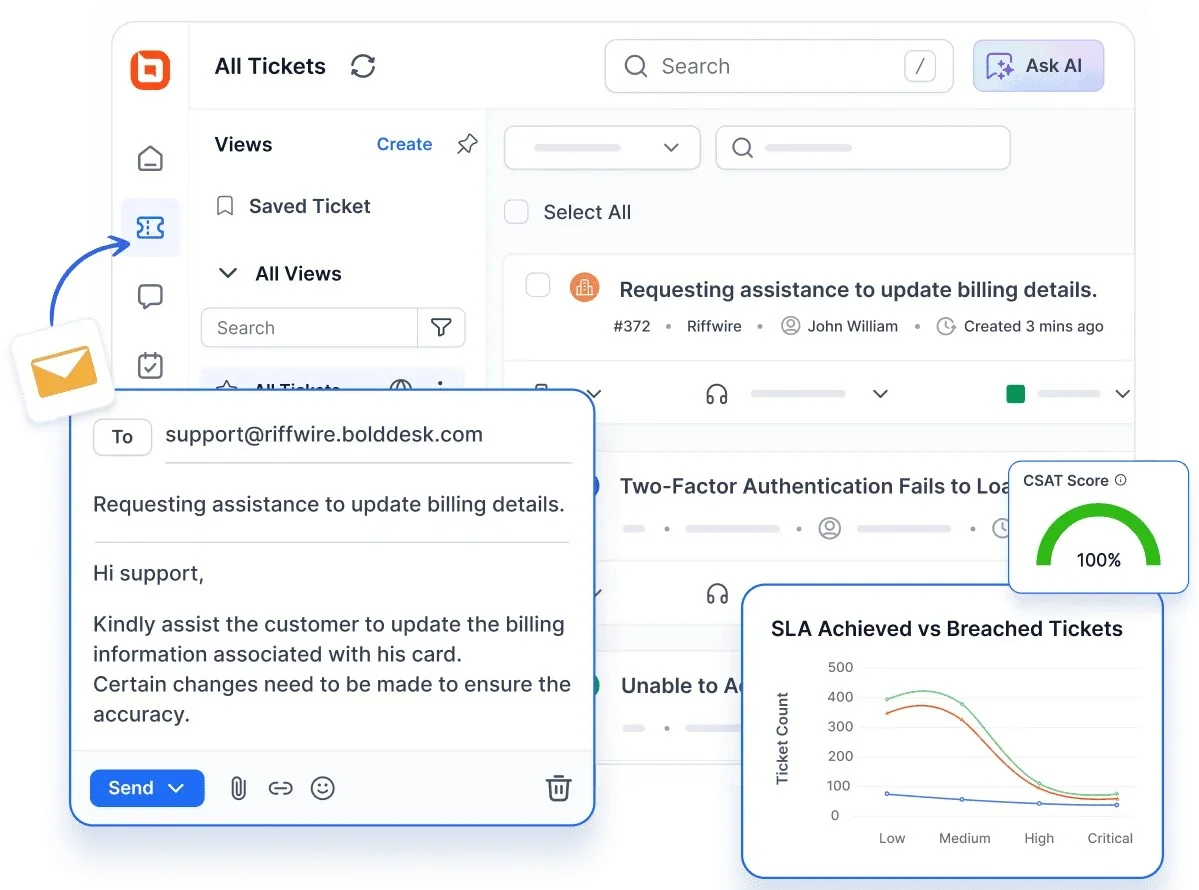
BoldDesk is a modern, AI-powered, cloud-based ticketing system designed to offer great customer support with speed, clarity, hyper-personalization, and efficiency.
With powerful features such as AI, omnichannel support, live chat, ticketing system, and a self-service knowledge base, to streamline, manage, and scale customer support with ease.
BoldDesk’s intuitive interface, seamless integrations, and collaborative tools also make managing customer inquiries effortless, with reliable 24/7 customer service anytime, anywhere.
What’s more, whether you’re a startup or a large enterprise, the flexible and budget-friendly BoldDesk pricing plans make advanced support capabilities accessible to businesses of all sizes.
BoldDesk’s key features
BoldDesk has the following suite of features:
- Ticketing system
- Live chat
- Omnichannel support
- AI Copilot
- AI Agent
- Knowledge base
- Contact management
- Integration
- Multilanguage support
- Customization and rebranding
- Task management
- Reporting and analytics
- Automation
Pricing
Access all features from the start with honest, scalable pricing plans and absolutely no hidden fees or upgrade traps.
| No. of agents | Monthly price (USD) | Free AI credits/month |
| 5 | $99 | 500 |
| 10 | $199 | 1,000 |
| 25 | $349 | 1,500 |
| 50 | $499 | 2,000 |
| 75 | $749 | 2,500 |
| 100 | $999 | 3,000 |
BoldDesk’s AI add-on pricing
BoldDesk also offers AI-powered add-ons that enhance productivity, automate support operations, and improve agent efficiency.
- AI Agent: $20 for 1,000 AI credits — Automate customer conversations across channels and scale support with usage-based pricing.
- AI Copilot:$20 per agent/month — AI-powered assistance that helps agents write replies, summarize conversations, and resolve tickets faster.
BoldDesk gives businesses a support platform that’s both intelligent and cost-effective, without the hidden fees or feature limitations found in traditional help desk tools.
2. Desk365
Best for teams wanting a lightweight, user‑friendly cloud help desk.
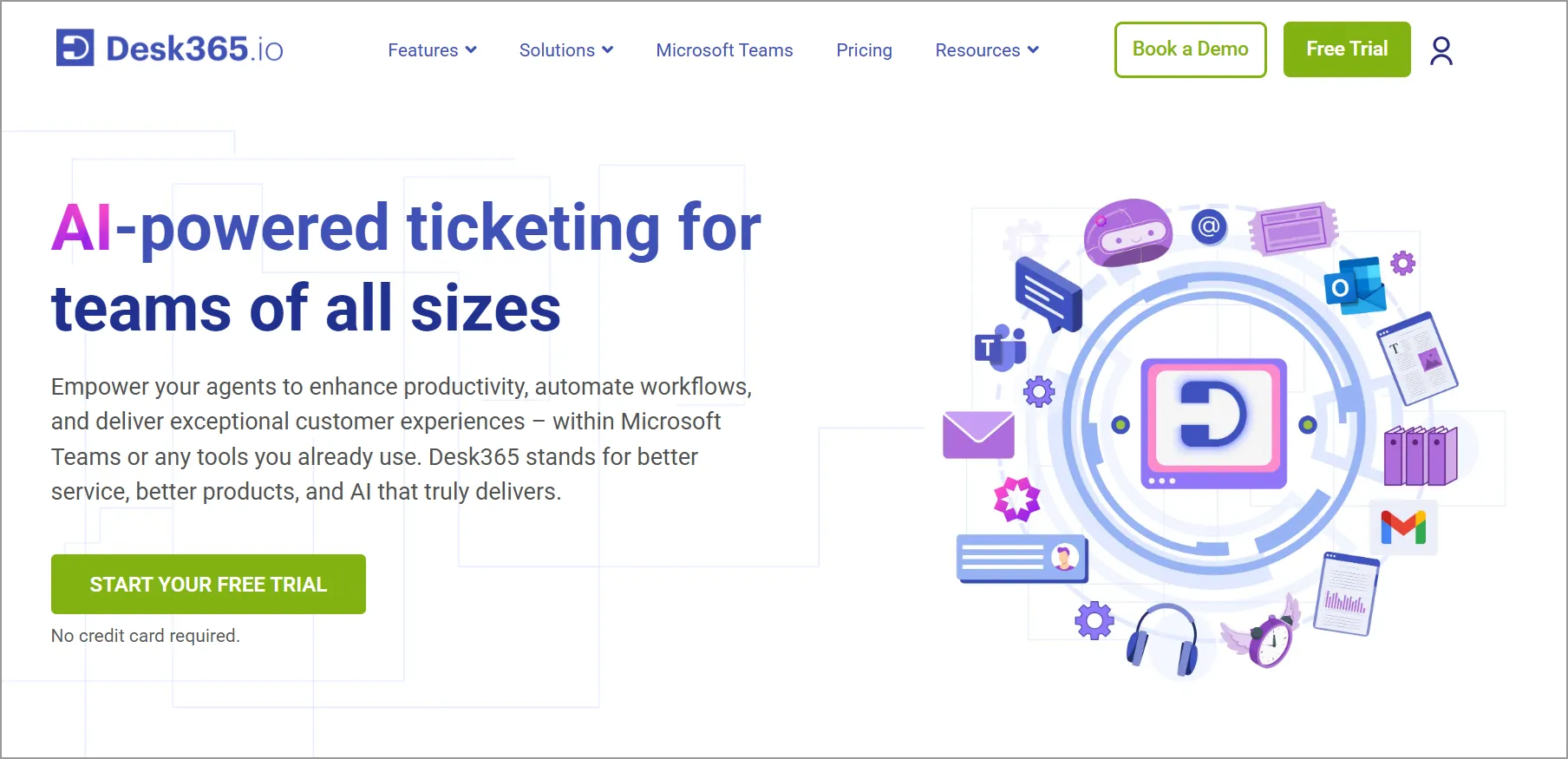
Desk365 is a cloud-based help desk that offers businesses a user-friendly interface to address and resolve customer inquiries.
Features
- AI Agent
- Automations
- SLAs
- Reporting and analytics features
Pricing: Starting at $12/agent/month
Free trial: 21 days
3. Jira Service Management
Best for issue tracking and project‑centric support operations.
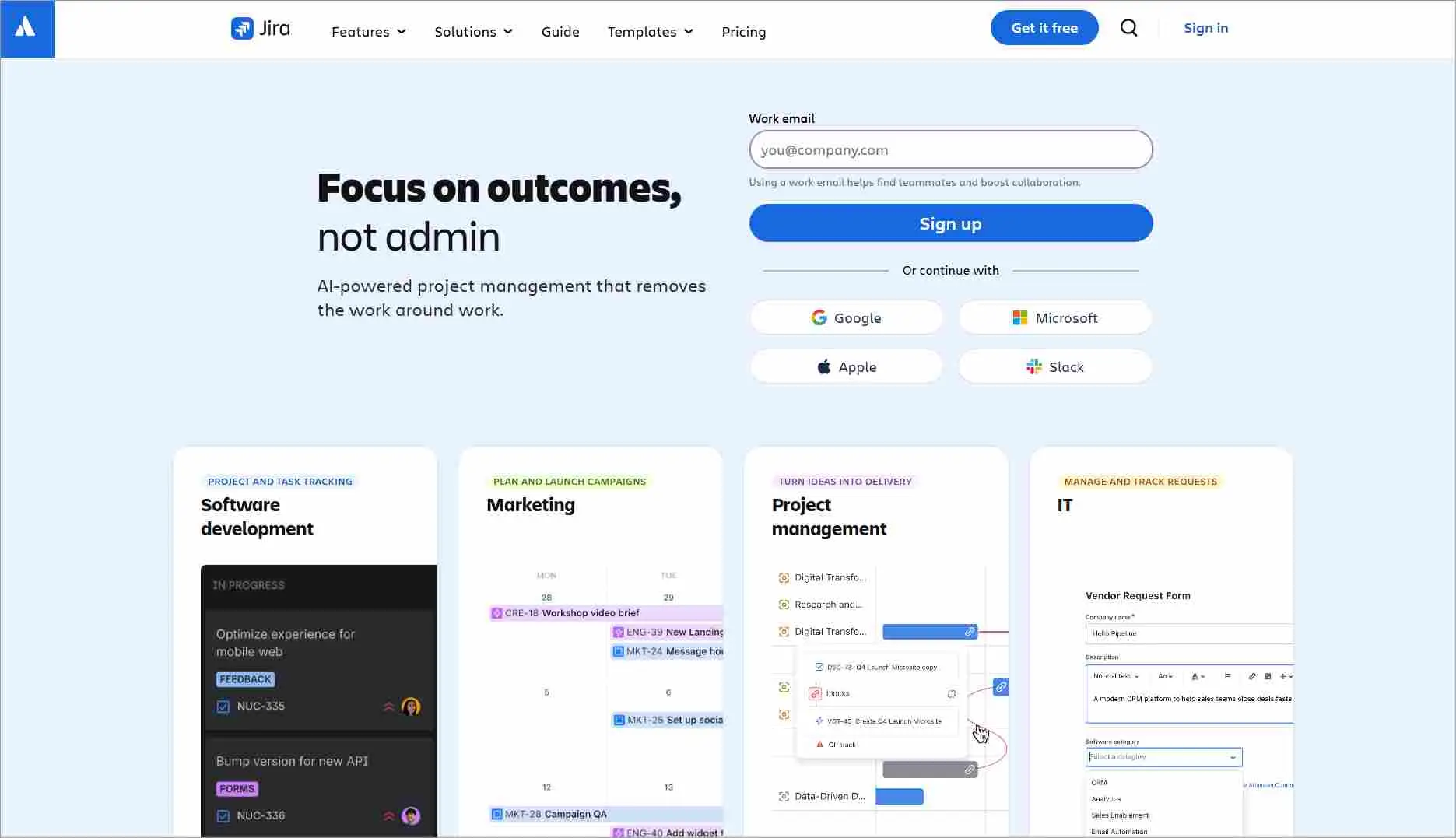
Jira is a cloud-based platform for issue tracking and project management. Jira helps teams to streamline workflows, improve communication, and receive customer insights.
Features
- Automation
- Desk reporting
- Desk chat
- Customization
Pricing: Starting at $9.05/agent/month, for 50 agents
Free trial: Contact Jira
4. Spiceworks
Best for small teams seeking a free cloud help desk.
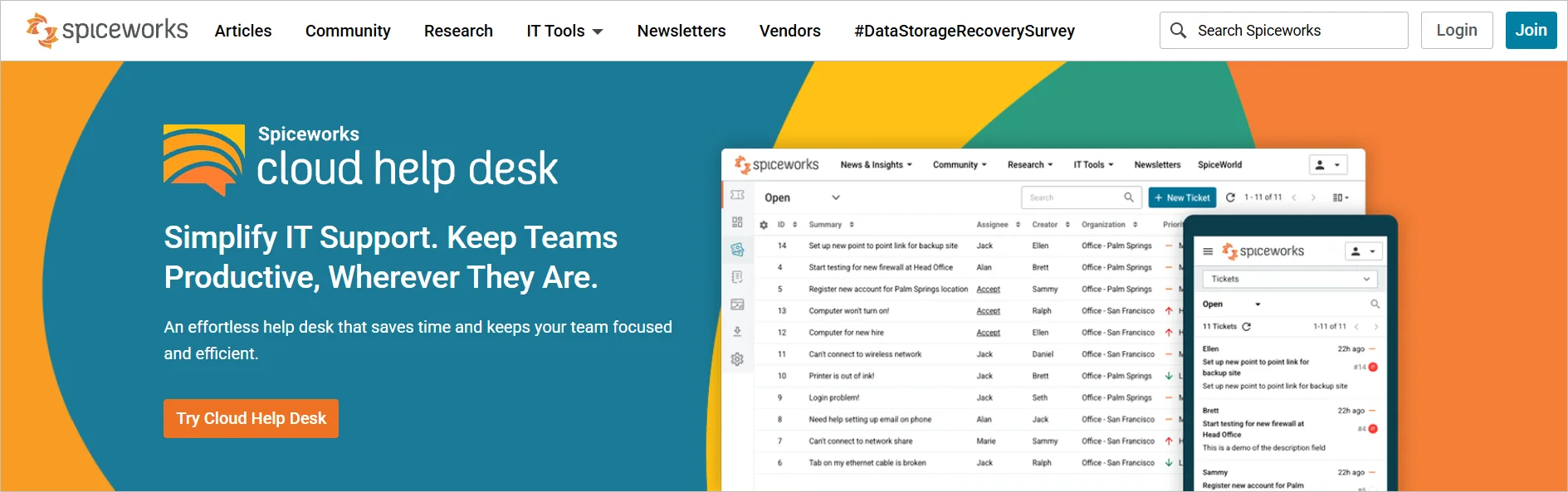
Spiceworks is a free cloud-based help desk developed to streamline management, especially for small businesses.
It offers cloud-based help desk free features to simplify support processes, manage support requests, and analyze performance.
Features
- Ticketing system
- Self-service portal
- Automation tools
- Reporting tools
Pricing: Starting at $5/agent/month
5. Salesforce Service Cloud
Best for CRM‑driven service at scale.
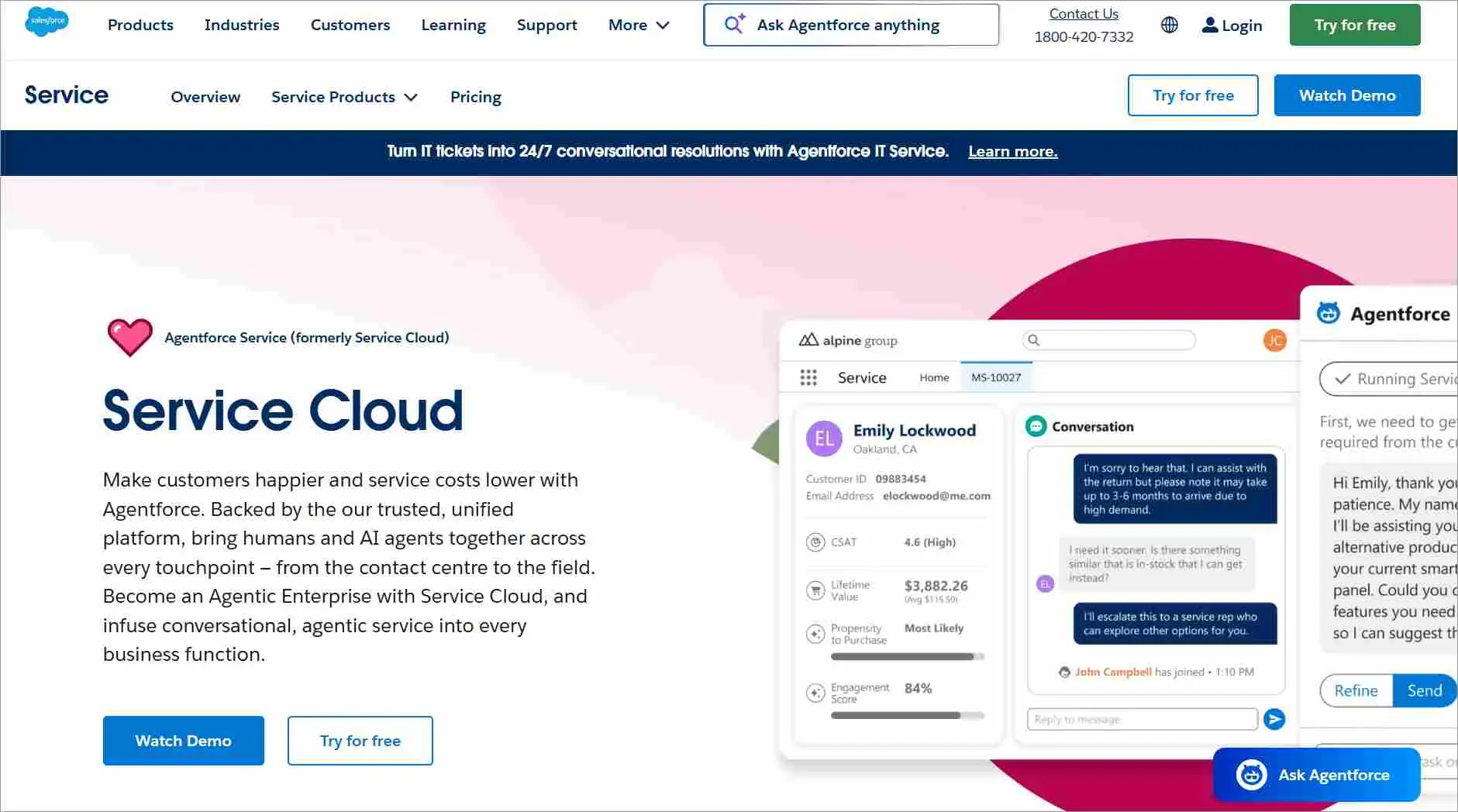
Salesforce Service Cloud offers a cloud-based solution for handling customer interactions across multiple channels.
It has CRM solutions featuring helpdesk capabilities via its service cloud platform.
Features
- Email automation
- SLA management
- Helpdesk reporting
- Integration
Pricing: Starting at $25/agent/month
Free trial: 30 days
6. Hiver
Best for Gmail‑first support teams.
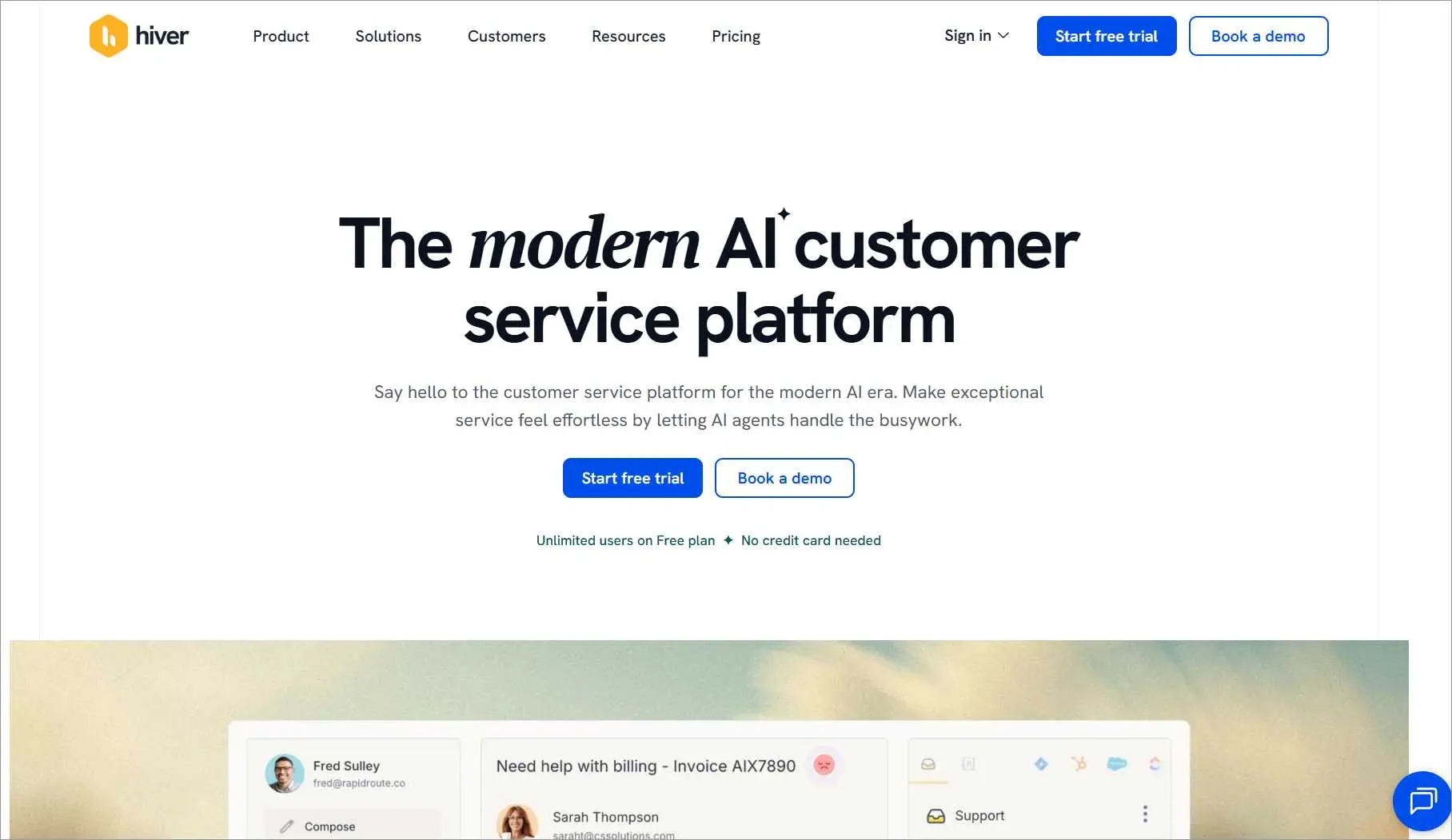
Hiver offers a smooth and effective way to manage customer support tasks directly in your inbox. It transforms the email experience, making it advantageous for teams that completely rely on email for support.
Features
- Automation
- AI capabilities
- Integration
- Collaboration
Pricing: Starts at $25/agent/month
Free trial: 7 days
7. HappyFox
Best for ticketing with live chat and built-in reporting.
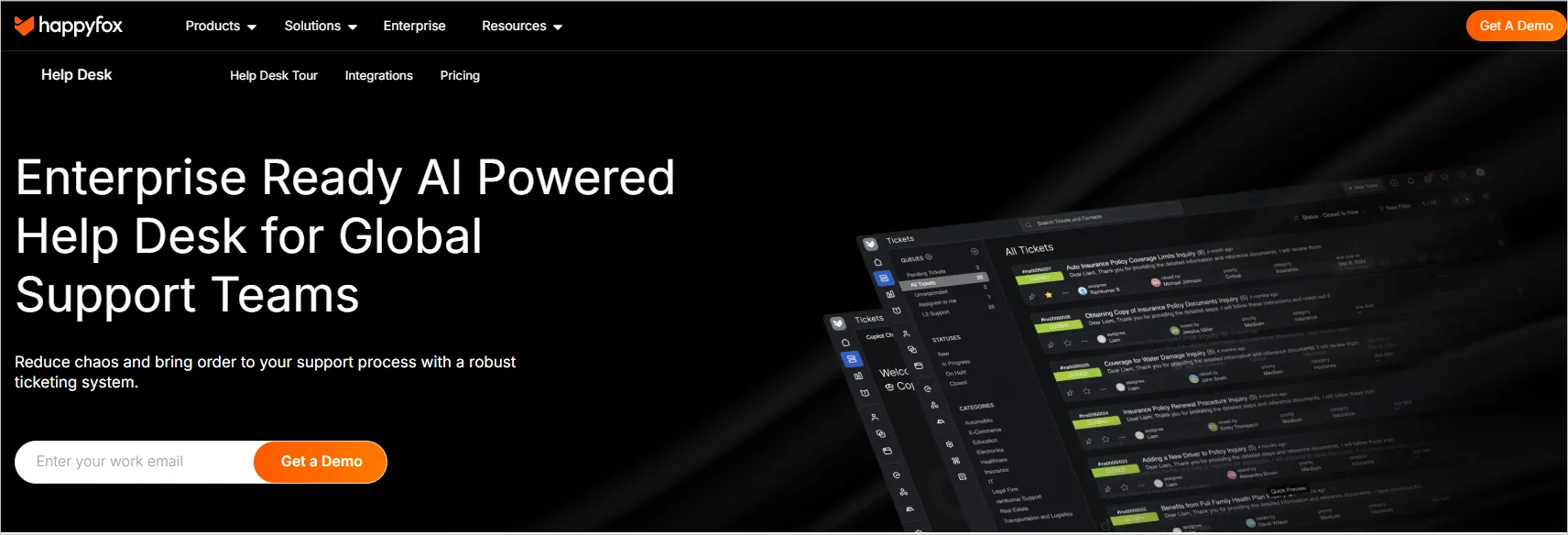
HappyFox is a cloud-based help desk software with functionalities that allow businesses to optimize their support processes.
Features
- AI capabilities
- Live chat
- Ticketing system
- Help desk report
Pricing: Starting at $29/agent/month
Free trial: 14 days
8. SysAid
Best for IT service management (ITSM) teams.
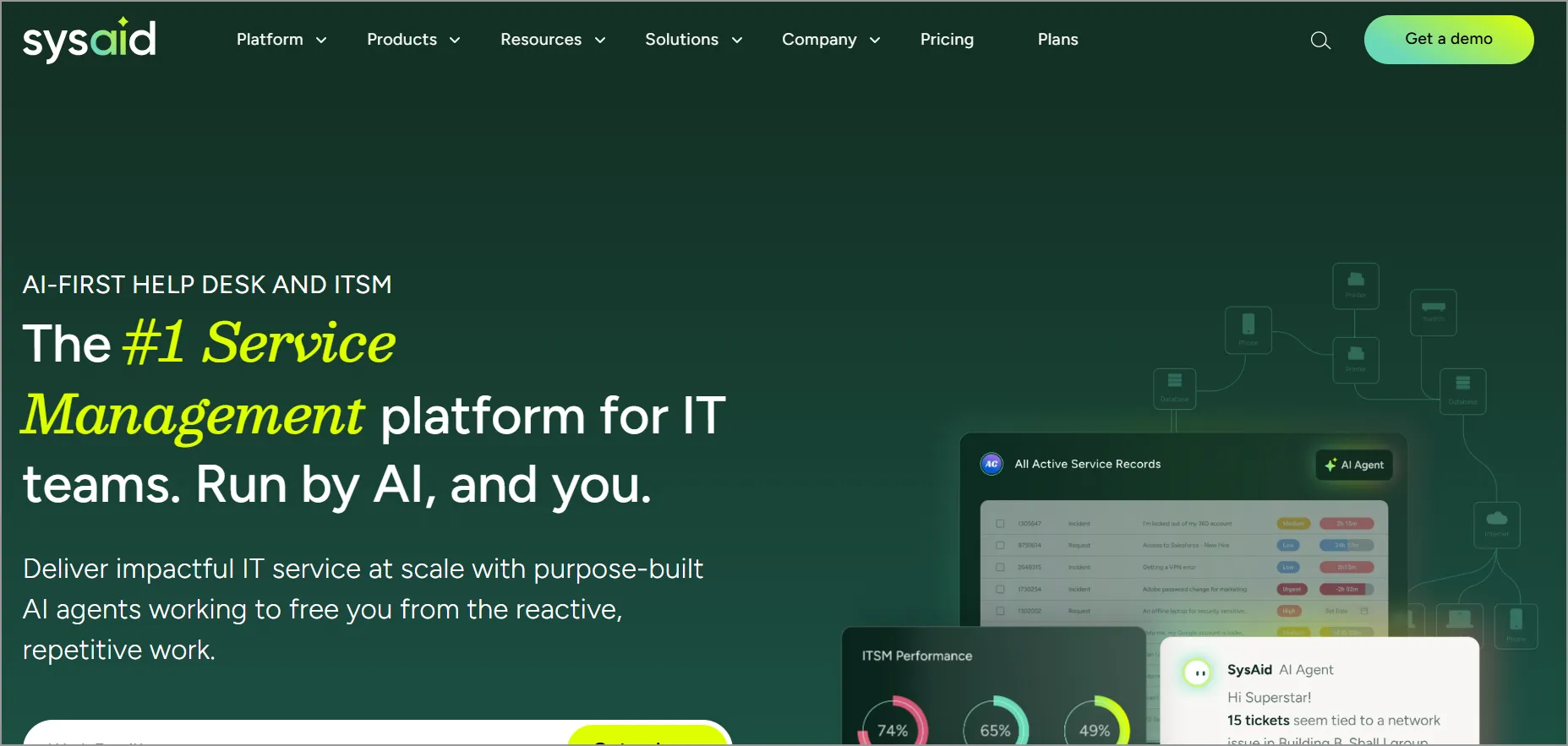
SysAid is a cloud-based help desk with multiple features for service management that ensure efficient and streamlined processes.
Features
- Ticketing system
- AI capabilities
- Self-service portal
- Workflow automation
Pricing: Contact SysAid
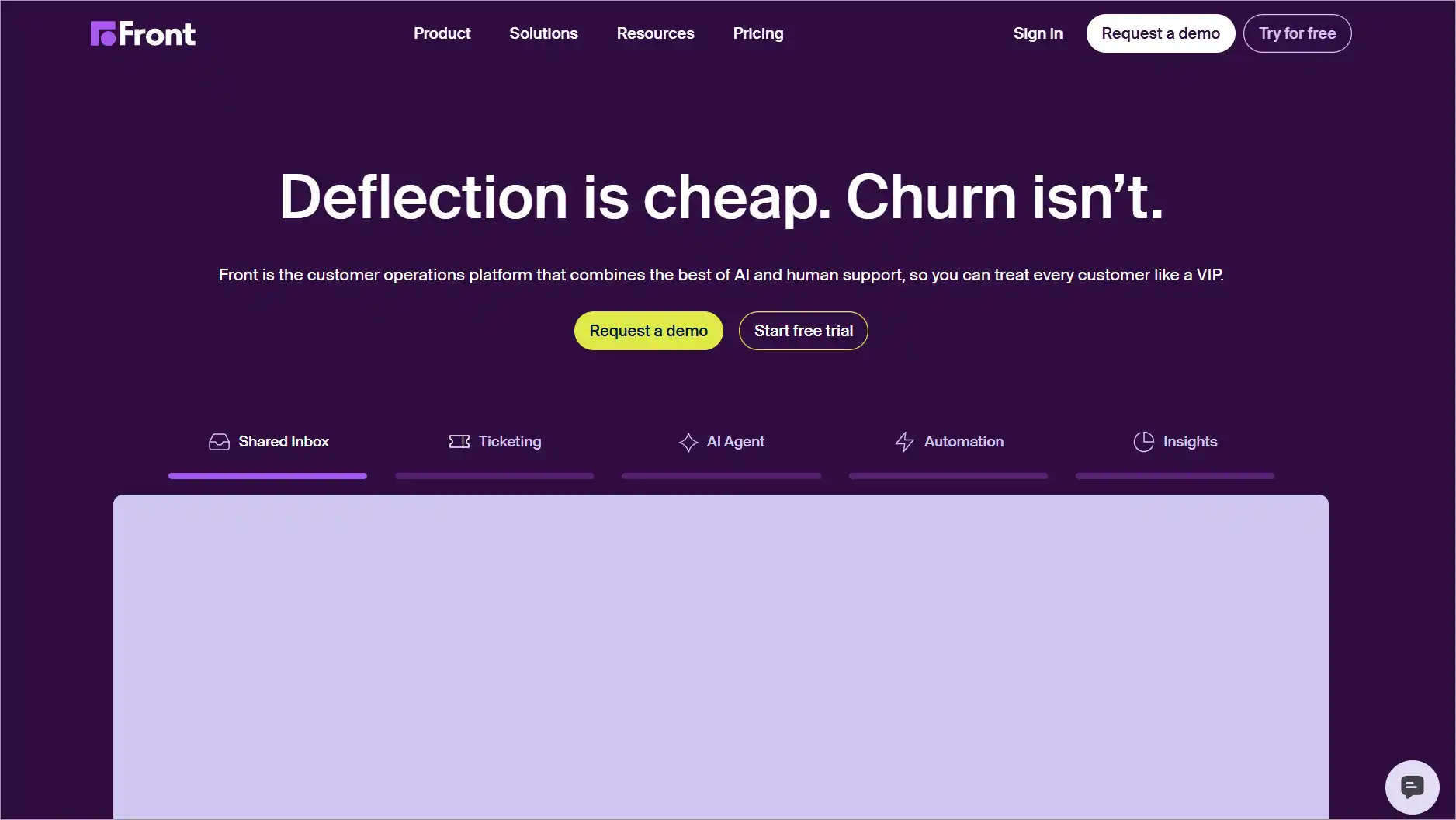
9. Front
Best for shared‑inbox collaboration.
Front is a cloud-based help desk that uses an AI tool to improve teams’ efficiency. Front makes it easy to manage support inquiries from a unified inbox.
Features
- Collaboration tools
- Automation
- Shared inbox
- Knowledge base
Pricing: Starting at $25/agent/month
Free trial: 14 days
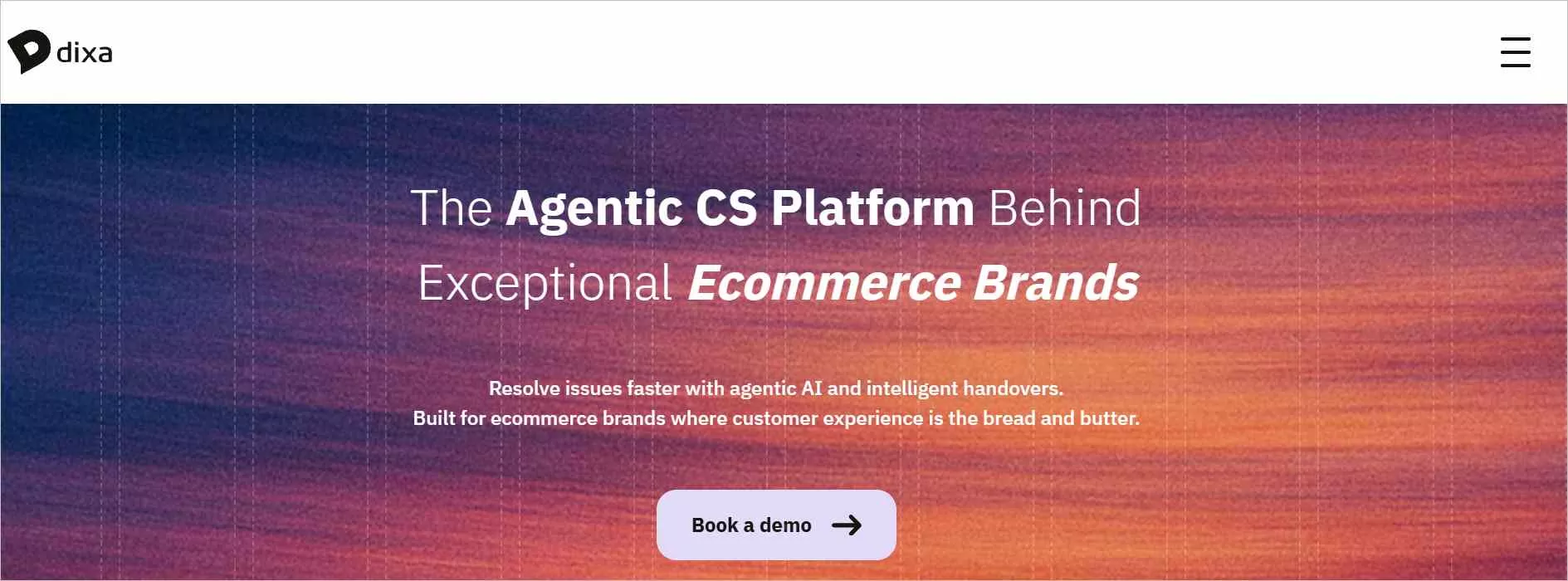
10. Dixa
Best for omnichannel routing with AI and automation.
Dixa is a cloud-based ticketing system that offers an effortless service experience for teams and customers. Incoming tickets are routed to support agents to ensure fast resolution.
Features
- AI and automation
- Omnichannel support
- Intelligent routing
- Intuitive workspace
Pricing: Starting at $89/agent/month
Free trial: Contact Dixa
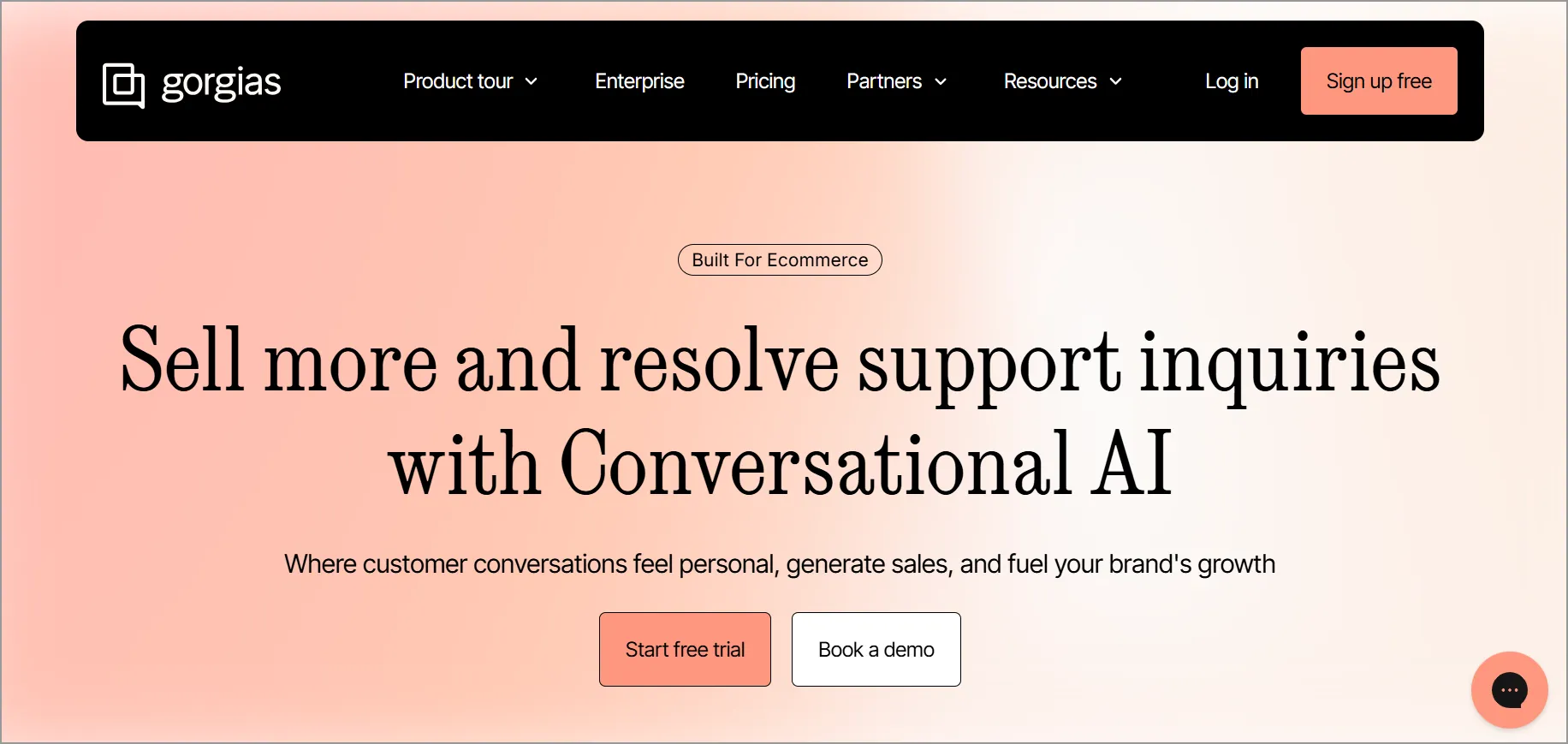
11. Gorgias
Best for eCommerce support teams that need deep integrations.
Gorgias is a cloud-based helpdesk that seamlessly integrates with other apps, helping support teams view, edit, and initiate orders directly in the chat interface.
Features
- Shared workspace
- AI and automation capabilities
- Integration with other apps
- Ticketing
Pricing: Starting at $10/agent/month
Free trial: Contact Gorgias
12. Kustomer
Best for conversation‑centric support.
Kustomer is a cloud-based help desk solution for managing support inquiries from multiple channels. Its features show all customer interactions in a continuous flow, allowing agents to seamlessly continue conversations without having to handle various tickets.

Features
- AI features and automation
- Omnichannel support
- Integration with popular apps
- Multilingual knowledge base
Pricing: Starting at $89/agent/month
Free trial: Contact Kustomer
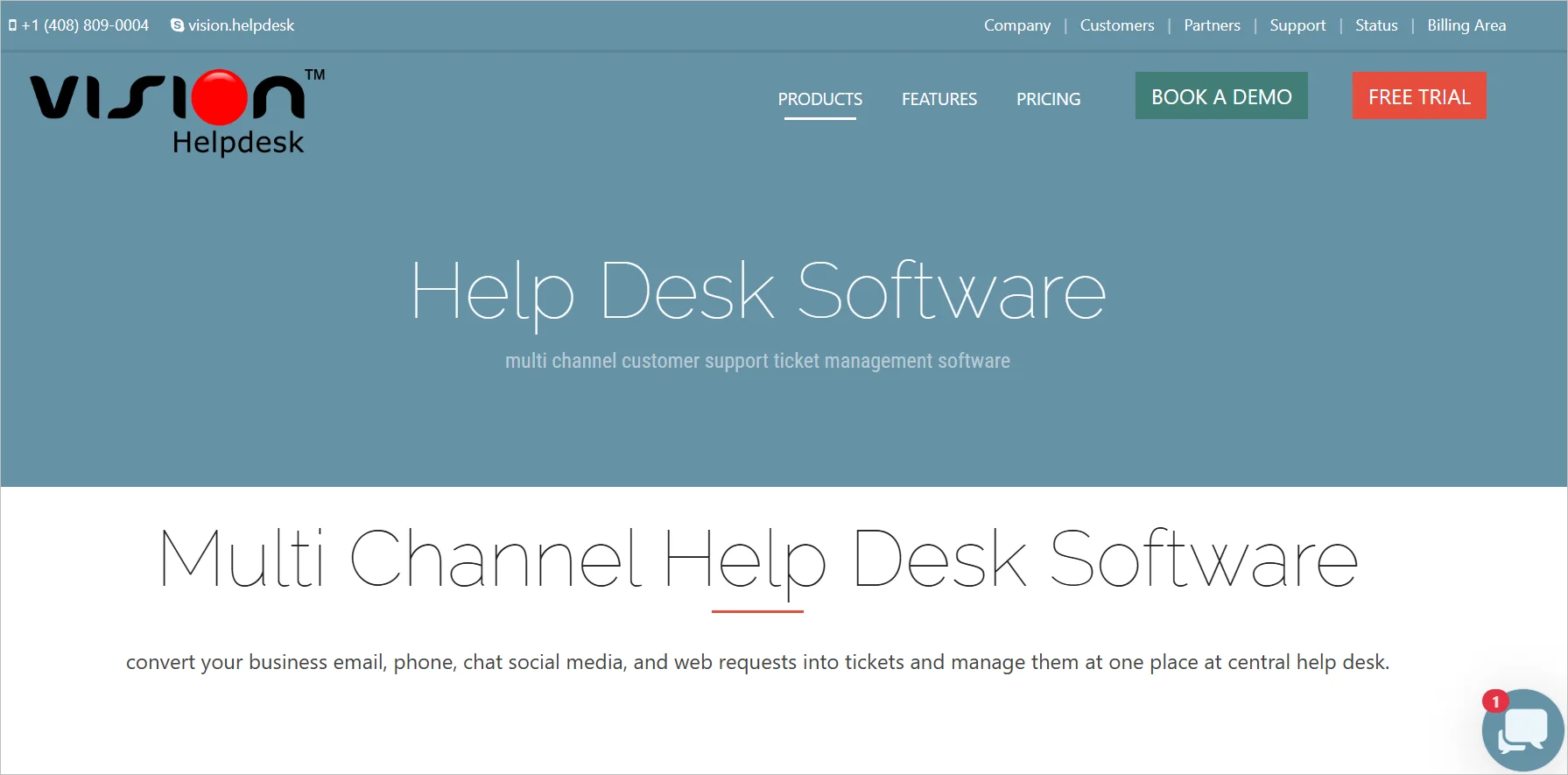
13. Vision Helpdesk
Best for multichannel support with shared inboxes.
Vision Helpdesk is a cloud help desk software that offers multichannel help desk support to businesses of all sizes. It enables automatic routing of incoming tickets using round-robin assignment.
Features
- Shared inbox
- Multichannel support
- Workflow automation
- Reporting and analytics
Pricing: Starting at $12/agent/month
Free trial: 30 days
Why do businesses need a cloud ticketing system?
Implementing cloud-based ticketing systems is essential for managing customer support operations in any business. They offer numerous benefits to organizations of all sizes.
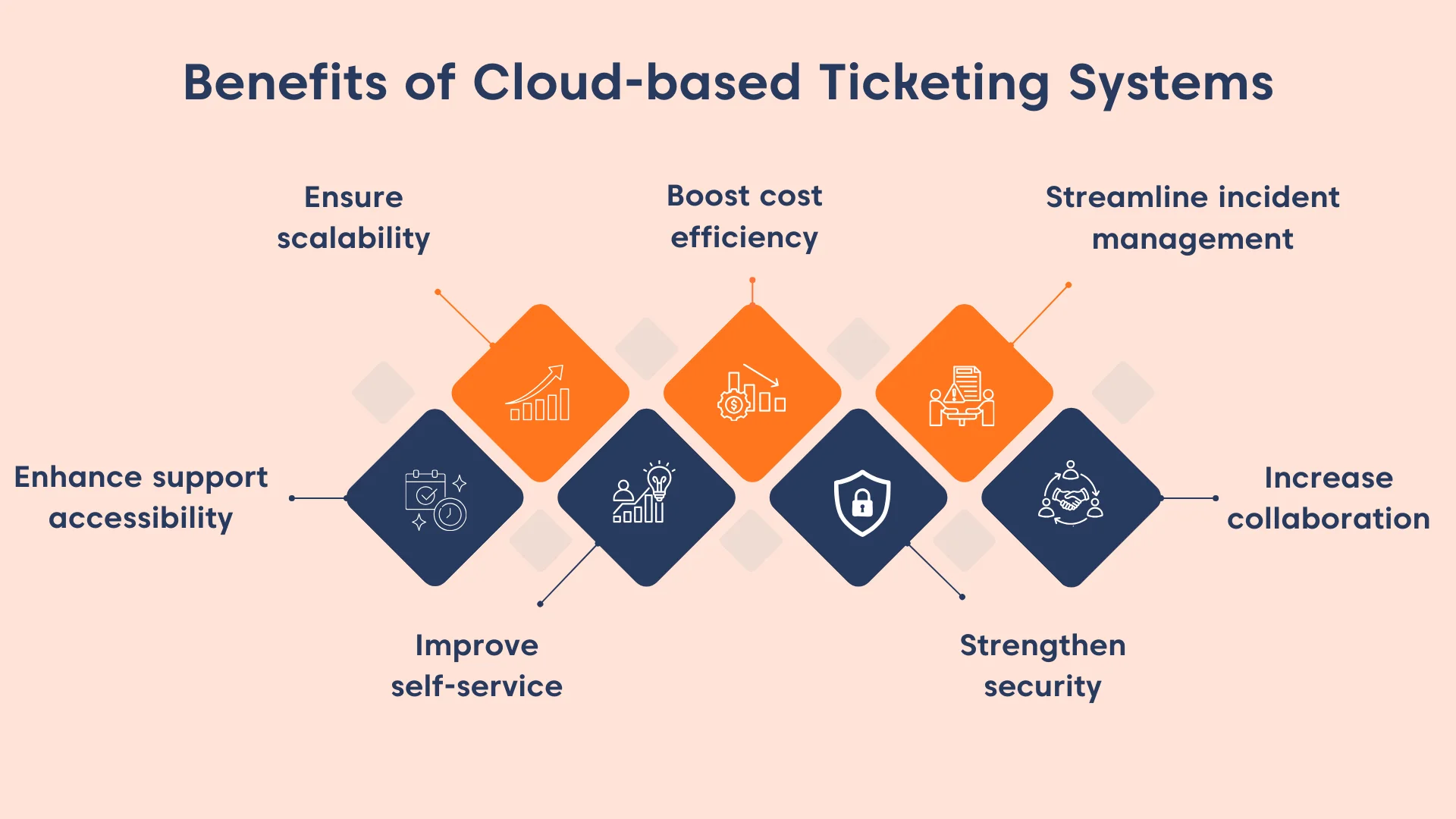
Enhance accessibility and availability
Cloud-based ticketing systems allow support agents to respond to customer inquiries from anywhere, at any time.
Since these platforms operate over the internet, teams can work remotely and access tickets across devices such as desktops, laptops, tablets, and smartphones.
This ensures uninterrupted support and enables customers to receive help through their preferred channels and devices.
Ensure scalability
As businesses grow, support volume increases. Cloud-based ticketing systems scale easily to handle higher ticket loads, additional agents, and new channels without requiring infrastructure upgrades.
This allows businesses to maintain consistent service quality while expanding operations and responding quickly to changing customer demands.
Enhance self-service
Cloud-based help desks typically include knowledge bases, FAQs, and community forums that empower customers to find answers on their own.
By deflecting common questions, businesses reduce incoming ticket volume, lower support costs, and allow agents to focus on more complex issues, ultimately improving both efficiency and customer satisfaction.
Boost cost efficiency
Unlike traditional on-premises systems, cloud ticketing platforms do not require costly hardware, manual installations, or frequent maintenance.
Updates are handled automatically, and teams can provide remote customer service, reducing expenses related to office space, equipment, and IT infrastructure while still delivering reliable customer support.
Strengthen security
Cloud support ticketing systems offer built-in security features such as role-based access control, ensuring that only authorized users can view or manage support tickets.
Many platforms also integrate with identity and access management tools, adding an extra layer of protection for sensitive customer data.
Streamline incident management
Cloud-based incident management tools automate ticket routing, prioritization, and status tracking.
This reduces manual effort, ensures issues are assigned to the right agents quickly, and keeps customers informed throughout the resolution process, leading to faster response times and more consistent service.
Struggling with Customer Requests? Fix It—100% Free!
Stop support chaos before it slows your startup—deliver faster customer service and keep every request under control.
Improve collaboration
A cloud-based ticketing system includes essential tools such as private notes, collision detection, and an internal knowledge base for collaboration. Agents can collaborate in resolving issues regardless of their location.
These features allow cross-team collaboration in real-time, regardless of location, improving coordination and accelerating issue resolution.
How to choose the best cloud-based ticketing system
Selecting the right cloud-based ticketing system begins with evaluating your support needs and identifying the capabilities required to improve efficiency and customer experience.
The most effective systems offer flexibility, automation, scalability, and seamless integration with your existing tools.
- Core ticketing capabilities: Ensure the system can efficiently convert customer inquiries into tickets, categorize and prioritize them, automate routing, and support agent collaboration across channels.
- Automation depth: Look for robust automation features such as automatic ticket assignment, SLA alerts, escalations, status updates, and workflow triggers. Strong automation reduces manual effort and ensures consistent handling of requests.
- Scalability and performance: The platform should remain fast, reliable, and available as ticket volume and team size increase. A true cloud-based system scales without additional infrastructure or complex setup.
- Ease of setup and customization: Choose a system with intuitive onboarding, simple workflow configuration, customizable fields, permissions, branding options, and flexible user management to adapt to your processes.
- Integration ecosystem: Native integrations and well-documented APIs with CRMs, communication channels, collaboration tools, and business systems help eliminate silos and create a unified support experience.
- Analytics and reporting: Comprehensive dashboards and metrics such as SLA compliance, CSAT, first response time, and resolution time are essential for measuring performance and making data-driven improvements.
- Security and compliance: Verify that the platform includes role-based access control, encryption, secure data handling, and compliance with industry and regional standards relevant to your business.
- Multi-device accessibility: Confirm the system performs consistently across desktops, tablets, and mobile devices so agents can deliver effective support from any location.
- Security and compliance: Verify that the system provides secure data access, role-based permissions, encryption, and compliance with standards relevant to your industry.
- Device accessibility: Test how well the system performs across desktops, tablets, and mobile devices to ensure support agents can work effectively from any location.
How can I set up a cloud-based support ticketing system?
Knowing how to set up a cloud-based ticketing system can help you provide efficient customer support and enhance productivity. You need to:
- Assess gaps in your current support process: Review your existing support workflows to identify pain points such as scattered inboxes, slow response times, limited automation, or lack of visibility. This helps define what features and improvements you need from a cloud-based system.
- Choose the right cloud-based help desk software: Select a platform that aligns with your requirements and budget. Evaluate core features, automation capabilities, scalability, ease of setup, usability, availability of a free trial, and long-term cost.
- Configure and customize the system: Customize ticket workflows, statuses, categories, fields, SLAs, and branding so the system reflects your operations and supports consistent handling of requests.
- Integrate tools and communication channels: Connect the help desk with email, live chat, CRM, collaboration tools, and other productivity systems to centralize customer inquiries and streamline workflows.
- Add users, teams, and permissions: Onboard support agents, group them by function or expertise, and define roles and access levels. Proper permissions ensure secure access and efficient ticket routing.
- Test workflows and launch: Examine ticket creation, routing, notifications, automations, and performance across devices before going live to ensure a smooth rollout.
- Define performance metrics and optimize: Track key metrics such as SLA compliance, CSAT, first response time, resolution time, first-contact resolution, and agent performance. Use these insights to continuously refine workflows and improve support quality.
Setting up a cloud-based ticketing system is only part of the process, as the way your team handles tickets within that system determines the overall support experience.
Aligning your workflows with proven help desk do’s and don’ts for ITES teams can reduce inefficiencies, improve resolution quality, and prevent common ticket-handling mistakes.
Achieve faster, smarter support with a cloud-based ticketing system
Delivering exceptional customer support requires more than just the right tools; it takes a platform that empowers your team to work smarter, respond faster, and stay adaptable as your business grows.
Looking for a reliable option? BoldDesk offers a secure, feature-rich cloud-based help desk solution designed to streamline ticket management, automate workflows, and enhance customer satisfaction.
With BoldDesk, you get flexibility, advanced integrations, and powerful reporting, all in one platform. Contact us to experience how BoldDesk can transform your support operations.
We hope this guide will help you kick-start your journey to finding the best cloud-based ticketing system for your business.
Please share your thoughts in the comments section.
Related articles
- Top 10 FREE Help Desk Software for Startups in 2026
- 15 Best Help Desk Software of 2026 in Today’s Market
- 13 Best Help Desk Ticketing Systems for 2026





