






 In this page

TL;DR: The best email ticketing system can automatically turn incoming emails into organized, trackable support tickets, route them to the right agents, and streamline team collaboration. With features like automation, shared inboxes, analytics, and integrations, it helps support teams respond faster, manage customer inquiries efficiently, and prevent missed messages.
As communication methods advance, businesses face a growing challenge: how to efficiently manage and respond to customer requests, primarily through email.
With customer expectations for faster and more reliable responses rising, teams that lack a structured email ticketing system often face backlogs, inconsistent replies, and declining customer satisfaction.
Struggling to keep up with increasing customer emails?
Ideal email-based help desk software is a smart, scalable solution that helps support teams organize conversations, automate workflows, and ensure that no email goes unanswered.
In this article, we’ll explore the best email ticketing systems, why they are essential, and highlight the top email help desk software that can help your team deliver faster, smarter support.
What is an email ticketing system?
An email ticketing system is a software solution used by businesses to efficiently manage, prioritize, and respond to customer support inquiries, requests, and complaints received via email.
It automatically converts incoming emails into structured support tickets, each assigned a unique ID for easy tracking and resolution.
By streamlining email communication and automating support workflows, email ticketing solutions improve response times, reduce manual effort, and enhance overall customer satisfaction.
Who uses email ticketing software?
Teams looking to streamline email communication, reduce customer service response times, and manage requests more efficiently can benefit from an email ticketing tool.
Here are a few examples of teams and how they use email ticketing solutions:
- Customer support: Enables teams in SaaS or service-based businesses to manage customer inquiries, track issues, and share insights, ensuring that no query is missed.
- IT: An ideal email ticketing system allows IT departments to handle technical IT customer service requests, track internal issues, and manage company assets.
- Finance: With the finance help desk, companies can organize emails related to billing, payroll, reimbursements, and vendor payments.
- Marketing: The best email ticketing system with the help desk software for marketing assists in coordinating with agencies and industry partners while keeping campaign communications organized.
- Human resources: The HR help desk can manage employee and applicant queries related to hiring, onboarding, and benefits.
- Sales: Tracks lead inquiries, client follow-ups, and collaborates with other teams to resolve customer concerns.
- Internal operations: The right email ticketing system with an internal help desk software supports internal teams in handling service requests and ensuring timely issue resolution.
What to look for when choosing the best email ticketing system
The best email ticketing system depends on your team size, support volume, and workflow complexity.
Selecting the right email ticket system is essential for improving support efficiency, customer satisfaction, and internal communication.
Here are key factors to consider:
- Ease of use: Go for a clean, intuitive interface that allows agents to manage tickets without a steep learning curve.
- Rich feature set: Consider email ticketing tools that provide essential productivity tools such as help desk automation, collaboration, omnichannel help desk, and reporting and analytics to ensure your team gets full functionality and maximum value from the system.
- Customization options: Look for flexibility in ticket fields, workflows, branding, and user roles to tailor the system to your team’s needs.
- Integrations: Ensure compatibility with your existing tools, such as contact management, ticketing systems, and communication channels.
- Scalability: Select a system that can grow with your business, supporting more users, departments, and advanced features as needed.
- Security and compliance: Verify that the platform offers data encryption, role-based access, and compliance with standards like GDPR or HIPAA, depending on your region or industry.
- Customer support and onboarding: Seek a reliable vendor that provides support and onboarding resources, which are crucial for a smooth implementation and long-term success.
- Cost and pricing structure: An ideal mail ticket system should offer free trials to let you test the system’s usability and features, and evaluate the pricing tiers to make sure the value aligns with your budget.
Comparison table for the best email ticketing tools
To determine the best email ticketing systems, we evaluated each platform, focusing on core functionality, feature depth, user experience, scalability, pricing structure, and verified user ratings sourced from G2.
These criteria reflect the needs of support teams across industries such as SaaS, IT services, and internal help desks, where email remains a primary support channel.
| Ticketing tools & Key features | Starting Price | G2 reviews |
BoldDesk
|
$99/month for 5 agents | 4.5/5
⭐⭐⭐⭐⭐ |
Intercom
|
$39/seat/month | 4.5/5
⭐⭐⭐⭐⭐ |
JitBit
|
$29/agent/month | 4.3/5
⭐⭐⭐⭐ |
TeamSupport
|
$45/agent/month |
⭐⭐⭐⭐
|
HelpCrunch
|
$12/agent/month | 4.7/5
⭐⭐⭐⭐⭐ |
LiveAgent
|
$9/agent/month |
⭐⭐⭐⭐⭐
|
Front
|
$25/agent/month | 4.7/5
⭐⭐⭐⭐⭐ |
HubSpot Service Hub
|
$15/agent/month | 4.4/5
⭐⭐⭐⭐ |
Freshdesk
|
$15/agent/month |
⭐⭐⭐⭐
|
ProProfs Help Desk
|
$39.99/agent/month | 4.7/5
⭐⭐⭐⭐⭐ |
Help Scout
|
$20/agent/month |
⭐⭐⭐⭐
|
HappyFox
|
$24/agent/month | 4.5/5
⭐⭐⭐⭐⭐ |
Hiver
|
$25/agent/month | 4.6/5
⭐⭐⭐⭐⭐ |
Zoho Desk
|
$4/agent/month | 4.4/5
⭐⭐⭐⭐ |
Zendesk
|
$19/agent/month | 4.3/5
⭐⭐⭐⭐ |
Many of the tools in this list offer core capabilities such as automation, SLA management, shared inboxes, and reporting. The differences lie in depth, pricing structure, and how well each platform supports specific team workflows.
Best email support ticket systems for businesses
Are you considering implementing an ideal email ticketing solution to improve your team’s management of inbound and outbound emails?
Take a look at the top email ticketing software solutions available on the market.
1. BoldDesk
Best for modern small to medium-sized teams that need automated email ticketing with AI-driven routing and response suggestions.
G2 rating: 4.5/5
BoldDesk is an excellent AI help desk solution that assists support teams in managing customer inquiries efficiently.
It incorporates AI in email help desk ticketing to automatically tag, route, and even suggest responses based on historical data.
With features like email automation and a user-friendly interface, BoldDesk streamlines support workflows, improves response times, and enhances team collaboration.
This makes it a practical option for teams managing high volumes of customer email alongside other support channels.
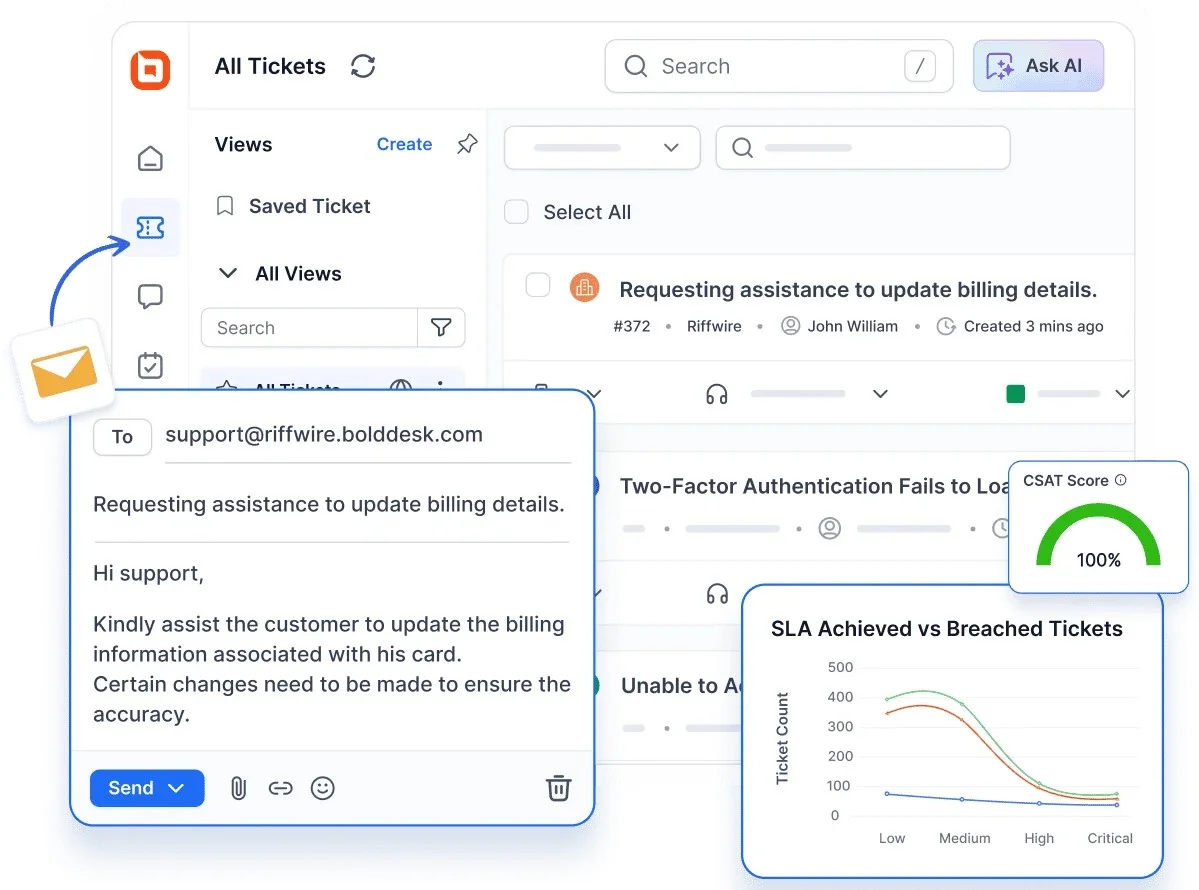
In summary, BoldDesk equips you with tools to manage customer inquiries sent via mail, collaborate within your team, and gain valuable insights to improve customer satisfaction.
BoldDesk offers startups a free email ticketing system to simplify support and enhance productivity.
BoldDesk’s top features
- Help desk ticketing system: Converts all incoming emails into support tickets and routes them to appropriate agents.
- Omnichannel customer service: Allows support agents to manage customer requests from various communication channels in a single unified inbox.
- Live chat software: Lets agents respond to customer inquiries in real time across your websites and apps.
- Knowledge base software: Empowers customers to find answers instantly through self-service, reducing ticket volume and improving satisfaction.
- Task management software: Allows teams to create, assign, and track tasks directly within the help desk solution, which ensures that support-related tasks stay organized and aligned.
- Custom email templates: Composes and saves frequently sent emails for reuse to maintain uniformity in tone and content.
- Shared inbox software: Organizes all your customer support inquiries in one place, routes them to the right agents, monitors their progress, and enhances overall customer satisfaction.
- Collision detection: Prevent multiple agents from simultaneously working on the same customer ticket.
- Seamless integration: Lets you integrate with your existing tools and apps to streamline workflows.
- Artificial intelligence: Empowers your support team with instant answers, real-time translation, smart suggestions, and automatic summarization.
- Built-in reporting and analytics: Provides valuable insights to examine real-time support and make informed decisions to improve client support by utilizing the feature.
- SLA management: Defines the response and resolution timeframe for a support issue, sets reminders and notifications with SLA for customer service to ensure prompt resolution of customer issues.
- Multilingual help desk: Supports customers in their preferred language through real‑time translation and localized email templates, ensuring seamless support for global audiences.
Why BoldDesk stands out as the top email help desk ticketing system
BoldDesk redefines email ticketing with a powerful blend of AI-driven automation, security, and cost-effective scalability, making it the smart choice for modern support teams.
Here is why you should choose BoldDesk:
- With AI Copilot and AI Agent features that automate ticket responses, suggest solutions, and reduce resolution time, BoldDesk can give your team superpowers without the extra headcount.
- It also offers built-in security controls, spam filtering, and integration options to keep your support emails secure, compliant, and protected from phishing threats.
- Whether you’re a startup or a growing enterprise, BoldDesk offers affordable pricing, so you can scale customer support operations without increasing your costs.
- Enables seamless collaboration with features like private notes, ticket sharing, and collision detection, ensuring teams work together without duplication or confusion.
Pricing
BoldDesk provides transparent, scalable pricing with every feature included from day one; no hidden costs or costly upgrades as you grow.
| No. of agents | Monthly price (USD) | Free AI credits/month |
| 5 | $99 | 500 |
| 10 | $199 | 1,000 |
| 25 | $349 | 1,500 |
| 50 | $499 | 2,000 |
| 75 | $749 | 2,500 |
| 100 | $999 | 3,000 |
Our startup program offers BoldDesk free for up to 10 agents for one year.
For a full breakdown of pricing tiers, visit the BoldDesk pricing plans page.
Need more agents? We’ll help you find the right solution for your needs — chat with our experts now!
BoldDesk AI add‑ons pricing
Take your support experience further with intelligent add‑ons that elevate efficiency and reduce operational costs.
- AI Agent – Automated ticket handling powered by AI for $20 per 1,000 credits.
- AI Copilot – Real‑time AI guidance for agents at $20 per agent/month.
These add‑ons bring scalable, high‑value automation to any support workflow.
Schedule a 30-minute live demo and discover how our email help desk software can streamline your support operations.
Free trial: 15-day trial
2. Intercom
Best for teams that prioritize conversational support and want to manage email, chat, and automated interactions from a unified platform.
G2 rating: 4.5/5
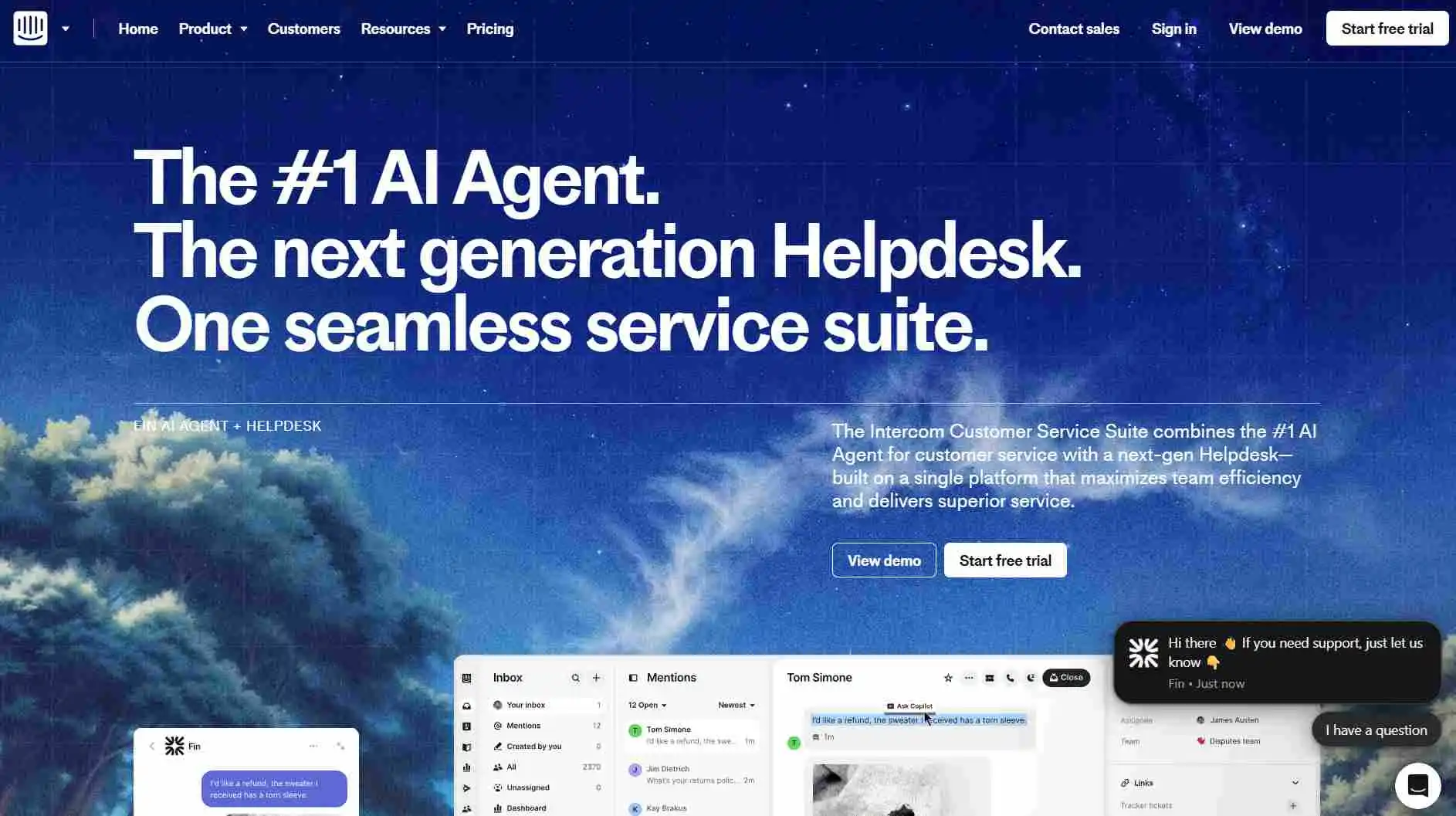
Intercom is an email ticketing solution designed to integrate with other support channels, providing a unified experience for both agents and customers.
Intercom enables companies to collect, monitor, and route customer inquiries; evaluate support effectiveness; and implement support ticket processes.
Top features
- Ticketing capabilities
- Omnichannel communication support
- Reporting
- Automation
- AI-powered bots
Pros
- Built-in automation and routing make it easy to manage conversations and streamline support.
- Supports chat, email, and social media customer service in a unified interface.
Cons
- Users have reported bugs and performance inconsistencies during peak usage.
| PRICING | |
| Essential |
|
| Advanced: |
|
| Expert |
|
Free trial: 14 days
3. JitBit
Best for IT support teams that need simple deployment, structured ticket management, and clear reporting for technical requests.
G2 rating: 4.3/5
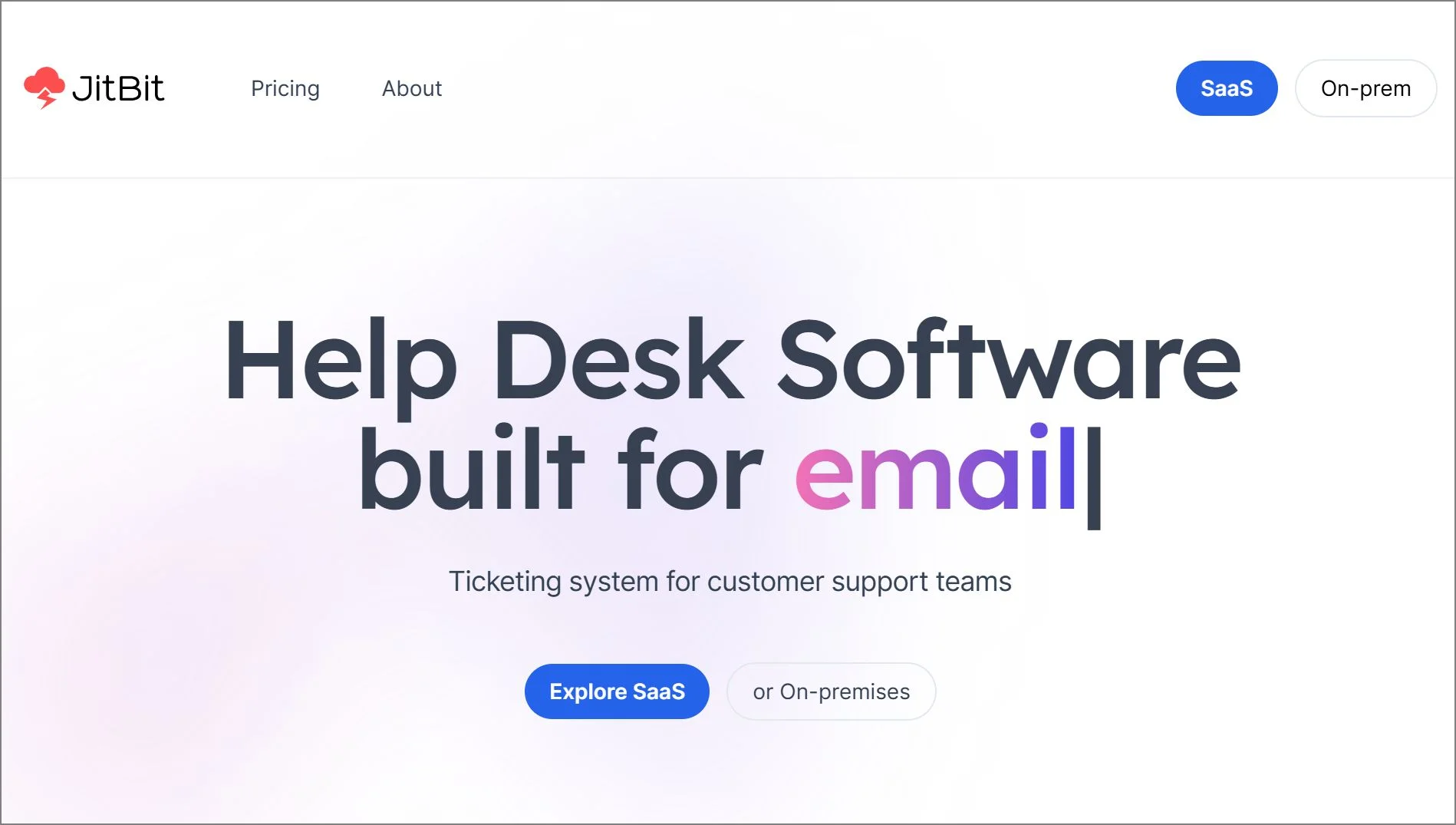
JitBit offers a user-friendly email ticketing tool designed to centralize your email-based customer support operations.
It enables teams to categorize and tag email tickets, assign them to support agents, monitor time spent on tickets, and prevent instances where multiple agents work on the same ticket simultaneously.
Top features
- Ticket management
- Collision detection
- Automation
- Reporting and analytics
- Knowledge base management
Pros
- Offers detailed reporting and performance insights.
- Easy to deploy and set up.
Cons
- The interface may feel old-fashioned compared to more modern help desk tools.
| PRICING | |
| Freelancer |
|
| Startup |
|
| Company |
|
| Enterprise |
|
Free trial duration: 21 days
4. TeamSupport
Best for teams that rely on internal collaboration and need shared ticket visibility with SLA-driven support workflows.
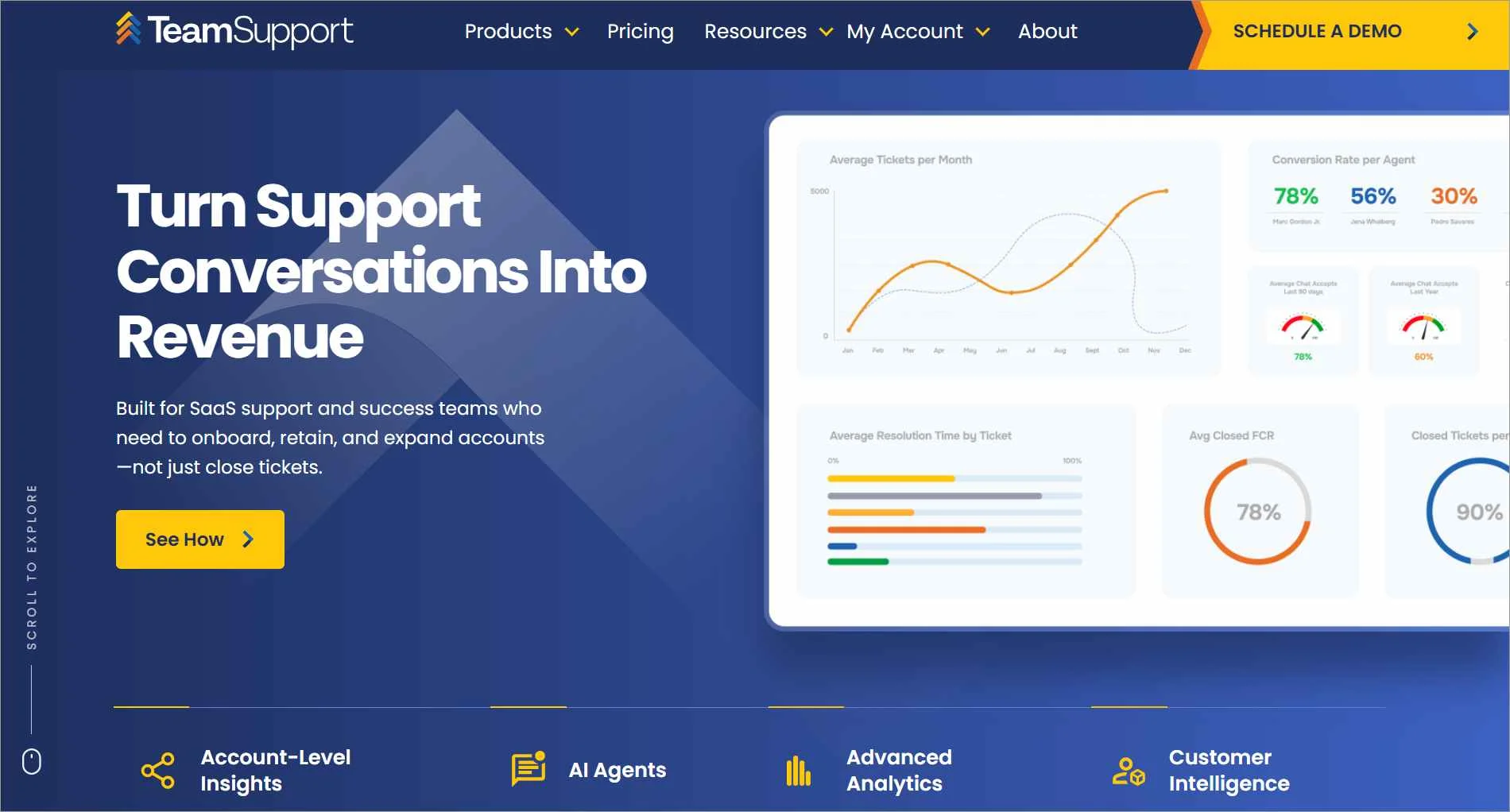
TeamSupport includes an email ticketing solution as part of its customer support and help desk ticketing system.
Its feature set makes it a good option for businesses seeking to streamline email-based customer support.
Top features
- Ticket automation and workflows
- Basic reporting
- Advanced ticket routing
- Ticket collaboration features
- SLA management
Pros
- Detailed reporting options help teams analyze performance and customer trends.
- Clean interface design makes navigation and ticket management straightforward.
Cons
- Finding specific tickets or data can be slow and unintuitive.
| PRICING | |
| Starter |
|
| Professional Support |
|
| Scale |
|
5. HelpCrunch
Best for teams handling both chat and email support who want a centralized workspace with analytics.
G2 rating: 4.7/5
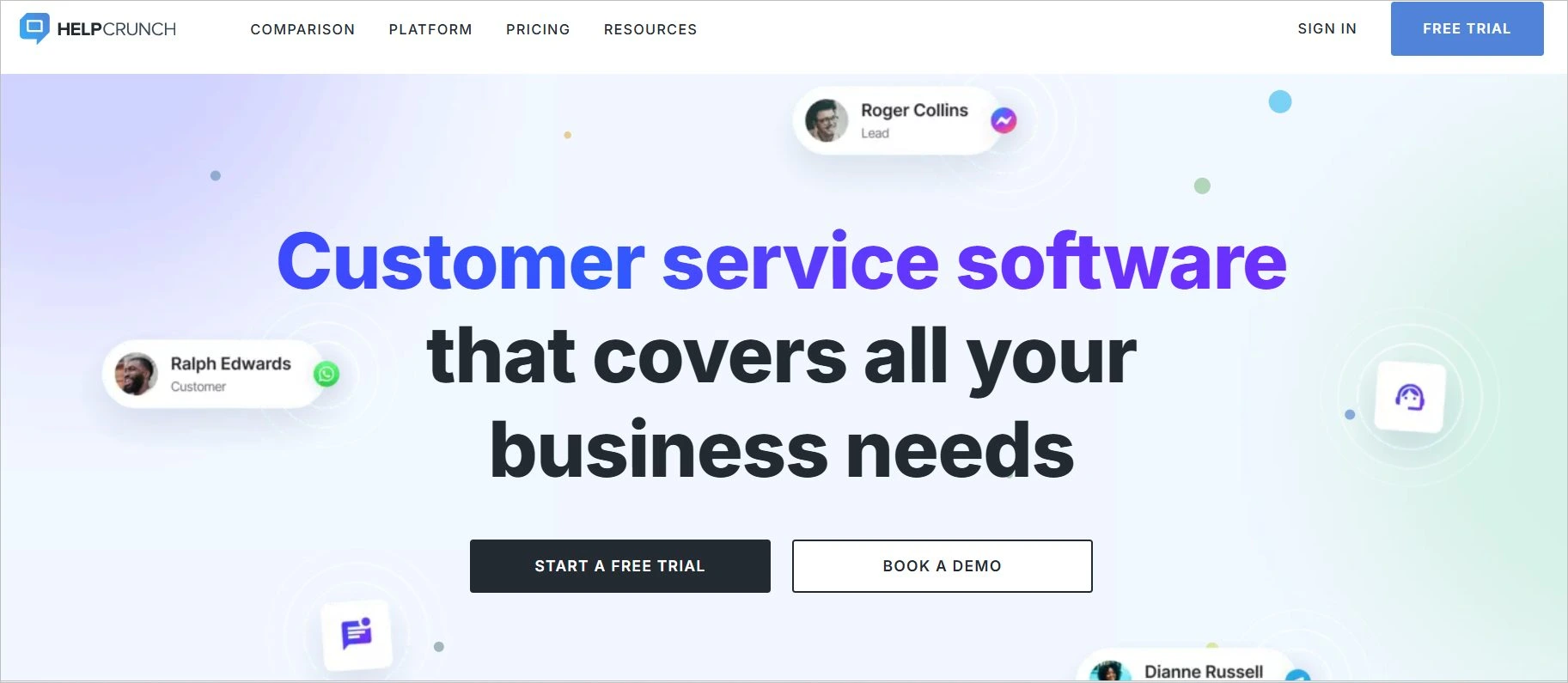
HelpCrunch is a customer communication platform that provides a variety of tools for customer support, marketing, and sales.
Utilizing HelpCrunch, teams can simplify ticket handling and leverage advanced features, including analytics and detailed customer profiles.
Top features
- Ticket management
- Shared inbox
- SLA management
- Reporting and analytics
- Omnichannel support
Pros
- Offers flexible design and workflow options to tailor the platform to your brand and support needs.
- Combines live chat, email, and knowledge base tools for seamless customer engagement.
Cons
- Lacks advanced automation features found in other platforms.
| PRICING | |
| Basic |
|
| Pro |
|
| Unlimited users |
|
Free trial: 14 days
6. LiveAgent
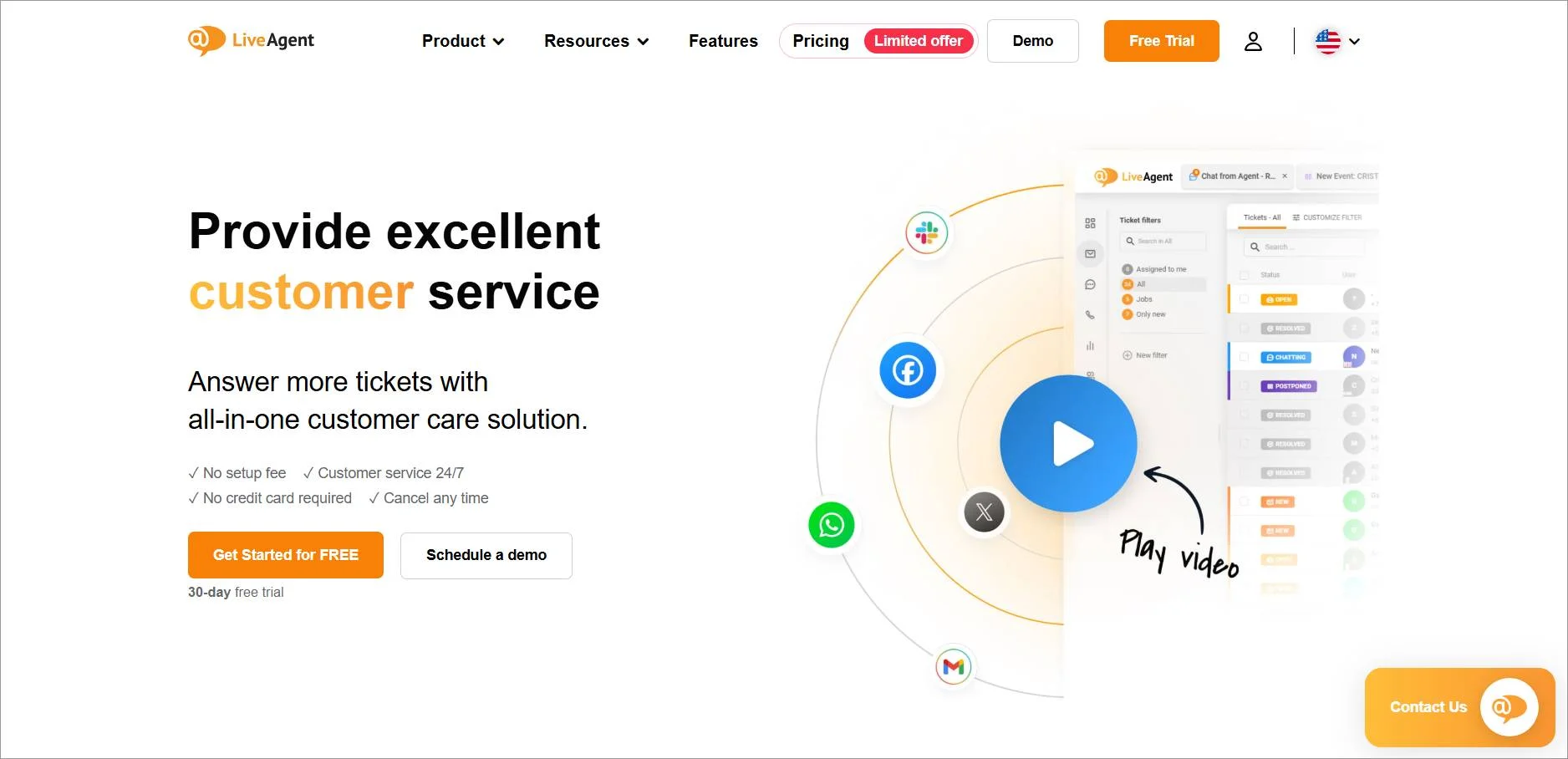
Best for businesses that require omnichannel support by managing email, chat, calls, and social messages in one inbox.
LiveAgent offers email ticketing software as one of its features. It is designed to help businesses manage customer inquiries, support requests, and customer communication.
Top features
- Omnichannel support
- Universal inbox
- Automation
- Automatic spam filtering
- Self-help portals
Pros
- Combines emails, chats, calls, and social messages into a single dashboard.
- Offers a knowledge base and customer portal to reduce ticket volume and enhance user experience.
Cons
- The feature-rich dashboard can be cluttered and difficult for new users to navigate.
| PRICING | |
| Free |
|
| Small business |
|
| Medium business |
|
| Large business |
|
| Enterprise |
|
7. Front
Best for collaborative teams that use shared inboxes and need structured workflows, reporting, and integrations.
G2 rating: 4.7/5
Front is a collaborative communication platform designed to streamline team inboxes, including email management, shared inboxes, and collaborative messaging.
It provides email-based customer support, especially for those already invested in the Front ecosystem.
Top features
- Shared inbox
- Multichannel support
- Reporting and analytics
- 50+ integrations
- Rule-based SLAs
Pros
- Easy to set up and integrate with existing workflows, making onboarding smooth for teams.
- Clean and intuitive design simplifies collaboration and ticket management.
Cons
- Finding specific conversations or tickets can be time-consuming and unintuitive.
| PRICING | |
| Starter |
|
| Professional |
|
| Enterprise |
|
Free trial: 7 days
8. HubSpot Service Hub
Best for businesses already using HubSpot that want email ticketing tightly connected to CRM and customer data.
G2 rating: 4.4/5
HubSpot Service Hub offers an email ticketing solution as part of its customer service platform.
This email support system enables teams to track and prioritize incoming service email inquiries through a shared inbox.
Top features
- Shared inbox
- Multichannel support
- Reporting dashboard
- Conversation routing
- Simple ticket automation
Pros
- Integrates seamlessly with HubSpot CRM, giving support teams full visibility into customer history and interactions.
- Ideal for growing businesses that want to unify marketing, sales, and support under one ecosystem.
Cons
- Advanced features and integrations often require premium plans or additional purchases.
| PRICING | |
| Free plan |
|
| Starter |
|
| Professional |
|
| Enterprise |
|
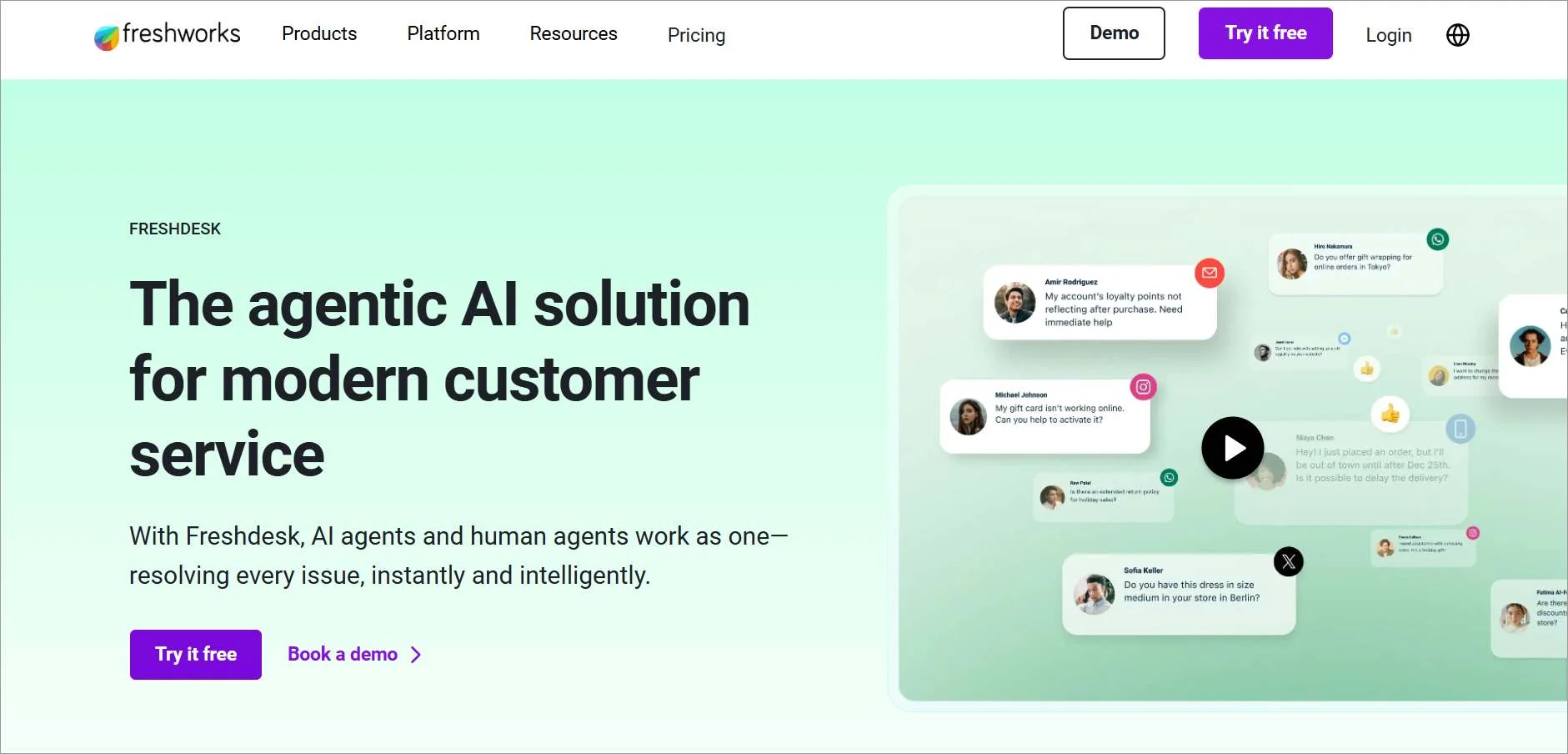
9. Freshdesk
Best for growing teams that need scalable email support with automation, SLA tracking, and performance analytics.
Freshdesk is cloud-based customer support software provided by Freshworks, Inc.
Freshdesk’s email support system allows organizations to convert incoming support-related emails into tickets automatically.
Top features
- Knowledge base software
- Custom email server
- Shared inbox
- SLA management
- Performance analytics tools
Pros
- Includes a customizable knowledge base and community forums to reduce ticket volume and empower users.
- Handles inquiries across email, chat, social media, and phone from a single platform.
Cons
- The mobile app lacks the full functionality of the desktop version and may feel restrictive for on-the-go support.
| PRICING | |
| Free plan |
|
| Growth plan |
|
| Pro + AI Copilot |
|
| Pro |
|
| Enterprise plan |
|
Free trial: 21 days
10. ProProfs Help Desk
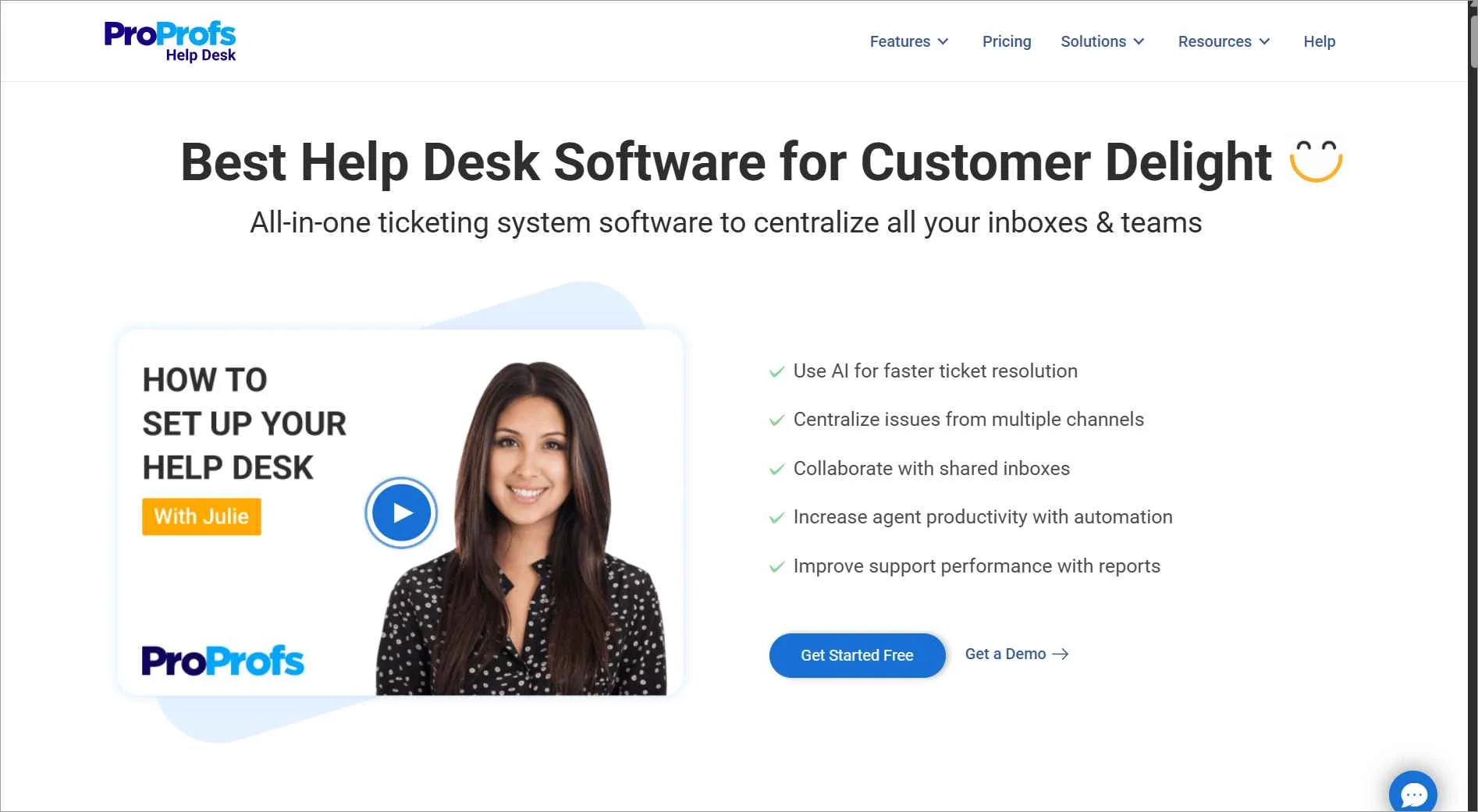
Best for teams that want to manage customer emails from a single inbox with simple ticketing and reporting.
G2 rating: 4.7/5
ProProfs Help Desk is a customer support and email ticketing software that allows businesses to centralize email-based customer support operations.
Top features
- Shared inboxes
- Collision detection
- Ticket tracking and prioritization
- Knowledge base software
- Reports and analytics
Pros
- The layout and functionality are easy for users to adapt quickly without a steep learning curve.
- Offers robust analytics and reporting tools to track ticket performance and agent productivity.
Cons
- While simple, the UI lacks the modern design and customization options found in more advanced help desk platforms.
| PRICING |
|
|
Free trial: 15 days
11. Help Scout
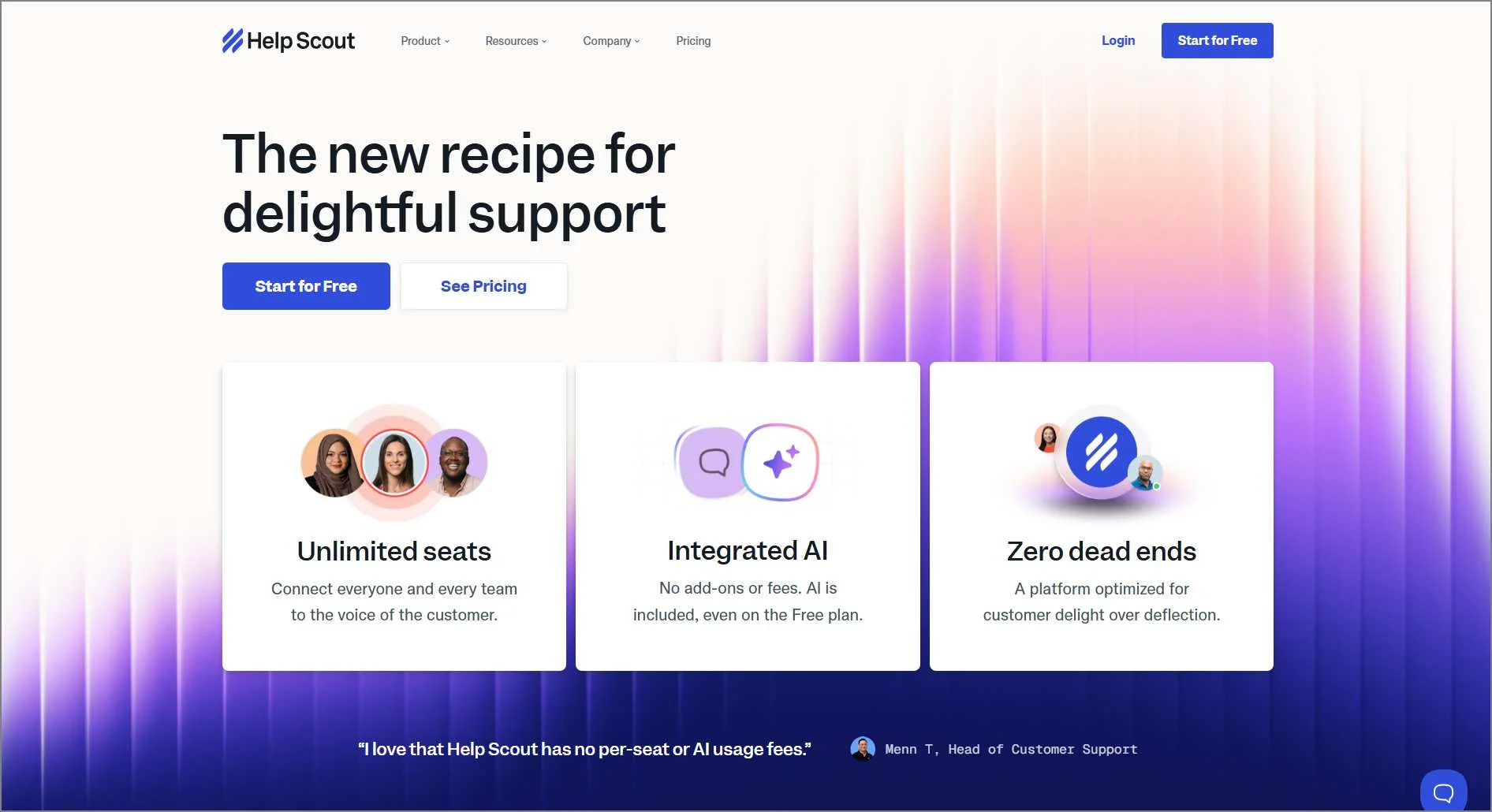
Best for teams focused on delivering personalized, human-centric email support with light automation and reporting.
Help Scout is a customer support platform that includes an email ticketing tool. The software allows support teams to handle customer emails through a shared inbox.
Top features
- Shared inbox
- API and integrations
- Email templates
- Automation
- Reports and analytics
Pros
- Built with a focus on personalized support.
- Provides helpful guides and tutorials, helping teams get up and running.
Cons
- While affordable for small teams, costs can rise as you add users or advanced features.
| PRICING | |
| Standard |
|
| Plus |
|
| Pro |
|
Free trial: 15 days
12. HappyFox
Best for support teams that need structured ticket management with automation, SLA controls, and detailed reporting.
G2 rating: 4.5/5
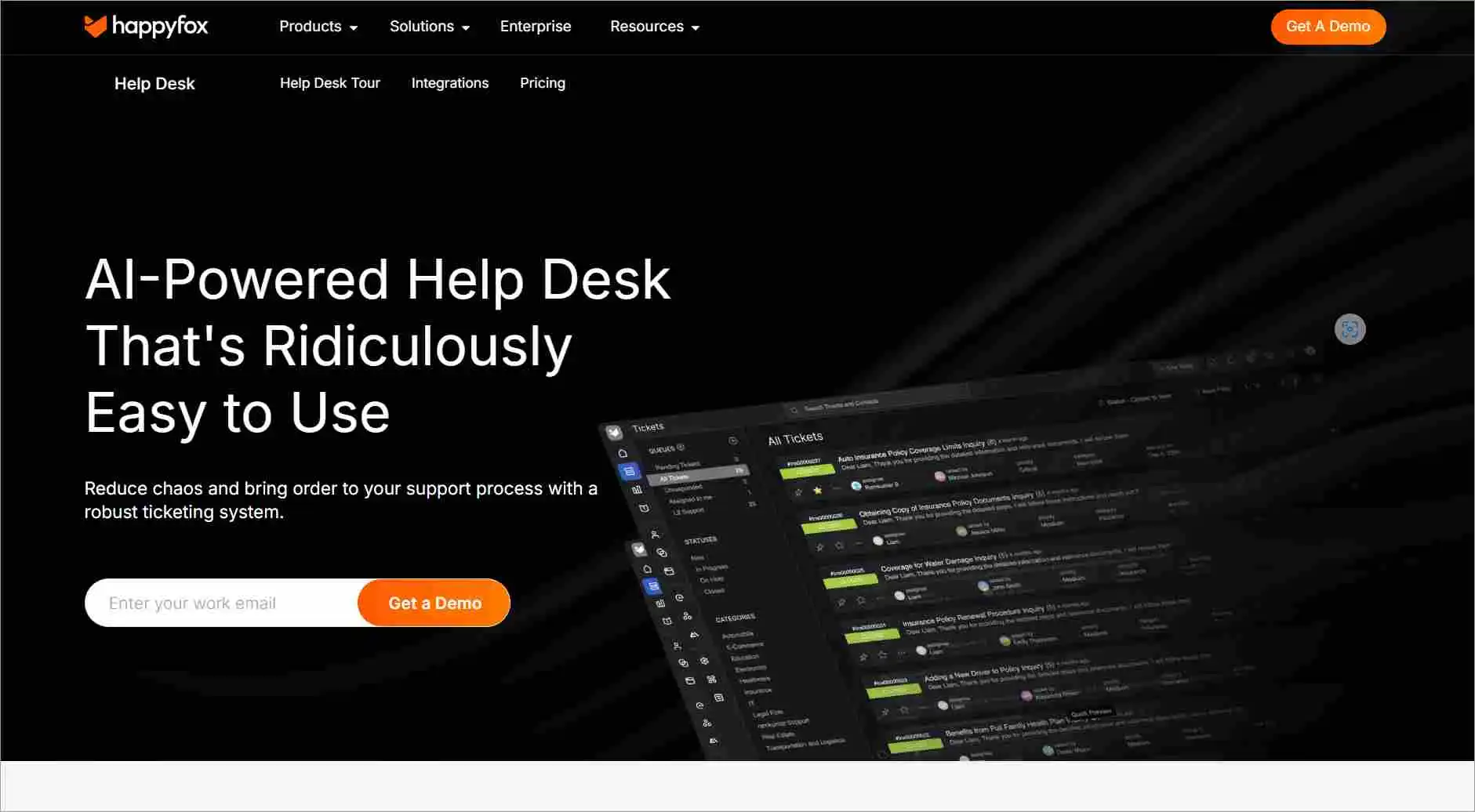
HappyFox is a customer support and ticketing software that helps organizations manage their customer support requests and inquiries.
HappyFox provides an email ticketing tool that allows businesses to convert incoming emails into tickets.
Top features
- Ticket management
- Automation tools
- SLA management
- Omnichannel support
- Reports
Pros
- Known for its responsive and knowledgeable support team, HappyFox consistently delivers excellent service to its users.
- Offers a clean and intuitive design that makes it easy for teams to manage tickets and navigate the platform efficiently.
Cons
- While AI tools are available, they often need frequent monitoring and adjustments to perform effectively.
| PRICING | |
| All plans require at least 5 users. | |
| Basic |
|
| Team |
|
| Pro |
|
| Enterprise Pro |
|
Free trial: 14 days
13. Hiver
Best for Gmail-based teams that want to manage support tickets and collaborate directly within shared inboxes.
G2 rating: 4.6/5
Hiver is an email collaboration tool enabling teams to track, assign, and manage emails in shared email inboxes.

Top features
- Email management: assignment, tags, and notes
- Shared drafts
- Knowledge base software
- Shared inboxes
- Automation
Pros
- Provides detailed reporting and performance metrics to help teams monitor response times and ticket resolution.
- Built directly into Gmail, Hiver offers a simple UI that minimizes the learning curve for support teams.
Cons
- The interface, while functional, lacks the modern aesthetics and UX enhancements found in newer help desk platforms.
| PRICING | |
| Free |
|
| Growth |
|
| Pro |
|
| Elite |
|
Free trial: 7 days
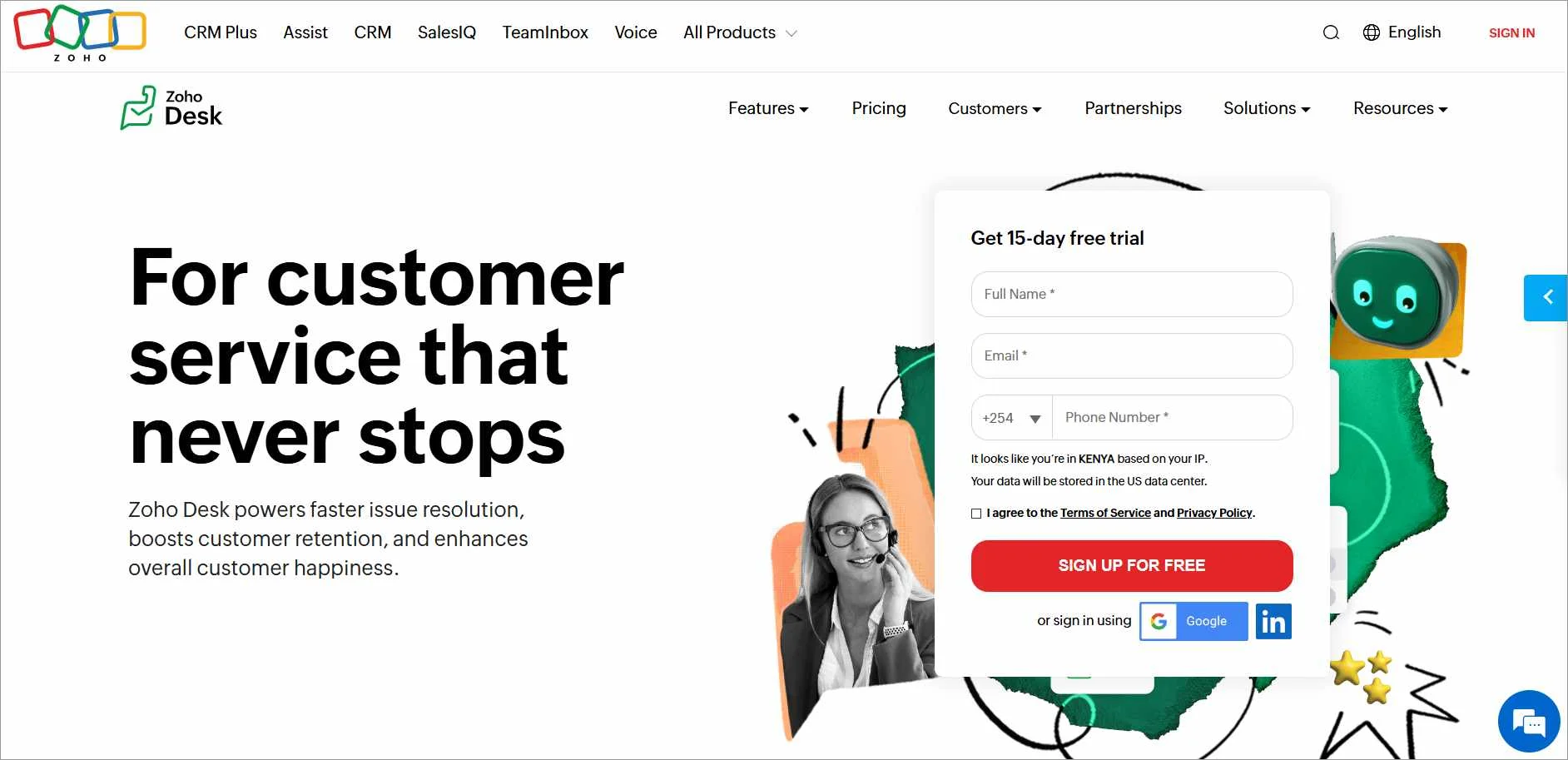
14. Zoho Desk
Best for teams that rely heavily on email and need consistent email-to-ticket conversion with SLAs and automation.
G2 rating: 4.4/5
Zoho Desk is a cloud-based customer service software that provides businesses with an email ticketing solution, as well as other support channels.
The email ticketing software in Zoho Desk allows businesses to manage, organize, and respond to customer service emails.
Top features
- Predefined SLAs
- Email templates
- Ticket sorting
- Multichannel support
- Multilingual support
Pros
- Offers powerful automation features like workflow rules and assignment logic to streamline support operations.
- The user-friendly design makes it easy for agents to manage tickets.
Cons
- Connecting Zoho Desk with third-party apps or even other Zoho tools can be challenging and may require technical expertise.
| PRICING | |
| Express |
|
| Standard |
|
| Professional |
|
| Enterprise |
|
Free trial: 15 days
15. Zendesk
Best for organizations with complex support environments that require flexible workflows, SLAs, and omnichannel coverage.
G2 rating: 4.3/5
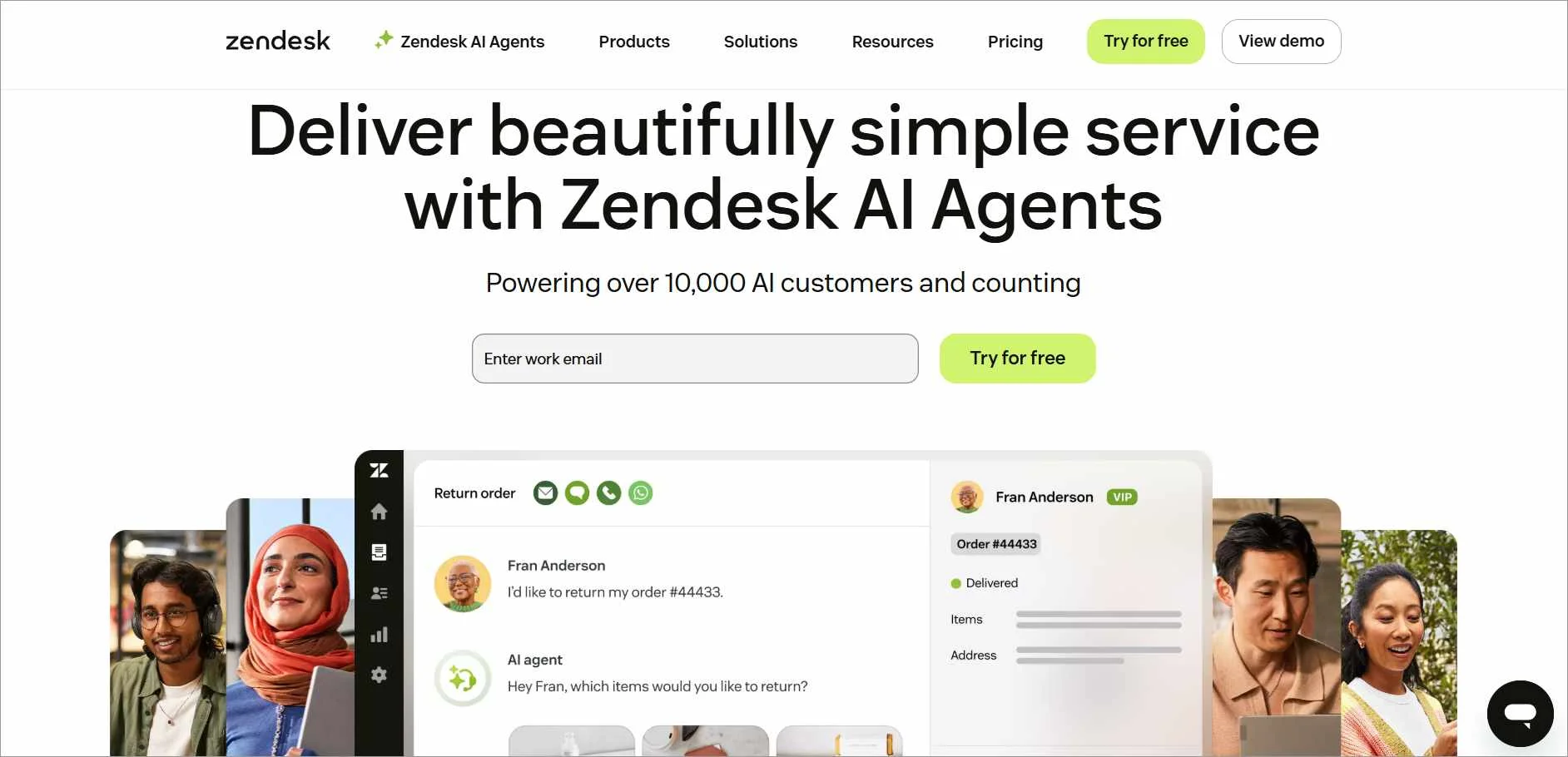
Zendesk is a customer service platform that offers an email ticketing tool as part of its suite of tools.
This system allows businesses to manage, organize, and respond to customer service email requests.
Top features
- Email templates
- Email triggers
- SLA management
- Email tracking
- Omnichannel support
Pros
- Zendesk offers flexible configurations for ticket fields, automation, and branding, making it suitable for businesses with complex support needs.
- The platform is designed for ease of use, allowing support agents to manage tickets.
Cons
- The free trial lasts only 14 days, which may not be sufficient time for teams to fully evaluate the platform’s capabilities.
| PRICING | |
| Support Team |
|
| Suite Team |
|
| Suite professional |
|
| Suite Enterprise |
|
Free trial: 14 days
Best practices for an effective email ticketing system
Improving your email ticketing system isn’t just about features; it’s about knowing how to use them in the right way.
The following are some of the tips to get the most out of your support workflow.
- Leverage AI and automation to reduce manual effort: Automated acknowledgements, AI-assisted reply suggestions, and smart routing rules help teams respond faster and assign tickets to the right agents without delays.
- Define clear SLAs to maintain service quality: Set realistic response and resolution targets, map escalation steps, and monitor SLA breaches within your ticketing system to keep performance predictable.
- Improve quality through performance insights and training: Regular ticket reviews, combined with workforce engagement management tools, help identify skill gaps and balance training needs without impacting workloads.
- Use feedback to continuously optimize support: Trigger short customer satisfaction questions after ticket resolution, analyze recurring feedback trends, and apply insights to refine workflows and improve the overall support experience.
Benefits of an email ticketing solution
Email support systems offer a range of advantages that can improve team productivity and the overall customer experience.
- Improves productivity and customer satisfaction: By automating workflows and centralizing communication, email ticketing tools reduce manual effort, ensuring that customer inquiries are handled promptly. This leads to more efficient support teams and happier, more loyal customers.
- Delivers actionable insights: Built-in reporting tools provide insights into resolution times, ticket volumes, and agent activity, helping managers assess support efficiency and make data-driven decisions that improve service delivery.
- Supports effortless scaling: As customer inquiries grow, email ticketing software can handle increased volumes of support requests without compromising service quality, making it ideal for businesses to expand their support operations.
- Ensures 24/7 availability and acknowledgment: Automated responses confirm receipt of customer inquiries even outside business hours, setting customer expectations and reassuring users that their issues are being tracked and will be addressed.
Streamline workflows with the best email help desk ticketing system
Email ticketing software bridges the gap between traditional email communication and a structured support system, leading to a more streamlined and efficient customer service experience for both businesses and their customers.
Whether you’re supporting customers in a SaaS environment, managing internal IT requests, or handling billing inquiries, choosing the right email ticketing system depends on your team’s workflow, scale, and compliance needs.
By carefully considering your needs, exploring options, and prioritizing key features, you will be well-equipped to choose the perfect email ticketing tool for your business.
We hope this article was helpful. Please feel free to share your thoughts and suggestions in the comment section below.
Related articles
Frequently Asked Questions
An email ticketing solution works by converting incoming customer emails into structured tickets, each ticket representing a unique customer inquiry or issue.
Using automation rules, the system categorizes, prioritizes, and routes tickets to appropriate agents or departments based on predefined criteria.
The customer support team can then access the system, view and manage tickets, respond to customer inquiries, and track the status of each ticket through to resolution.
Email ticketing converts incoming emails into trackable support tickets, each with a unique ID, status, priority, and assigned agent, making issue resolution more organized and scalable.
They offer advanced features like automation, reporting, SLA tracking, and internal notes.
Shared inboxes, on the other hand, are basic email accounts that can be accessed by multiple team members, lacking advanced features like ticket tracking, automation, analytics, and role-based access.
Yes. Most modern email ticketing tools offer robust integration capabilities with a wide range of tools to help support teams work more efficiently, reduce context switching, and deliver a more seamless experience to customers.
You likely need an email ticketing solution if:
- Customer emails are increasing, and responses are getting delayed.
- Multiple agents respond to the same inquiry or miss messages entirely.
- SLAs are difficult to track or frequently breached.
- Managers lack visibility into ticket status and agent performance.
- Teams struggle to balance workloads as support volume grows.





