TL;DR: Centralizing team emails enables faster responses, clearer ownership, and consistent customer communication. A shared inbox tool streamlines ticket assignment, improves visibility, automates workflows, and unifies support channels, helping teams stay organized and deliver high-quality customer experiences at scale.
Are overflowing inboxes making it difficult to track ticket ownership across your team? With the average office worker receiving 121 emails a day (CloudHQ), it’s easy for messages to slip through the cracks and accountability to break down.
As customer and internal communication volumes grow, relying on individual email accounts often leads to missed messages, duplicate replies, and unclear accountability.
Shared inbox tools solve this by centralizing team emails, assigning ownership, and giving managers visibility into every conversation. They help growing teams respond faster, collaborate better, and maintain consistent customer communication at scale.
This guide explains how shared inbox software works, the benefits it delivers, and compares some of the best shared inbox tools available today to help you choose the right solution for your team.
What is shared inbox software?
Shared inbox software is a centralized platform that allows multiple team members to access, assign, and respond to messages from a single shared inbox with clear ownership and visibility.
It is commonly used with shared email addresses such as [email protected], [email protected], or [email protected] to streamline communication with customers, prospects, or internal teams.
A shared inbox solution helps teams coordinate responses, prevent duplicate replies, track conversation ownership, and deliver faster, more consistent communication across channels.
What are the key features of a shared inbox solution?
As you look for the right shared inbox solution for your business, certain features should be on your must-have list.
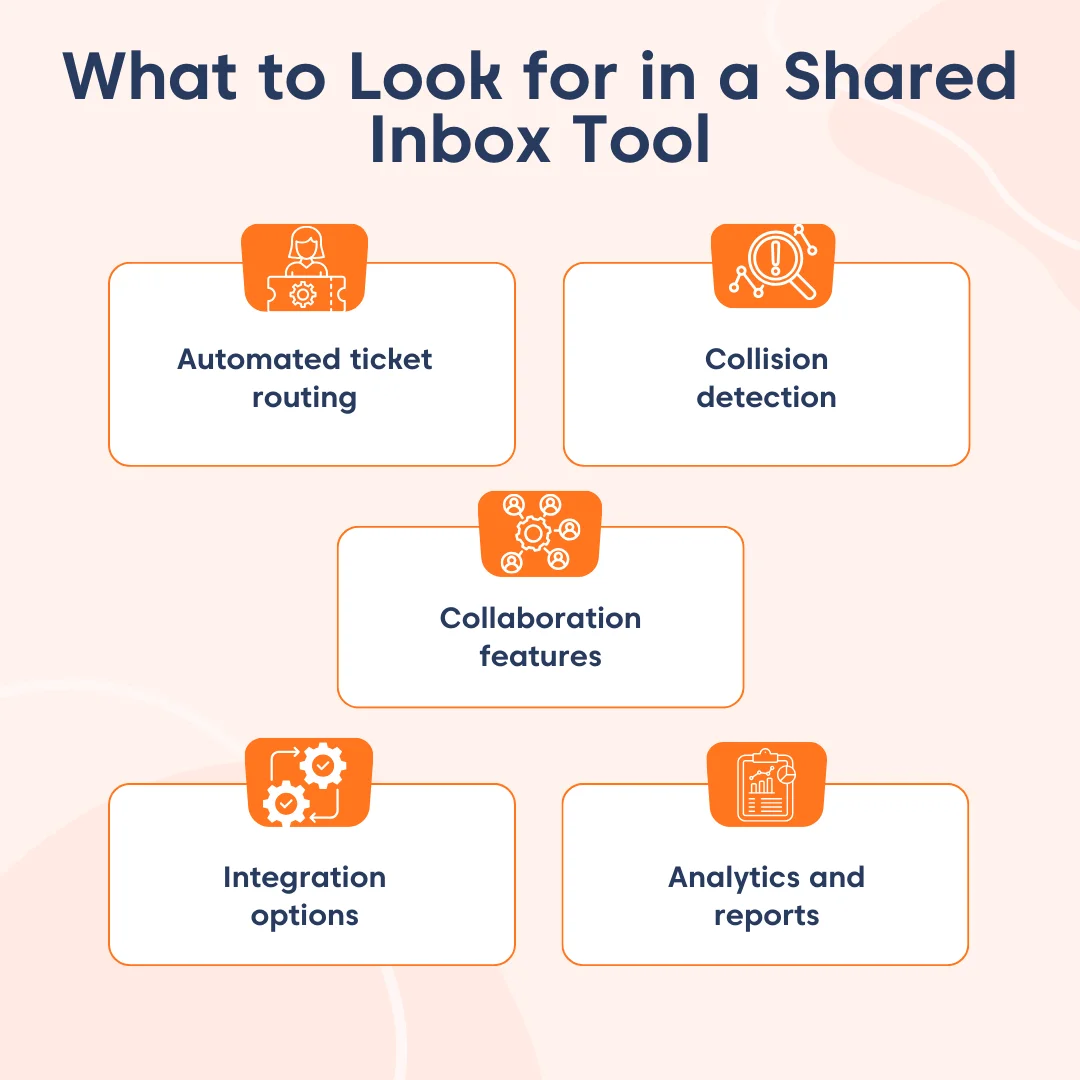
Automated ticket routing
This feature automatically distributes incoming emails to specific team members or departments for quick responses and resolution. Predetermined guidelines or standards, such as the email’s subject line, sender, content, or keywords, govern this distribution.
By eliminating the need for manual delegation and sorting, this feature makes teamwork more efficient and well-organized.
Collision detection
Collision occurs when two customer support agents unknowingly reply to the same email request and potentially provide conflicting information.
Good shared inbox software can detect such collisions and prevent you from replying multiple times to the same ticket.
Additionally, businesses can use a service recovery approach to rectify a service failure, appease dissatisfied customers, and regain their trust by implementing a solution to resolve the issue and make the customer satisfied.
Collaboration features
Shared inbox software consolidates email messages into a single platform, making it easier for multiple users to work together in managing and responding to them.
They utilize collaboration tools like multiple-user access, tags and categories, internal notes, and shared email templates that make internal team collaboration easy.
Integration options
Shared inbox software integrates with other productivity tools, such as task management solutions or help desk software.
This guarantees smooth communication with external contacts and optimizes workflows.
Analytics and reports
Shared inbox solutions often have analytics tools that offer insight into various aspects of their use, such as:
- Ticket response times
- Ticket volumes
- Individual and team productivity
- Customer satisfaction levels
- Peak activity periods
These insights can help managers identify trends, allocate resources more efficiently, set performance benchmarks, and confirm accountability among team members.
How to choose the right shared inbox solution
When selecting a shared inbox tool, consider the following factors:
Ease of use
Choose a solution with an intuitive interface and simple setup to ensure quick adoption across your team.
Email provider compatibility
Ensure seamless integration with your existing email provider to avoid workflow disruptions.
Pricing and scalability
Evaluate pricing based on current team size and future growth, including whether plans scale affordably as usage increases.
Reporting and performance visibility
Look for built-in analytics that help managers monitor team performance and optimize customer support processes.
All-in-one capabilities
Prioritize tools that offer added functionality, such as SLA tracking, automation, collision detection, knowledge base software, and integrations within a single platform.
Best shared inbox tools comparison table
The table below compares the best shared inbox tools based on pricing, core features, and third‑party reviews to help you evaluate which platform fits your needs.
Our evaluation criteria include ease of use, scalability, collaboration capabilities, verified user reviews from G2, and the overall value for growing teams.
| Ticketing tool & key features | Pricing plan | G2 rating |
BoldDesk
|
$12/agent/month | 4.5/5 |
HubSpot
|
$9/agent/month | 4.4/5 |
Kayako
|
$79/agent/month | 4/5 |
Help Scout
|
$25/agent/month | 4.4/5 |
ProProfs Help Desk
|
$19.99/agent/month | 4.5/5 |
Gmelius
|
$25/agent/month | 4.4/5 |
Hiver
|
$25/agent/month | 4.6/5 |
Missive
|
$14/agent/month | 4.6/5 |
Drag
|
$12/agent/month | 4.5/5 |
Helpwise
|
$12/agent/month | 4.6/5 |
Front
|
$25/agent/month | 4.7/5 |
Groove
|
$24/agent/month | 4.6/5 |
Try the Best Shared Inbox Software for Free!
Manage all customer interactions in one place to boost efficiency, streamline customer support, and enhance productivity.

Best shared inbox software solutions for businesses
If you want a better way to handle email in your organization, take a look at these 12 team inbox tools that can boost your team’s email support.
1. BoldDesk
Best for teams seeking an affordable, automation‑driven shared inbox with strong ticket management and omnichannel customer support.
BoldDesk’s shared inbox tool consolidates support requests from all communication channels, including email, live chat, social media, and the mobile app, into a single platform to streamline customer communication.
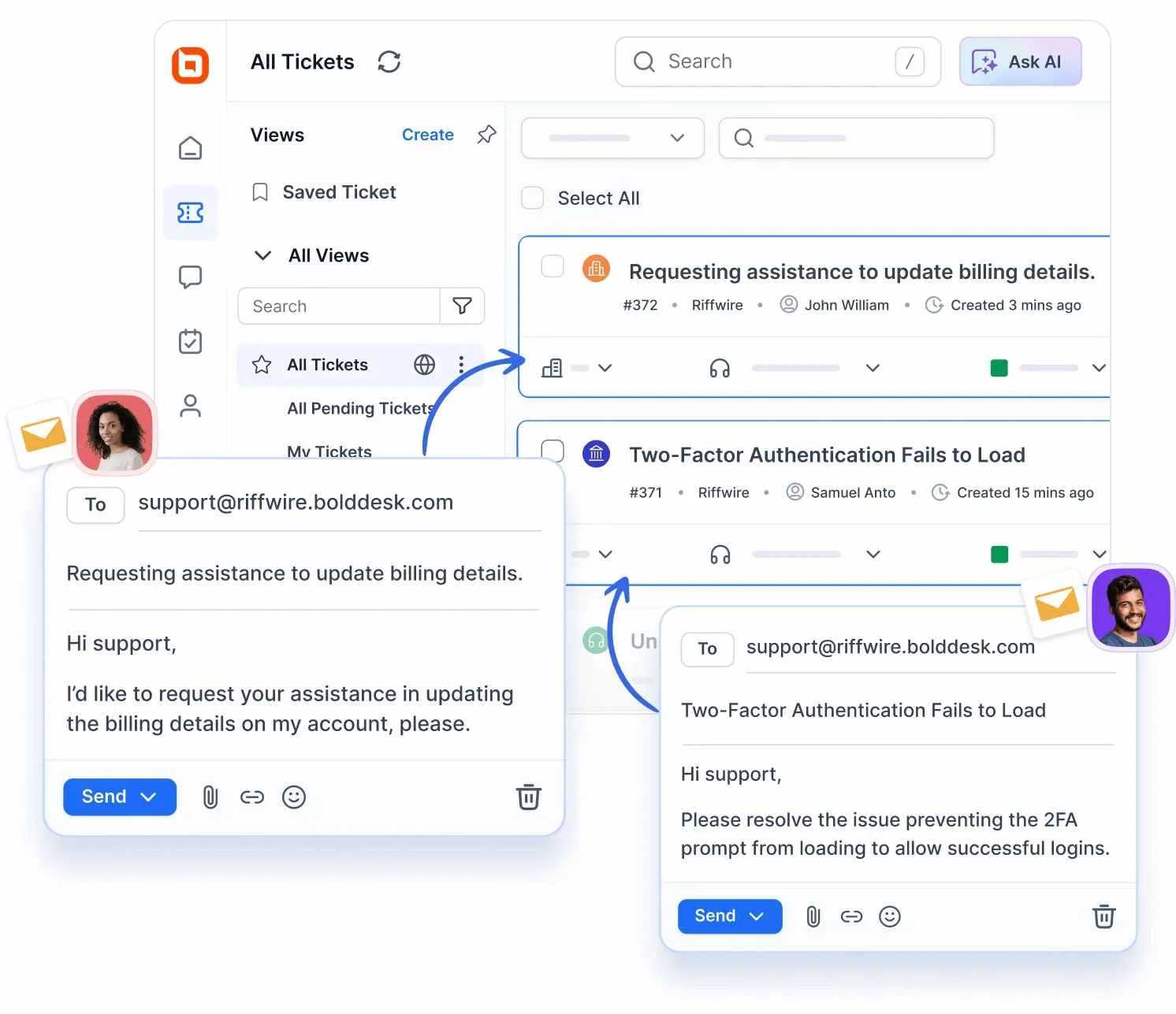
As one of the leading Help Scout alternatives, BoldDesk is a standout, comprehensive solution for streamlining customer support operations.
BoldDesk’s shared inbox solution provides features such as roles and permissions, collision detection, and task management that empower teams to:
- Collaborate effectively
- Reduce customer service response times
- Provide exceptional customer experiences
Main features of BoldDesk
- Automated ticket routing: All incoming support requests are automatically converted into tickets and assigned to the most appropriate agents for quick resolution.
- AI-powered assistance: Includes in-built AI Copilot and AI Agent to instantly respond to customer questions by reading your website and documents, while enhancing support with in-ticket tools like translation, summarization, and intelligent suggestions for faster, more accurate service.
- Omnichannel support: The omnichannel inbox lets you effortlessly handle all incoming customer inquiries from various communication channels within a single, integrated inbox.
- Live chat software: Embedded on websites or apps to enable agents to provide 24/7 real-time live chat support, enhancing customer experiences.
- Collaboration features: It provides tools like private notes, ticket labels, @mentions, and CCs that can empower your staff to work together to solve complex issues. Collision detection ensure streamlined customer experiences by preventing duplicate responses to support tickets.
- Analytics and reporting tools: Provides reporting and analytics dashboards with comprehensive, up-to-date data to aid in decision-making.
- Unlimited integration options: BoldDesk integrates with a number of productivity tools to simplify your workflow and reduce data clutter.
- Multilingual email templates: BoldDesk lets users develop prewritten responses in multiple languages to help maintain consistency and efficiency when answering frequently asked questions from global customers.
- Efficient customer data management: Organize your contact data in a central location with an efficient contact management system so your staff can obtain the most up-to-date information on customers.
- Enhanced privacy and security: Includes robust privacy and security features that protect customers and company data from unauthorized access.
Free trial: Sign up for a 15-day free trial; no credit card is required.
Pros
- Affordable pricing for small and mid‑sized teams
- Strong ticketing, automation, and workload management
- Supports omnichannel customer communication
2. HubSpot
Best for sales and support teams that need a shared inbox integrated with CRM and customer data.
HubSpot provides a shared inbox tool that enables different departments to have a unified platform for handling all communications.
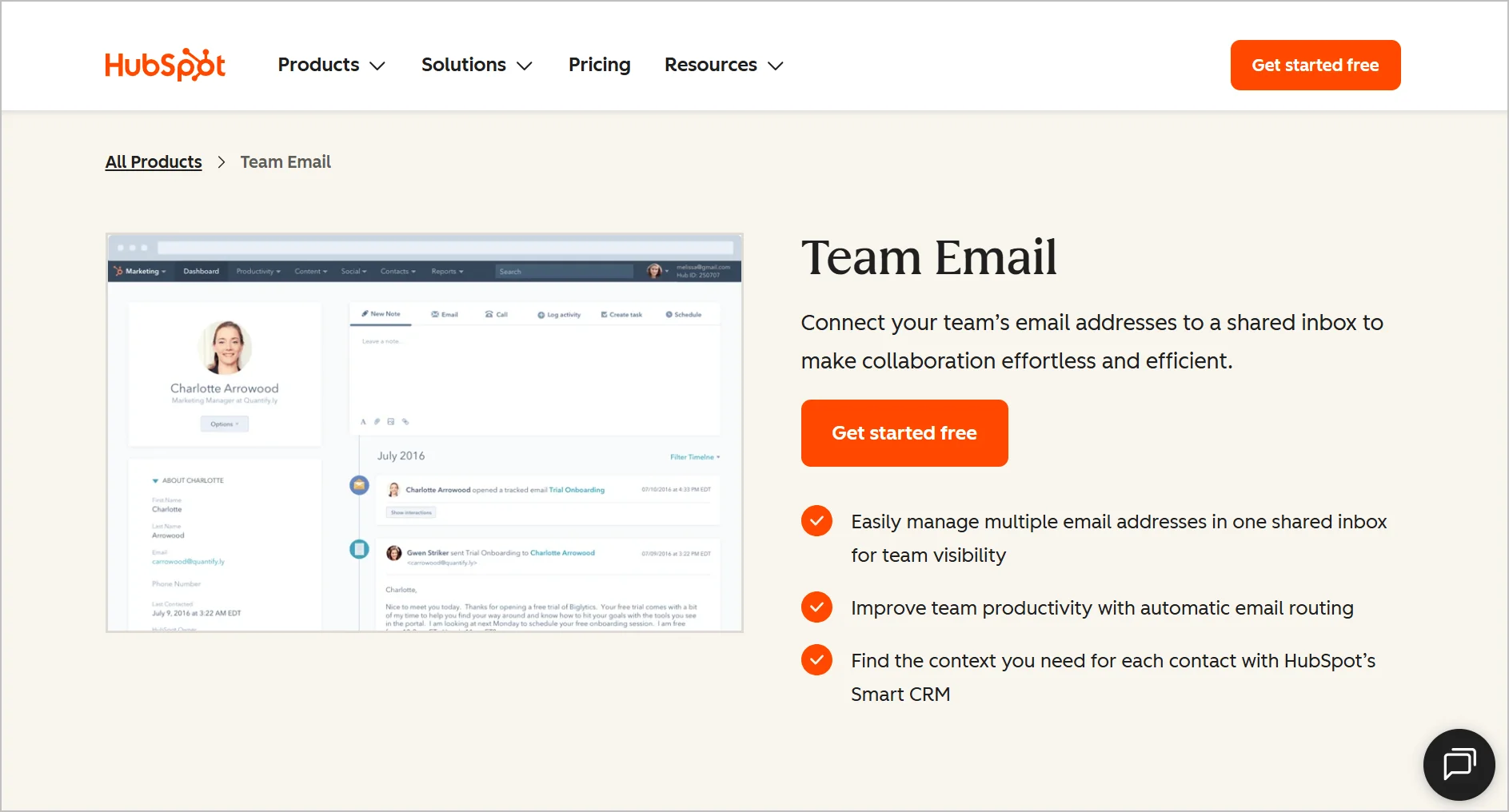
This software allows you to combine team emails, Facebook messages, live chat conversations, and chatbot interactions into a single hub where your team can see, manage, and respond to customer requests.
Main features of HubSpot
- Omnichannel support
- Automation
- Insights and analytics
- Email templates
Pricing
Starts at $9/agent/month
Free trial: 14 days
Pros
- Integration with HubSpot CRM
- Centralized view of customer interactions
Cons
- Can be expensive as usage scales
3. Kayako
Best for teams prioritizing a unified inbox for email, chat, and social messaging.
Apart from managing support tickets, Kayako also provides shared inbox software with built-in collaborative tools that allow teams to work together and track work progress.
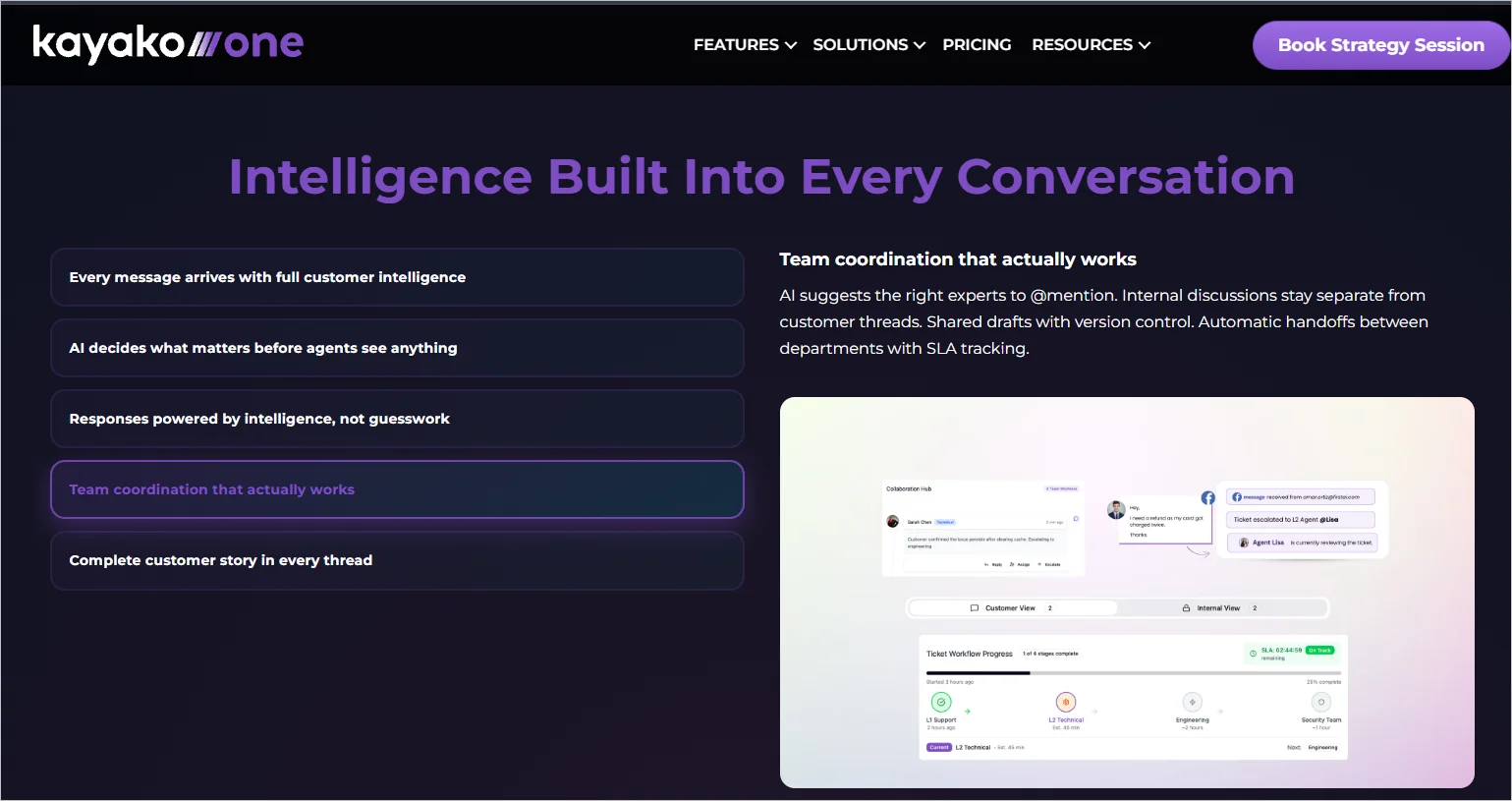
The shared inbox tool integrates with other applications, enabling businesses to automate workflows and manage customer support requests.
Main features of Kayako
- Automation
- Multichannel support
- Email templates
- Reporting and analytics
Pricing
Single plan priced at $79/agent/month
Pros
- Unified inbox for email, live chat, and social channels
- Real‑time team collaboration
Cons
- Pricing may be high for small teams
4. Help Scout
Best for email-first workflows and personalized customer communication.
Help Scout provides shared inbox software that keeps all your customer service teams on the same page.
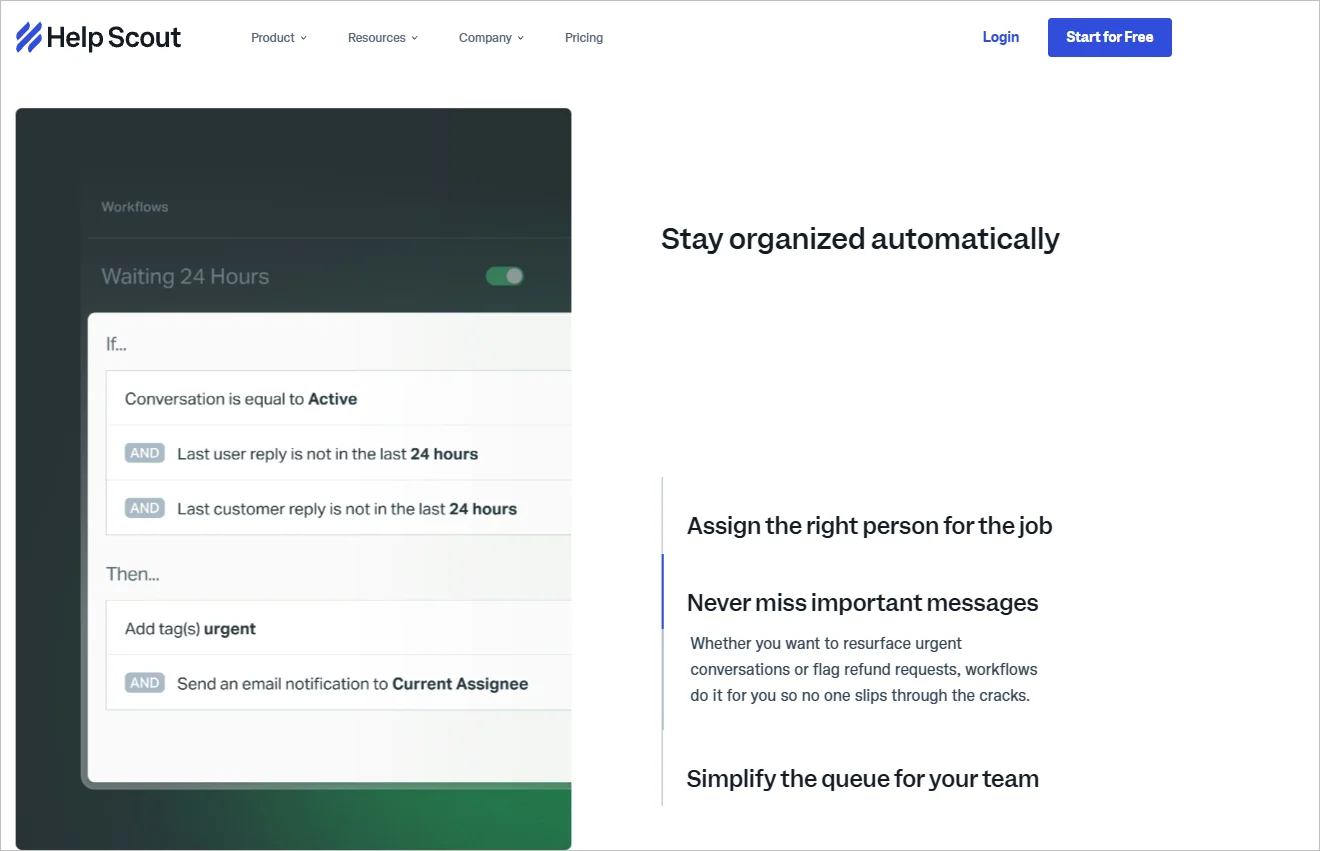
Team leads can manage shared emails, assign members to discussions, communicate with colleagues, and label conversations using the shared inbox solution.
Main features of Help Scout
- Multichannel support
- Private notes
- Collision detection
- Customer satisfaction ratings
Pricing
Starts at $25/agent/month
Free trial: 15 days
Pros
- Clean, intuitive interface ideal for email‑based support
- Internal notes and collaboration features
Cons
- Limited omnichannel capabilities compared to full help desks
5. ProProfs Help Desk
Best for teams looking for a simple, easy-to-use shared inbox focused on email-based customer support.
ProProfs Help Desk is a cloud-based shared inbox and customer support automation system that unifies all customer communication channels, requests, and queries into a single platform.
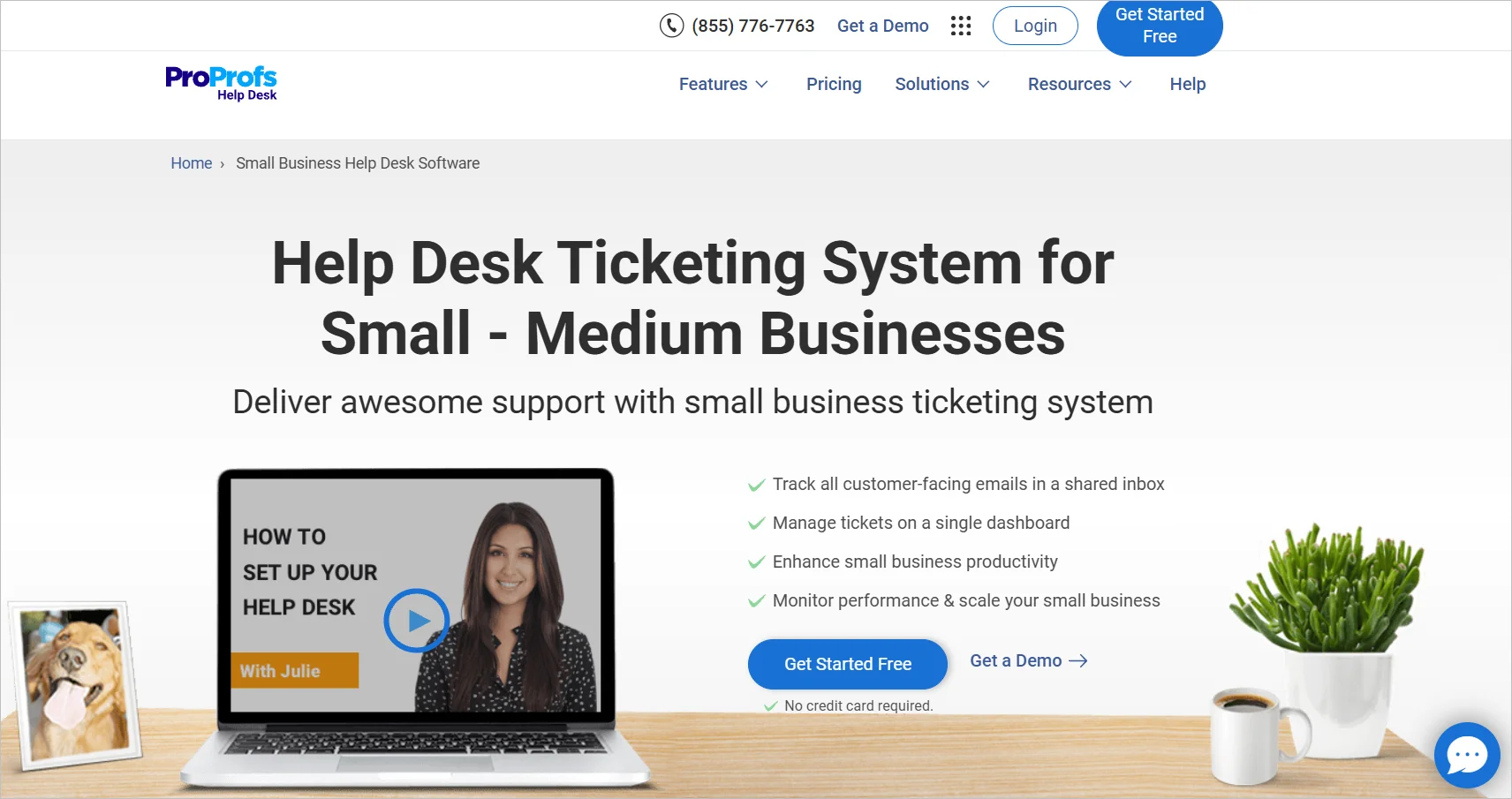
ProProfs offers internal notes, collision detection, and access controls. The ProProfs shared inbox software ensures team members work together without getting in each other’s way.
Main features of ProProfs Help Desk
- Automation
- Canned responses
- Multichannel support
- Reports and analytics
Pricing
Starts at $19.99/agent/month
Free trial: 15 days
Pros
- Easy to set up and use
- Centralized shared inbox for support teams
Cons
- Limited customization options
6. Gmelius
Best for a collaborative Gmail inbox with task management and workflow automation.
Gmelius is an email collaboration platform that integrates into your current Gmail inbox, providing features to enhance email management and facilitate teamwork.
It enables teams to establish email campaigns within Gmail, eliminating the need for an extra subscription to another tool.
Main features of Gmelius
- Email templates
- Reporting and analytics
- Automation
- Email analytics
Pricing
Starts at $25/agent/month
Free trial: 7 days
Pros
- Converts Gmail into a collaborative inbox
- Useful for internal collaboration
Cons
- Limited outside Gmail
7. Hiver
Best for Google Workspace teams looking to manage shared inboxes easily inside Gmail.
Hiver is also a shared inbox software for teams that use Gmail. Hiver enables agents to allocate, monitor, and reply to customer emails directly through the Gmail interface, without extra software or a separate dashboard.
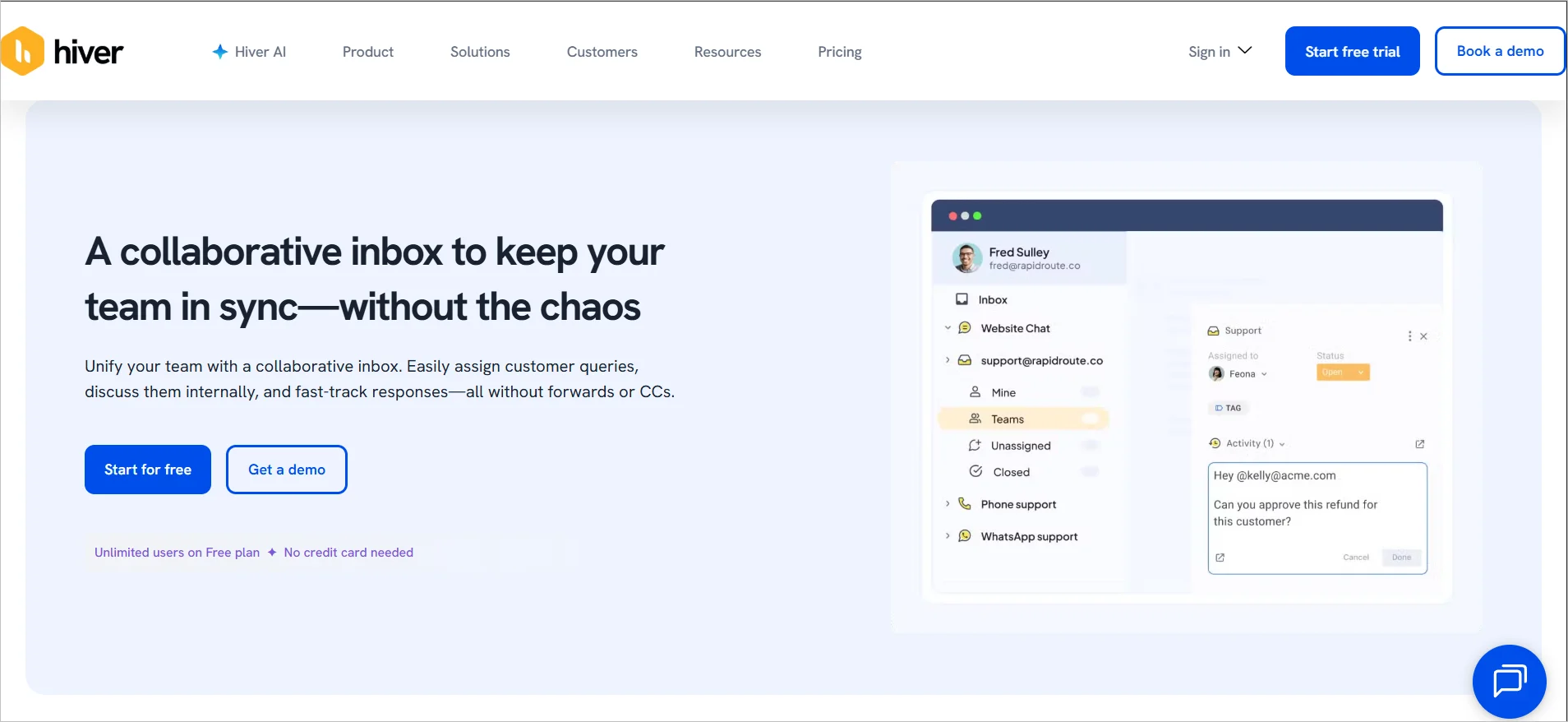
Hiver offers a set of collaborative features like private notes that can be attached to emails, ensuring agents have the correct context to reply quickly and accurately to email inquiries.
Main features of Hiver
- AI-powered customer service
- Canned responses
- Reports and analytics
- Collision detection
Pricing
Starts at $25/agent/month
Free trial: 7 days
Pros
- Native Gmail integration with minimal learning curve
- Simple setup for Google Workspace teams
Cons
- Lacks advanced help desk and automation features
8. Missive
Best for teams that rely on real-time internal collaboration while managing shared email conversations.
Missive’s shared inbox software enables users to manage personal and shared email accounts, instant messaging, and social media accounts from a single platform.
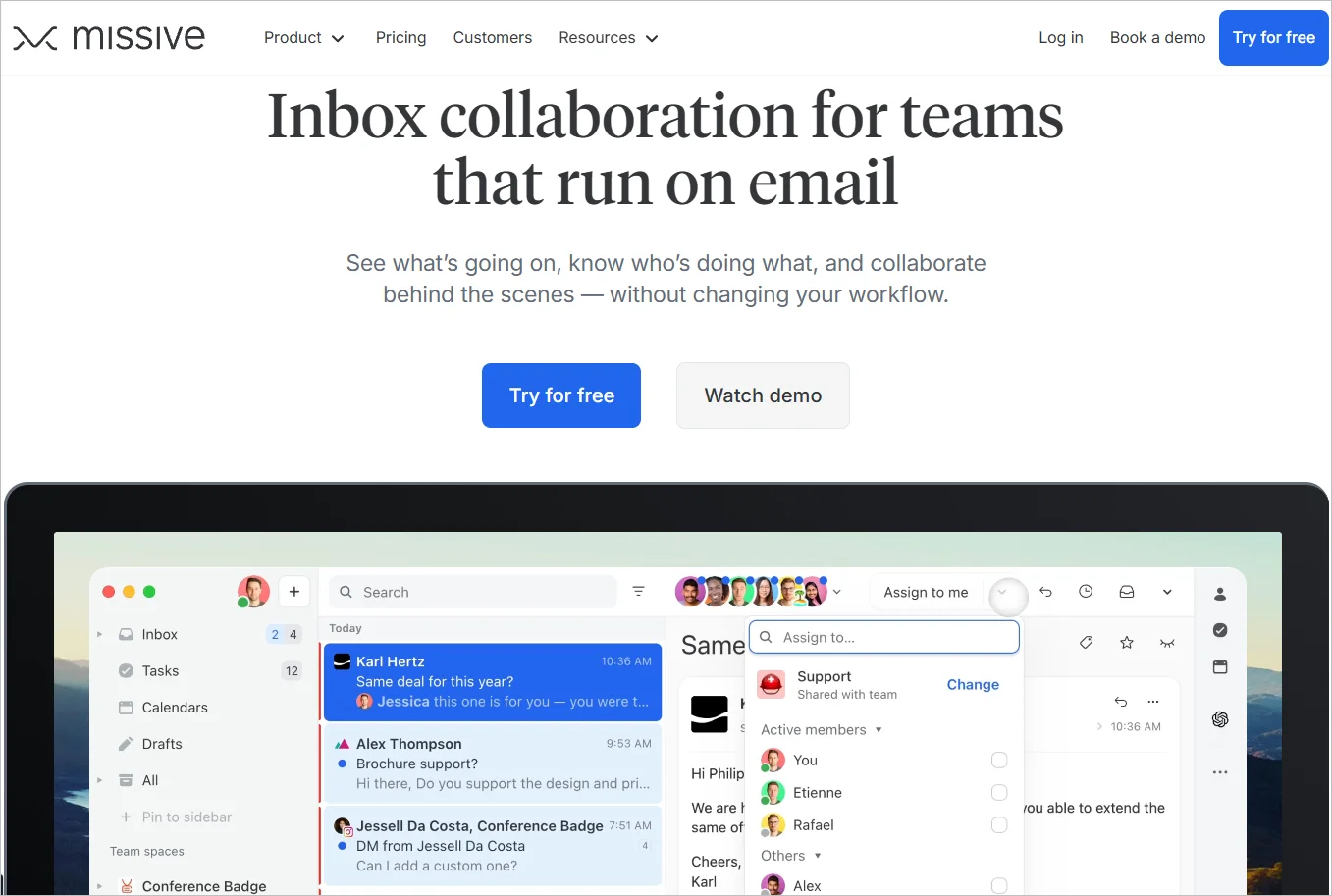
Missive offers features like shared labels, task management, and integration with calendars and productivity tools.
Main features of Missive
- Omnichannel support
- Automation
- Integration options
- Mobile app
Pricing
Starts at $14/agent/month
Pros
- Supports email, chat, and SMS
- Clean interface with shared drafts
Cons
- Reporting and analytics are basic
9. Drag
Best for sales and support teams prioritizing a collaborative inbox inside Gmail functionalities.
Just like Hiver, Drag is for teams that seek a visual and collaborative way to manage shared inboxes while leveraging existing Gmail functionalities.
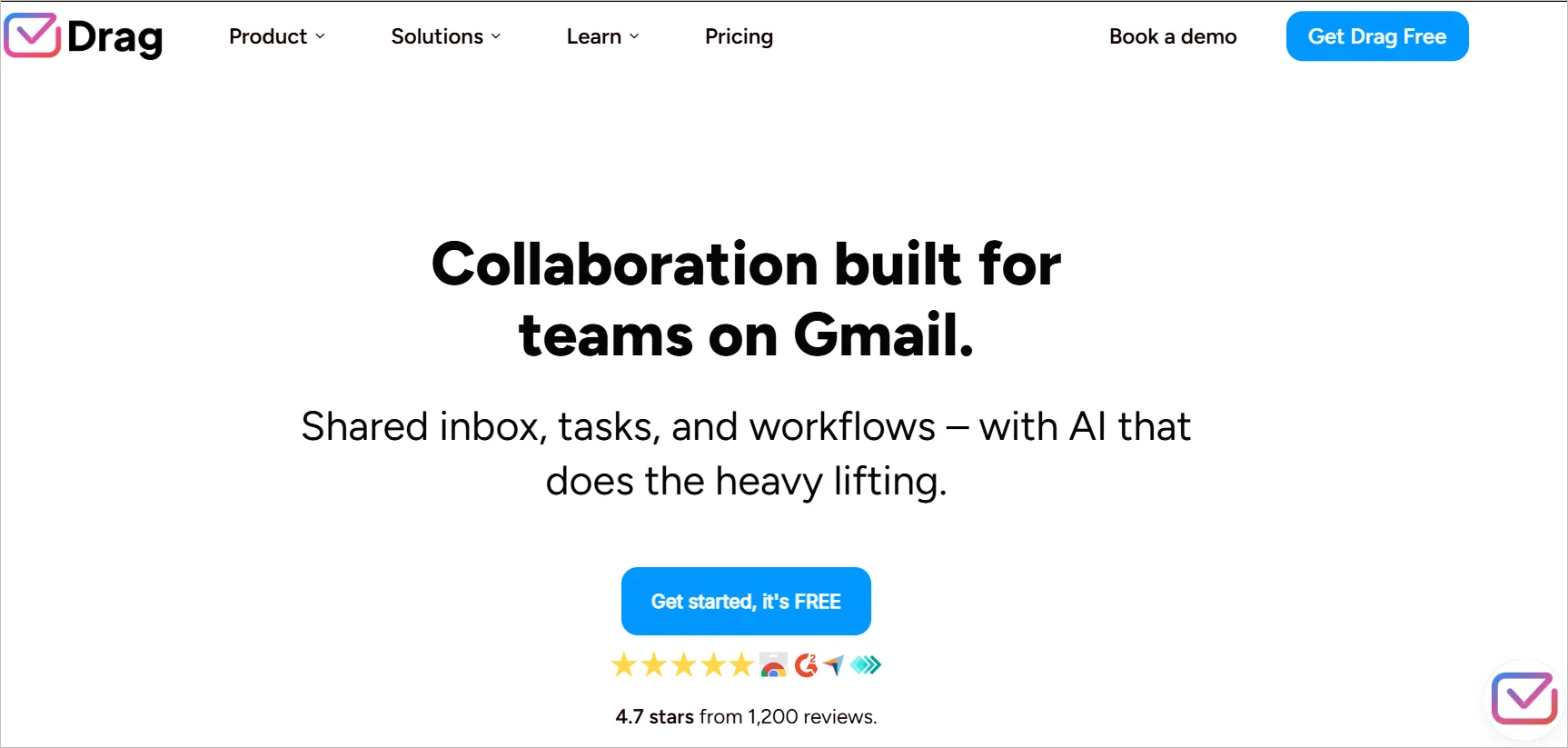
Instead of a traditional list view, Drag uses Kanban boards that allow users to visually categorize, prioritize, and assign emails.
It can also be used with other Google Workspace applications, such as Google Calendar and Google Groups.
Main features of Drag
- Internal team chat
- Integration options
- Security and privacy
- Email templates
Pricing
Starts at $12/agent/month
Free trial: 7 days
Pros
- Turns Gmail into a Kanban-style shared inbox
- Great for sales and task‑driven workflows
Cons
- Gmail-only solution
10. Helpwise
Best for teams managing customer conversations across email, chat, and SMS from a single shared inbox.
Helpwise is customer service software that provides a shared inbox tool and many other features for running an effective customer support team.
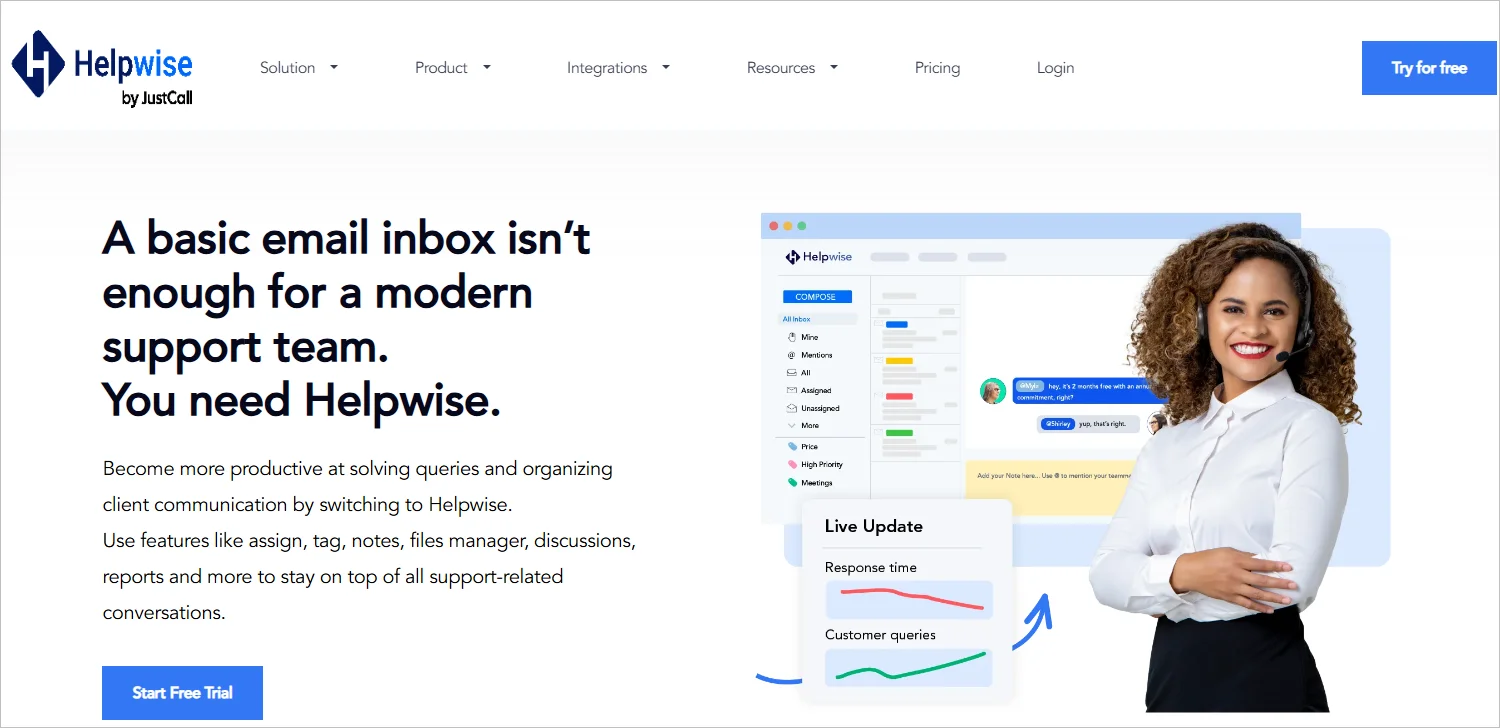
Helpwise assigns individual team members passwords, has real-time chat functionality and task assignment, and ensures everyone’s on the same page with communication features.
Main features of Helpwise
- Multichannel support
- Reporting and analytics
- Automation
- Security and privacy
Pricing
Starts at $12/agent/month
Free trial: 7 days
Pros
- Supports email, chat, SMS, and social channels
- Suitable for growing support teams
Cons
- Reporting capabilities are basic
11. Front
Best for teams handling high-volume conversations that require internal collaboration and external visibility.
Front is a shared inbox solution that manages your accounts in one place to save time and optimize communication processes.
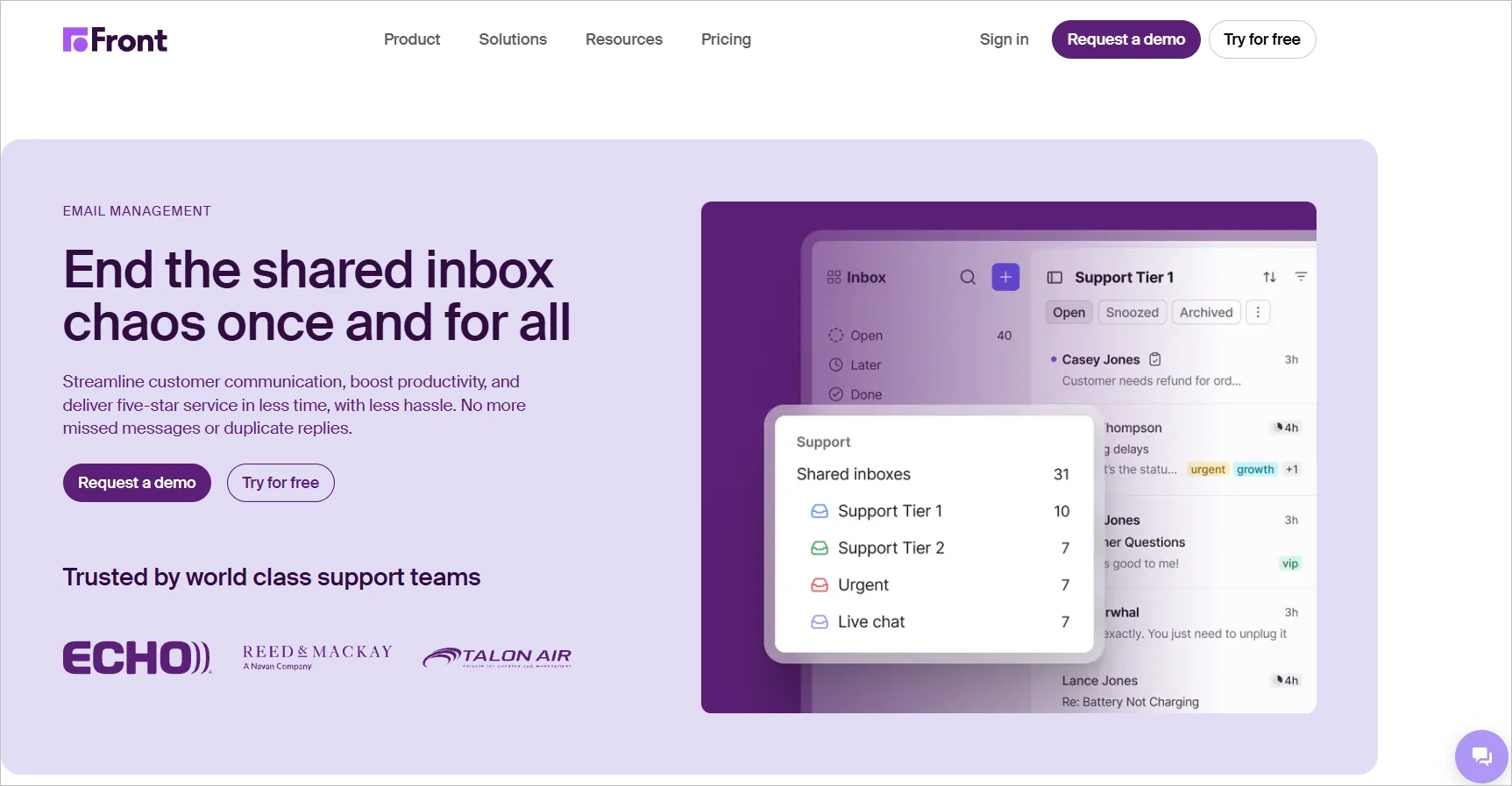
Front provides a central inbox for all the consumer communications that happen across social media, live chat, SMS, and email. An additional useful feature is collective email editing.
Main features of Front
- Integration options
- Rules and automation
- Reports and analytics
- Email templates
Pricing
Starts at $25/agent/month (up to 10 seats)
Free trial: 7 days
Pros
- Collaboration across shared and personal inboxes
- Suitable for support, sales, and operations teams
Cons
- Higher pricing for small teams
12. Groove
Best for small to mid-sized teams that want a simple shared inbox integrated with Salesforce.
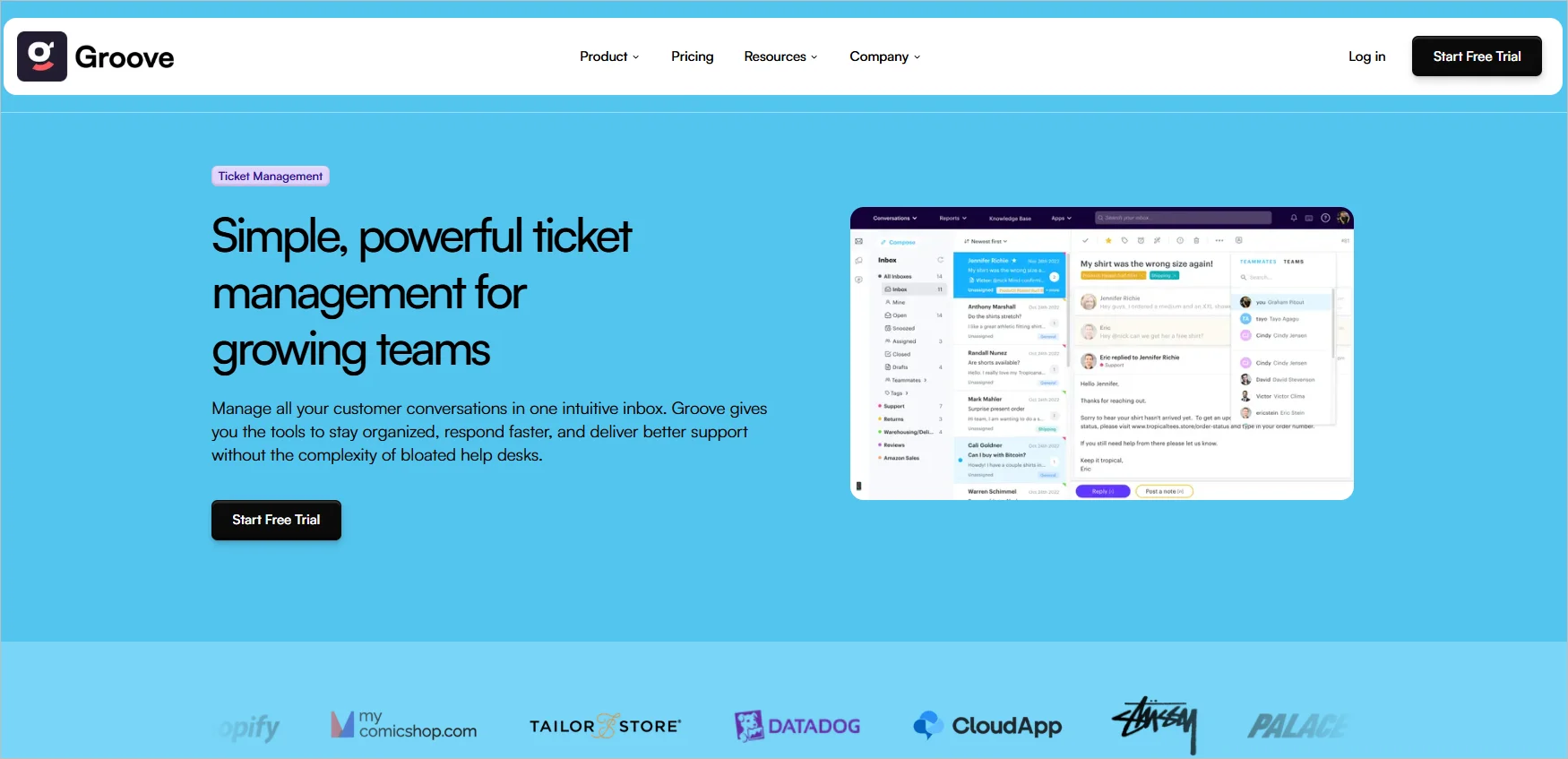
Groove is a shared inbox tool for customer support teams offering a unified inbox, ticket management, and customer engagement features.
Main features of Groove
- Integration
- Reports and analytics
- Automation
- Customization options
Pricing
Starts at $24/user/month (up to 25 users)
Free trial: 7 days
Pros
- Native Salesforce integration
- Easy‑to‑use shared inbox for technicians
Cons
- Best suited only for Salesforce users
Benefits of shared inbox tools
Deploying a shared inbox in your organization can reap many advantages.
Improved agent collaboration
According to Khoros, 77% of customers want customer support staff to collaborate so they don’t have to repeat themselves when seeking help.
Shared inbox software allows team members to work together in handling customer inquiries and pursuing sales leads. This collaborative inbox ensures that customers receive comprehensive and timely solutions.
Enhanced accountability and transparency
With a shared inbox, managers can set ticket routing and service-level agreement rules and track ticket progress, resolution rates, and worklog reports.
This helps in:
- Ensuring that no emails are missed or forgotten.
- Reducing the possibility of multiple people responding to the same email.
- Monitoring agent performance.
- Ensuring that each team member is taking responsibility for their assigned tasks.
Better ticket categorization and prioritization
Unlike ordinary email providers, shared inbox solutions help categorize and prioritize customer communications to reduce clutter and confusion.
This enables team leads to organize conversations by issue type or urgency, decide how to assign them, and follow up on them easily.
This makes it easier to manage the support workflow and ensures that no message ever slips through the cracks.
Fast response and resolution times
Shared inboxes route tickets to the right agents from the start, reducing internal handoffs and preventing complex issues from being overlooked.
By working from a single workspace, teams collaborate effectively and deliver faster, more consistent support.
Automated workflows, canned responses, and built‑in analytics further help teams handle common queries quickly, balance workloads, and continuously optimize response times.
Easy knowledge sharing
When all chats and ticket conversations are stored in one place, less experienced team members can learn from how their colleagues handle certain situations. This can be a valuable training solution and can help maintain a high quality of service.
How to implement a shared inbox tool
Each shared inbox tool comes with its own set of features and may work differently. The following is a basic outline of how to implement a shared inbox.
- Choose and set up the shared inbox platform: Select a shared inbox tool, such as a Gmail shared inbox or help desk software like BoldDesk, and create a shared email address or group for incoming messages.
- Grant access and define roles: Invite team members and assign roles and permissions based on responsibilities, such as full access for managers and limited or read-only access for others.
- Connect communication channels: Configure email forwarding and integrations so messages from email, chat, and social channels flow into the shared inbox for real-time visibility and responses.
- Enable automatic ticket assignment: Set rules to automatically route incoming requests to the right team members based on workload, priority, or expertise.
- Track performance and customer feedback: Monitor metrics such as first-response times, ticket volume, and resolution time, and use CSAT surveys to evaluate service quality and team effectiveness.
Select the best shared inbox tool for your business
While email remains a crucial communication tool, relying on individual email clients for customer service can lead to inefficiencies and missed opportunities. Don’t let chaotic inboxes hinder your communication with customers.
We hope the information we’ve provided will guide you in choosing the perfect shared inbox solution to transform how you communicate, coordinate, and collaborate at work.
Is there a tool we might have missed? Feel free to provide your suggestions in the comment section below.
Related articles
- 12 Best Knowledge Management Software Tools (2025)
- 50+ Customer Service Email Templates and Best Practices
Frequently Asked Questions
Shared inbox software is ideal for customer support, sales, operations, IT, and finance teams that manage high volumes of shared emails and require structured workflows and team collaboration.
A shared mailbox is a basic email inbox that multiple users can access, while shared inbox software adds collaboration, automation, analytics, and accountability features. Shared inbox tools are better suited for teams that need visibility and performance tracking.
Reputable shared inbox software includes security features such as role‑based access control, audit logs, data encryption, and compliance with standards like GDPR. These measures help ensure customer communication remains private and protected.
Yes, many shared inbox tools are designed for small businesses and startups. They offer affordable pricing, simple setup, and essential collaboration features that help small teams manage customer communication efficiently without investing in a full help desk system.