

 In this page

TL;DR: The best knowledge base software helps businesses organize FAQs, help articles, and documentation in a centralized, searchable hub. With features like AI-powered search, multilingual support, analytics, and customization, these tools make it easier for customers to find answers, reduce support tickets, and scale self-service without adding complexity.
Customers expect fast, accurate answers, while support teams aim to reduce repetitive tickets and improve efficiency.
However, many businesses still struggle with scattered documentation, outdated FAQs, and hard‑to‑search content, slowing resolution and increasing support volume.
The best knowledge base software centralizes information and makes it easily accessible through search and structured navigation, enabling customers and internal teams to handle issues independently.
In fact, 79% of customers expect organizations to provide self-service tools to resolve issues without having to contact support (HigherLogic).
In this guide, we compare the best knowledge base software for 2026, covering features, pricing, and use cases, to help you choose the right solution for your business.
What is knowledge base software?
Knowledge base software is a cloud-based platform that enables businesses to create, organize, and maintain a centralized library of help content, such as how-to articles, troubleshooting guides, FAQs, and product documentation.
Its primary purpose is to surface accurate answers instantly through intelligent search and navigation, allowing them to resolve issues without contacting support.
This improves operational efficiency, reduces ticket volume, and delivers a more consistent customer experience.
What are the types of knowledge base tools?
Knowledge base systems come in two main categories: internal and external knowledge base software.
Each type serves a different audience and business objective, and many organizations use both together.
Internal knowledge base software
An internal knowledge base software is designed for employees to access company policies, processes, and technical documentation.
Examples include:
- Wikis (e.g., Confluence, Notion): Collaborative platforms for storing and updating internal documentation, project notes, and SOPs.
- Troubleshooting guides: Step-by-step instructions for IT or product teams to resolve technical issues internally.
- User manuals for internal systems: Detailed guides for internal tools and workflows, ensuring smooth onboarding and compliance.
External knowledge base software
External knowledge base software enables customers to find answers and resolve issues without needing to contact support.
Common formats include:
- FAQ pages: Provide quick answers to common questions in a structured Q&A format.
- Community forums: Enable peer-to-peer support, discussions, and idea sharing among customers.
- Customer self-service portals: Central repositories where users access FAQs, guides, and perform tasks like account updates or transactions.
- Product user manuals: Comprehensive documentation for customers to understand and use products effectively.
Knowledge base software can also be categorized by how it is delivered and licensed. These include:
- SaaS knowledge base software: Cloud-based solutions hosted and maintained by a provider, accessible through subscription models. Users can access the platform online without the need to install or manage it locally.
- Open-source knowledge base software: Platforms with publicly available source code that can be modified and self-hosted, giving businesses full control over knowledge base customization and deployment.
- Free knowledge base software: Tools that offer basic features at no cost, often suitable for small teams or projects but with limitations compared to paid or enterprise versions.
How to choose the best knowledge base system
With a wide range of self-service platforms and knowledge management tools available, choosing the right knowledge base system can be challenging.
The best solution should make self-service fast, intelligent, and easy to use, while ensuring accurate information is always accessible to users.
The following are the key factors to consider when selecting the best knowledge base software for your business needs.
- Search functionality: Choose a knowledge base with a powerful search engine that includes filters, autosuggestions, and typo tolerance to help users find accurate answers instantly.
- AI-powered assistance: Look for AI-driven capabilities such as intelligent recommendations and contextual search that predict user intent to deliver faster, smarter support.
- Content management: Go for an easy article management system with templates, version control, and categorization tools. These features enable teams to create, update, and organize articles effortlessly.
- Analytics and reporting: Select a system that provides detailed insights into article performance, search trends, and user behavior, including the knowledge base metrics, to help you optimize content.
- Multilingual support: If you serve global audiences, prioritize knowledge base software with built-in translation tools to deliver consistent and accurate answers across multiple languages.
- Integrations: Your knowledge base should integrate easily with help desk, contact management software, and other business tools to create a unified support ecosystem and speed up issue resolution.
- Mobile-friendly interface: Ensure the knowledge base software tools offer a responsive knowledge base design so users can access help anytime, anywhere, on any device.
- Role-based access control: Opt for a knowledge base solution with role-based permissions to protect sensitive information and compliance-ready security features by defining who can view, edit, or publish content.
- Customization and branding: Choose a solution that allows full customization of layouts, colors, and branding elements to reinforce your brand identity and create a professional self-service experience.
Comparison table of the top knowledge base software platforms
Here is a comparison of the leading knowledge base software platforms for 2026.
We evaluated each solution using a practical framework that assesses usability, search and discoverability, AI‑driven self‑service, customization, multilingual support, reporting and governance, security, and pricing.
This ensures the recommendations balance usability, scalability, and long-term value.
The pricing and billing units vary by vendor and may change.
| Knowledge base tool and features | Starting price | Free trial duration |
BoldDesk
|
$99/5 agents/month | 15 days |
Zendesk
|
$19/agent/month | 14 days |
Confluence
|
$5.42/agent/month | 7 days |
Document360
|
Contact Document360 | 14 days |
Notion
|
$10/agent/month | Contact Notion |
HubSpot Service Hub
|
$90/agent/month | 14 days |
Help Scout
|
$25/agent/month | 15 days |
Guru
|
$25/agent/month | Contact Guru |
Helpjuice
|
$249/30 agents/month | 14 days |
Nuclino
|
$6/agent/month | 14 days |
Bloomfire
|
Contact Bloomfire for pricing | Contact Bloomfire |
Slite
|
$10/agent/month | 14 days |
The best knowledge base solutions for your business
Below is a list of the leading knowledge base software tools evaluated for their ability to support self‑service, enable knowledge sharing, and scale customer support effectively.
1. BoldDesk
Best for: AI-powered, multilingual knowledge base tightly integrated with a help desk.
BoldDesk is a modern, AI-driven knowledge base solution that helps customers find accurate answers fast while reducing support ticket volume.
As one of the top Zendesk alternatives, it combines an intuitive knowledge base software with built-in AI and seamless help desk integration.
For global businesses, this platform supports a multilingual knowledge base, ensuring customers get answers in their preferred language.
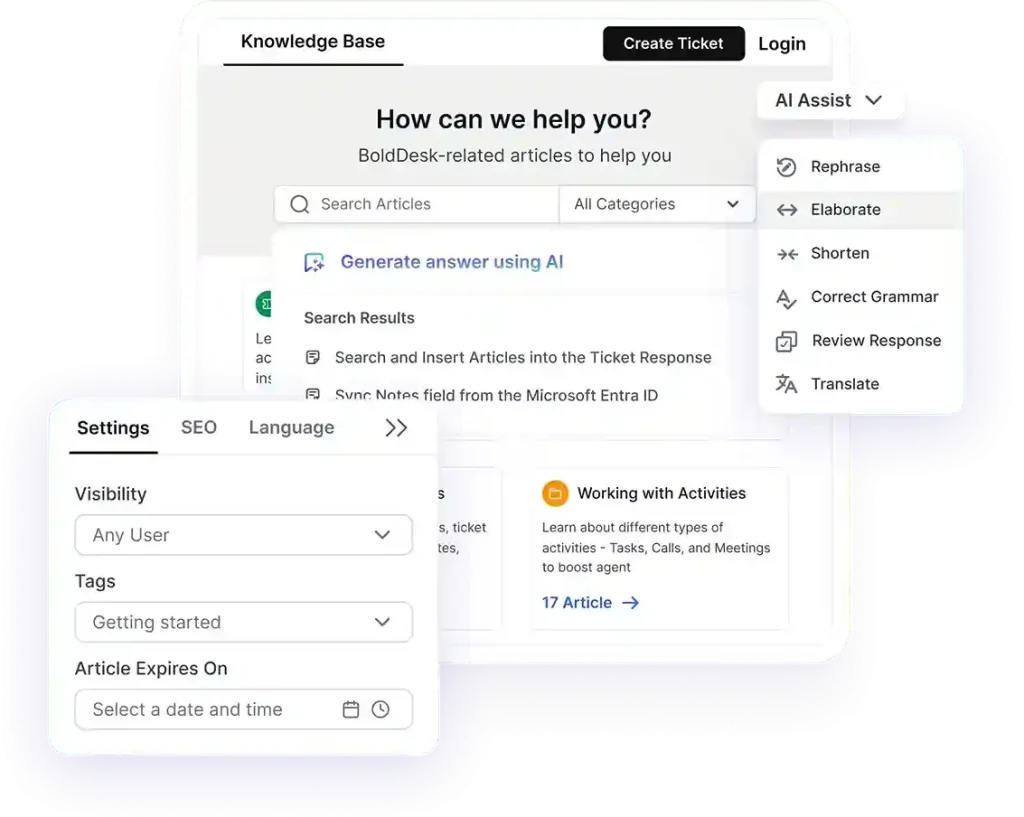
What truly differentiates BoldDesk is its AI-powered knowledge experience. AI Agent and AI Copilot help surface relevant articles instantly, summarize common questions, and suggest content improvements based on real support interactions.
This reduces repetitive tickets and helps teams scale support without sacrificing quality.
BoldDesk’s top features
- AI-powered self-service
- Deep integration
- Smart content organization
- Multilingual knowledge base
- SEO-friendly structure
Why choose BoldDesk’s knowledge base software?
BoldDesk stands out as the leading Zendesk and HelpScout alternative as it focuses on solving support problems, not just listing features.
Here’s how BoldDesk’s knowledge base software helps teams improve customer support:
- Reduces ticket volume: AI Agent automatically suggests relevant articles, deflecting repetitive questions before they reach agents.
- Improves content discoverability: Powerful search and intelligent article suggestions ensure customers quickly find the right answers.
- Scales with your business: Unlimited articles, multilingual knowledge base, and structured organization make it easy to grow your help center.
- Keeps knowledge accurate: Collaboration tools, version control, and performance insights help teams continuously improve content quality.
- Delivers consistent experiences: Integrated help desk and knowledge base ensure agents and customers rely on the same source of truth.
Pricing
BoldDesk provides a full feature set access across all plans, including free AI credits at every tier; no hidden costs.
| No. of agents | Monthly price (USD) | Free AI credits (First 3 months) |
| 5 | $99 | 500 |
| 10 | $199 | 1,000 |
| 25 | $349 | 1,500 |
| 50 | $499 | 2,000 |
| 75 | $749 | 2,500 |
| 100 | $999 | 3,000 |
Check the BoldDesk pricing page for a complete overview of all tiers and what each plan includes.
BoldDesk AI add‑ons pricing
Additionally, BoldDesk provides AI add-ons, including an AI Agent at $20 per 1,000 AI credits and AI Copilot at $20 per agent/month that can help teams work smarter, streamline workflows, and improve ticket resolution efficiency.
A 15-day free trial is available with no credit card required.
Simplify Support with Fast, Reliable Answers!
Supercharge your support team and delight customers with a powerful knowledge base. Exceptional customer service without the wait!
2. Zendesk
Best for: Enterprise-scale support teams needing advanced workflows and a large integration ecosystem.
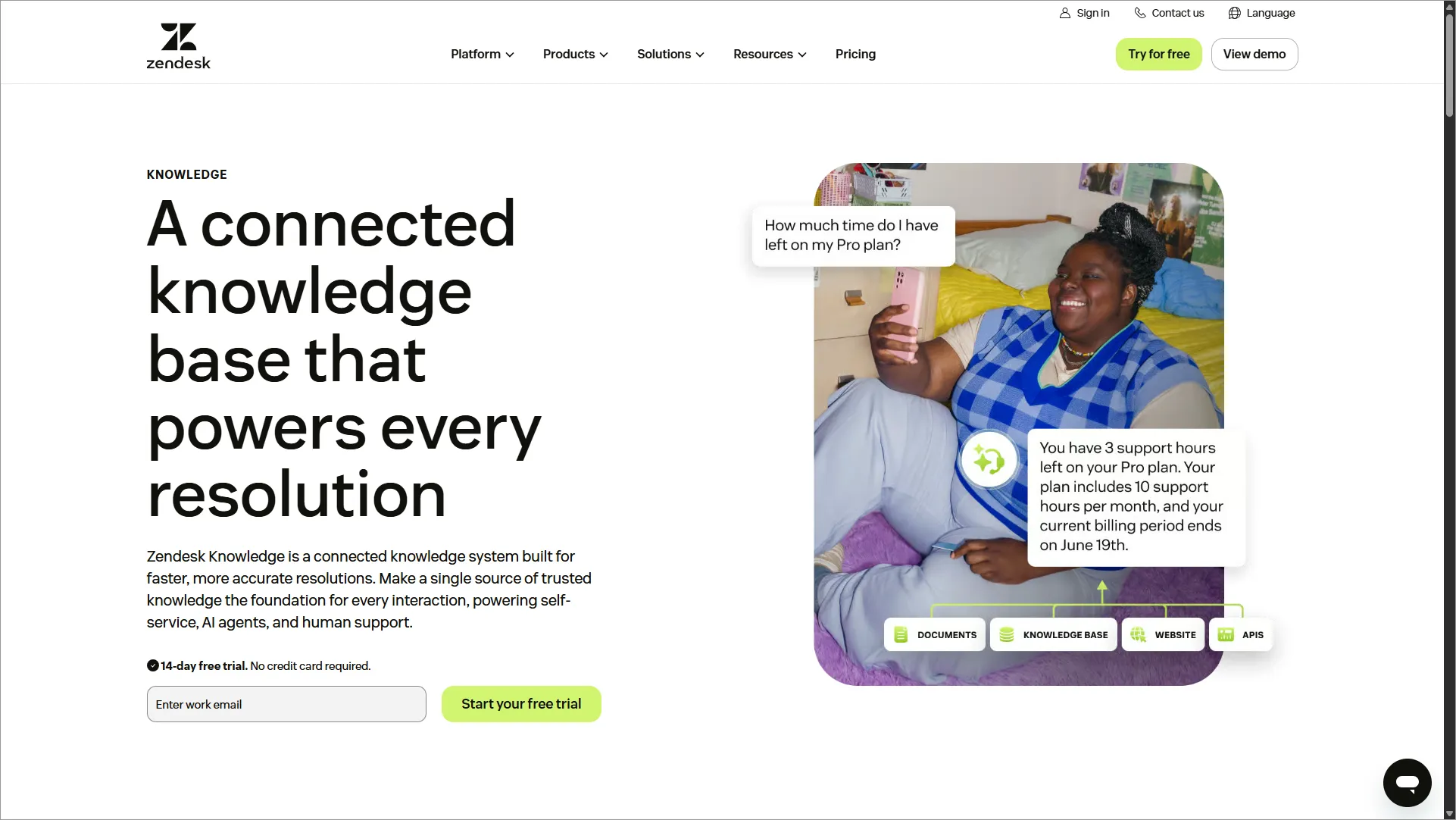
Zendesk help center software is part of Zendesk for Service and one of the best customer service software solutions.
It enables businesses to build a self-service support center where customers can find answers to their queries without interacting with support agents.
Top features
- Team collaboration and editing
- Reporting and analytics
- Roles and permissions
Pros
- Ecosystem with an advanced help center and ticketing integration.
- Integrations with popular business tools.
Cons
- Customization can be complex and requires technical expertise.
Pricing
| Plan | Pricing |
| Support Team |
|
| Suite Team |
|
| Suite Professional |
|
| Suite Enterprise |
|
3. Confluence
Best for: Internal documentation and knowledge sharing for teams using the Atlassian stack.
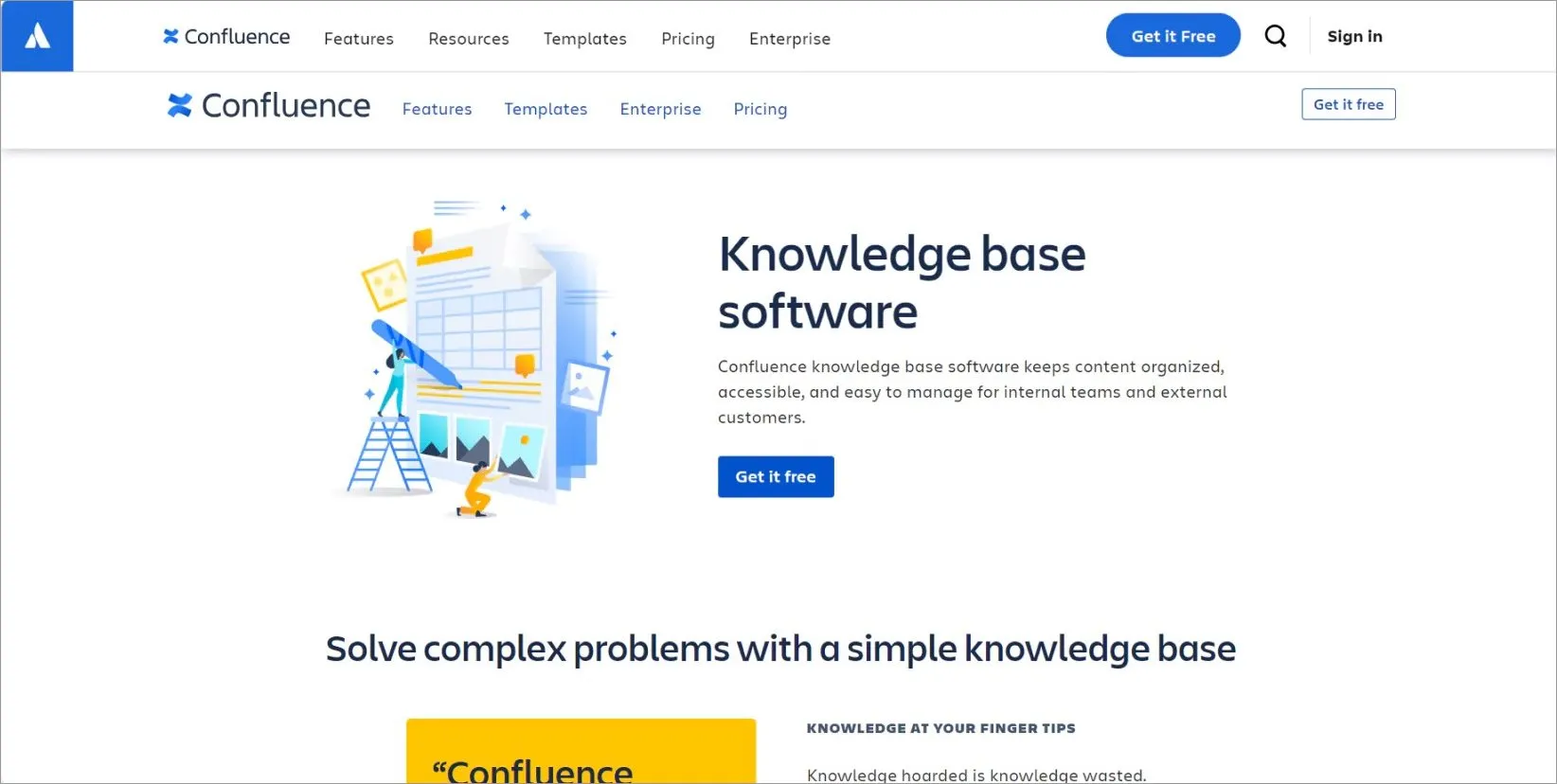
Confluence is a collaboration and documentation tool developed by Atlassian to facilitate teamwork and knowledge sharing within organizations.
It integrates effortlessly with other Atlassian products, such as Jira, to streamline knowledge sharing with built-in collaboration and search.
Top features
- Search and navigation
- Prebuilt templates
- Team collaboration and editing
Pros
- Integration with Atlassian tools like Jira and Trello.
- Flexible content organization with templates and macros.
Cons
- Less suited for external customer-facing knowledge bases.
Pricing
| Plan | Pricing |
| Free |
|
| Standard |
|
| Premium |
|
| Enterprise |
|
4. Document360
Best for: Structured, externally facing documentation with strong governance and version control.
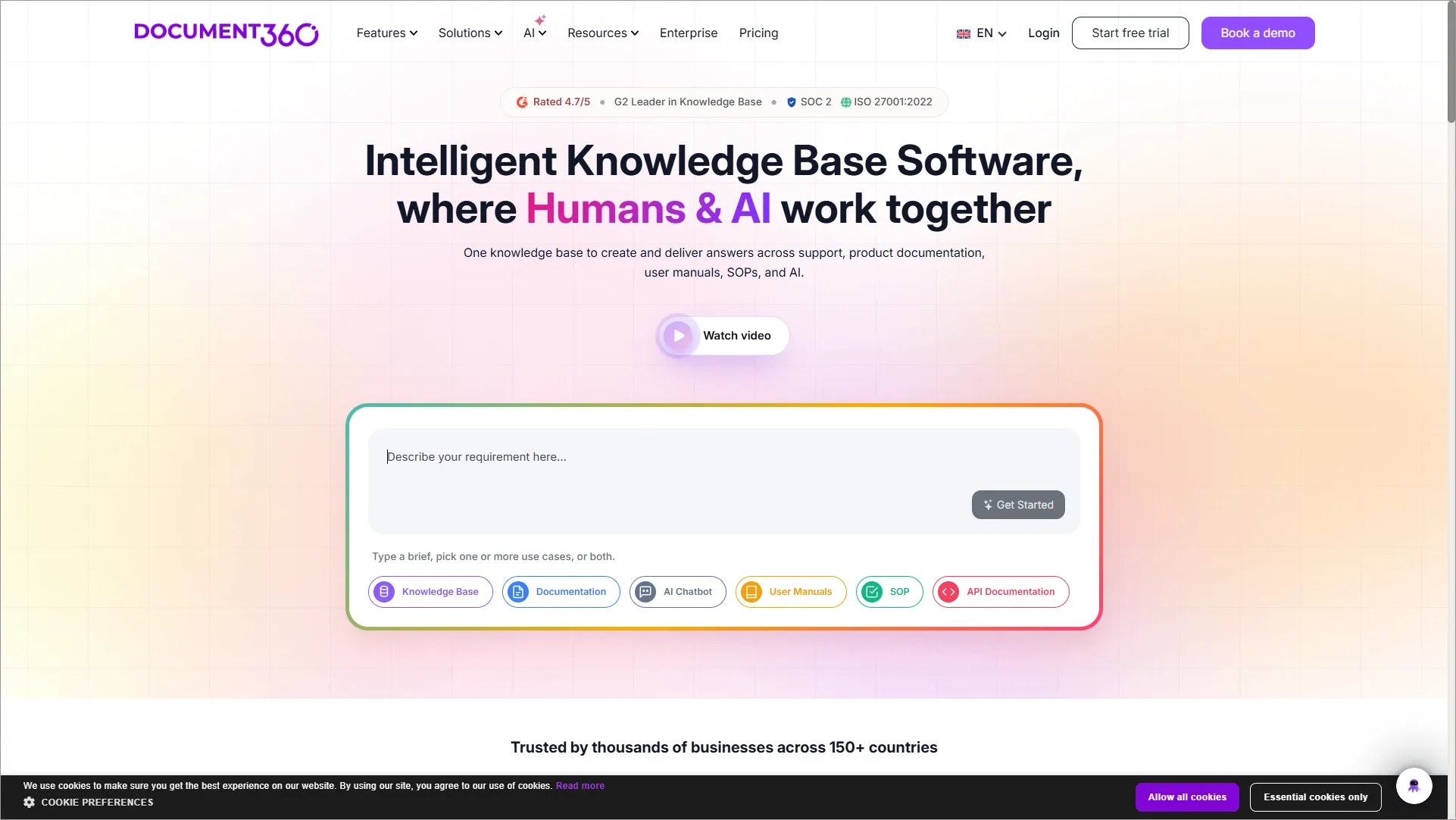
Document360 is one of the best knowledge base platforms, empowering businesses to create and maintain documentation, FAQs, user guides, and tutorials.
The software is designed with a user-friendly interface, making it easy to use for both technical and non-technical users.
Top features
- Version control
- Reporting and analytics
- Team collaboration and editing
Pros
- Advanced analytics and version control for articles.
- Strong multilingual and SEO optimization features.
Cons
- Pricing can be high for small businesses.
Pricing
| Plan | Pricing |
| Professional |
|
| Business |
|
| Enterprise |
|
5. Notion
Best for: Flexible internal wikis and lightweight team documentation.
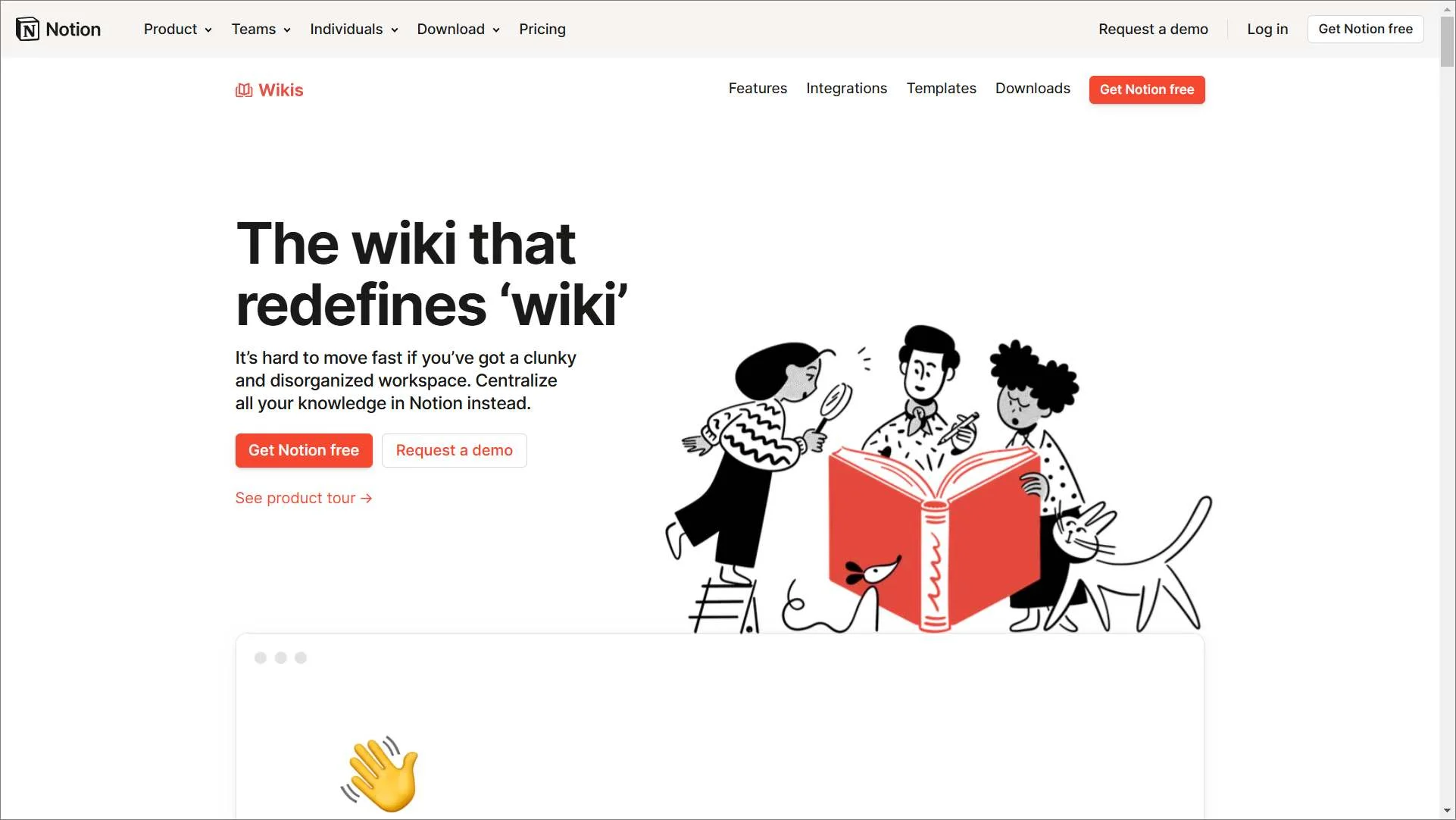
Notion is a multifunctional tool for users to create, manage, and organize content in a flexible and customizable workspace.
It features a block-based structure, enabling users to combine various types of content blocks such as text, images, databases, tasks, and more within a single page.
Top features
- Collaboration and sharing
- Roles and permissions
- Reporting and analytics
Pros
- Flexible and customizable for internal knowledge sharing.
- Easy-to-use interface with rich media support.
Cons
- Limited advanced search and analytics.
Pricing
| Plan | Pricing |
| Free |
|
| Plus |
|
| Business |
|
| Enterprise |
|
6. HubSpot Service Hub
Best for: CRM-centric teams seeking a unified knowledge base and customer support platform.
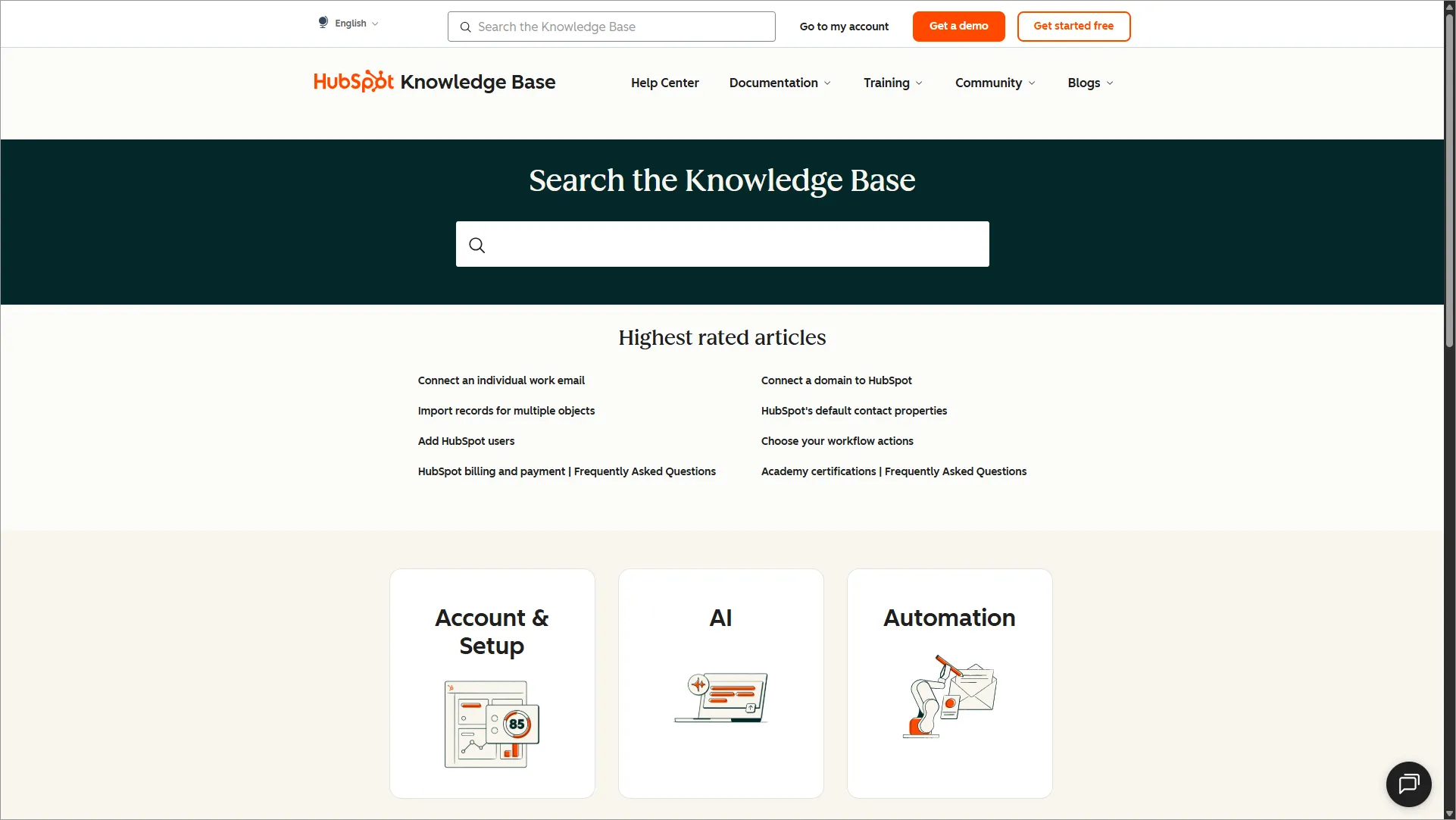
HubSpot Service Hub offers knowledge base software as part of its comprehensive customer service platform.
HubSpot Service Hub knowledge base software can be a good option for businesses of all sizes, especially those already using other HubSpot tools.
Top features
- Reporting and analytics
- Roles and permissions
- Team collaboration and editing
Pros
- Integrated with HubSpot CRM for a unified customer experience.
- Built-in automation and reporting tools.
Cons
- Knowledge base features are basic compared to specialized tools.
Pricing
| Plan | Pricing |
| Professional |
|
| Enterprise |
|
7. Help Scout
Best for: Small to mid-sized teams seeking a simple, customer-friendly knowledge base.
Help Scout offers a knowledge base feature as part of its customer service platform. It is a great choice for businesses seeking a simple, user-friendly, and affordable knowledge base software solution.
It’s particularly well-suited for smaller companies and teams that value a straightforward approach with essential features. However, it might be unsuitable for very large businesses or those that require highly complex functionalities.

Top features
- Reporting and analytics
- Integrations
- Roles and permissions
Pros
- Simple, intuitive interface for small to mid-sized teams.
- Strong customer support focus with an integrated mailbox.
Cons
- Fewer advanced features like AI or deep analytics.
Pricing
| Plan | Pricing |
| Standard |
|
| Plus |
|
| Pro |
|
8. Guru
Best for: Internal knowledge management with AI-assisted recommendations and verification workflows.
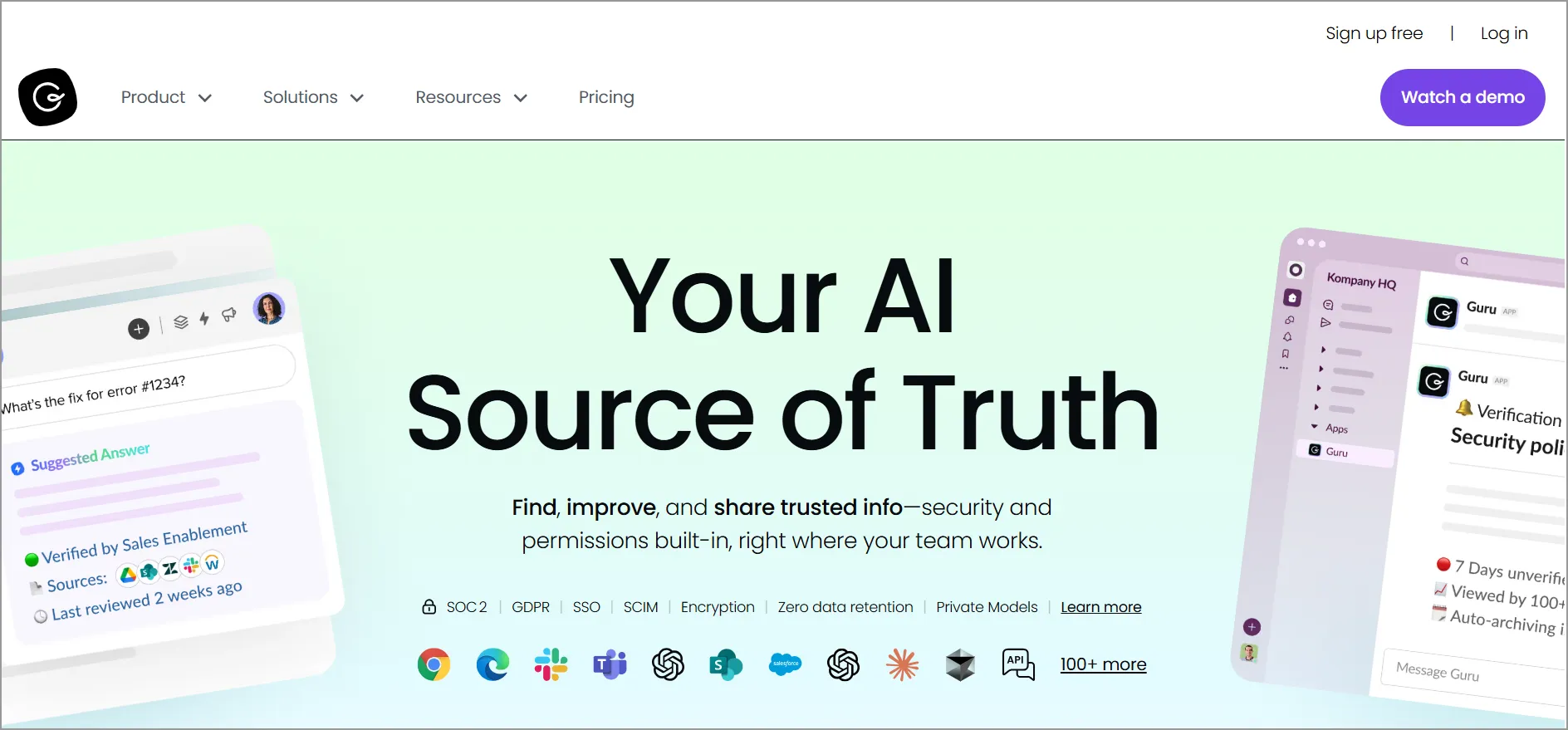
Guru offers a comprehensive knowledge management system that focuses on context, collaboration, and proactive recommendations.
Top features
- Collaboration features
- Roles and permissions
- Integrations
Pros
- The verification workflow ensures content accuracy.
- Integrates well with Slack and other collaboration tools.
Cons
- Not ideal for an external customer-facing KB.
Pricing
| Plan | Pricing |
| Self-serve |
|
| Enterprise |
|
9. Helpjuice
Best for: Highly customizable knowledge bases with detailed analytics and branding.
Helpjuice is one of the best knowledge base solutions that assists organizations in creating, managing, and sharing internal and external knowledge.

Top features
- Search functionality
- Collaborative content creation and management
- Analytics and reporting
Pros
- Branding options, custom themes, and layouts to match your company’s identity.
- Insights into article performance, search behavior, and user engagement for optimization.
Cons
- Fewer native integrations with third-party tools.
Pricing
| Plan | Pricing |
| Starter |
|
| Run-up |
|
| Premium limited |
|
| Enterprise |
|
10. Nuclino
Best for: Fast, lightweight internal documentation with real-time collaboration.
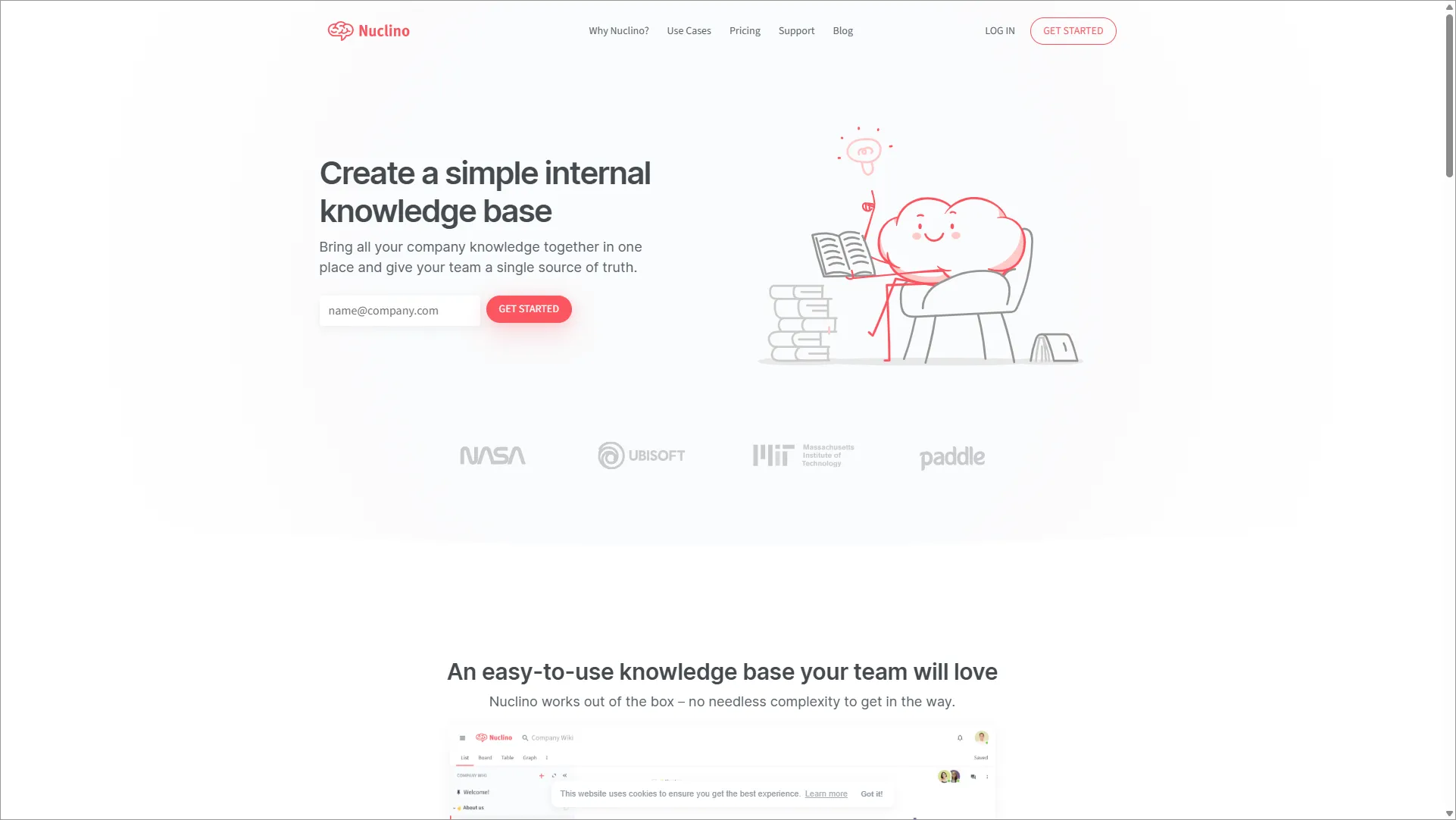
Nuclino is a web-based knowledge base software that positions itself as a unified workspace for teams to combine all their knowledge, documents, and projects together in one place.
It is known as the best free knowledge base software, making it easy for anyone to get started with the tool quickly.
Top features
- Simple, intuitive interface
- Drag-and-drop functionality
- Rich text editing
Pros
- Real-time collaboration and easy navigation.
- Affordable and simple to implement.
Cons
- Limited advanced KB features, such as analytics or AI.
Pricing
| Plan | Pricing |
| Free |
|
| Standard |
|
| Premium |
|
11. Bloomfire
Best for: Enterprise knowledge discovery and large-scale searchable content.
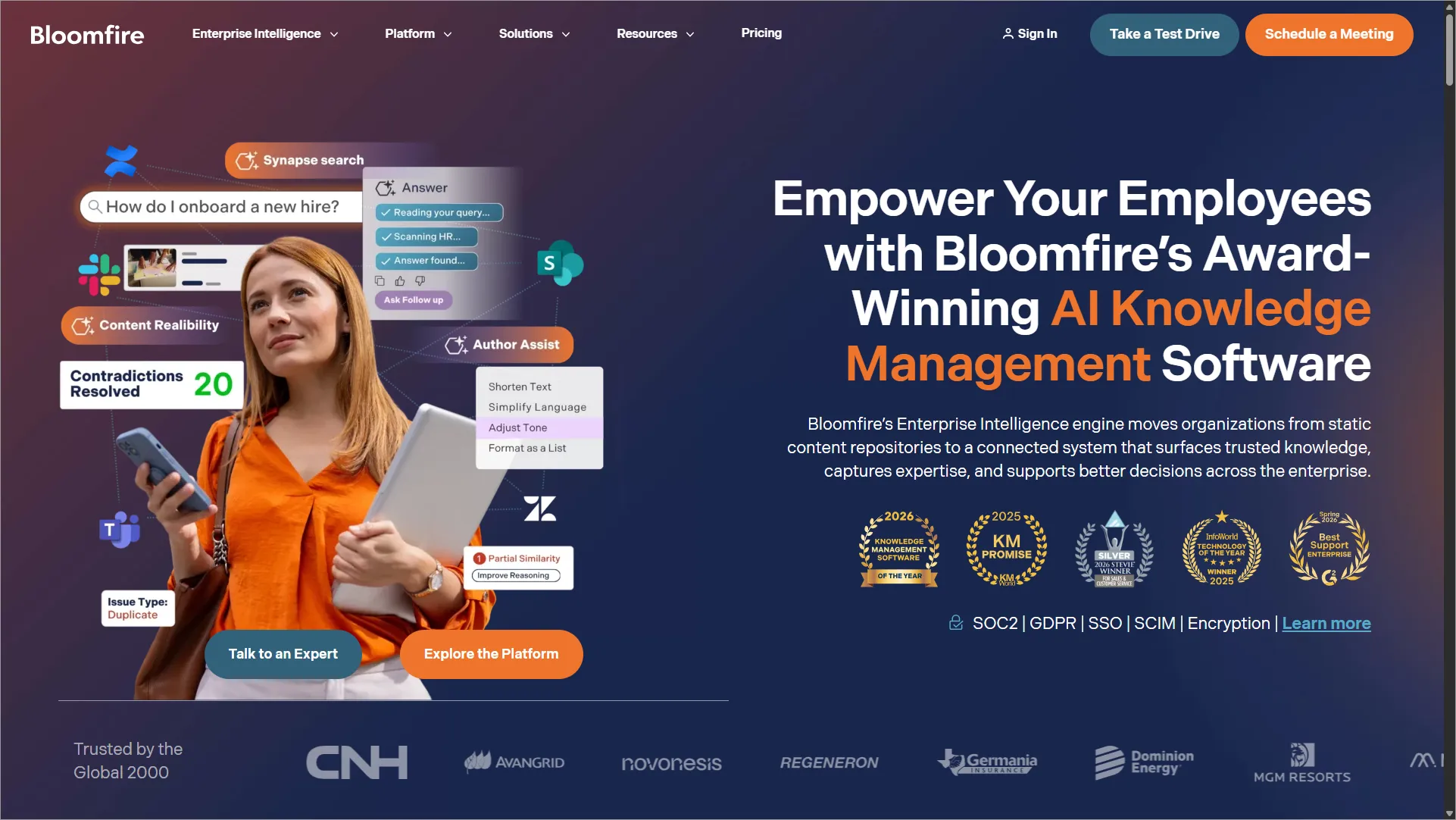
Bloomfire is a knowledge-sharing and collaboration tool that enables teams to organize, share, and leverage collective knowledge.
This knowledge management software leverages AI to optimize knowledge sharing and streamline access to critical information.
Top features
- AI-powered search and discovery
- Easy content creation and sharing
- Collaboration features
Pros
- Search capabilities with AI-powered indexing.
- Suitable for knowledge sharing across large teams.
Cons
- The interface can feel cluttered for new users.
Pricing
- Contact Bloomfire
12. Slite
Best for: Clean, structured internal documentation for modern teams.
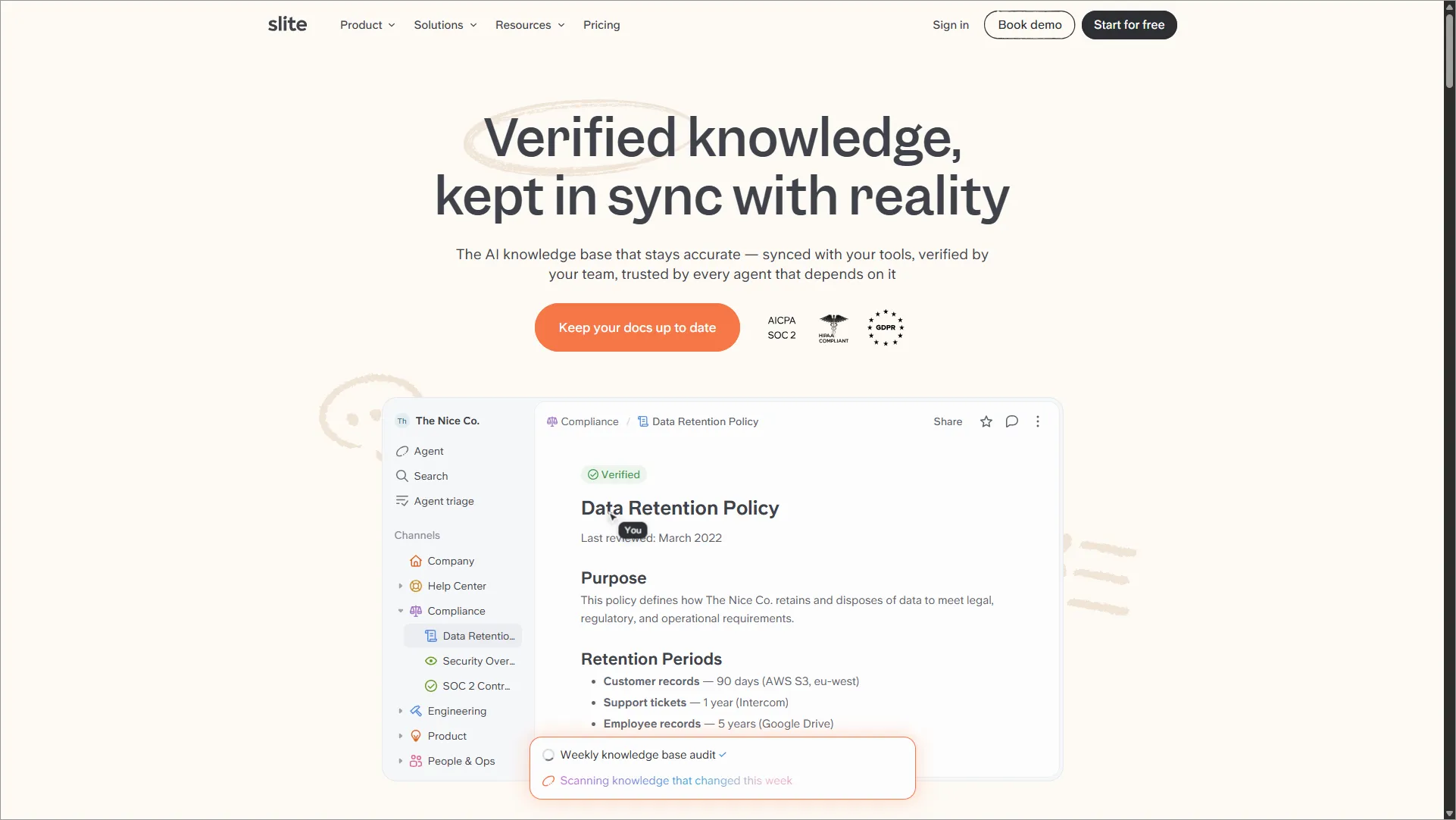
Slite is a popular knowledge base software that organizes and delivers knowledge instantly across teams. It is simple and easy to use, enabling end users to effortlessly create and manage content.
With Slite, teams can write and organize notes, create documents with rich formatting options, build knowledge bases, and set up shared channels for different projects or topics.
Top features
- Real-time collaboration
- Integrations
- Access control
Pros
- Clean, minimal interface for team documentation.
- Collaboration features with comments and mentions.
Cons
- Limited external KB functionality.
Pricing
| Plan | Pricing |
| Basic |
|
| Pro |
|
| Enterprise |
|
Why is knowledge base software important?
The following are the key benefits of centralizing information and making it easily accessible:
- Enhances customer self-service: The best knowledge base software empowers customers to quickly find accurate answers independently, thereby eliminating wait times.
- Reduces support tickets: A well-structured knowledge base minimizes repetitive inquiries, enabling support teams to focus on complex issues and improving overall productivity.
- Provides 24/7 availability: Knowledge base software provides round-the-clock access to accurate information, ensuring customers in any time zone get instant support whenever they need help.
- Delivers cost-effective support: Through ticket deflection and a self-service knowledge base, you can reduce operational costs while maintaining high-quality customer support.
- Offers consistent information: A centralized knowledge base ensures customers and agents receive uniform, accurate answers, reducing confusion and building trust.
- Boosts efficiency: Support agents can quickly find verified information in the knowledge base, speeding up response times and improving resolution rates.
Empower your customers and team with the best knowledge base software
The best knowledge base system does more than store information; it empowers customers with instant answers, boosts team productivity, and supports long-term business growth.
Knowledge base solutions aren’t one-size-fits-all; they should align with your unique goals, workflows, and budget.
By understanding the various types of knowledge base software, their key features, and the benefits they offer, you can make informed decisions that enhance customer experiences and streamline internal operations.
Ready to take the next step? Explore the best knowledge base tool options and start building a smarter, more efficient support strategy!
Have suggestions or favorite tools? Leave a comment below. We’d love to hear from you!
Related articles
- Personal Knowledge Base: How to Create and Manage It
- 10 Best SaaS Knowledge Base Platforms for 2026
- 21+ Top Knowledge Base Examples to Boost Self-Service Support
Frequently Asked Questions
Knowledge base software provides the platform to store, organize, and deliver information, while knowledge base management ensures that content remains accurate and relevant.
The software is the tool, and knowledge management is the ongoing process that keeps information useful and accessible for customers and support teams.
Cloud-based knowledge base software is generally better for most businesses because it offers faster setup, automatic updates, scalability, and lower maintenance costs.
On-premises solutions may suit organizations with strict data control requirements, but they typically require more resources to manage and maintain.
High‑traffic knowledge base articles should be updated regularly, with full content reviews done at least quarterly.
The best knowledge base software for small businesses is one that is easy to set up, affordable, and supports self-service without heavy configuration.
Tools like BoldDesk, Nuclino, and Notion with built-in search, AI-assisted authoring, and a knowledge base reporting and analytics system are typically the best fit for small businesses with limited resources.
AI enhances search accuracy, automatically generates articles, suggests updates, and helps refine and organize content effortlessly, making your knowledge base smarter and faster.