









TL;DR: The right SaaS knowledge base depends on your support model, documentation needs, and stage of growth. Among the 10 tools covered, Intercom suits product-led teams, Document360 fits technical documentation, and BoldDesk combines knowledge base and ticketing capabilities for growing SaaS support teams.
As SaaS companies grow, support teams often face increasing ticket volumes, onboarding challenges, and pressure to deliver faster answers.
Today’s customers expect instant access to information and are increasingly unwilling to wait for support.
A well-organized SaaS knowledge base empowers users to find information quickly, resolve issues independently, and learn more about your product without opening a ticket.
The faster customers get accurate answers, the more confident, engaged, and loyal they become.
In this article, we’ll explore how a SaaS knowledge base improves customer service, along with real-world examples and essential features to look for.
What is a SaaS knowledge base?
A knowledge base is a centralized repository of information that helps users easily understand, use, and navigate a product.
A SaaS knowledge base is a cloud-based platform that enables businesses to create, host, and manage self-service resources online.
With SaaS knowledge base platforms, businesses pay a subscription fee to access the software and infrastructure needed to publish, maintain, and scale their knowledge content.
Why do businesses need a SaaS knowledge base?
The following are some of the key benefits you can enjoy from a high‑quality SaaS knowledge base.
- Provides instant, 24/7 self-service support: A SaaS knowledge base gives users access to answers at any time, across time zones, without waiting for agents, improving satisfaction and reducing delays. Many organizations also pair their knowledge base with a help desk for SaaS to provide both self-service and agent-assisted support.
- Reduces repetitive support tickets: By covering common issues with clear, findable articles, a SaaS knowledge base deflects repetitive inquiries, freeing support teams to focus on complex cases and improving operational efficiency.
- Accelerates onboarding and product adoption: Centralized, well-structured guides, such as step‑by‑step articles, FAQs, visuals, and walkthroughs, help new users learn features quickly. This shortens time-to-value and increases early product success.
- Delivers consistent, accurate product information: A SaaS knowledge base ensures every user, including customers, agents, and internal teams, all reference the same up‑to‑date documentation. This positions your brand as a transparent authority, boosting trust signals.
- Scales support efficiently: As your customer base grows, your knowledge base scales with it, without adding headcount. This makes customer service more cost‑effective.
- Unlocks data-driven content and support insights: Built‑in reporting and analytics reveal what users search for, which articles perform well, and where content gaps exist, allowing for constant refinement.
Key features of SaaS knowledge base software
SaaS knowledge base software includes a range of powerful features designed to help businesses create, organize, and deliver accessible, accurate, and scalable self‑service content for their users.
Here are some of the features you should consider when choosing a SaaS knowledge base.
User-friendly content editing tools
A SaaS knowledge base should offer simple, intuitive editing tools, including version control, a WYSIWYG editor, a preview, and auto‑save, so teams can create accurate content without technical skills.
Collaborative options like comments, shared editing, and approval workflows further streamline teamwork and maintain consistent quality.
AI-powered search
An ideal self-service tool should have an AI-powered search bar that analyzes and surfaces articles, enabling users to get solutions quickly and reducing the time spent searching for answers.
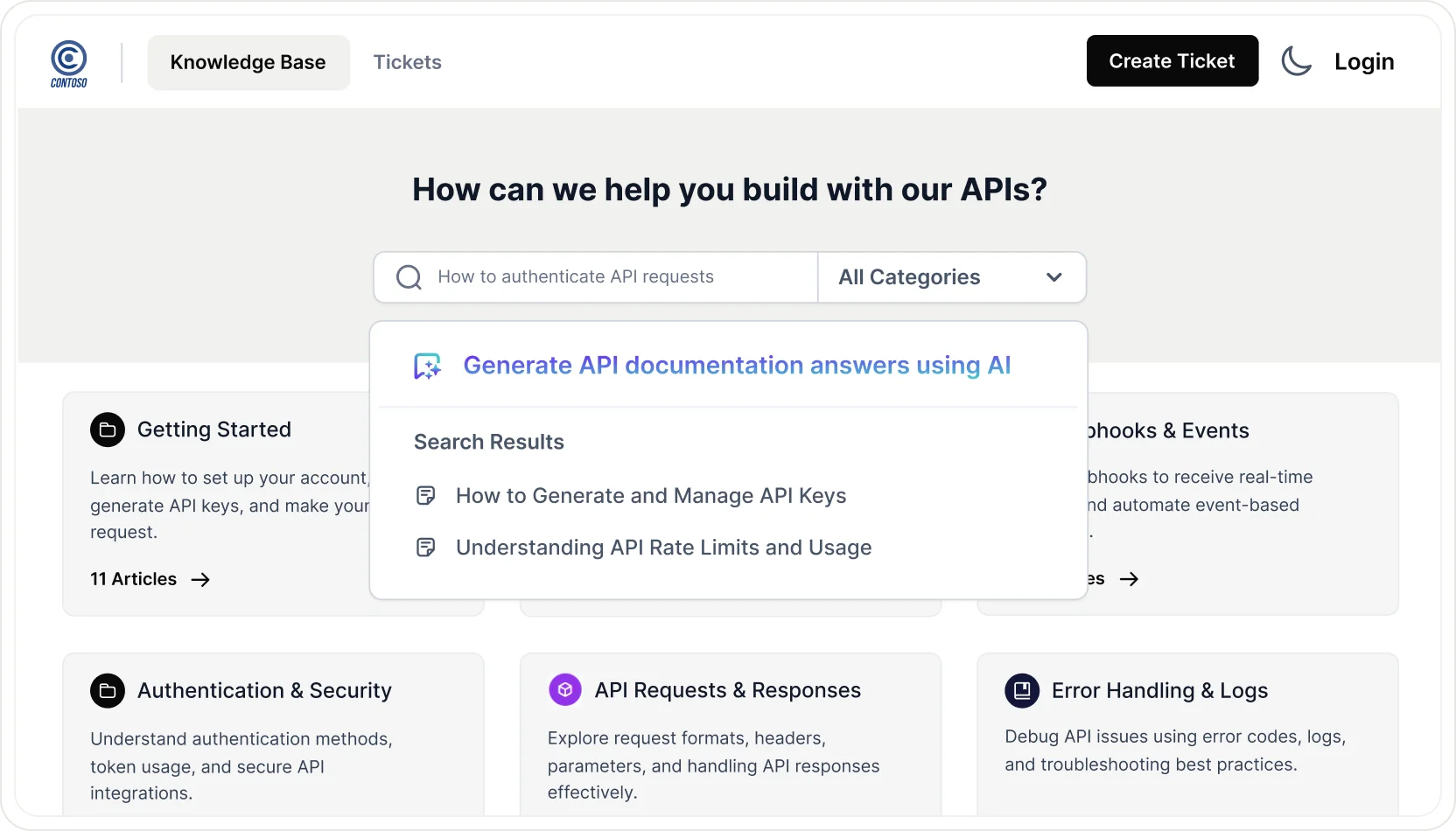
With AI summarization, users can get quick answers without reading entire pages.
SEO‑optimized settings further improve visibility, making content easy to find both inside the knowledge base and through external search engines.
AI assistant tools
As AI usage grows in customer support, SaaS knowledge bases now include built-in AI features for search and automation.
AI Copilot helps users find answers instantly while enabling teams to identify gaps, update outdated material, and create content faster, keeping the knowledge base accurate, scalable, and continuously optimized.
Customization options
A SaaS knowledge base should offer flexible branding controls that let teams adjust colors, logos, and backgrounds to match their product or company identity.
These visual settings help maintain a consistent, professional look across all support content.
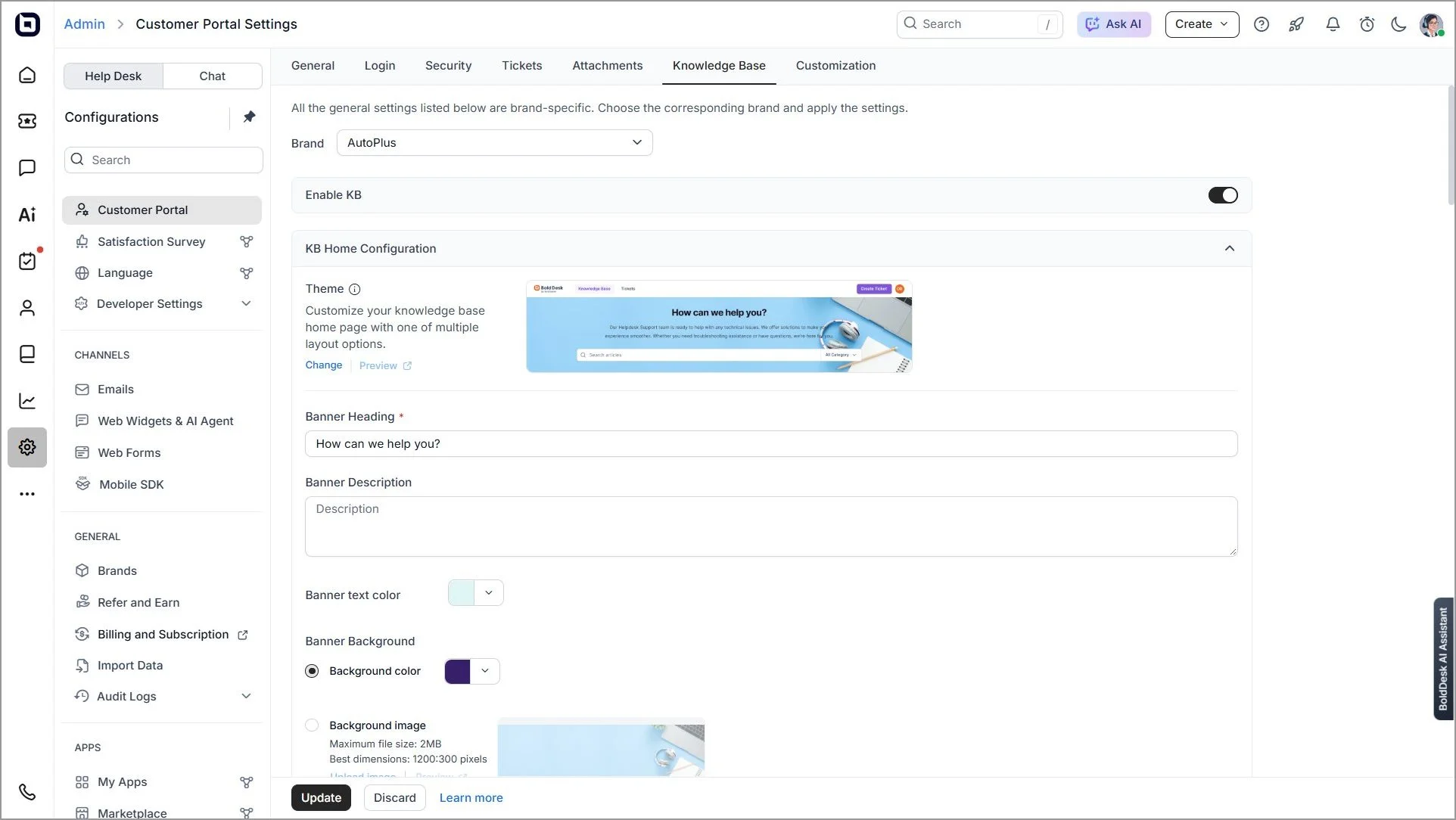
Access permissions and security settings
Some information, such as access codes, internal company policies, financial information, or employee information, may be sensitive, but permission settings ensure secure, organized, and efficient knowledge management.
Limiting access to sensitive information means that confidential data is available only to authorized users who can make changes to essential content.
Easy navigation
Tools such as categories, filters, and content tags help organize the platform, allowing users to quickly access frequently needed or relevant information.
These features streamline navigation by enabling users to find exactly what they’re looking for with minimal effort and time.
Web and in-app widgets
SaaS knowledge base platforms typically feature web widgets, enabling users to instantly access the knowledge base from within a website.
These embeddable widgets provide instant access to the knowledge base or search bar. As a result, they offer seamless support without users needing to leave the app or website.
Performance tracking
Content analytics tools can track and monitor how users navigate through a knowledge base, which articles they use, and how long they spend on each page.
These insights can help identify content gaps and improve the overall self-service experience.
How to choose a SaaS knowledge base tool
Not all knowledge base platforms are built for the same SaaS needs. Some focus on developer documentation, while others prioritize customer self-service, AI-powered support, or internal knowledge management.
When evaluating SaaS knowledge base software, consider the following capabilities:
- Versioned documentation to keep product information accurate across releases.
- API documentation support for developer-focused products.
- AI-powered search that helps users find answers quickly.
- In-app knowledge widgets that surface help without forcing users to leave the product.
- User permissions and access controls for managing internal and external content.
- Analytics and reporting to identify content gaps and measure article performance.
- Multilingual support for serving global customers.
- Scalability to support growing documentation and customer self-service needs as your business expands.
Comparison table for the best SaaS knowledge base tools
Here is a summary of the top SaaS knowledge base solutions.
We evaluated leading SaaS knowledge base tools based on their documentation features, AI‑powered search, customization options, multilingual support, analytics, and overall usability.
We also factored in market credibility using insights from trusted review platforms like G2 to identify solutions that enable scalable content creation, fast information retrieval, and effective team collaboration.
| SaaS knowledge base tools and features | Starting price | G2 ratings |
BoldDesk
|
$99/month for 5 agents | 4.5/5 |
Intercom
|
$29/agent/month | 4.5/5 |
LiveAgent
|
$15/agent/month | 4.5/5 |
ZohoDesk
|
$14/agent/month | 4.4/5 |
Document360
|
Contact Document360 | 4.7/5 |
Guru
|
Custom pricing; contact Guru for a quote | 4.7/5 |
KnowledgeOwl
|
$100/agent/month for 1 knowledge base | 4.6/5 |
Confluence
|
$5.42/agent/month | 4.1/5 |
Notion
|
$10/agent/month | 4.5/5 |
HubSpot
|
$100/agent/month (Service Hub Professional) | 4.4/5
|
Note: Product features, pricing, and G2 ratings were reviewed in September 2026 and may change over time.
For a broader comparison, see our guide to the best knowledge base software.
Best SaaS knowledge base software tools
Below are the best SaaS knowledge base tools, including a breakdown of their core capabilities and pricing to help you compare solutions effectively.
1. BoldDesk
Best for: SaaS support teams that want ticketing and knowledge base software in one platform.
BoldDesk combines self-service documentation, AI-powered search, and ticket management in a single solution.
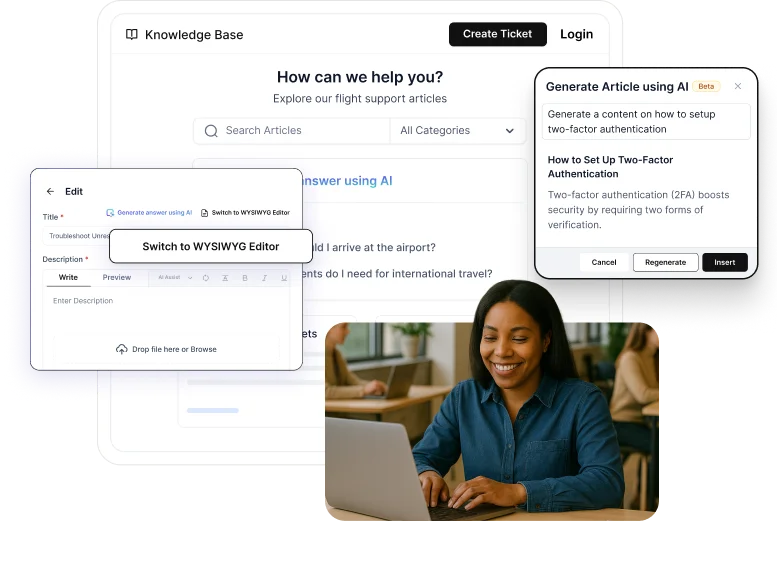
Its built-in collaboration tools, analytics, and multilingual knowledge base capabilities make it well suited for growing SaaS support teams.
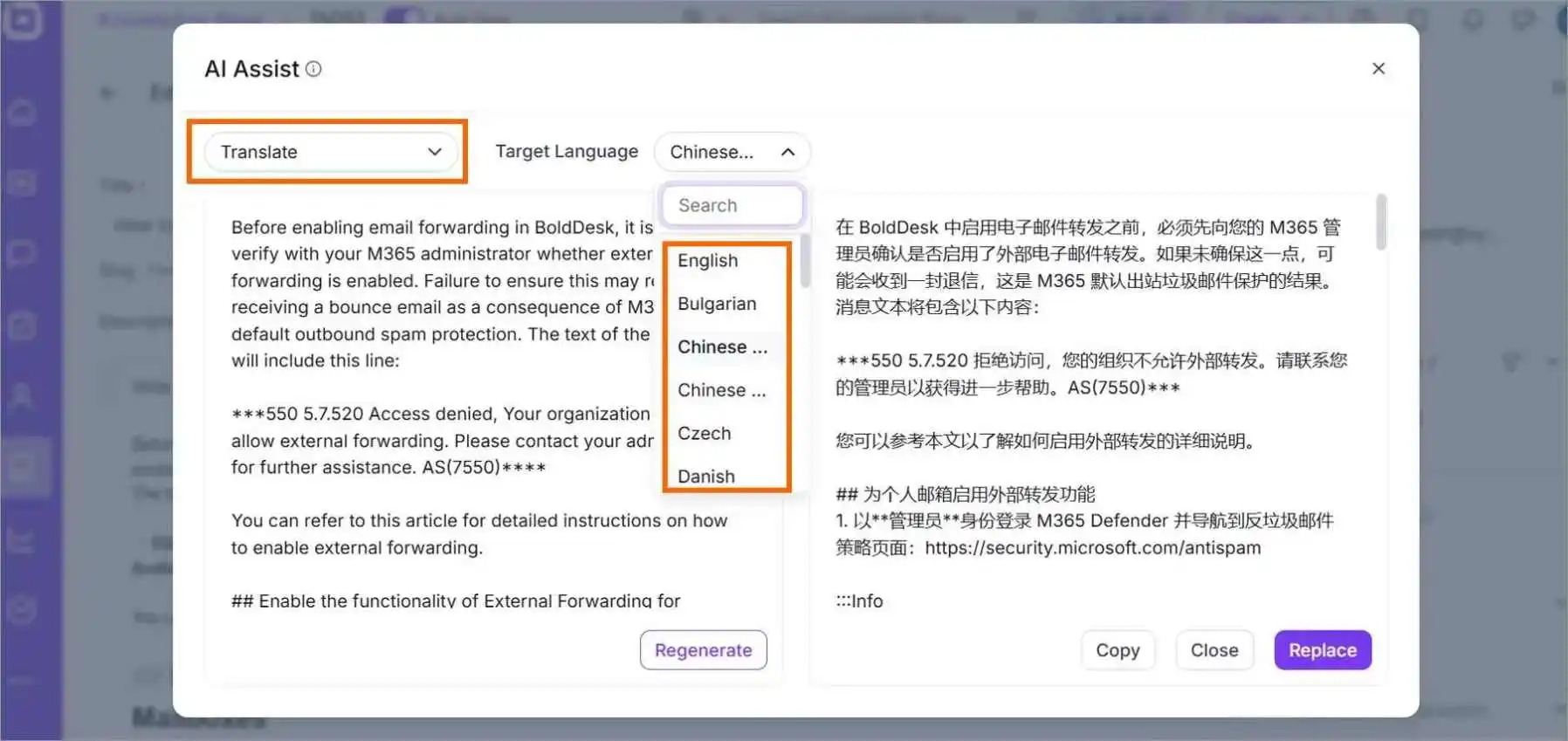
Key features
- User-friendly editor
- Multilingual support
- Powerful search
- Collaboration tools
Pros
- Combines ticketing and knowledge base functionality in a single platform.
- AI-powered content generation reduces the time required to create and maintain documentation.
Cons
- Initial setup and workflow configuration may require planning for organizations with complex documentation requirements.
Pricing
- BoldDesk pricing starts at $99/month for 5 agents, billed annually.
Free trial: 15 days
G2 reviewer insight:
“The interface is friendly, feature rich, easy to use, and quick to deploy. The licensing is simple and suit our needs.”- Keh Soon Y., SVP Services and Digital Transformation, Mid-Market
2. Intercom
Best for: Product-led SaaS companies.
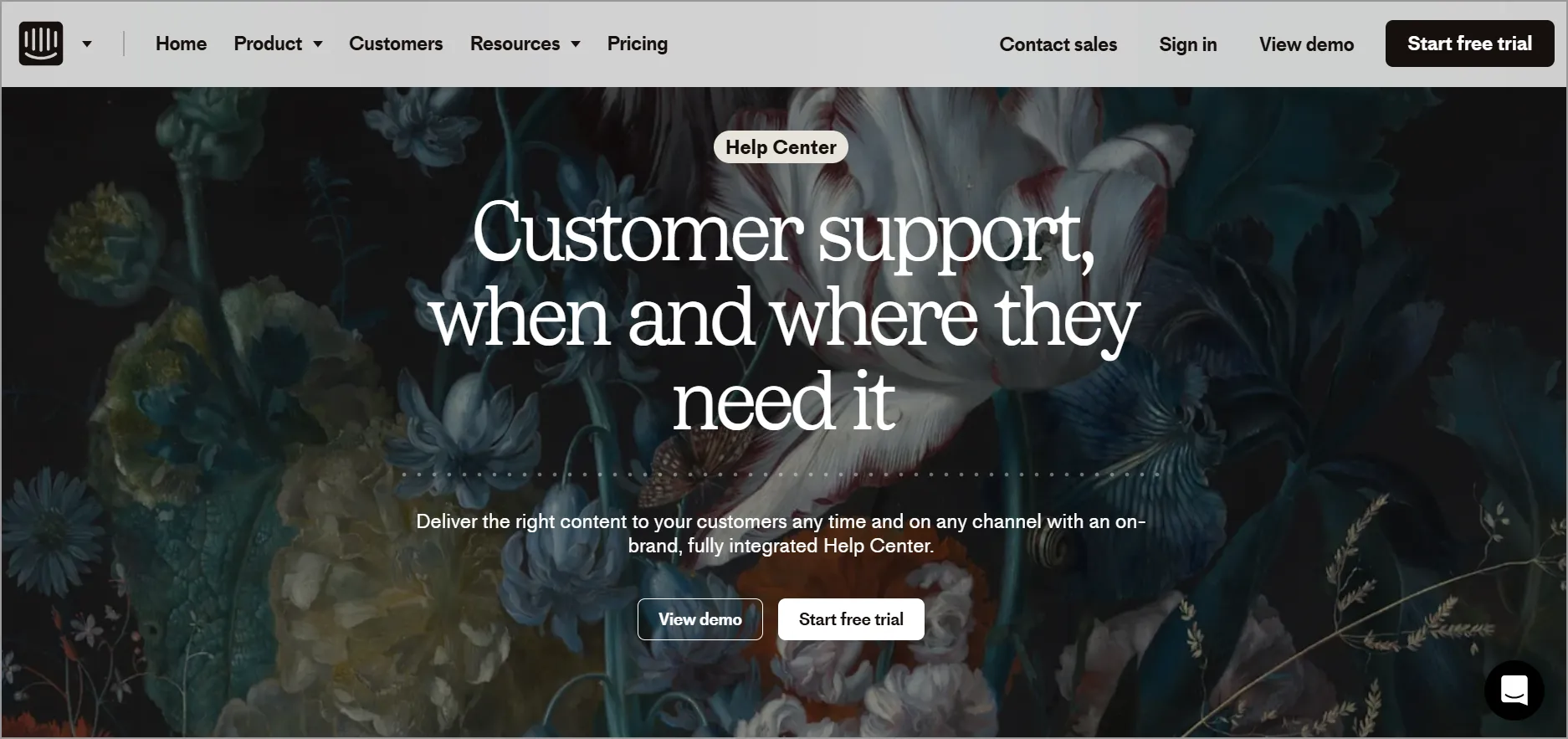
Intercom provides a complete customer messaging platform with a knowledge base that allows businesses to automate support and deliver instant answers through self-service.
Key features
- Customizable knowledge base
- AI-powered chatbot
- Real-time messaging
- Integration options
Pros
- Customizable knowledge base with automation and proactive support capabilities.
- Strong integration capabilities for omnichannel communication and real‑time engagement.
Cons
- Primarily optimized for conversational support, so advanced documentation governance is limited.
Pricing
- Starts at $29/agent/month, billed annually
Free trial: 14 days
G2 reviewer insight:
“I’ve been using Intercom since 2020, and it’s the best chatbot provider in the market.” – Karan S., Events Platform Administrator, Mid-Market
3. LiveAgent
Best for: Early-stage SaaS teams on a budget.
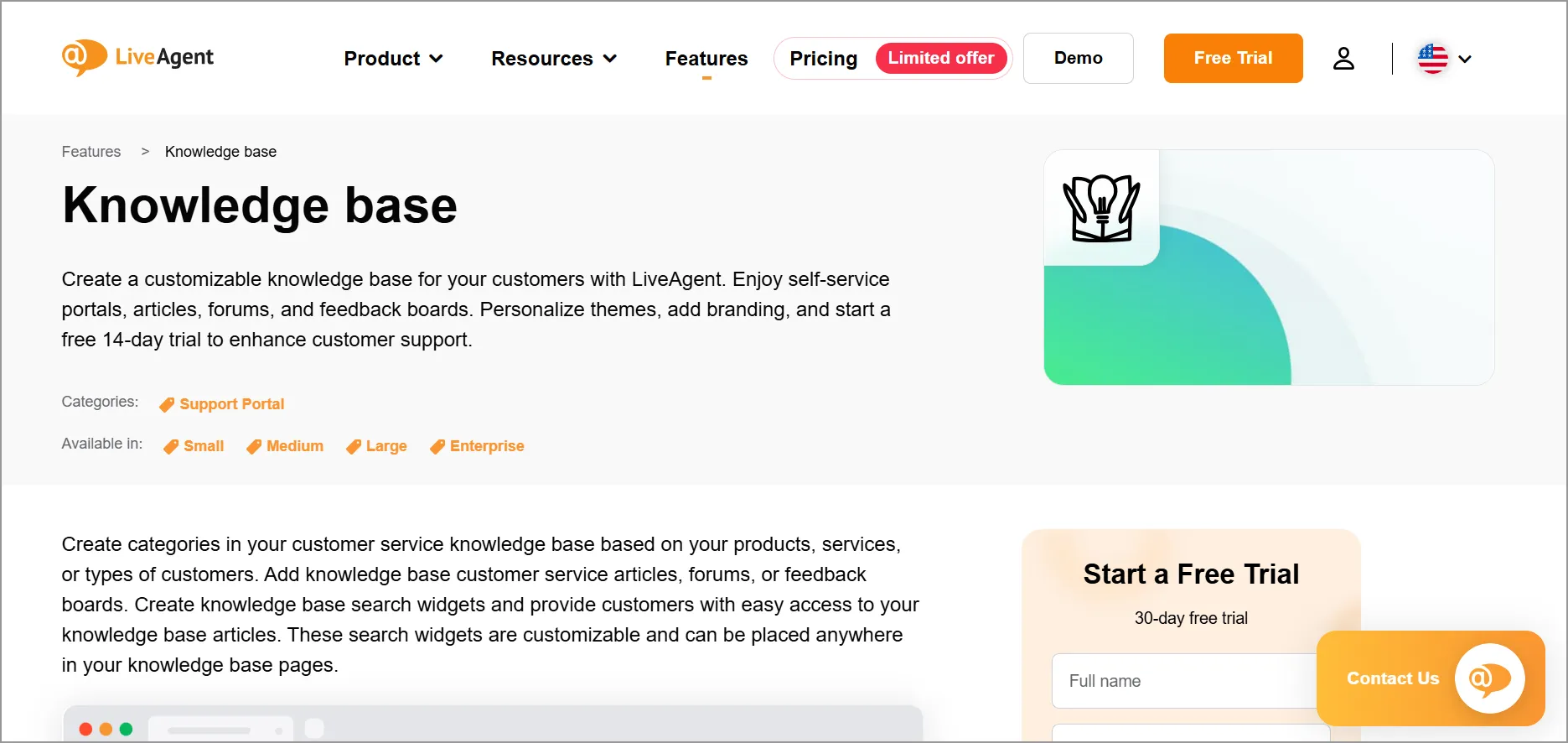
LiveAgent is a multi-channel customer service platform that features a SaaS knowledge base tool.
It enables businesses to create a self-service platform where customers can easily find answers without needing to contact support agents.
Key features
- Multilingual support
- Integration with other tools
- Customization and branding
- Search functionality
Pros
- Customizable and brandable KB for user‑facing and internal documentation.
- Built‑in search and multi‑channel integrations are ideal for unified support operations.
Cons
- Lacks real‑time co‑editing, which can slow down multi‑author workflows.
Pricing
- Starts at $15/agent/month
Free trial: 30 days
G2 reviewer insight:
“Ease of use of the platform. Ability to segment data based and add tags as needed.” – Cole W., Digital Lead, Enterprise
4. Zoho Desk
Best for: SaaS companies already using Zoho products.
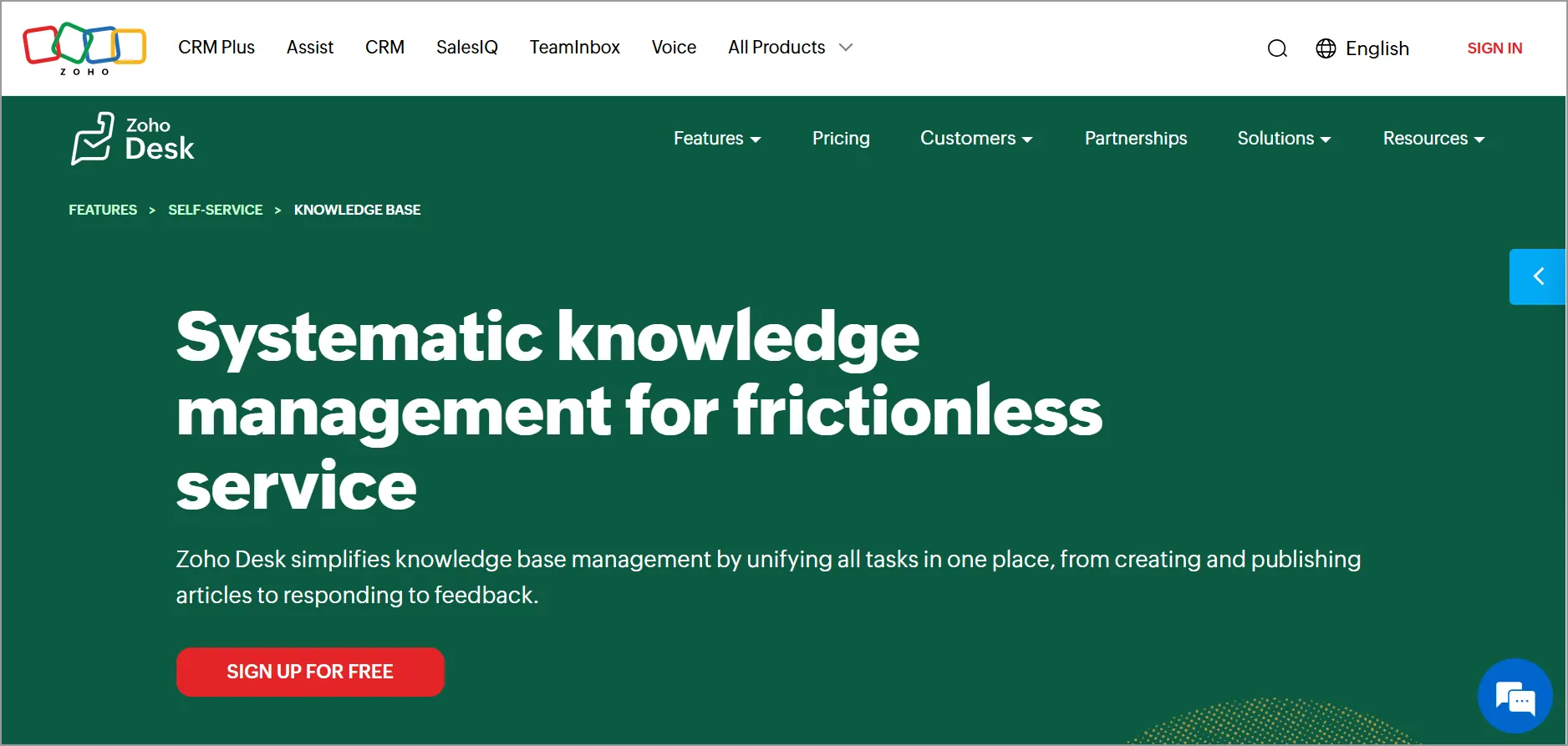
Zoho Desk offers a knowledge base SaaS feature to help businesses create and maintain a self-service portal for their customers.
Key features
- Omnichannel
- AI-powered search engine
- Self-service
- Reporting tools
Pros
- An AI‑powered search engine improves article discovery within the knowledge base.
- Reporting tools, including content performance insights.
Cons
- Higher tiers are required to unlock advanced analytics and feature sets.
Pricing
- Starts at $14/user/month (standard), billed annually
Free trial: 15 days
G2 reviewer insight:
“Excellent for deep customization and ticketing automation.” – Mutshidzi K., FOUNDER, Small-Business
5. Document 360
Best for: Developer-focused SaaS documentation.
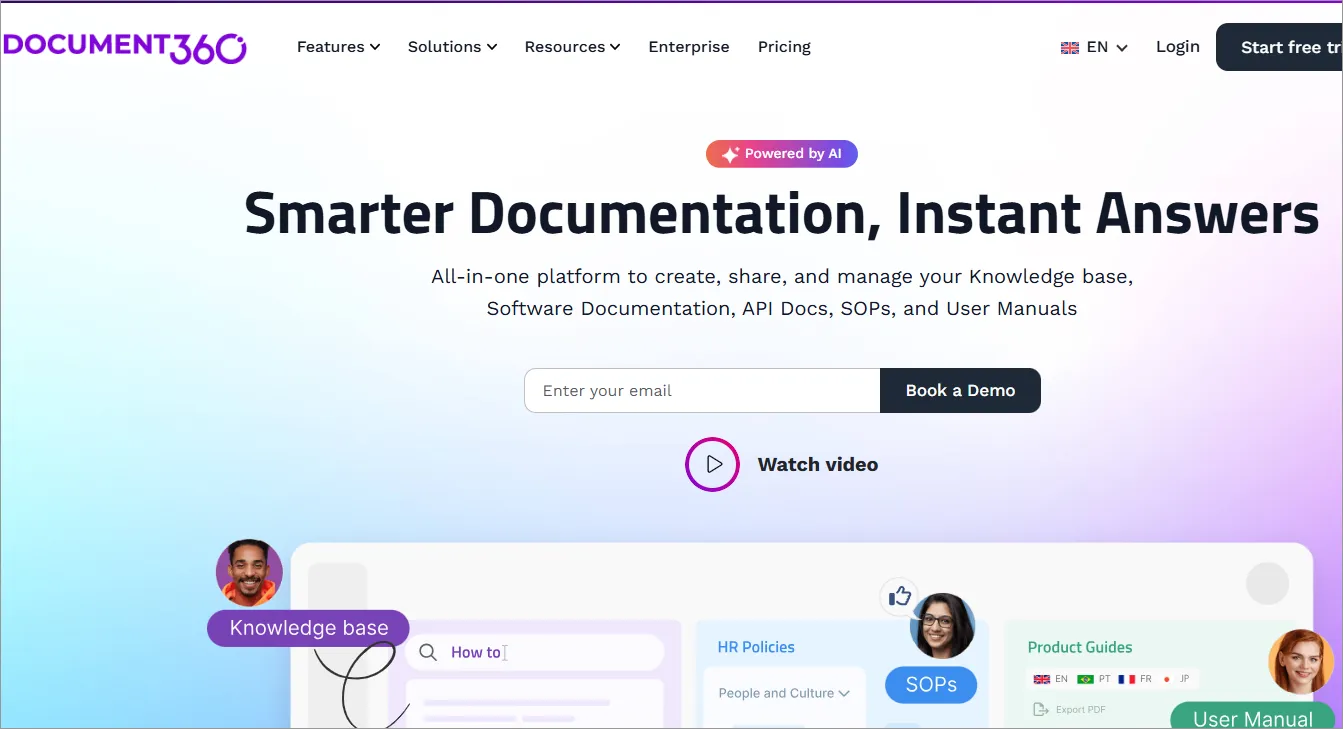
Document360 is a knowledge base platform built for organizations that manage large volumes of product documentation.
Its version control capabilities, content organization features, and multilingual support make it well suited for SaaS companies that need structured documentation and a scalable self-service experience.
The platform is particularly useful for teams maintaining developer resources, product guides, and technical knowledge bases.
Key features
- Version control
- Custom branding
- Analytics and feedback tools
- Multilingual support
Pros
- Customization and branding options for professional, scalable KBs.
- Analytics and feedback tools for improving documentation quality.
Cons
- Limited real‑time collaboration, which impacts teamwork during authoring.
Pricing
- Contact Document360 for pricing.
Free trial: 14 days
G2 reviewer insight:
“The best-in-class knowledge base software.” – Julian W., Director Product Documentation Computer Software, Mid-market
6. Guru
Best for: Scaling teams focused on internal knowledge management.
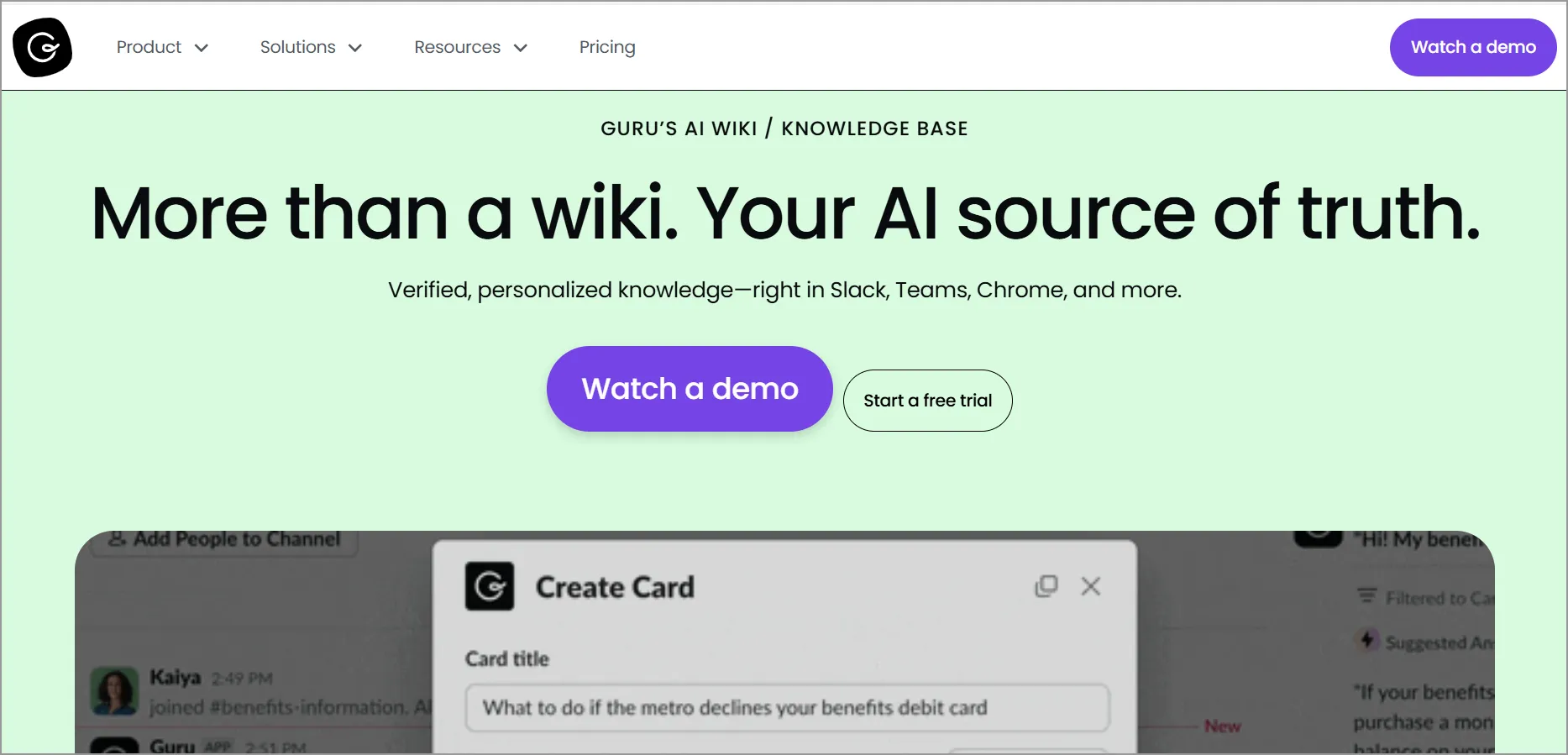
Guru helps teams capture, organize, and distribute institutional knowledge across the organization.
Its real-time collaboration features, knowledge verification workflows, and AI-powered recommendations help employees quickly find accurate information.
While it is commonly used for internal knowledge management, it also supports customer-facing documentation use cases.
Key features
- Real-time collaboration
- Integration with apps
- AI-powered knowledge recommendations
- Knowledge verification workflows
Pros
- Real‑time collaboration and internal knowledge sharing capabilities.
- AI‑powered knowledge recommendations keep content fresh and relevant.
Cons
- Primarily internal‑focused, making it less suitable for customer‑facing KB needs.
Pricing
- Starts at $25/agent/month
Free trial: Contact Guru
G2 reviewer insight:
“Guru stands out for its simplicity and ease of access to verified information.”- Shubham P., Software developer, Mid-Market
7. KnowledgeOwl
Best for: Growing SaaS teams that need dedicated documentation.
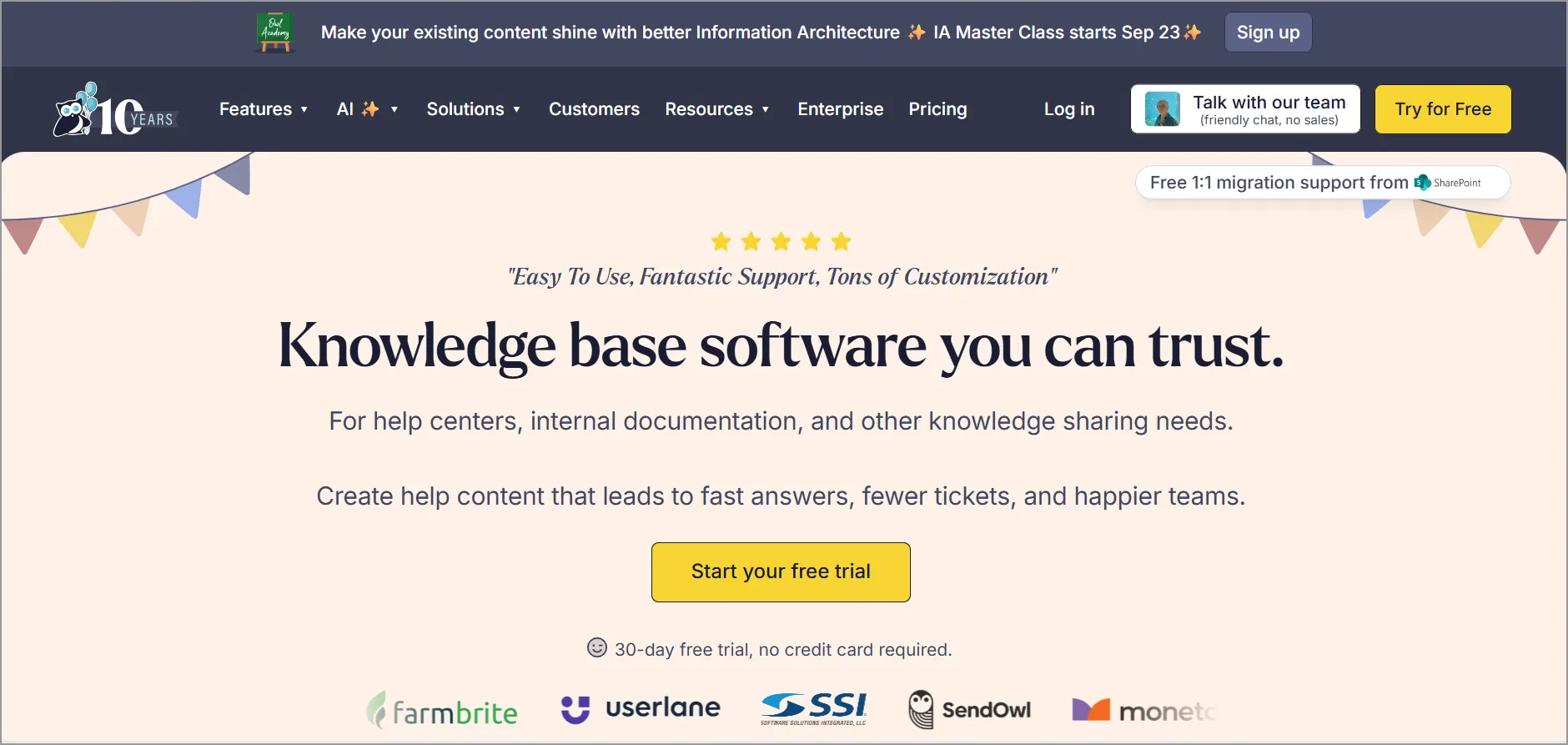
KnowledgeOwl is a knowledge base software solution designed for internal teams and customer-facing knowledge sharing. It allows businesses to create organized and easily accessible documentation.
Key features
- AI capabilities
- Advanced search capabilities
- Multilingual support
- Analytics and reporting
Pros
- Multilingual support makes it effective for global organizations.
- Analytics and reporting tools that help optimize content performance.
Cons
- Interface and collaboration tools are less modern than newer AI‑first solutions.
Pricing
- Starts at $100/agent/month for 1 knowledge base
Free trial: 30 days
G2 reviewer insight:
“I love that KnowledgeOwl offers an easily maintained help system without needing help from engineers to maintain.” – Jacquie W., Senior Director of Customer Success, Mid-Market
8. Confluence
Best for: Enterprise engineering and product teams.
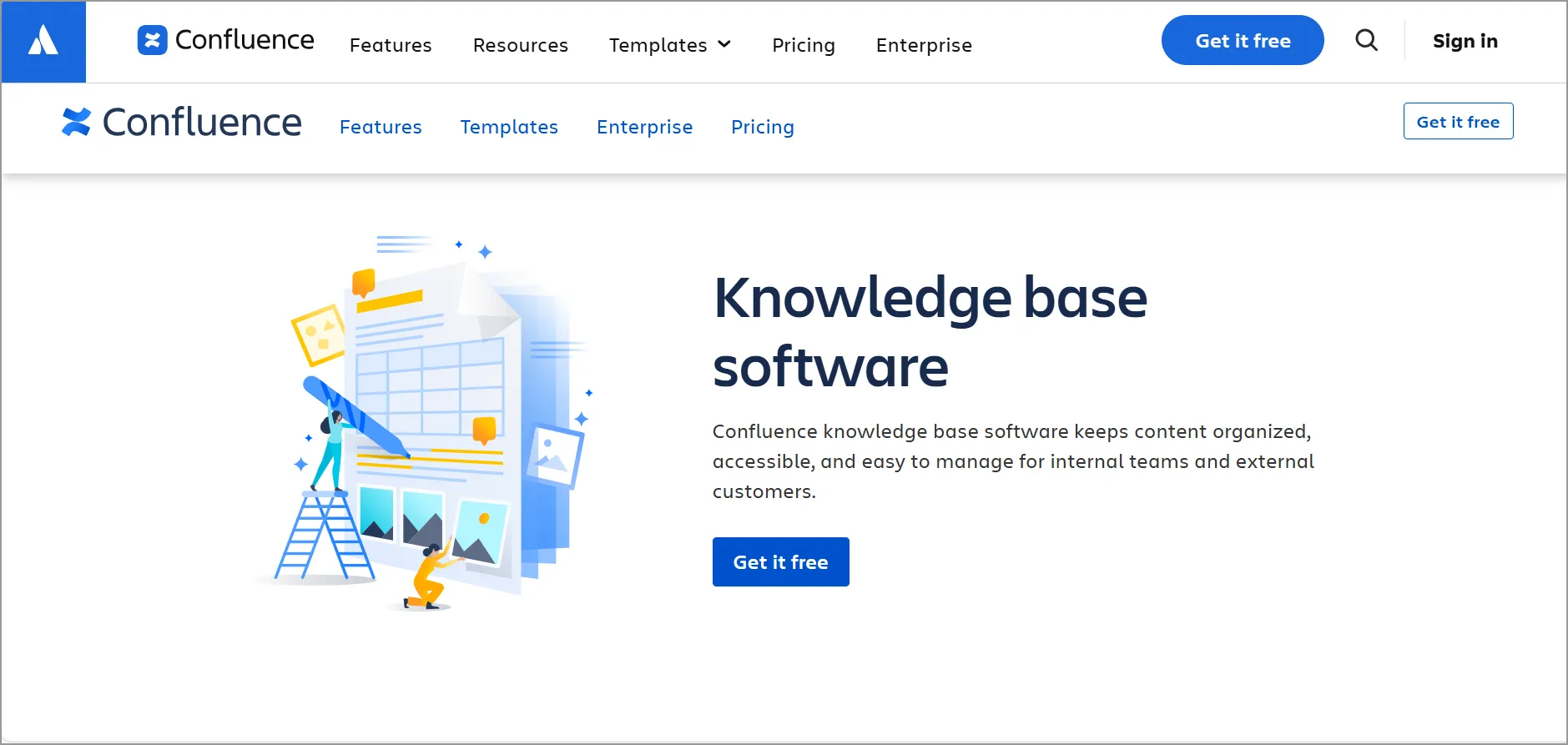
Confluence is a collaborative documentation platform that integrates closely with the Atlassian ecosystem.
It enables teams to create, organize, and maintain technical documentation while supporting permissions management and advanced content organization.
Its strong collaboration capabilities make it popular among software development and product teams.
Key features
- Seamless integration
- Customizable templates and design
- Permission control
- Advanced search and content categorization
Pros
- Seamless integration with Jira, ideal for engineering + product teams.
- Customizable templates and collaborative editing, including real‑time co‑authoring.
Cons
- UI can feel heavy, especially for non‑technical users or simple documentation needs.
Pricing
- Starts at $5.42/agent/month
Free trial: 7 days
G2 reviewer insight:
“It helps us have one north star, a single repository where we can keep all our documentation, results, and other materials in one place.” – Colleen K., Strategy and Innovation, Enterprise
9. Notion
Best for: Startup and growing SaaS teams.
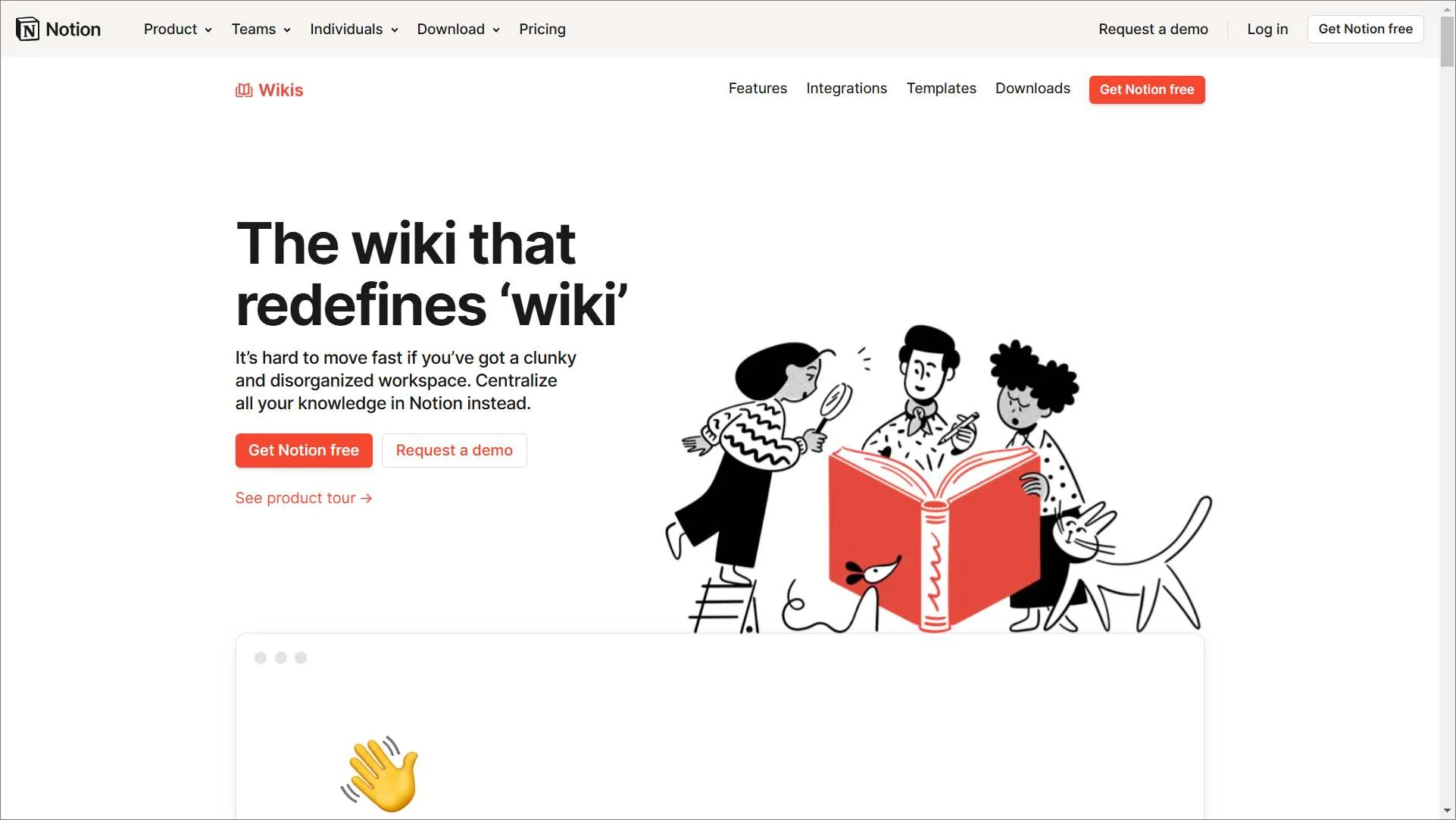
Notion combines documentation, project organization, databases, and collaboration tools within a single workspace.
Its flexible structure allows teams to build internal knowledge bases, team wikis, and operational documentation without requiring a dedicated documentation platform.
This makes it a practical option for SaaS companies looking for versatility and ease of use.
Key features
- AI search functionality
- Collaboration tools
- Customizable templates
- Version control
Pros
- Templates, databases, and collaboration tools make it adaptable to many documentation styles.
- Version control and AI search capabilities improve discoverability and content governance.
Cons
- Lacks structured external help‑center features.
Pricing
- Starts at $10/agent/month, billed annually
Free trial: Contact Notion
G2 reviewer insight:
“I like how Notion brings notes, task management, documentation, databases, and collaboration together in one flexible workspace.” – Naidu S., Associate Engineer, Enterprise
10. HubSpot
Best for: Mature SaaS businesses with CRM-centric support operations.
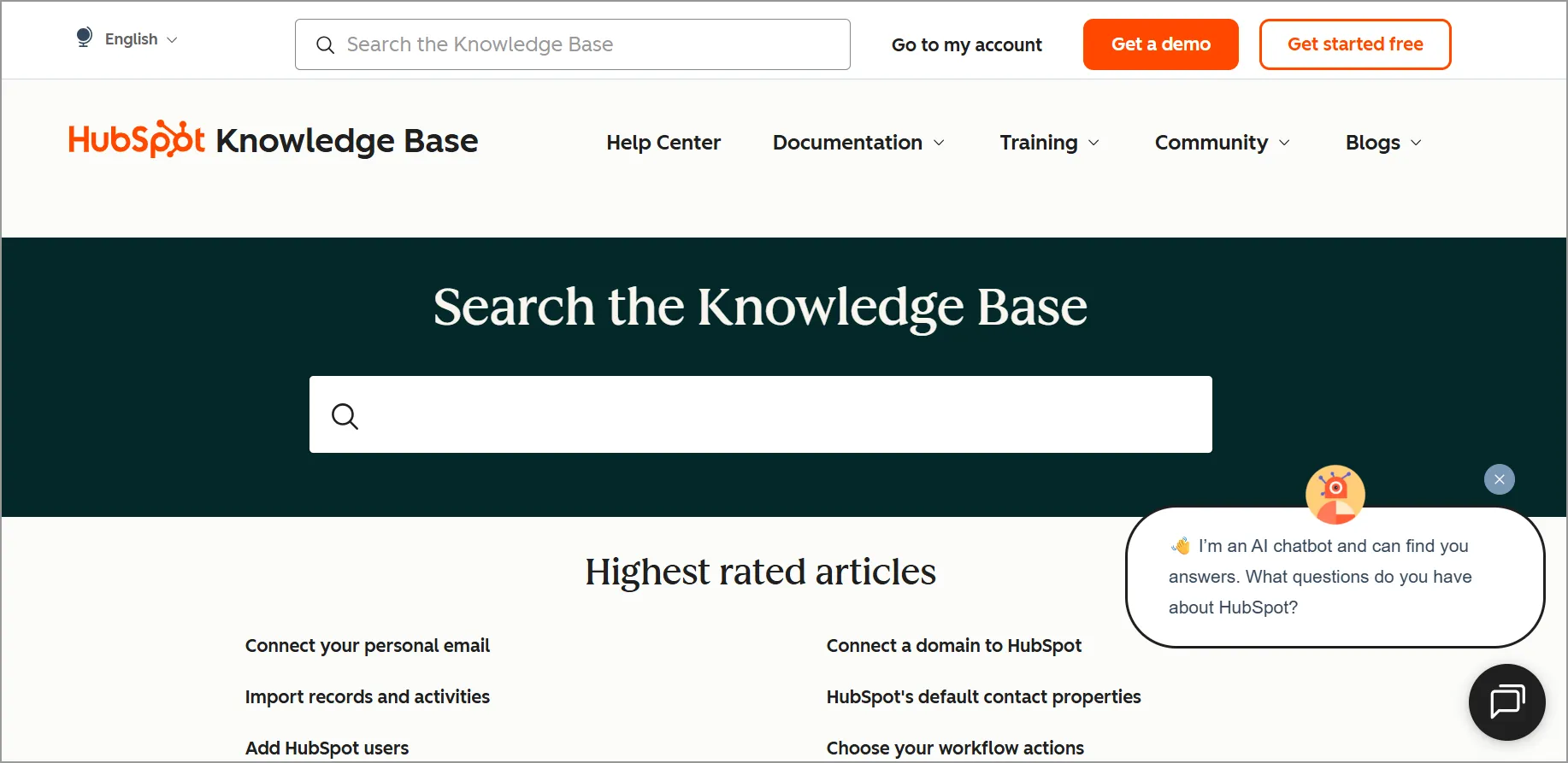
HubSpot’s knowledge base software helps organizations create self-service resources while keeping support operations connected to customer data.
With built-in automation, analytics, permissions management, and AI capabilities, the platform supports businesses that want to align knowledge management with broader customer service and relationship management initiatives.
Key features
- AI
- Automation
- Access control and permission
- Analytics and reporting
Pros
- CRM‑integrated KB, making support insights visible across customer lifecycle stages.
- AI‑powered article writing, translations, and optimization are built into the system.
Cons
- Enterprise‑level features come at higher pricing, which may be too steep for small teams.
Pricing
- Starts at $100/agent/month (Service Hub Professional), billed annually
Free trial: Contact HubSpot
G2 reviewer insight:
“HubSpot Service Hub is polished, easy to navigate, and provides excellent customer service tools.” – Darshell H., Owner, Mid-Market
Best practices for a successful SaaS knowledge base
An effective SaaS knowledge base requires intentional structure, user-centric content, and continuous refinement over time.
Here are practical tips to ensure your knowledge base remains useful, easy to navigate, and consistently valuable for customers:
- Prioritize the most common customer questions: Surface high‑volume issues first by analyzing support tickets, customer feedback, and search patterns to ensure users quickly find answers to the questions they ask most.
- Create simple, step‑by‑step guides: Present instructions in short, sequential steps with visuals to help users easily follow workflows and resolve issues without confusion or support escalation.
- Make help content easily accessible: Place your knowledge base in clear, high‑visibility locations such as your app, website, and support widget, so customers can access guidance across devices when needed.
- Keep articles accurate and up to date: Regularly audit content, update instructions after product changes, and remove outdated information to maintain trust and reliability.
- Enhance discoverability with strong search: Use AI‑powered tools, tags, keywords, and intuitive categorization to improve search relevance across internal search and external engines.
- Apply the right access and visibility controls: Use permission settings for internal, external, or restricted articles to ensure users see only relevant content while protecting sensitive information.
Optimize your customer support experience with a SaaS knowledge base
A well‑designed SaaS knowledge base transforms how customers find information by making answers accessible, consistent, and easy to navigate.
It also gives businesses clearer insight into user needs, helping teams refine content, improve efficiency, and adapt support strategies as products evolve.
Are you ready to deliver a faster, more effective self‑service experience?
BoldDesk serves as your centralized SaaS knowledge hub, helping customers find answers quickly and effortlessly.
If you found this article helpful, please let us know by rating it below. We value your feedback because it helps us improve and serve you better.
Related articles
- 8 Knowledge Base Metrics You Should Monitor
- How to Create a Knowledge Base
- Best Knowledge Base for Your Customer Service
- 22 Knowledge Base Examples and What Makes Each One Work
Frequently Asked Questions (FAQs)
An internal SaaS knowledge base stores company policies, SOPs, onboarding materials, and technical documentation for employees.
An external knowledge base, on the other hand, provides self-service resources such as FAQs, product instructions, troubleshooting steps, and feature updates for customers.
A strong SaaS knowledge base includes AI-powered search, article versioning, a user-friendly editor, collaboration tools, customizable templates, multilingual support, analytics, permissions, and SEO settings.
These features make it easier to create, organize, and update large volumes of documentation.
AI can improve a SaaS knowledge base by summarizing articles, suggesting relevant content, analyzing user feedback, identifying knowledge gaps, and providing fast, accurate answers based on search intent.
Documentation tools like BoldDesk use AI to deliver auto suggestions and real-time content enhancements.
Yes. In-app or web widgets let users access the knowledge base without leaving the current page or application, giving them immediate help and reducing friction during support or onboarding flows.





