

The Help Desk Phone System That Answers With Full Context — Launching Soon.
Bring calling, ticketing, and customer history together in one help desk phone system, so agents get full context the moment the phone rings — with no app switching required.
Why BoldDesk Voice
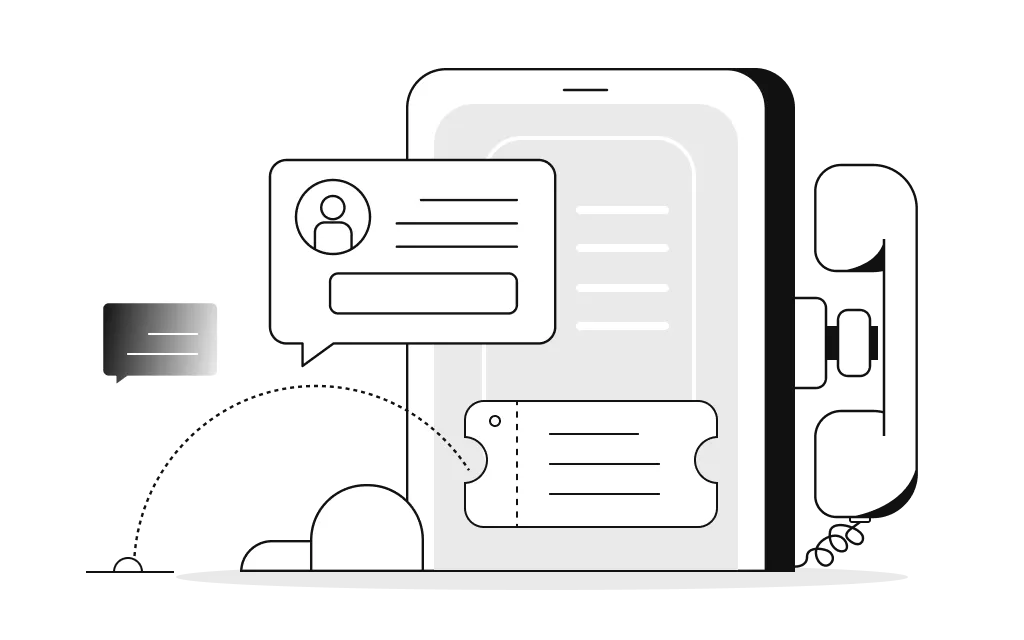
Where Every Call Meets Its Ticket
From the first ring to the final ticket, BoldDesk Voice keeps calls, context, and reporting together — so agents move faster and nothing falls through the cracks.
Stop Switching Tabs Mid-Call
Manage calls, tickets, email, and chat from a single platform, so agents can stay focused and work more efficiently.
Context at Every Ring
Give agents instant access to customer history, past conversations, and open tickets before they answer the call.
Get Callers to the Right Agent on the First Try
Use IVR and intelligent routing to connect callers with the right team or agent from the very first interaction.
Never Miss a Customer Detail
Automatically log every call as a ticket with recordings, notes, and interaction details attached.
Complete Visibility for Managers
Monitor call activity, queue performance, and agent productivity with real-time dashboards and reporting.
Simple to Set Up, Easy to Scale
Get started quickly with no-code configuration for phone numbers, routing rules, queues, and greetings.
What's Inside BoldDesk Voice
Powerful Voice Support, Natively Integrated
From the moment a call comes in to the moment it's resolved, BoldDesk Voice keeps your agents equipped with the tools that matter most — so every conversation moves faster and feels more personal.
Agent Workspace
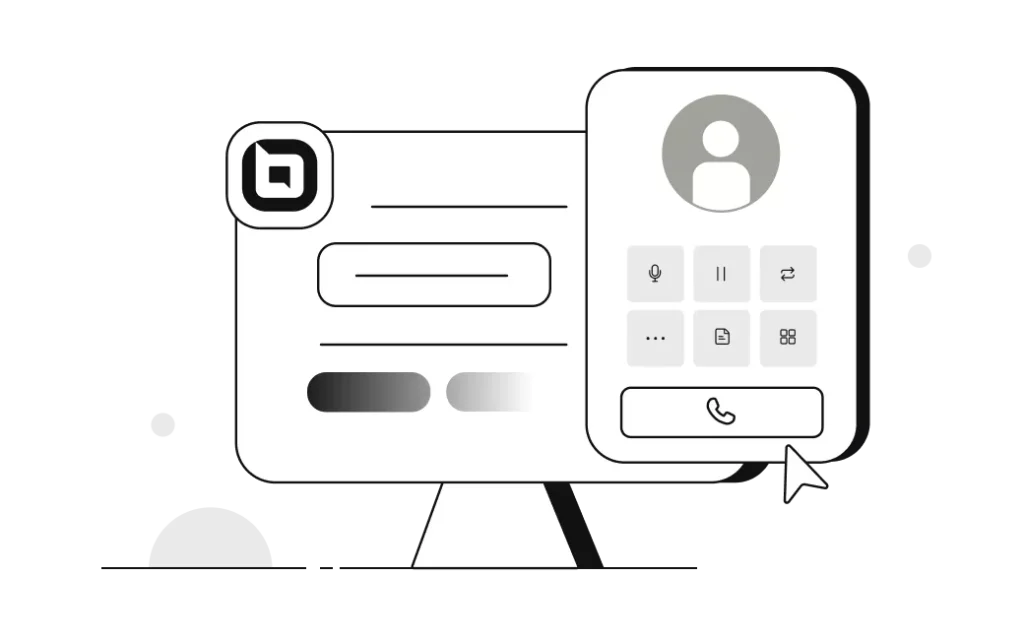
Agents can make and receive calls, access customer details, and manage tickets from a single workspace.
Call Routing
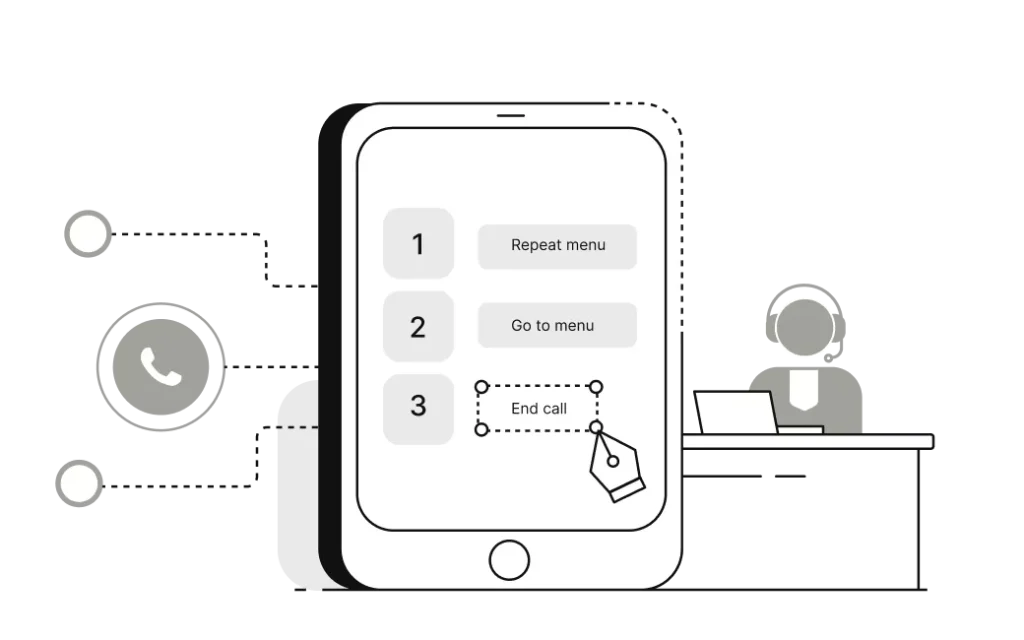
Build IVR menus and routing rules that automatically connect customers to the right team or agent. Overflow routing helps ensure every call gets answered.
Coach Agents Without Making the Customer Wait
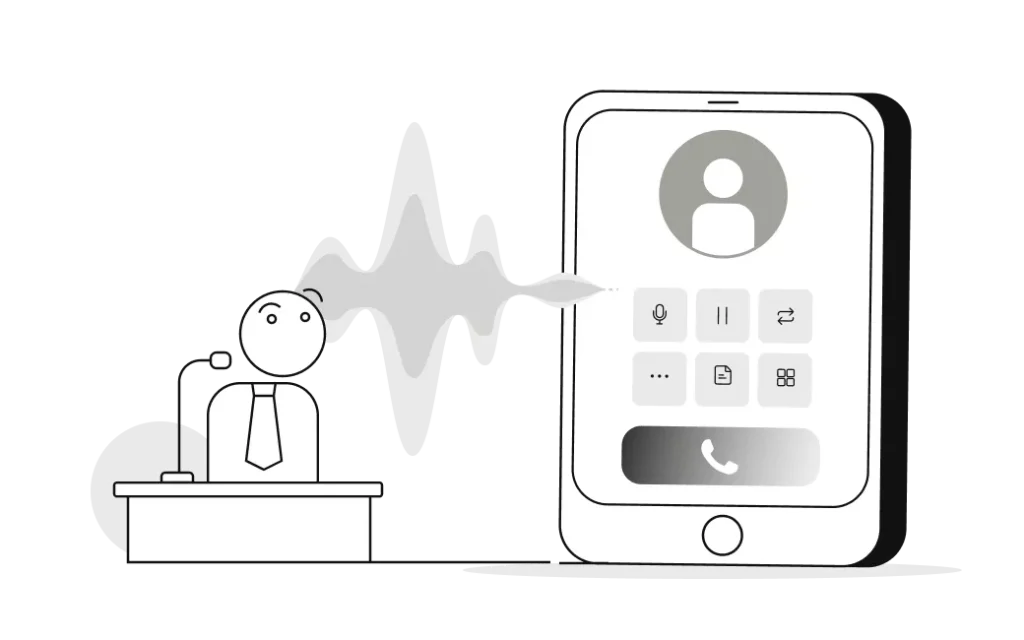
Monitor live calls, whisper guidance to agents, or join conversations when needed. Supervisors can do it all from a single dashboard without interrupting the customer experience.
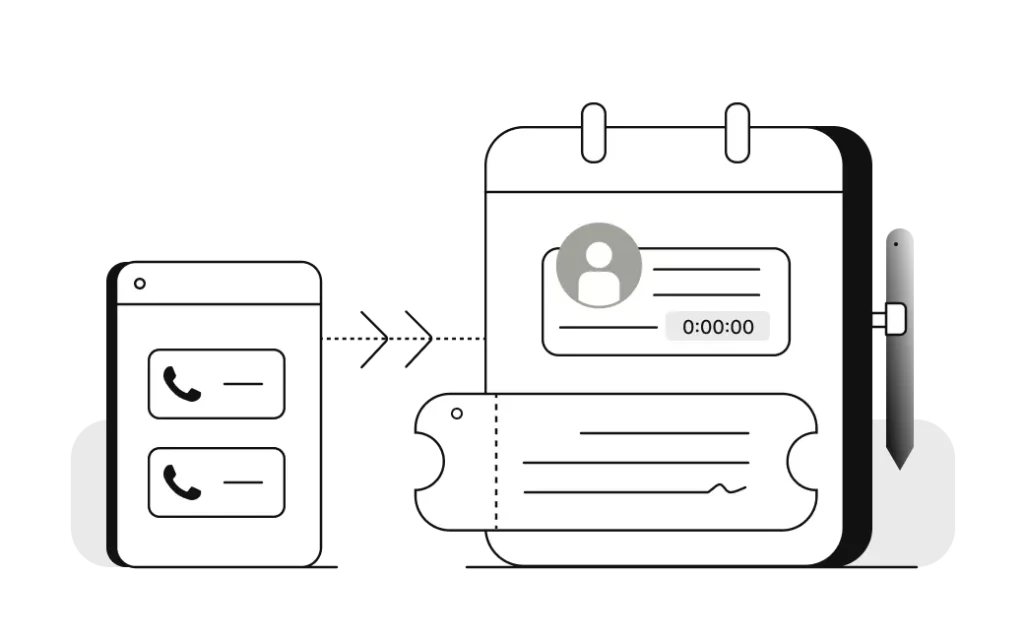
Never Type Call Notes From Memory Again
Turn every call into a ticket automatically. Caller details, recordings, call duration, and notes are captured the moment the conversation ends.
Call Wraup Time
After every call, agents get dedicated wrap-up time to add notes, update tickets, and set dispositions before the next call arrives.

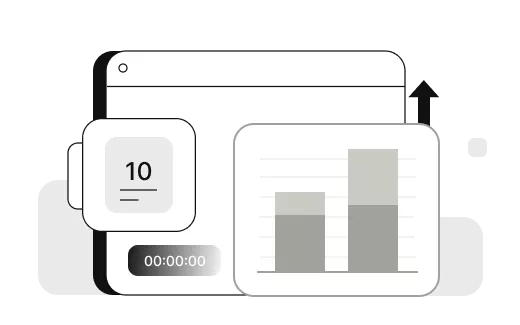
Call Analytics And Reporting
Track call volume, handle times, wait times, missed calls, and agent performance from a single dashboard. Get a complete view of your support operations in one place.
The Complete Voice Experience
Everything Your Team Needs From a Help Desk Phone System
From core calling functions to advanced workflow tools, here's everything included when you choose BoldDesk Voice.
Bring your own carrier — connect your existing SIP trunk or telephony provider to BoldDesk Voice without switching numbers or providers.
Agents click any phone number on a customer record and begin a call in seconds — no dialing required.
Build multi-level IVR menus and custom greetings that guide callers to the right team from the very first interaction.
Automatically distribute incoming calls to the right team or agent, with live wait-time visibility.
Forward incoming calls to a mobile number, another agent, or an external line whenever your team is unavailable or after hours.
Warm-transfer a call to the right teammate or department without ever dropping the caller.
Bring additional teammates into a live call for faster, collaborative resolutions.
Mute, hold, and manage active calls directly from the agent workspace.
Every call can be recorded and automatically transcribed, then stored securely against its ticket for easy reference.
Voicemails and missed calls automatically create tickets, so follow-up is never left to memory.
Let callers request a callback instead of waiting on hold. Agents can return the call manually when they're available.
Assign a unique extension to any agent or queue so callers reach the right person or team directly, every time.
Frequently Asked Questions
Can I take calls in BoldDesk today?
BoldDesk Voice is not available yet. Today, teams connect calling to BoldDesk through integrations such as Aircall, Twilio, Exotel, Ozonetel, KrispCall and Ringover. See calling integrations.
Can I use my own carrier instead of a new phone number?
Yes. BoldDesk Voice is being built with Bring Your Own Carrier (BYOC) support, so you'll be able to connect your existing SIP trunk or telephony provider without switching numbers or providers.
Does every call automatically become a ticket?
Yes. When BoldDesk Voice launches, inbound and outbound calls will be logged as tickets automatically, complete with caller details, call duration, recording, and notes, so agents never have to re-enter what happened on a call.
Can I set up call routing and an IVR menu without a developer?
Yes. Call flows, IVR menus, business hours, and routing rules will be configured through point-and-click screens in the BoldDesk admin console. No code or telephony expertise will be required.
Can a supervisor listen to or join a live call?
Yes. Team leads will be able to monitor live calls, whisper coaching to an agent privately, or barge in and join the conversation directly from the live call dashboard.
Will calls be recorded and transcribed?
Yes. Call recording and transcription are planned as part of the initial release, so agents and managers will be able to review a conversation alongside its related ticket after the call ends.

- Coming Soon
Get Early Access Before Anyone Else
Join the waitlist and be among the first support teams to put Voice to work.
We'll send exactly one email — the day it's ready.