



TL;DR: Teams often explore Zendesk alternatives due to complexity, setup effort, add-on costs, or evolving support needs. This comparison evaluates 18 platforms based on pricing transparency, AI capabilities, integrations, free trials, scalability, and ideal use cases.
Zendesk is one of the most established help desk platforms. However, it is not the right fit for every team.
Rising costs, add-on pricing, and complex setup requirements often lead businesses to explore other options.
Many teams want the best customer service software that offers powerful automation, flexible integrations, and AI-driven support without unnecessary complexity.
Below, we compare the leading Zendesk alternatives and competitors for 2026.
Each review covers pricing, key features, advantages, limitations, and how the platform compares with Zendesk, helping you shortlist the right solution for your team size, budget, and support channels.
Why should you look for the best Zendesk alternatives and competitors?
While Zendesk is a widely recognized help desk platform, it may not be the best fit for every organization. Here are key considerations that often lead businesses to compare Zendesk alternatives:
- Pricing concerns: Zendesk’s advanced features often require higher-tier subscriptions or add-ons, which can increase costs for growing teams.
- Setup complexity: Some users find configuration and ongoing administration time-consuming, particularly for smaller teams with limited resources.
- Support, scalability, and integrations: Organizations may seek platforms that better align with evolving customer service standards, provide stronger support experiences, or offer deeper integrations with tools such as Microsoft Teams, Slack, and CRM platforms.
How we evaluated these Zendesk alternatives
We compared each tool against Zendesk using six factors commonly considered when evaluating help desk software:
- Pricing transparency
- Feature depth
- Scalability
- Integration options
- AI readiness
- Verified user ratings
The sections below explain how each factor was assessed during the comparison process.
- Pricing: Based on publicly available pricing information from each vendor’s website as of July 2026. Pricing and plan details may change over time and should be verified with the vendor before making a purchase decision.
- User ratings: Based on publicly available ratings and reviews from G2 as referenced throughout this article. Ratings may change as new reviews are submitted.
- Features and comparisons: Based on publicly available vendor documentation, product feature pages, and pricing information referenced throughout this article. Comparisons are intended to provide an objective overview of each platform’s capabilities.
Disclosure: BoldDesk is our own product and is included in this comparison. We have aimed to present factual information about each platform based on publicly available pricing, documentation, and user reviews.
A summary comparison table of the top Zendesk competitors
Before comparing Zendesk alternatives, it’s useful to understand Zendesk’s current pricing. Zendesk Support Team starts at $19 per agent/month, Suite Team at $55, and Suite Professional at $115, while Suite Enterprise uses custom pricing.
Because features, AI usage, and add-ons affect the total cost, starting prices do not tell the whole story. The table below compares 18 Zendesk alternatives by pricing, features, free trials, G2 ratings, and ideal use cases to help you find the best fit.
| Name | Features | Pricing | Free plan / Free trial | G2 user ratings | Best use case |
| Zendesk |
|
Starts at $19/agent/month | No free plan / 14-day free trial | 4.3/5 | Mid-sized and enterprise support teams |
| BoldDesk |
|
Starts at $99/5 agents/month | No free plan / 15-day free trial | 4.5/5 | SMBs and growing support teams |
| Gorgias |
|
Starts at $50 for 300 tickets/month | No free plan / 7-day free trial | 4.6/5 | Ecommerce businesses using Shopify |
| Zoho Desk |
|
Starts at $7/agent/month | Free plan available / 15-day free trial | 4.4/5 | Budget-conscious and sales-focused teams |
| HubSpot Service Hub |
|
Starts at $20/seat/month | Free plan available / 14-day free trial | 4.4/5 | Teams already using HubSpot CRM |
| Freshdesk |
|
Starts at $19/agent/month |
Free plan available / 14-day free trial |
4.4/5 | Growing teams seeking affordable omnichannel support |
| Help Scout |
|
Starts at $25/user/month | No free plan / 15-day free trial | 4.4/5 | Remote teams and email-first support |
| Intercom |
|
Starts at $29/seat/month | No free plan / 14-day free trial | 4.5/5 | Chat-first and self-service-focused teams |
| HappyFox |
|
Starts at $21/agent/month | No free plan / 14-day free trial | 4.5/5 | Teams needing help desk and task management |
| Groove |
|
Starts at $1 per ticket, with a minimum of 250 tickets/month ($250/month minimum) | No free plan / 30-day free trial | 4.6/5 | Mid-market and enterprise help desks |
| Front |
|
Starts at $25/seat/month (up to 10 seats) |
No free plan / 14-day free trial |
4.7/5 | Account management and collaborative inbox teams |
| Hiver |
|
Starts at $19/agent/month | No free plan / 7-day free trial | 4.6/5 | Gmail-based support teams |
| Kustomer |
|
Starts at $89/user/month | No free plan / Contact vendor | 4.5/5 | Customer-centric support teams needing CRM capabilities |
| ServiceNow |
|
Contact ServiceNow for pricing | No free plan / 30-day free trial | 4.4/5 | Enterprise IT and service management teams |
| LiveAgent |
|
Starts at $19/agent/month | No free plan / 30-day free trial | 4.5/5 | Teams prioritizing live chat support |
| Helpjuice |
|
Starts at $249/30 users/month | No free plan / 14-day free trial | 4.7/5 | Knowledge base-focused organizations |
| Gladly |
|
Contact Gladly | No free plan / Contact vendor | 4.7/5 | Customer-centric omnichannel support teams |
| Kayako |
|
Starts at $1 per resolved ticket | No free plan / 14-day free trial | 4.1/5 | SMBs who want simple, personalized support |
| Salesforce Service Cloud |
|
Starts at $25/agent/month | No free plan / 30-day free trial | 4.4/5 | Large enterprises with complex workflows |
What are the top alternatives to Zendesk to consider in 2026?
There are numerous alternatives to Zendesk that cater to diverse business needs.
We selected these alternatives based on pricing transparency, feature depth, scalability, integration capabilities, and verified user ratings from platforms like G2, ensuring an unbiased and up-to-date comparison.
Try the best Zendesk alternative!
Discover BoldDesk, a feature-rich and cost-effective ticketing system designed to streamline customer support.

1. BoldDesk
The best Zendesk alternative for startups and small-to-medium businesses.
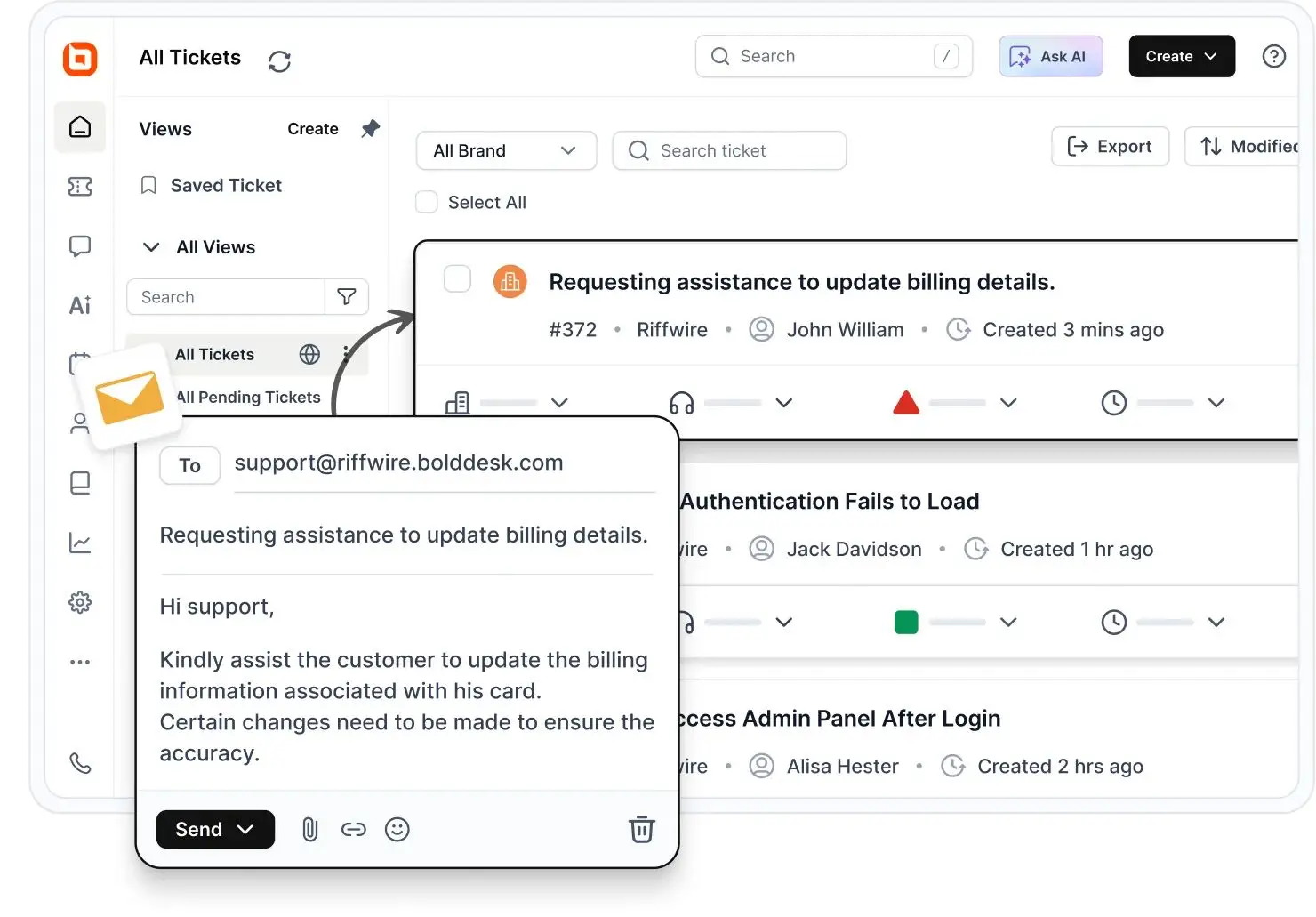
BoldDesk is a user-friendly and cost-effective Zendesk alternative that brings ticketing, live chat, knowledge management, omnichannel support, automation, AI, and reporting into one platform.
Its straightforward interface helps support teams get started quickly and scale without unnecessary complexity.
What makes BoldDesk stand out?
- Built-in AI: AI Copilot and AI Agent help teams summarize tickets, generate replies, provide multilingual assistance, and automate customer responses.
- Unified support: Agents can manage email, live chat, social media, and other customer conversations from one omnichannel inbox.
- Powerful automation: Custom workflows, routing rules, and email-to-ticket conversion reduce repetitive work and improve agent productivity.
- Complete feature access: BoldDesk plans include the platform’s features without restricting essential capabilities to higher-priced tiers.
What customers say about BoldDesk
Vishal N., a G2 reviewer, praised BoldDesk for its ticket management capabilities and ease of setup:
“I think BoldDesk is one of the best tools I’ve used for system management. The ticket management aspect is appreciated as well. The initial setup was easy to complete.”
BoldDesk pricing
BoldDesk starts at $99/month for five agents, with annual and monthly billing options. AI Agent and AI Copilot are included, and plans are priced by AI credit tier, from $99/month for 1,000 AI credits.
Explore the complete BoldDesk pricing details for current prices, AI options, and plan details. Curious how BoldDesk pricing stacks up against Zendesk? See the full Zendesk vs BoldDesk cost calculator.
Free trial: 15 days
Pros
- Modern, easy-to-use interface
- AI, automation, omnichannel support, and reporting in one platform
- Scalable pricing for growing support teams
- Free Zendesk migration and onboarding assistance
Cons
- BoldDesk’s integration marketplace is still expanding, so teams with specialized software stacks should confirm that their required applications are supported.
How does BoldDesk compare with Zendesk?
BoldDesk offers a simpler interface, straightforward pricing, and built-in support features for teams that find Zendesk complex or expensive to manage.
Zendesk has a larger integration marketplace, but BoldDesk provides the essential tools most growing support teams need without requiring multiple premium upgrades.
For a complete feature-by-feature analysis, see the Zendesk vs BoldDesk comparison.
2. Gorgias
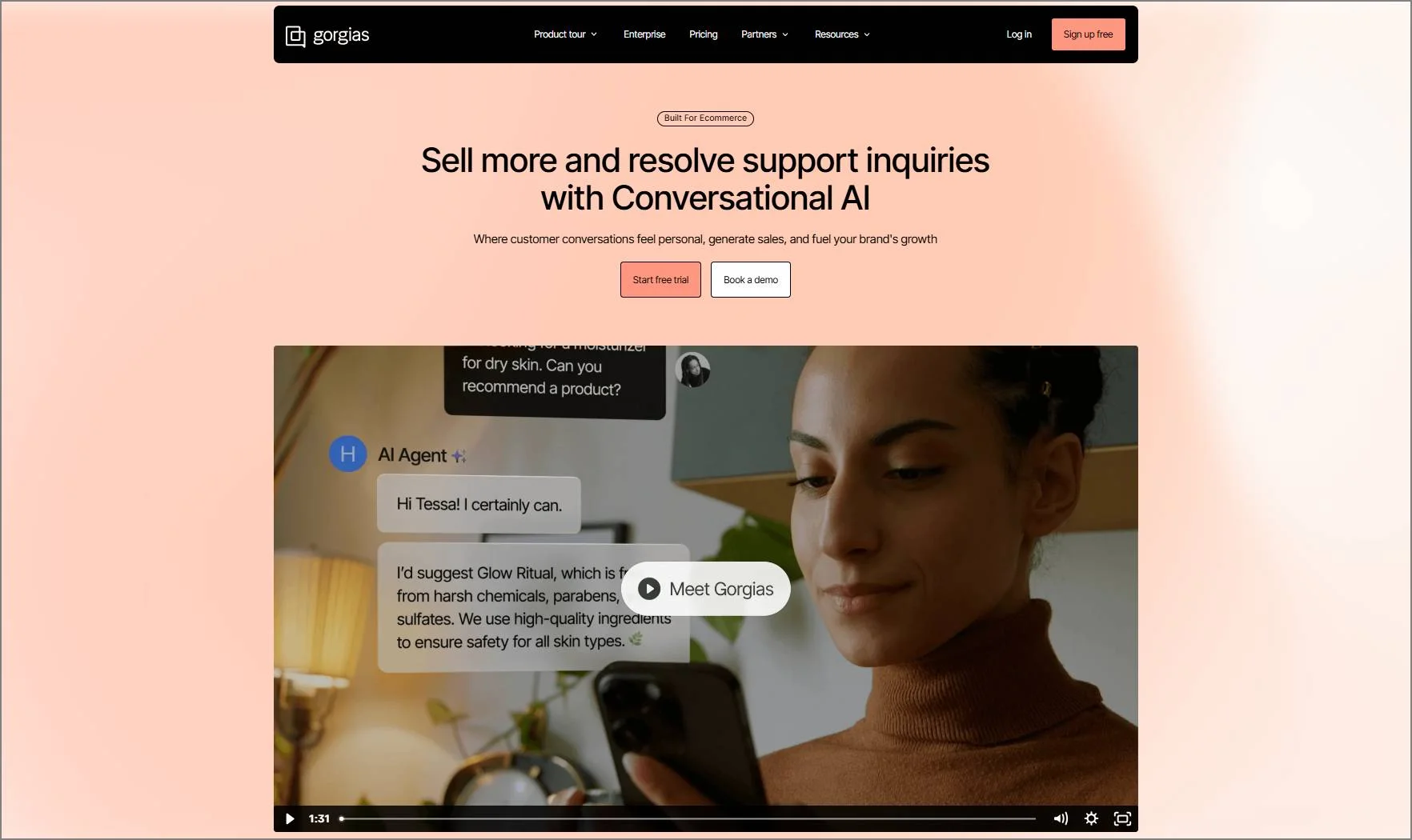
Gorgias is one of the best Zendesk alternatives for small businesses that utilize Shopify.
Gorgias is an alternative to Zendesk created specifically for e-commerce companies, with over 12,000 merchants using it.
The Gorgias customer support platform helps in connecting and managing all customer service communication channels: email, chat, phone, social media, and SMS in one dashboard.
Gorgias pricing
Starts at $50 for 300 help desk tickets/month.
Free trial: 7 days
Pros
- Affordable pricing plans.
- Shopify integration for e-commerce.
- Has robust customization options.
Cons
- Pricing varies with the ticket limits.
How does Gorgias compare to Zendesk?
- Primary objective: Gorgias is tailored specifically for e-commerce businesses and integrates with numerous e-commerce platforms. Conversely, Zendesk is a broader customer service program.
- User interface: In comparison to Zendesk Gorgias offers a more contemporary and user-friendly interface.
3. Zoho Desk
Zoho Desk is one of the alternatives to Zendesk for sales-focused teams.
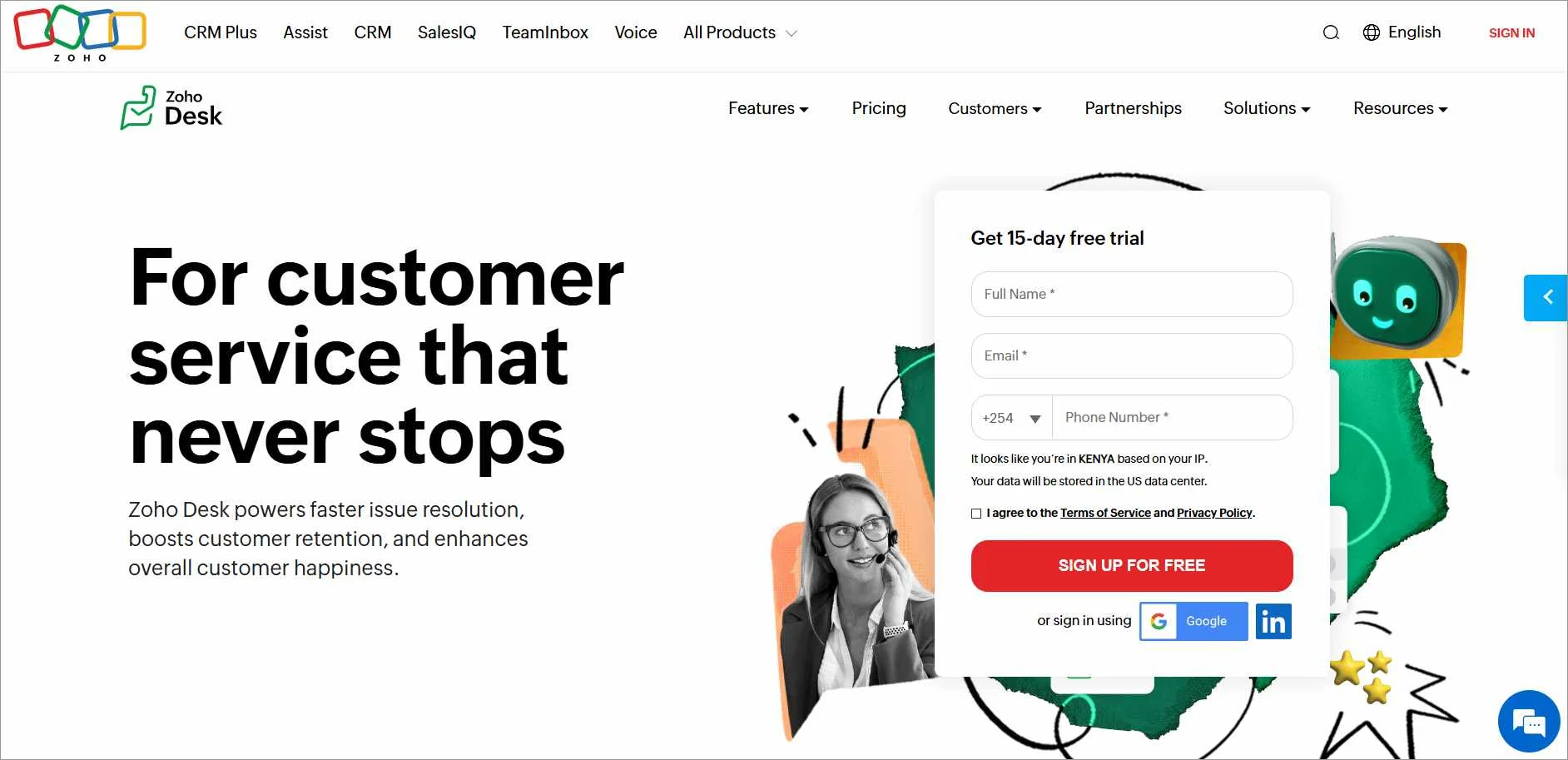
Zoho Desk is designed to help businesses manage their customer service operations.
It provides a centralized platform with features such as multichannel support, customizable workflows, AI-powered chatbots, and integration to help users in handling customer queries, support tickets, and other related activities.
Zoho Desk pricing
Starts at $7/agent/month.
Free trial: 15 days
Pros
- Provides a free plan.
- Offers cost-effective pricing options.
- Includes automation in all available plans.
Cons
- The free plan lacks integrations
How does Zoho Desk compare to Zendesk?
- Cost-effectiveness: Zoho Desk provides a free plan suitable for small teams with limited budgets, whereas some platforms primarily cater to larger teams with greater financial resources.
- Automation emphasis: While Zendesk includes automation features, Zoho Desk primarily focuses on its AI-powered chatbot.
4. HubSpot Service Hub
HubSpot Service Hub is one of the ideal Zendesk alternatives for teams in need of a comprehensive CRM tool.
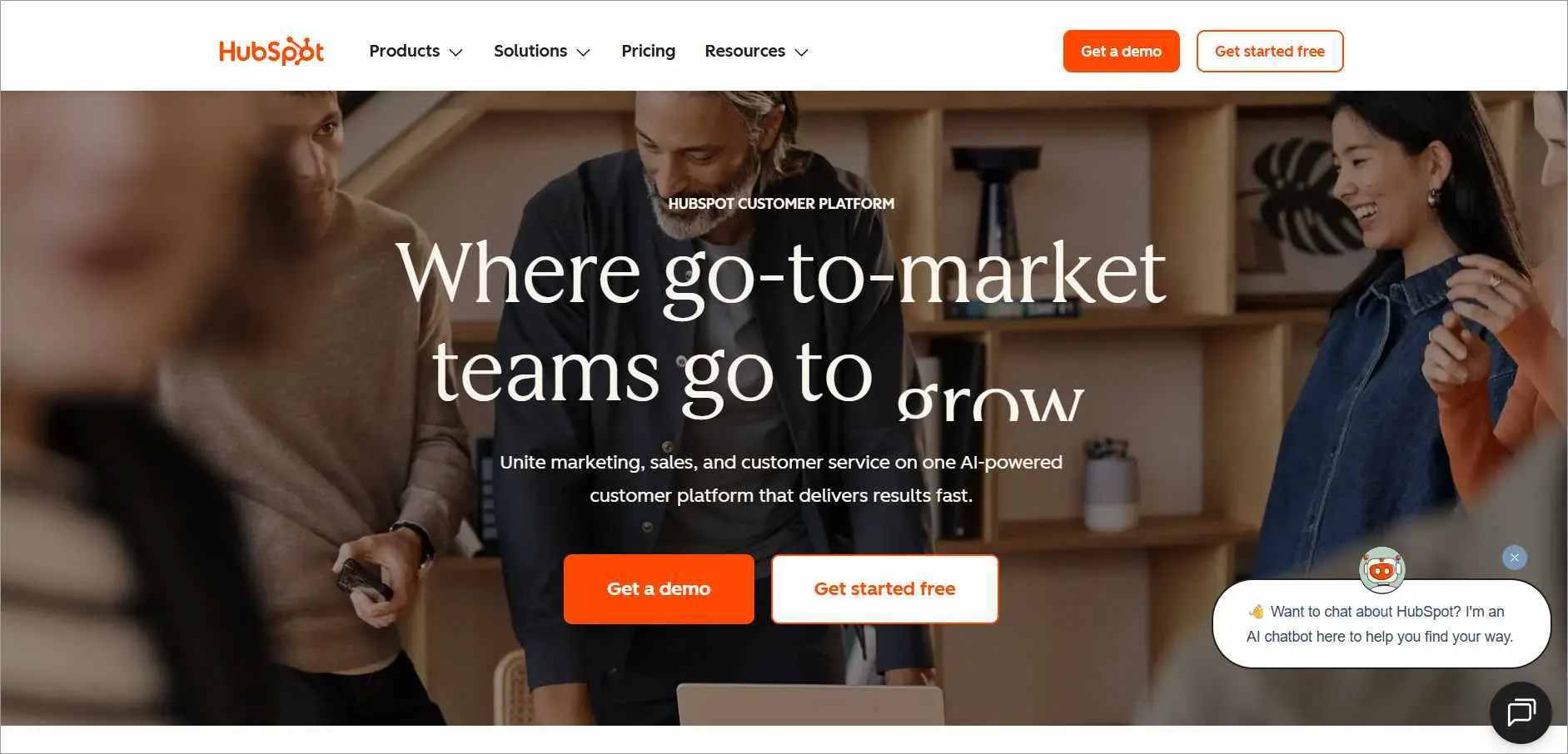
HubSpot is a CRM tool that includes a ticketing system and live chat capabilities. It offers a customer service solution called Service Hub, which is particularly advantageous for teams already using HubSpot’s CRM.
Pricing
Starts at $20/month/seat.
Free trial: 14 days
Pros
- A comprehensive solution for managing marketing, sales, support, and content.
- Automation for marketing and sales tasks.
- A unified content management system.
Cons
- Only includes annual contracts.
How does HubSpot compare to Zendesk?
- Ecosystem: The HubSpot Service Hub ecosystem allows for seamless integration of various HubSpot applications. While Zendesk does offer some additional features, its ecosystem is not as advanced as HubSpot’s.
- Cross-functional team alignment: While the HubSpot Service Hub supports cross-functional team collaboration and personalization in ticket routing, Zendesk can only allow ticket assignment to a specific team.
5. Freshdesk
Freshdesk is one of the affordable Zendesk alternatives suitable for larger teams.
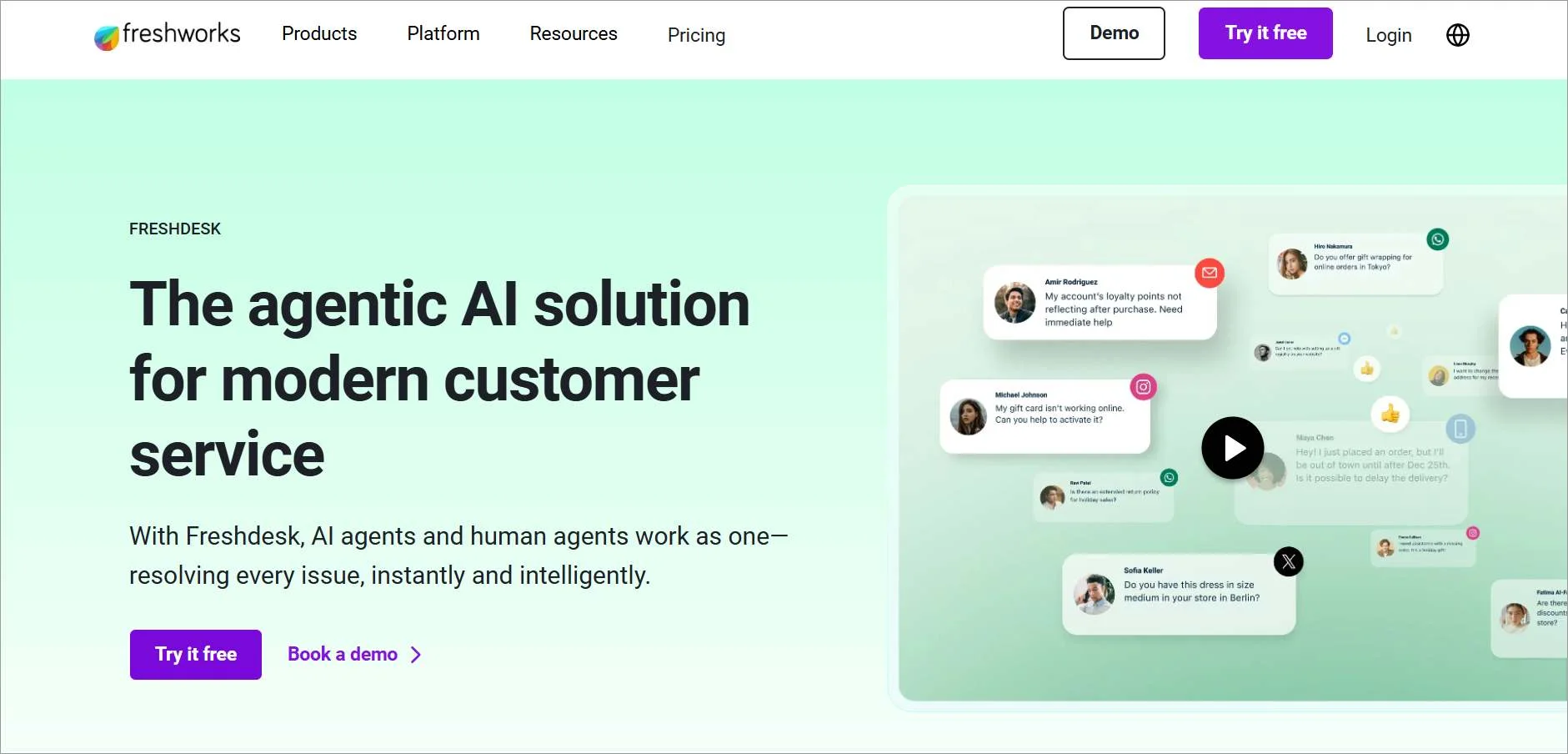
Freshdesk is a customer support tool and one of the most affordable Zendesk alternatives, ideal for larger teams, as it efficiently converts inquiries from email, phone, chat, web forms, and social media into manageable tickets.
Zendesk vs Freshdesk comparison shows that while help desk tools offer advanced enterprise features, Freshdesk is simpler and more affordable for growing teams.
Pricing
Starts at $19/agent/month.
Free trial: 14 days
Pros
- Integrates various customer channels into a shared inbox.
- Allows an entire team to be aligned on one app.
- Offers reply templates to respond to frequently asked or repetitive questions.
Cons
- Has limited communication channels.
How does Freshdesk compare to Zendesk?
- Customer support: Freshdesk offers 24/7 phone assistance to its customers, even with lower subscription levels, whereas Zendesk only provides this option for more expensive Premier plans.
- User interface: Freshdesk offers a more intuitive interface compared to Zendesk, although it is less customizable.
6. Help Scout
Help Scout is one of the best Zendesk alternatives for remote teams.
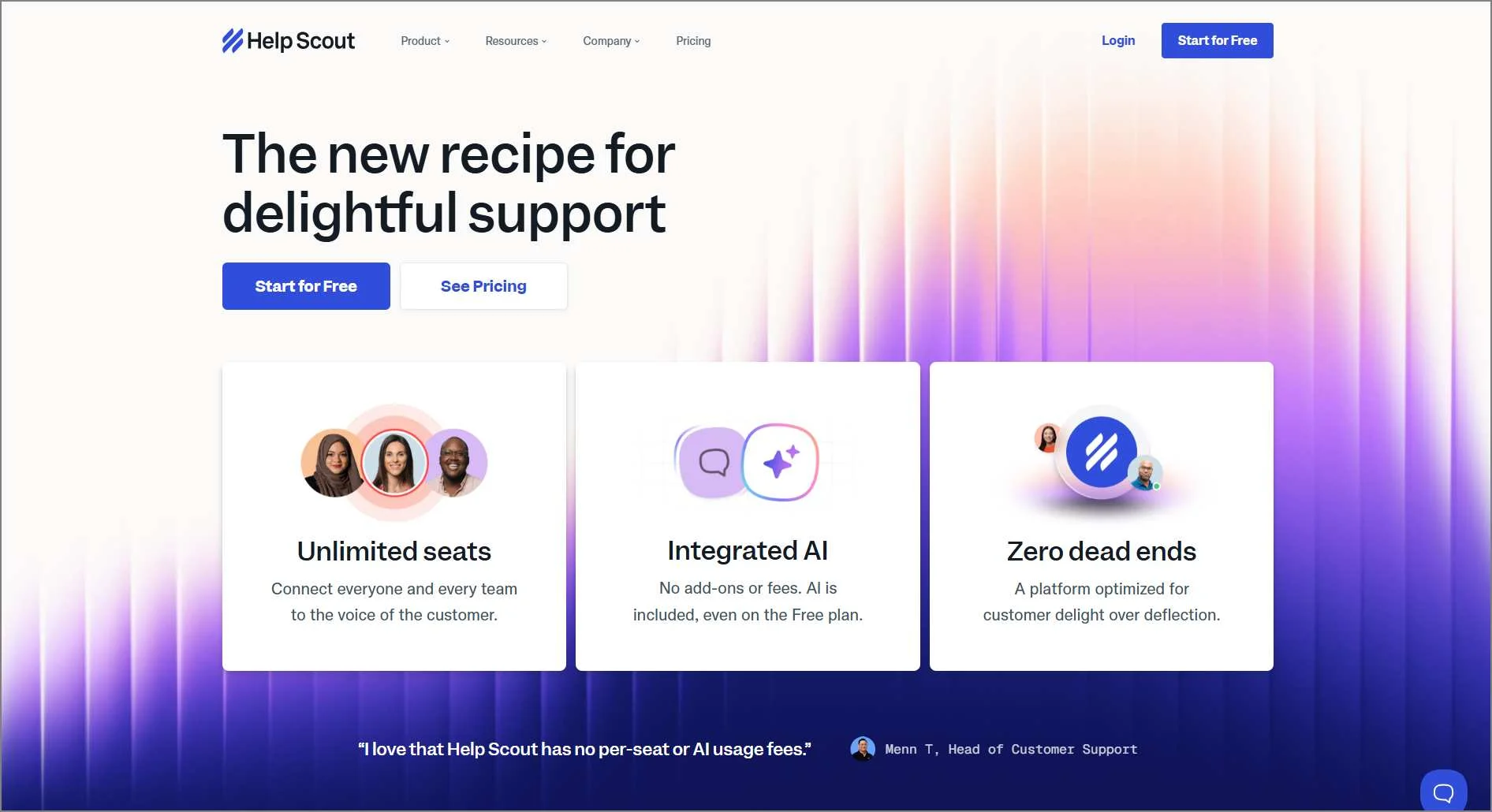
Help Scout offers a range of features for custom workflows, automation, and reports and analytics to help users check what’s in the queue, reply to customers, assign conversations to teammates, and improve response times.
Pricing
Starts at $25/month per users.
Free trial: 15 days
Pros
- Provides an excellent user interface for monitoring emails.
- Possesses a tagging system.
- Features a workflow that streamlines and automates tasks.
Cons
- Limited knowledge base customization.
How does Help Scout compare to Zendesk?
- Pricing: Help Scout offers cheaper plans than Zendesk.
- Target audience: Help Scout is better for startups and small businesses, while Zendesk is designed for mid-sized and large firms.
Premium help desk—free for startups!
Launching a new startup? Enjoy a complete feature set help desk for an entire year for free—no credit card required!

7. Intercom
Intercom is one of the best Zendesk alternatives that is effective for self-service assistance and teams wanting chat-heavy features.
Although both platforms aim to improve customer service, Intercom vs Zendesk take different approaches to achieving that goal.
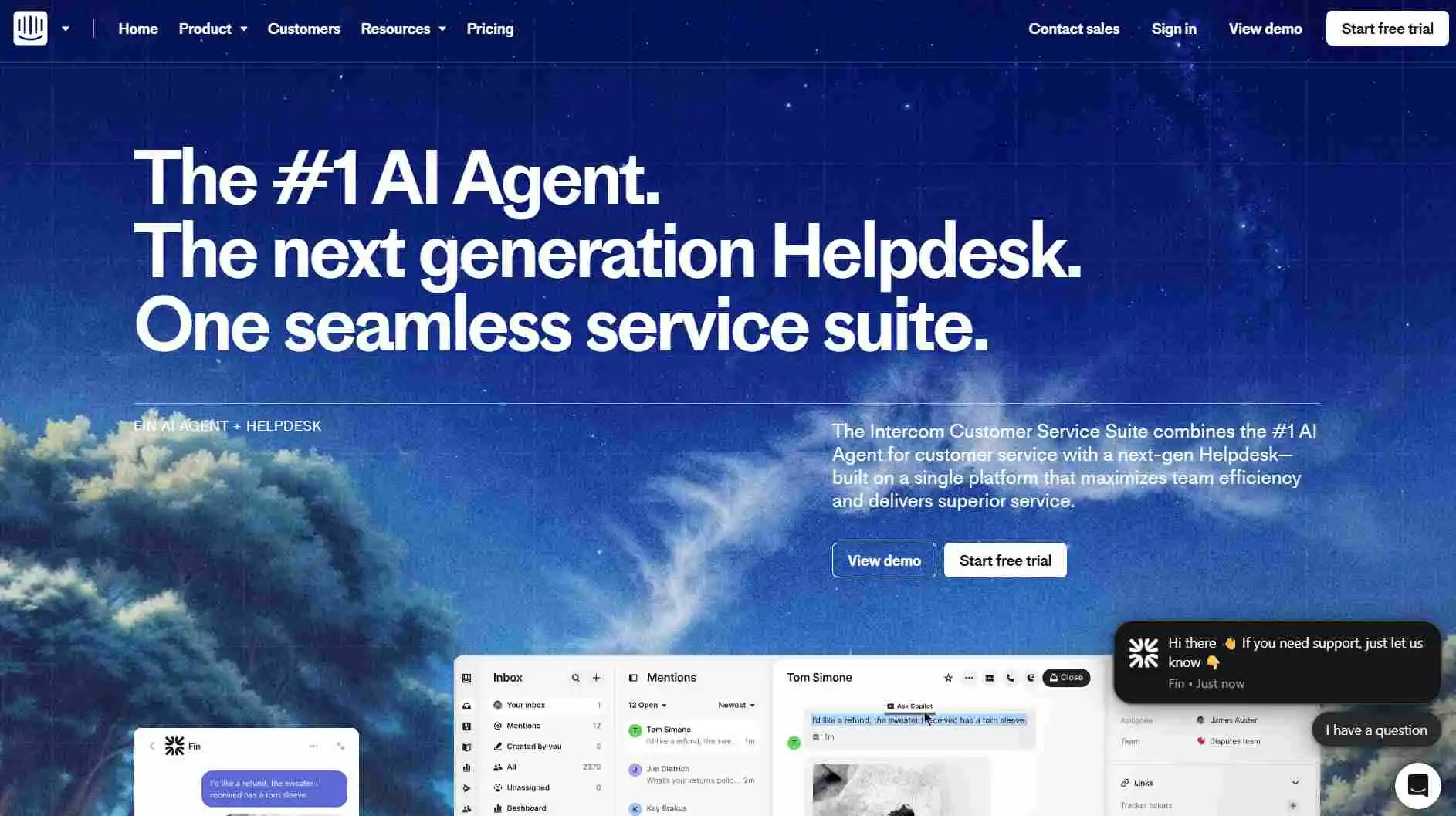
Intercom combines a Fin AI agent and other help desk features that interconnect every team and function, allowing them to interact and communicate with their customers in real time.
Pricing
Starts at $29/seat/month.
Free trial: 14 days
Pros
- The process of setting up Intercom requires minimal time.
- It possesses a comprehensive knowledge base.
- It integrates with company websites.
Cons
- Has extra usage-based and add-on fees.
How does Intercom compare to Zendesk?
- User interface design: Intercom’s user interface is contemporary and elegant. In contrast, Zendesk’s user interface may appear more organized and limited.
- Messaging-centric approach: While Zendesk primarily concentrates on ticket management, Intercom provides a messaging-centric approach.
8. HappyFox
HappyFox is one of the right Zendesk alternatives for teams wanting project management features.
HappyFox is a cloud-based customer service software that helps businesses optimize workflows, track, and manage customer inquiries across diverse communication channels.
Pricing
Starts at $21/agent/month
Free trial: 14 days
Pros
- Provides live chat support.
- Conducts surveys that are progressive and beneficial.
- Offers a case-management feature.
Cons
- Some users find the email management capabilities lacking.
How does HappyFox compare to Zendesk?
- Smart rules: In comparison to Zendesk’s automation capabilities, HappyFox’s smart rules optimize automated workflows better.
- Task management: HappyFox provides a task management feature that aids agents in streamlining their workflows. Zendesk does not provide one on its own.
9. Groove
Groove is one of the Zendesk alternatives for enterprise help desks and mid-market companies.
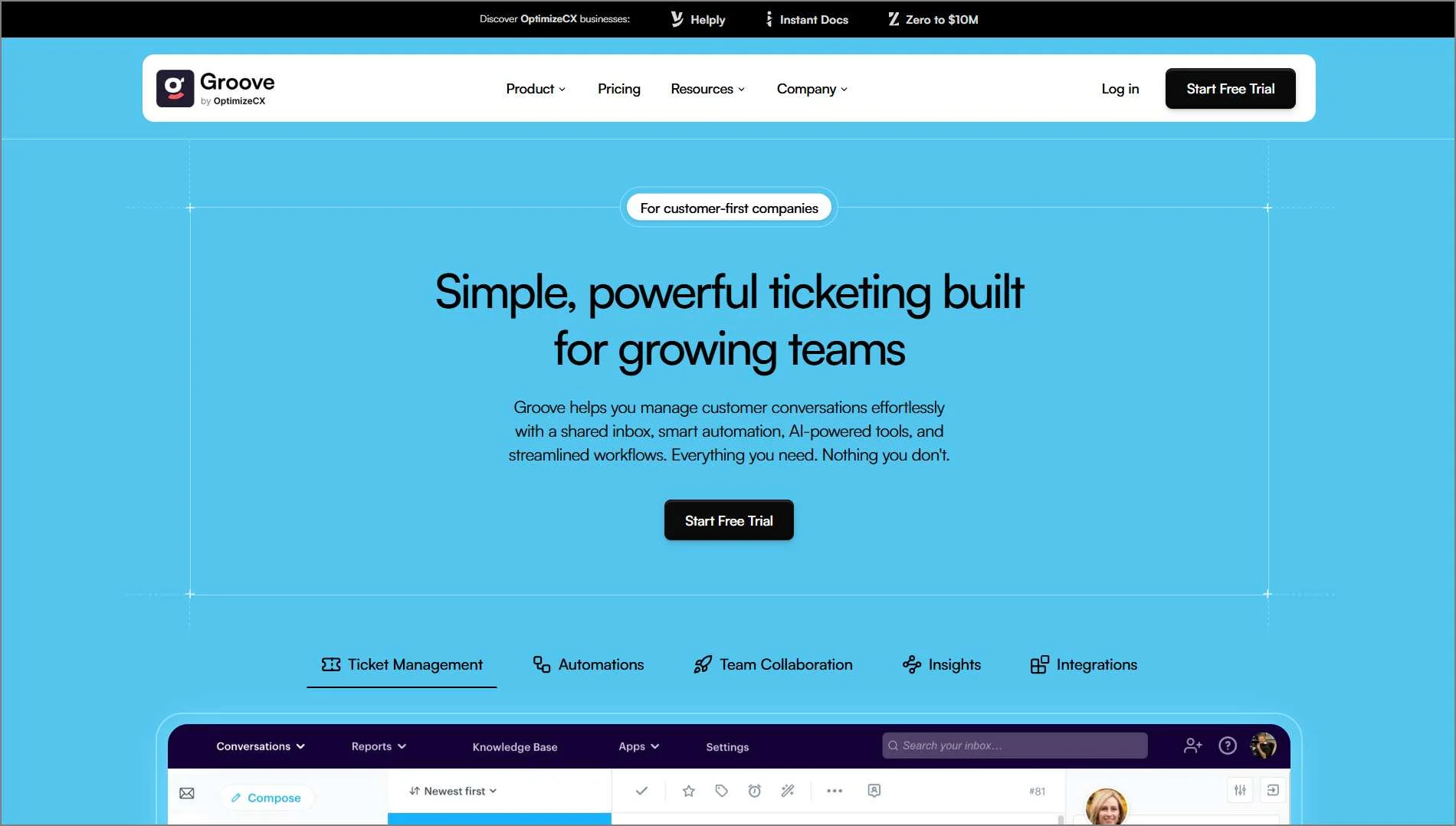
Groove is a shared inbox and help desk platform that helps support and sales teams manage customer conversations from a single workspace.
It offers email management, knowledge base software, and customization options, with pricing based on ticket volume rather than per agent
Pricing
$1 per ticket, with a minimum of 250 tickets/month ($250/month minimum). Unlimited agents, unlimited seats, and AI included.
Free trial: 30 days
Pros
- Budget-friendly pricing plans compared to Zendesk.
- Easy-to-use functionalities.
- Simple user interface.
Cons
- Includes very few feature options, and some are limited.
How does Groove compare to Zendesk?
- Simplicity and ease of use: While not as customizable as Zendesk, Groove is highly efficient and simple to set up and utilize.
- Personalized approach: Groove puts an emphasis on personalized customer experiences.
10. Front
Front is among the top-rated Zendesk alternatives for startups focused on account management.
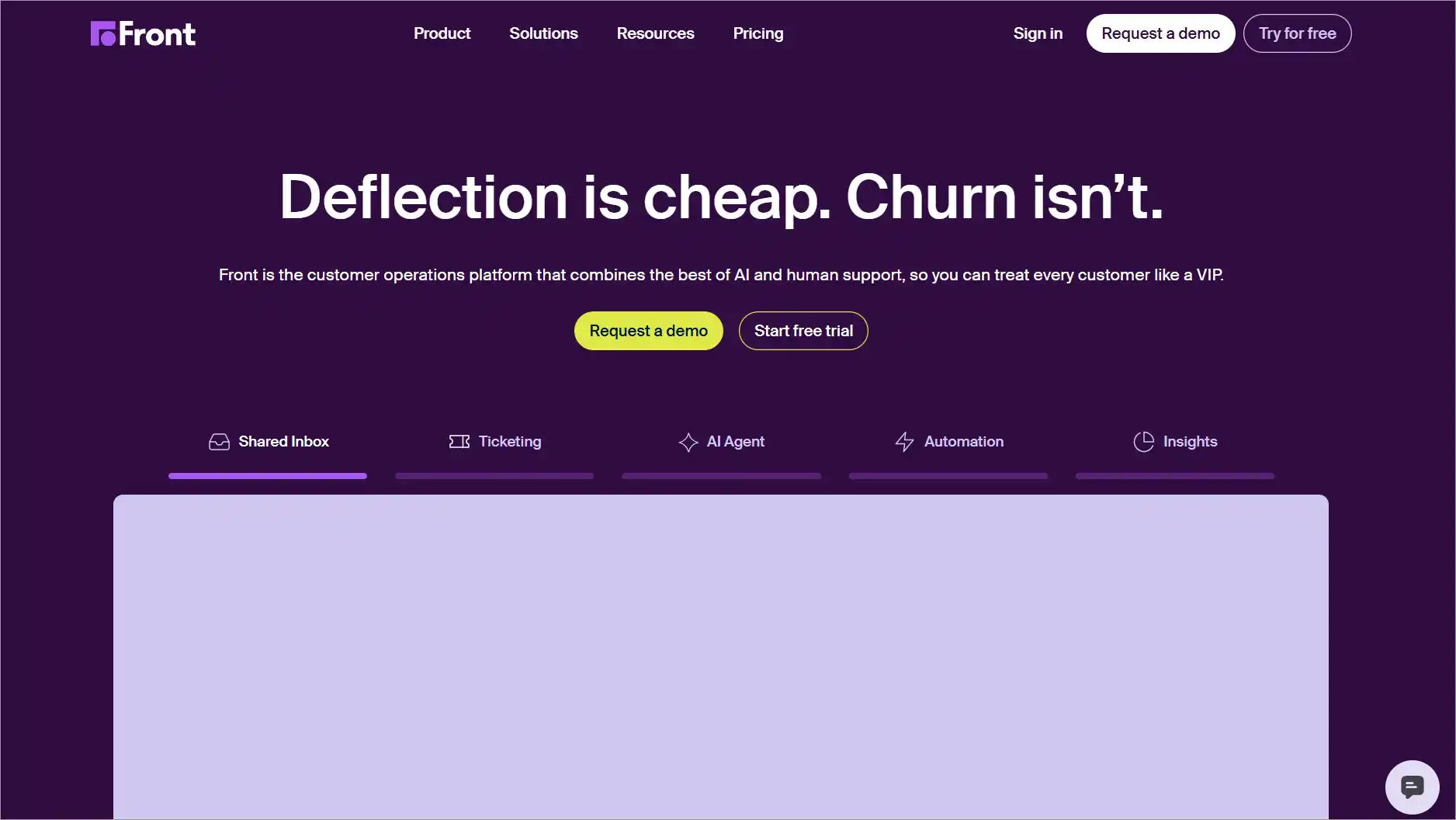
Front is a customer service platform with human interaction as its top priority. Front is an option for individuals seeking Zendesk-like products for managing customer service.
The platform keeps all team discussions in a single place, a shared team inbox. It combines messages from email, live website chat, SMS, and social media channels.
Pricing
Starts at $25/seat/month (up to 10 seats).
Free trial: 14 days
Pros
- Offers centralized communication.
- Has a comprehensive mobile app.
- Adaptable pricing.
Cons
- Limited reporting and analytics features.
How does Front compare to Zendesk?
- Collaboration: Front’s software has numerous collaborative features. While Zendesk does offer some collaboration tools, they primarily focus on individual ticket assignment.
- Channel setup: Front’s channel setup is simpler and faster than other platforms, which require more extensive configuration and integration.
11. Hiver
This Zendesk alternative solution is for customer support teams who use Gmail but require assistance in handling customer inquiries.
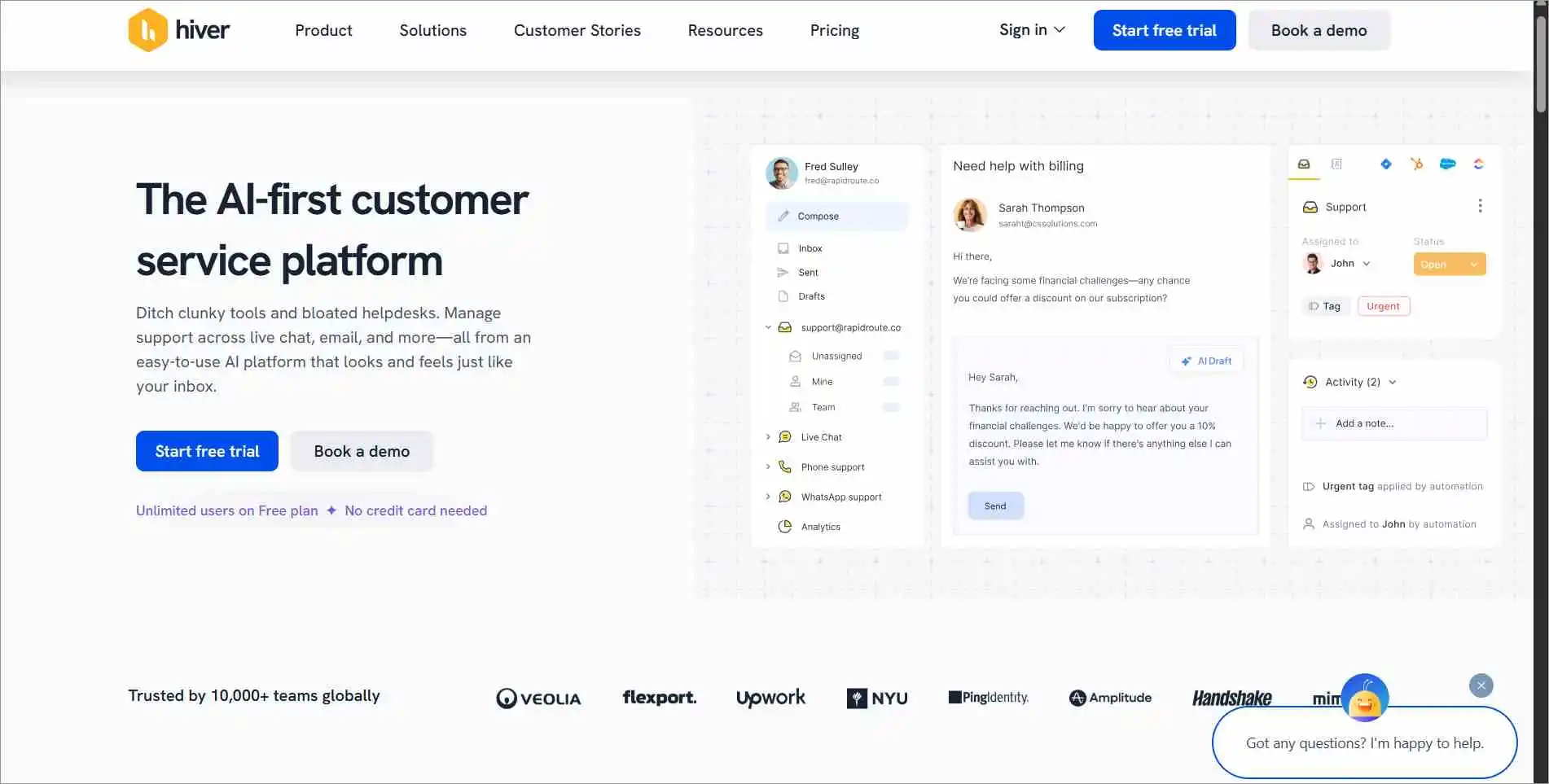
Hiver is one of the ideal Zendesk alternatives that integrates with Google Workspace to help teams collaborate on generic email IDs like operations@ and support@.
Rather than introducing a completely new system, Hiver improves a company’s existing Google Office tools by incorporating customer service functionalities like shared inboxes, analytics, and SLAs.
Pricing
Starts at $19/agent/month.
Free trial: 7 days
Pros
- Setting up and managing ongoing tasks is easy.
- Customer support has prompt check-ins and quick responses.
- Support emails can be handled with transparency.
Cons
- Changing the pricing plans often.
How does Hiver compare to Zendesk?
- Pricing: Hiver offers budget-friendly pricing plans, whereas some customer service software providers charge slightly higher prices for certain features that can only be accessed at an additional cost.
- Canned responses accessibility: Hiver allows every team member to share canned responses, unlike Zendesk, which only allows admins to share canned responses.
12. Kustomer
Kustomer is one of the top alternatives to Zendesk for teams wanting CRM capabilities.
Kustomer is a customer relationship management (CRM) platform that, unlike traditional ticket-based systems, places a strong emphasis on the customers themselves. It aims to ensure that businesses have a complete understanding of every customer.
Pricing
Starts at $89/user/month (Enterprise plan, annual billing with an 8-seat minimum). Custom pricing and AI add-ons may apply.
Free trial: Contact Kustomer
Pros
- Conversational AI enables advanced automation.
- The interface is customizable.
- Customer segments can be easily created.
Cons
- Challenging learning process.
How does Kustomer compare to Zendesk?
- Customer service: Kustomer provides a customer-oriented method for dealing with inquiries, whereas Zendesk primarily focuses on managing tickets.
13. ServiceNow
ServiceNow is among the popular alternatives to Zendesk, suitable for IT teams.
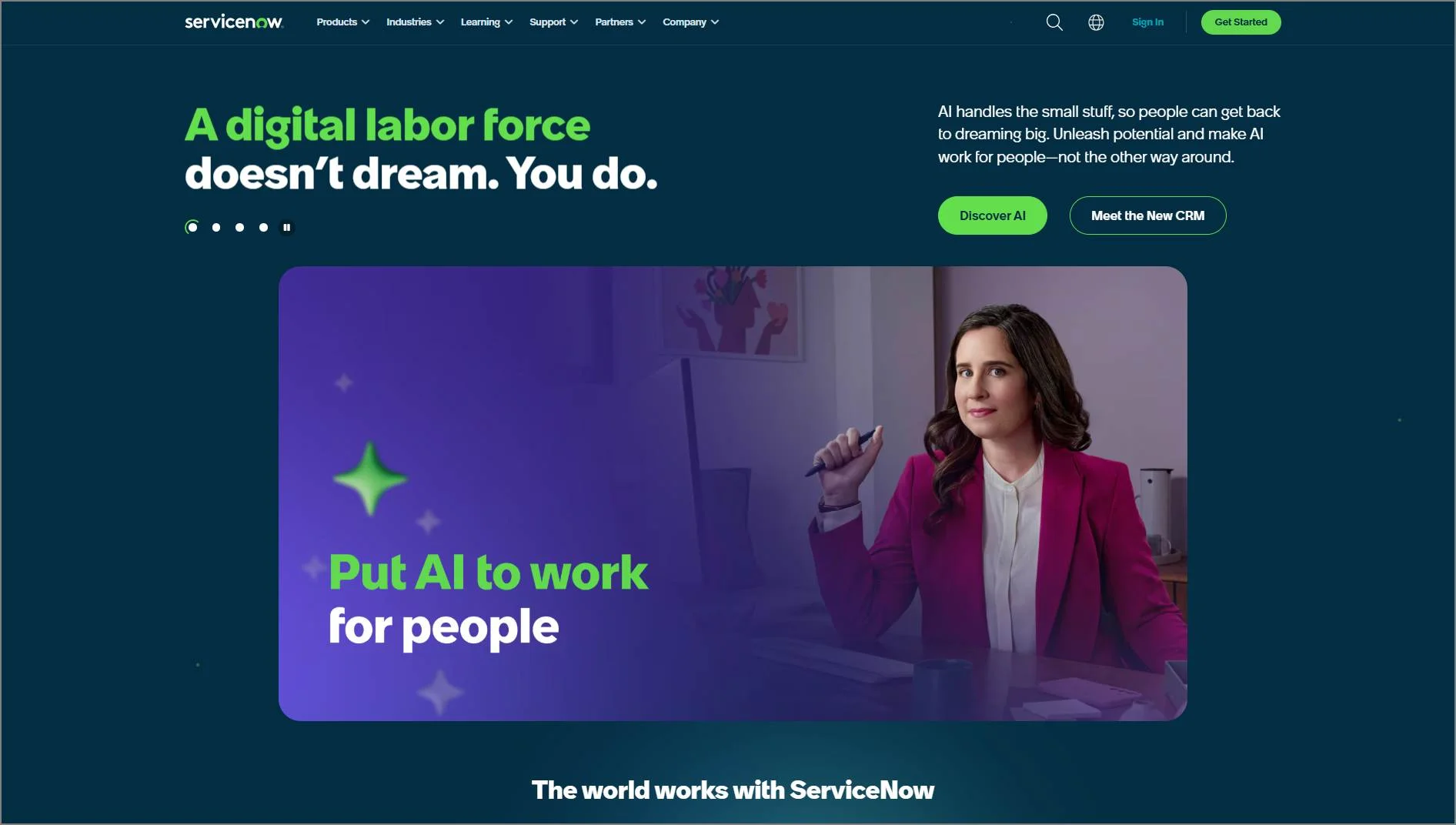
ServiceNow is a cloud-based workflow automation platform that combines all customers’ IT needs into a single platform. Its purpose is to facilitate rapid development and automation. This Zendesk alternative enables the connection of data and organizational divisions.
Pricing
Contact ServiceNow for pricing.
Free trial: 30 days
Pros
- Suitable for IT operations and agile environments.
- Numerous options are available for ticket automation.
- User-friendly interface.
Cons
- Its capabilities are limited primarily to ITSM.
How does ServiceNow compare to Zendesk?
- Scope and functionality: ServiceNow provides an array of IT service management solutions. In contrast, Zendesk primarily concentrates on customer support and service management.
- Customization options: ServiceNow has adaptable customization features, while other help desks’ functionalities are comparatively more restricted.
14. LiveAgent
LiveAgent is one of the Zendesk competitors that serves as an option for live chat support.
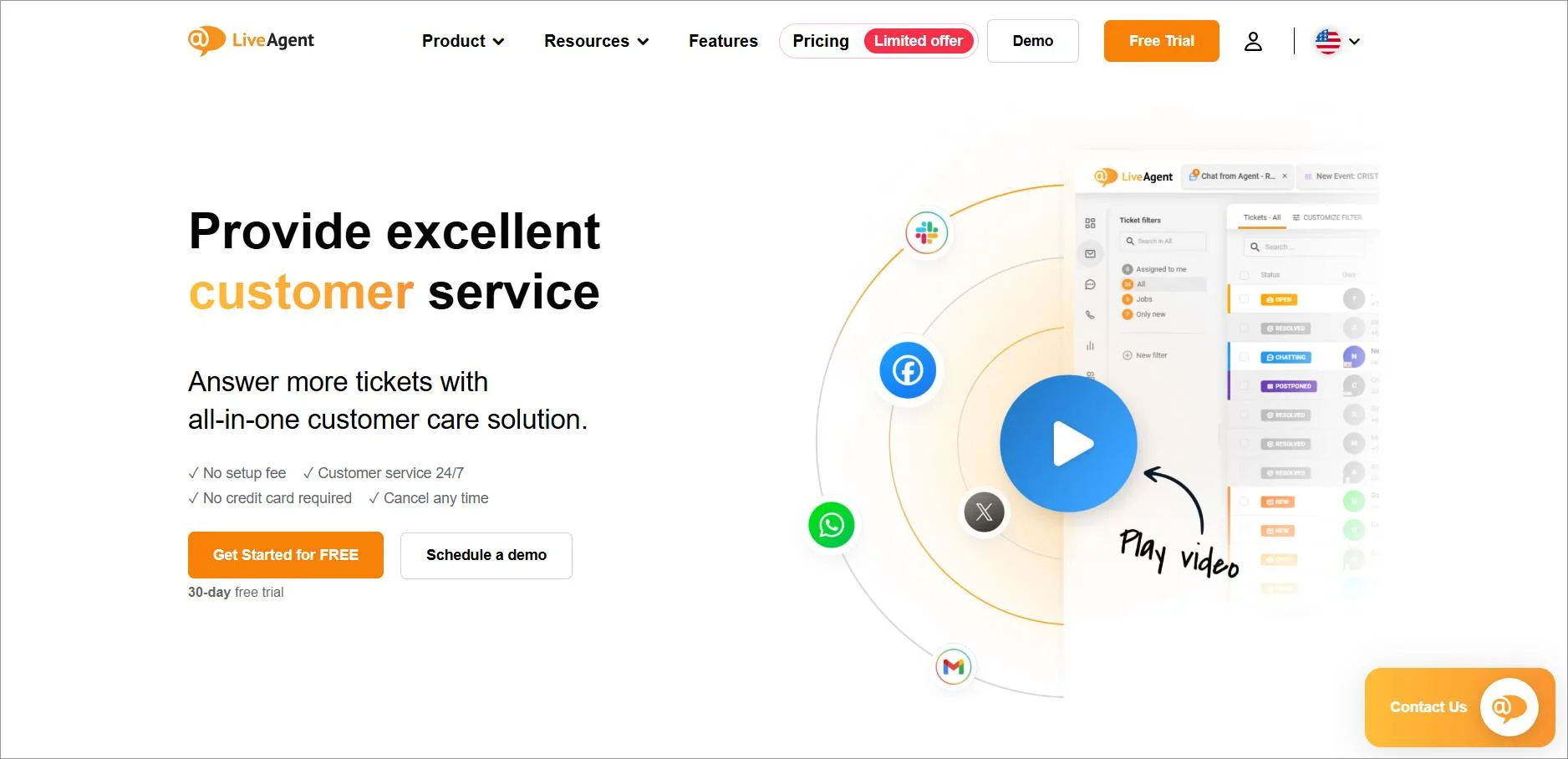
LiveAgent offers features that enhance the quality of customer assistance in an online setting. This top-rated Zendesk alternative has 200+ native integrations to streamline business communication channels and manage customer interactions.
Pricing
Starts at $19/agent/month.
Free trial: 30 days
Pros
- Users are able to monitor conversations from all platforms.
- It is user-friendly.
- It offers efficient back-end tools for acquiring new accounts.
Cons
- The mobile apps are not user-friendly.
How does LiveAgent compare to Zendesk?
- Pricing: LiveAgent offers a more affordable and flexible pricing structure than Zendesk.
- All-in-one solution: LiveAgent is an all-encompassing customer support platform, whereas Zendesk offers multiple products you have to purchase separately.
15. Helpjuice
Helpjuice is one of the ideal Zendesk alternatives for a cloud-based knowledge base software.
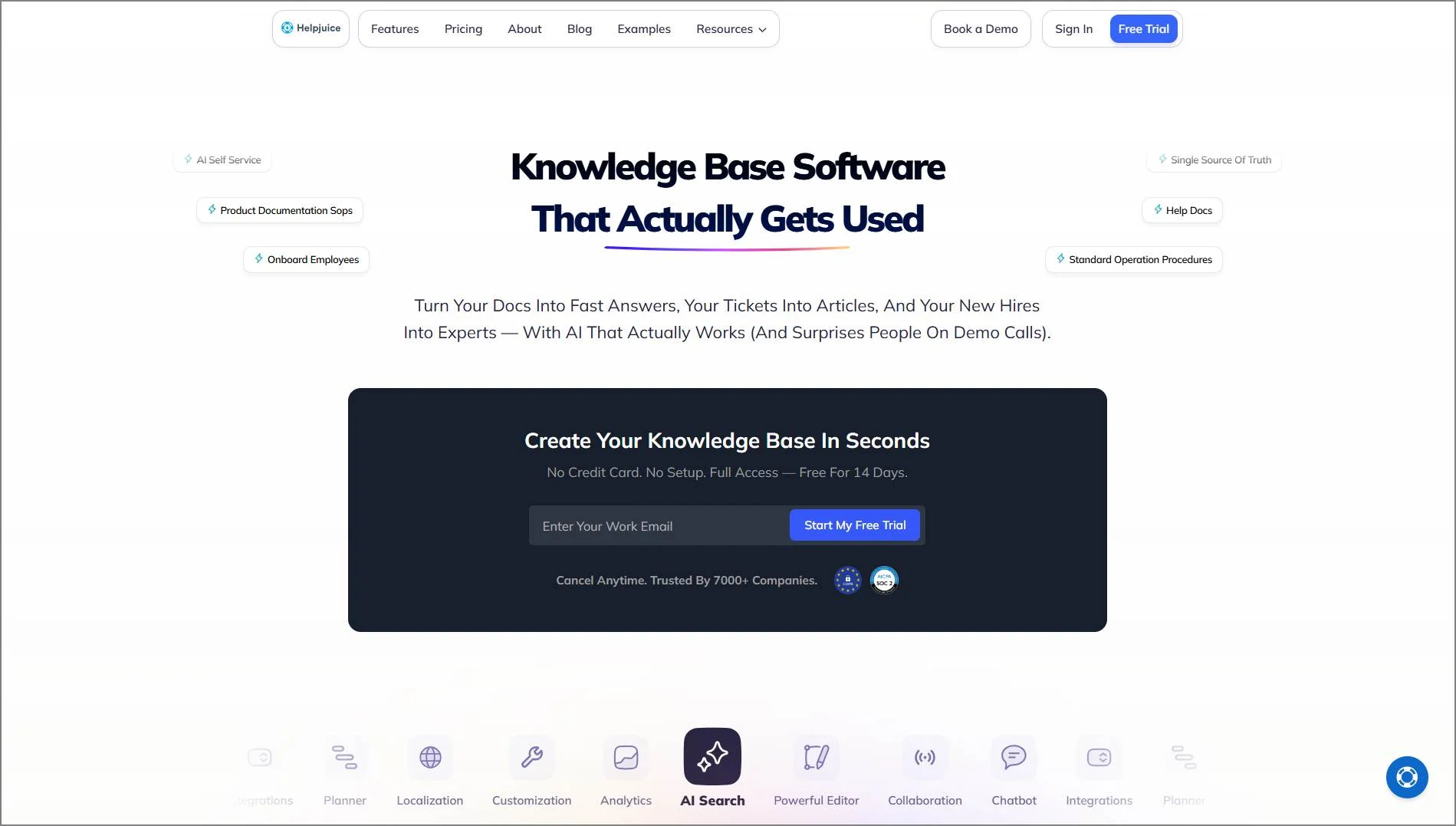
Helpjuice is user-friendly and efficient at helping enterprises build and maintain their knowledge bases.
Pricing
Starts at $249/30 users/month.
Free trial: 14 days
Pros
- Dependable customer support.
- Easy-to-use interface.
- Comprehensive knowledge base features.
Cons
- Limited integrations, automation, and customization options.
How does Helpjuice compare to Zendesk?
Focus: Zendesk emphasizes ticket management and customer support workflows, whereas Helpjuice specializes in creating and maintaining internal and external knowledge bases.
Collaboration: Helpjuice prioritizes team collaboration and content management, while Zendesk focuses more on structured ticket handling and customer interactions.
16. Gladly
Gladly is one of the best Zendesk alternatives and competitors, designed to streamline customer service operations.
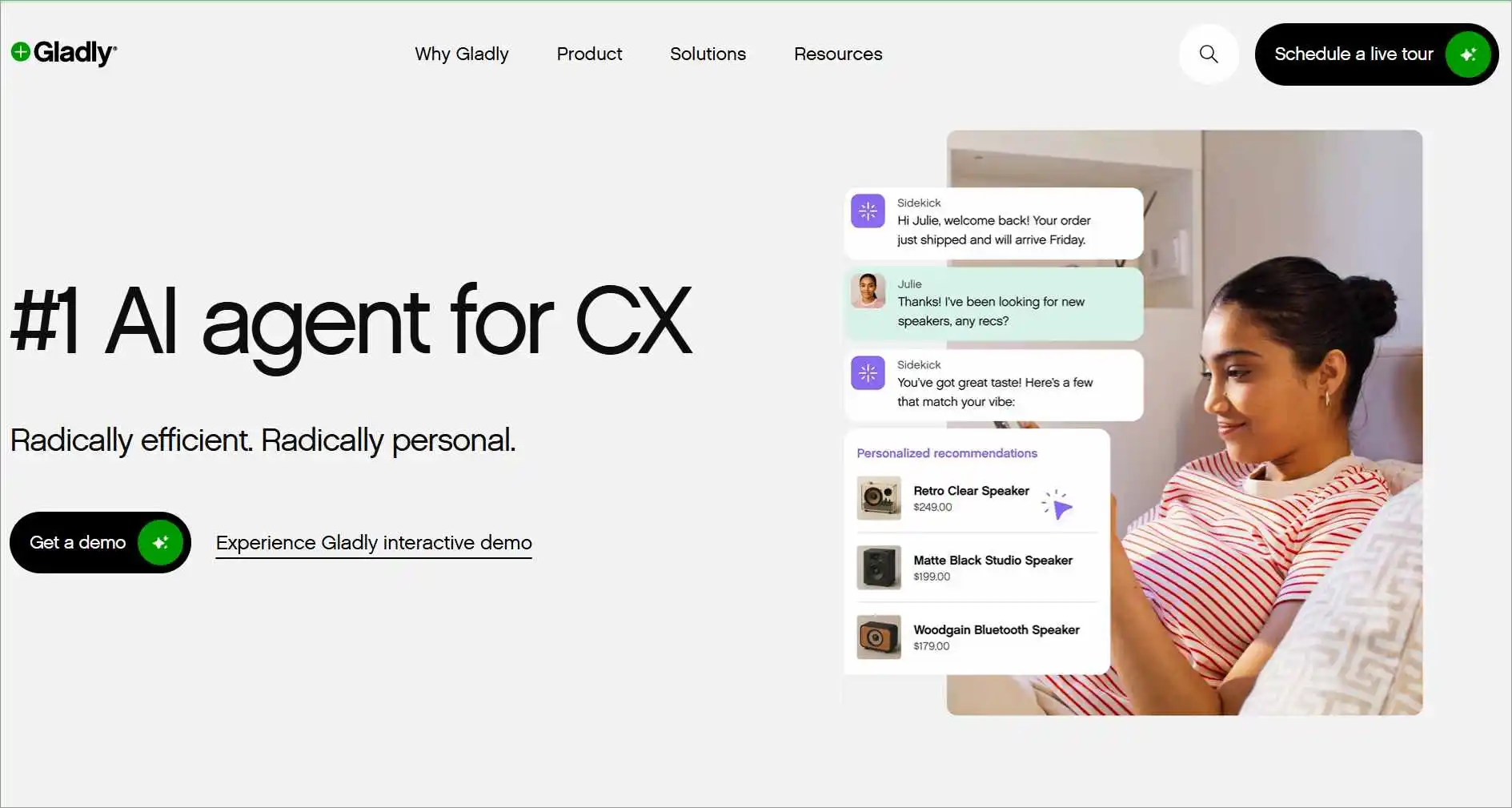
Gladly is an all-in-one platform, letting agents respond to customers across all channels from a single screen, but without tickets.
Pricing
For pricing and a free trial, contact the Gladly sales team.
Pros
- The user interface is user-friendly.
- Excellent call quality.
- Personalized customer support.
Cons
- Separate pricing rates for calls
How does Gladly compare to Zendesk?
- Customer-centricity: Gladly focuses mainly on individual customer conversations, while Zendesk is more for ticket management.
17. Kayako
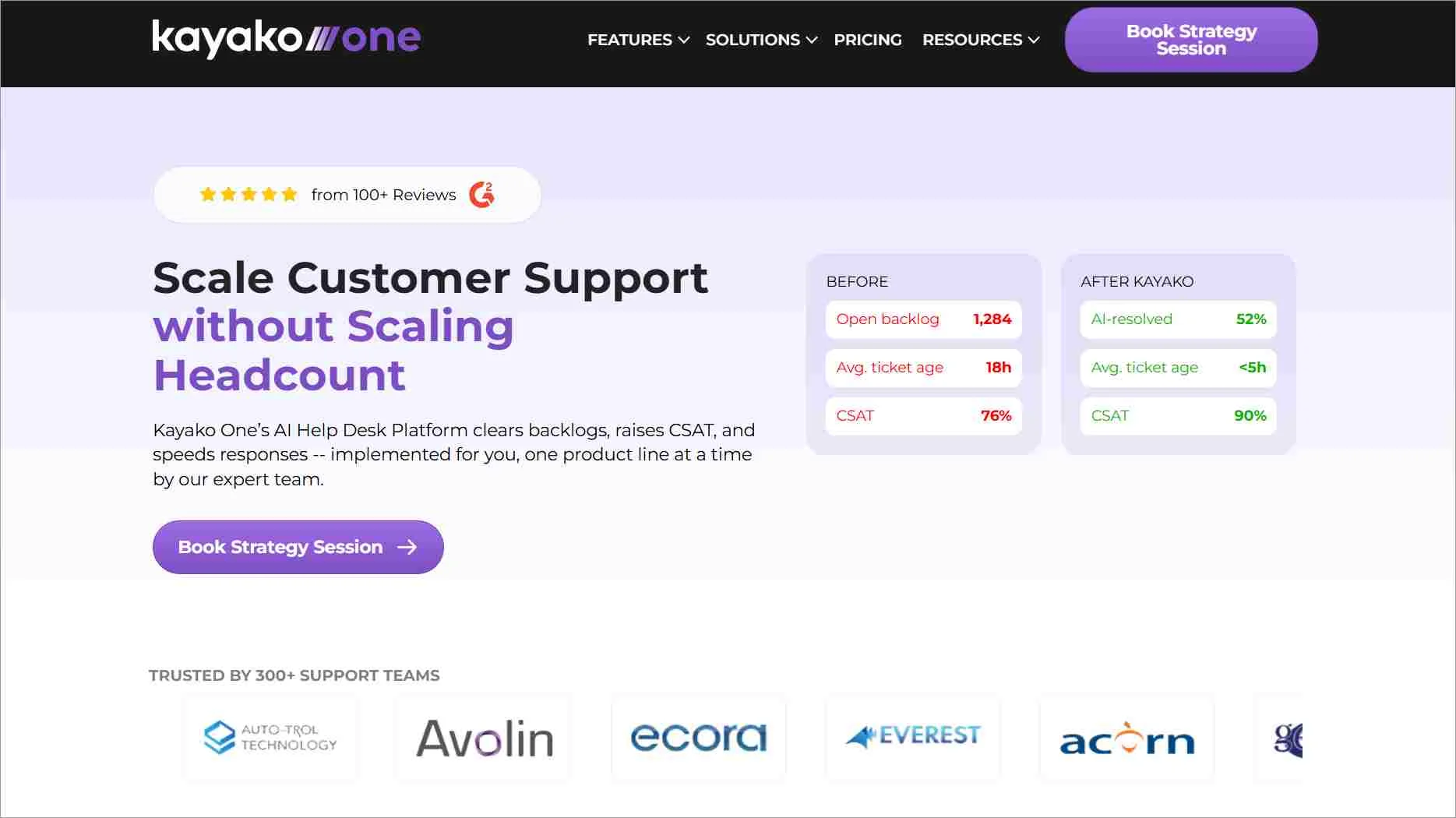
Kayako is ideal for businesses that want a simple help desk with personalized customer interactions and context-rich conversations.
Kayako is a Zendesk alternative help desk solution that offers a shared inbox, live chat, and a knowledge base to manage customer interactions across multiple channels.
Pricing
Starts at $1 per resolved ticket. No seat fees or setup fees.
Free trial: 14 days
Pros
- Easy-to-use interface for SMBs
- Strong focus on personalized customer interactions
- Affordable pricing compared to enterprise tools
Con
- Limited advanced automation and AI features compared to competitors
How does Kayako compare to Zendesk?
- Ease of use: Kayako offers a simpler, more intuitive interface, while Zendesk can feel complex for smaller teams.
- Personalization: Kayako focuses on context-rich conversations and customer history, whereas Zendesk emphasizes structured ticket workflows.
18. Salesforce Service Cloud
Salesforce is ideal for organizations with complex workflows and high-volume support needs.
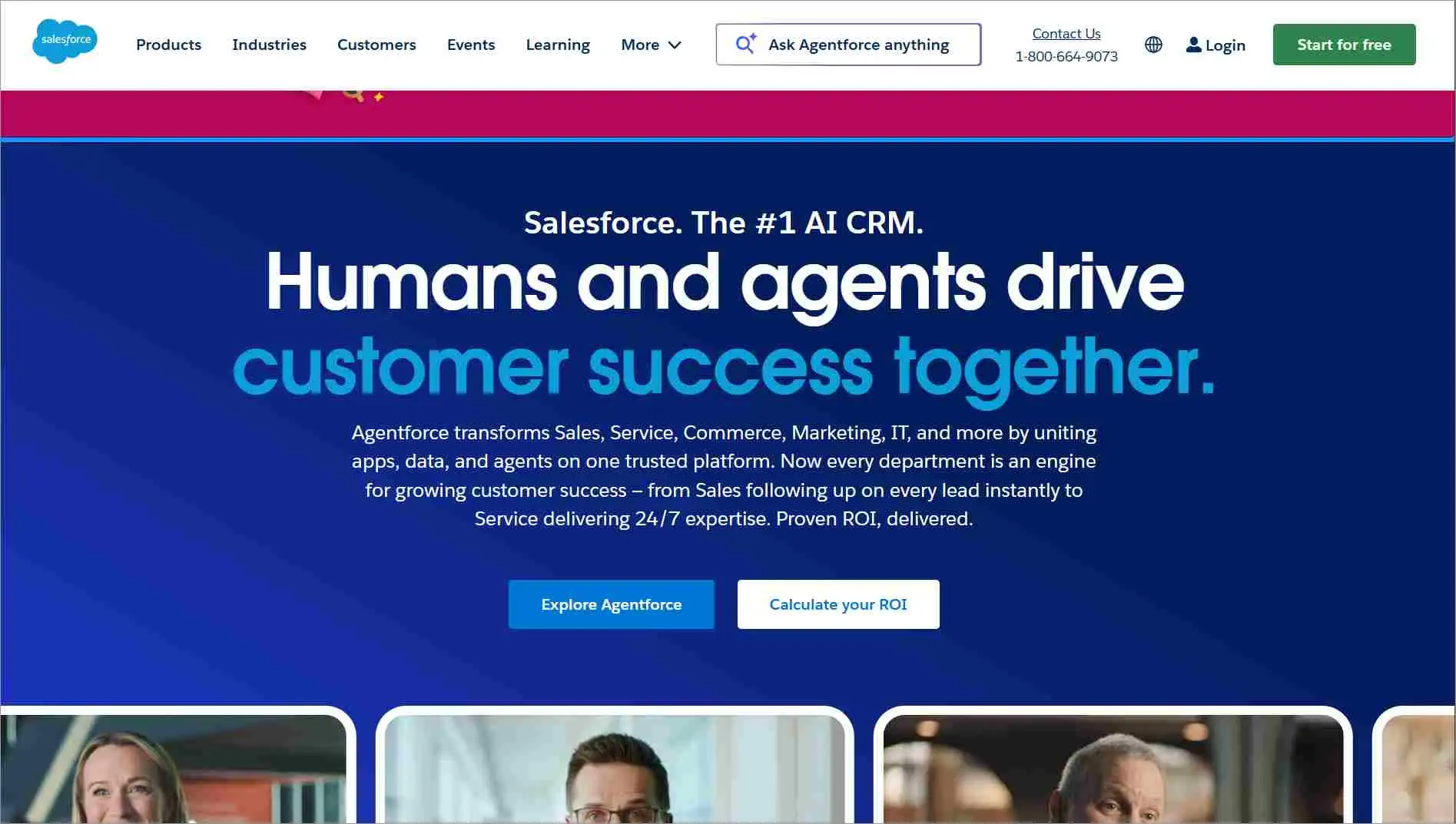
Salesforce Service Cloud is an enterprise-grade platform that combines customer service, CRM integration, and AI-powered automation.
Pricing
Starts at $25/agent/month
Free trial: 30 days
Pros
- Seamless integration with Salesforce CRM
- Highly scalable for large enterprises
- Advanced analytics and AI capabilities
Cons
- High cost and complexity; best suited for large organizations
How does Salesforce Service Cloud compare to Zendesk?
- CRM Integration: Salesforce offers deep, native CRM integration, while Zendesk provides basic CRM-like features.
- Customization and scalability: Salesforce is highly customizable and built for large enterprises. Zendesk is easier to set up but less flexible for businesses with detailed needs.
How to choose the right Zendesk alternative
When selecting the best Zendesk alternatives and competitors for your business, consider several factors:
- Your company’s needs: Identify the features and capabilities your team requires. Reviewing Zendesk features can help you evaluate and compare alternative help desk solutions more effectively.
- Scalability: See which Zendesk alternative can adapt and grow with your company.
- Integration: Select a help desk that can be easily integrated with your current apps to simplify your agents’ workload.
- Customer reviews: Check on reputable software review sites and learn from real customers the pros and cons of each help desk.
- Support: See what kind of support is available for the Zendesk replacement you evaluate. Is there self-service documentation? Can you reach live support if needed, either by chat or phone? See if their live support is available during the work hours of your time zone.
- Cost and pricing plans: Learn about monthly and yearly pricing plans, evaluating which combination of price and features works best for your business. Check out our blog for the full Zendesk pricing breakdown.
How to move off Zendesk without downtime
A smooth migration depends on knowing what will transfer, rebuilding what will not, and testing everything before cutover.
- Audit your data and workflows: Tickets, conversations, users, knowledge base articles, attachments, and tags typically transfer. Automations, triggers, integrations, and some custom configurations may need to be recreated.
- Test before switching: Run a sample migration and verify ticket histories, permissions, forms, routing rules, SLAs, and integrations. Keep Zendesk active during testing and switch support channels only after the new environment is working as expected.
- Set a realistic timeline: Simple migrations may take days, while organizations with multiple brands, complex workflows, or extensive integrations may require several weeks.
- Review your contract: Zendesk states that subscription charges are generally non-refundable, and downgrades or license reductions may take effect only at renewal. Review your agreement early to avoid unnecessary overlap between platforms.
Several vendors offer migration assistance. BoldDesk, for example, provides free Zendesk migration, including data migration, workflow setup, and onboarding support.
Choose the ideal Zendesk alternative for your support team
While Zendesk remains a popular solution, its pricing structure, complexity, and reliance on add-ons may not suit every business.
Exploring these alternatives to Zendesk gives you the flexibility to choose a platform that aligns with your budget, scales with your growth, and supports modern workflows without unnecessary overhead.
The Zendesk alternatives discussed in this guide offer a wide range of features and pricing models designed to fit different organizational needs.
By evaluating these alternatives carefully, you can build a support system that improves efficiency, enhances customer satisfaction, and remains cost-effective over time.
Have feedback, ideas, or suggestions? We’d love to hear from you in the comments section.
Related articles
- 10 Best Freshdesk Alternatives for Businesses in 2026
- 15 Best Free Tools for Startups in 2026
- Top 12 Chatbase Alternatives for AI Customer Service Agents in 2026
FAQs on Zendesk alternatives
Yes, but disruption can be minimal with proper planning. Most leading Zendesk alternatives provide migration tools or onboarding assistance to transfer tickets, contacts, knowledge base articles, custom fields, and workflows.
Testing the migration before going live helps ensure your support team can continue serving customers without significant downtime.
Migration timelines vary based on the amount of data, customizations, and workflows being transferred. Smaller migrations can often be completed in a few days, while larger migrations involving tickets, knowledge base articles, users, custom fields, and automations may take several weeks.
Most providers offer migration tools or onboarding assistance to help minimize downtime.
Look beyond price alone. Compare features such as omnichannel support, AI automation, reporting, integrations, scalability, security, ease of use, and customer support.
It’s also worth testing shortlisted platforms through free trials to see how well they fit your team’s daily workflows.
Yes. Most modern help desk platforms support importing Zendesk data through built-in migration tools, APIs, or CSV files. Depending on the platform, you can typically migrate tickets, contacts, organizations, knowledge base articles, custom fields, and historical conversations.
Some providers, including BoldDesk, also offer migration assistance at no additional cost to help organizations transfer data and configure their new support environment.
It can be. Zendesk’s total cost often increases as businesses add AI features, advanced reporting, premium support, or more agents.
Many alternatives offer similar core help desk capabilities at lower starting prices, so comparing the total cost of ownership—not just the base subscription—is important before making a decision.
Gorgias is a leading choice for Shopify-based businesses because of its commerce-focused workflows and deep e-commerce integrations.
However, platforms like BoldDesk, Freshdesk, and Zoho Desk can also be suitable depending on your support channels, automation needs, and budget.
Yes. Several help desk platforms offer free plans or free access for qualifying businesses. Freshdesk and Zoho Desk include free plans with core ticketing features, while BoldDesk offers eligible startups free access for the first year.
Compare feature limits, user caps, and upgrade costs before choosing a platform.
The best choice depends on your needs and budget. BoldDesk is a good option for businesses looking for affordable pricing with AI features and omnichannel support.
Freshdesk suits teams wanting a free plan, Zoho Desk works well for businesses already using Zoho products and Help Scout is popular for teams that prioritize simplicity and email-based support.