


 In this page

TL;DR: Customer support productivity is about working smarter, not just faster. This guide highlights today’s key support challenges and shows how modern tools reduce repetitive work, streamline workflows, and strengthen team performance, while explaining what these tools are, why they matter, and how they can transform operations at scale.
Productivity in customer support isn’t about speed; it’s about efficiency that sustains quality service.
Support teams often face growing backlogs, constant context switching, and pressure to meet SLAs, all of which slow resolution and increase stress.
The right productivity tools for customer support teams, however, help by streamlining workflows, cutting repetitive tasks, and centralizing work so no customer interaction goes unnoticed.
By centralizing communication and automating routine work, productivity becomes truly efficient, helping teams resolve issues quickly while meeting customer expectations.
In this guide, we’ll highlight tools that reduce strain, boost clarity, and keep teams ahead of their workload.
What are productivity tools for customer support teams?
Productivity tools for customer support teams are systems designed to reduce ticket chaos, automate routine workflows, and help agents resolve issues faster without sacrificing quality.
They help streamline workflows, enhance collaboration, and optimize time management, allowing support agents to achieve their goals with less effort and in less time.
When selecting the right support team’s productivity apps for your business, consider the following factors:
- Integration with CRM and existing systems
- Automation capabilities
- Reporting and analytics for KPIs
Why are productivity tools for customer support teams important?
Support teams handle constant requests, shifting priorities, and high customer expectations, which can easily lead to missed messages and slow responses.
Productivity tools keep everything organized so the team can work clearly, confidently, and without unnecessary stress.
Here’s why the support efficiency tools matter most:
- Clear ownership so every request has a responsible point person.
- Faster responses thanks to organized queues and streamlined workflows.
- Better prioritization to focus on urgent issues first.
- More consistent service through standardized processes and fewer errors.
Comparison table for the productivity tools for customer support teams
Evaluating vendors side by side helps teams quickly identify the most suitable solutions for their needs.
The productivity tools below were selected based on pricing, features, best use cases, and verified user reviews from G2 ratings for leading AI-powered customer support tools.
| Vendor | Key Features | Pricing (Starts at) | Best For | G2 Rating |
| BoldDesk |
|
$99/month, for 5 agents | Teams needing AI-powered ticketing, live chat, and omnichannel support | 4.5/5 |
| Kayako |
|
$79/agent/month | Support teams that want a unified timeline view with SLA tracking | 4.5/5 |
| ClickUp |
|
$7/agent/month | Teams needing a customizable workspace with tasks, docs, and automation | 4.7/5 |
| Zapier |
|
$19.99/agent/month | Connecting thousands of apps to automate workflows without coding | 4.5/5 |
| Asana |
|
$10.99/agent/month | Enterprises managing complex projects with structured workflows | 4.4/5 |
| Slack |
|
$4.38/agent/month | Teams needing real-time messaging, integration, and AI productivity | 4.5/5 |
| Chanty |
|
$3/agent/month | Small teams seeking affordable chat, video calls, and task management | 4.4/5 |
| Document360 |
|
Contact vendor | Enterprises building AI-powered, searchable knowledge bases | 4.7/5 |
| Confluence |
|
$5.42/agent/month | Organizations needing a collaborative workspace for documentation | 4.1/5 |
| Loom |
|
$15/agent/month | Support teams delivering quick video walkthroughs | 4.7/5 |
| Toggl |
|
$9/agent/month | Teams needing flexible time tracking with detailed reporting | 4.6/5 |
| Harvest |
|
$9/agent/month | Professional services needing time tracking with invoicing | 4.3/5 |
Best productivity apps for customer support operations
A productive and efficient team significantly contributes to the success of your business. Various business productivity tools serve different functions that you can explore to streamline and enhance your team’s efficiency.
Here are the top 5 categories of productivity apps for customer support operations:
Shared inbox and ticket management tools
Support requests from multiple channels can quickly overwhelm teams, but shared inbox and ticket management tools centralize everything into one organized, trackable system.
These customer service productivity tools reduce email chaos, improve ownership, and keep conversations clear and manageable.
1. BoldDesk
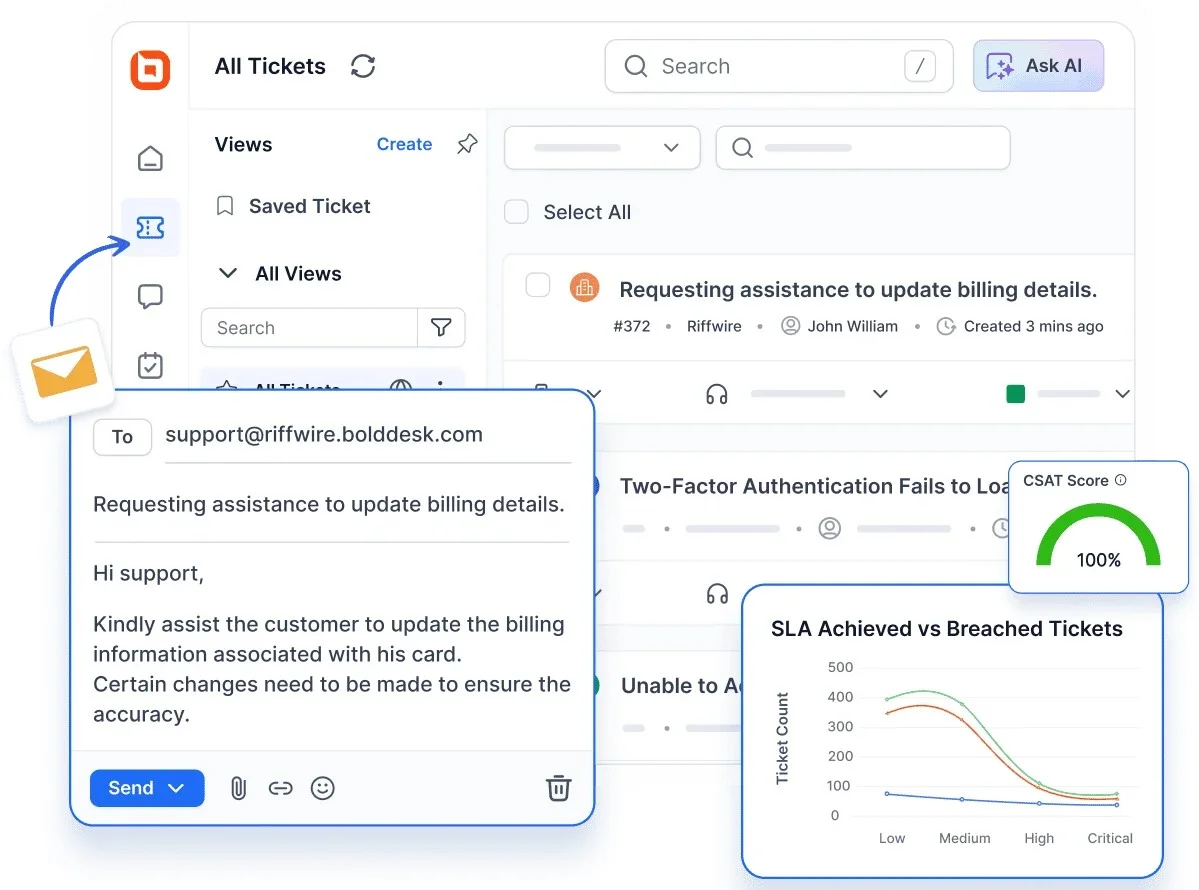
BoldDesk, ticket management software, strengthens customer service productivity by bringing every inquiry, task, and update into a single, organized workspace.
It also functions as a shared inbox software, allowing teams to manage group emails collaboratively without confusion or duplication.
This cuts down on the time agents spend navigating scattered inboxes or manual ticket processes, helping teams stay focused and reduce operational drag.
Best for: Teams needing AI-powered ticketing, live chat, and omnichannel support in one workspace.
Key BoldDesk features
- AI Agent: A productivity tool that automatically replies to customer questions by reading your website, documents, and custom answers, reducing the need for manual intervention.
- AI Copilot: Enhances productivity by analyzing tickets, translating them, generating responses, and summarizing long conversations to keep support workflows efficient.
- Live chat software: A real-time CX efficiency tool that enables instant customer interaction through your website or app, ensuring queries are addressed quickly.
- Help desk ticketing system: Centralizes and organizes customer queries into a structured, trackable system, making ticket management more efficient.
- Omnichannel support: A productivity tool that consolidates communication across email, chat, social, and other channels into one unified inbox.
- Knowledge base: Provides a centralized repository of information for quick issue resolution and self-service, reducing repetitive queries.
- Help desk automation: Automates routine tasks like ticket assignment and status updates, streamlining workflows and saving agent time.
- Reporting and analytics: Agent productivity apps that collect and analyze support metrics, giving teams visibility into performance and operational trends.
Pricing
BoldDesk stands out with a complete feature set, including AI features, offering flexible pricing plans with no hidden costs to help businesses build efficient, cost-effective support teams.
| No. of agents | Monthly price (USD) | Free AI credits/month |
| 5 | $99 | 500 |
| 10 | $199 | 1,000 |
| 25 | $349 | 1,500 |
| 50 | $499 | 2,000 |
| 75 | $749 | 2,500 |
| 100 | $999 | 3,000 |
For a complete breakdown of pricing tiers, including features and AI add-ons, explore the full BoldDesk pricing details.
BoldDesk offers AI add-ons, including AI Agent at $20 for 1,000 AI credits to automate customer support with usage-based pricing.
Additionally, you can get AI Copilot at $20 per agent/month, an AI-powered assistant that helps agents write replies and resolve tickets faster.
2. Kayako
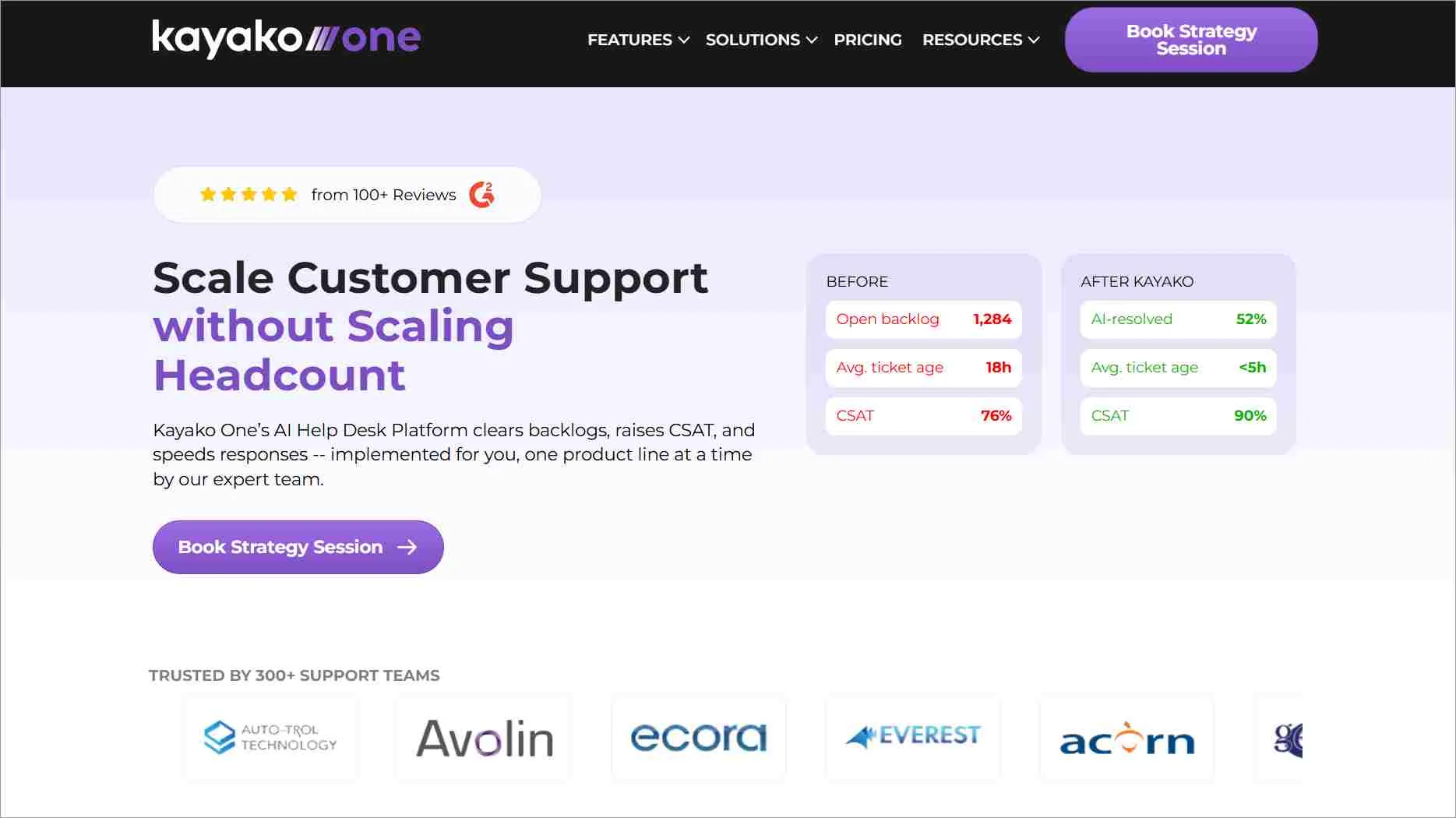
Support teams benefit from a streamlined workflow when all conversations, email, chat, and social media, flow into one organized space with full customer context.
As a productivity tool for customer support, Kayako’s SingleView timeline removes the back‑and‑forth that typically slows agents down.
This gives support agents instant clarity without digging through disconnected threads, helping them respond faster and more confidently.
Best for: Support teams wanting a unified timeline view of customer interactions with built-in SLA tracking.
Key features
- Ticket assignment and ownership
- Collision detection to prevent duplicate replies
- SLA tracking and compliance
Pricing
- Single plan priced at $79/agent/month
- No free plan available
Automation and workflow tools
Manual, repetitive tasks drain an agent’s focus and slow resolution times, but automation tools handle routine processes like ticket assignment and SLA-based actions.
These tools are essential for teams looking to reduce support backlogs and improve response efficiency.
3. ClickUp
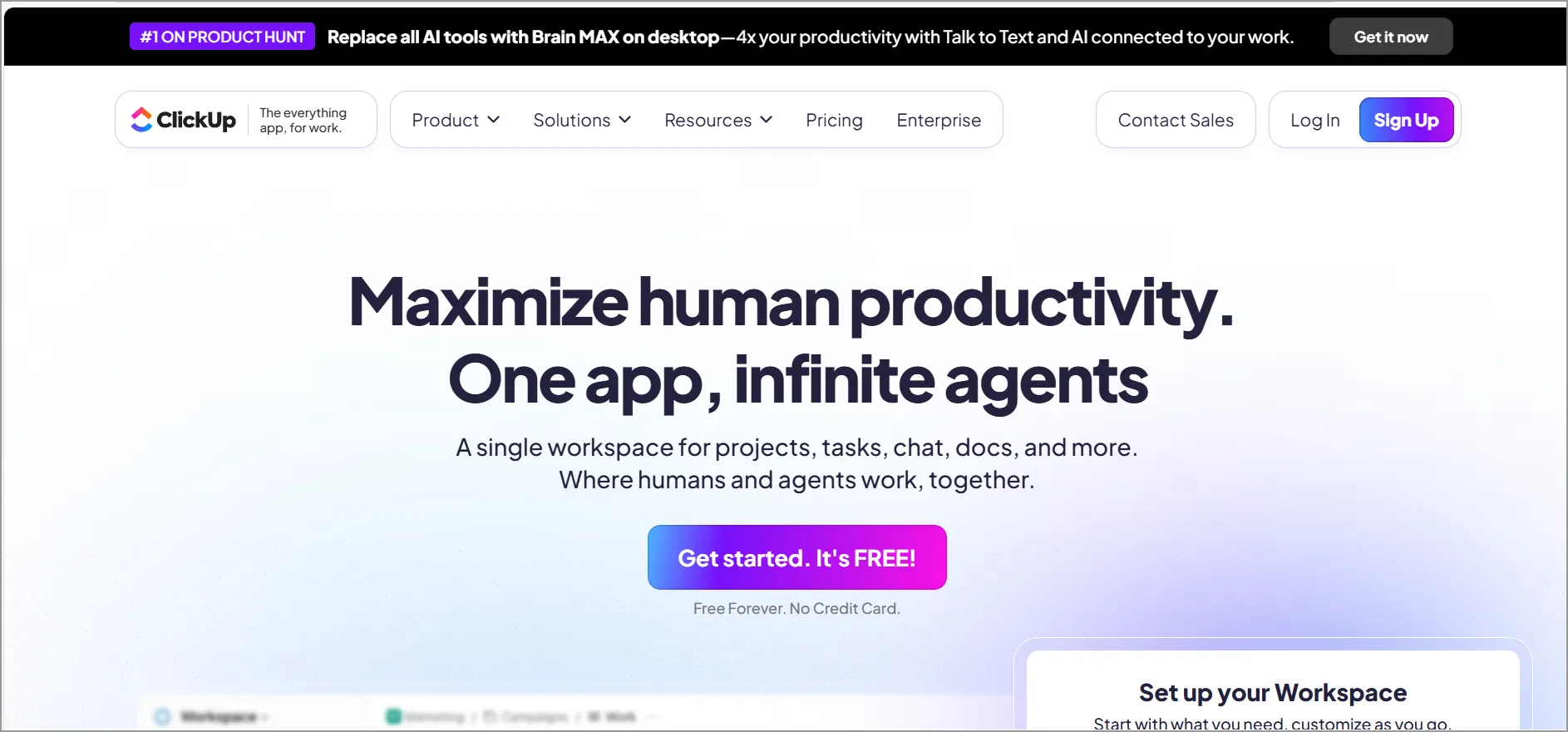
Modern support teams work more efficiently when their internal processes run on structured, automated workflows instead of manual updates and scattered task tracking.
ClickUp enables this by letting teams automate routine steps, like ticket assignment, status changes, or escalations, so operational friction drops and responses move faster.
Best for: Teams needing an all-in-one customizable workspace with tasks, docs, and customer service automation.
Key features
- Coordinated task management
- Centralized solution documentation
- Streamlined request flow from intake to resolution
Pricing
- Starts at $7/agent/month
- Free plan available
4. Zapier
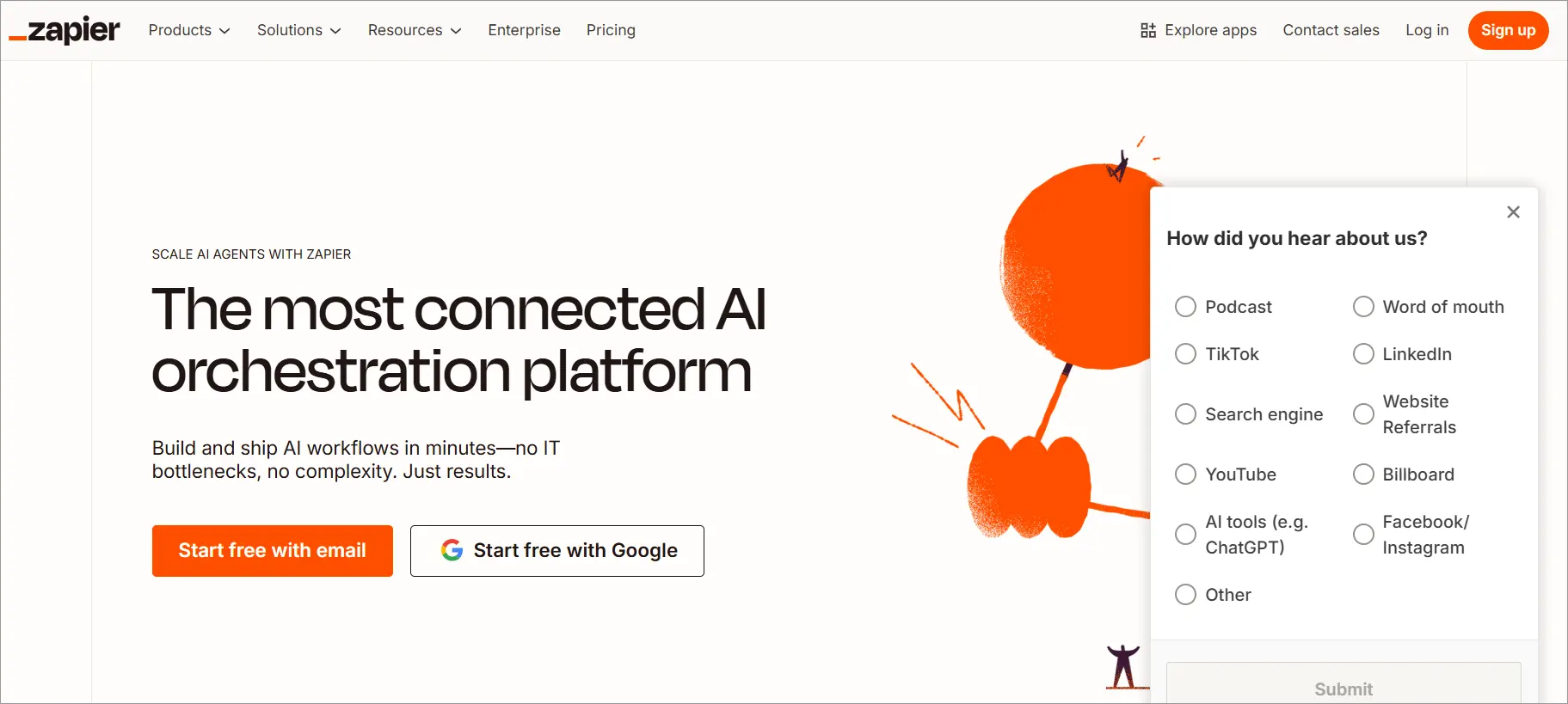
Zapier helps customer service teams boost productivity by automating the routine work that slows support down, like creating tickets, updating statuses, etc.
Its multistep “Zaps” connect your help desk, CRM, forms, and communication apps so information moves instantly without manual effort.
Best for: Connecting thousands of apps to automate repetitive workflows without coding.
Key features
- Automation workflows
- Triggers and actions
- Integration
Pricing
- Starts at $19.99/agent/month
- Free trial period: 14 days
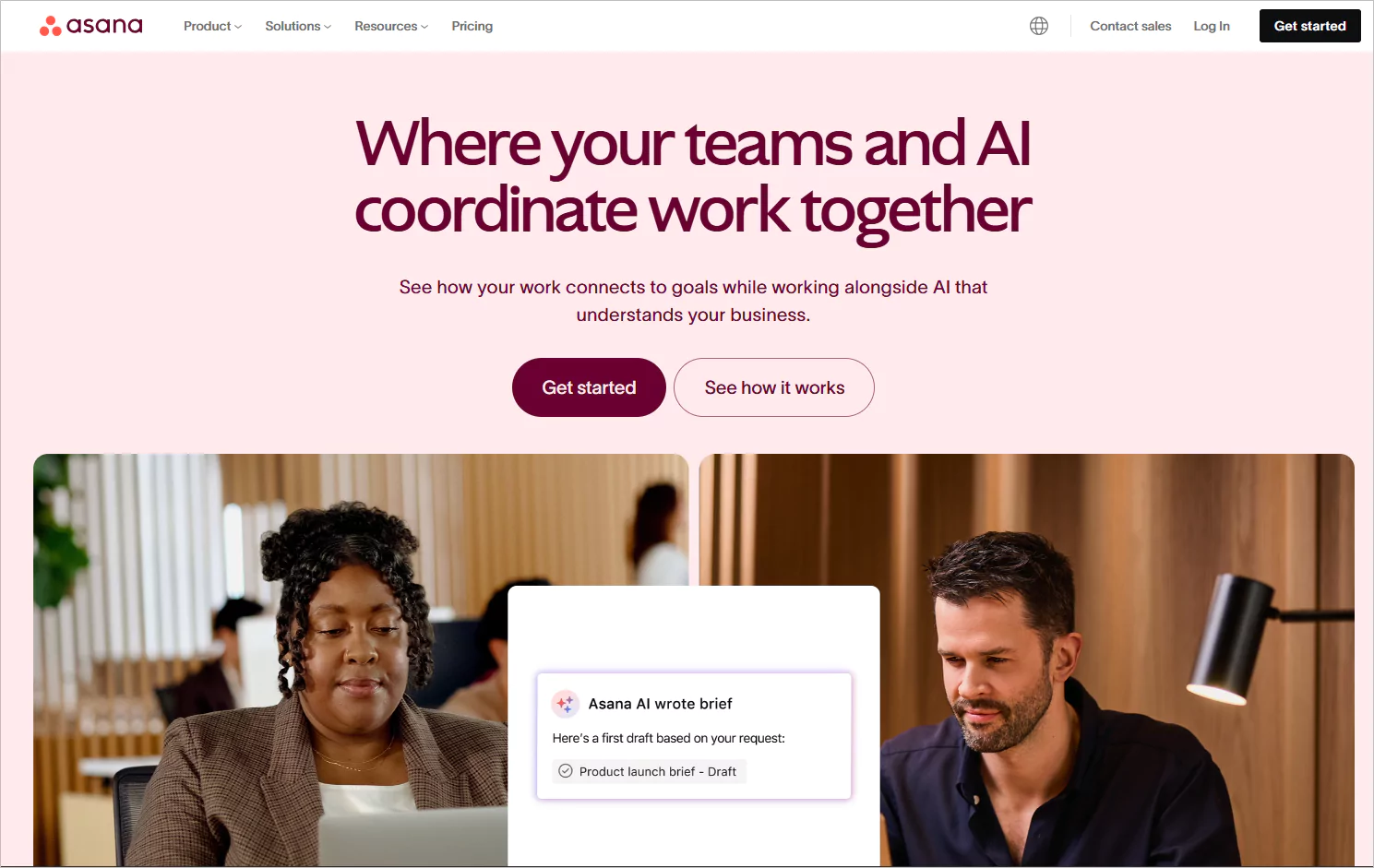
5. Asana
Asana is a productivity tool that helps customer service teams stay organized by turning internal requests, escalations, and follow‑up tasks into clear, trackable workflows.
Its automations, forms, and templates reduce manual coordination so agents and managers can keep work moving without chasing updates.
These keep support operations aligned and ensure every customer‑related task progresses smoothly from assignment to completion.
Best for: Enterprises managing complex projects with structured workflows and AI-powered task automation.
Key features
- Task management
- Project planning
- Customization
Pricing
- Starts at $10.99/agent/month
- Free trial period: 30 days
👉 If you want to streamline even more of these repetitive tasks, this guide on how to reduce support workload with automation walks through practical workflows that cut manual effort and keep response times steady.
Internal collaboration tools
Fast resolutions often depend on quick input from colleagues, and IT team collaboration tools make it easy for agents to connect, share context, and solve problems together.
This reduces back-and-forth, speeds up escalations, and keeps support teams aligned and responsive.
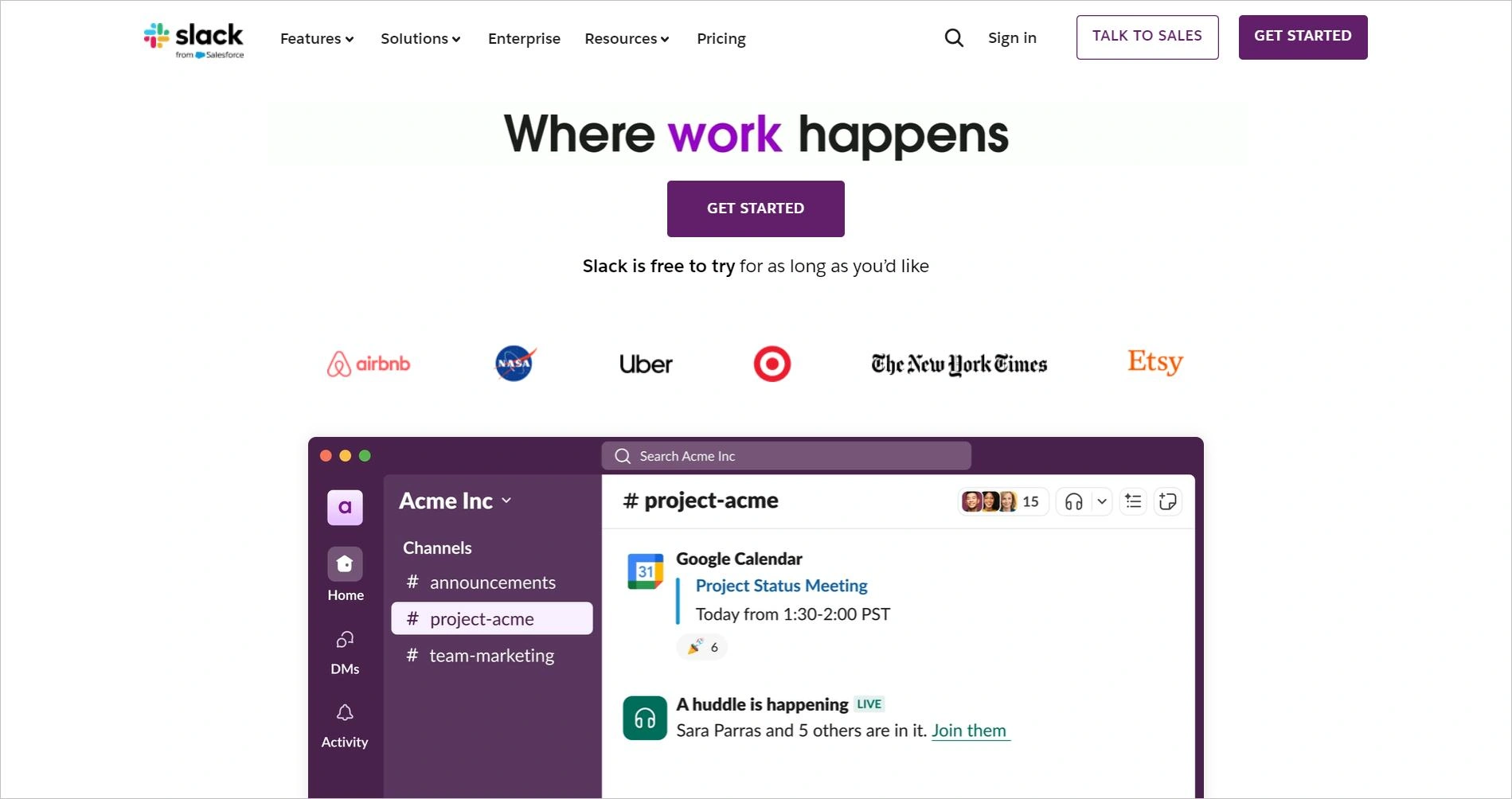
6. Slack
Customer service teams work better together when communication is clear and organized, and Slack makes that possible.
By centralizing conversations, updates, and quick questions into dedicated channels, agents can instantly connect with colleagues and stay aligned on customer needs.
Best for: Teams needing real-time messaging, integration, and AI-powered productivity features.
Key features
- Real-time messaging
- Channel organization
- File sharing
Pricing
- Starts at $4.38/agent/month
- Free trial period: Contact for info
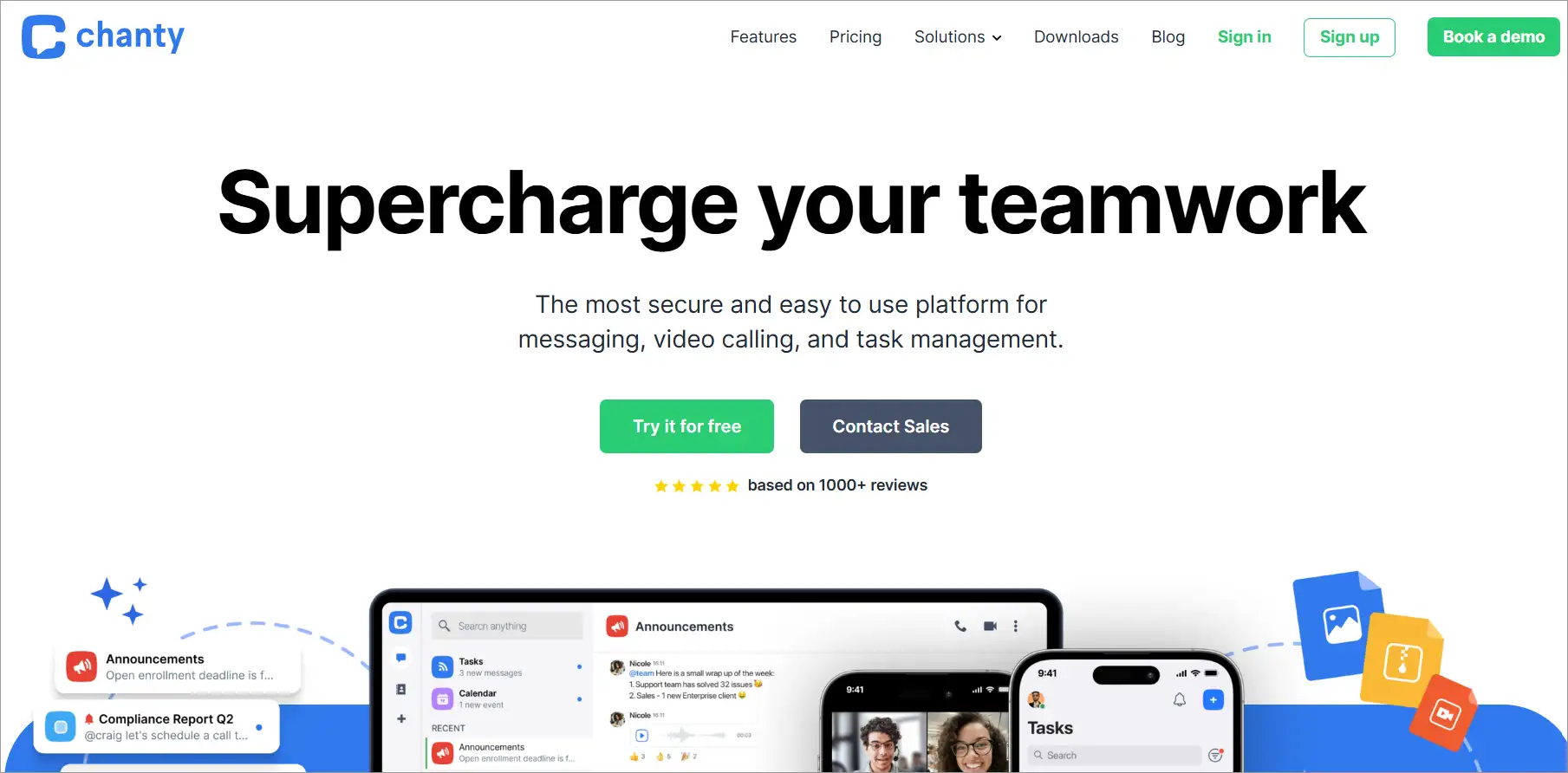
7. Chanty
Chanty is the best productivity software that helps customer service teams communicate clearly by keeping messages, quick discussions, and task updates in one simple space.
Its intuitive design makes it easy to stay aligned and find what you need without digging through multiple channels.
Best for: Small teams seeking affordable chat, video calls, and task management in one app.
Key features
- App integration
- Task management
- Voice and video calls
Pricing
- Starts at $3/agent/month
- Free trial period: 14 days
Knowledge base and self-service tools
Customers want instant answers, and agents need reliable references, which knowledge base tools provide by making information easy to access and share.
These productivity platforms deflect tickets, improve first response times, and boost overall support productivity.
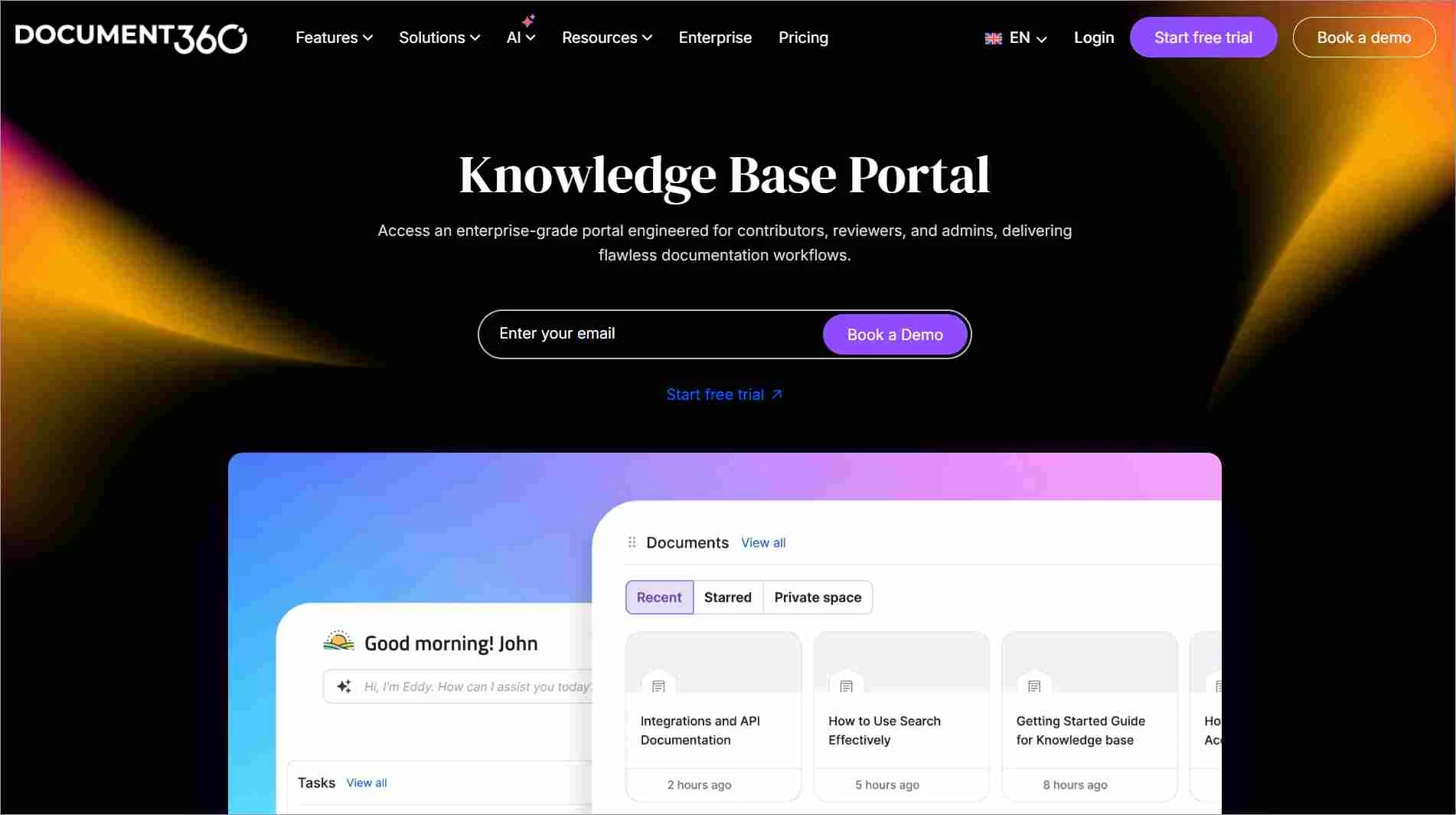
8. Document360
Document360 helps customer service teams deliver faster answers by giving them a structured, AI‑powered knowledge base where content is easy to create, organize, and maintain.
Its branded public or private sites let users find what they need instantly through intelligent search and clean categorization.
By centralizing documentation and reducing repetitive questions, Document360 boosts team productivity and lowers support ticket volume.
Best for: Enterprises building AI-powered, searchable knowledge bases for customers and internal teams.
Key features
- AI‑powered knowledge base
- Branded public or private sites
- Intelligent search functionality
Pricing
- Contact Document360 for pricing
- Free trial period: 14 days
9. Confluence
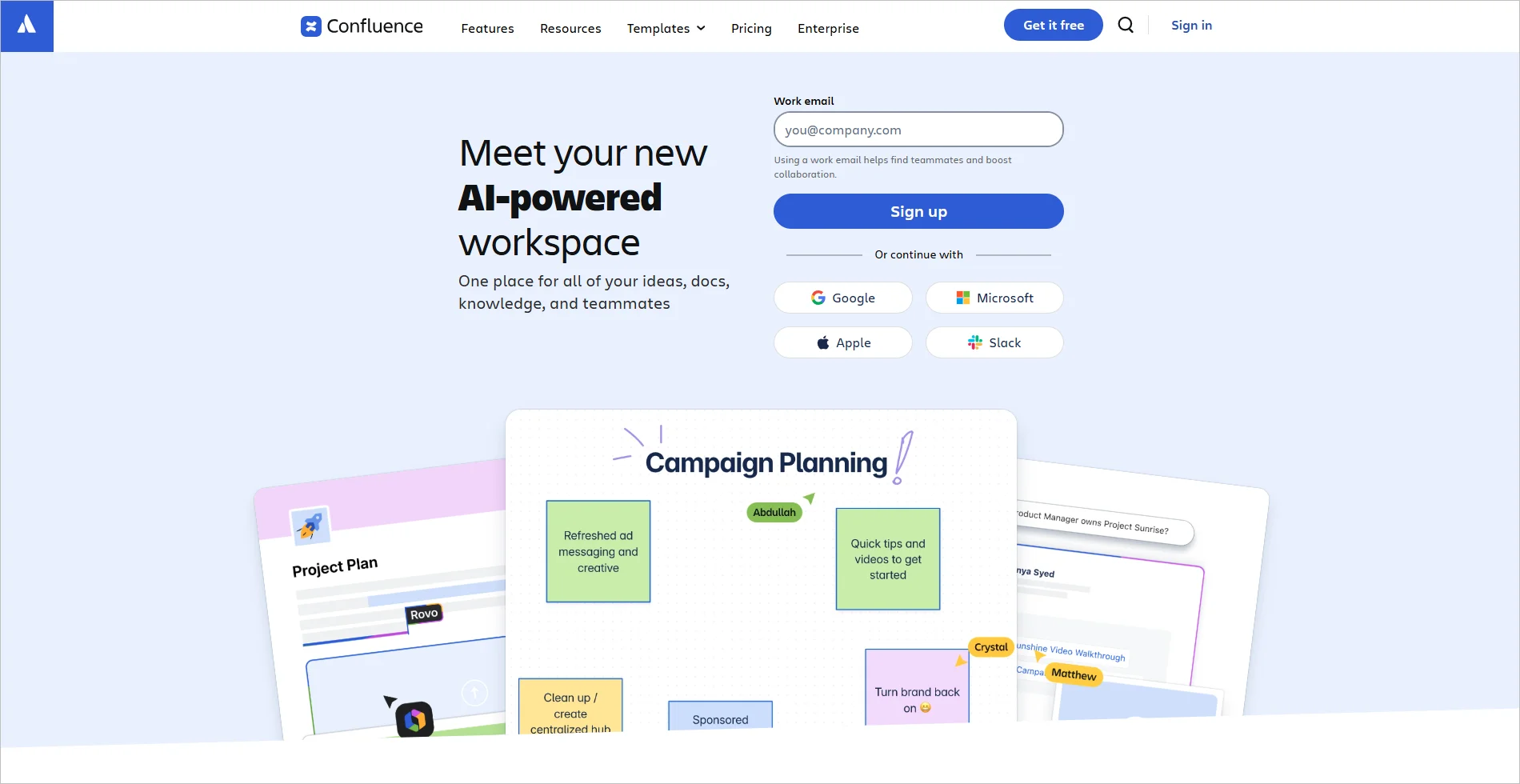
Confluence acts as a reliable workspace for building clear, searchable knowledge bases that support both internal teams and customers.
Its structured pages and templates make documenting how‑to guides and troubleshooting steps straightforward, helping teams share consistent, accurate information.
With everything stored in one organized hub, support teams spend less time hunting for answers and more time assisting customers effectively.
Best for: Organizations needing a collaborative workspace to document, share, and organize knowledge.
Key features
- Structured pages and templates
- Searchable knowledge bases
- Centralized documentation hub
Pricing
- Starts at $5.42/agent/month
- Free trial period: 7 days
10. Loom
Loom makes self‑service more engaging by turning complex instructions into quick, visual walkthroughs customers can watch on their own time.
It helps teams close gaps in understanding by showing, not telling, ideal for product demos, troubleshooting, and “how‑to” steps.
With easily shareable videos, customer service teams reduce long email explanations and deliver clearer, more personal support content.
Best for: Support teams delivering quick video walkthroughs to simplify instructions and reduce tickets.

Top features
- Quick video recording and sharing
- Visual walkthroughs for instructions
- Easily shareable support content
Pricing
- Starts at $15/agent/month
- Free trial period: 14 days
Reporting and performance tracking tools
Reporting tools transform support activity into actionable insights that help teams meet SLAs and refine processes.
These tools to reduce support backlog also identify bottlenecks, monitor trends, and drive continuous improvement for greater efficiency.
11. Toggl
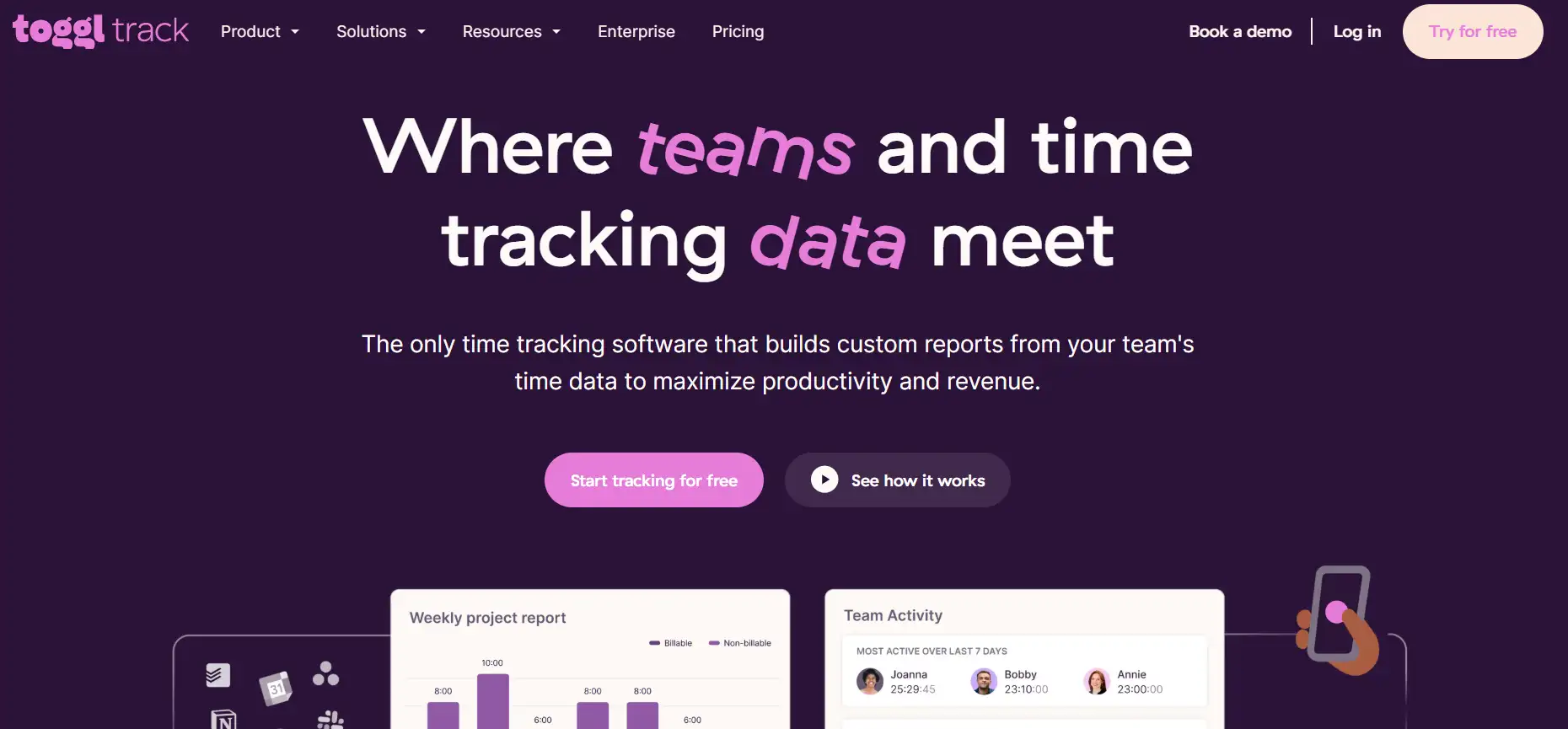
Toggl helps support teams gain visibility into how time is spent, turning activity into actionable insights.
Replacing manual timesheets with automated tracking, it reduces administrative overhead and highlights efficiency gaps.
This clarity empowers managers to optimize workloads and ensure agents meet performance expectations.
Best for: Teams requiring flexible time tracking with detailed reporting and 100+ integrations.
Key features
- Time tracking
- Reporting
- Integration
Pricing
- Starts at $9/agent/month
- Free trial period: 30 days
12. Harvest
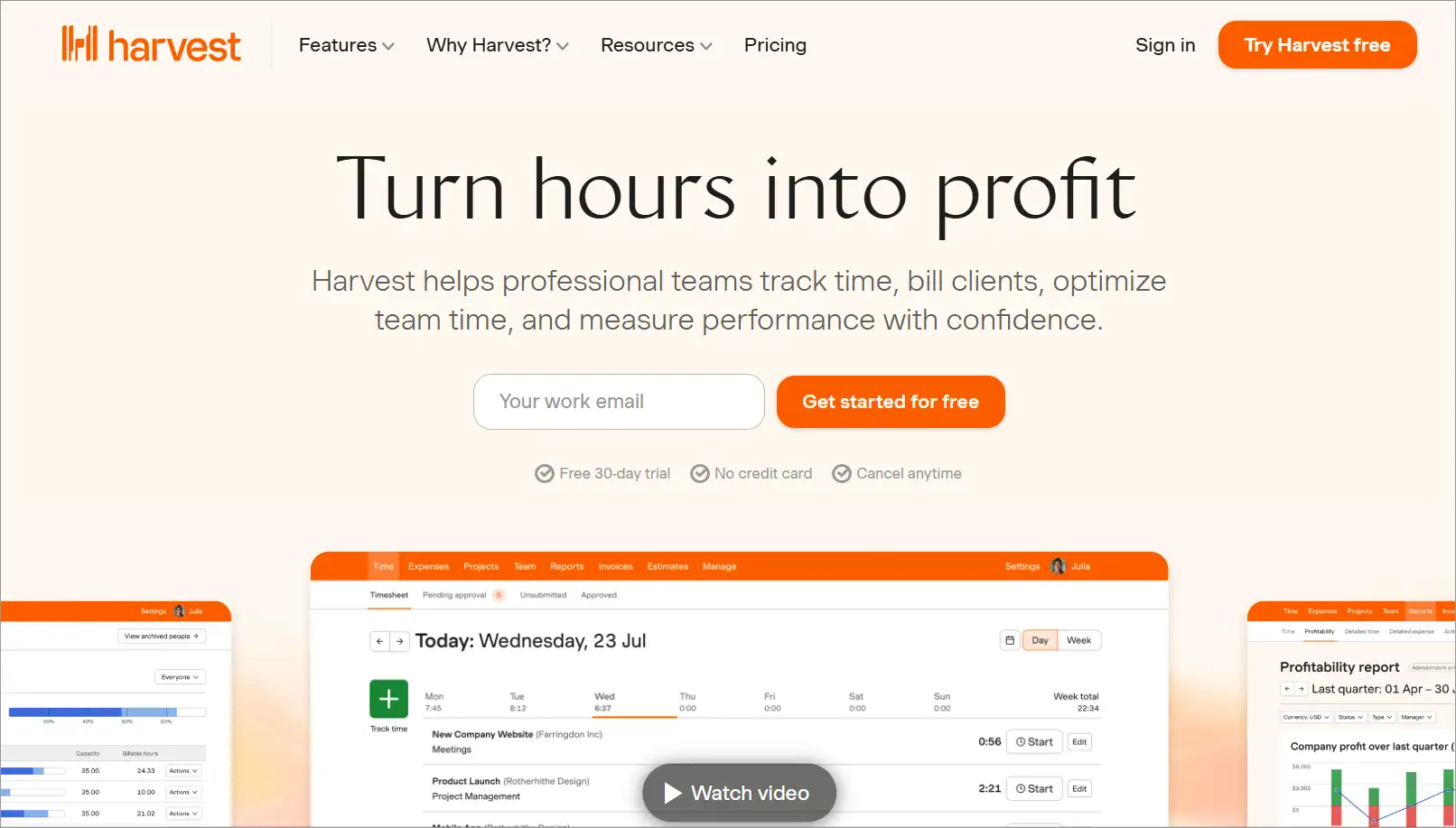
Harvest gives customer support teams a clear picture of time and budget allocation, making operations more transparent.
Its reporting capabilities simplify billing and resource planning, ensuring support work is both efficient and financially accountable.
With streamlined tracking, teams can focus less on admin tasks and more on delivering responsive service.
Best for: Professional services needing time tracking combined with invoicing and expense management.
Key features
- Accurate time tracking
- Expense tracking and budget management
- Detailed reporting for projects
Pricing
- Starts at $9/agent/month
- Free trial period: 30 days
Why productivity tools matter more for support teams than other teams
Support teams live in a different reality than most departments.
While marketing or product teams can plan projects in advance, customer service is reactive by nature; tickets arrive unpredictably, often in overwhelming waves.
Without the right productivity tools, these challenges quickly turn into missed deadlines, frustrated customers, and burned‑out agents.
High ticket volume is not equal to a normal workload
For support teams, a sudden flood of support tickets isn’t just more tasks; it’s a crisis that directly impacts customer trust.
Each unresolved issue represents a waiting customer, and without tools to streamline intake and prioritization, teams risk falling behind fast.
Productivity platforms absorb these surges by organizing requests and keeping workloads manageable.
Context switching slows down every response
Agents rarely focus on one task at a time. They bounce between email, live chat, phone calls, and internal tools, which drains focus and delays resolutions.
Productivity tools consolidate these workflows into one hub, reducing distractions and helping agents respond with speed and accuracy.
Manual triage leads to missed SLAs
When tickets are sorted and assigned manually, valuable minutes are lost, and urgent cases often go unnoticed.
This inefficiency directly causes SLA breaches, damaging customer confidence. Automated routing ensures the right issues reach the right agents instantly, keeping commitments intact.
Scaling support without tools breaks quickly
As businesses grow, ticket volume and complexity rise exponentially. Adding more agents without fixing inefficiencies only magnifies the chaos.
Productivity platforms provide the structure and automation needed to scale support sustainably, ensuring consistency and quality even as demand increases.
Struggling with Inbox Overload?
Discover simple habits to achieve Inbox Zero and easily manage high-volume support queues.
When productivity tools aren’t enough for growing support teams
As support teams grow, the productivity challenges become less about individual tasks and more about the systems holding everything together.
Here’s where traditional productivity tools start to fall short:
- Scattered tools: Too many disconnected apps force agents to jump between systems, making work slower and harder to track.
- Manual workflows breaking at scale: What once worked for a small team quickly collapses under higher ticket volume, causing delays, errors, and inconsistent responses.
At scale, teams need one place to manage requests, automate steps, and keep context together so no ticket goes unnoticed.
👉 For teams considering what a more streamlined setup could look like, this overview of ticket automation software shows how smarter routing and automated steps can quietly stabilize support operations without adding complexity.
Empower your team with the right productivity tools
By integrating modern support team productivity tools, companies can foster a culture of continuous improvement and agility across departments.
This enables them to respond to market demands with finesse and strengthens their customer service culture, helping deliver exceptional service that keeps customers coming back for more.
Embracing these technologies for small business ideas is not just about keeping up; it’s about setting the pace in a world where exceptional operational efficiency and customer delight go hand in hand.
Do you have any advice or strategies for improving team collaboration and streamlining workflow processes using these productivity apps? Share your suggestions and experiences in the comment section below.
Related articles
- 12 Proven Ways to Improve Agent Productivity
- 10 Effective Ways to Improve Team Productivity
- 15+ Best Free Tools for Startups to Grow in 2026
Frequently Asked Questions
Productivity tools are applications designed to help support agents work smarter, not harder. They centralize tickets, streamline communication, and reduce repetitive tasks so teams can focus on resolving customer issues quickly.
By reducing response times, minimizing errors, and helping teams stay organized, productivity tools ensure customers receive faster, more accurate, and more consistent support.
Productivity tools help agents work more efficiently and reduce stress, leading to better morale, while customers benefit from faster responses and more accurate resolutions.