



TL;DR: Help desks and service desks both support users, but they serve different purposes. Help desks focus on fast incident resolution and day-to-day support, while service desks use ITIL and ITSM practices to manage requests, problems, and service improvements. The right choice depends on your organization’s complexity, goals, and support requirements.
When dealing with customer support issues, some instances may require immediate response or solutions while others may need more time or advanced resources to fully resolve them to customers’ satisfaction.
There are different tools ideal for handling support operations, depending on their complexity, range of activities, and the approach you take (proactive or reactive).
When it comes to help desk vs service desk, how do you determine the best support tool to maintain smooth operations and drive productivity? Should you choose one or combine both efforts?
In this blog, we’ll learn the difference between help desk vs service desk, unique characteristics of help desks and service desks, and how each works to serve your business’s needs.
What is a help desk?
A help desk is a centralized support resource created to provide immediate assistance and solutions to users experiencing technical issues or needing guidance with IT-related problems.
Serving as the first point of contact between end-users and the IT department, the help desk plays a critical role in ensuring that technical disruptions are quickly addressed to minimize downtime and maintain productivity.
While help desks are most associated with IT support, organizations also deploy specialized solutions such as an HR help desk to manage employee inquiries related to onboarding, benefits, payroll, leave requests, and company policies.
What is a service desk?
A service desk serves as a centralized point of contact within an organization intended to manage a wide range of IT-related activities and processes, aligning IT services with business goals.
Service desks take a proactive and planned approach to help rather than just responding to problems.
Finding the root causes of issues is their first priority. They improve their assistance skills through data collection and the use of customer self-service solutions.
They also use IT service management (ITSM) to efficiently keep an eye on all requests, tickets, and difficulties.
How a help desk works
They operate as a centralized point of contact for users needing assistance with technical or operational issues.
Here’s a simplified breakdown of its workflow:
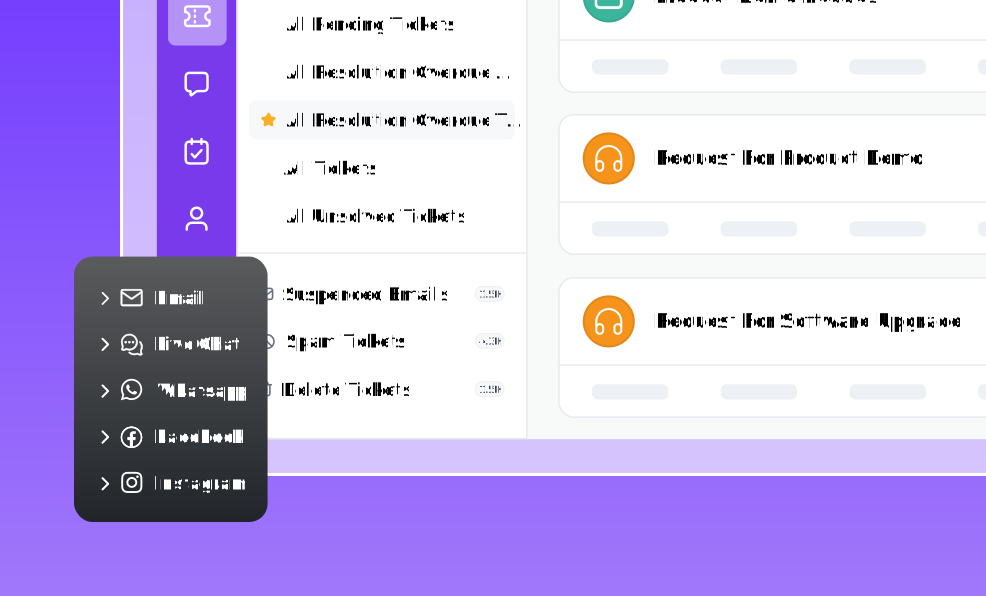
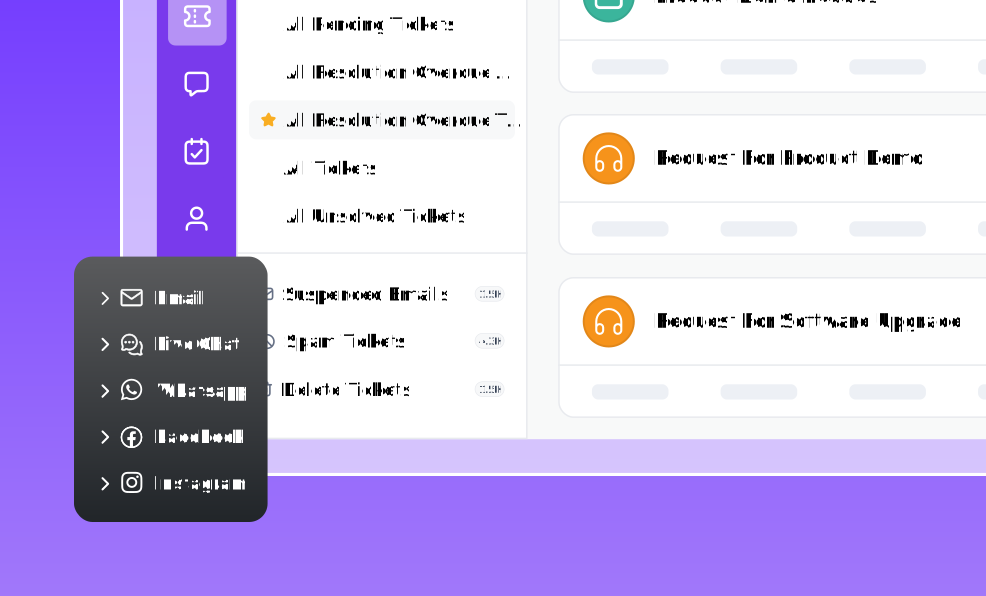
- Ticket creation: Incoming customer issues through various channels of communication such as electronic mail, phone, or a web form are converted into a support ticket, assigned to the right support agent, and logged into the help desk system.
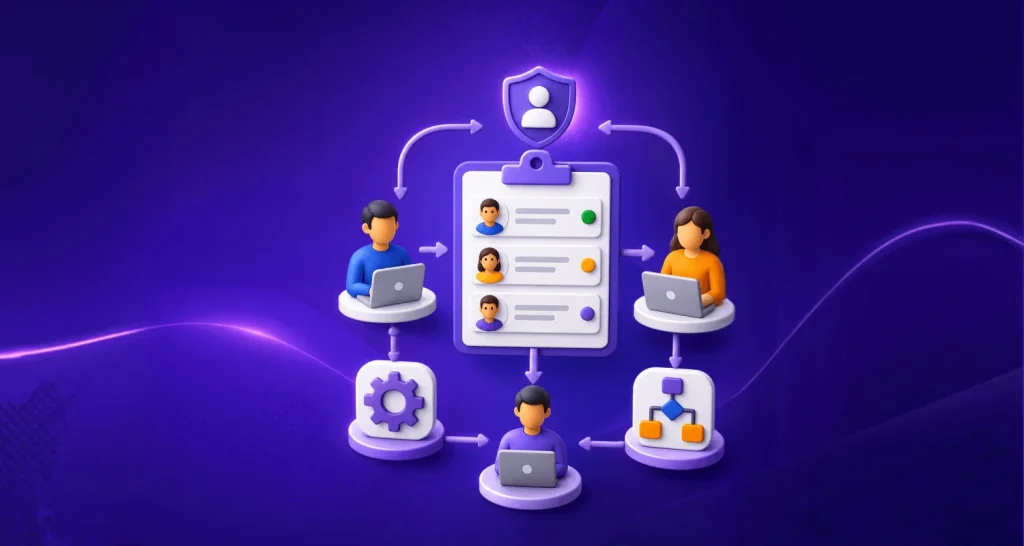
- Ticket assignment: The help desk software automatically routes the ticket to the appropriate agent or department based on the issue’s nature and agent availability.
- Issue resolution: Assigned agents analyze the issue, communicate with the user throughout the process, and provide solutions. Simple issues are resolved immediately, while complex ones are escalated to specialized support teams for further handling.
- Ticket closure: Once the customer service problem is resolved, the ticket is closed, and the solution is documented for future reference.
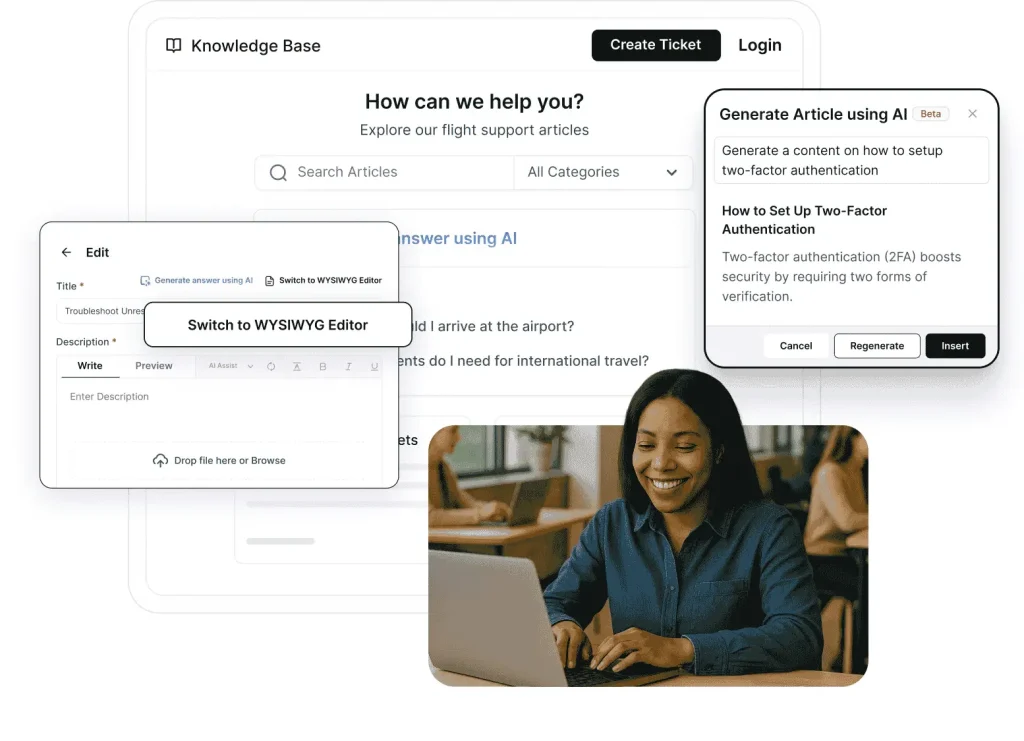
- Knowledge base: Many help desks incorporate a knowledge base where solutions to common issues are documented. This helps end-users to resolve issues independently without reaching out for help, reducing the number of incoming tickets.
- Reporting and analytics: These systems track help desk metrics such as ticket resolution time, customer satisfaction score, and agent productivity to measure performance and identify areas for improvement.
How a service desk works
A service desk is the central hub for managing and coordinating IT services within an organization.
Similar to a help desk, a service desk handles client queries, addressing everything from ticket creation and knowledge management, to problem solving.
However, it goes further by managing service requests, proactively monitoring systems, aligning IT services with business objectives, and continuously improving service delivery.
Service desk and Information Technology Infrastructure Library (ITIL) processes
A service desk is built around IT Service Management (ITSM) frameworks such as ITIL.
Unlike a traditional help desk, it supports multiple service management processes that improve service quality and business alignment in the following ways:
Incident management
Restores normal service operation as quickly as possible when disruptions occur.
Example: Recovering access after an email outage.
Problem management
Identifies and eliminates the root causes of recurring incidents.
Example: Investigating why the same server fails every month.
Change management
Controls infrastructure and application changes to reduce risk and service disruption.
Example: Deploying a new CRM system across departments.
Request management
Handles standard service requests in a structured workflow.
Example: Granting software access or provisioning a new laptop.
Release management
Plans, tests, and deploys software releases to production environments.
Example: Rolling out a new version of an internal business application.
Note: A help desk primarily focuses on incidents, while a service desk manages the entire lifecycle of IT services.
Importance of service desk and help desk technology
No matter which one you choose, both a help desk and a service desk make life easier for your support team and your customers.
A Talkdesk report found that 68% of customers say one bad support experience can make them stop trusting a company.
That’s why these benefits matter:
- Problems get solved faster: Routine tasks run automatically, so your team can focus on the harder issues.
- Help is easier to find: People know exactly where to go for support instead of guessing who to contact.
- Everyone stays on the same page: Shared inboxes and notes mean no one repeats work or misses a handoff.
- You learn what’s going wrong: Patterns in the requests you get show you what to fix before it becomes a bigger problem.
- You spend less to get more done: Fewer delays and less wasted effort mean lower costs overall.
Help desk vs service desk: What’s the difference?
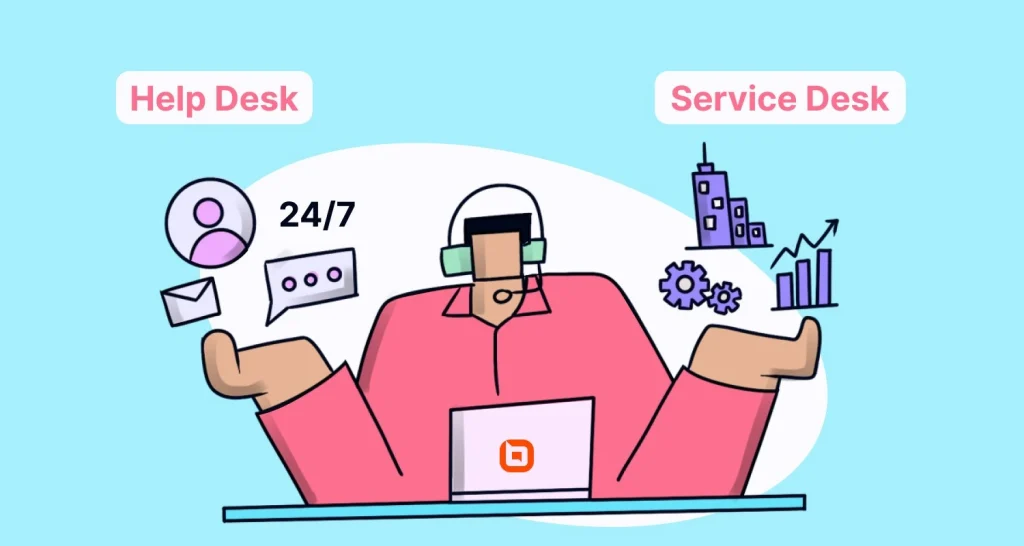
Although help desks and service desks may appear similar, they represent distinct concepts, each with its own scope and purpose.
Let’s look at some key differences of help desk vs service desk:
Scope of services
Help desks are narrower in scope and focus on immediate issue resolution, while service desks cover a wide range of ITSM processes, including strategic activities.
Proactive vs. reactive support
Help desks are primarily reactive, dealing with issues only when they arise. Service desks adopt a more proactive approach, preventing issues through problem management and optimizing IT services over time.
Role in the organization
A help desk is often seen as a basic IT support function, while a service desk is a central part of an organization’s IT strategy, tailoring IT services to business needs.
Complexity
Help desks are better suited for simpler, less complex IT environments where the primary need is for quick, efficient problem resolution.
Service desks are built to address more complicated scenarios where IT is integral to business operations, requiring coordination across multiple departments and systems.
Here’s a clear comparison between a help desk and a service desk in table format:
| Category | Help desk | Service desk |
| Primary purpose | Provides quick fixes and resolves technical issues | Delivers comprehensive IT service management |
| Scope | Narrow, focused on incident management and support | Broad, includes incident, service request, and change management |
| Support | Reactive, fixes issues as they arise | Proactive, focuses on preventing issues and improving services |
| User focus | End users (employees or customers) | Businesses |
| Audience | Small to medium-sized businesses | Medium to large enterprises with complex IT environments |
| User interaction | End-user support for day-to-day issues | Manages both end-user interactions and backend IT processes |
| ITIL alignment | Limited ITIL adoption | Built around ITIL best practices |
| Process coverage | Handles support tickets | Handles tickets, requests, changes, and releases |
| Business role | Operational objective | Business and strategic objective |
| Improvement approach | Short-term issue resolution | Long-term service improvement |
Does the difference between help desk vs service desk matter?
While both the service desk and help desk serve as vital features of IT support, knowing their differences can significantly impact the efficiency of your IT service delivery and shape the customer experience.
When comparing help desk vs service desk, the context and scope of the support are crucial.
A help desk is more suited for situations that require quick, reactive support for specific issues, such as:
- Troubleshooting a software issue
- Resetting passwords
- Addressing immediate technical problems
Help desks focus on resolving individual incidents efficiently, which can be particularly beneficial in high-volume settings where users need immediate assistance without extensive customer follow-up.
Conversely, a service desk will be preferred where the environment requires a more complete and proactive approach to IT service management.
This includes scenarios where there is a need for ongoing support and management of IT services, such as:
- Implementing changes
- Managing service requests
- Coordinating with various teams to ensure service continuity
Choosing the right help desk software for your IT support team starts with understanding the difference between a help desk vs service desk, as well as recognizing your business needs.
A help desk is based on resolving immediate technical issues, while a service desk takes a broader approach, managing service requests, incidents, and changes across the organization.
By determining which of the two best suits your customer needs, you will be able to make a decision that enhances your IT support strategy.
Best practices for choosing help desk vs. service desk tools
Implementing best practices when picking service desk and help desk tools is important for ensuring their successful deployment and functioning.
Here are the best practices to guide your decision:
- Start with what you actually need: Before shopping around, think about how many requests you get and how complex they are. Our guide on IT help desk software walks through what to look for.
- Match the tool to your size: A small team with simple requests just needs a help desk. A larger team juggling lots of systems will get more value from a full service desk.
- Make it easy for people to use: Your team should be able to submit and manage requests without a learning curve, and customers should be able to help themselves when possible.
- Make sure it plays well with your other tools: Check that it connects with the apps you already use, like your ticketing system and any other productivity tools your team relies on.
- Pick something that can grow with you: You don’t want to outgrow your tool in a year. Look for one you can add features to over time.
- Make sure you can see what’s working: You should be able to easily check things like how fast requests get resolved and how happy customers are. Look at customer insights for the kind of detail worth tracking.
Use a help desk and a service desk for better customer support
While help desks and service desks are both essential to customer service, they have special roles and responsibilities.
Recognizing the distinctions between help desk and service desk allows organizations to customize their support strategies to better serve consumers.
Businesses may increase operational efficiency, foster cooperation between IT and other departments, and improve user happiness by utilizing the characteristics of each function.
Ultimately, whether an organization opts to combine both help desk and service desk or chooses one, the goal remains the same: to deliver exceptional customer service seamlessly.
BoldDesk® is the best help desk to aid you gain valuable insights into your customer’s needs, expectations, and experiences, enabling you to deliver improved IT support services.
Get in touch with us to schedule a live demo and discover how BoldDesk operates and may be tailored to your company’s particular requirements. Get a free 15-day trial by registering today!
We’d love to hear your thoughts! Share your experiences or preferences between help desks and service desks in the comments below.
Related articles
- Help Desk vs CRM: Choosing the Best Workflow Fit for Your Support Team
- 10 Effective Ideas for Help Desk Software Customization
- Help Desk Management: Key Features, Benefits, and Best Practices
FAQs
A help desk primarily focuses on resolving user issues and technical incidents. A service desk takes a broader ITSM approach by managing incidents, service requests, changes, problems, and continual service improvement.
Not necessarily. Small organizations with straightforward support requirements may benefit from a help desk. Larger organizations often require a service desk to manage complex IT services and business processes.
Yes. Many organizations begin with a help desk and later expand into a service desk model by implementing ITIL practices such as change management, problem management, and service request management.
ITIL strongly recommends a service desk as the central point of communication between IT and users, making it a foundational component of IT Service Management.
Most small businesses can start with a help desk solution focused on ticket management and incident resolution. As IT requirements become more complex, they can evolve toward a service desk model.