








TL;DR:A help desk security review audits access controls (MFA, SSO, RBAC), data protection through encryption, compliance requirements, vendor security, audit logging, and disaster recovery readiness. Conduct reviews at least annually, or quarterly for SaaS and highly regulated teams, to reduce risk and maintain compliance.
Behind every support ticket lies a trail of sensitive data, such as names, account details, and private conversations.
According to IBM’s Cost of a Data Breach Report 2024, the global average cost of a breach increased from $4.45M to $4.88M in one year, marking the largest jump since the pandemic.
Help desk software platforms are increasingly targeted because ticketing systems often contain account-level access information.
If your ticketing system isn’t properly secured, a single weak password or an accidental data leak can compromise your entire database.
In this guide, we’ll explore what a help desk security review is, why it’s especially important, and the key areas your team should assess to protect your customers’ data.
What is a help desk security review?
A help desk security review is a structured audit that verifies whether your customer service platform properly protects customer data, access permissions, and operational workflows.
The review analyzes your settings, permissions, and monitoring practices to confirm that your ticketing system meets the security requirements and does not leave exploitable gaps.
A help desk security review helps you:
- Confirm the right security features are enabled.
- Identify misconfigurations before they become incidents.
- Ensure only authorized users can access customer data.
- Maintain compliance with privacy and industry regulations.
What makes help desk security reviews critical?
Your ticketing system is one of the most active points of connection between your business and your customers, which also makes it a common source of unnoticed security gaps.
A security assessment ensures your system remains protected as help desk workflows, tools, and teams evolve. Here are the key reasons every organization should review its help desk security.
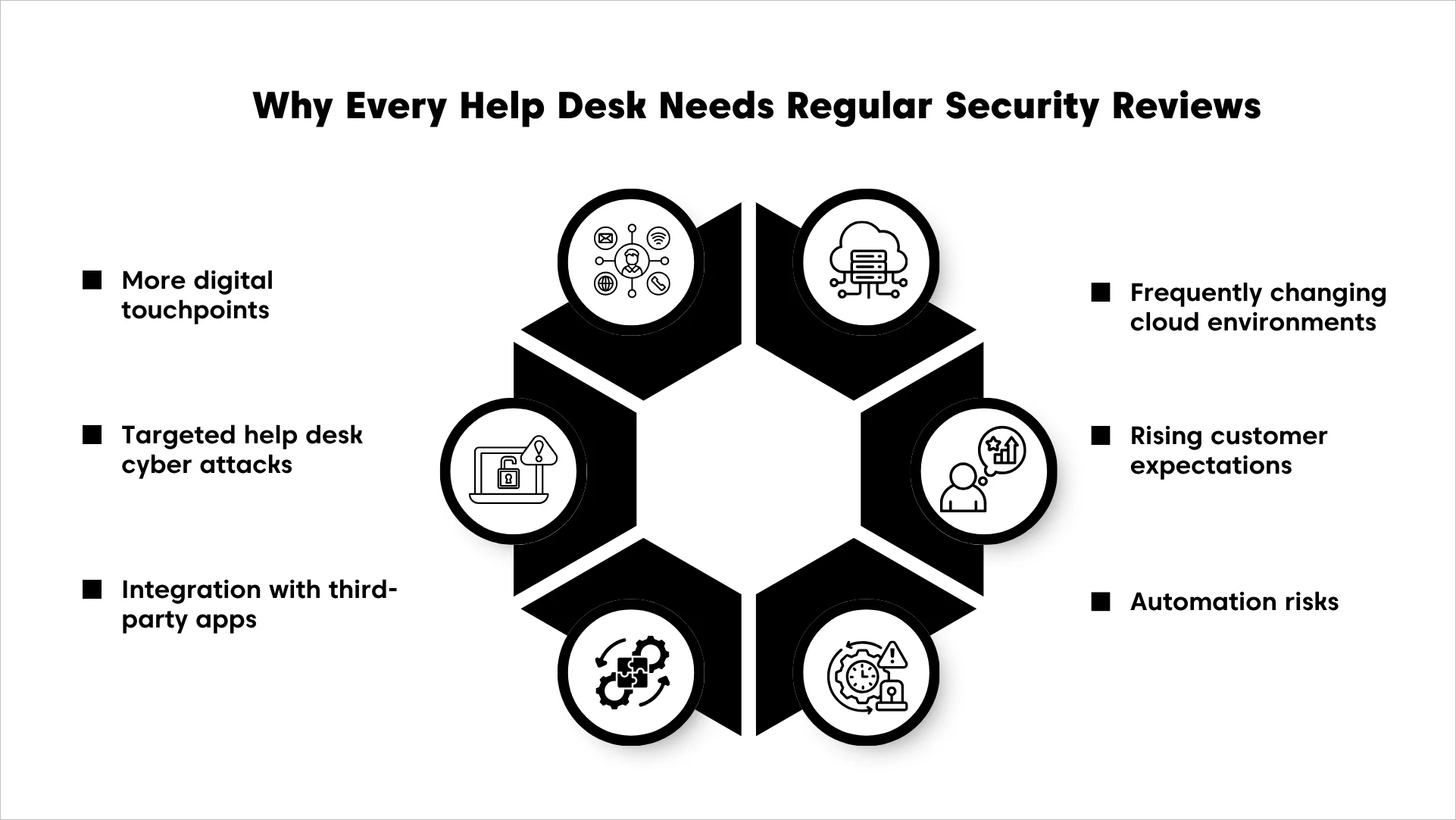
- Expanded digital touchpoints: Each customer service channel connected to your help desk becomes a new access path that requires continuous monitoring.
- Cyber attackers increasingly target help desks: Ticket data can be used to impersonate users, escalate privileges, or access internal systems.
- Integration with third‑party apps: Every new connected app increases exposure. Therefore, a help desk security assessment must include an audit of all active integrations.
- Cloud environments change frequently: Help desk feature updates, API changes, and new configuration options can weaken your current security setup if not reviewed regularly.
- Customer privacy expectations keep rising: Users expect companies to actively protect their information, and a single weakness in your help desk software can quickly erode their trust.
- Automation risks: Misconfigured workflow rules can send sensitive support tickets to the wrong team or trigger emails that reveal private information.
Key takeaway: Help desks are high‑value targets because they store sensitive Personally Identifiable Information (PII), support conversations, and account credentials that cyber attackers can exploit to steal data and impersonate users.
Help desk security checklist: Best practices for a security audit
Every help desk has hidden weak points that most teams never notice until something goes wrong. A security audit identifies system vulnerabilities before they turn into real risks.
The following aspects of a help desk security review will help you evaluate whether your system is secure and dependable.
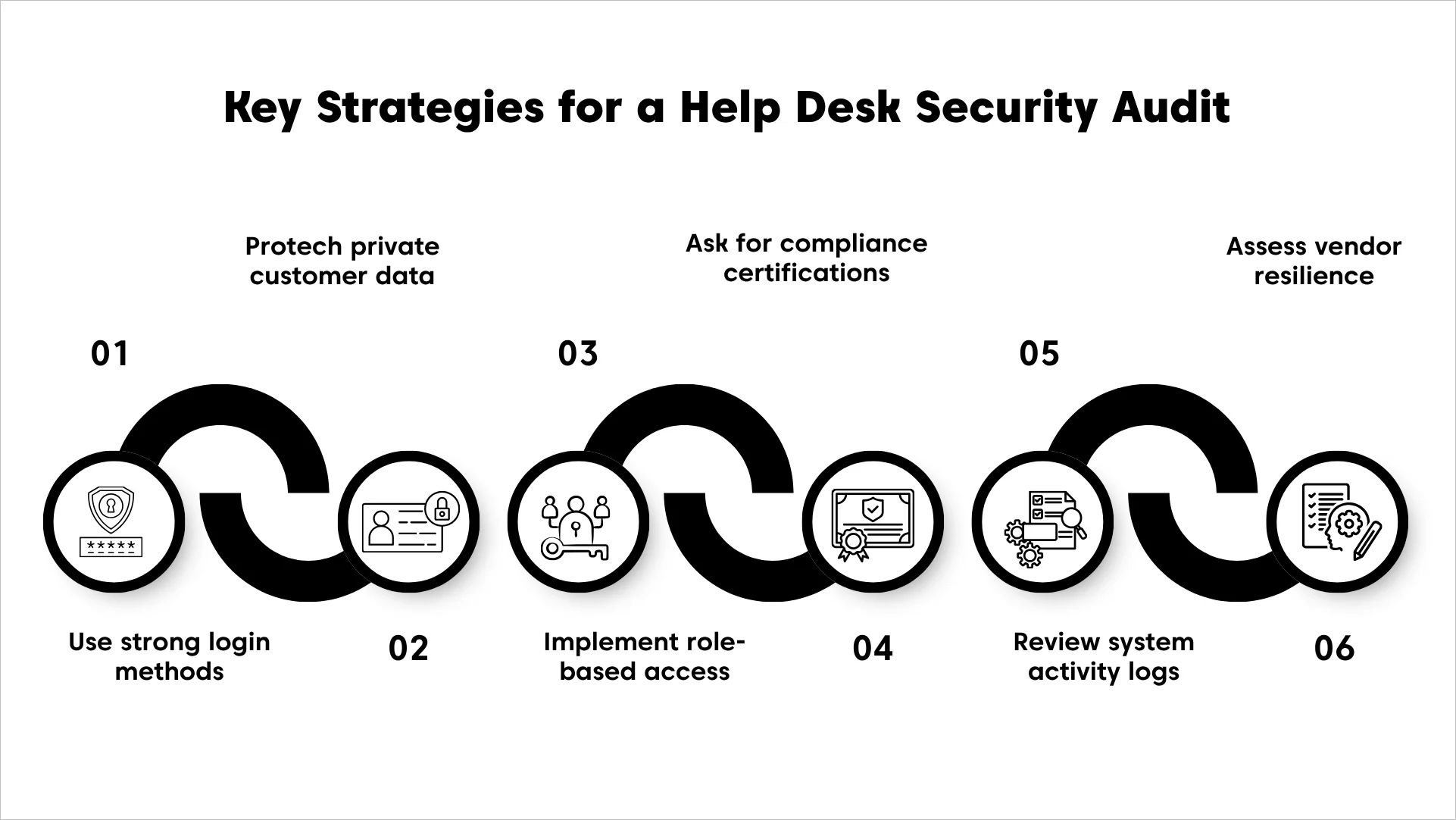
Secure logins with strong authentication controls
Protecting your help desk starts with putting the right login safeguards in place. These controls protect your system from compromised passwords and unauthorized access.
- Enable multi-factor authentication (MFA): Require a second verification method, such as a code generated by an authenticator app, to prevent access if a password is compromised.
- Integrate single sign-on (SSO) for centralized user management: SSO ensures all user access is controlled from one place, making it easier to instantly add, update, or remove accounts.
- Set automatic session timeouts: Log users out after a period of inactivity to prevent unauthorized access on unattended or shared devices.
Note: Authentication is critical; weak logins are the most common entry point for help desk breaches.
Protect private customer data
Every interaction between your support team and a customer generates a trail of sensitive information that requires constant protection. Because your help desk serves as a central hub for this data, it often becomes a primary target for security threats if left unmonitored.
Without proper security measures, a single oversight can turn a routine support ticket into a large-scale data exposure.
- Confirm data is encrypted both at rest and in transit: Encryption prevents unauthorized users from reading sensitive information even if it’s intercepted or accessed improperly.
- Enable automatic redaction of sensitive data in tickets: Mask information such as card numbers or passwords so agents only see what they need to resolve the issue.
- Choose the correct data residency region: Ensure your data storage location complies with regional privacy laws and your SaaS help desk security requirements.
Beyond system safeguards, effective practices ensure agents handle sensitive information securely during conversations. Explore our full guide to customer service security for practical steps your team can apply in daily interactions.
Implement role-based access controls (RBAC) to minimize internal risk
Giving every employee access to every file is a recipe for accidental leaks. A security review for help desk allows you to give agents only the tools and information needed for their specific tasks.
- Restrict ticket visibility to relevant departments: Limit agent access so they can only view tickets related to their specific department or role, reducing the risk of accidental exposure.
- Allow login from approved IP addresses only: Create a list of approved office or VPN networks and block any login attempts coming from unknown or insecure networks.
- Limit who can export or delete large sets of data: Assign export and delete privileges only to specific admin‑level roles and remove those permissions from general users.
Validate trust through third-party compliance and certifications
A help desk security review should rely on verifiable evidence such as audit reports, policies, and technical controls, not marketing claims.
Reviewing certifications and legal policies ensures your help desk vendor is meeting the security standards your customers and regulators expect.
- Verify industry-recognized compliance standards: Confirm that your help desk vendor maintains certifications and compliance programs such as SOC 2 Type 2 and GDPR.
- Check for HIPAA or PCI DSS compliance: Confirm the platform meets healthcare or payment data protection requirements when applicable.
- Review the vendor’s data processing agreement (DPA): Obtain and review the signed DPA outlining data handling, storage, and protection procedures required for your organization.
Keep a clear record of all system activities
Visibility is a core security control. If you cannot track actions in your help desk, detecting issues becomes difficult. Reviewing logs and monitoring data movement helps your team spot unusual behavior before it turns into a serious problem.
- Regularly review audit logs for user activities: Track every action taken by agents, including viewing, editing, or deleting sensitive tickets, to identify any errors or unauthorized changes.
- Confirm data export options: Verify who can export data, what data can be exported, how exports are logged, and whether approvals are required for high-volume exports.
- Set up alerts for large data exports: Configure notifications within the platform to alert administrators when users attempt to export high‑volume data without proper approval.
Assess vendor infrastructure and disaster recovery preparedness
Your help desk is only as dependable as the infrastructure it runs on, so it’s important to confirm your vendor’s systems are built to handle failures and unexpected events.
According to Forrester cybersecurity breach statistics, 78% of organizations have been breached at least once in the past year.
This review gives you confidence that your support operations will stay available, protected, and recoverable at all times.
- Verify daily automatic backups: Ensure all tickets and settings are backed up every day to a secure off-site location so your customer history can be restored quickly if a server fails.
- Request proof of annual third-party penetration testing: Ask for a summary report proving that independent security experts have tried to find and fix weak spots in the software’s defenses.
- Review uptime guarantees: Check the vendor’s help desk SLA for their documented uptime commitment (e.g., 99.9%) and ensure it is included in your contract.
To simplify the review process, use the following help desk security audit checklist to verify the most critical security policies in your support platform.
Key questions to ask your help desk vendor
When conducting a security review for help desk tools, asking the right questions gives you a clear picture of how dependable the platform really is.
Use this list to evaluate whether the vendor meets your organization’s security and compliance standards.
- What security certifications do you hold?
- How do you store, encrypt, and back up customer data?
- Do you support MFA, SSO, and granular permission controls?
- What monitoring and logging tools are built into the platform?
- Do you undergo regular penetration testing?
- How do you handle data exports, retention, and deletion?
- Can you share details about your incident response process?
- What uptime guarantees do you provide?
Implementing strong help desk security practices is essential, especially in industries with strict compliance requirements.
In law-focused environments, following help desk do’s and don’ts for legal teams helps ensure that all support interactions remain secure and aligned with regulatory standards.
Protect your help desk from social engineering and vishing attacks
Help desks are a frequent target for social engineering and vishing attacks because account recovery requests can be used to bypass normal access controls if not properly verified.
As part of your help desk security review, assess whether identity verification procedures are consistently followed before password resets, MFA resets, and other sensitive account changes.
Use the checklist below to identify gaps in agent preparedness, verification workflows, and measures against impersonation-based attacks.
How BoldDesk ensures secure support operations
Securing your help desk requires precision, and BoldDesk gives you the power to protect every interaction with confidence.
The help desk ticketing system uses a multilayered security approach to protect data throughout its lifecycle, from intake to storage to export.
These BoldDesk security features highlight the platform’s end‑to‑end approach to safeguarding customer data and internal business data.
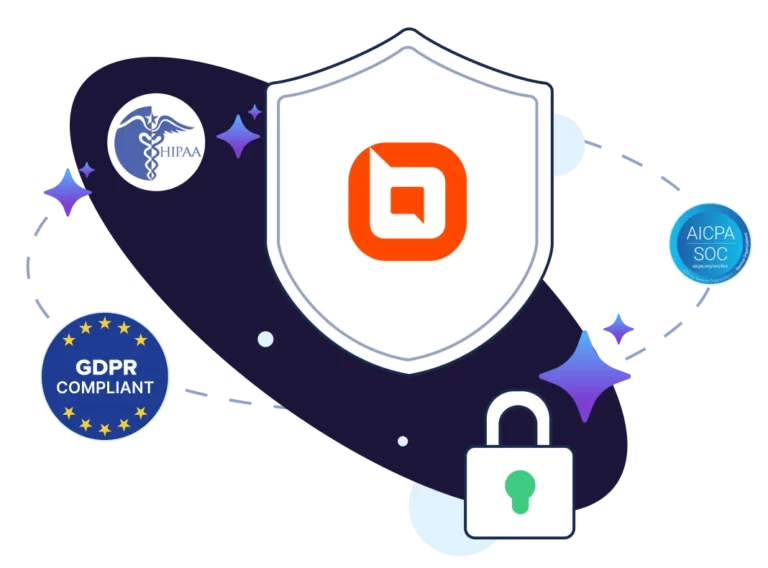
- Enterprise-grade compliance: BoldDesk maintains certifications and compliance programs including SOC 2 Type II, ISO 27001, HIPAA, and GDPR-aligned privacy and data protection practices to help organizations meet global security and regulatory requirements.
- Strong data encryption: All customer information is protected using industry-standard protocols like AES-256 encryption for data at rest and TLS 1.2+ for data in transit.
- Advanced access management: Admins can strictly control who enters the system by enforcing multi-factor authentication (MFA), single sign-on (SSO), and IP-based restrictions.
- Secure infrastructure: The platform is hosted on Microsoft Azure, providing world-class physical security and advanced network protection for all users.
- Regional data residency: Businesses can choose exactly where their customer data is physically stored to satisfy local privacy laws and regional regulations.
- Daily backups and recovery: Data is backed up every day and guarded by a rigorous recovery plan to ensure support history is always available even after a technical failure.
- Proactive vulnerability testing: BoldDesk undergoes regular internal reviews and annual third-party penetration tests to identify and fix potential risks early.
With these safety practices and policies in place, BoldDesk ensures your customer support operations remain secure, compliant, and audit‑ready.
Start your free trial to explore these security capabilities firsthand.
Maintain secure support with a security checklist
Your help desk shouldn’t be the weak point that puts your company’s reputation at risk during a security audit.
Following a clear help desk security review checklist allows your team to find and fix vulnerabilities before they lead to an accidental data leak.
BoldDesk provides a high-security help desk solution that includes enterprise-grade encryption and automated compliance tools to keep customer data protected.
If you have any questions, contact our BoldDesk support team for expert assistance and personalized guidance.
Related articles
- Delivering Secure, Compliant Fintech Customer Service at Scale
- Customer Service Audit for Top-Quality Support
- BoldDesk Is Now HIPAA-Compliant
Frequently Asked Questions
Most organizations perform a full review at least once or twice a year, but quarterly reviews are recommended for SaaS teams, regulated industries, or fast-growing support operations.
An unsecured help desk can expose sensitive customer information, allow unauthorized access, or enable accidental data leaks.
It can also lead to compliance violations and loss of customer trust if private data is mishandled.
Certifications like SOC 2 Type II, ISO 27001, and HIPAA (for healthcare use) show that the vendor meets recognized security and compliance standards.
These frameworks verify that strong and consistent controls are in place.
Ask about their security certifications, data handling practices, encryption methods, incident response process, uptime guarantees, and how they log user activity.
These questions help you evaluate whether the vendor can meet your security needs.
Not if the vendor supports secure data export processes and strong encryption. A platform with clear portability controls ensures you remain in full control of your data before, during, and after migration.





