
 In this page

TL;DR: A well-designed Contact Us page helps visitors reach the right team through clear structure, multiple contact options, and self-service paths. By combining clean layouts with intent based routing and accessible support channels, these pages improve usability, reduce friction, and streamline customer communication.
When visitors land on your website with a question or a problem to solve, they’re usually searching for a fast, clear way to get help.
Too often, that moment of intent is lost on the Contact Us page. Confusing layouts, unclear options, or poorly organized forms can create friction at exactly the point where clarity matters most.
According to Businessdasher, 75% of customers judge a business’s credibility by its contact page, and 88% won’t return after a bad experience.
That makes the Contact Us page more than a simple form; it’s a critical trust signal and a defining touchpoint in the customer journey.
In this blog, we’ll explore standout Contact Us page examples and share practical tips to help you design a page that is clear, approachable, and easy to use.
What is a Contact Us page?
A Contact Us page is a dedicated page on a website that explains how visitors can get in touch with a business for inquiries, support, feedback, or other requests.
It outlines the available communication channels and provides information that directs visitors to the appropriate point of contact.
A Contact Us page typically includes:
- Contact options, such as a contact form, email address, phone number, live chat, or support portal.
- Contact purposes, including sales or demo inquiries, customer support, partnerships, media requests, or feedback.
- Contextual details, e.g., business hours, response-time information, or a physical address when applicable.
- Guidance elements that include department-specific links, resources, and privacy notices related to form submissions.
What are the key elements of a Contact Us page?
A Contact Us page typically includes several standard components that guide visitors to the right communication channel and help organize incoming inquiries.
A well‑structured Contact Us page typically includes:
|
|
Note: The Contact Us Page is usually placed in prominent website locations, such as the main navigation menu and footer, to ensure it is easy to locate.
Best practices for designing an effective Contact Us page
Because the Contact Us page guides visitors toward specific communication paths, its layout, content, and consistency directly affect how easily users can take the next step.
The following strategies outline how to design and structure the page to ensure it functions effectively and remains aligned with your brand.
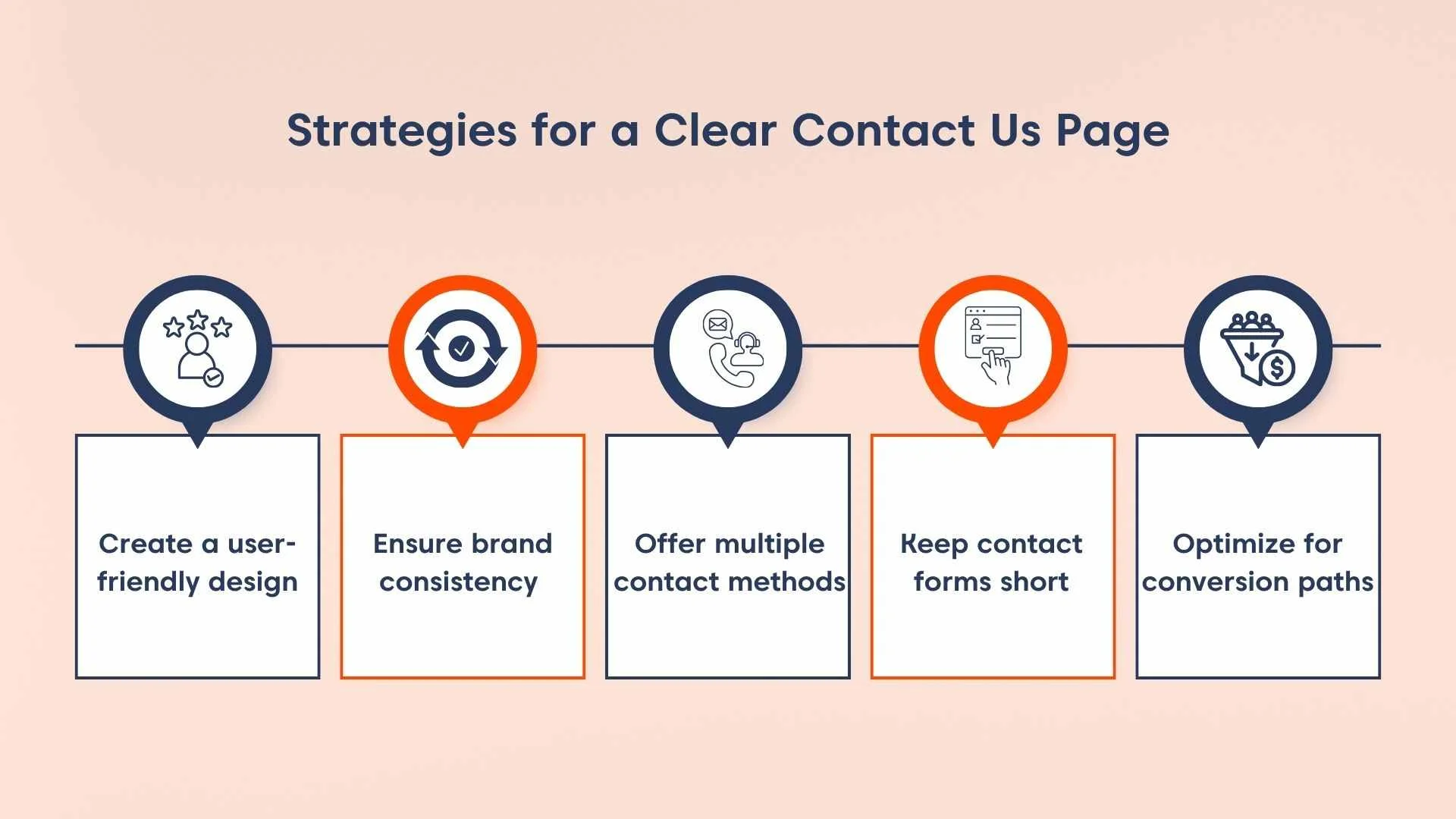
Create a clean, user-friendly design
A clutter-free, accessible layout encourages interaction and reflects your company’s professionalism.
How to implement
- Use a simple grid or column-based layout with a clear visual hierarchy.
- Limit content to relevant information and graphics.
- Ensure the page is fully responsive across mobile and desktop devices.
- Highlight key contact elements (form, email, chat) with clear visual cues.
Ensure brand consistency across the page
Design and language should match the rest of the website to strengthen brand recognition.
How to implement
- Apply brand colors, fonts, and visual elements consistently.
- Maintain the same tone of voice used across your website (formal, friendly, technical, or neutral).
- Include brand identifiers such as logos, icons, or approved imagery where appropriate.
Offer multiple contact methods
Different visitors prefer different communication channels. Providing options ensures inclusivity and improves response rates.
How to implement
- Provide a general business email address or department specific emails e.g., support or sales.
- Display phone numbers for relevant teams or regions, if applicable.
- Add live chat as an option when real-time communication is supported.
- Integrate links to official social media profiles when they are used for communication.
- Use contact forms for structured or detailed inquiries.
Keep contact forms short and focused
Contact forms should collect only the information required to route or respond to requests.
Long or complex forms can discourage users from submitting inquiries.
How to implement
- Limit fields to essential details, such as name, email, address, phone number, and message.
- Clearly indicate which fields are required to avoid confusion.
- Use dropdowns or checkboxes where they reduce manual input.
- Ensure the form functions correctly on both desktop and mobile devices.
Optimize the page for conversion paths
Your Contact Us page can do more than accept messages; it can support conversions and funnel interest.
How to implement
- Add a short, engaging welcome message that sets expectations for visitors after submitting a request.
- Include visuals such as team photos or office images where appropriate.
- Use clear calls to action (e.g., “Request a Demo”, “Contact Sales”, “Get Support”).
- Include concise supporting information, such as expected response time support quality.
Best Contact Us page examples to inspire your design
If you’re planning to create or refine a Contact Us page, reviewing real‑world implementations can be helpful.
To see how design best practices are applied in practice, here are some standouts Contact Us page examples from different industries.
1. BoldDesk
BoldDesk is a next-generation AI-powered customer support platform that streamlines ticketing, workflow automation, and service management for businesses of all sizes.
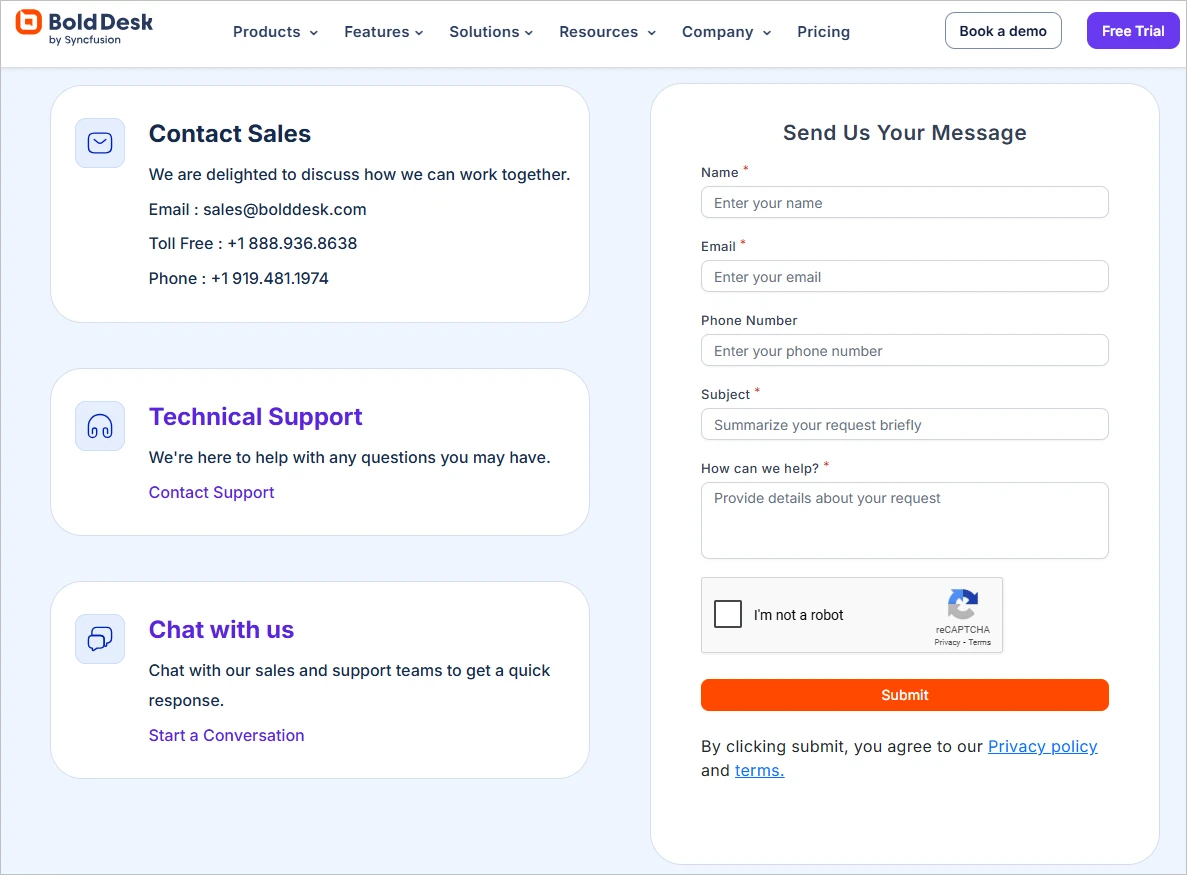
Its Contact Us page offers separate support channels for technical assistance, sales, and general inquiries while maintaining a clean, professional design that reflects its brand.
The inclusion of a toll-free number, multiple email addresses, and live chat gives users full control over how they engage.
Layered with reCAPTCHA for security and designed for ease-of-use, it’s a contact page that respects time while offering the human touch.
Furthermore, office locations are showcased visually, which adds credibility and global presence.
2. Apple
Apple is a global leader in consumer electronics and software, creating iconic products like the iPhone, iPad, and Mac, alongside services like iCloud and the App Store.
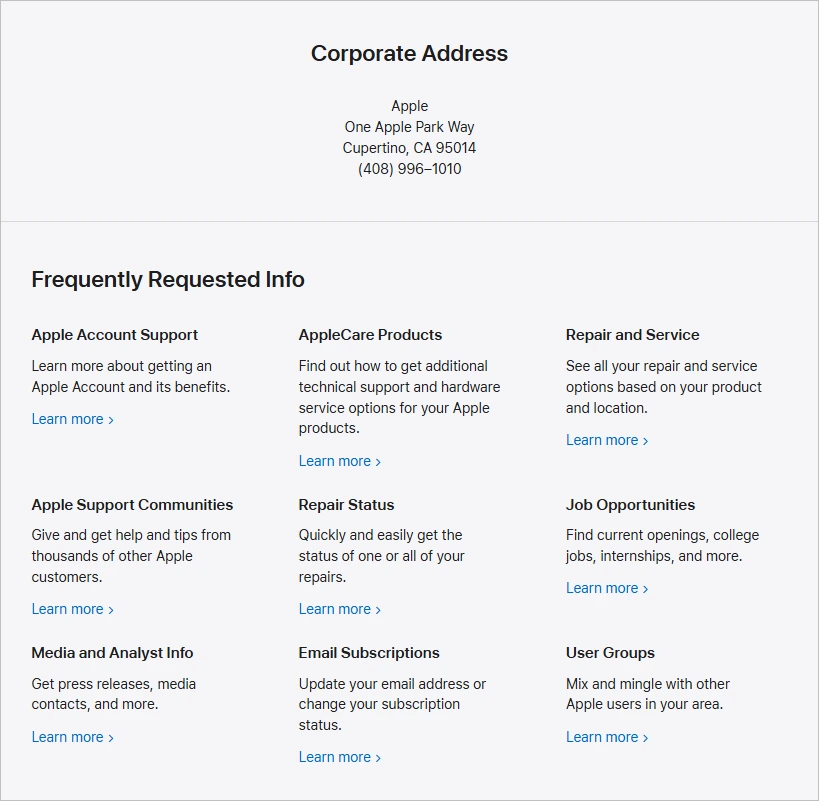
The Apple Contact Us page offers multiple ways to get in touch with Apple, including phone support, live chat, and in-person appointments at Apple Stores.
Users can get help with Apple products, check order status, manage subscriptions, or set up repairs. The page also includes options for business, education, government customers, and accessibility support, such as American Sign Language (ASL) interpreters.
3. American Express
American Express is a premier financial services brand offering personal, business, and corporate credit cards, as well as travel-related services.
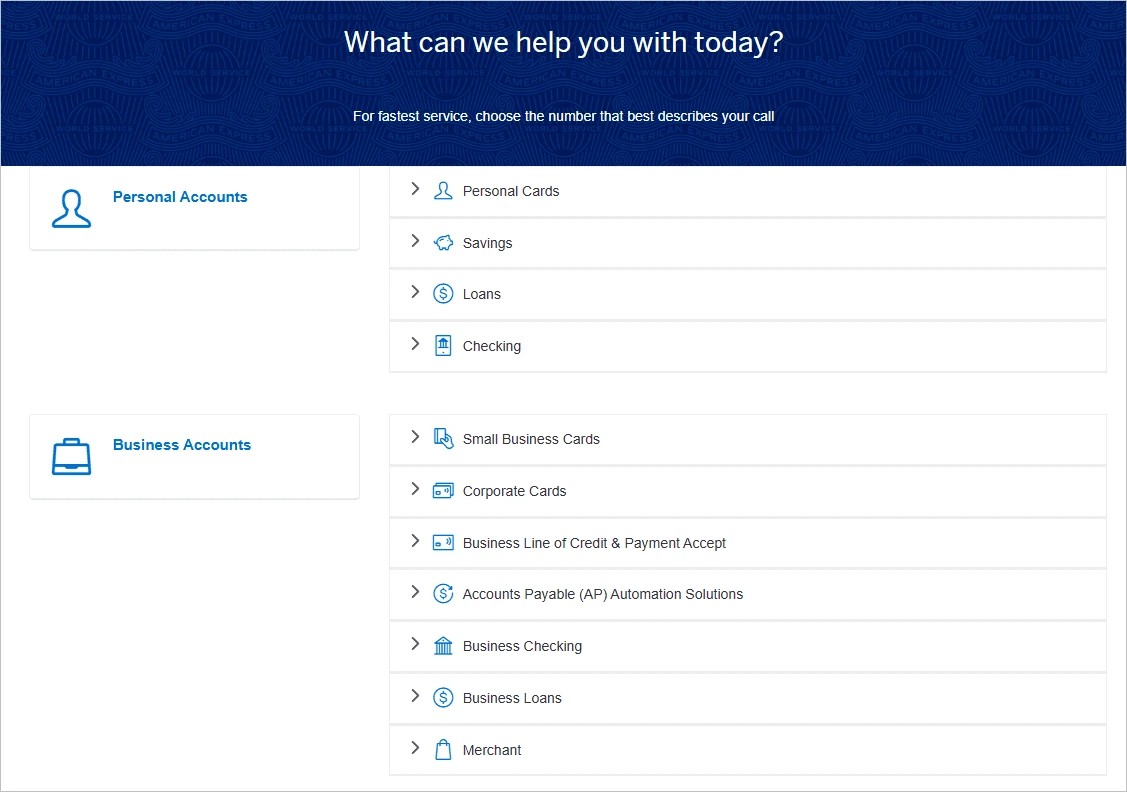
Their Contact Us page provides tailored support for personal, business, and corporate users through phone, mail, and secure chat.
It includes dedicated sections for financial products and services, with specific contact details for small business and corporate cardholders, including program and virtual card support.
4. Adobe
Adobe offers industry-leading software for creative professionals, marketers, and businesses, including Photoshop, Acrobat, and Adobe Experience Cloud.
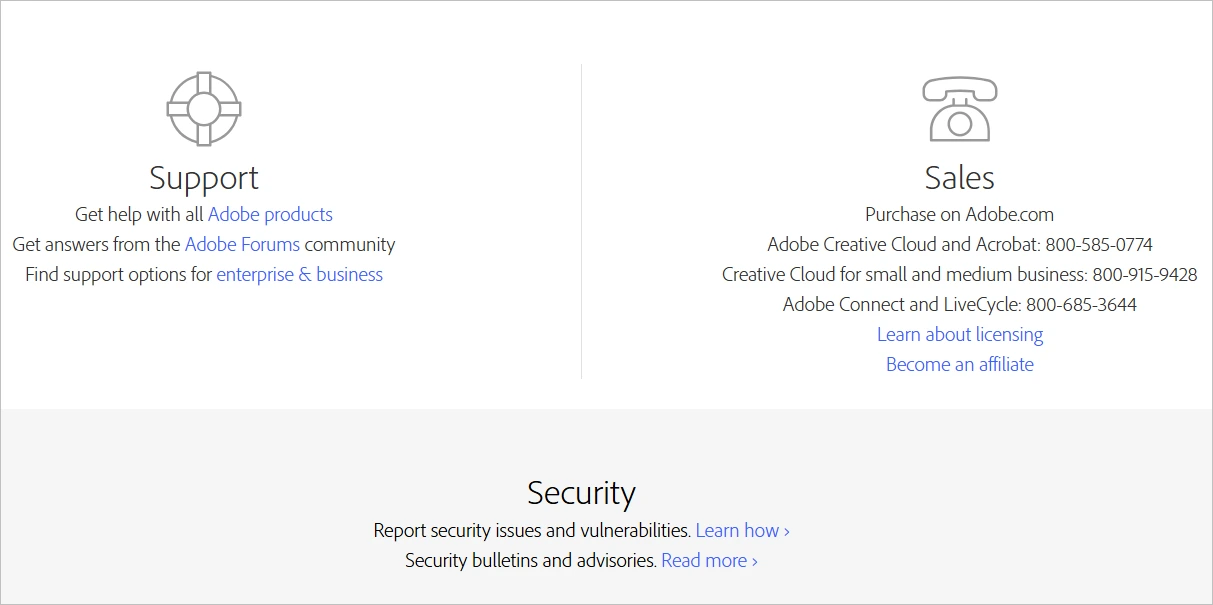
The Adobe Contact Us page offers support via phone, live chat, and email, along with access to a community forum for peer assistance.
It features a user-friendly layout with clear navigation, helping users quickly find the support option that fits their needs.
5. Walmart
Walmart is one of the largest retail chains globally, offering a wide range of products through both physical stores and its robust online marketplace.
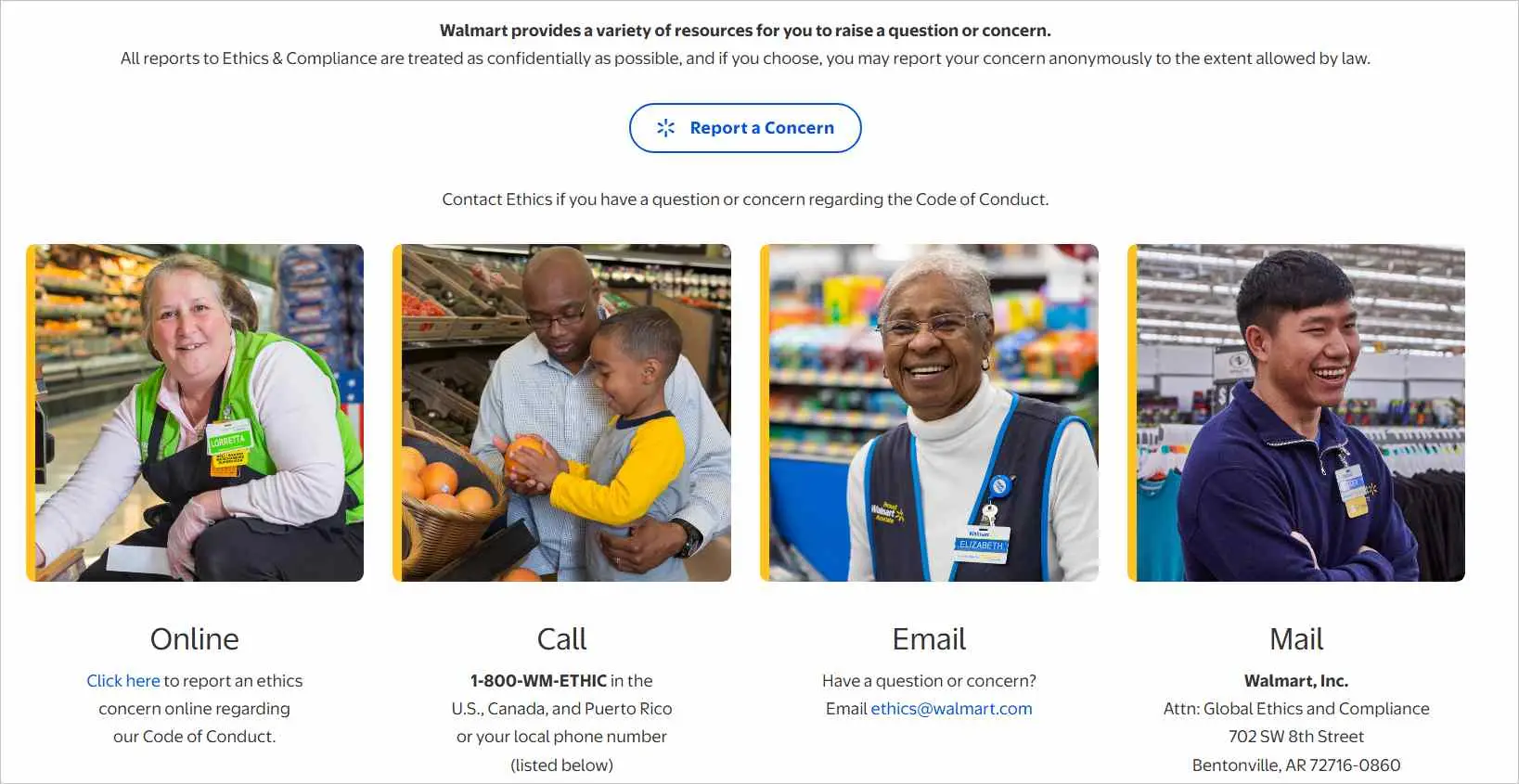
Their Contact Us page provides a wide array of contact options, including phone support, live chat, and email, allowing customers to choose the option that best suits their needs for assistance.
6. Slack
Slack is a collaboration platform designed for teams to communicate through channels, direct messages, integrations, and automation, streamlining workflows across companies of all sizes.
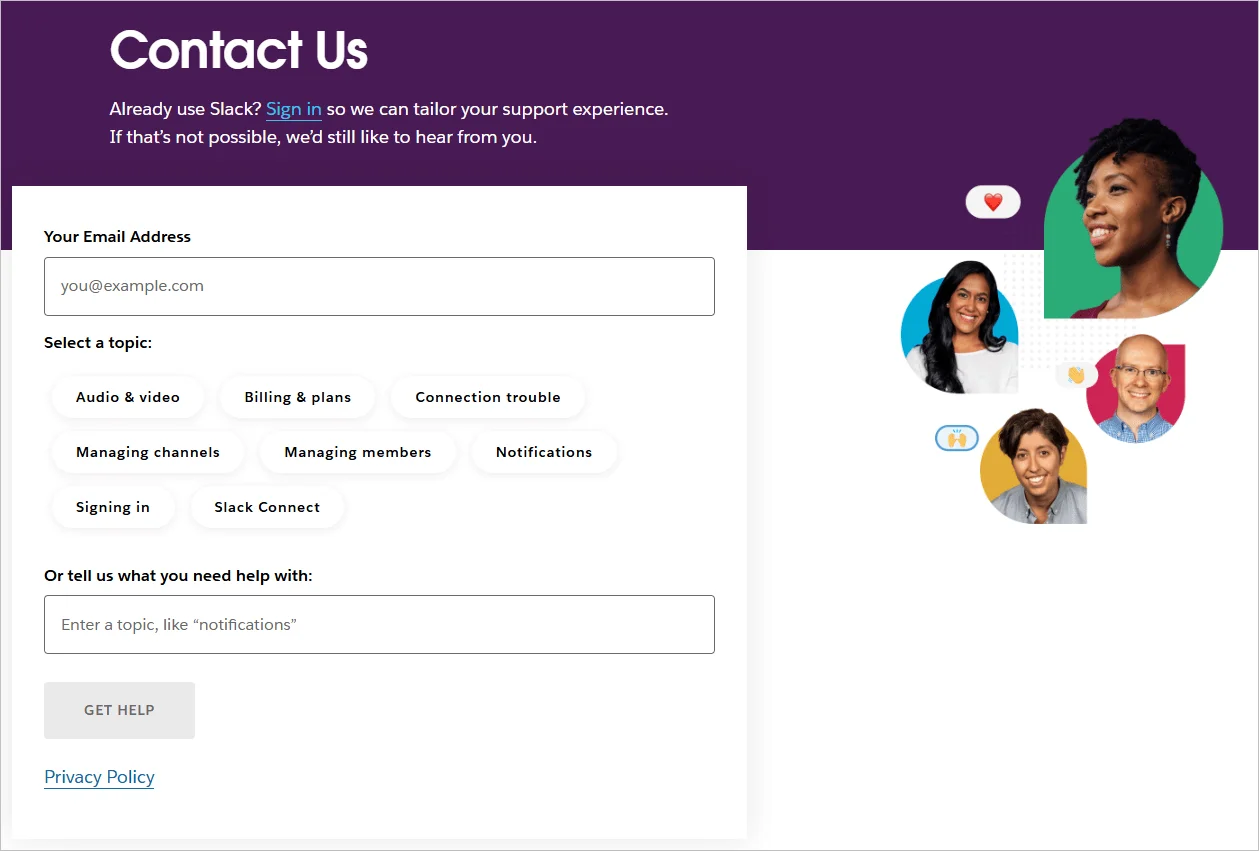
The Slack Contact Us page features a simple, accessible design, a contact form, and live chat for real-time support.
While phone support isn’t offered, users can access a detailed Help Center with articles and FAQs for quick customer self-service.
7. Shopify
Shopify powers e-commerce stores worldwide, offering businesses a platform to build, sell, and manage their online presence.
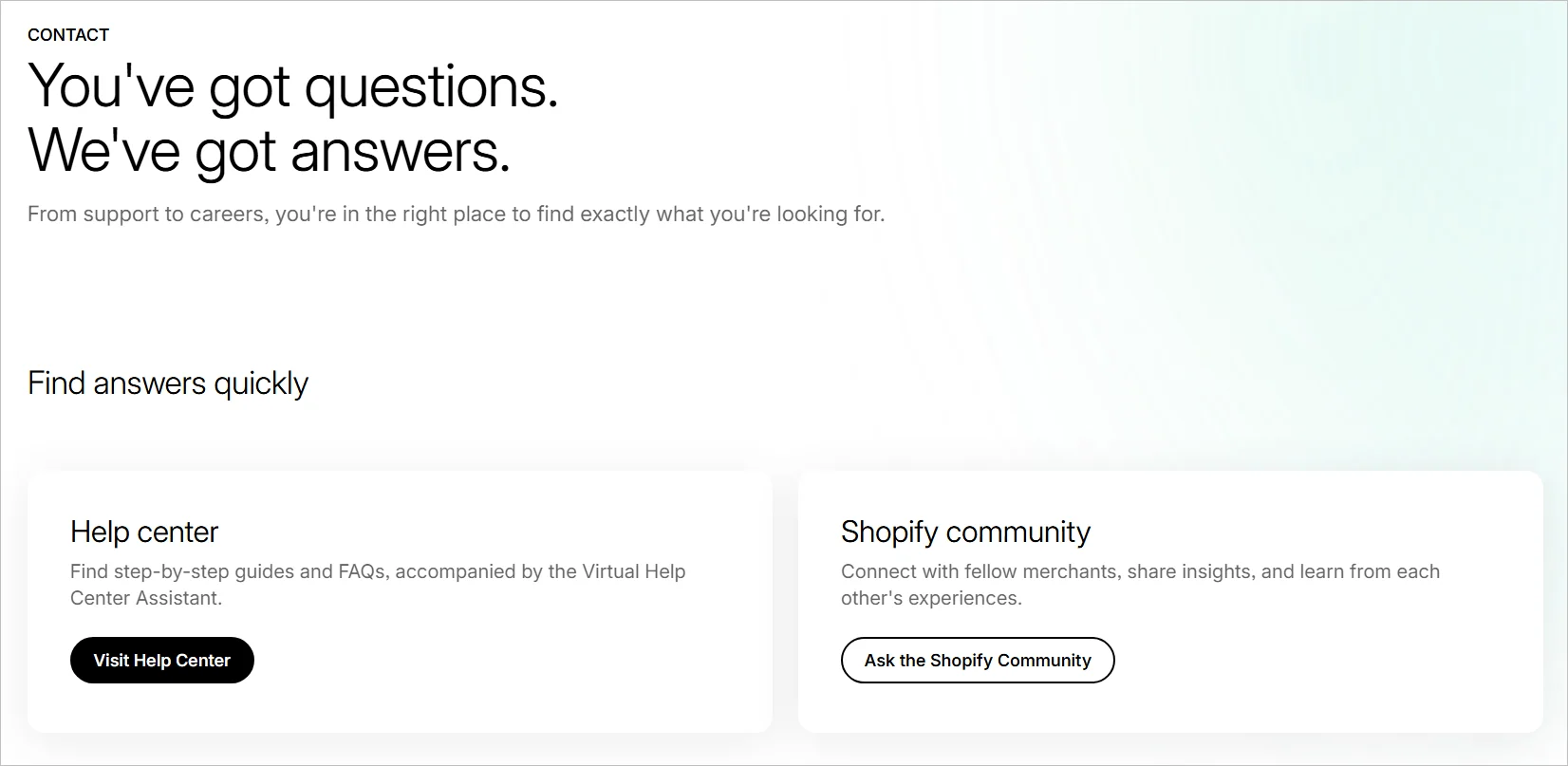
Its Contact Us page features a comprehensive Help Center with articles and FAQs, alongside vibrant community forums for peer-to-peer assistance.
The mobile-optimized, intuitive design ensures easy navigation, reflecting Shopify’s commitment to accessible, global support.
8. Grammarly
Grammarly offers AI-powered writing assistance tools that correct grammar, improve clarity, and elevate tone across emails, documents, and online writing platforms.
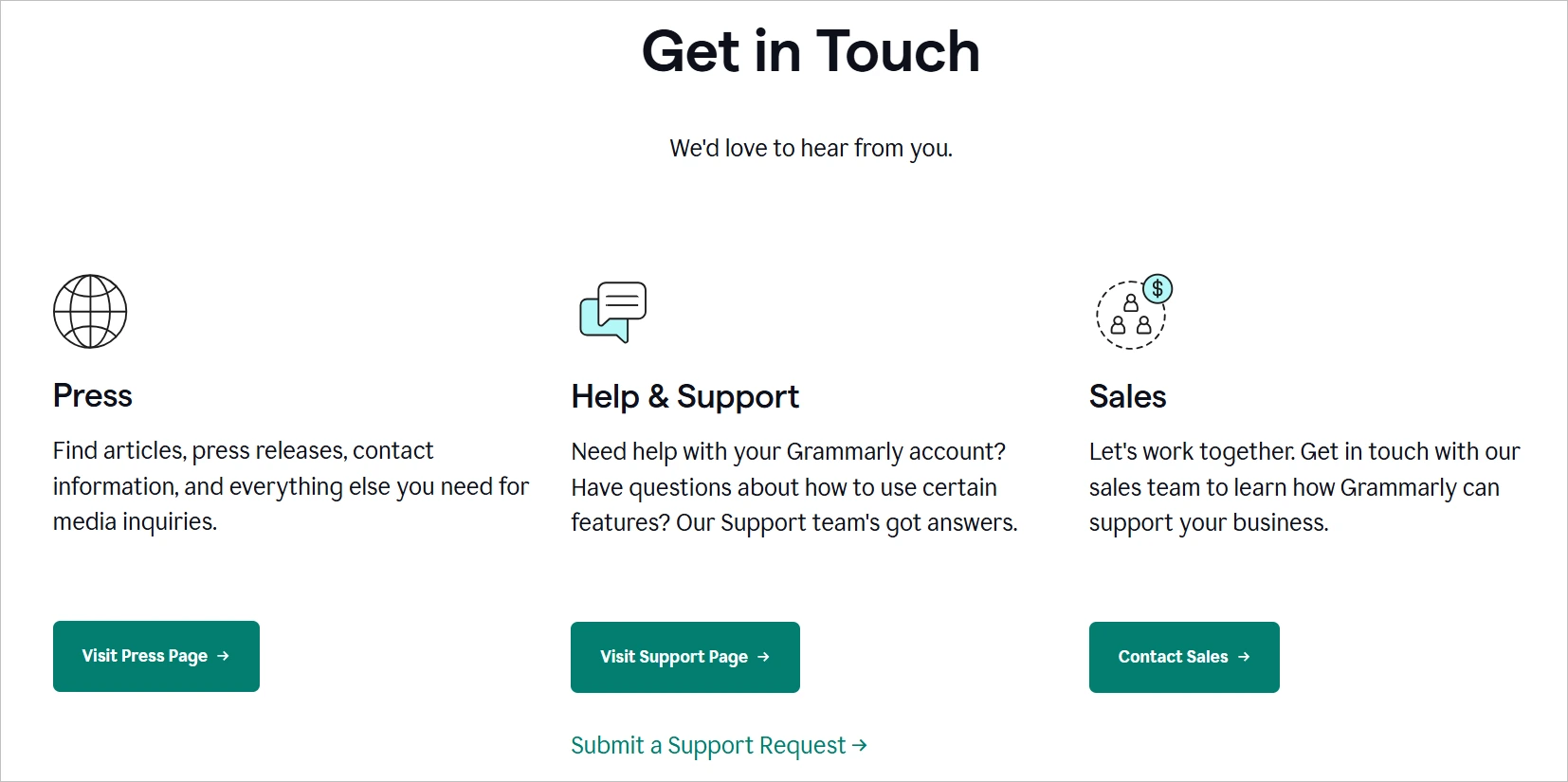
The Contact Us page features several support sections, including those for press inquiries, articles, help and support, and sales, enabling users to submit account-related requests and reach out to the ideal team for business collaborations.
9. Dropbox
Dropbox provides cloud-based file storage and collaboration tools for individuals, teams, and enterprises.
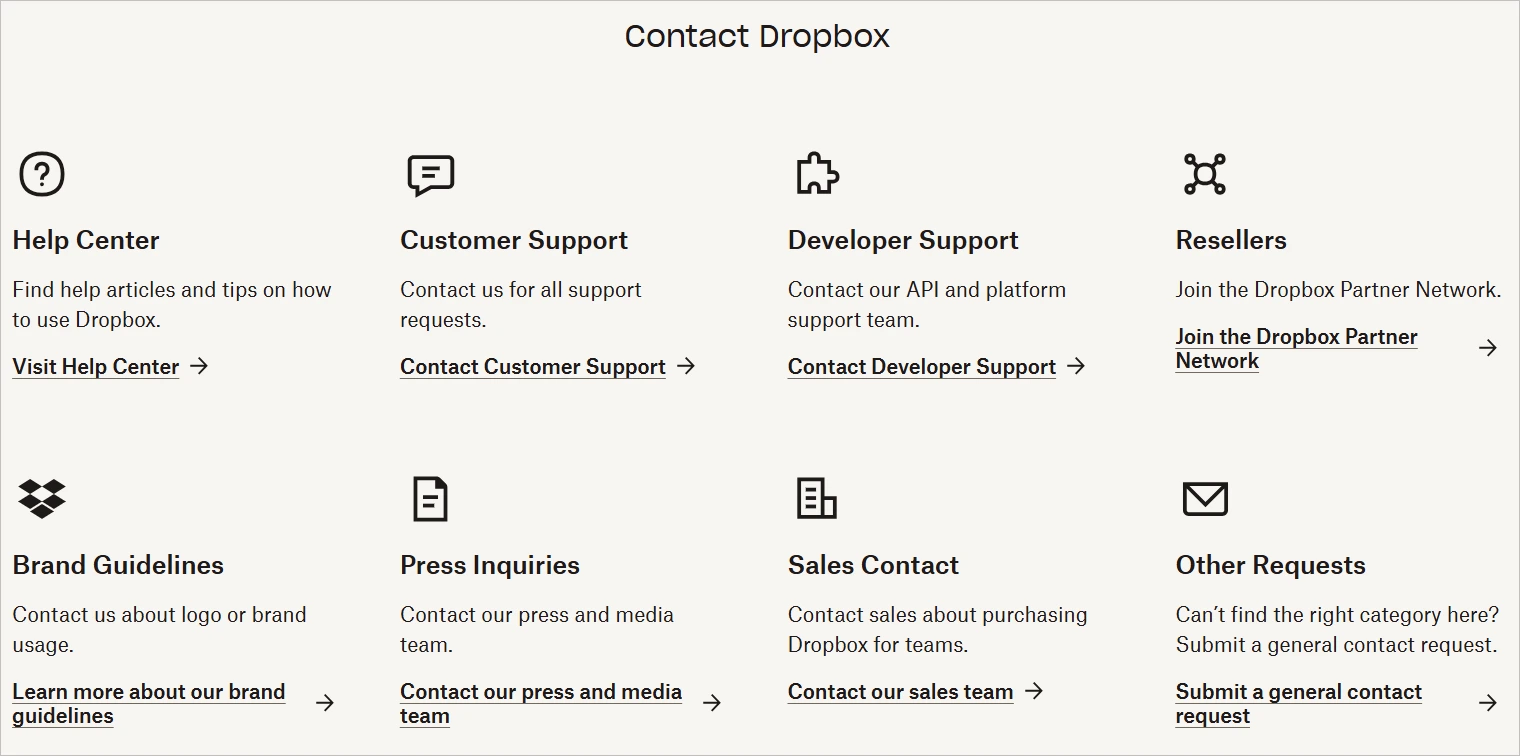
Its Contact Us page features an organized layout with a distinct icon for each support section, making it easy for users to find the right support team.
10. Calendly
Calendly is a scheduling automation tool used by individuals and teams to simplify meeting coordination.
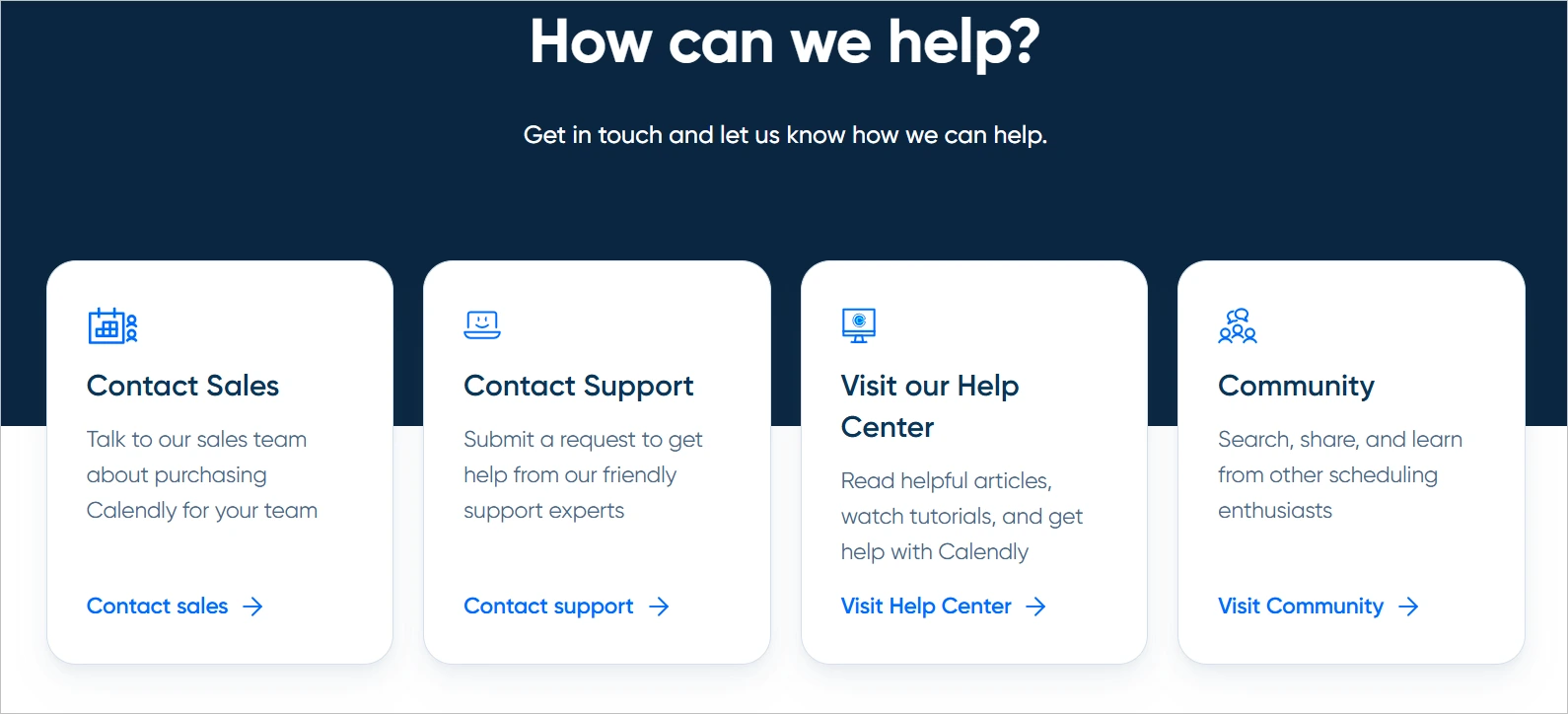
The Contact Us page directs users through a structured help center with distinct paths for support, community forums, and sales inquiries.
Users can access email-based support for technical issues, with priority response times for paid plan users. The page includes links to the help center, developer documentation, and an embedded chatbot for troubleshooting guides.
For sales-related questions or demo requests, a separate form routes inquiries directly to the sales team.
11. Nike
Nike is a global sportswear brand that designs and sells athletic apparel, footwear, and equipment.
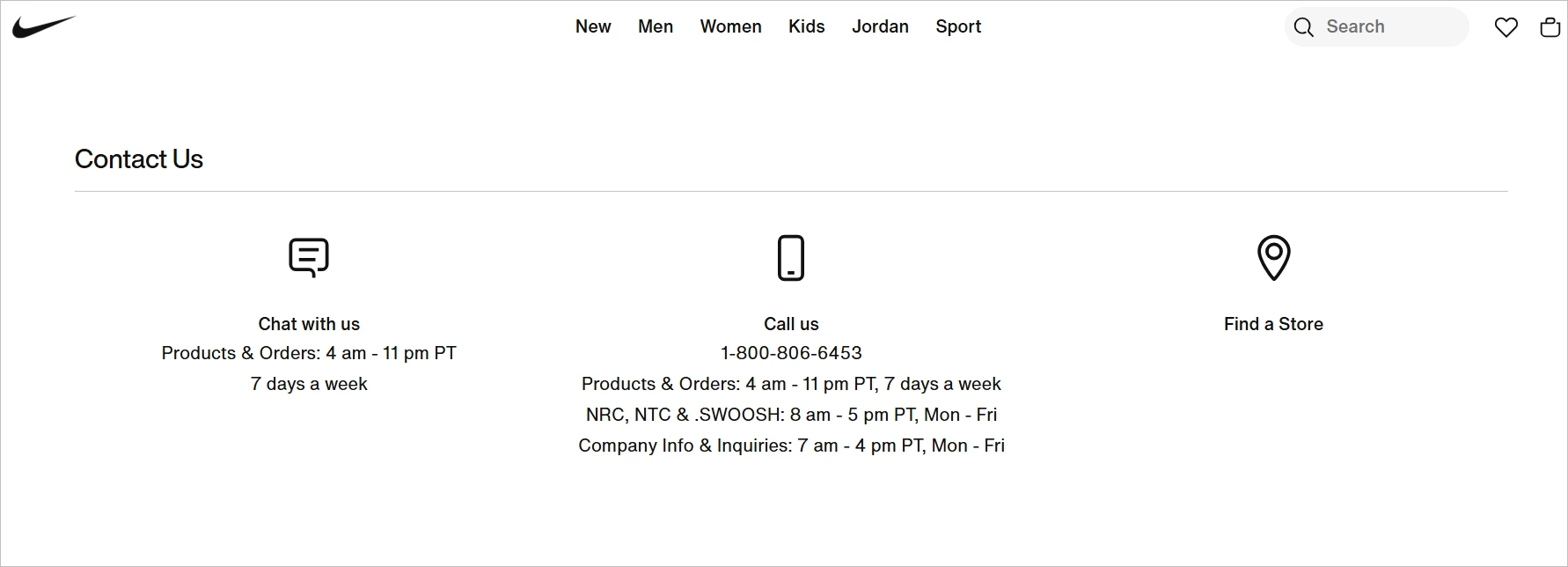
The Nike Contact Us page provides 24/7 live chat, a toll-free number, and social media customer service.
It includes dedicated sections for orders, returns, product info, and membership, along with region-specific support based on user location.
12. JetBlue
JetBlue is a U.S.-based airline offering low-cost flights with a focus on customer experience and onboard amenities.
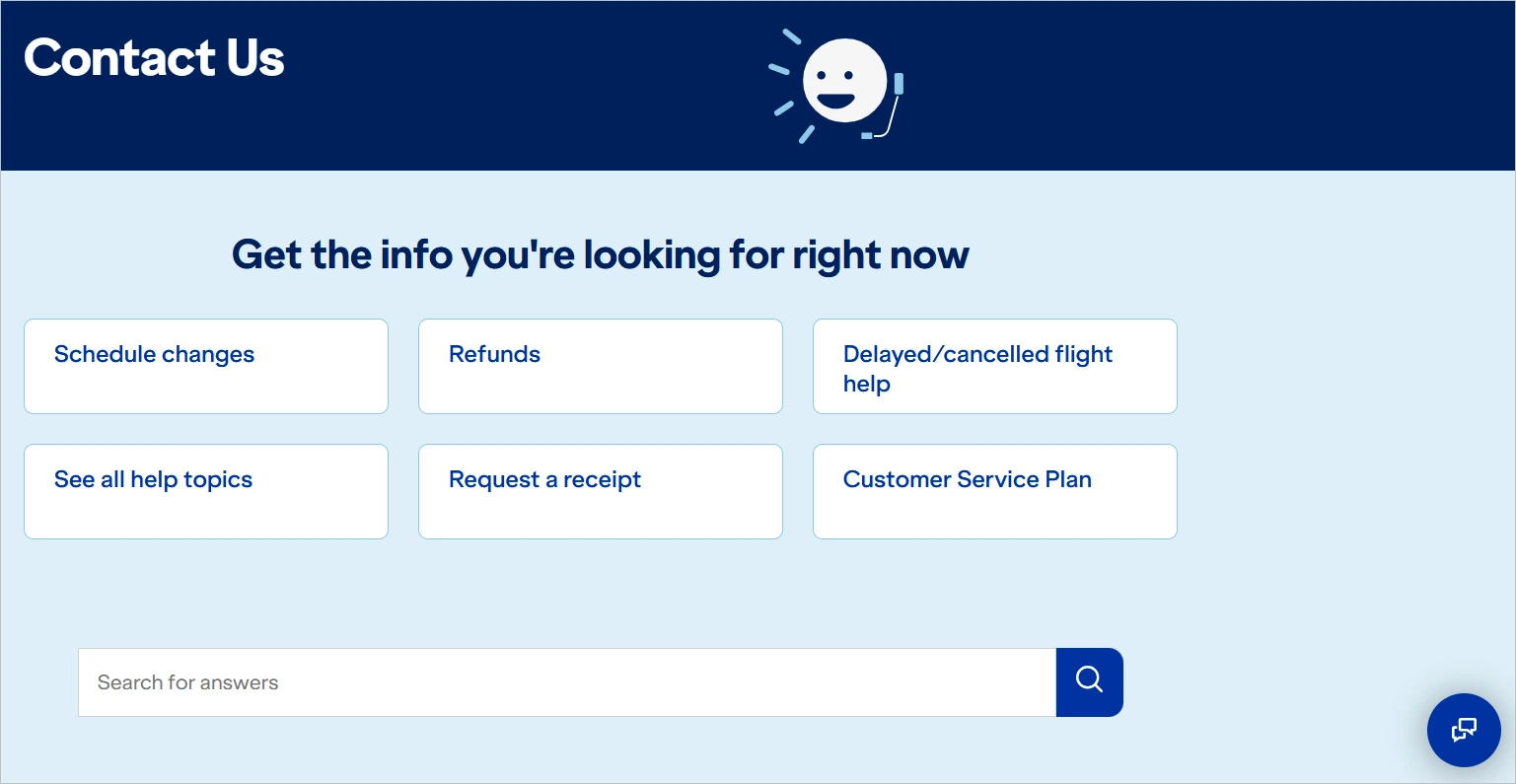
Its Contact Us page offers support via phone, live chat, and text messaging, with dedicated lines for flights, baggage, and group bookings.
It also includes a searchable help section and a virtual assistant for common travel questions.
13. Salesforce
Salesforce is customer relationship management (CRM) software that provides cloud-based solutions for sales, service, and marketing.
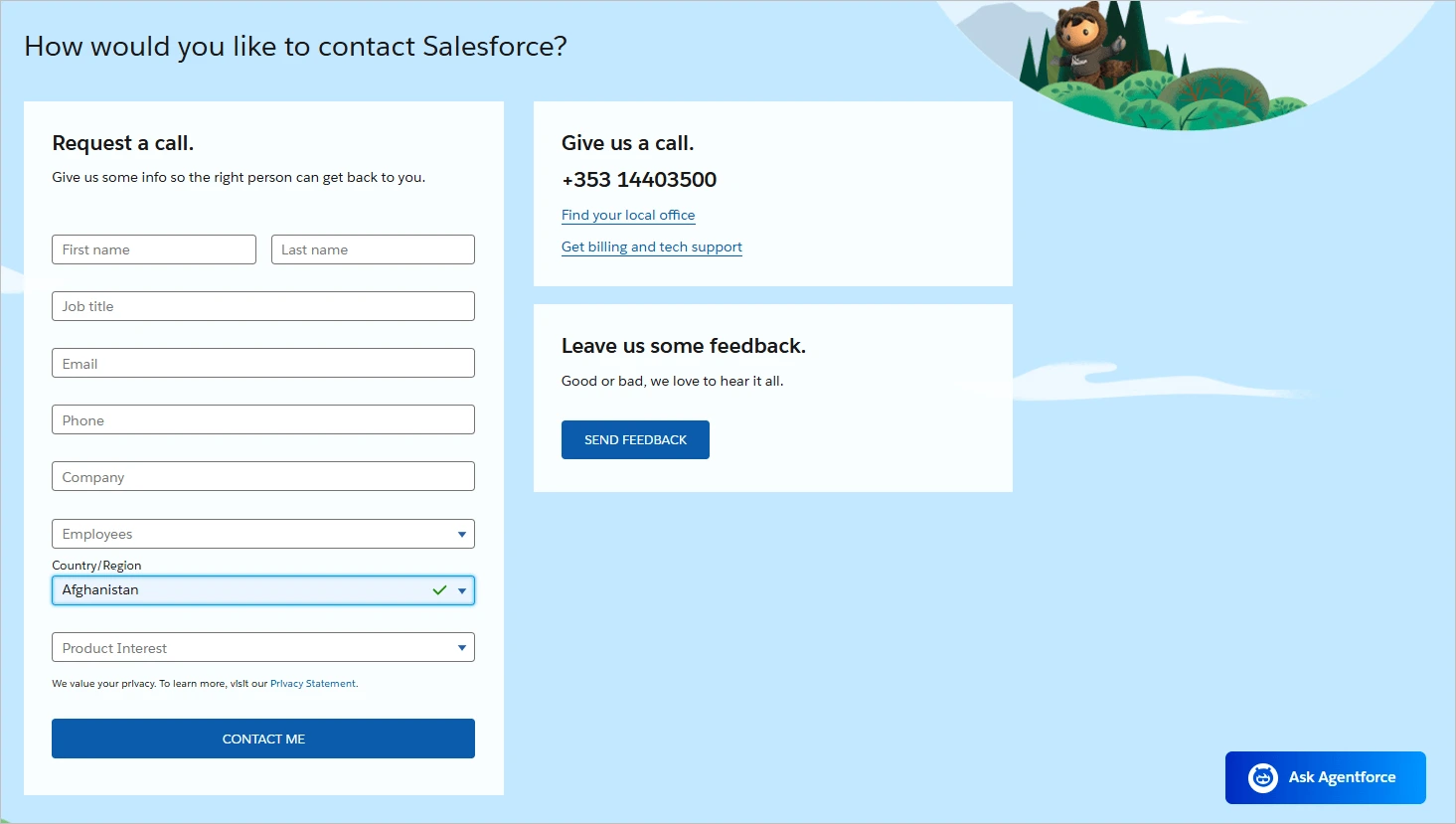
Their Contact Us page provides separate contact options for sales, support, and specific products, including a form and toll-free number.
It also features regional office contacts and a directory for developers, partners, and community support.
14. Google
Google is the world’s most-used search engine and tech company, offering products ranging from Gmail, Google Ads, and Workspace to Android, Maps, and AI infrastructure.
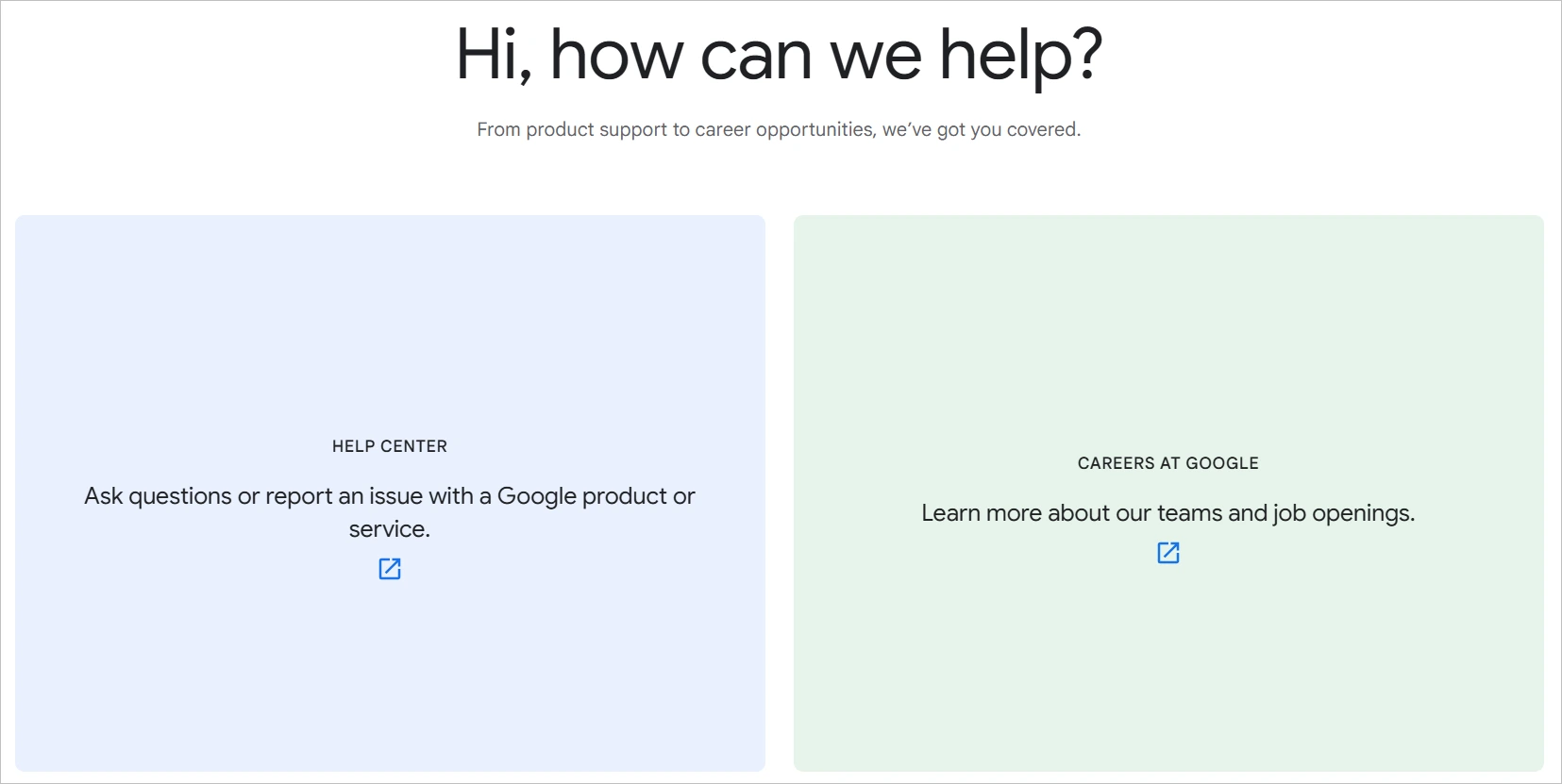
Its Contact Us page guides users to product-specific help centers, including Google Ads, Workspace, and Cloud. Users can easily find self-service articles, community forums, and AI-assisted help based on their preferences.
The page also includes a directory for press, legal, and business inquiries.
15. Microsoft
Microsoft is a global tech giant offering Windows, Office, Azure cloud services, and more.
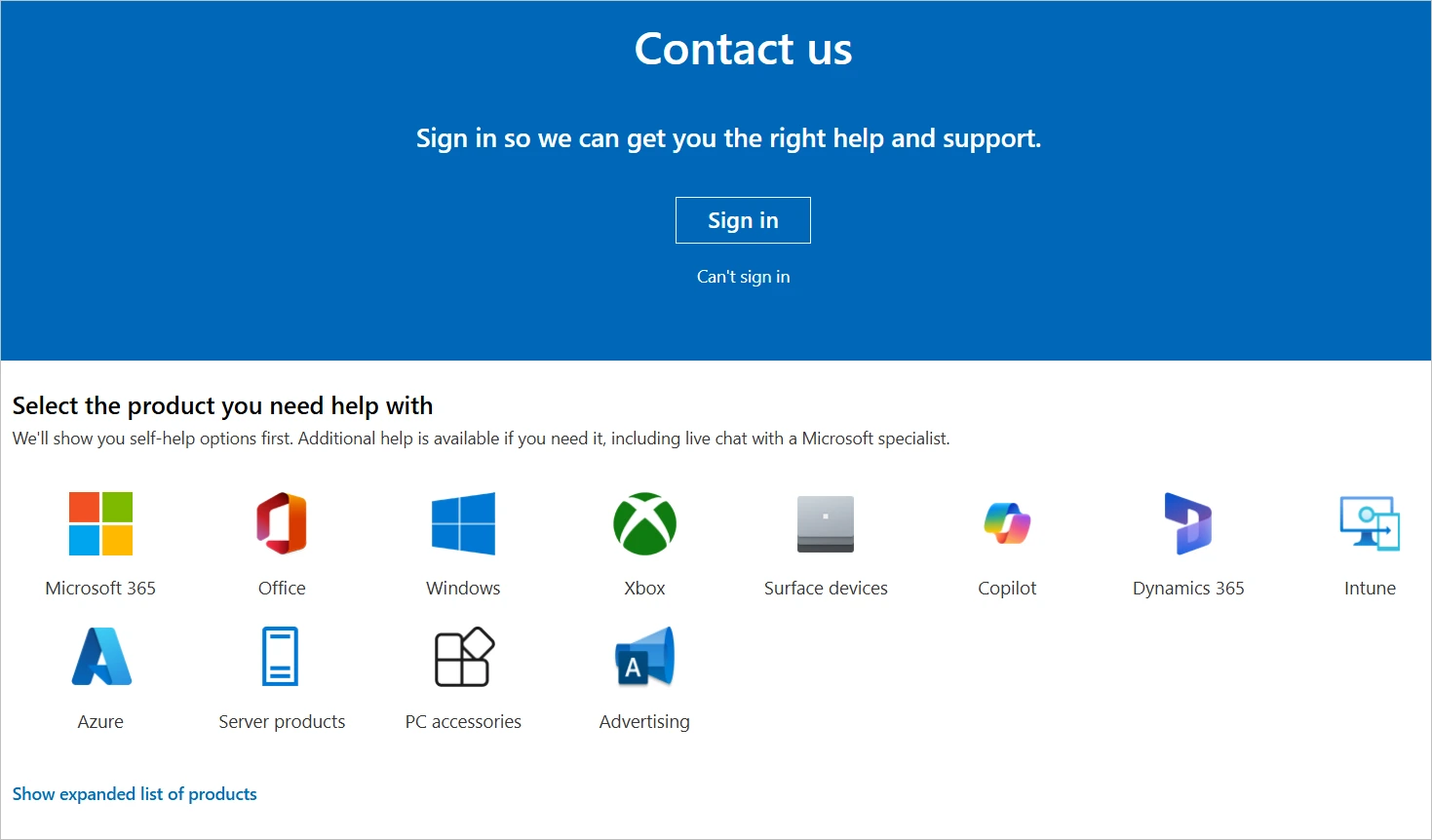
The Microsoft Contact Us page offers dedicated support for consumers, businesses, and developers through live chat, phone, or virtual agent.
It covers products like Microsoft 365, Xbox, Windows, Azure, and Surface, with signed-in access to the support portal. Additional links are provided for feedback, accessibility, and compliance inquiries.
16. Duolingo
Duolingo is a popular language-learning platform using gamification to help users learn over 40 languages.
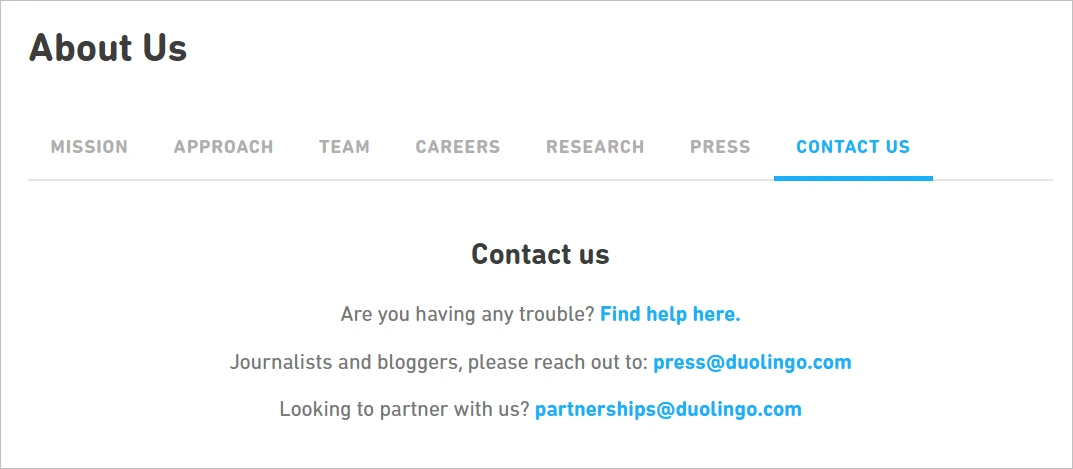
Its Contact Us page focuses on self-service through a Help Center with FAQs on subscriptions, technical issues, and classroom tools.
Contact forms are available for billing and account issues, but phone and live chat support are not offered.
The page also includes a press contact form and links for reporting bugs or ethics violations.
17. McKesson
McKesson is a healthcare services and pharmaceutical distribution company, providing products, technologies, and logistics to medical facilities.
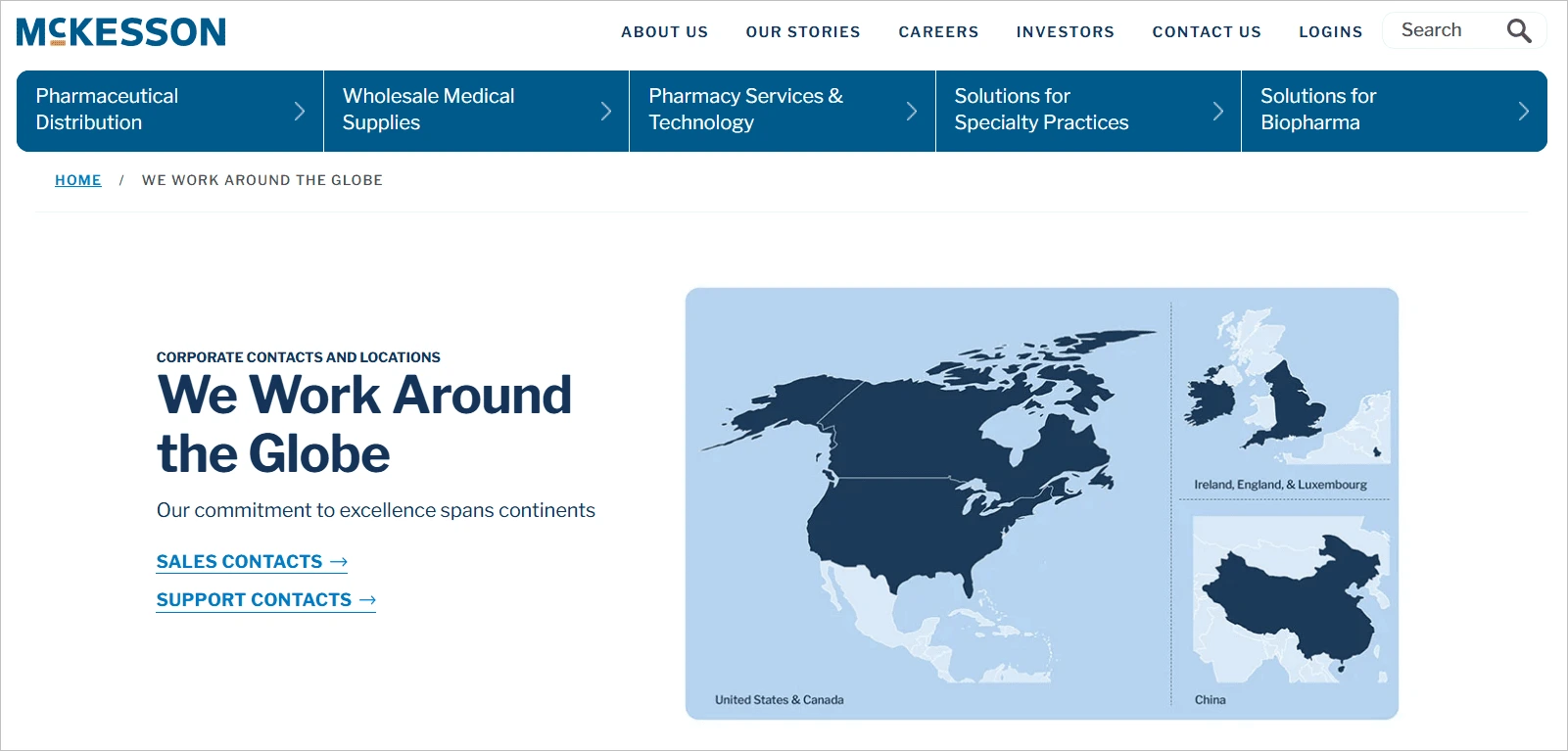
The McKesson Contact Us page offers phone numbers and emails by department, including media, supplier, and investor support.
Healthcare providers have dedicated lines by service type, and a login portal allows access to account-specific help.
Sales forms and emergency contact details are also provided for critical services.
18. Nvidia
Nvidia is a leader in graphics processing units (GPUs), AI hardware, and deep learning software for gaming, data centers, and autonomous systems.
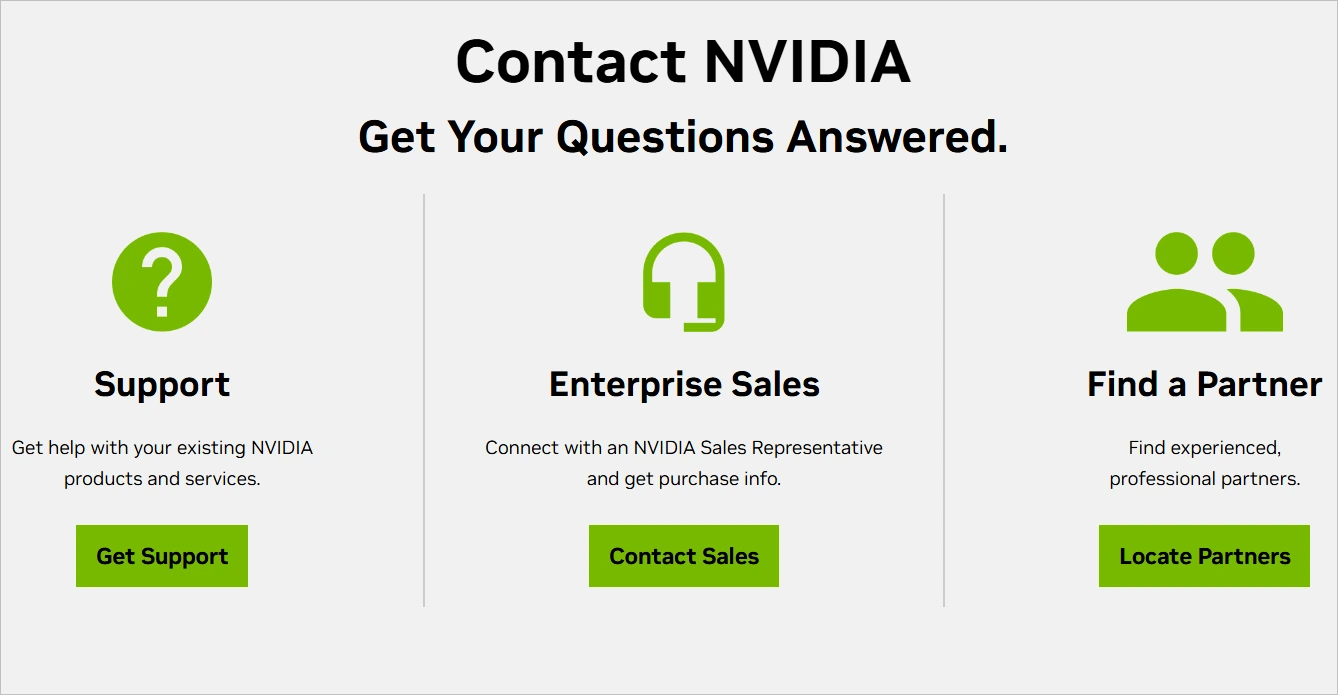
The Nvidia Contact Us page directs users by product category, such as GeForce, enterprise, or developer tools. It links to a support center with driver downloads, a knowledge base, and a community forum.
Business and media inquiries are handled through separate forms and contact emails.
19. Stripe
Stripe is a leading financial infrastructure platform that helps businesses accept payments, manage revenue, and scale globally.
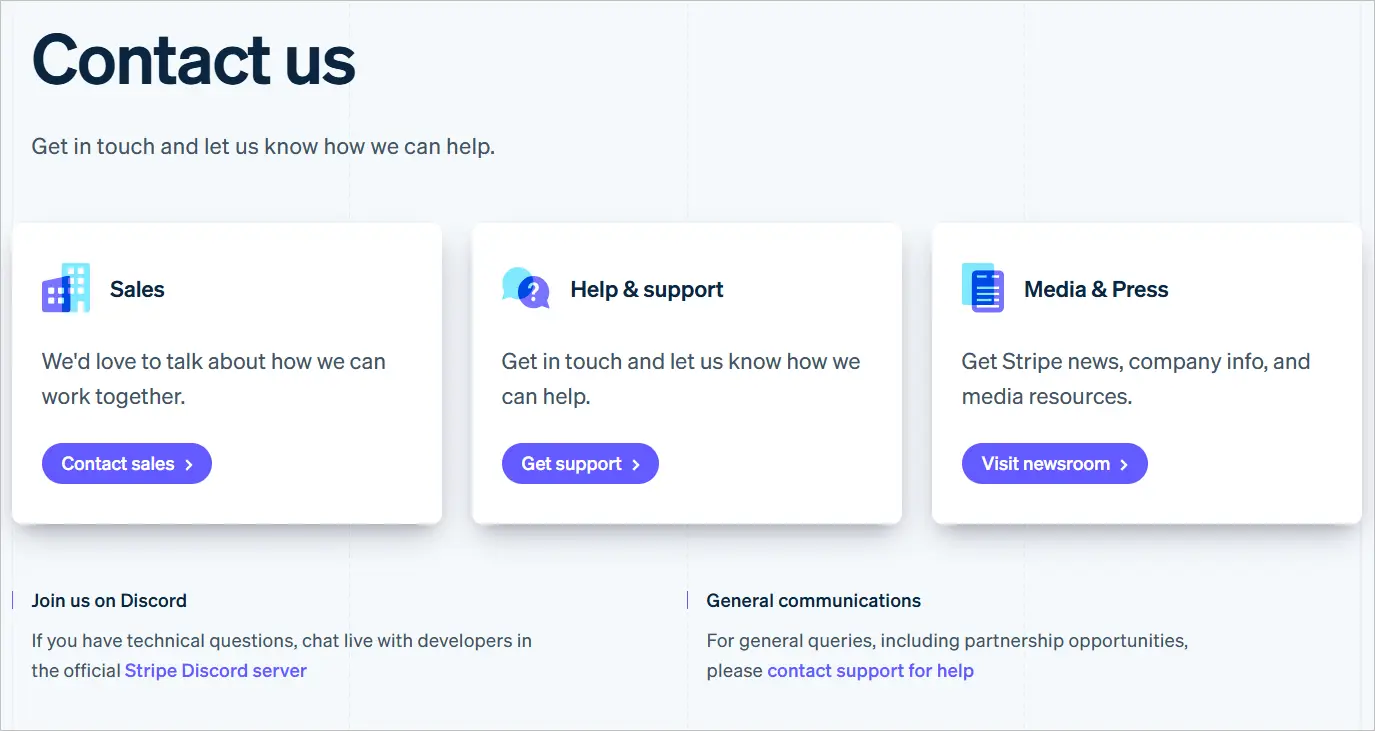
The Stripe Contact Us page provides 24/7 chat, email, and phone support for logged-in users through the Stripe Dashboard.
Non-users are directed to a help center and guided to contact forms for sales, support, media, or partnerships.
It also includes a separate portal for reporting fraud, phishing attacks, and contact details for press, legal, and compliance matters.
20. AT&T
AT&T is a multinational telecommunications provider offering wireless, internet, and TV services.
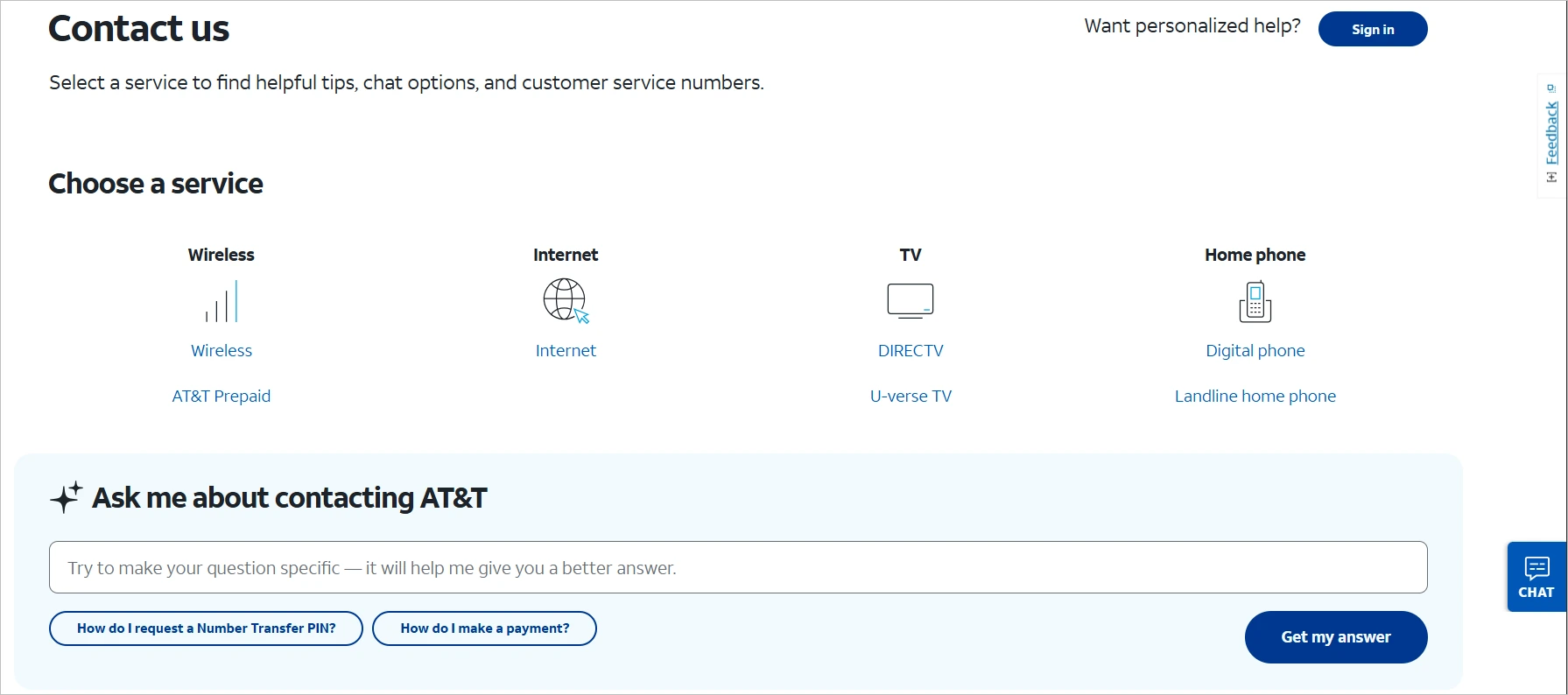
Their Contact Us page provides segmented support for wireless, internet, TV, and business services.
Users can reach support via live chat, phone, or community forums, with options varying by product and location.
It includes self-service tools for billing, outages, and troubleshooting, and offers a separate portal with customized support for business customers.
21. Chewy
Chewy is an e-commerce company specializing in pet food and supplies, known for excellent customer service.
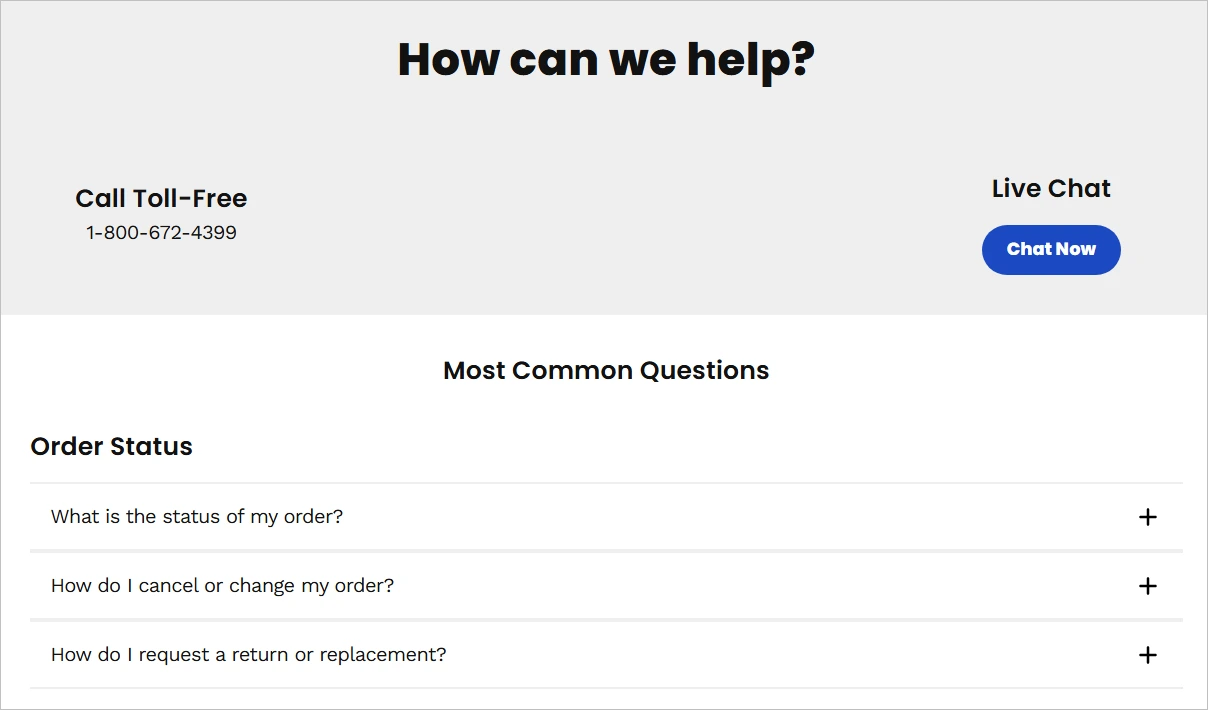
The Chewy Contact Us page offers 24/7 customer service via toll-free phone, live chat, and email, with quick links for orders, returns, pharmacy, and pet prescriptions.
It includes a detailed FAQ section but prioritizes direct human support through their live chat. Contact info is clearly displayed and accessible without requiring login.
22. Mailchimp
Mailchimp is a leading email marketing platform that helps businesses manage campaigns, automate outreach, and grow audiences.
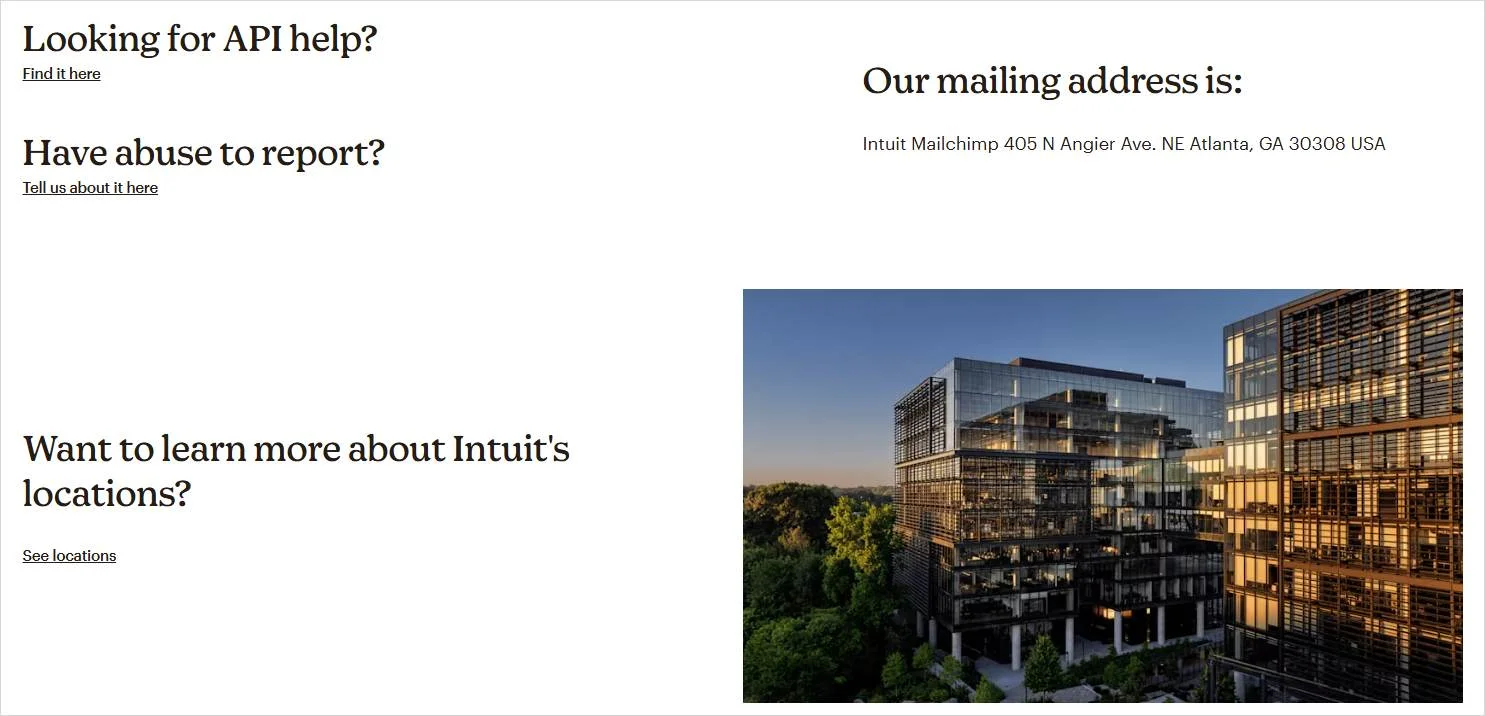
The Mailchimp Contact Us page directs users to their help center, which includes tutorials, how-to guides, and a smart search tool.
The page includes links to billing assistance, account recovery, and compliance questions, while business inquiries, partnership, and press requests are handled through separate contact forms.
Key takeaways from these Contact Us page examples
Across these examples, the most effective Contact Us pages share several common patterns that improve usability and customer experience.
Specifically, they:
- Offer multiple contact options, such as live chat, phone, email, and contact forms, to accommodate different user preferences.
- Prioritize self-service by directing users to help centers, FAQs, and knowledge bases before escalating to direct support.
- Segment users by intent, clearly separating paths for support, sales, billing, partnerships, or media inquiries.
- Maintain clean, minimal layouts that make it easy for visitors to find the right contact option quickly without unnecessary distractions.
Improve customer communication with a clear Contact Us page
A well-structured Contact Us page plays an important role in how visitors communicate with a business.
Clear layout, consistent design, and straightforward contact options help ensure users can find the right way to reach out.
Design, clarity, and simplicity all play key roles in creating a page that functions effectively and supports different types of inquiries.
For teams managing customer inquiries at scale, BoldDesk provides help desk software that integrates with website contact options to centralize and manage incoming requests more efficiently.
Schedule a live demo or start a 15-day free trial to see how BoldDesk handles tickets, forms, and customer communication workflows.
You can reach out to our support team for product questions, pricing details, or support-related inquiries.
Did you find this article helpful? Share your thoughts in the comments below.
Related articles
- Customer Communication: Everything You Need to Know!
- Business Requirements Document: Best Tips and Templates
- How to Use Slack for Customer Service Excellence
Contact Us Page FAQs
The best Contact Us page design is simple, user friendly, mobile responsive, and accessible.
It uses clear layout, readable fonts, concise call to action, and minimal form fields to make communication easy to understand.
A Contact Us page is used for direct communication, such as general inquiries, sales requests, or support questions.
A support page, on the other hand, focuses on self service resources like help articles, documentation, and troubleshooting guides.
Formal alternatives to “Contact Us” include phrases such as “Get in Touch,” “Send Us a Message,” “Talk to Us,” “How Can We Help?” and “Request Information.”
These options maintain a formal tone while fitting different design or messaging styles.
An AI chatbot is an automated tool that uses artificial intelligence to answer questions, guide users, or handle simple requests in real time.
A Contact Us page, by contrast, is a static webpage that lists communication methods, such as forms, email addresses, or phone numbers, for direct outreach.
A Contact Us page gives visitors a clear way to reach a business, making communication accessible and transparent.
It also signals reliability and accountability by showing that the company is open to questions, support requests, and feedback.