TL;DR: Discover 37 SaaS examples across customer service, CRM, ecommerce, analytics, collaboration, and additional categories. The breakdown helps teams evaluate features and pricing efficiently, allowing decision makers and managers to navigate the growing SaaS ecosystem and identify how each tool type aligns with modern business operations.
The modern business landscape is dominated by Software as a Service (SaaS). By delivering software applications over the internet, SaaS providers offer businesses a flexible, scalable, and cost-effective way to access the tools they need.
No longer burdened by the complexities of on-premise software, companies can focus on their core competencies while leveraging powerful cloud-based solutions.
We have compiled several SaaS examples in this guide to help you choose the best SaaS for your business.
What is Software as a Service (SaaS)?
Software as a Service (SaaS) is a mode of software distribution in which customers access a program online. The service provider or vendor maintains and constantly updates the program, eliminating the need for businesses to build the application from scratch.
Vendors usually host their SaaS apps in the cloud. This means that users access the software from anywhere on their mobile devices or desktops through a web browser or application. SaaS vendors allow customers to access and use the software for a subscription fee.
Because SaaS applications are hosted and maintained by the provider, businesses can adopt them faster, reduce IT overhead, and access ongoing updates without managing the software internally.
SaaS market growth: Recent trends and data
Most companies have embraced SaaS software because it is efficient, reliable, and easy to scale. This adoption has led to a rise in demand.
SaaS software serves a huge role in accelerating the growth of businesses across industries. As a result, there has been an increase in the adoption of SaaS by brands all over the world.
According to Productiv, since 2023, organizations use 371 SaaS applications on average.
This is a result of small, medium, and large businesses requiring technologies such as:
Enterprise resource management applications
CRMs
Data analytics tools
Web optimization tools
Email tools
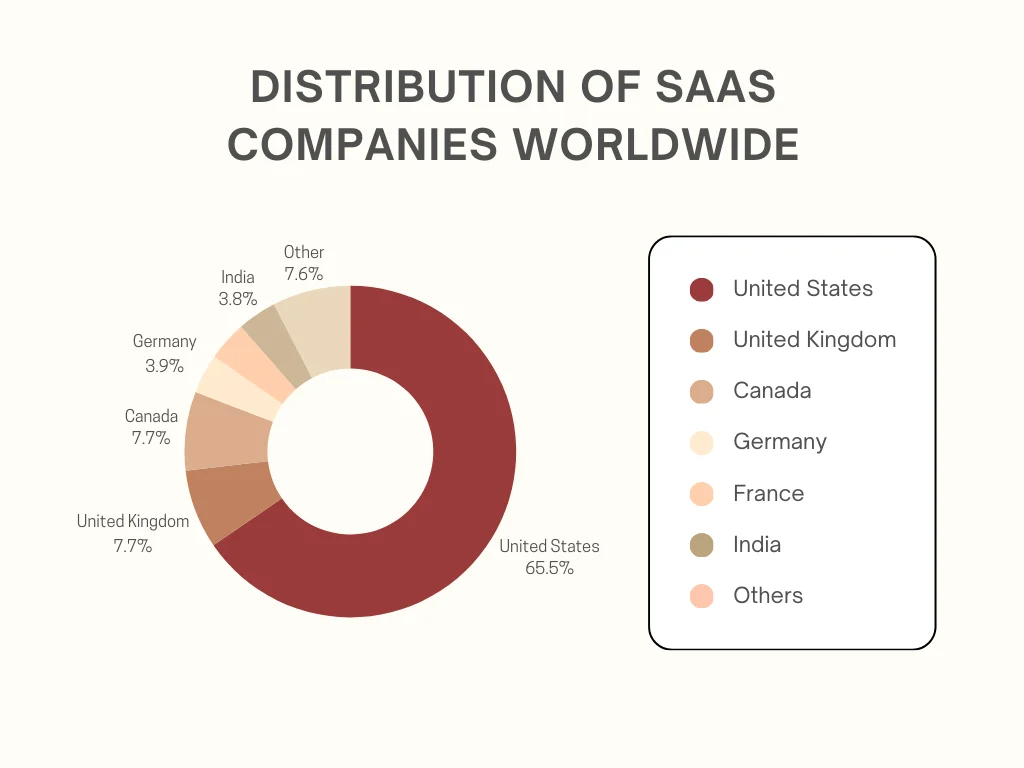
As of 2024, the global adoption of SaaS software varies across different countries, with significant concentrations in certain regions. Currently, there are over 30,800 SaaS companies worldwide. (Demandsage)
Distribution of SaaS companies globally
The global market size for SaaS was valued at 273.55 billion in 2023 according to Fortune Business Insights. This figure is expected to grow to an estimated USD 1,228.87 billion by 2032.
These statistics show that the SaaS industry is growing rapidly and will continue to grow even further.
Top 37 software as a service examples to watch out for in 2026
To help you navigate our list of SaaS examples, we have categorized them according to their functions and industry so that you can easily compare and select the right tool for your needs.
The goal of most businesses when purchasing software is to increase profits and attract more customers. Customer service SaaS applications do just this. Below are a few examples of SaaS apps that brands can use to manage customer interactions and improve agent productivity.
1. BoldDesk
BoldDesk is the best help desk SaaS application for businesses seeking to achieve customer service excellence. It has a robust ticketing system that helps support agents track, prioritize, and resolve support tickets with minimal effort.
BoldDesk’s comprehensive knowledge base helps brands to provide self-service, empowering customers to solve issues independently without contacting support.
Its shared inbox software allows for seamless collaboration, improving support team efficiency and productivity.
BoldDesk customer service software
BoldDesk’s flexible pricing plans allow small, medium, and large businesses to gain insights into customer data, improve efficiency, and stay on top of support requests across various channels.
Key features
Robust ticketing system
Knowledge base software
Automated help desk
Live chat support
User-friendly customer portal
Omnichannel inbox
Multilingual support
Customizable, expandable, and intuitive interface
Mobile support
AI agent
AI Copilot
AI Assist
Multiple integrations
Reporting and analytics tools
To learn more, feel free to contact BoldDesk support for assistance. Book a live demo or sign up for a free trial today to experience its features.
Pricing
BoldDesk provides flexible pricing designed to help businesses build efficient and budget‑friendly support teams. Every plan includes all features for all users with no limitations, no locked capabilities, and no mandatory upgrades. Startups and free‑trial users also get full access to every feature.
No. of Agents
Monthly Price (USD)
Free AI Credits/Month
5
$99
500
10
$199
1,000
25
$349
1,500
50
$499
2,000
75
$749
2,500
100
$999
3,000
Note: BoldDesk uses a flexible, usage-based credit system for AI at $20 for 1,000 AI credits. You only pay for what you use, giving you full cost control.
You can also boost human agent productivity with AI Copilot, available as an add‑on for $20 per agent/month.
Free trial: 15 days
2. Intercom
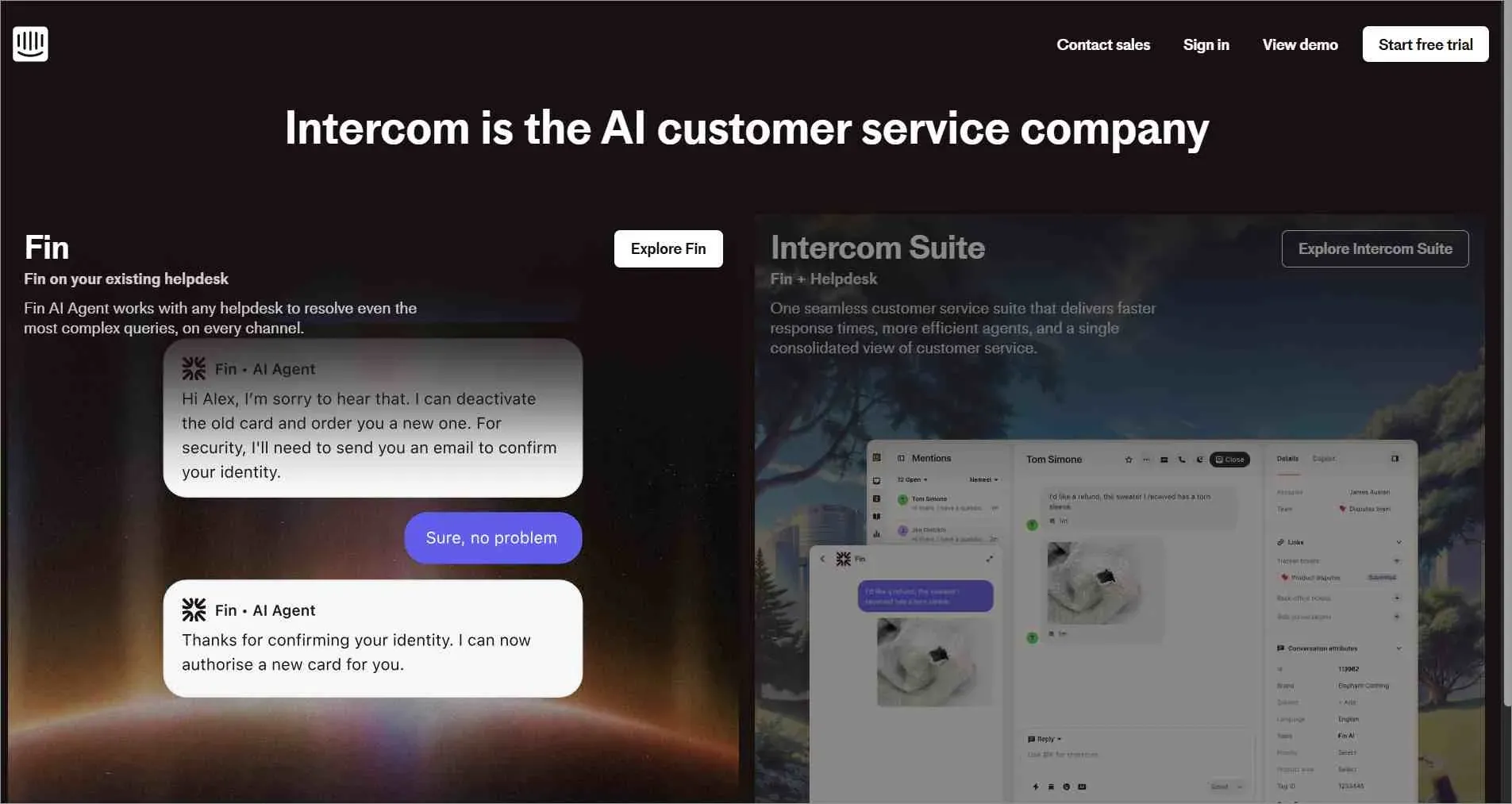
Intercom is one of the top SaaS examples in customer service. The SaaS software helps support agents provide instant responses to customers. Its several integration features make it ideal for businesses of all sizes to provide efficient customer support.
Intercom home page
Key features
Proactive support
Side conversations
Insights and reports
Pricing
Starts at $29/month
Free trial: Not available
3. Tidio
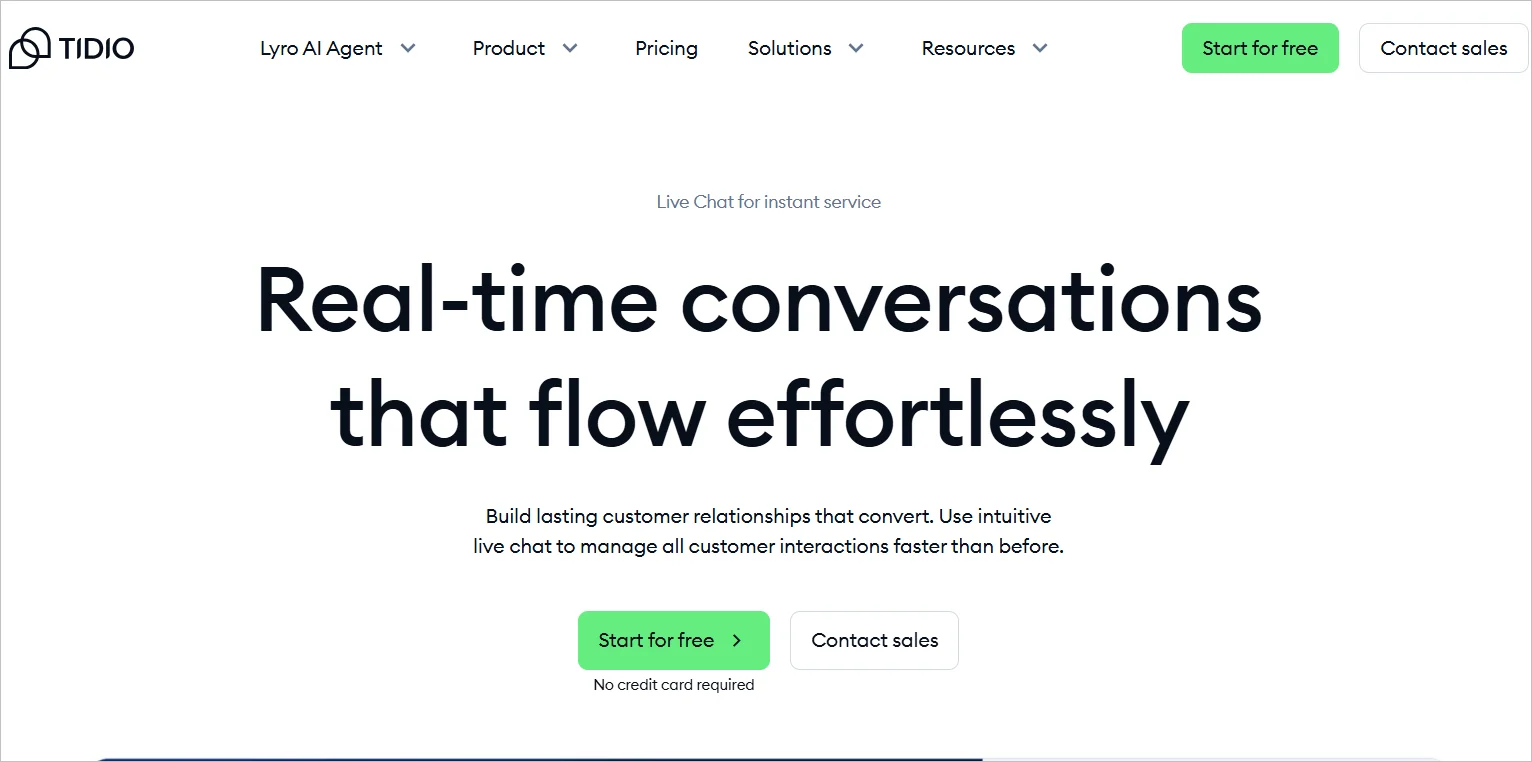
Tidio is a customer service SaaS product for businesses. Companies use it to chat with their clients in real-time to improve their experience.
Tidio home page
Key features
Live typing preview
Chat history
Chat analytics
Pricing
Starts at $24.17/month
Free trial: 7 days
4. LiveAgent
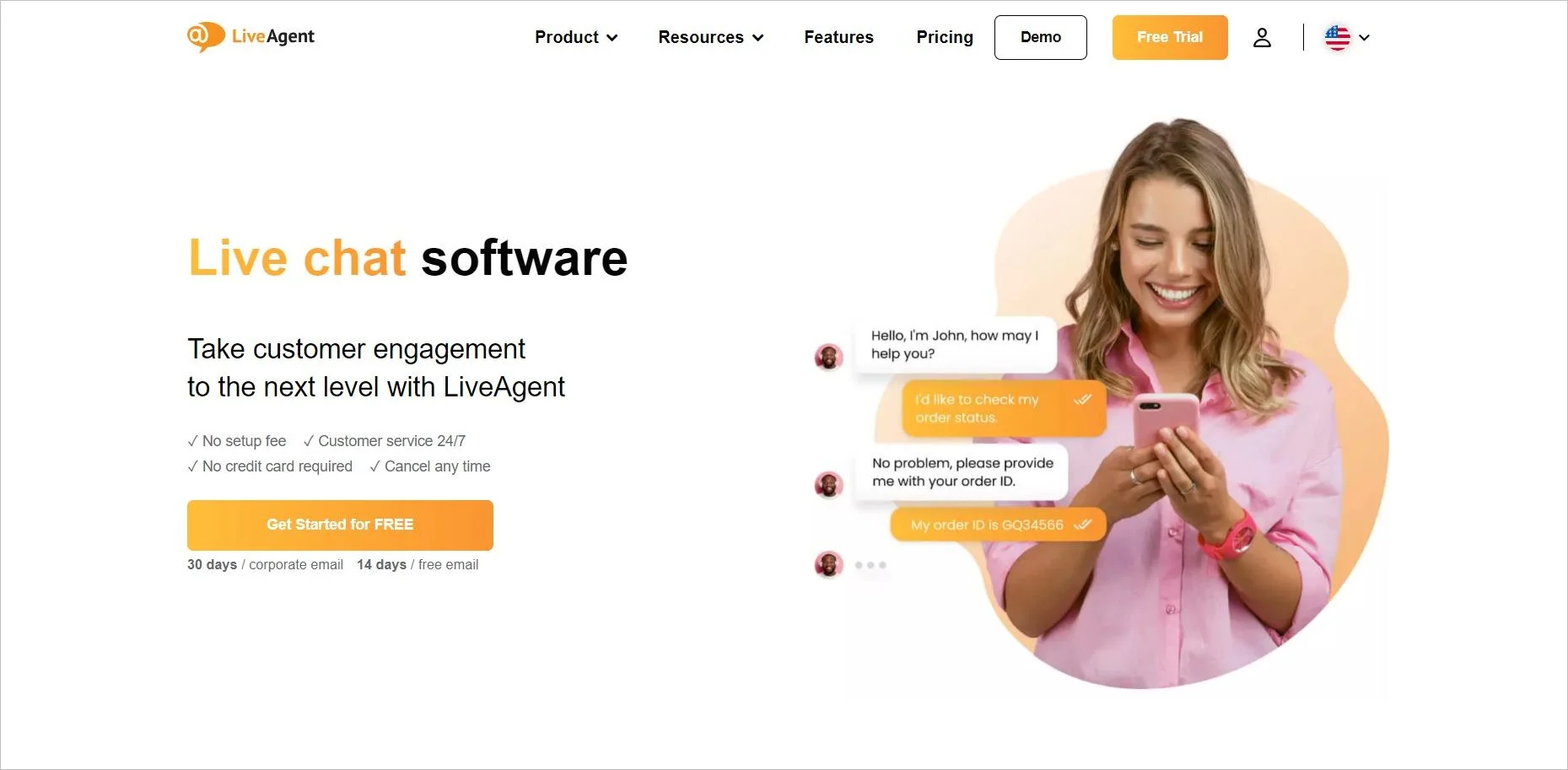
LiveAgent is a customer support SaaS tool that businesses can use to provide efficient customer care. Companies can use LiveAgent to track site visitors and gather insights from chats.
LiveAgent home page
Key features
Chat routing
Reports and analytics
Real-time typing view
Pricing
Starts at $15/month
Free trial: 30 days
Customer relationship management
Satisfying customers does not stop at providing excellent service. CRM SaaS applications help businesses manage client contacts, track customer journeys, and analyze customer data. Below are a few CRM SaaS examples.
5. Salesforce
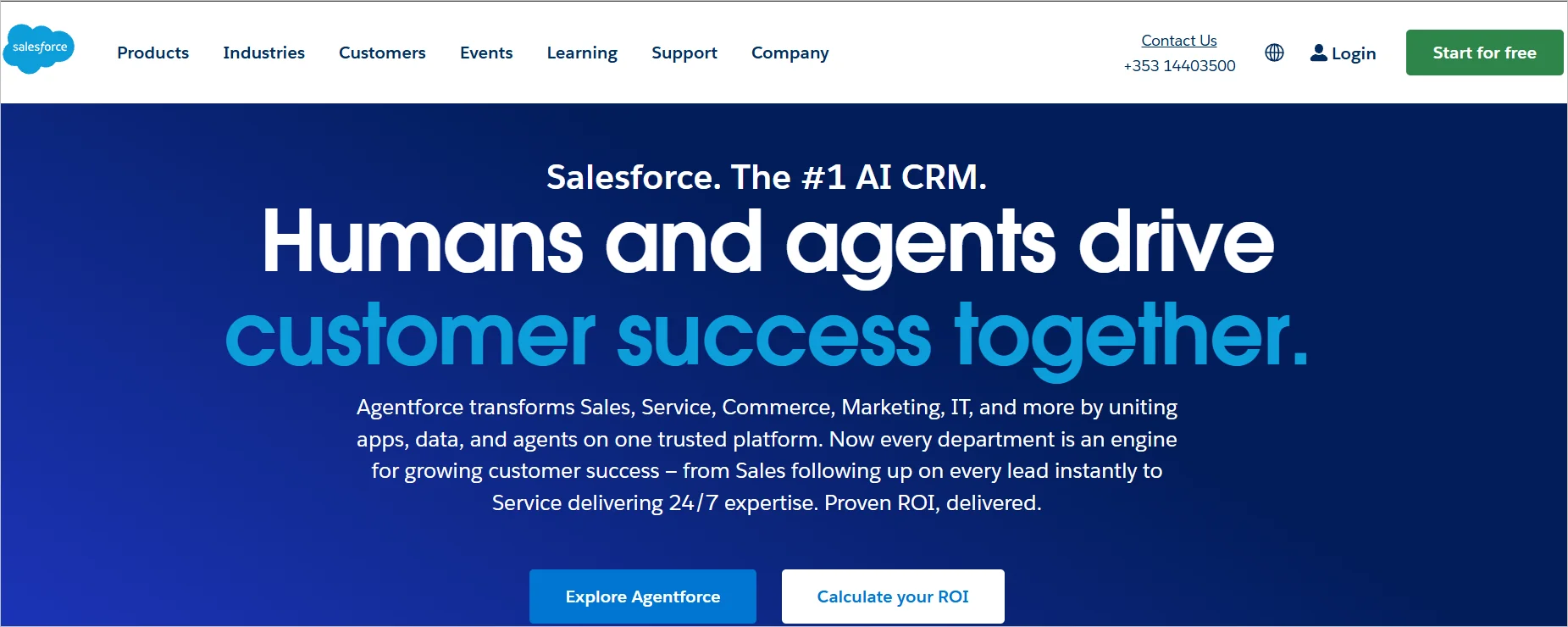
The Salesforce app is a good SaaS example of CRM software. It is used to manage sales and track leads. It has several features suited for small, medium, and large businesses to handle customer operations and scale quickly.
Salesforce home page
Key features
Customer journey monitoring
Automated workflows
Integration with most business applications
Pricing
Starts at $25/month
Free trial: 30 days
6. Zoho Desk
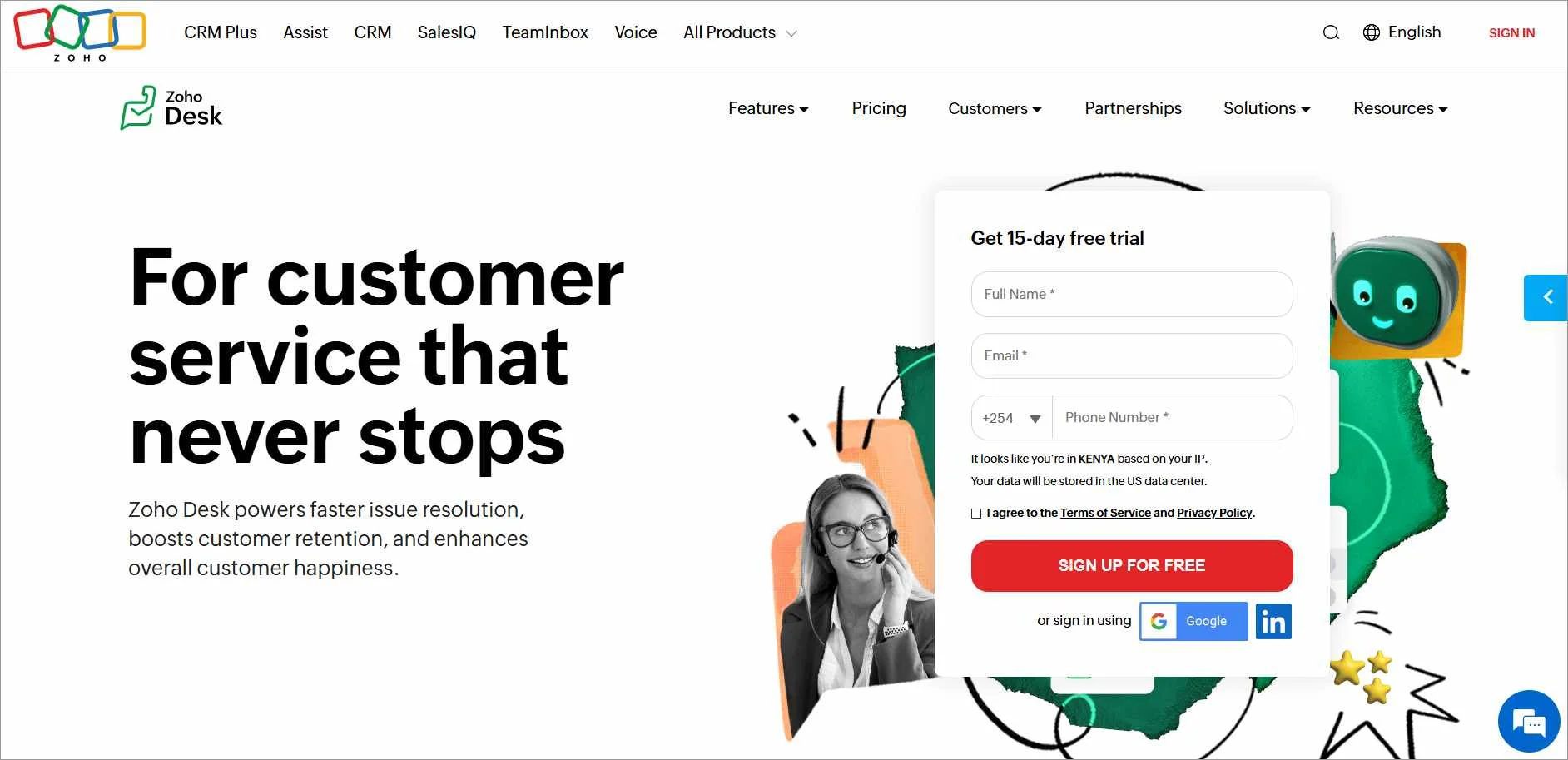
Zoho CRM is a SaaS app that helps businesses manage customer data. Companies use this CRM to track leads and analyze customer insights.
Zoho Desk home page
Key features
Workflow automation
Real-time customer insights
Contact management
Pricing
Starts at $4/month
Free trial: 15 days
7. HubSpot
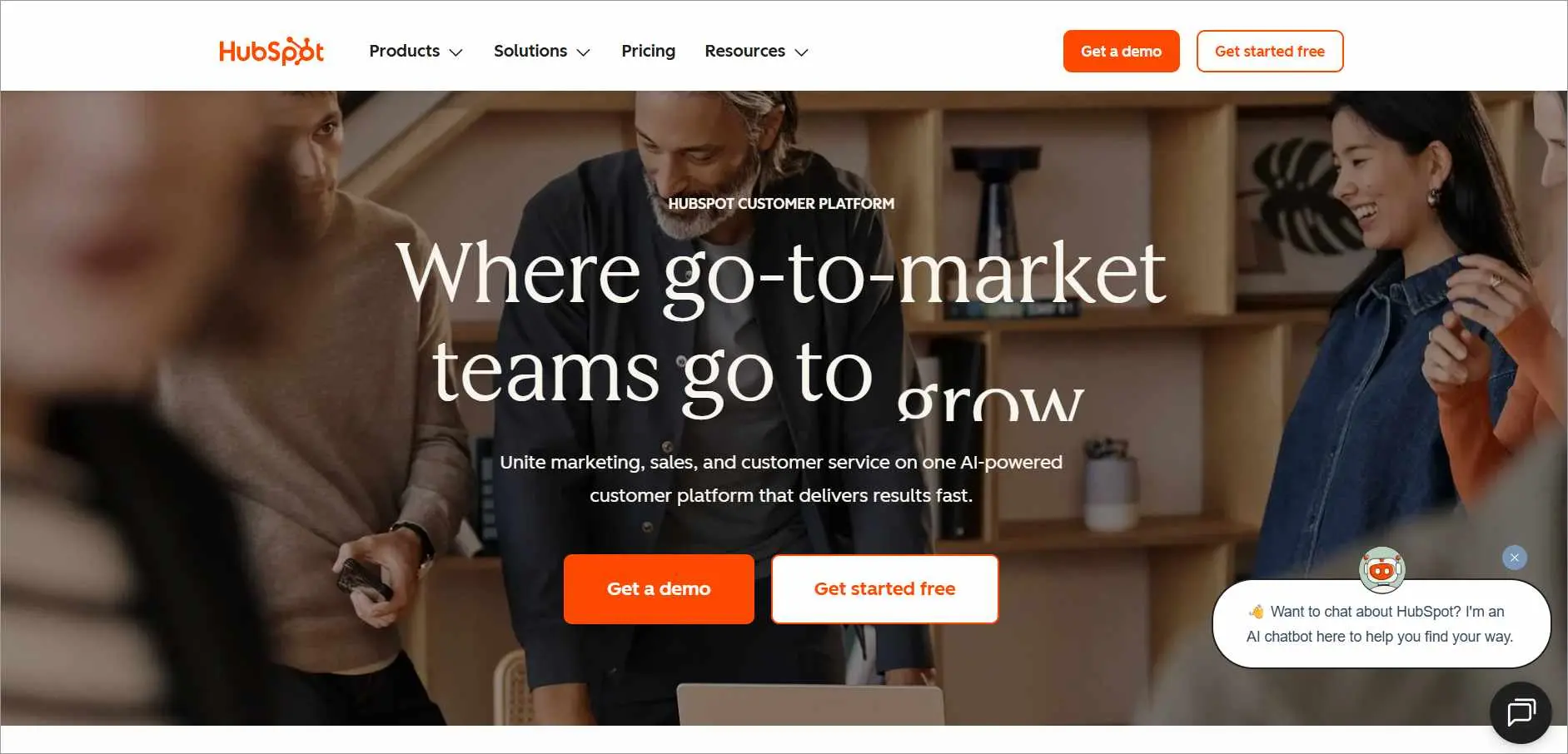
HubSpot is a CRM tool that allows brands to launch and manage marketing campaigns. This tool tracks customer interactions, monitors leads, and organizes customer journeys.
HubSpot home page
Key features
Easy contact management
Email tracking and templates
Reports and analytics
Pricing
Starts at $9/month
Free trial: 14 days
Payments processing
For e-commerce businesses, processing payments from clients in different parts of the world can be quite challenging, given the ever-growing security risks.
Several SaaS vendors provide simple and secure software apps to process transactions for online brands. Below are some payment processing SaaS examples.
8. Stripe
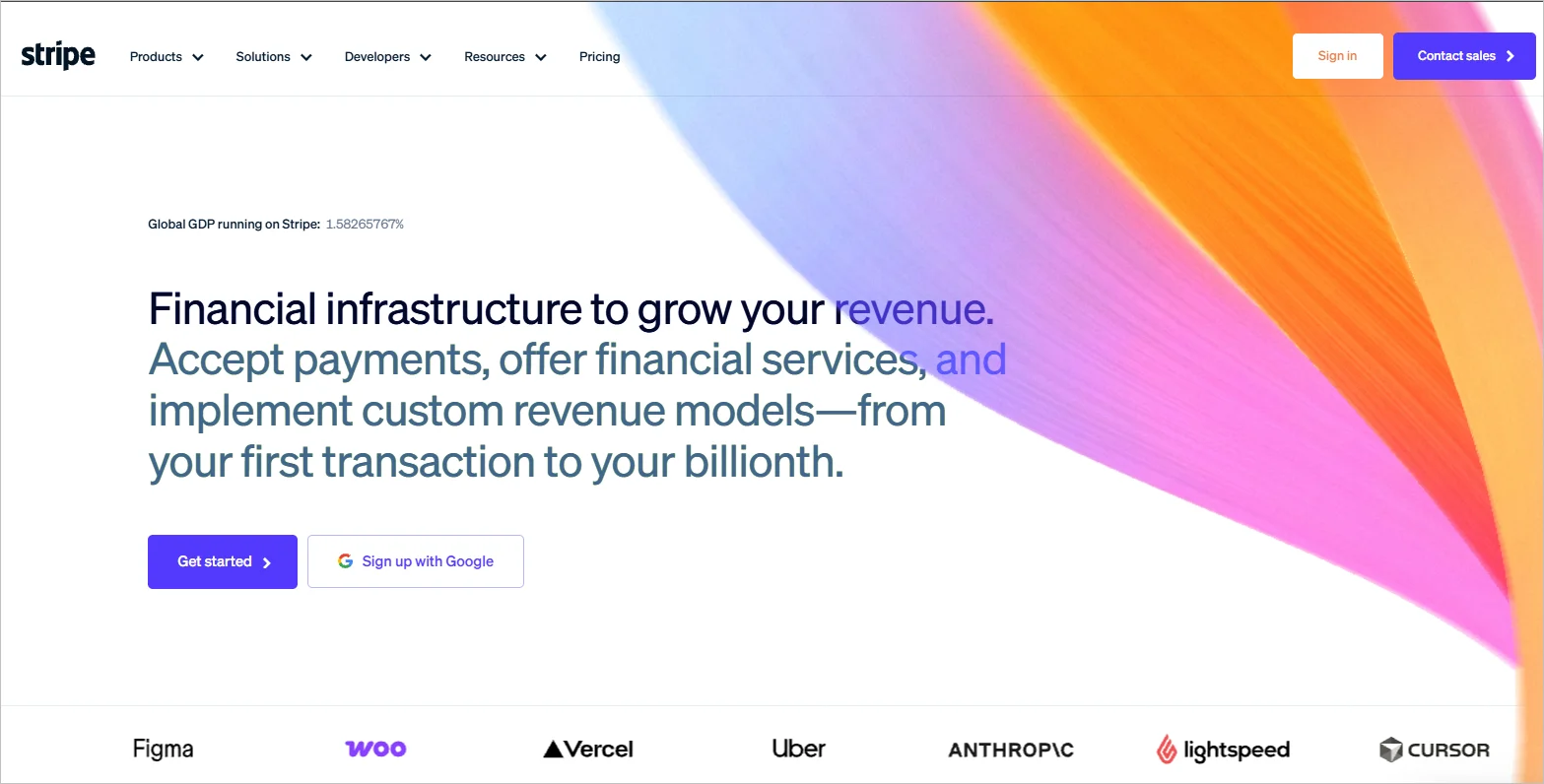
Stripe is a payment application that brands can use to handle transactions. It is secure and easy to use, making it a good option for online businesses of all sizes.
Stripe home page
Key features
Invoice support
Real-time reporting
Embeddable checkout
Pricing
Stripe charges custom prices based on region and number of transactions.
Free trial: Not available
AI-Powered Customer Support, Free for Startups
Scale support effortlessly with omnichannel communication, automation, and self-service tools.
PayPal is a popular platform for sending and receiving money online. This SaaS app offers brands and users a secure way to buy products and services online.
PayPal home page
Key features
Fraud protection
Integration with most e-commerce sites
Simple user interface
Pricing
PayPal has different pricing plans based on the transaction amount and region.
Free trial: Not available
10. Square
Square is one of the popular SaaS applications used to track profits and receive payments. Most e-commerce stores use Square to process transactions.
Square home page
Key features
Customer data analytics
Secure payments
Reporting and insights
Pricing
Starts at $49/month
Free trial: Not available
E-commerce software
Online businesses don’t have to build an e-commerce store from scratch. They can save time and money by subscribing to readily available platforms to set up stores and reach customers. Below are examples of SaaS e-commerce tools.
11. WooCommerce
WooCommerce is a popular SaaS online shopping platform. It offers extensive customization features and marketing options.
WooCommerce home page
Key features
Customizable themes
Extensions options, such as subscriptions and bookings
Online store setup
Pricing
Contact sales
Free trial: Not available
12. Shopify
Shopify provides a platform for businesses to set up stores, market, and sell products online. E-commerce brands use Shopify to reach a wider market to sell their products and services.
Shopify home page
Key features
Custom templates
Customer data analytics
Store creator
Pricing
Starts at $19/month
Free trial: Not available
13. BigCommerce
BigCommerce is also a well-known SaaS platform for selling products and services online. Its many integrations make it flexible and reliable.
BigCommerce home page
Key features
Integrations with other software
Checkout options
Analytics and reporting tools
Pricing
Starts at $29/month
Free trial: 15 days
Reporting and analytics
Reporting and analytics apps help businesses make sense of customer data, business performance, and support processes. These apps can generate reports that are easy to analyze to gain insights and promote SaaS customer success. Below are some examples.
14. BoldReports
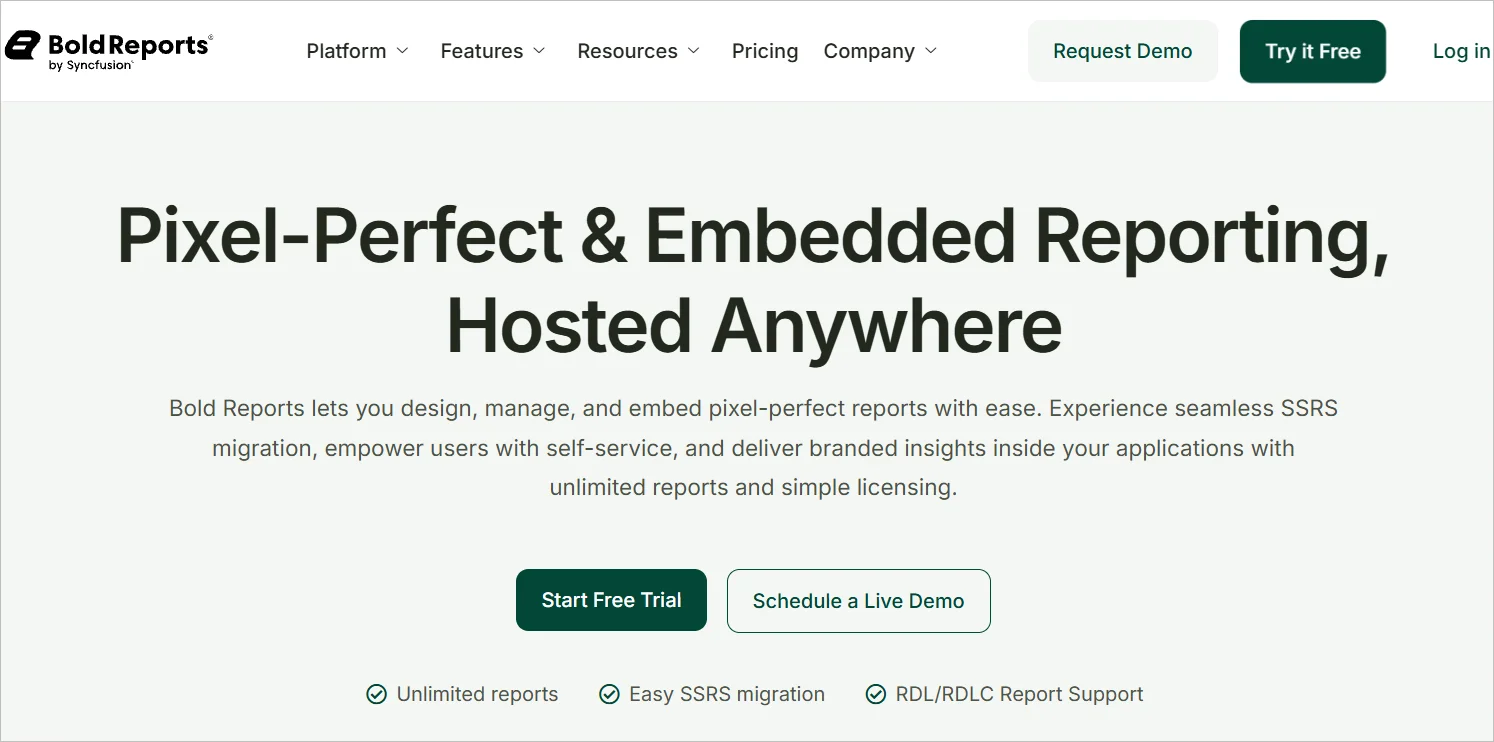
BoldReports is a reporting tool for brands to gather customer insights. It lets you analyze and manage customer data through live, real-time reports.
BoldReports home page
Key features
Interactive reports
Data visualization
Integrations with most SaaS applications
Pricing
Contact sales
Free trial: 30 days
15. Tableau
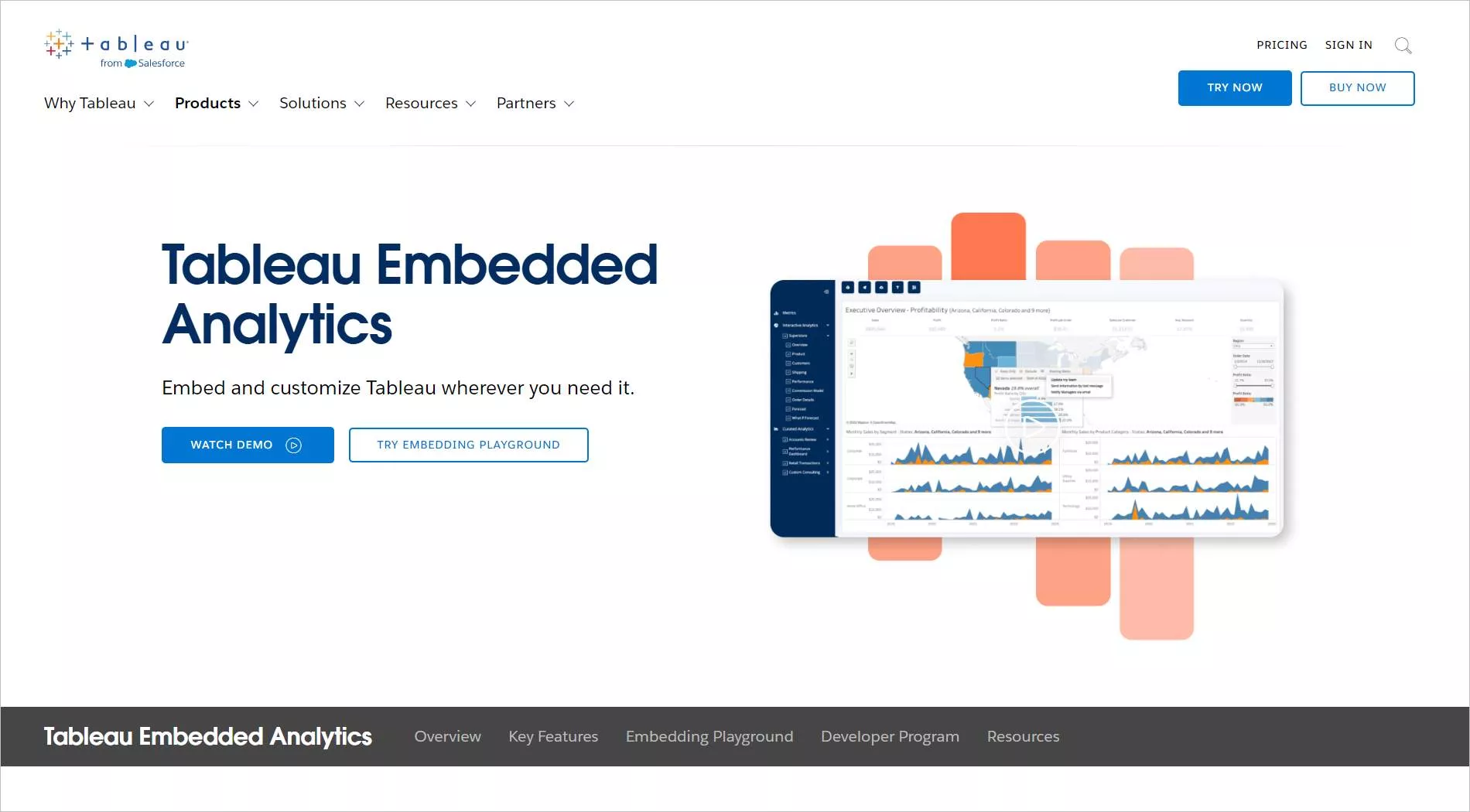
One of the top cloud-based analytics solutions available today is Tableau. It enables users to convert data into actionable insights.
Tableau home page
Brands use this tool to analyze customer data and make better decisions.
Key features
Integrations with most applications
Interactive dashboards
Web authoring
Pricing
Starts at $35/month
Free trial: 14 days
16. Google Analytics
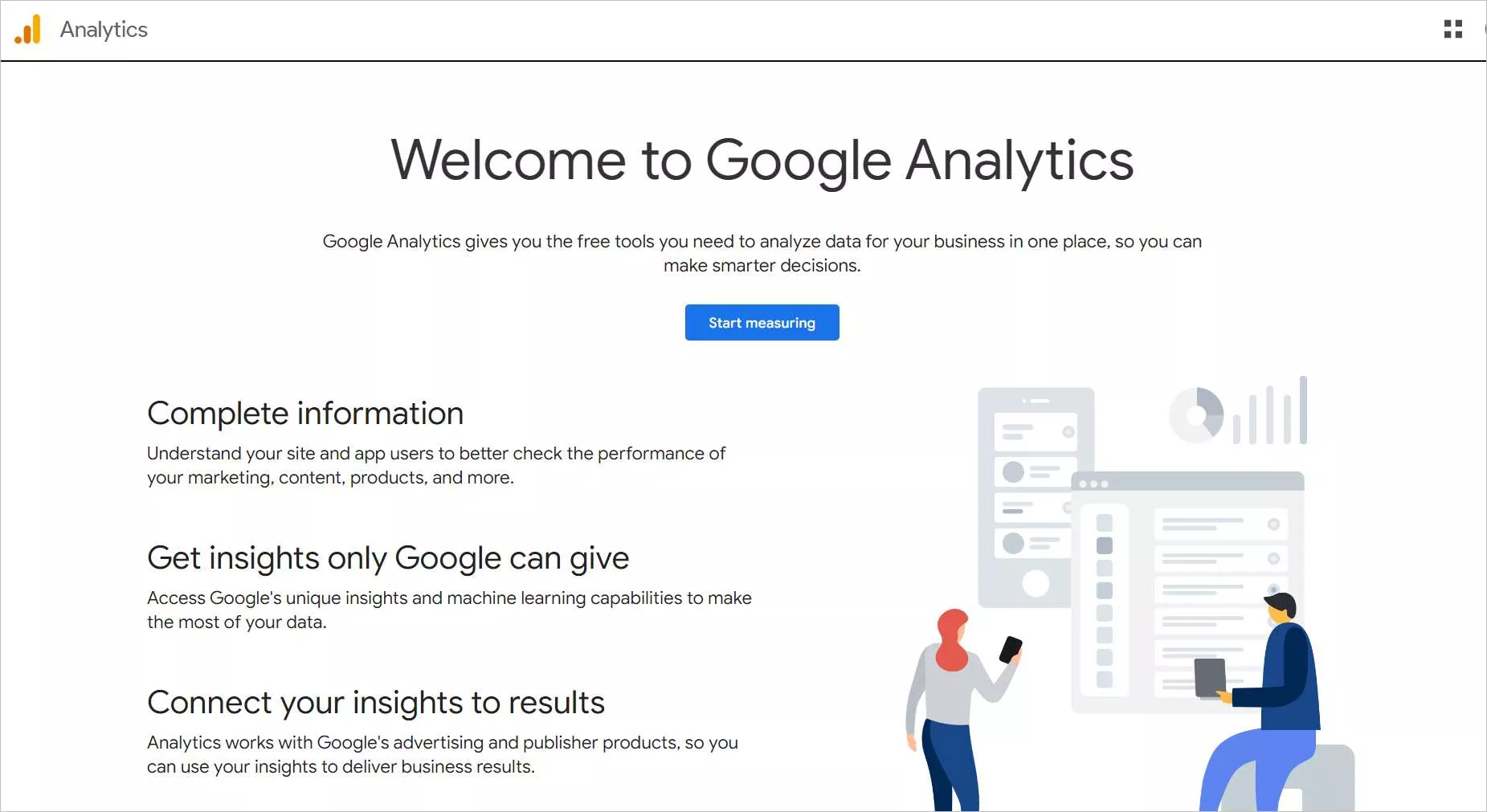
Google Analytics helps you understand your customers’ journeys, improve marketing strategies, and monitor the performance of your website.
Google Analytics home page
Key features
Built-in automation
Shareable reports
Data analytics and insights
Pricing
Contact sales
Free trial: Not available
Business intelligence
Gathering customer insights is a crucial strategy to improve customer satisfaction. Various SaaS apps exist to help companies collect customer data. They include:
17. BoldBI
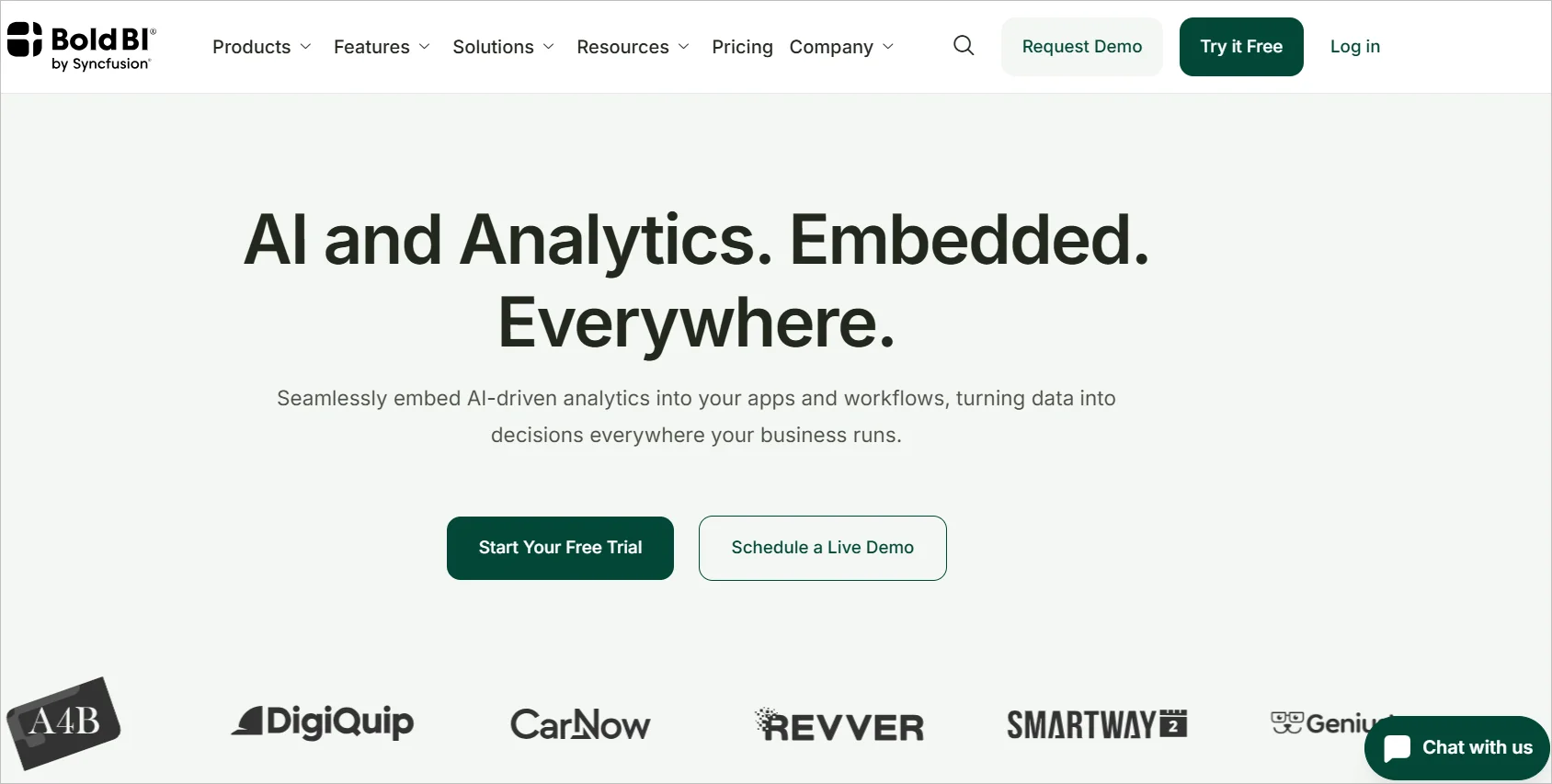
BoldBI is a business intelligence (BI) tool for visualizing and analyzing data. It has intuitive widgets for brands to create dashboards and visualize various metrics.
BoldBI home page
Key features
Embedded analytics
Data visualization
Collaboration features
Pricing
Contact sales
Free trial: 30 days
18. Heap
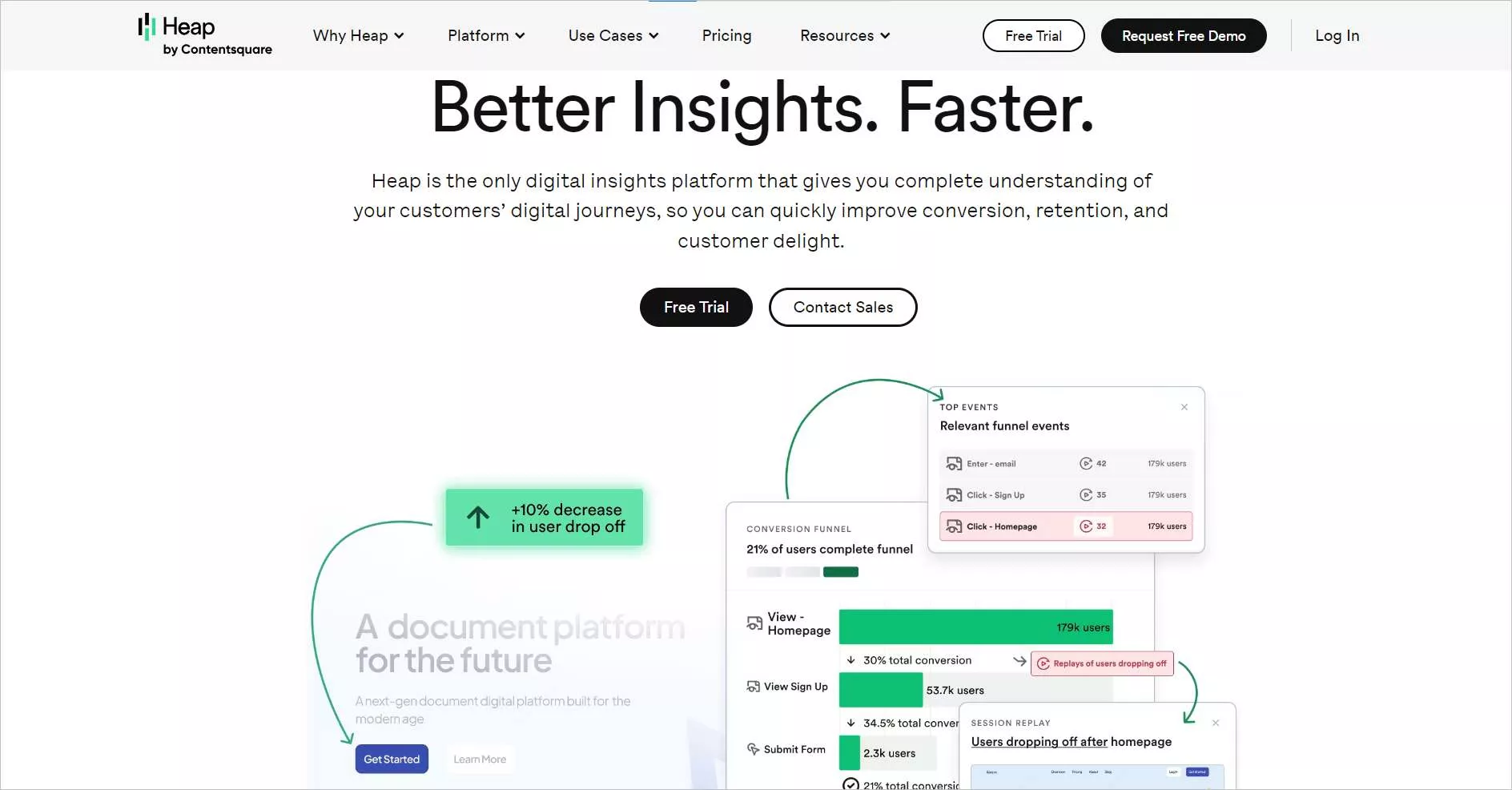
Heap is a SaaS tool that brands can use to gain insights into customers’ data. Brands use it to gather information on user sessions, actions, and behaviors on their websites.
Heap home page
Key features
Analytics charts and reports
Customer data history
Email alerts
Pricing
Contact sales
Free trial: 14 days
19. Kissmetrics
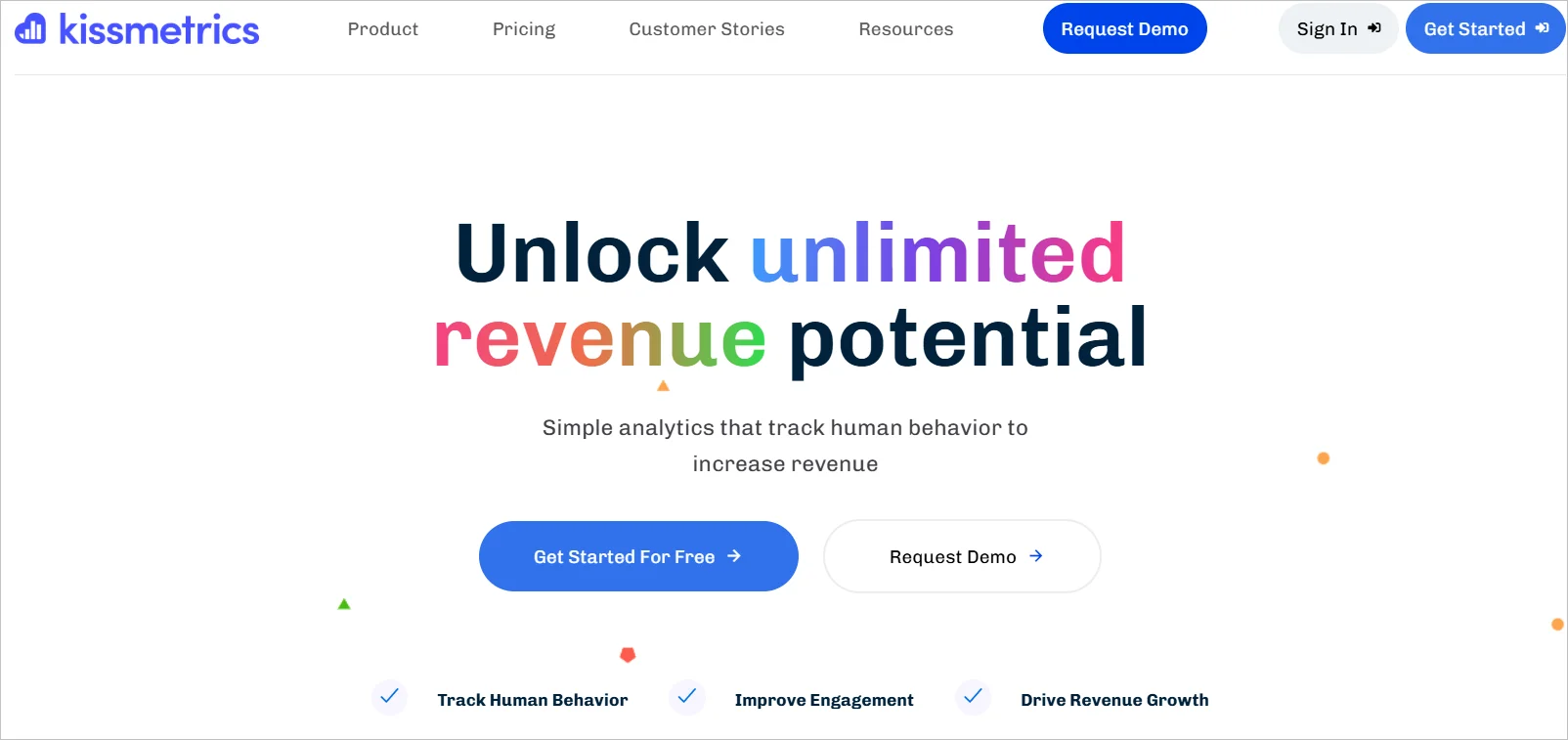
Kissmetrics helps companies gain customer insights by tracking how customers use their applications. It can also measure customer engagement.
Kissmetrics home page
Key features
Feature usage tracking
Page views counter
User behavior monitoring
Pricing
Starts at $25.99/month
Free trial: Not available
Collaboration software
Enhancing collaboration is a proven method for improving your team’s efficiency. Below are some good examples of collaboration tools that you can subscribe to.
20. Microsoft Teams
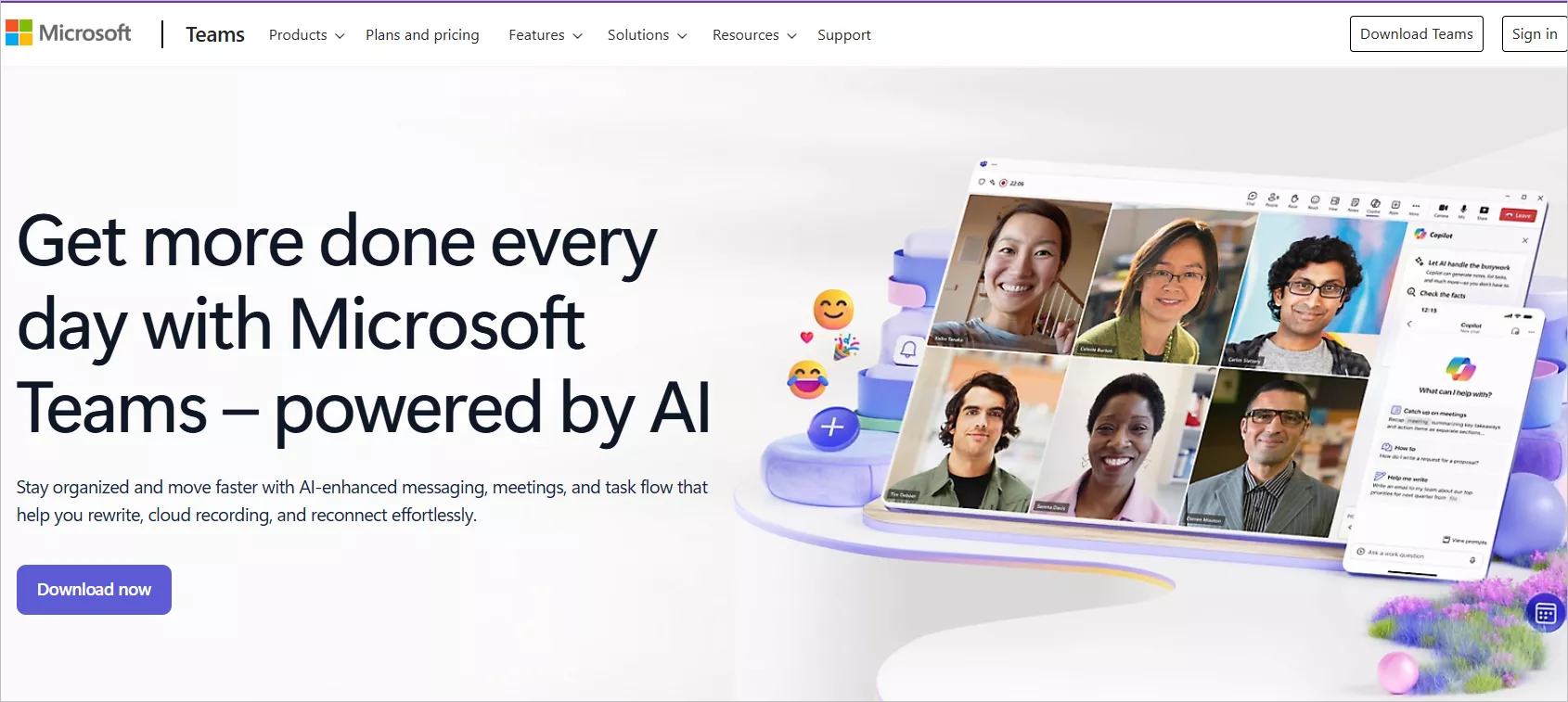
Microsoft Teams is a collaboration tool for chat, video, and file sharing. It facilitates effective communication and can help you improve the efficiency of your support team. Most companies use Teams to communicate and share files.
Microsoft Teams home page
Key features
Instant messaging
Video calls
Integrations with third-party apps
Pricing
Starts at $4/month
Free trial: 30 days
21. Slack
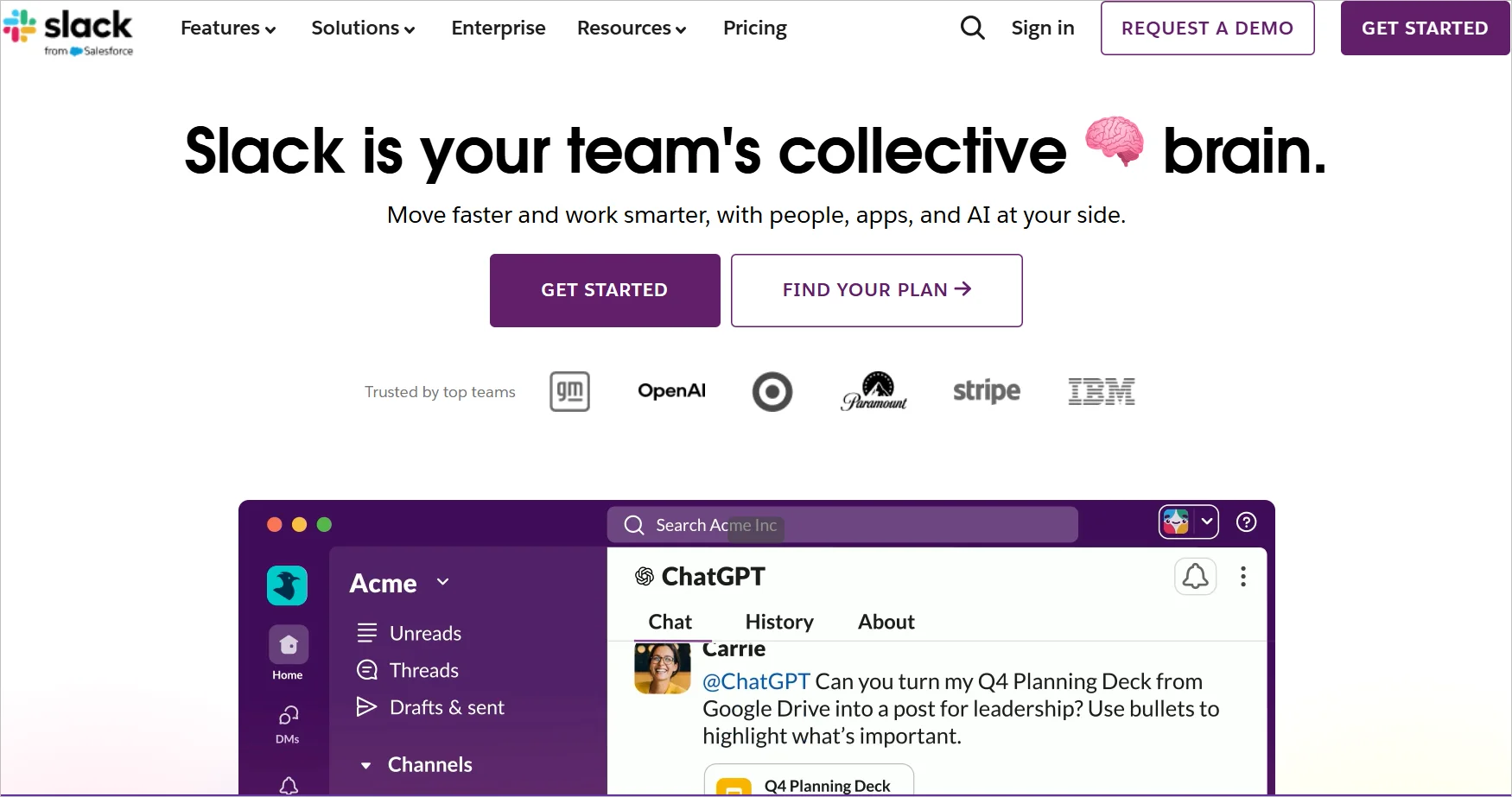
Slack is another popular collaboration tool for teams. Users can share files and work on projects in real time. Most large companies, such as eBay, use Slack to communicate.
Slack home page
Key features
Direct messaging
Integrations with many applications
Collaborative workspaces
Pricing
Starts at $4.38/month
Free trial: A free version is available with limited options.
22. Dropbox
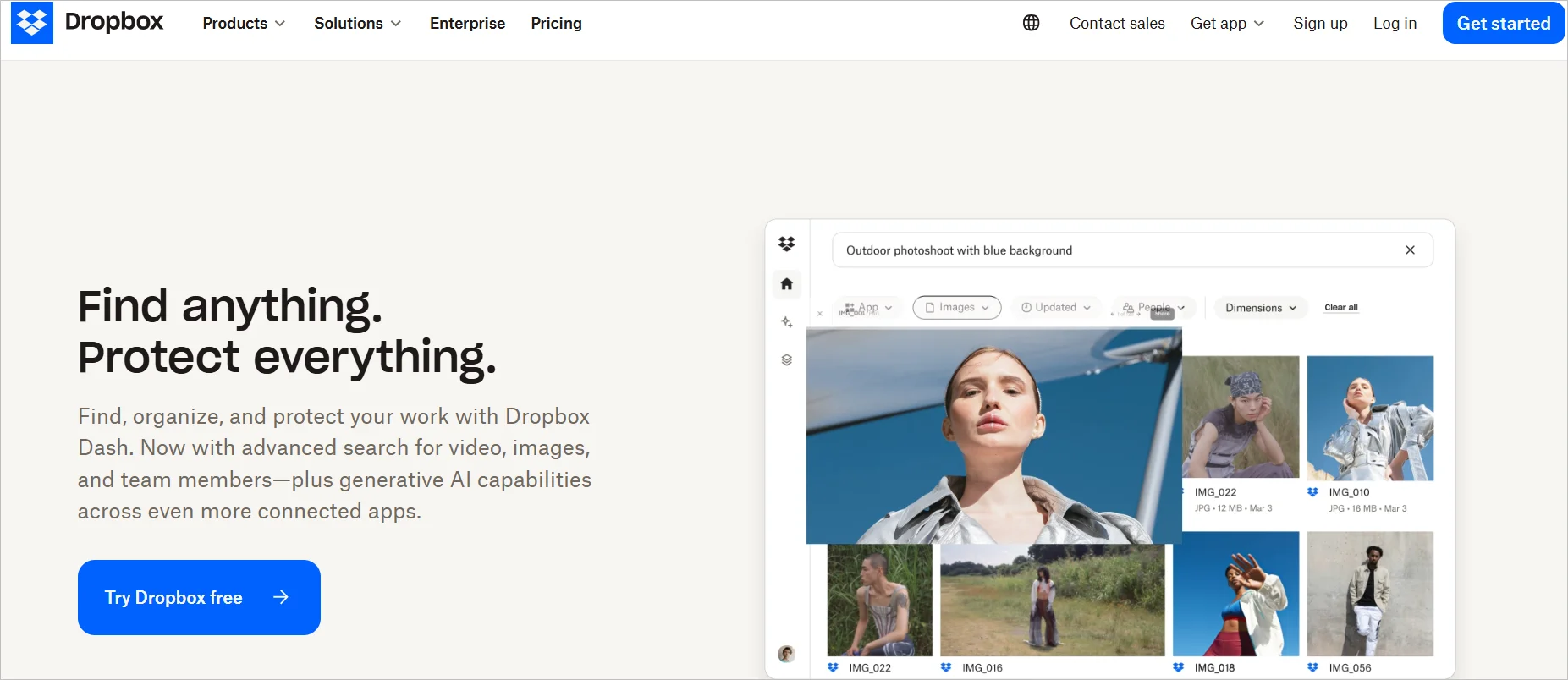
Dropbox is a popular collaboration tool for companies. Businesses use Dropbox to store, retrieve, and manage their files on the cloud.
Teams use Dropbox to share sensitive files, such as tax returns.
Dropbox home page
Key features
Cloud file storage
Secure file transfers
Real-time file tracking
Pricing
Starts at $9.99/month
Free trial: 30 days
Project management software
Most companies strive for productivity. Luckily, several SaaS products are available today, built to help businesses improve team collaboration, task assignment, and employee productivity. Below are some SaaS examples.
23. Trello
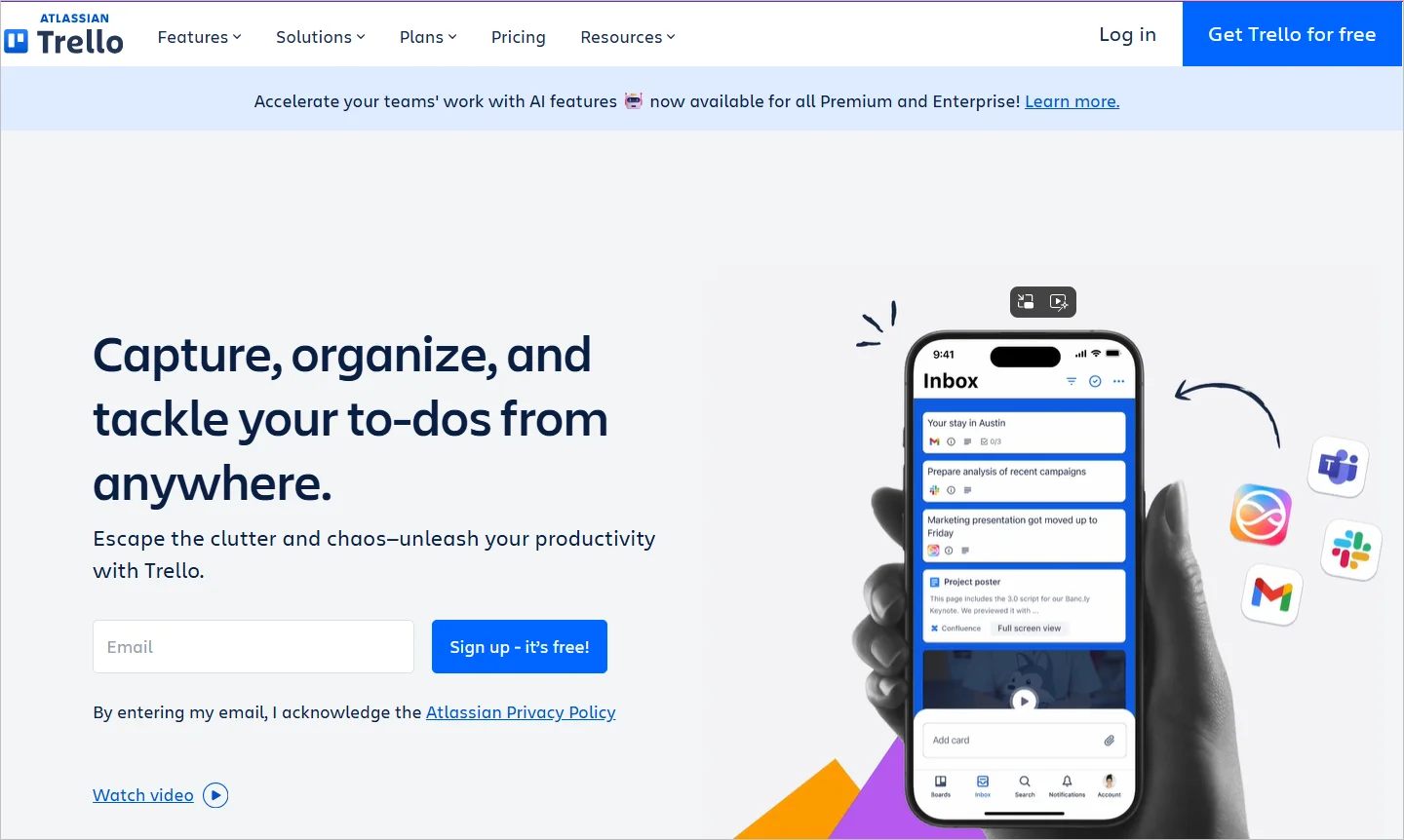
Trello is a project management tool suitable for managing a team that includes remote workers.
Trello home page
Large companies with departments in different regions can use Trello to assign and track tasks, collaborate on projects, and communicate.
Key features
Engaging interface
Collaborative workspace
Task automation
Pricing
Starts at $5/month
Free trial: A free plan is available for up to 10 users.
24. Asana
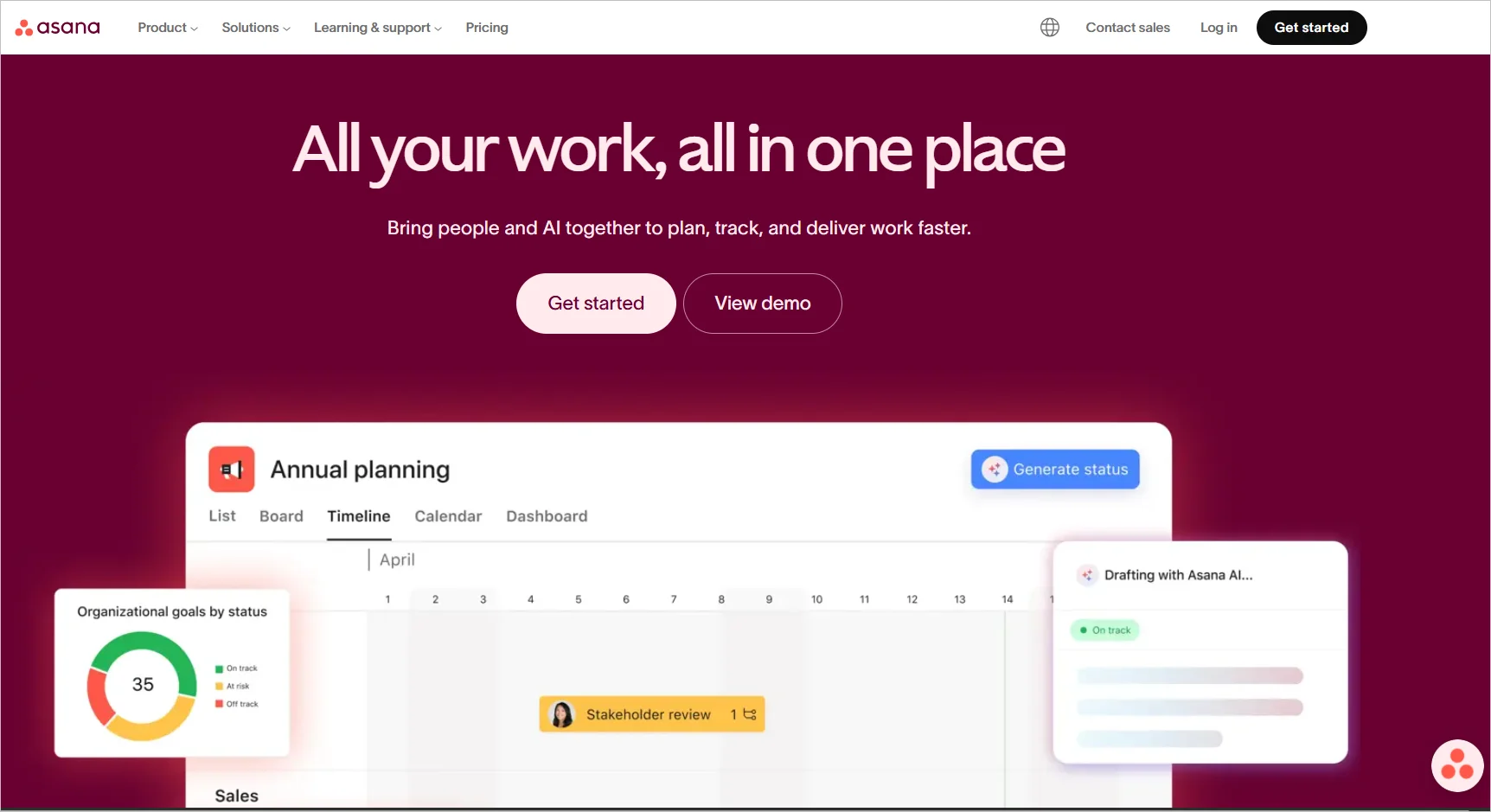
Asana focuses on project management and is a good example of a SaaS tool.
It offers multiple views that cross-functional teams can apply to their dashboards and check individual and connected tasks.
Asana home page
Key features
Custom fields
Time tracking
Status updates
Pricing
Starts at $10.99/month
Free trial: Not available
25. ClickUp
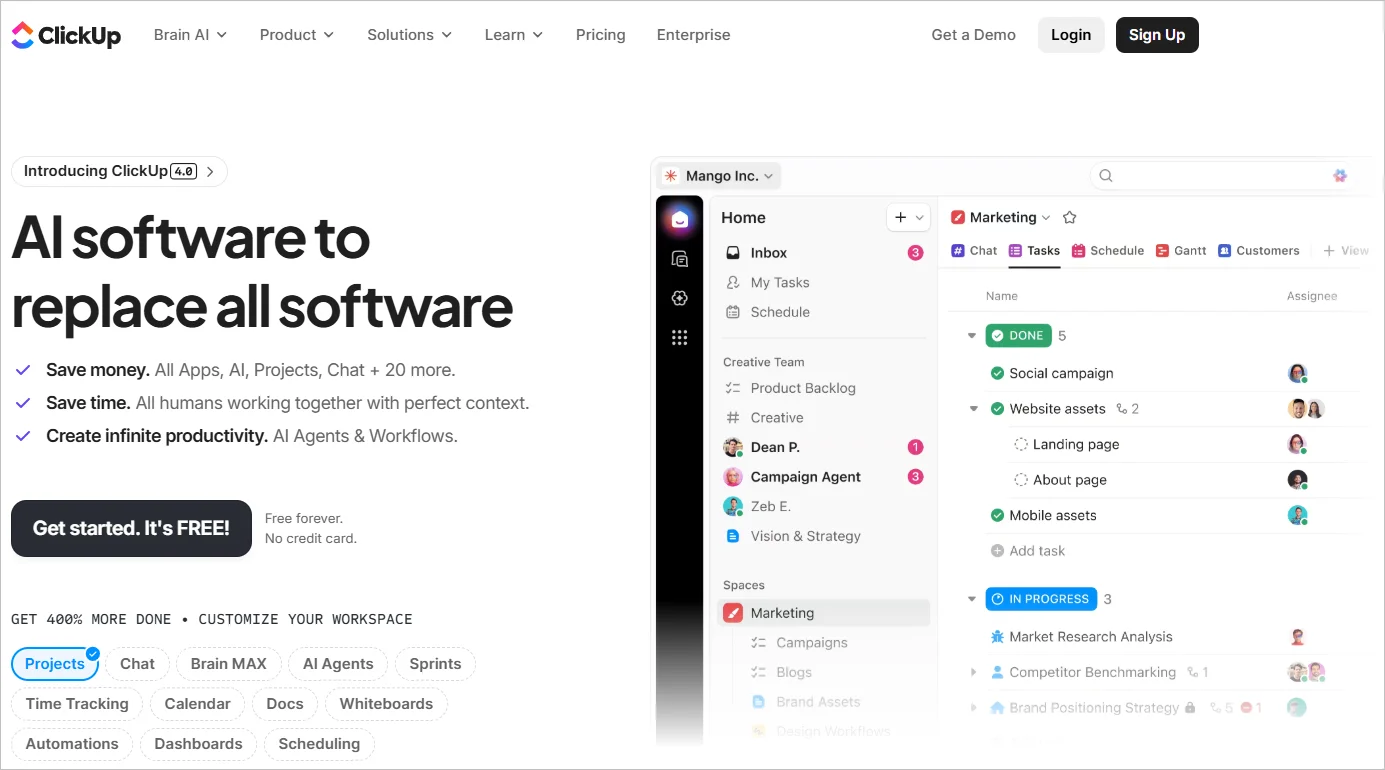
ClickUp is a good SaaS application for remote teams to work together on projects. Companies with teams in different parts of the world can use ClickUp to communicate, share files, and collaborate.
ClickUp home page
Key features
Gantt charts
Worklog views
Time tracking
Pricing
Starts at $7/month
Free trial: Not available
Content management software
Content creators and designers can only do so much. Modern content management SaaS applications have many functionalities that can help creators generate new content for marketing and advertising. Below are some good examples of content management SaaS.
26. WordPress
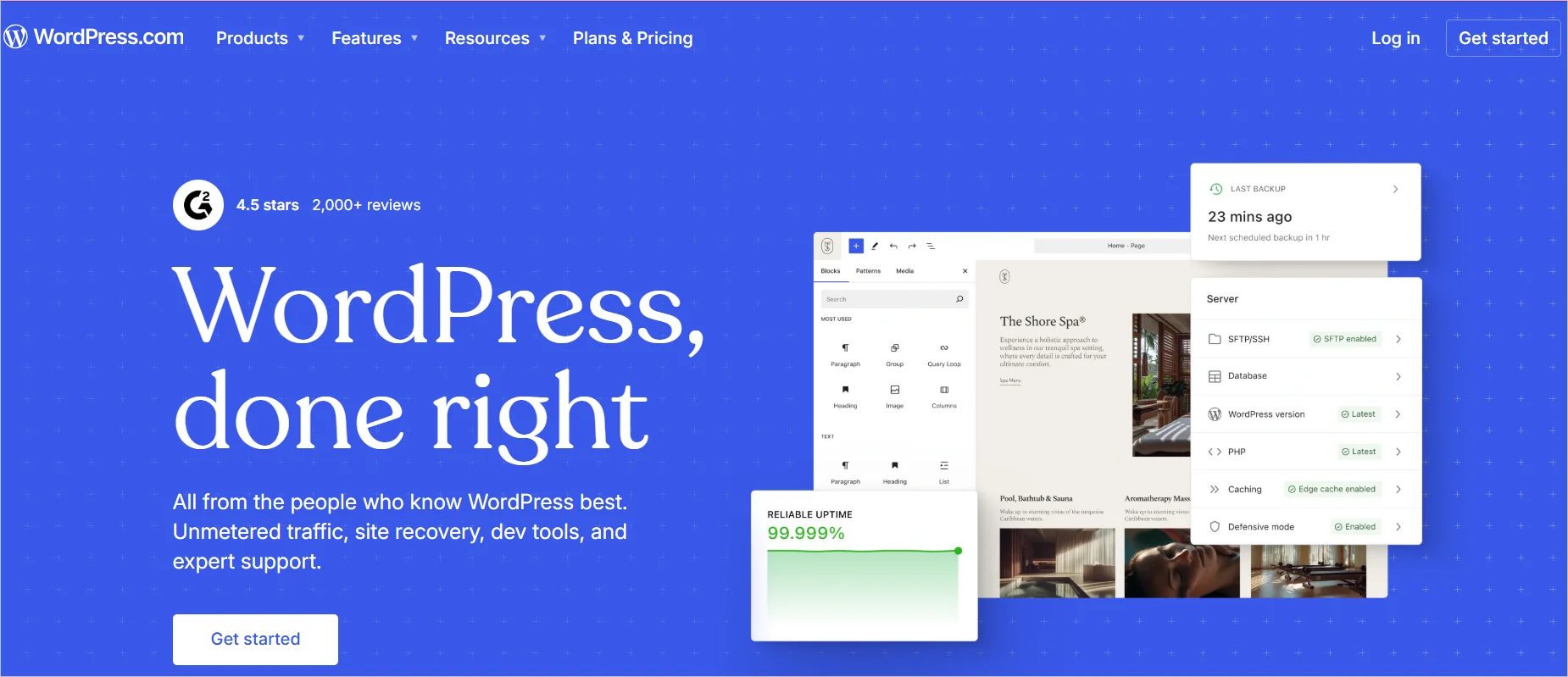
WordPress is a web app for building and managing websites. It enables brands to create, edit, and publish engaging web content to drive customer engagement and enhance web visibility.
WordPress home page
Key features
A library of custom themes
Integrations with most social media applications
Search engine optimization
Pricing
Starts at $8/month
Free trial: Not available
27. Canva
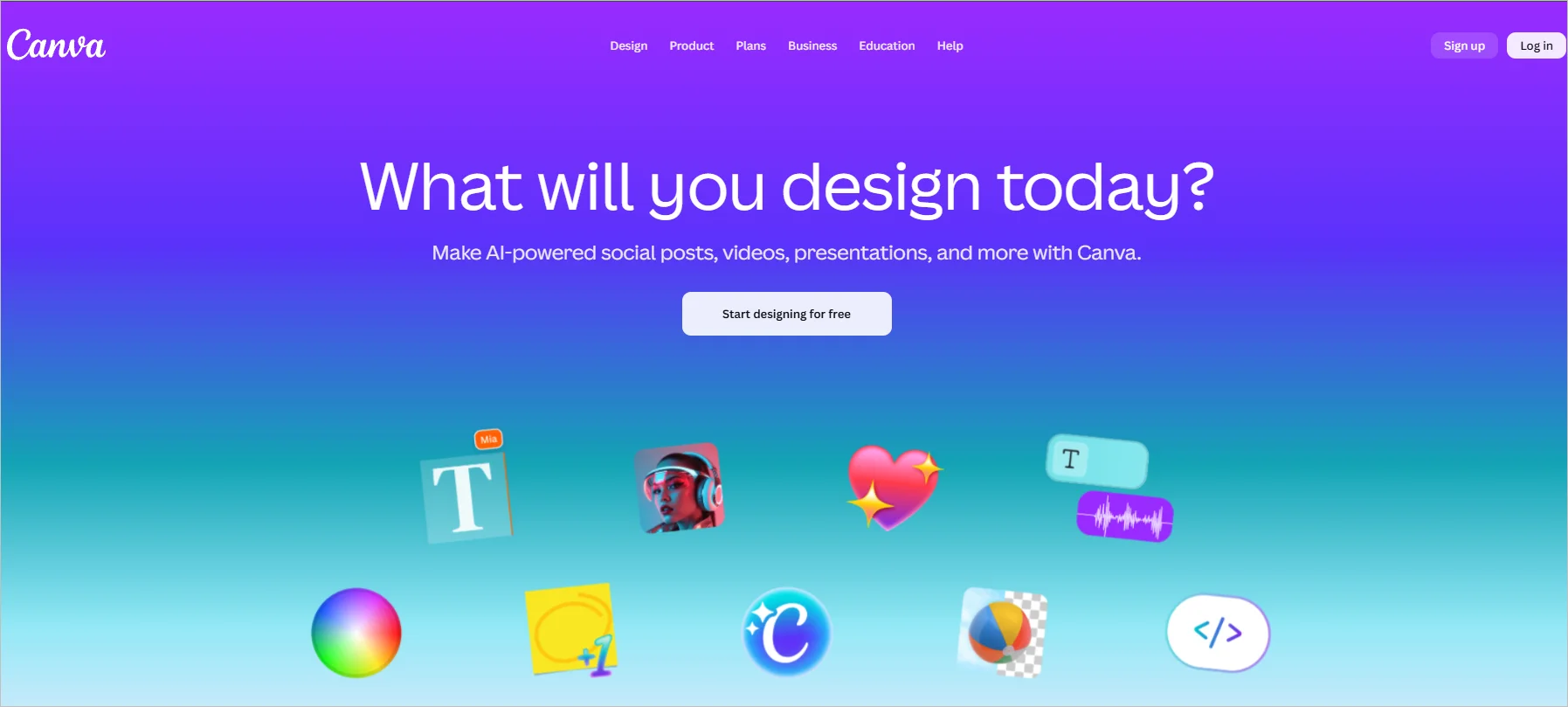
Canva provides templates, images, and short videos to create web and social media content.
Canva home page
Companies use Canva to create social media posts, stories, and blog images.
Key features
Logo maker
Custom templates
Video editor
Pricing
Starts at $15/month
Free plan: Available
28. Wix
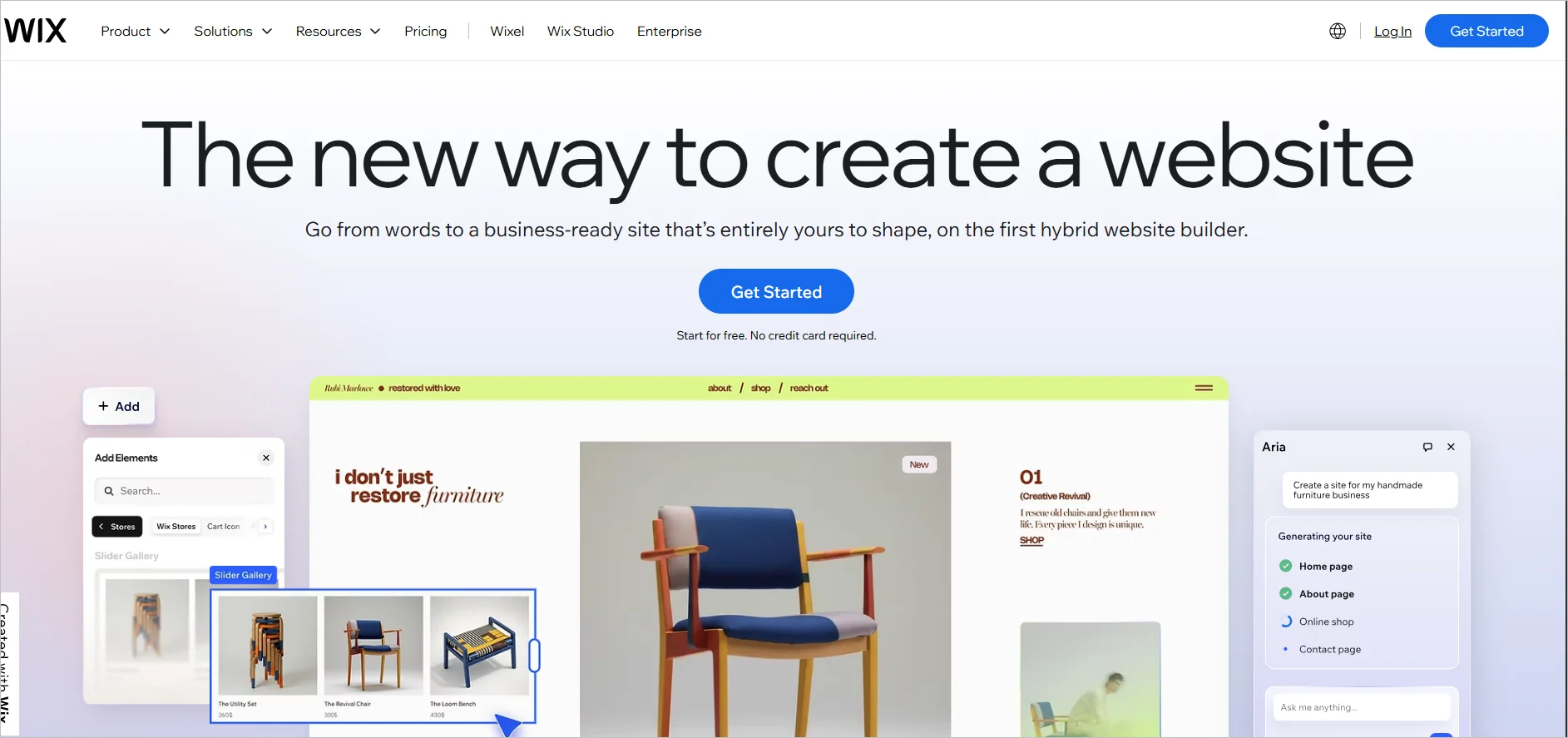
The Wix platform allows users to easily create their own websites with no coding required. The platform has several templates for users to choose from and customise their websites to their liking.
Wix home page
With the help of Wix’s user-friendly website builder, you can quickly and easily construct a website.
Key features
Free domain for a year
Site analytics
Marketing suite
Pricing
Starts at $17/month
Free trial: 14 days
Marketing automation
Marketing can be resource-intensive at times. Modern SaaS tools have made it easier and cheaper for companies to reach potential clients and expand their customer base. Below are some good SaaS examples of marketing automation software.
29. Mailchimp
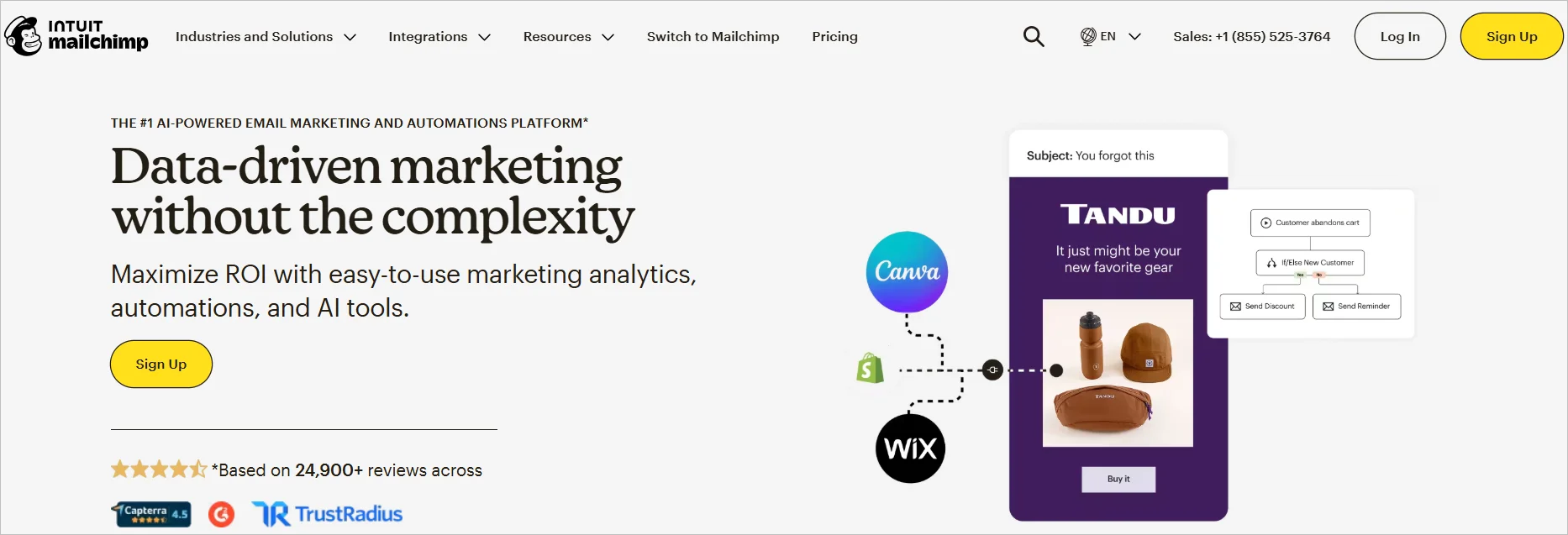
Mailchimp is a SaaS application for email marketing founded in 2001 to help companies conduct targeted campaigns. It can help companies increase conversion rates by building strong customer relationships through email.
Mailchimp home page
Key features
Customer journey builder
Generative AI content
Advanced reporting and analytics
Pricing
Starts at $10/month for 500 contacts
Free trial: 30 days
30. Klaviyo
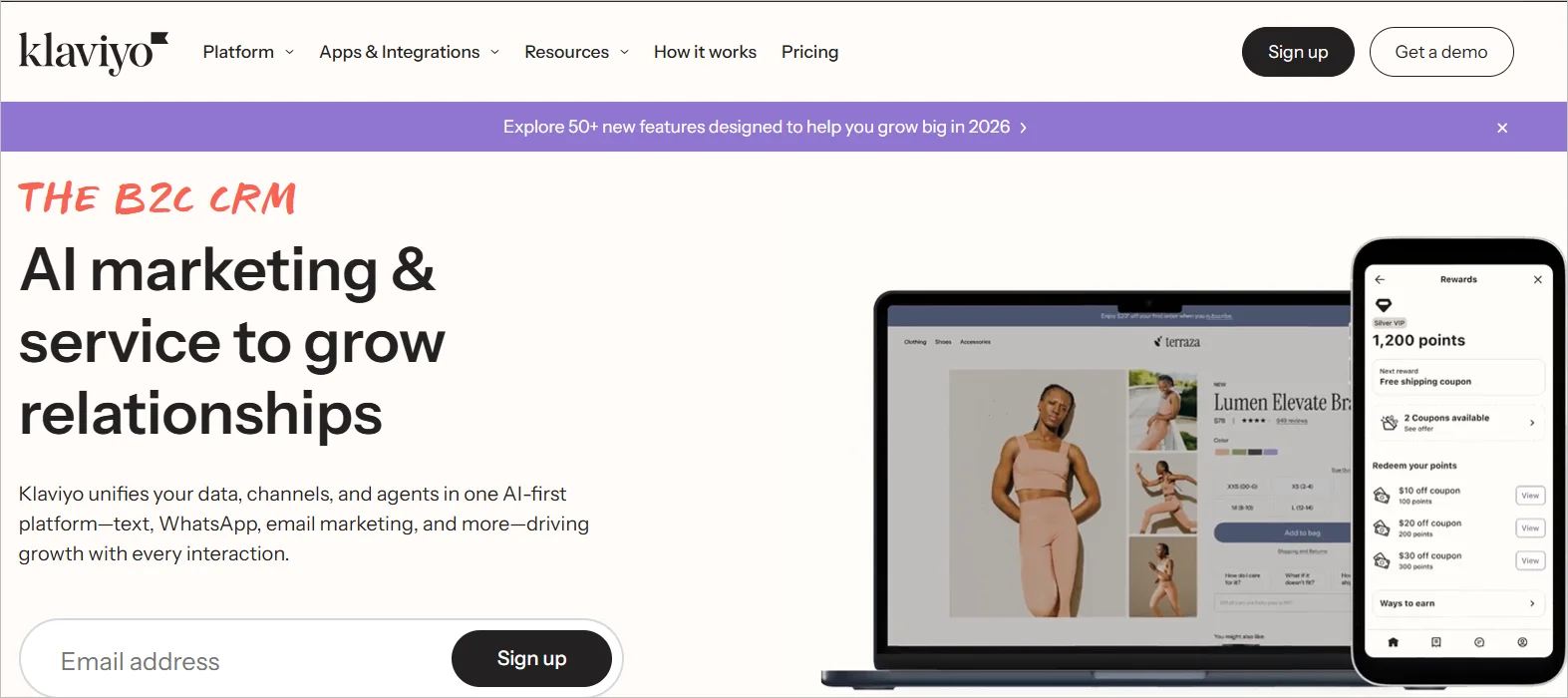
Klaviyo is an email marketing SaaS application that lets you create personalized email campaigns to target different customers. Brands use Klaviyo to drive customer engagement through emails and SMS.
Klaviyo home page
Key features
Marketing automation
Custom templates
Web forms
Pricing
Starts at $45/month for 15,000 emails
Free trial: A free version is available, but is limited to 500 monthly emails.
31. ActiveCampaign
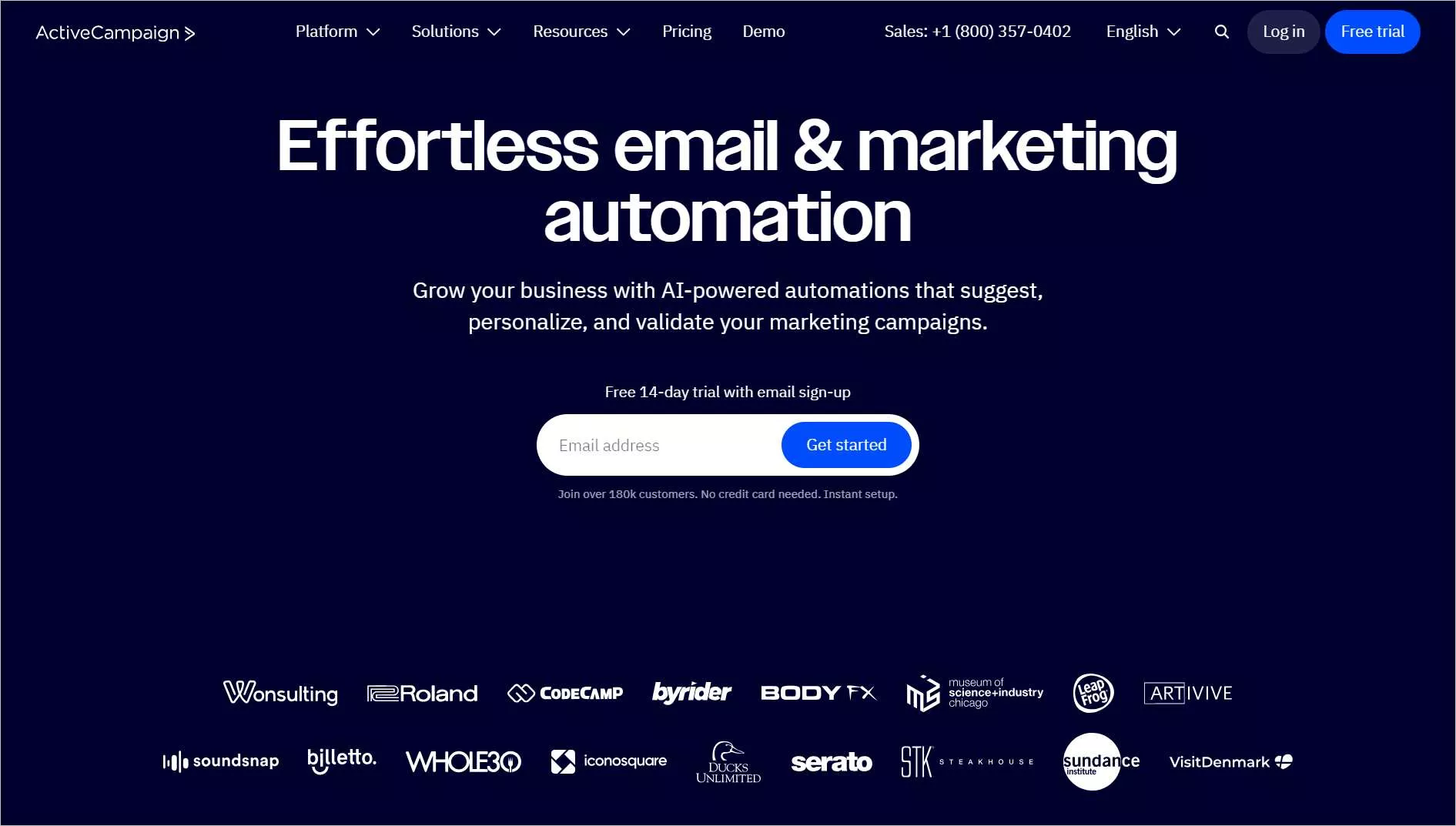
ActiveCampaign helps brands draft and send emails to contact lists. Companies use the SaaS application to schedule emails, messages, and even appointments, helping to capture leads.
Active campaign home page
Key features
AI-powered automation
Personalized emails
Multi-channel offerings
Pricing
Starts at $15/month
Free trial: 14 days
Inventory management
SaaS applications have changed how brands market their offerings and manage inventory today. A crucial part of businesses nowadays is keeping and managing stock records. Below are some SaaS examples of inventory management software:
32. NetSuite
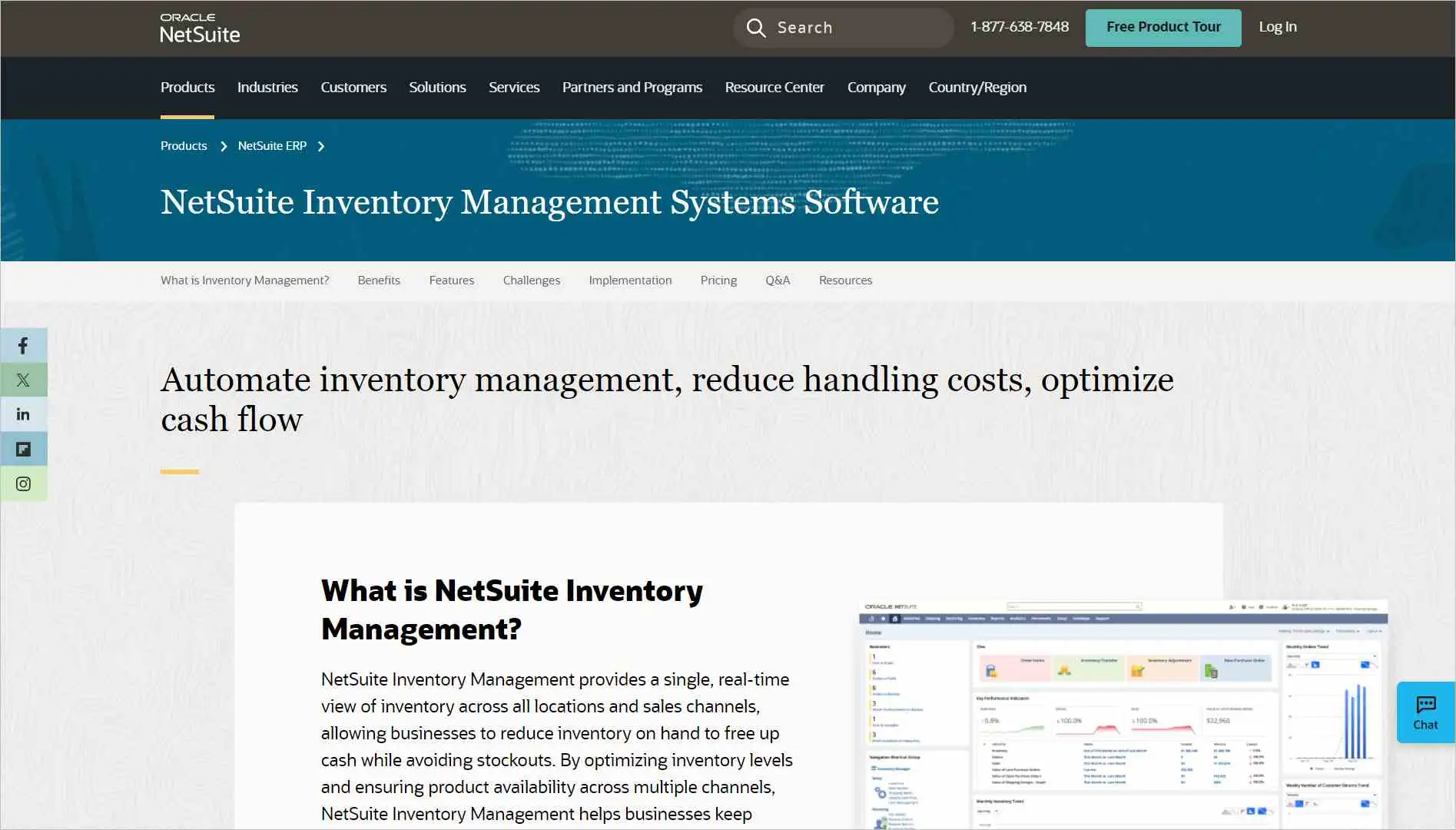
The NetSuite software provides a real-time view of your inventory across different locations. It helps brands manage their inventory, ensuring good organization and product availability.
NetSuite home page
Key features
Real-time inventory view
Automated inventory tracking
Analytics and reporting capabilities
Pricing
Contact sales
Free trial: Contact sales
33. QuickBooks
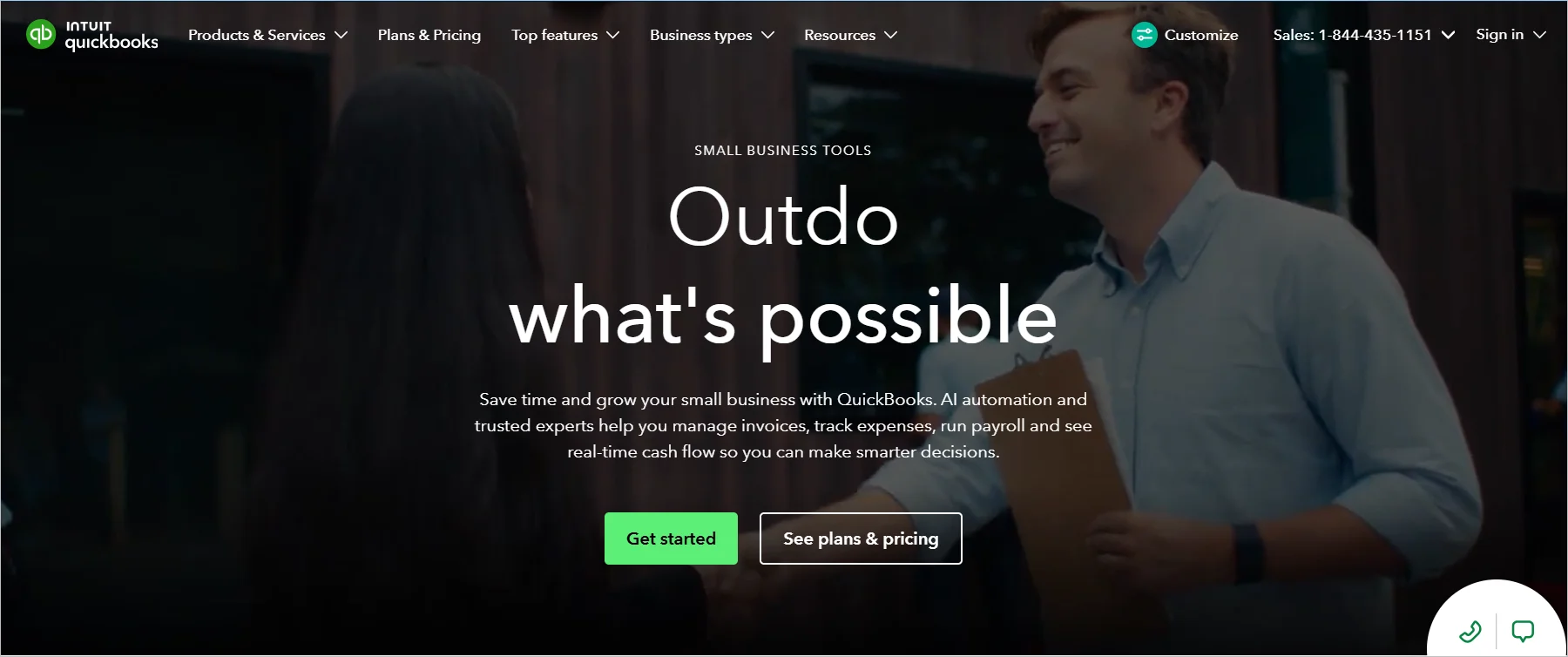
QuickBooks is a popular inventory management SaaS app. Stores can use it to monitor inventory, receive alerts when it’s time to restock, and gather insights on what to buy and sell.
QuickBooks home page
Key features
Inventory tracking
Restock alerts
Product reports
Pricing
Starts at $19/month
Free trial: 30 days
34. Fishbowl
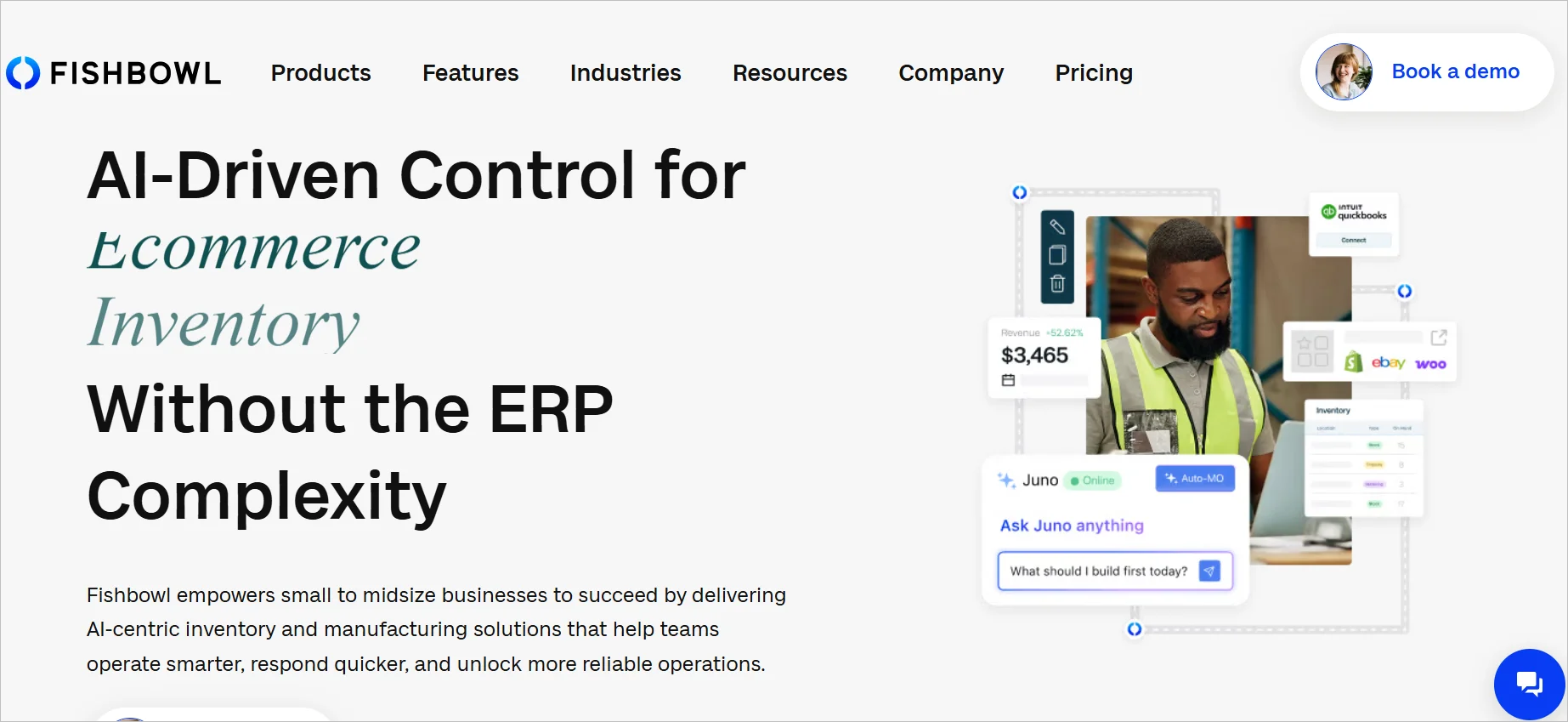
Fishbowl is a SaaS application for tracking inventory. It gives users a clear view of their inventory across all locations and provides useful insights.
Fishbowl home page
Key features
Customizable workflows
Automated reporting
Reporting
Pricing
Fishbowl provides custom pricing for different business needs.
Free trial: 14 days
E-signature
E-signature has become the norm as companies transition towards a paperless and digital mode of conducting business. Nowadays, you can digitally sign documents and share them with other stakeholders online, saving time and money.
Below are some good SaaS examples of e-signature apps.
35. BoldSign
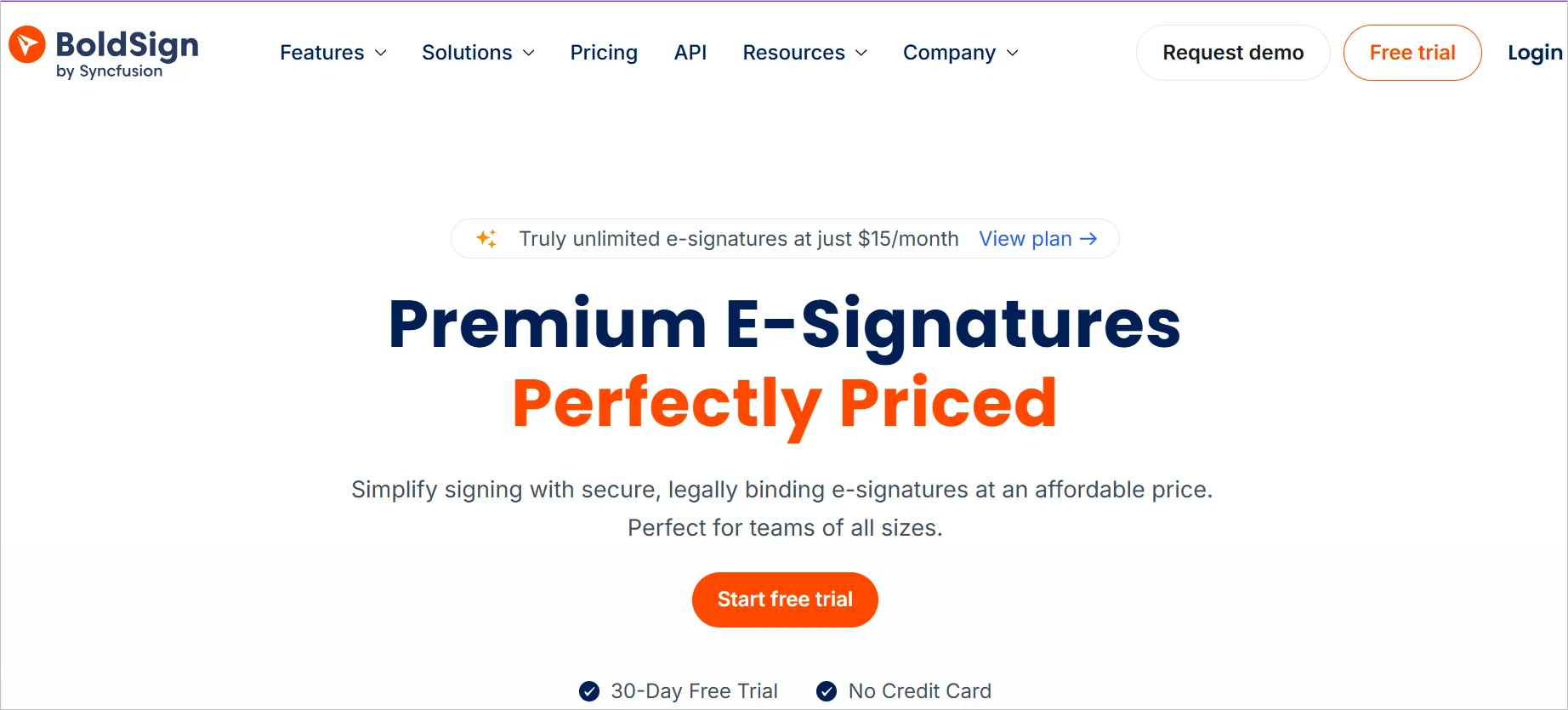
Using BoldSign, you can sign a digital document, track it, and manage it. This SaaS tool also has several features, including bulk signing, user management, and mobile support.
Businesses like real estate companies use BoldSign to sign legal contracts.
BoldSign home page
Key features
Automated reminders
Template sharing
Custom fields
Pricing
Starts at $5/month
Free trial: 30 days
36. Docusign
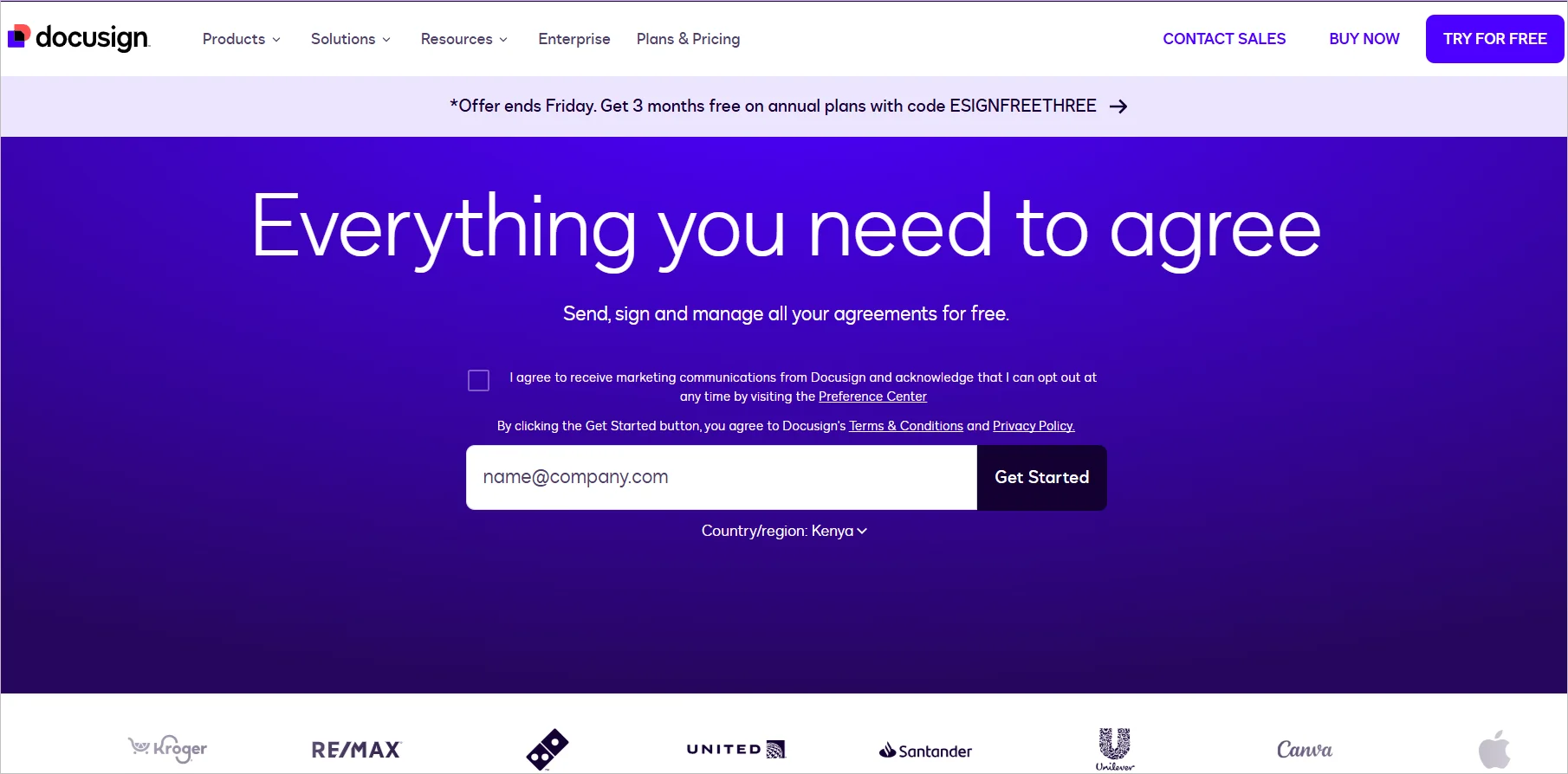
A popular e-signature SaaS example, Docusign helps brands sign digital files. Banks use Docusign to share documents so clients can approve certain transactions without physical copies.
Docusign home page
Key features
Shareable templates
Multiple integrations
Collaborative commenting
Pricing
Starts at $10/month
Free trial: 30 days
37. Nitro Sign
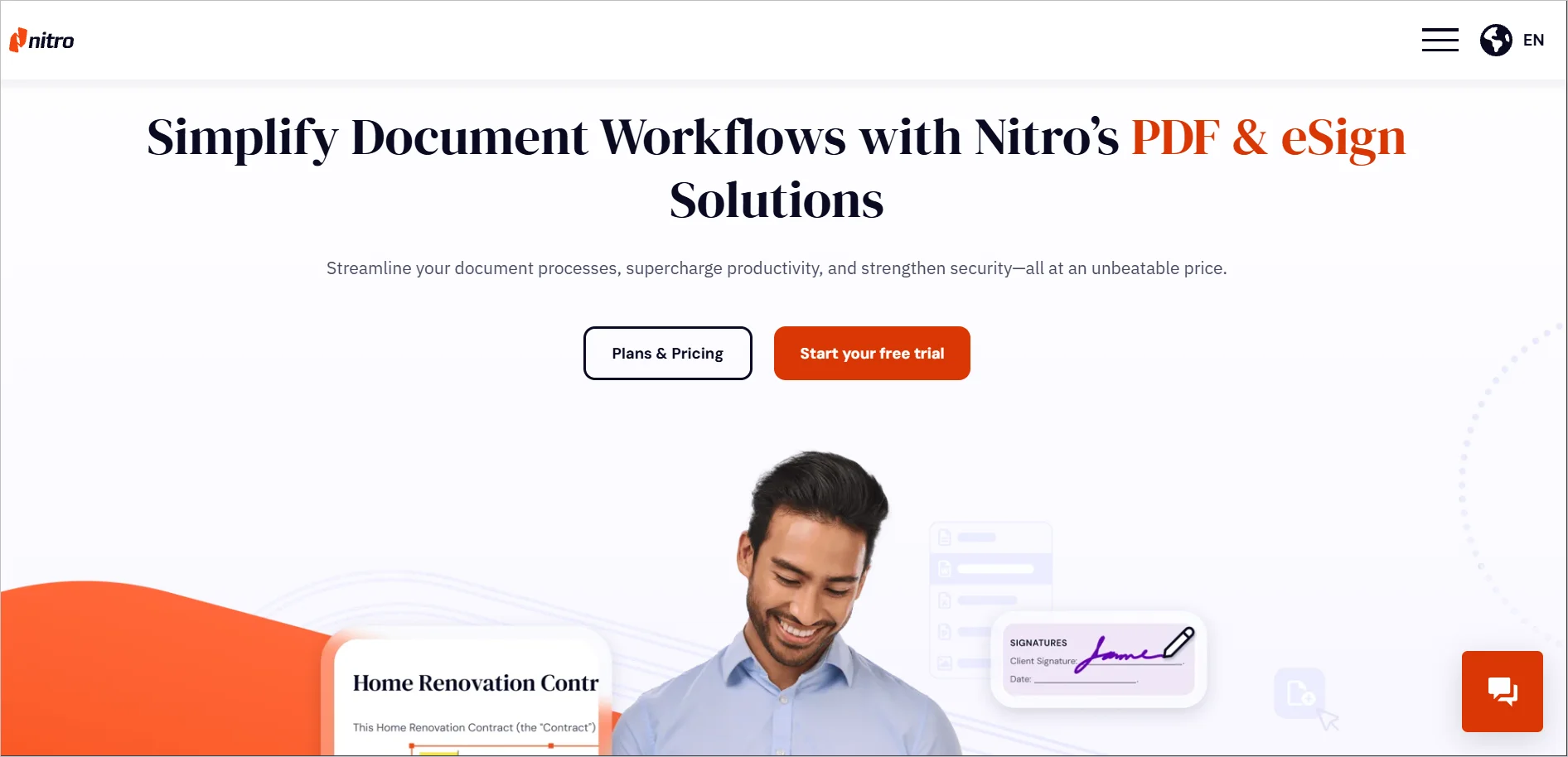
Another popular e-signature SaaS example is Nitro Sign, which is used by brands to sign and share documents online. Companies can use Nitro Sign to sign legal contracts.
Nitro Sign home page
Key features
Unlimited eSignature requests
Track signature requests
Audit trails
Pricing
Starts at $17.40/month
Free trial: 14 days
Future-proof your business with the best SaaS applications
As tech advances, more brands adopt SaaS applications to solve their business problems. The SaaS market will continue to expand, with more specialized tools entering the market.
Do not be left behind. Utilize this guide to select a collection of the best SaaS software to supercharge your business!
We hope this blog was insightful. Are there any software-as-a-service examples that you think we should include? Please share in the section below!
SaaS reduces infrastructure costs, eliminates manual updates, improves scalability, accelerates implementation, and enables teams to access tools from any location with an internet connection.
Key considerations include features, pricing, security, compliance, integrations, user experience, customer support, and the tool’s ability to scale with business needs.
Most reputable SaaS vendors follow strict security standards such as GDPR, SOC 2, data encryption at rest and in transit, and compliance frameworks. Security varies by provider, so reviewing certifications and data handling policies is essential.
Yes. Many SaaS solutions support integrations through APIs, native connectors, or third‑party platforms to ensure seamless workflow connections between business systems.
SaaS solutions vary widely in features, pricing, and ideal use cases. Comparing options helps teams identify the best fit for their size, workflows, and long‑term goals.
Yes. Most SaaS applications are built for distributed teams, offering cloud access, real-time collaboration features, and centralized data visibility.
The BoldDesk team is one of the product development teams in Syncfusion. They continuously develop features for the Help Desk software, which is a cloud-based ticketing platform.





 In this page