
 In this page

TL;DR: A HIPAA-compliant ticketing system helps healthcare organizations protect PHI through safeguards such as Business Associate Agreements (BAAs), encryption, role-based access controls, and audit logs. This guide compares 10 leading solutions, including BoldDesk, to help healthcare teams evaluate security, compliance, pricing, and support capabilities when choosing a platform.
If you are part of a healthcare organization or team, your responsibilities go far beyond diagnosing conditions, providing treatment, and answering patient questions.
You’re also entrusted with handling some of the most sensitive healthcare data in existence: protected health information (PHI). And with that responsibility comes high risk.
According to the U.S. Department of Health and Human Services (HHS) Office for Civil Rights (OCR), HIPAA violations can result in significant civil monetary penalties, corrective action plans, and ongoing audits, depending on the severity and nature of the violation.
Whether it’s one unsecured email, a misplaced file, or an overlooked detail, one mistake can lead to legal consequences against your business, costly fines, and loss of patient trust.
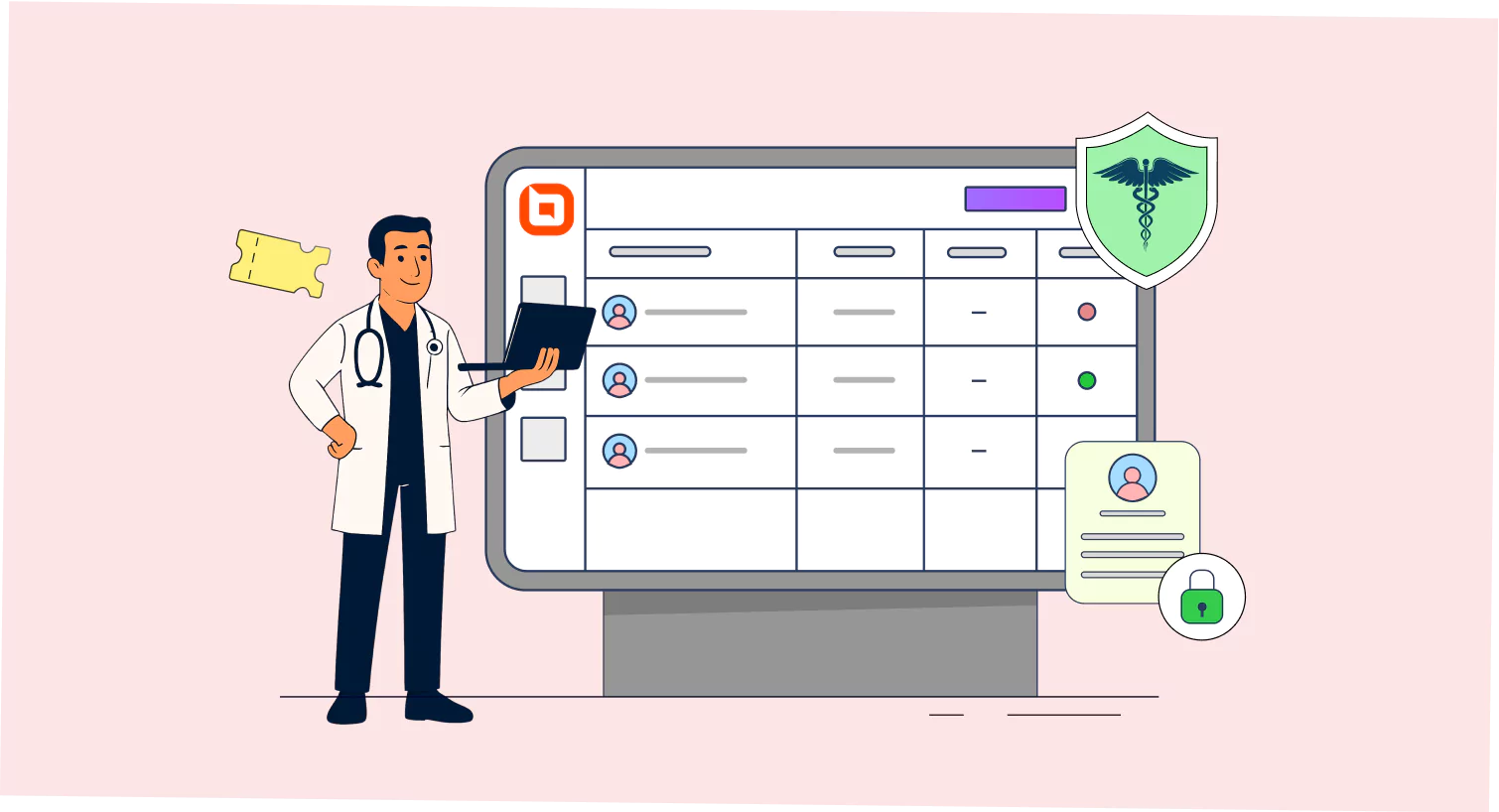
That’s why choosing a HIPAA-compliant ticketing system is not just a smart move; it’s essential. These help desk ticketing systems are designed to protect patient data through in-transit and at-rest encryption and role-based access controls, ensuring every interaction is secure, private, and fully compliant.
In this post, we’ll break down what a HIPAA-compliant ticketing system, the key features to look for, and some of the best help desk for healthcare solutions available today.
What is HIPAA?
HIPAA, the Health Insurance Portability and Accountability Act of 1996, is a United States law that aims to protect the privacy and security of patients’ medical information, including both PHI (Protected Health Information) and ePHI (Electronic Protected Health Information).
HIPAA requires healthcare providers, insurers, and related service organizations to follow strict rules when handling patient data, such as the privacy rule, the security rule, the breach notification rule, the omnibus rule, and the enforcement rule.
These rules help prevent unauthorized access, data breaches, and misuse of sensitive health information.
What is a HIPAA-compliant ticketing system?
A HIPAA-compliant ticketing system is a secure help desk software designed for healthcare providers, medical practitioners, and organizations to manage patient support requests in accordance with HIPAA regulations.
It protects PHI through strong encryption, role‑based access controls, detailed audit logs, and a signed Business Associate Agreement (BAA).
This system allows healthcare companies to easily manage patient inquiries, service requests, and support issues while keeping sensitive health data safe and private.
Using a HIPAA-compliant help desk system allows healthcare organizations to abide by the U.S. healthcare privacy laws, avoid HIPAA violations, and build trust with patients by ensuring patient confidentiality.
According to the U.S. Department of Health and Human Services (HHS), the Office for Civil Rights has received more than 374,000 HIPAA complaints and secured over $144 million in settlements and civil monetary penalties for HIPAA violations.
Depending on the severity of the violation, HIPAA penalties can range from hundreds to tens of thousands of dollars per violation, with annual maximums reaching millions.
Note: While a HIPAA-compliant ticketing system supports secure workflows, full HIPAA compliance also requires appropriate policies, employee training, and ongoing operational controls.
How can a ticketing system ensure HIPAA compliance?
Ticketing systems used in healthcare environments must align with HIPAA regulations to ensure proper handling of Protected Health Information (PHI).
Here’s how to ensure your secure healthcare ticketing system meets HIPAA compliance standards:
- Providing a Business Associate Agreement (BAA): The help desk provider you choose should be willing to sign a BAA with your company, a legal contract that ensures the vendor’s commitment to HIPAA compliance. Integrating BAA workflows into the ticketing system allows organizations to support BAA execution and PHI-safe workflows . This ensures accountability and compliance across the entire PHI lifecycle.
- Audit trails and logging: You can maintain detailed audit logs that record user actions, timestamps, and access details related to PHI with a HIPAA-compliant help desk. These logs help administrators monitor system activity, identify potential security issues, and ensure that only authorized personnel interact with the sensitive data.
- End-to-end data encryption: Have an encryption protocol in your ticketing system that automatically converts patient information into unreadable code during storage and transmission, and configure the system to decrypt it only for users with permission, ensuring PHI is safe at all times.
- Employee training: To keep your ticketing system HIPAA-compliant, make sure both the service provider and the business associates’ staff understand how to handle sensitive health information correctly. This includes educating them on the privacy rules, using system features like access controls and audit logs correctly, and how to avoid actions that could lead to data breaches.
What to look for in a HIPAA-compliant ticketing system?
Choosing the best help desk software for healthcare settings means balancing compliance, security, and operational efficiency. A HIPAA-compliant system must protect sensitive patient data while offering robust support capabilities.
Here is what to prioritize in HIPAA compliance help desk software comparison:
- Ticketing system: A reliable ticket management system enables support teams to securely track, organize, and handle healthcare support requests in accordance with the HIPAA compliance requirements.
- Compliance and security: The help desk ticketing system must meet HIPAA standards with secure data storage, strong encryption, access controls, Single Sign-On (SSO), and audit logs to protect patient data.
- Seamless system integration: Integrations with other third-party healthcare systems ensure quick access to patient data and better care coordination.
- Automation capabilities: With built-in automation, the help desk assigns tickets and follows set steps to resolve issues fast while protecting sensitive health information throughout the patient journey.
- Scalability: The best HIPAA-compliant ticketing system for healthcare must scale as the volume of patients and their inquiries increases without compromising performance.
- Reports and analytics features: Built-in report and analytics tools allow health organizations to monitor performance metrics and identify areas for improvement.
- Self-service portal: A robust customer self-service portal empowers patients to submit support requests, access FAQs, and manage account-related tasks independently, which improves efficiency and reduces the burden on the customer support team.
Whether you’re evaluating a new help desk solution or replacing an existing one, this checklist can help you identify the features and controls that matter most for HIPAA compliance.
Comparison table of the best HIPAA-compliant support ticket systems
To identify the best HIPAA‑compliant ticketing platforms, we used a structured evaluation and assessed the tools based on BAA availability, PHI handling controls, encryption standards, audit logging capabilities, access governance, healthcare usability, and pricing transparency.
This framework ensures that the recommended tools help healthcare organizations manage patient inquiries securely, meet HIPAA security rule expectations, and reduce compliance risk.
Here is a summary of the top HIPAA-compliant ticketing systems to help you evaluate the best fit for your customer support needs.
| Ticketing system | Key features | Pricing |
| BoldDesk |
|
$99/month for 5 agents |
| Help Scout |
|
Starts at $75/month (100 contacts) |
| One Desk |
|
Starts at $46.99 per user/month |
| Jira |
|
Contact Jira customer support |
| Freshdesk |
|
Growth plan starts at $79 per user/month |
| Hiver |
|
Contact customer support for custom pricing |
| Giva |
|
Starts at $59 per agent/month for the professional suite |
| HappyFox |
|
Contact Happyfox’s customer support team |
| Salesforce |
|
Contact the Salesforce customer service team |
| MedChat |
|
Contact MedChat customer support |
Top HIPAA-compliant help desk solutions to consider
Below are the best HIPAA-compliant ticketing platforms that help healthcare providers, clinics, and business associates manage patient inquiries, internal IT issues, and vendor communications.
| 1. BoldDesk | 6. Hiver |
| 2. Help Scout | 7. Giva |
| 3. One Desk | 8. HappyFox |
| 4. Jira | 9. Salesforce |
| 5. Freshdesk | 10. MedChat |
1. BoldDesk
BoldDesk isn’t just another HIPAA-compliant help desk software; it’s the ideal customer service in healthcare platform that your healthcare support team will love using.
This HIPAA ticketing software for healthcare helps to better manage patient inquiries, internal IT requests, or compliance audits while ensuring Protected Health Information (PHI) stays secure.
As part of BoldDesk’s HIPAA compliance capabilities, all patient inquiries can be routed to a centralized shared inbox for secure and efficient team collaboration.
Whether you’re a small clinic or a large hospital network, it’s a scalable, omnichannel customer service platform that adapts to your healthcare needs, empowers your support team, and strengthens patient confidence with every interaction.
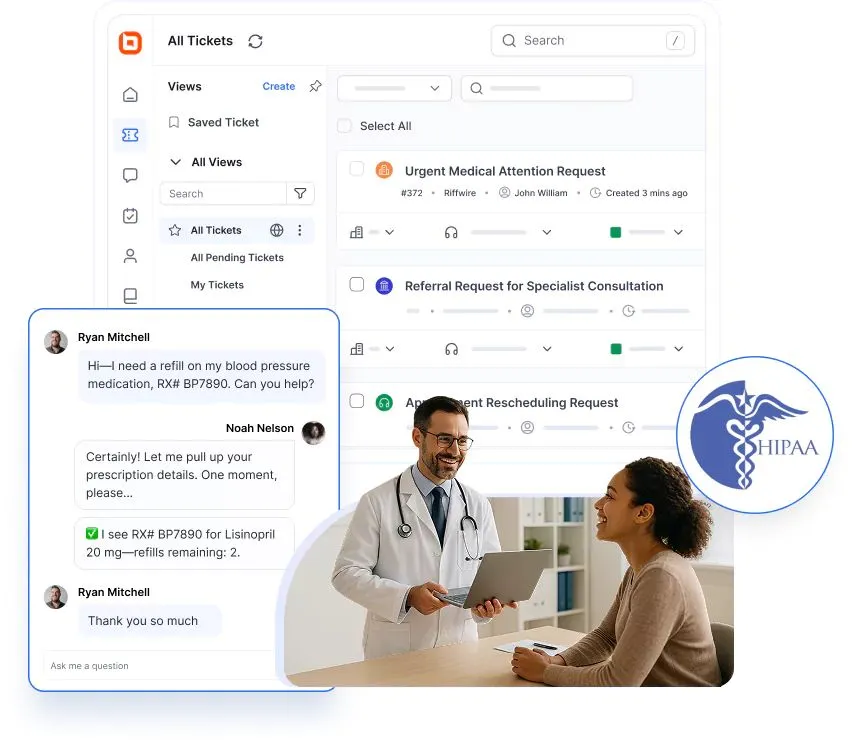
BoldDesk’s HIPAA-compliant ticketing system features
The following are key features that make BoldDesk a worthy HIPAA-compliant ticketing system for your healthcare organization.
- Business Associate Agreement (BAA): BoldDesk supports seamless BAA workflows to help organizations meet HIPAA compliance requirements. By integrating BAA management into the ticketing system, BoldDesk supports BAA execution and PHI-safe workflows, ensuring accountability and compliance throughout the entire patient support lifecycle.
- Data encryption: BoldDesk employs secure data transmission protocols such as (HyperText Transfer Protocol Secure) HTTPS and (Transport Layer Security) TLS for data at rest and in transit, safeguarding sensitive information from unauthorized access.
- Audit trails: Maintains detailed audit logs of all user activities in the ticketing system, including the changes made, who made them, and when they occurred, which can be filtered by date or user, allowing organizations to monitor system activity and maintain transparency throughout.
- Staff training: HIPAA training is provided for all BoldDesk staff handling PHI, covering privacy practices, including identifying and reporting security incidents, using secure patient communication, and data access restrictions.
- Automatic data redaction: To minimize the risk of unintended disclosure and maintain patient confidentiality, BoldDesk allows you to hide private details such as social security numbers (SSNs) and emails.
- Role-based access control: BoldDesk helps organizations meet HIPAA compliance by restricting access to sensitive data based on user roles. It ensures that only authorized personnel can view or manage PHI, ensuring HIPAA breach prevention.
- Secure hosting and data storage location: The ticketing platform has a separate database for each customer, and the database for your site is not shared with anyone. BoldDesk stores it in Google Cloud, which is regularly backed up to ensure data safety.
- Ongoing compliance reviews: BoldDesk schedules regular HIPAA audits to review system configurations, user activity, and data handling practices, ensuring policies stay up to date and all third-party tools meet HIPAA standards.
- PHI field enablement: Allows designation of specific fields as PHI, which are protected with enhanced in-transit and at-rest data encryption.
- IP restrictions and Single Sign-On (SSO): There are additional security features that allow users to securely access their help desk account using a single set of login credentials while specifying authorized IP addresses to ensure only approved users can access the portal.
- Global compliance standards: The platform adheres to global standards like GDPR and SOC 2 Type II, which facilitate HIPAA compliance by reinforcing data protection and privacy across different regions.
In HIPAA mode, BoldDesk intentionally limits certain channels and features to reduce PHI exposure.
However, users can still configure a custom email server, such as IMAP, that allows controlled and compliant email syncing within HIPAA mode.
Does BoldDesk sign a Business Associate Agreement (BAA)?
Yes. BoldDesk is ready to enter into Business Associate Agreements (BAAs) with healthcare organizations that require HIPAA-compliant handling of protected health information (PHI).
To request a BAA or learn more about BoldDesk’s HIPAA compliance measures, contact the BoldDesk support team or visit our HIPAA compliance page.
BoldDesk’s pricing
- Start at $99 per month for 5 agents.
- BoldDesk offers a 15-day free trial to help organizations evaluate the platform before committing to it.
What users are saying on G2
“Overall, it delivers a unified experience. Features such as the unified inbox, Parent-Child Mapping, workflows, assignment rules, the customer portal, analytics, and knowledge bases make it genuinely impressive and very helpful for providing end-to-end support across tickets. The SLA management is also solid.” – Vinesh K.
2. Help Scout
Help Scout offers a secure, collaborative platform for managing patient inquiries through a shared inbox and integrated communication tools.
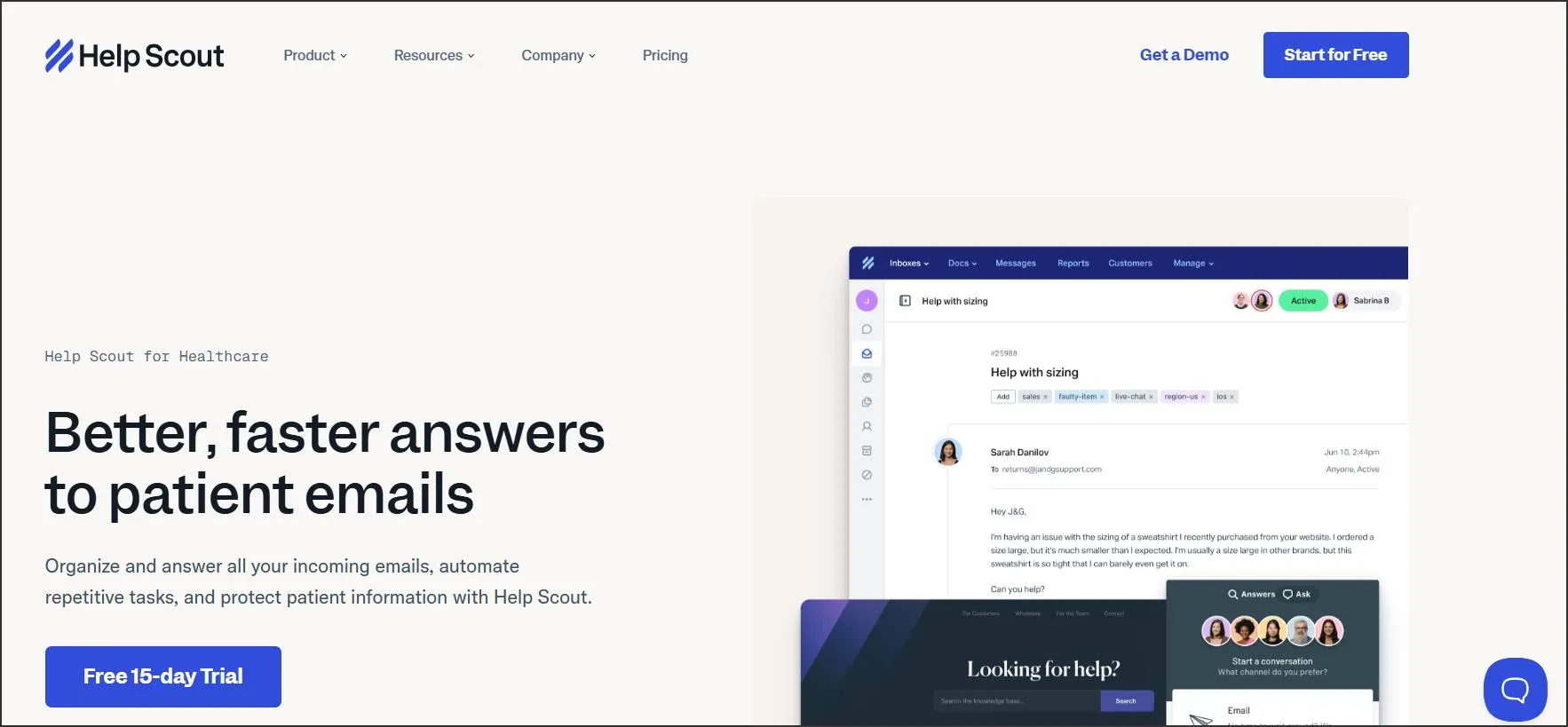
HIPAA-compliant features in Help Scout
- AI-powered support
- Thread-level privacy controls
- Account access restrictions
- BAA
Help Scout pricing
- Starts at $75/month
What users are saying on G2
“They have a lot of shortcuts and mechanisms that allow you and your team to answer emails fast and efficiently. It’s also HIPAA compliant (why we switched to HelpScout!) The super funny Easter eggs that pop up when you clear an inbox are genius! They’re very creative!” – Verified User in Internet.
3. One Desk
One Desk is among the best HIPAA-compliant help desk ticketing systems designed to securely manage healthcare-related inquiries to ensure patient privacy and regulatory compliance.
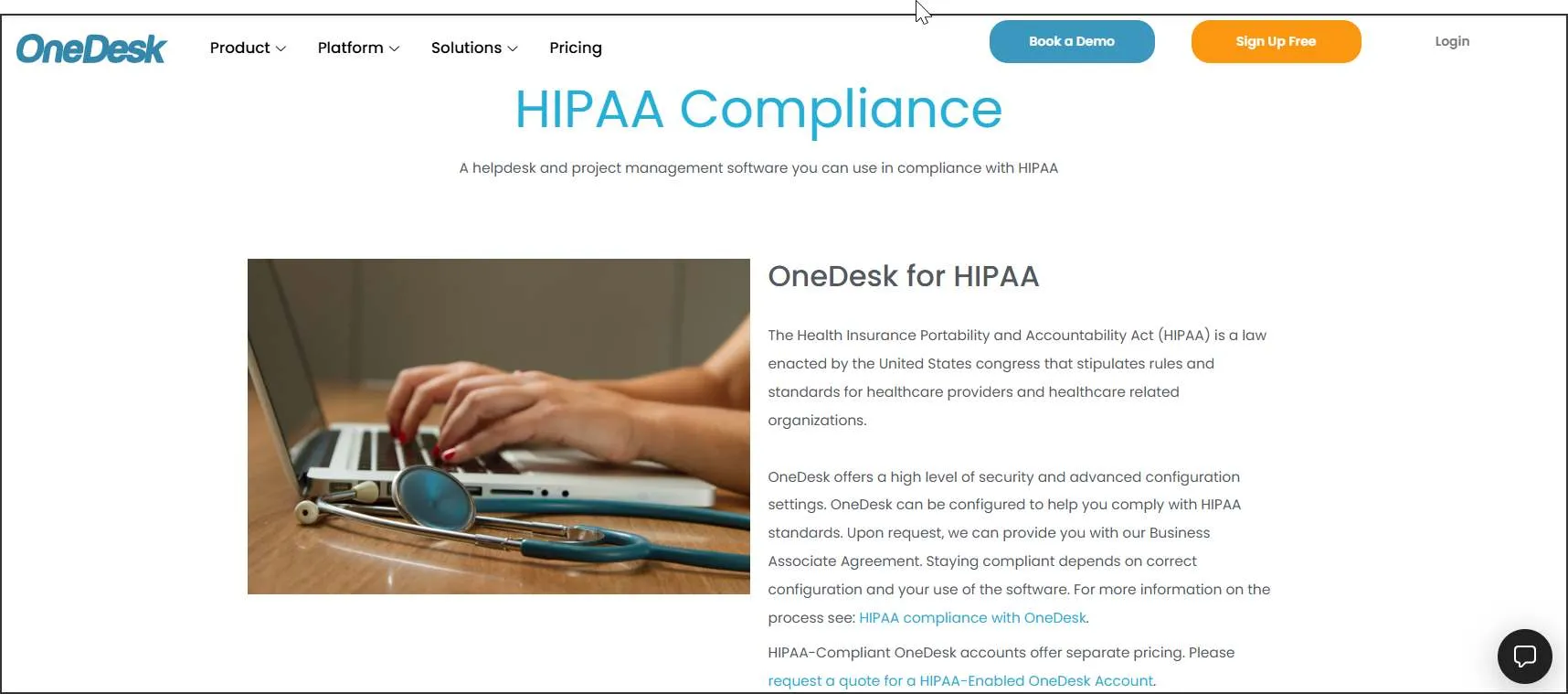
HIPAA-compliant help desk features in One Desk
- Activity audit controls
- Advanced security configurations
- Frequent data backups
- Supports on-premises and private cloud deployment
One Desk pricing
- Starts at $27.99/user/month
What users are saying on G2
“The ease of use and smooth interface of the ticketing tools.” – Verified User in Hospital & Health Care.
4. Jira
Jira’s HIPAA-compliant ticketing system is built for large healthcare organizations that require advanced data governance and workflow automation.
HIPAA-compliant ticketing features in Jira Service Management
- Secure cloud hosting
- Privacy and security controls
- Audit logging for tracking access and changes to data
- Data residency options to control where PHI is stored
Jira Service Management pricing
- Contact Jira customer support
What users are saying on G2
“We use it for support and ticketing management with our users. I absolutely love it. Has all the things we need almost.” – Verified User in Computer Software.
5. Freshdesk
Freshdesk by Freshworks is a cloud-based customer support software that helps health organizations manage and resolve patient support requests across multiple channels.

HIPAA-compliant help desk features in Freshdesk
- IP and network restrictions
- Custom mail server
- AI-powered ticket field suggester
- Smart ticket dispatch
Freshdesk pricing
- Contact Freshdesk for pricing details
What users are saying on G2
“Freshdesk is a great customer service suite. It brings together a knowledge base, ticketing, and a chatbot in one place, and it also includes Freddy Agent to answer queries on demand and support customers 24/7.” – Ganapathi K.
6. Hiver
Hiver is a collaboration-focused help desk platform designed for healthcare organizations that rely on Google Workspace to offer patient support.

HIPAA-compliant ticketing system features in Hiver
- Encrypted email
- Access controls
- HIPAA training
- BAA support
Hiver pricing
- Starts at $85/user/month
What users are saying on G2
“Level of visibility and organization the solution brings to our team members.” – Taylor G.
7. Giva
Giva is one of the best HIPAA-compliant help desk ticketing systems designed to streamline and centralize support for IT and patient-facing services.
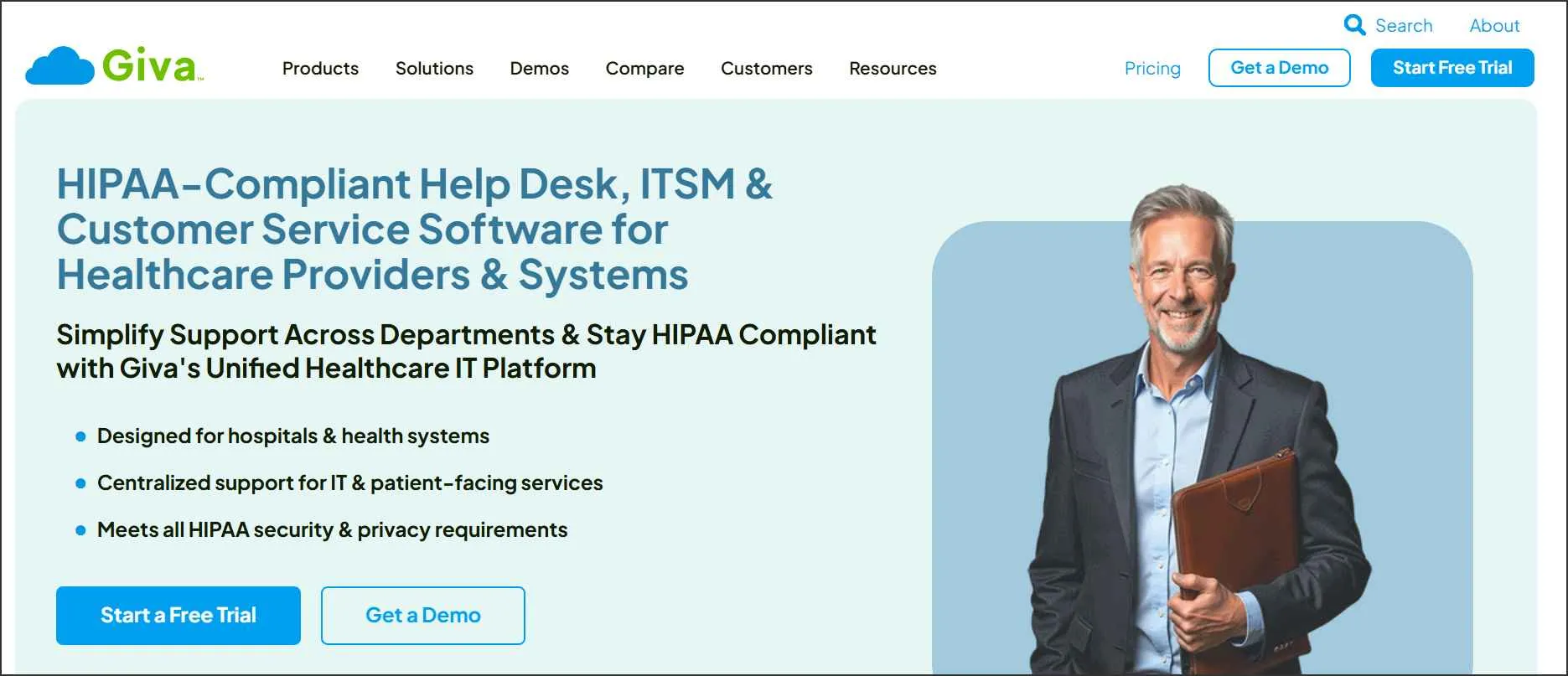
HIPAA-compliant help desk features in Giva
- Encryption in transit and at rest
- Cloud storage and retention
- BAA is included by default
- Detailed compliance documentation
Giva pricing
- Starts at $69/agent/month for the professional suite
What users are saying on G2
“Giva has proven invaluable for supporting our diverse technology product ecosystem, which includes over a dozen different software products ranging from our BankingQ product to our Prior Authorization platform. Giva’s intuitive ticket management system allows our team to efficiently track and resolve customer issues across multiple healthcare applications while serving more than 200 employees.” – Kristin W.
8. HappyFox
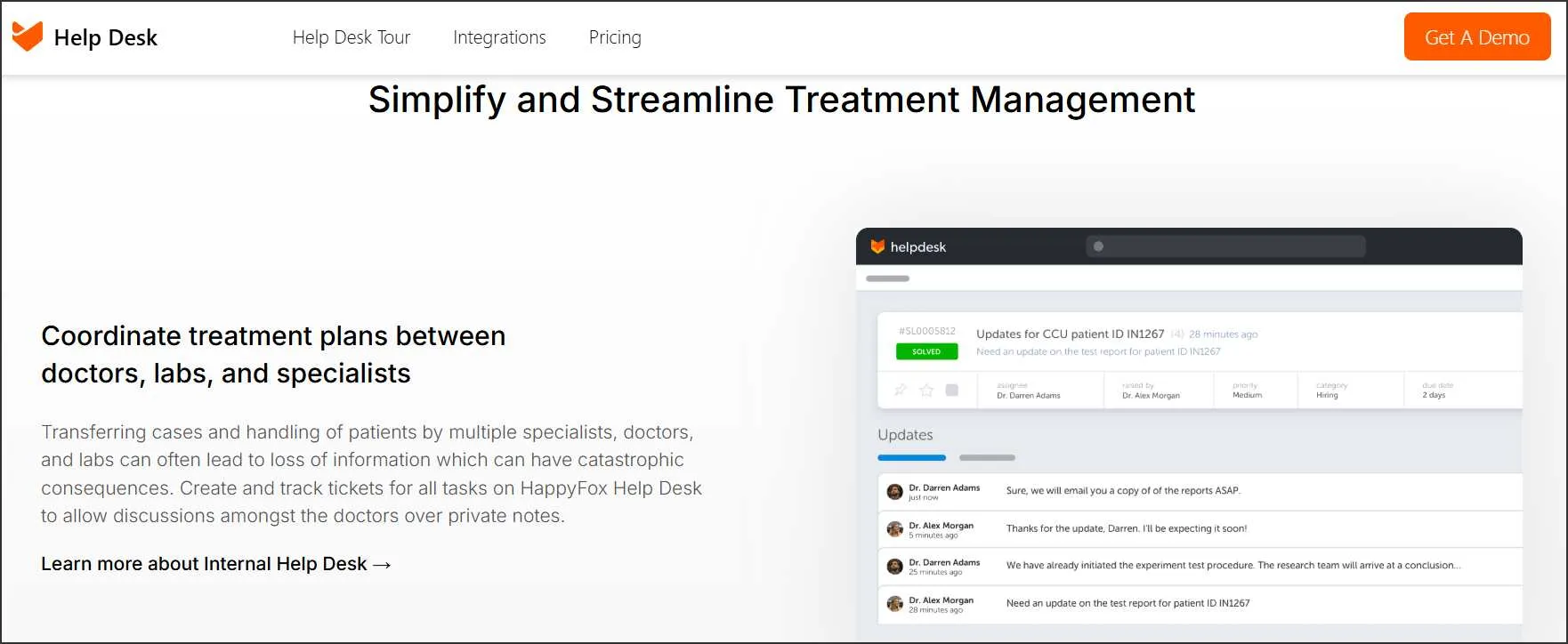
HappyFox promotes secure external-partner messaging and ticketing workflows to reduce PHI exposure while keeping communication efficient.
HIPAA-compliant help desk features in HappyFox
- Encrypted ticket conversion
- Two-way external messaging
- Full audit trails
- Advanced safeguards
HappyFox pricing
- Contact Happyfox’s customer support team
What users are saying on G2
“Daily ease of use and ability to report. It gives me a single point of entry for support issues that I can address anywhere.” – Paul M. F.
9. Salesforce
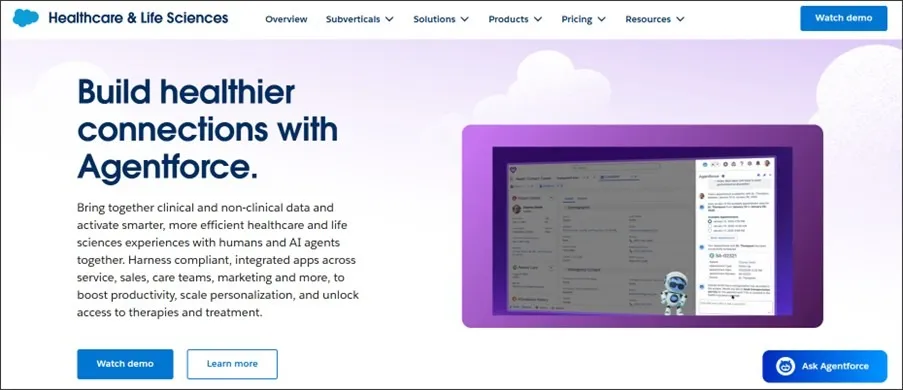
Salesforce is an enterprise CRM platform whose Service Cloud and healthcare products are commonly used for patient management and ticketing in health settings.
HIPAA-compliant ticketing system features in Salesforce
- Salesforce shield
- Audit trails and role-based access
- Health cloud workflows
- HIPAA-compliant Salesforce maps
Salesforce pricing
- Contact Salesforce for pricing
What users are saying on G2
“The wealth of knowledge Salesforce gathers from its worldwide customer base ensures that, regardless of the service issue you encounter, you are unlikely to be the first to address it using Service Cloud.” – Verified User in Hospital & Health Care.
10. MedChat
MedChat is a HIPAA-compliant help desk solution designed to automate live chat interactions and improve patient experience.

HIPAA-compliant help desk features in MedChat
- Google SSO and 2FA
- Azure Transparent Data Encryption (TDE)
- Web Application Firewall (WAF)
- Role-based access controls
MedChat pricing
- Contact MedChat
What users are saying on G2
Not available.
Elevate your support security with the best HIPAA-compliant ticketing system!
In healthcare, trust isn’t just earned; it is protected, and it begins the moment patients share their medical information. While many ticketing systems claim to be HIPAA-compliant, few deliver the perfect balance of airtight security, seamless usability, and real-world reliability.
That’s where BoldDesk’s HIPAA-compliant ticketing system rises above the rest. It positions businesses as customer-focused and responsible, ensuring smooth, reliable, secure, and professional patient support without compromising on data protection.
By adopting BoldDesk, companies reinforce their reputation for quality customer service and integrity in every interaction. For additional support, reach out to the BoldDesk support team.
Was this blog insightful? We’d love to hear your thoughts! Share your thoughts and ideas on effective HIPAA-compliant ticketing systems in the comments below.
Related articles
- Cloud-Based Ticketing System: A Guide for Better Customer Support
- Best Email Ticketing Systems: 15 Picks for 2026
- The Best Automated Ticketing System for Businesses (2026)
FAQs on HIPAA-compliant ticketing system
It can be. HIPAA does not mandate deletion timelines, but retaining tickets with PHI without encryption, access controls, or retention policies increases compliance and breach risk. Secure archiving is recommended.
Yes, if improperly configured. HIPAA‑safe automation requires policy‑aligned workflows.
Automation must avoid exposing PHI in notifications, sending unencrypted messages, and assigning tickets beyond authorized roles.
In some cases, yes. However, achieving HIPAA compliance often requires significant changes, including stronger security controls, encryption, access management, audit logging, and appropriate administrative policies.
HIPAA expects systems to log ticket access history, user actions, changes involving PHI, and failed access attempts.
These logs help demonstrate compliance during audits or investigations.