

 In this page

TL;DR: The best FAQ software helps teams create searchable, self-service content to reduce support tickets. Top tools like BoldDesk, Help Scout, and Document360 offer AI search, easy editors, and scalable documentation to improve customer experience and operational efficiency.
When customers ask the same question repeatedly and receive different answers to the same question, support quality suffers, and customer trust declines.
FAQ software centralizes knowledge, helping users find instant, accurate answers while reducing the dependency on human agents.
Effective self‑service enables teams to resolve recurring questions faster, maintain consistent communication, and deliver a more reliable customer experience.
In this guide, we’ll explore the importance of FAQ software, the key features to look for, and the top solutions available on the market.
What is FAQ software?
FAQ software is a tool that helps businesses create, organize, and manage accurate answers to commonly asked questions, enabling customers to find information instantly without the need to contact support.
It improves response consistency, reduces repeat inquiries, and supports faster issue resolution by centralizing reliable information in one place.
Key features to consider for FAQ software
For your brand’s support to stand out, you need the help of the right self-service software. Below are features to consider.
To deliver effective self-service and reduce repetitive support requests, FAQ software should include the following core features:
- Multilingual support: Choose FAQ tools with multilingual capabilities if your audience is global. Providing answers in a user’s preferred language improves accessibility and overall user experience.
- Search and AI-powered answer suggestions: Look for powerful search features such as a search bar, auto-suggestions, category or tag filtering, and AI-driven answer recommendations to help users find information quickly and reduce repeat inquiries.
- Customization and branding: The software should allow you to tailor the layout, colors, fonts, and overall appearance of your FAQ so it aligns with your brand identity and website design.
- Mobile-responsive design: Ensure the FAQ software adapts seamlessly across devices and screen sizes. A mobile-friendly design guarantees a consistent experience regardless of how users access your content.
- Multimedia support: Support for images, videos, and downloadable attachments can help explain complex concepts more clearly and add value beyond text-only answers.
- Reporting and analytics: Reporting and analytics tools help you track popular questions, search behavior, article performance, and user engagement so you can continuously improve FAQ content.
- Content editor and article management: A strong editor should make it easy to create, format, update, and organize FAQ content, with support for media uploads and structured formatting.
- Security and privacy controls: Look for role-based access controls, secure authentication, encryption, and compliance with relevant regulations (such as GDPR) to protect admin access and user data.
What are the benefits of having FAQ software for customer support?
FAQ software helps support teams scale efficiently by enabling customers to resolve common questions on their own.
According to research by CMX Today, 95% of companies are seeing increased self-service demand, reinforcing why searchable, well-structured FAQ content matters.
The following are some of the advantages of FAQ software for customer service teams.
- Reduces ticket volume: FAQ software enables customers to find answers instantly, decreasing the number of repetitive inquiries and easing pressure on support teams while improving the self-service experience.
- Improves customer satisfaction: Fast, consistent access to accurate information helps customers resolve issues without waiting for an agent, preventing frustration and creating a smoother, more reliable support experience.
- Boosts productivity and efficiency: Self‑service resources handle high‑frequency questions, freeing agents to focus on complex issues. This streamlines workflows, shortens response times, and increases overall efficiency across the support team.
- Saves time and support costs: Fewer repetitive tickets reduce the time teams spend answering basic questions, lowering additional staffing needs and speeding up onboarding for new agents.
- Ensures consistent and accurate information: A centralized FAQ ensures that customers receive the same, up‑to‑date answers across support channels, building trust, reducing confusion, and strengthening brand reliability.
Comparison table of the best FAQ software
Below is a comparison of FAQ tools designed to help businesses choose the right solution for customer self-service.
These tools were evaluated based on features, usability, scalability, integrations, and verified G2 user reviews.
| FAQ software | Features | Starting price | G2 ratings |
| BoldDesk
|
|
$99/month, for 5 agents | 4.5/5 |
| Wix |
|
$17 per month for 2 agents | 4.2/5 |
| Stonly |
|
Contact Stonly | 4.8/5 |
| KnowledgeOwl |
|
$100 per agent/month | 4.6/5 |
| Helpjuice |
|
$249 per month for 30 agents | 4.7/5 |
| Document360 |
|
Contact Document360 | 4.7/5 |
| Groove |
|
$24 per month for 25 agents | 4.6/5 |
| Slab |
|
$6.67 per agent/month | 4.6/5 |
| SupportBee |
|
$15 per agent/month | 4.2/5 |
| ProProfs |
|
$39.99 per agent/month | 4.6/5 |
The best FAQ tools for business (2026)
According to Higher Logic’s research, 79% of respondents expect companies to provide self-service support options.
FAQ software plays a foundational role in delivering this type of self-service at scale.
Below is a curated list of the best FAQ tools for businesses.
1. BoldDesk
Best for: Small to medium-sized businesses that require scalable, multilingual FAQ content with advanced editing tools and AI assistance.
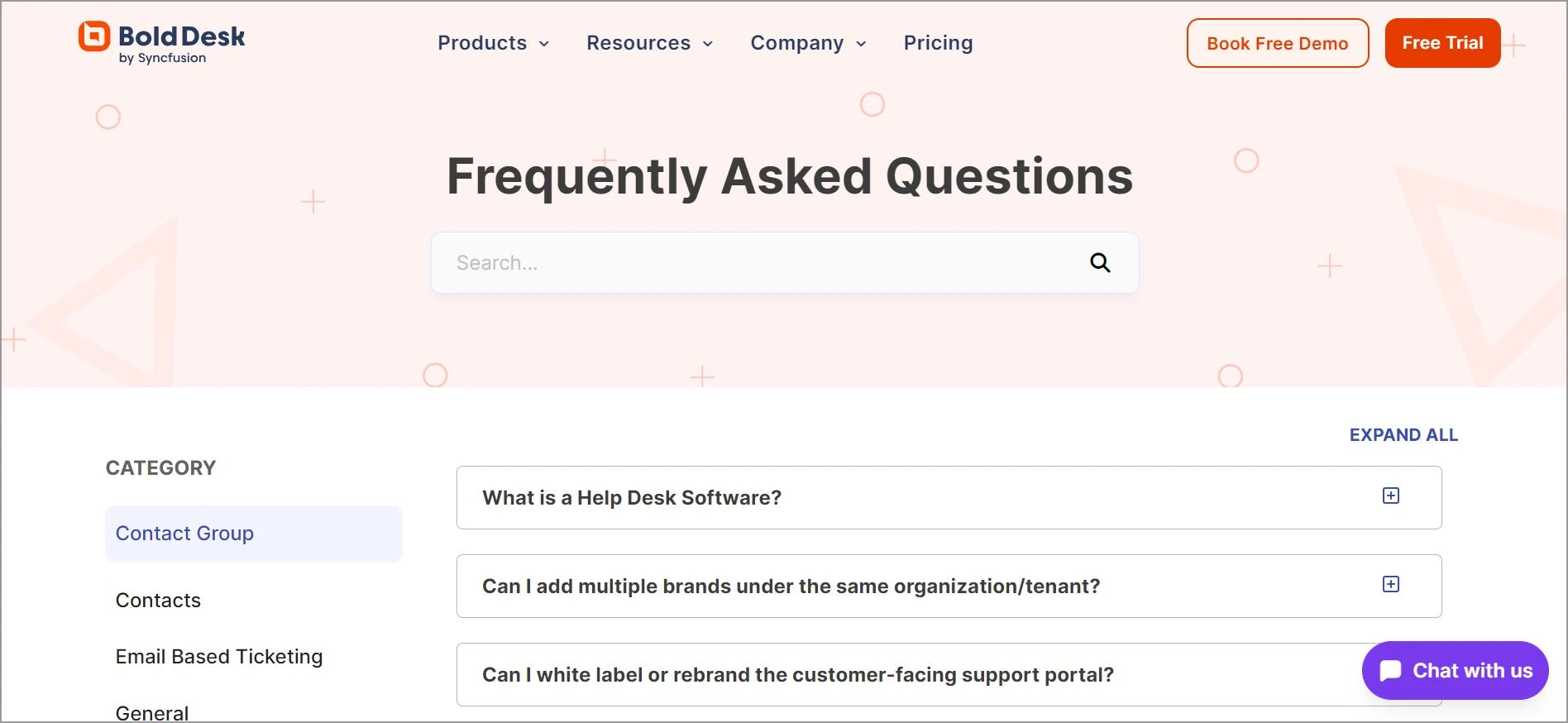
The BoldDesk FAQ software is designed to help businesses deliver fast, consistent answers by making it easy to create, edit, and organize FAQ articles in a structured, user‑friendly way.
Its AI‑enhanced tools, such as article summarization, translations, writing assistance, and smart search, enable teams to produce high‑quality content quickly.
The software also supports seamless integration into websites and applications, ensuring customers can access accurate information whenever they need it.
Key features of BoldDesk
- AI Copilot
- AI Agent
- AI Action
- Omnichannel support
- Powerful article editor
- Article auto-suggestions
- Branding and customization
- Mobile-responsive platforms
- Live chat software
- Article performance reporting and analytics
- Templates
- Instant smart search
- No-code functionality
- Versioning and version history
- File management and recovery
- SEO-friendly
- Security and permissions
Why BoldDesk stands out as an FAQ tool
The following are the advantages of BoldDesk:
- BoldDesk includes AI features such as AI Copilot, article summarization, translation, and writing assistance, making FAQ creation faster and more accurate.
- It allows businesses to create FAQs in multiple languages and customize the look and feel to match their brand.
- Built‑in search and auto‑suggest features help users quickly locate relevant answers, improving self‑service efficiency.
- Advanced content editing tools such as autosave, version history, and instant previews help teams maintain accuracy, track changes, and publish updates smoothly.
- Reporting analytics tools highlight common issues, user behavior, and article performance, helping teams continuously improve FAQ content.
- Enterprise‑grade security features like IP restrictions, roles and permissions, SSO support, and compliance with SOC and GDPR standards protect sensitive data.
Pricing
BoldDesk’s pricing plan includes the complete feature set, allowing businesses to reduce support costs while maintaining a high level of service quality.
| No. of agents | Monthly price (USD) | Free AI credits/month |
| 5 | $99 | 500 |
| 10 | $199 | 1,000 |
| 25 | $349 | 1,500 |
| 50 | $499 | 2,000 |
| 75 | $749 | 2,500 |
| 100 | $999 | 3,000 |
For a complete breakdown of pricing tiers, including features and AI add-ons, explore the full BoldDesk pricing details.
BoldDesk offers AI add-ons, including AI Agent at $20 for 1,000 AI credits to automate customer conversations across channels and scale support with usage-based pricing.
Additionally, you can get AI Copilot at $20 per agent/month, an AI-powered assistance that helps agents write replies, summarize conversations, and resolve tickets faster.
With BoldDesk, businesses can achieve operational efficiency without compromising on customer experience.
Scaling up? Our team will tailor a plan to match your growth trajectory — connect with our team today.
Free trial: 15 days
2. Wix
Best for: Businesses that want a customizable, multilingual FAQ solution with straightforward self-service setup.
Wix is an FAQ software tool that allows businesses to create and manage a knowledge base, including FAQs, guides, tutorials, and more.
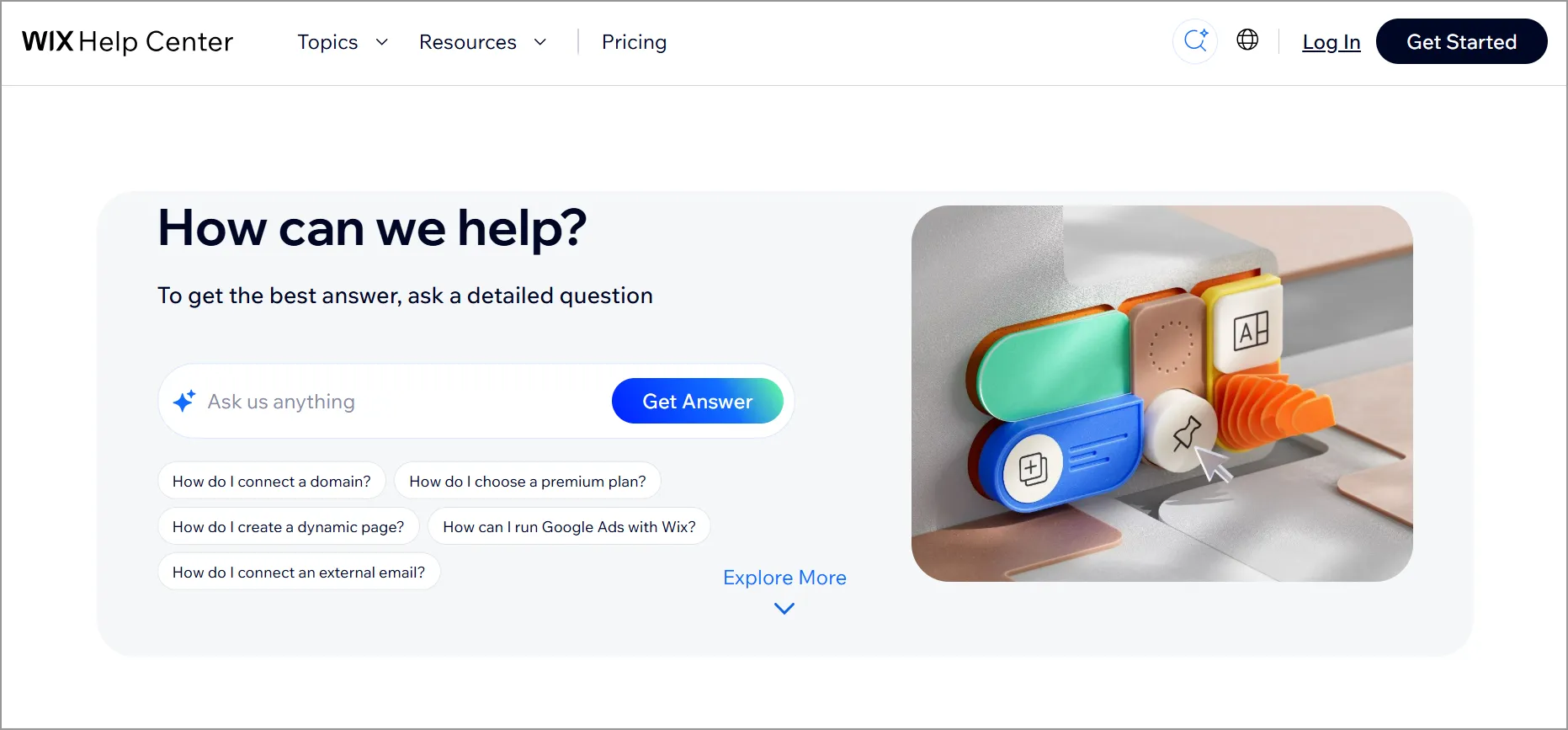
Businesses can use the FAQ tool to organize and present information in a way that makes it easier for customers to locate answers on their own.
Features
- Category management
- Multilingual FAQ support
- Customizable with CSS and JavaScript
Pros
- Strong category management for organizing FAQ content.
- Supports multilingual FAQ deployment for global audiences.
Cons
- Higher-tier pricing is not appealing to startups with tight budgets.
Pricing
- Starts at $17 per month for 2 agents
Free trial: 14 days
3. Stonly
Best for: Organizations that need interactive elements within their FAQ experiences to simplify complex topics for users.
Stonly is an FAQ software tool that gives users guides within the FAQ, making answers easy to understand.
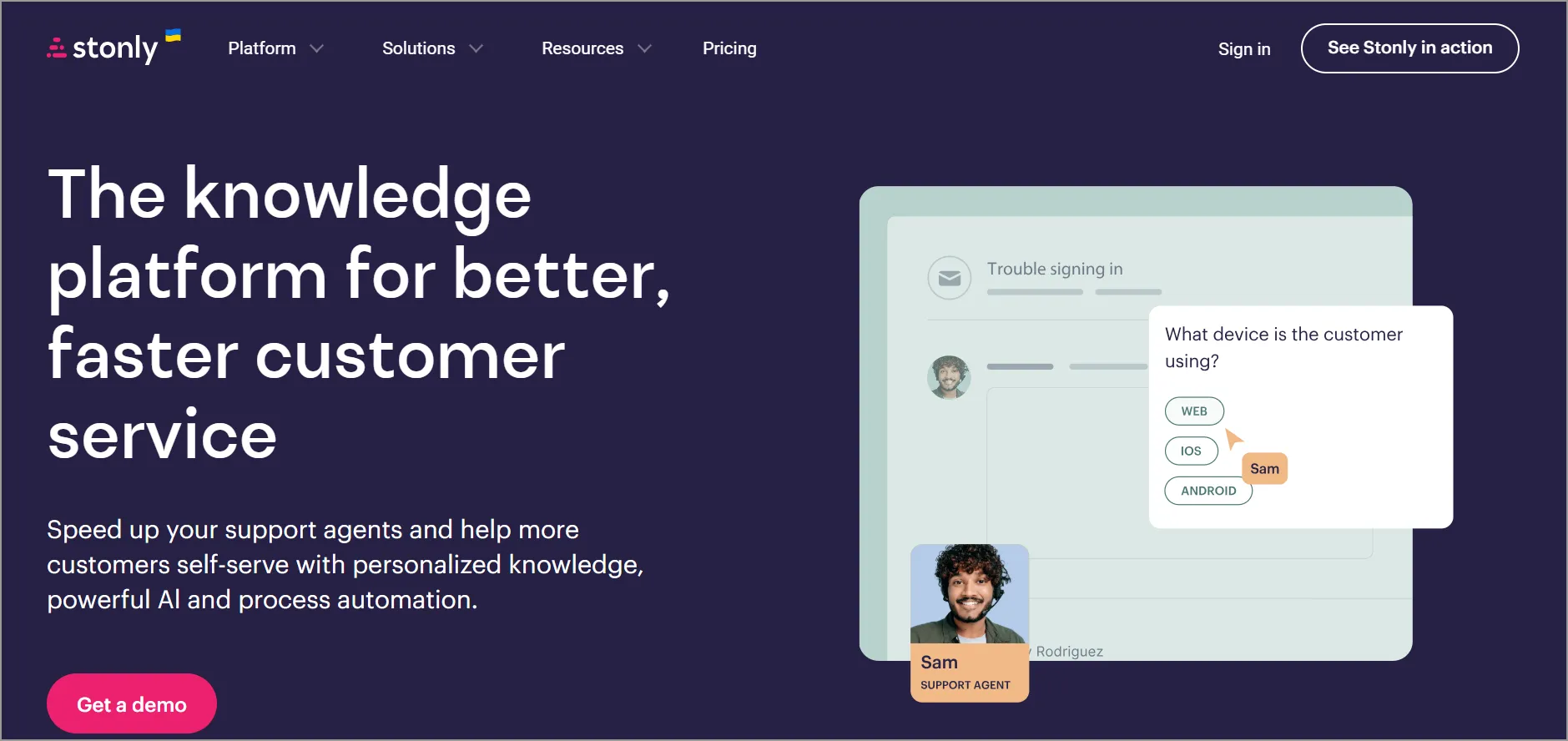
The FAQ platform enables users to structure their content in a format that incorporates text, images, videos, and other multimedia elements.
Features
- Customizable widget
- Reporting and analytics
- Compatibility with different devices
Pros
- Provides step‑by‑step interactive guides within FAQs for clearer user understanding.
- Offers strong analytics and reporting, helping teams improve content performance.
Cons
- More complex interactive structure requiring additional setup time.
Pricing
- Contact Stonly
Free trial: 14 days
4. KnowledgeOwl
Best for: Teams that rely heavily on editable, branded documentation and need an author friendly FAQ editor.
KnowledgeOwl is designed to simplify the process of creating and maintaining an effective FAQ section, helping businesses improve customer support and satisfaction.
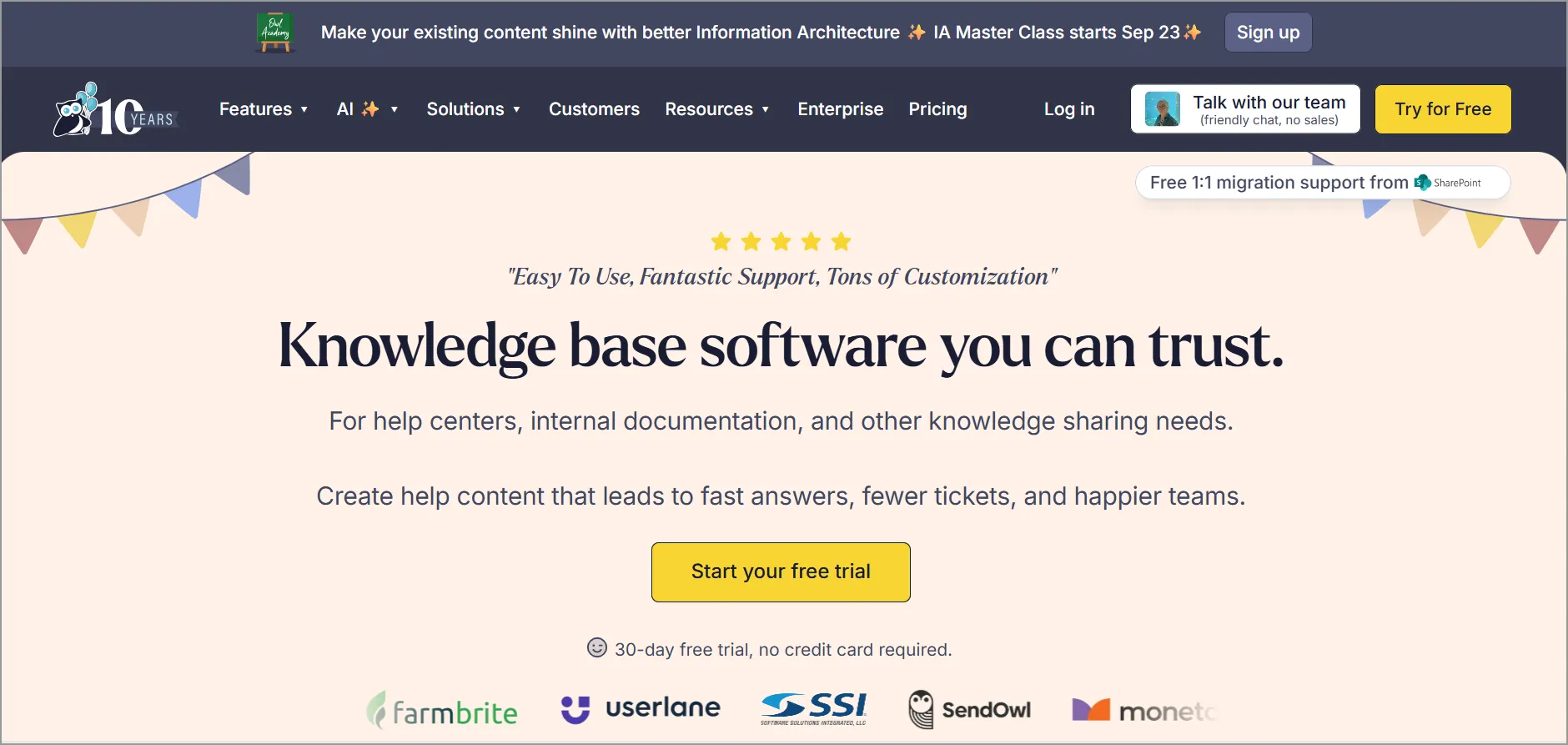
The FAQ software with analytics and reporting provides performance metrics to track FAQ article performance and gather insights into customer behavior.
Features
- Rich text editor
- AI capabilities
- Customizable branding
Pros
- Includes AI capabilities, strengthening content generation and management.
- Supports extensive customizable branding for a consistent visual identity.
Cons
- Lacks detailed omnichannel or agent collaboration features.
Pricing
- Starts at $100 per agent/month
Free trial: 30 days
5. Helpjuice
Best for: Teams that need an AI-enhanced FAQ and knowledge base with deep customization and multilingual capabilities.
Helpjuice allows businesses to produce FAQ articles, employee manuals, and guidelines with ease.
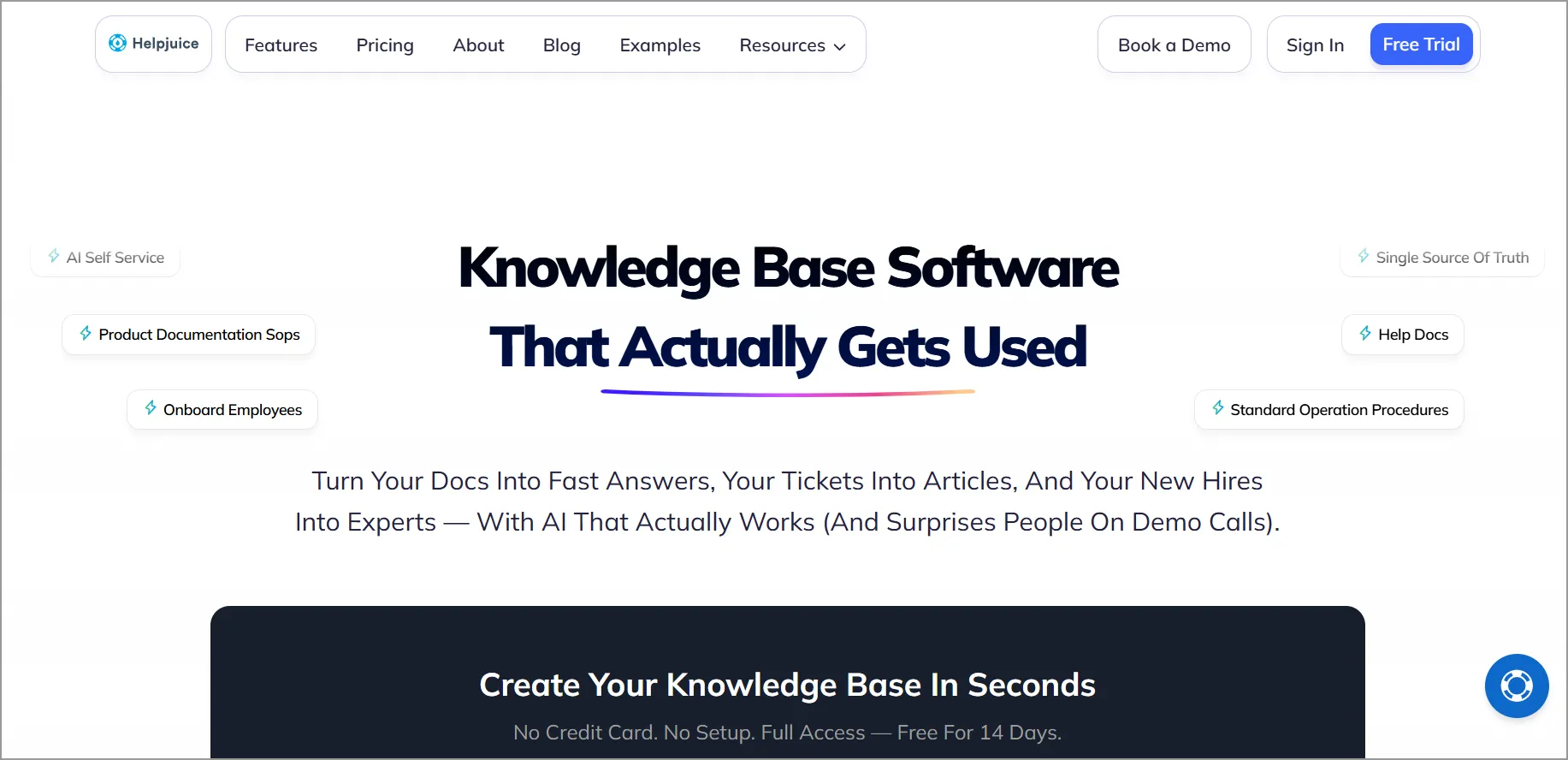
Helpjuice offers FAQ analytics and reporting features that enable businesses to track user engagement and identify areas for improvement in their support documentation.
Features
- Multilingual support
- Full-text editor
- AI capabilities
Pros
- Robust full‑text editor supporting advanced document formatting.
- Includes AI features to improve content creation and optimization.
Cons
- Some users find enterprise‑tier pricing more complex due to multiple package types.
Pricing
- Starts at $249 per month for 30 agents
Free trial: 14 days
6. Document360
Best for: Brands that require an integration-ready FAQ system supported by AI and mature content organizations.
Document360 is designed to allow businesses to create, manage, and present commonly asked questions with its FAQ software package.
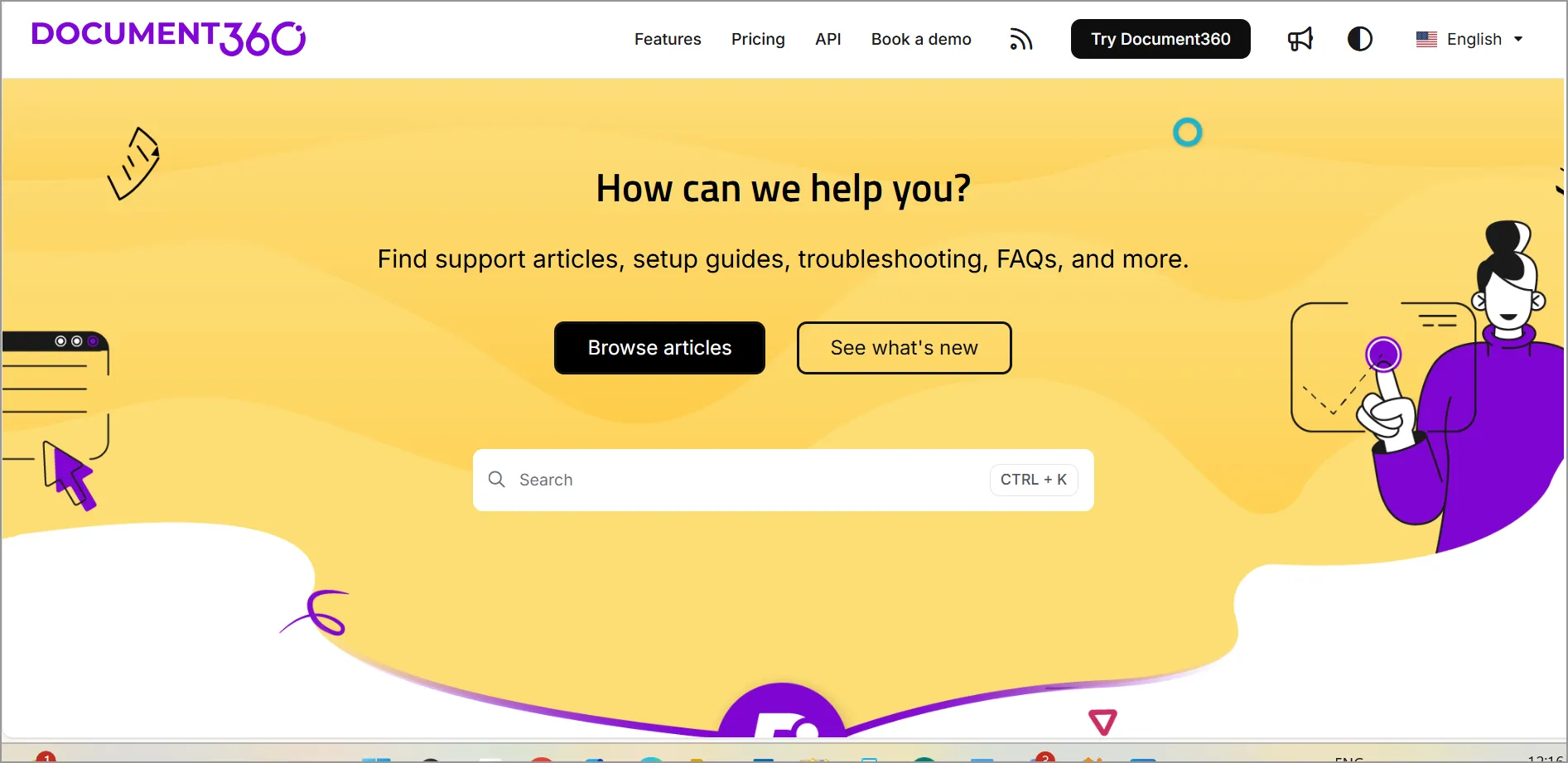
Additionally, these FAQs serve as valuable resources for customers, enabling users to find answers quickly without contacting a representative.
Features
- AI capabilities
- Integration
- Mobile-responsive platform
Pros
- Mobile‑responsive platform, improving consumer access and global usability.
- Good integrations for connecting with other business platforms.
Cons
- The free plan is limited and may not serve growing support teams well.
Pricing
- Contact Document360
Free trial: 14 days
7. Groove
Best for: Support teams seeking a combined ticketing and FAQ approach, with AI-powered ticketing.
Groove provides capabilities that are useful for FAQ-related work in larger customer support organizations.
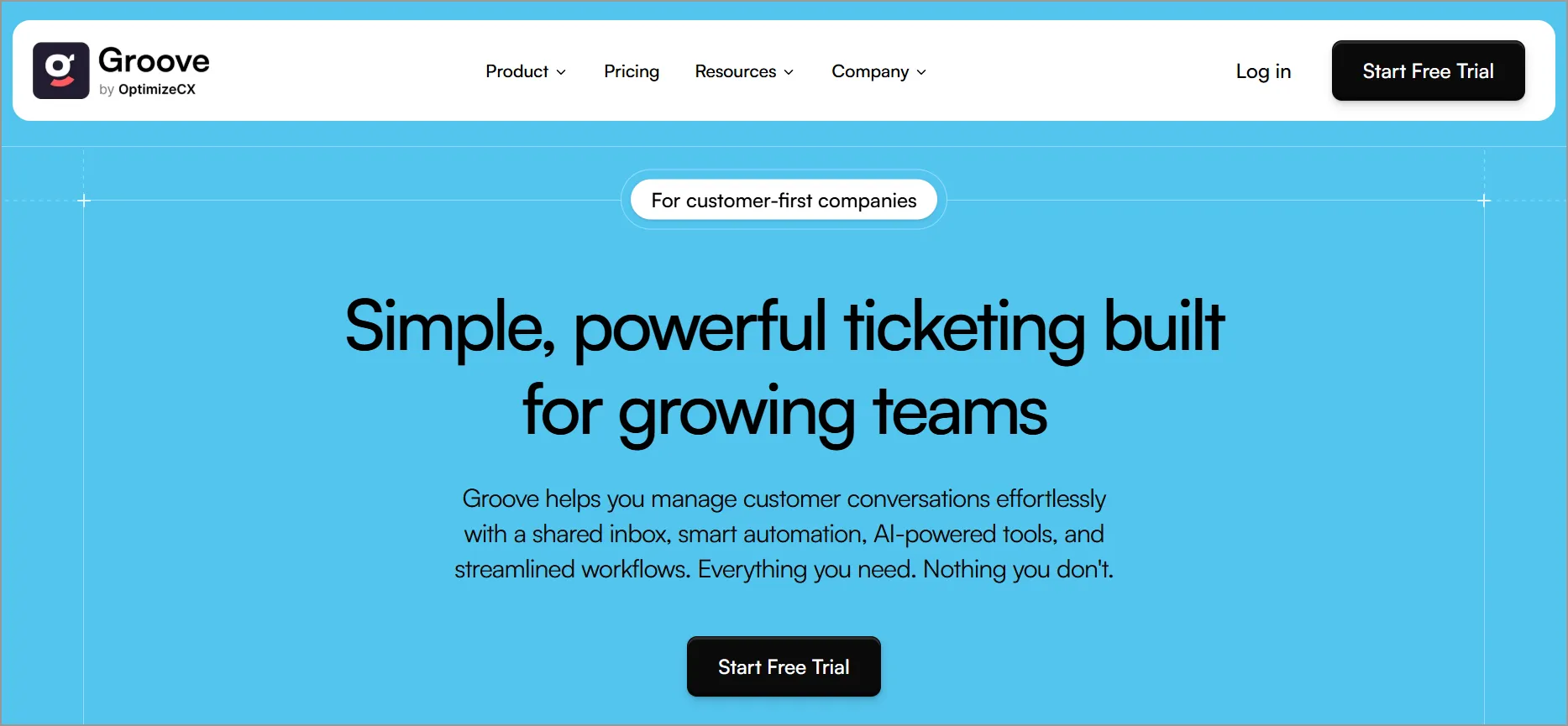
This FAQ tool reduces support volume by empowering users to find answers independently.
Features
- Ticket management
- AI-powered ticketing
- Automation
Pros
- Includes AI‑powered ticketing that boosts agent productivity.
- Provides automations to reduce repetitive workloads.
Cons
- Pricing tiers require adjustment when scaling teams.
Pricing
- Starts at $24 per month for 25 agents
Free trial: 30 days
8. Slab
Best for: Organizations that prioritize internal knowledge sharing and documentation with version history and analytics.
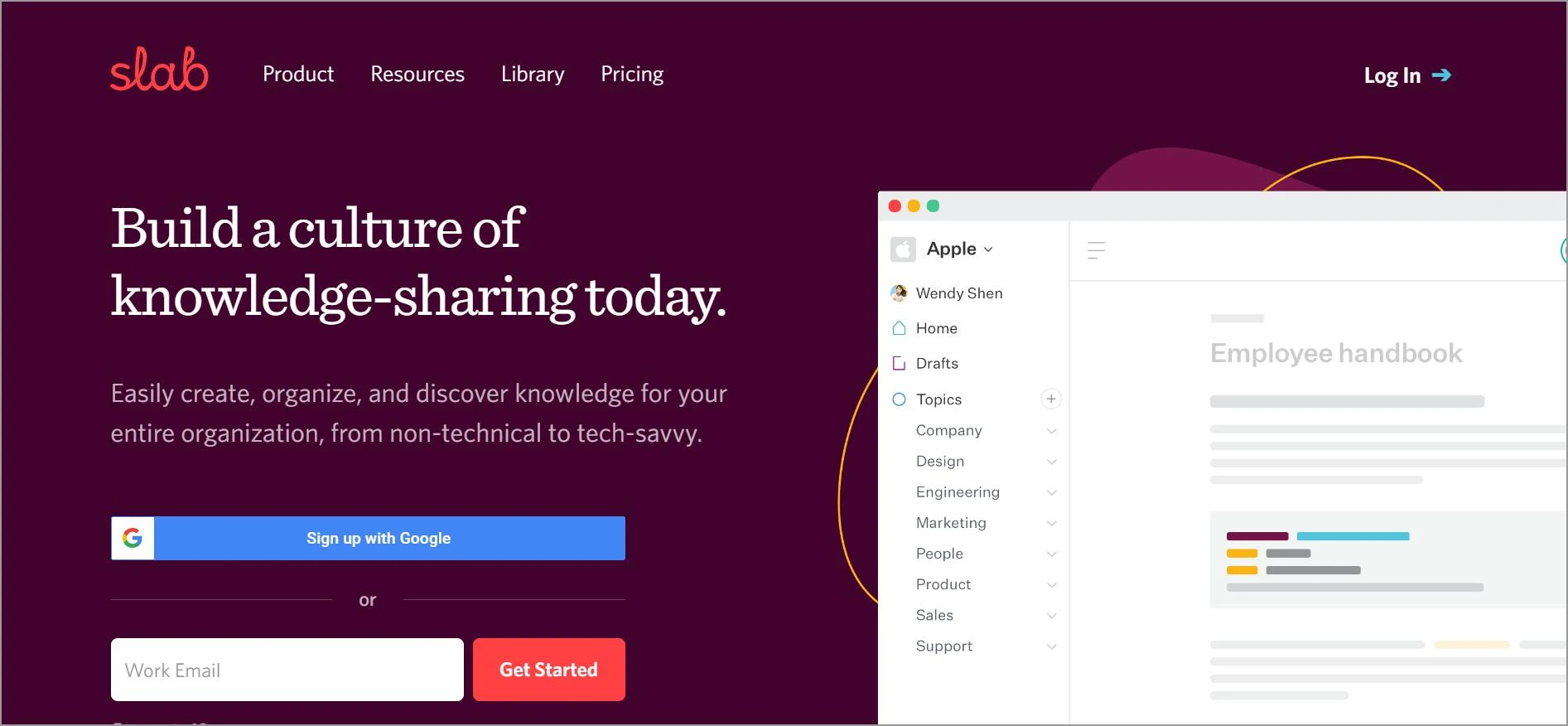
Slab provides a strong FAQ knowledge management system for businesses. It simplifies organization and management by centralizing FAQs and other documentation in one location.
Features
- Versioning and version history
- Knowledge sharing
- Page analytics
Pros
- Encourages knowledge sharing, supporting internal FAQ processes.
- Provides page analytics to track high-use content.
Cons
- Better suited for internal knowledge bases; external FAQ usage is more limited.
Pricing
- Starts at $6.67 per agent/month
Free trial: Contact Slab
9. SupportBee
Best for: Teams that want a simple, collaborative FAQ with straightforward editing and workflow configuration.
SupportBee is an FAQ software tool that allows businesses to create, arrange, and personalize FAQ materials in a centralized knowledge base and provide quick access to useful resources.
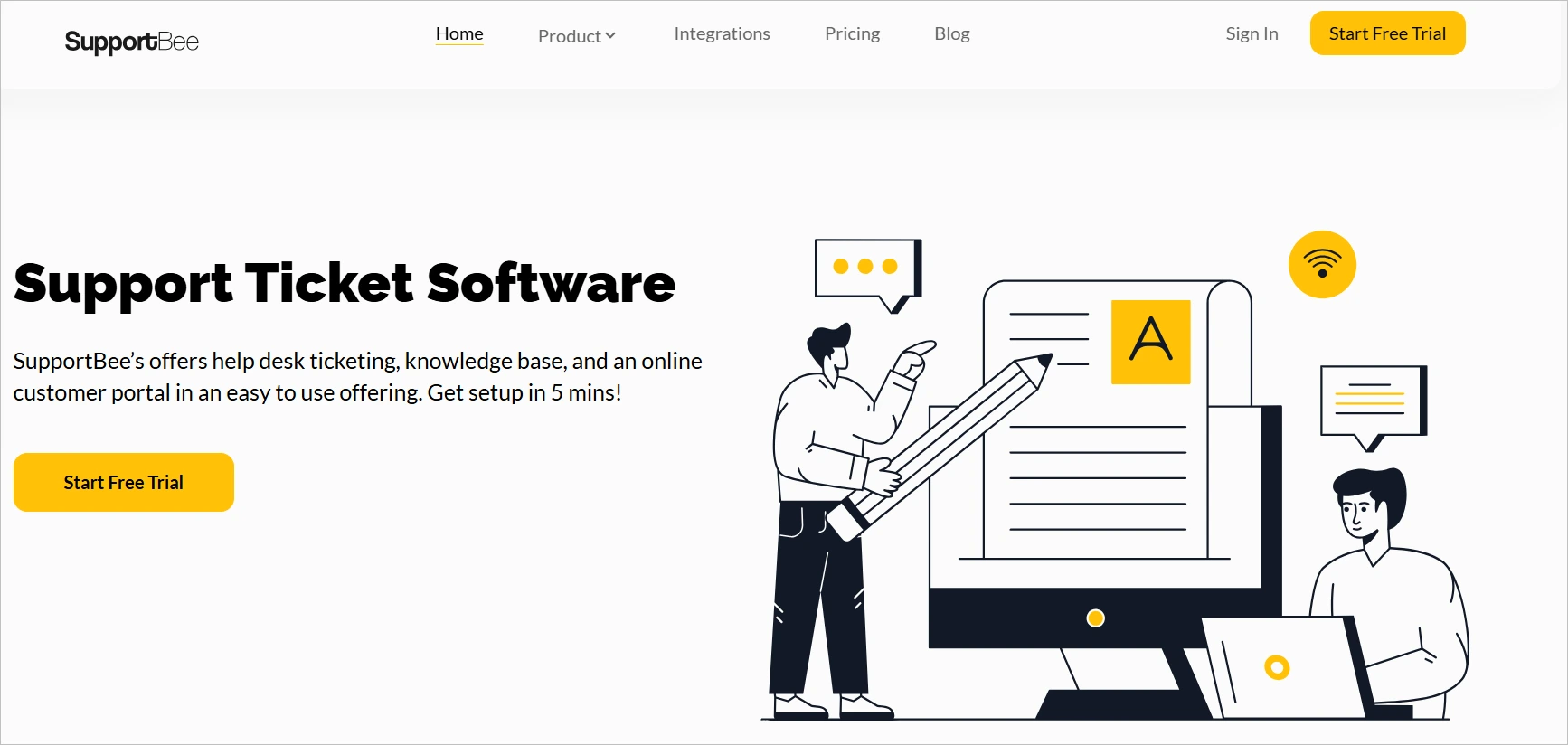
The platform empowers businesses to deliver efficient and effective support, saving time and resources.
Features
- Shared inbox
- Rich text editor
- Workflow configuration
Pros
- Includes a shared inbox, enhancing collaboration for support teams.
- Offers a rich text editor for creating visually structured FAQ content.
Cons
- A simpler feature set that does not meet enterprise-level requirements.
Pricing
- Starts at $17 per agent/month
Free trial: 14 days
10. ProProfs knowledge base
Best for: Businesses seeking a customizable, analytics-driven FAQ platform with AI support and branding flexibility.
ProProfs knowledge base is a software tool designed to allow users to create, organize, and update FAQs on their website or customer support portal.
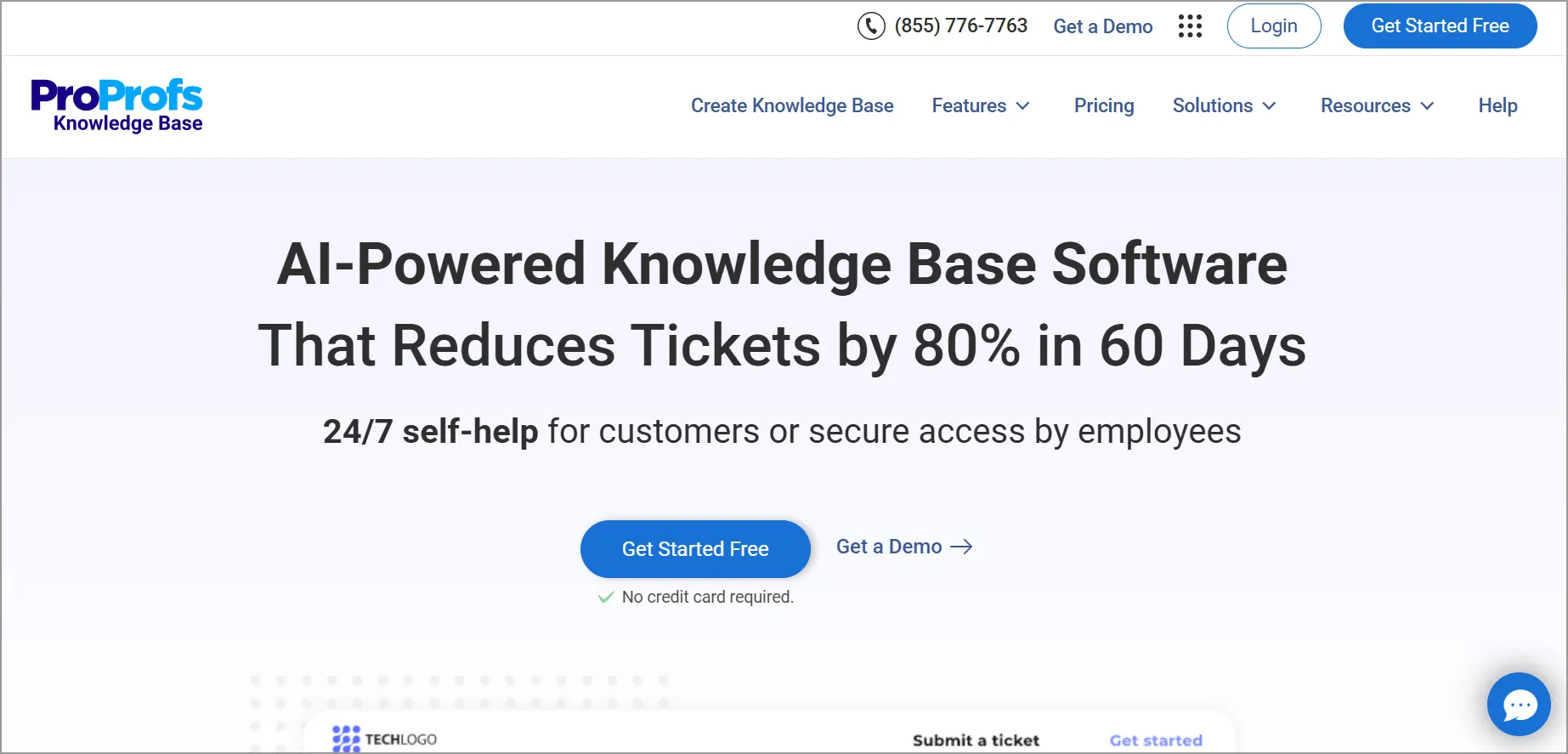
The platform improves user satisfaction by providing quick access to relevant information.
Features
- AI capabilities
- Customization and branding
- Reports and analytics
Pros
- Includes AI capabilities for improved content creation and optimization.
- Strong customization and branding, helping match brand identity.
Cons
- Pricing structure can become expensive for larger teams.
Pricing
- Starts at $39.99 per agent/month
Free trial: 15 days
How to create the best FAQ page
Creating an effective FAQ page requires more than listing questions; it should be structured around real customer needs and kept easy to navigate.
Here’s a practical guide to building a high-quality FAQ page:
- Identify recurring customer questions: Use support tickets, chat transcripts, and customer feedback to determine the most common inquiries.
- Organize questions into logical categories: Group FAQs by themes such as Billing, Account Setup, Integrations, or Troubleshooting to improve navigation.
- Write clear and concise answers: Use simple language, short paragraphs, and structured formatting (bullets or steps) to make answers easy to follow.
- Use customer-focused phrasing: Frame questions the way customers naturally search for them to improve discoverability.
- Keep answers actionable: Provide step-by-step guidance where needed to prevent follow-up tickets.
Best practices for using FAQ software effectively
Once your FAQ content is structured properly, the next step is ensuring your FAQ software continuously improves visibility, accuracy, and performance.
Follow these tips to deliver clear, accessible, and helpful information:
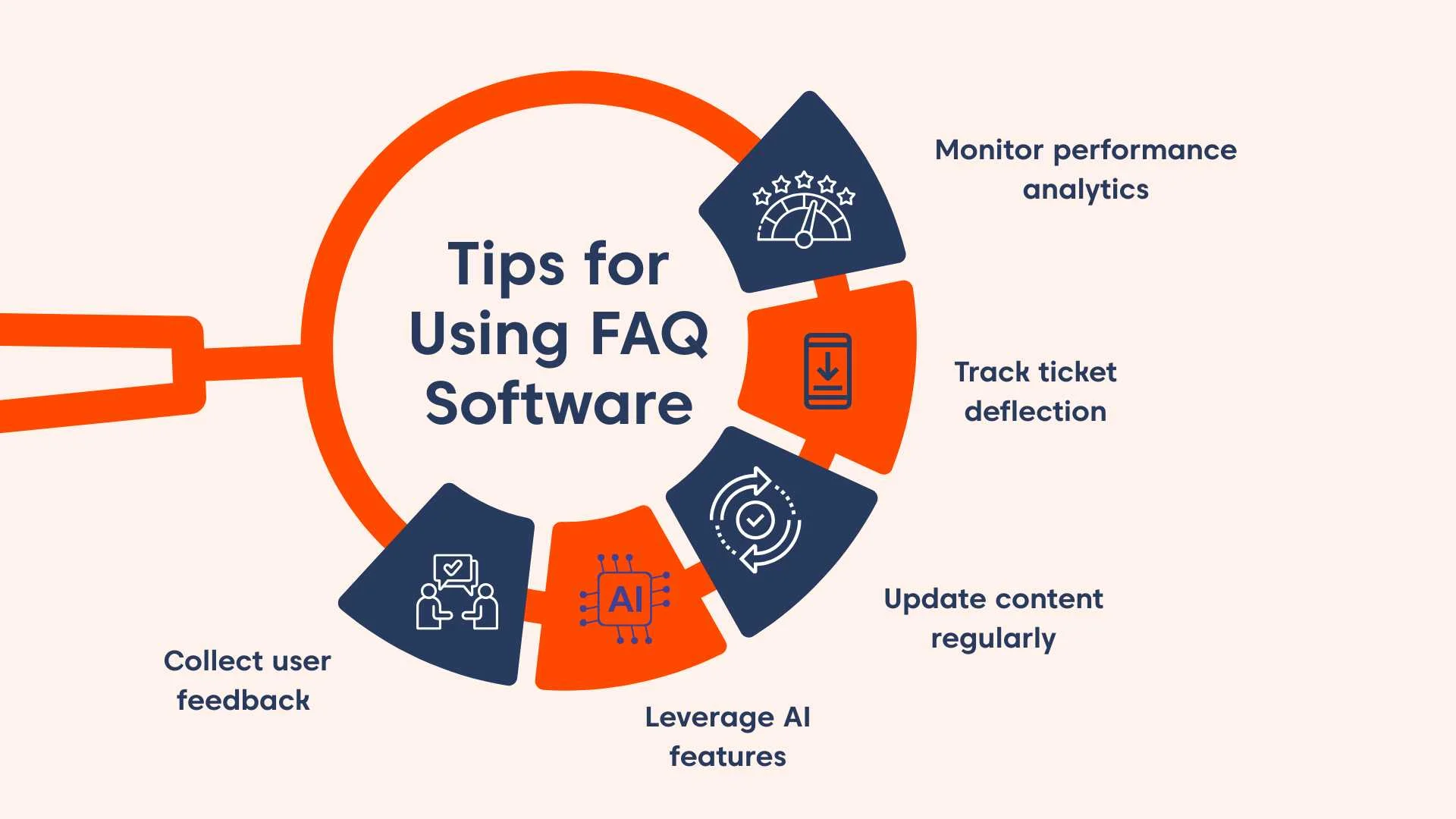
- Monitor search and performance analytics: Review search queries, failed searches, and article engagement metrics to identify gaps.
- Track ticket deflection and customer engagement: Measure how effectively your FAQ reduces repeat inquiries and improves self-service success rates.
- Regularly update and maintain content: Keep answers accurate as your product, policies, or workflows evolve.
- Leverage AI-powered features: Use intelligent search, auto-suggestions, and tagging features to improve content discovery.
- Collect user feedback on articles: Enable article ratings or feedback options to continuously refine clarity and usefulness.
Unlock customer support efficiency with FAQ software
FAQ software does more than answer common questions; it helps teams deliver consistent, accessible support while reducing repetitive workloads.
When implemented effectively, it enables businesses to scale self-service, improve response quality, and adapt more easily to evolving customer needs.
We hope this guide has helped you evaluate the best FAQ software options and identify a solution that fits your organization’s goals and support requirements.
Ready to give customers instant access to the information they need? Contact our support team to explore BoldDesk FAQ software with a live demo or start a 15-day free trial to see how it can support your team.
Have thoughts or experiences to share? We’d love to hear them in the comments below.
Related articles
- 7 Best Techniques for Reducing Customer Service Response Time
- 7 Great Benefits of Customer Self-Service
Frequently Asked Questions
FAQs focus on providing clear, direct answers to commonly asked questions.
A knowledge base, on the other hand, is more comprehensive and typically includes articles, tutorials, guides, and other in-depth resources.
Some FAQ software combines both FAQ and knowledge base functionality.
A well-structured FAQ page should follow a clear question and answer format, use logical categories, and provide navigation aids like anchor links or search to help users find information quickly.
It should also include links to deeper resources when needed and offer feedback options so you can continually improve FAQ quality based on user input.