





TL;DR: Choose the WhatsApp Business app for solo users or very small teams with low message volume. Choose the WhatsApp Business API (Platform) for multi-agent access, automation, integrations, or high-volume support. Add help desk software (on top of the API) for shared inboxes, ticketing, SLAs, reporting, and omnichannel workflows.
When most businesses compare WhatsApp Business vs WhatsApp Business API, it’s usually after they’ve already hit a wall.
At first, WhatsApp feels effortless. Then suddenly, it doesn’t. This usually happens when missed messages start piling up, agents get overwhelmed, and customers slip through the cracks.
The reality is that this choice isn’t just about tools; it determines how you design your customer experience and prepare for the future.
This guide explains the critical differences between the WhatsApp Business app and the API to help you choose the right solution for your customer experience strategy.
WhatsApp Business app vs API for customer support teams
Most teams searching for the right messaging infrastructure eventually compare WhatsApp Business API vs WhatsApp Business when growth starts to expose operational gaps.
The app is a free mobile application built for small businesses, such as solo entrepreneurs and local shops, who need simple tools to connect with customers directly from their phones.
In contrast, the WhatsApp Business API is built for teams that need structured, system-connected messaging.
Here’s a quick comparison of the WhatsApp Business app vs WhatsApp Business API for support teams.
| Feature | WhatsApp Business app | WhatsApp Business API / platform |
| Target audience | Solo owners & micro‑businesses | SMBs and enterprises |
| Number of users | 1 phone + Up to 10 linked devices with Meta Verified | Multi‑agent access (scalable via CRM/help desk software) |
| Cost | Free | Usage-based pricing (conversation/template rules apply) + possible BSP/help desk fees |
| Automation | Basic (Greeting and Away messages) | Advanced (Chatbots, AI, workflow triggers) |
| Integrations | None | Full integrations (Help desks, CRMs, ERPs) |
| Verification | Not available | Eligible for official blue badge (verified account) |
| Broadcasts | Up to 256 contacts (manual lists); recipients must save the number | Scalable broadcasts using approved templates via API |
Note: WhatsApp Business platform’s messaging rules include a 24-hour customer service window and approved templates for certain business-initiated messages.
What is WhatsApp Business app for customer support?
The WhatsApp Business app is a free-to-download mobile application for Android and iPhone. It functions similarly to the personal WhatsApp app but includes specific tools for professional communication.
It is built specifically for solo business owners and micro-businesses who manage low message volumes and do not require a shared team inbox.
WhatsApp Business app features for small-business customer support
To help small businesses communicate more effectively with their customers, WhatsApp Business includes the following key features:
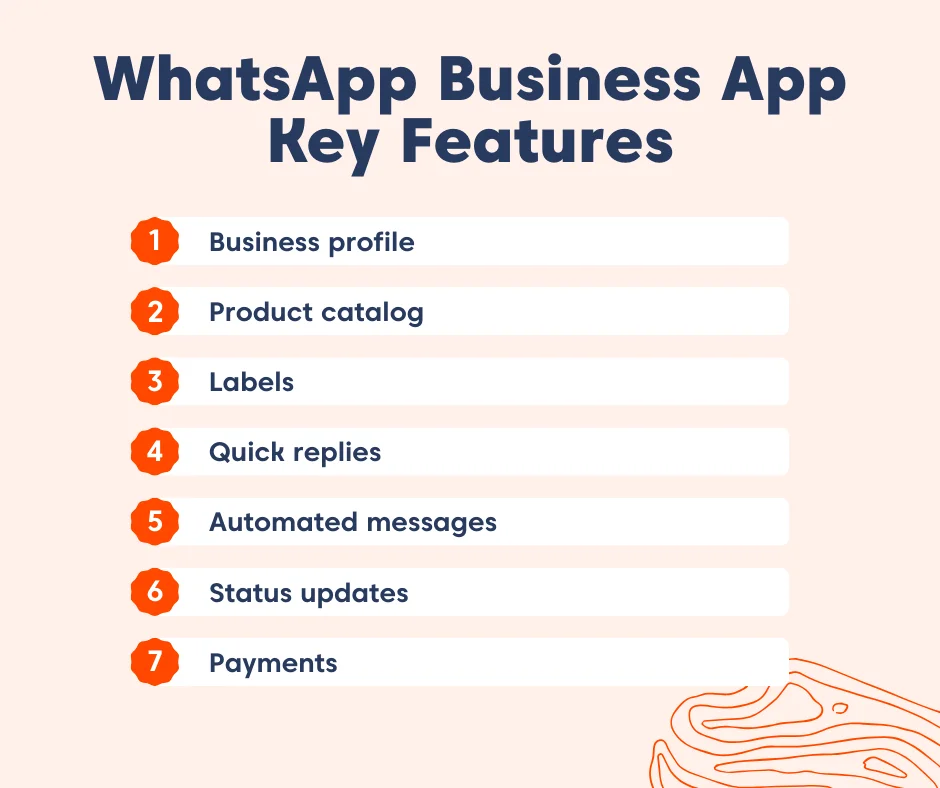
- Business profile: Lets you create a professional identity by displaying your business name, logo, address, email, and website. This helps customers easily recognize and trust your brand.
- Product catalog: Functions as a digital storefront where you can showcase up to 500 products or services with images, descriptions, and prices. Customers can browse offerings directly in WhatsApp without leaving the chat.
- Labels: Provides a simple way to organize and track conversations by applying color-coded tags such as “New Order” or “Pending Payment.” This ensures you never lose track of important customer interactions.
- Quick replies: Allows you to save and reuse frequently sent messages. By typing a shortcut (e.g., /thanks), you can instantly send a prewritten response like “Thank you for your order!”, saving time and ensuring consistent communication.
- Automated messages (greeting and away): Send instant replies when customers first reach out or when you’re unavailable. Greeting messages welcome new contacts, while away messages let them know when you’ll respond.
- Status updates: Enables you to share promotions, announcements, or updates through text, images, or videos visible to all your contacts. This acts as a lightweight marketing channel inside WhatsApp.
- Payments: In supported countries, customers can complete purchases directly within WhatsApp. This reduces friction and makes transactions seamless.
What is WhatsApp Business API in a customer support setup?
The WhatsApp Business Platform (formerly WhatsApp Business API) is a programmable interface that lets businesses send and receive WhatsApp messages at scale.
Unlike the WhatsApp Business app, the API provides no front-end interface.
It allows you to connect your account to professional WhatsApp support tools such as help desk software, Customer Relationship Management (CRM), AI agents, and internal systems.
Requirements for using the WhatsApp Business API
To use the WhatsApp Business API, you typically need:
- A Business Solution Provider (BSP): A partner that facilitates the connection to Meta’s servers and handles hosting.
- Software layer: Platforms like shared inboxes, CRMs, or help desk software to view and manage messages, since the API itself has no front-end.
- WhatsApp registered phone number: An official business number registered with WhatsApp to send and receive messages.
Note: Access to WhatsApp Business API requires a verified Meta Business Manager account. Businesses must apply and pass Meta’s verification process to ensure compliance with commerce policies.
WhatsApp Business API messaging concepts to know
To make the most of WhatsApp Business API, it helps to understand a few core messaging rules that shape how conversations work on the platform.
These include:
- Message templates: These are pre‑approved messages required for business‑initiated conversations (e.g., sending promotional messages). Businesses must submit templates to Meta for approval before use.
- 24‑hour window: Once a customer sends a message, a 24‑hour session window opens. During this period, businesses can reply with free‑form messages.
- Session messages: Responses businesses send within the 24‑hour window. They can be conversational, personalized, and do not require pre‑approval by Meta.
WhatsApp Business app vs API: A customer support perspective
Over 175 million people message businesses on WhatsApp each day, making it one of the world’s busiest customer‑service channels.
Therefore, when businesses compare the WhatsApp Business app with the WhatsApp Business API, the contrast is in how each option supports the way your support team communicates.
Here’s the breakdown of the main differences to help you quickly understand what changes as your business evolves.
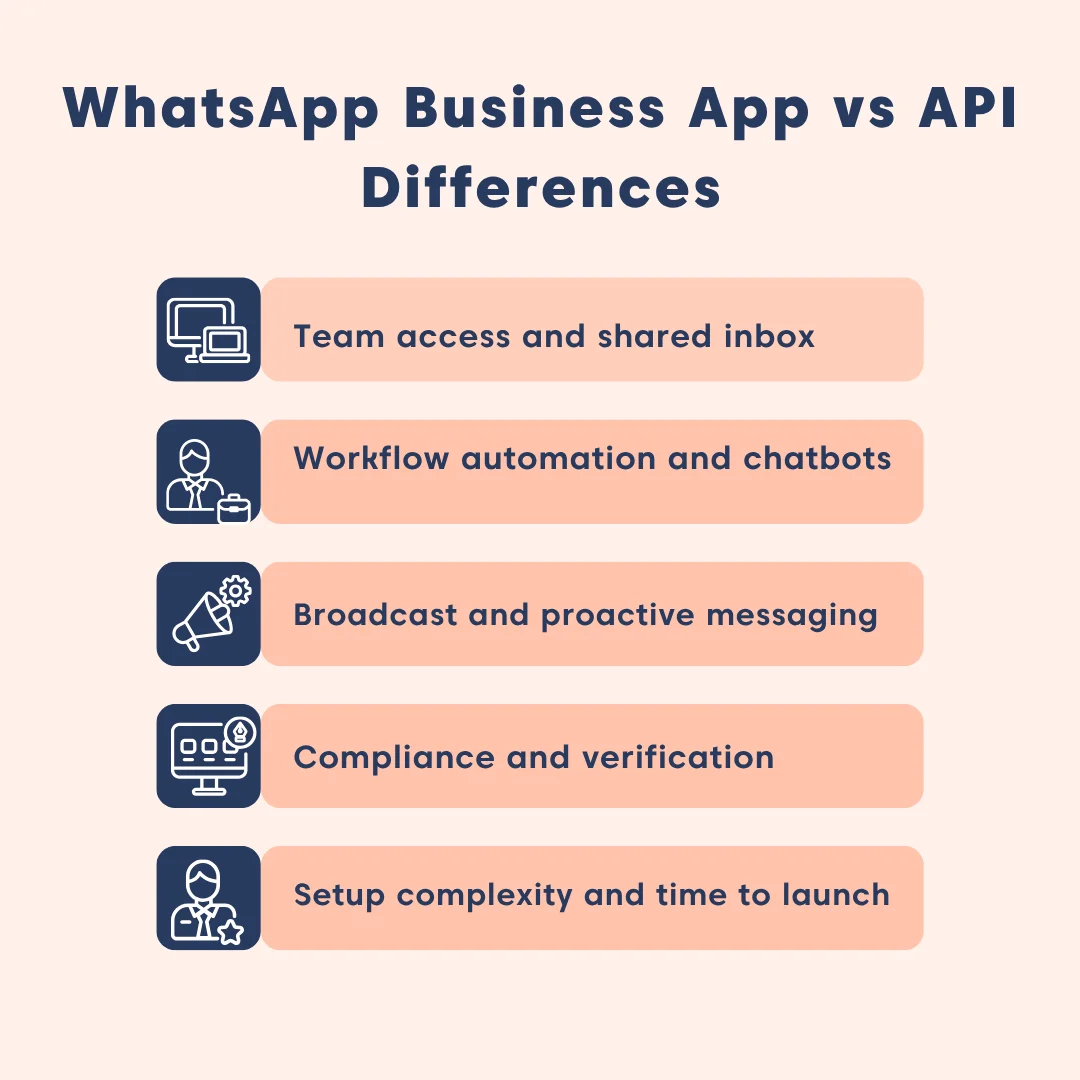
Support team access and shared inbox
Once two agents or more need to support customers, WhatsApp’s approach to team access becomes critical.
The WhatsApp Business app works for a single agent, but it quickly becomes limiting for multi‑agent support.
By contrast, the API supports multi‑agent setups, connecting to CRMs or help desks to enable shared inboxes, role‑based access, and coordinated workflows.
Customer support automation and chatbots
As message volume increases, manual replies quickly become unsustainable, and automation becomes the difference between keeping up and falling behind.
With WhatsApp automation now able to handle 60–80% of customer inquiries without involving agents, many teams find that moving beyond the basic app is the only way to keep response times consistent as conversation volume grows.
The WhatsApp Business app offers only basic automation like quick replies, greetings, and away messages, leaving agents to manage conversations manually.
In contrast, the API is built for growth, enabling automated ticket routing, escalation triggers, SLA timers, and workload distribution.
It also supports full chatbot integration through CRMs or help desks to automate routine queries.
Pro tip: Automation should reduce resolution time, not bury customers in chatbot loops. Always offer a smooth “talk to a person” path.
Broadcasting and proactive customer service messaging
Broadcasting means sending one message to many recipients, while proactive messaging involves reaching out outside the 24‑hour service window using approved templates.
In the WhatsApp Business app, broadcasting is limited to 256 contacts per list, and proactive messaging outside the 24‑hour window isn’t allowed.
The WhatsApp Business API, on the other hand, enables large‑scale campaigns, proactive outreach via approved templates, and tiered sending limits that grow with account quality.
Compliance and verification for customer communications
Compliance ensures businesses follow WhatsApp’s rules for customer communication, while verification builds trust by confirming the authenticity of the business account.
WhatsApp Business app offers only minimal compliance features; there’s no verification badge, no monitoring, and limited opt‑in rules.
The API, however, enforces clear opt‑in, requires template approvals, supports official business verification, and offers compliance reporting.
Support takeaway: Regulated industries (finance, health, logistics, insurance, etc.) should not use the WhatsApp Business app since compliance‑ready workflows exist only on the API.
Setup complexity and time to launch
Every communication channel carries setup tradeoffs: speed, governance, and long-term maintainability.
Here’s what it takes to launch each option.
- WhatsApp Business app: Quick and easy to launch. Download, register, and begin messaging. No approvals or workflow setup required.
- WhatsApp Business API: Requires onboarding with a BSP or CRM, template approvals, and workflow design. Setup takes longer, but delivers a structured and compliant support system.
WhatsApp Business vs WhatsApp Business API: Which is best for customer support?
Choosing between the WhatsApp Business app and the WhatsApp Business Platform (API) depends entirely on your support team size, operational complexity, and automation needs.
Use this simple guide to make the right decision:
When to use WhatsApp Business for customer support
If you’re a solo operator or a very small local business handling low message volume, the WhatsApp Business app is the right fit.
It’s free, quick to set up, and works well when a single person manages customer service directly, without automation or team workflows.
Real-life example
A small business owner (for example, a local bakery owner) handles 15–20 questions a day about cake orders and opening hours. She replies personally, uses quick replies for common responses, and occasionally updates her catalog. The app covers what she needs without extra cost or setup.
When to use WhatsApp Business API for customer support operations
Use the WhatsApp Business API when WhatsApp becomes a multi-agent support channel, meaning more agents need access, conversations need routing, or you want automation and integrations.
This is typically the better fit for:
- Small support teams of between 2 and 10 agents
- E-commerce brands
- SaaS companies
- High-volume or enterprise teams
Real-life example
A large financial institution uses the WhatsApp Business API for OTPs, fraud alerts, account notifications, and customer support routing.
Thousands of inquiries per day are distributed across multiple teams with audit logs, security controls, and strict permission management.
Why WhatsApp alone fails as a customer support system
The WhatsApp Business app may feel like a quick fix, but as support teams grow, its limitations quickly surface.
Without structure, conversations get missed, ownership is unclear, and performance becomes hard to track.
Signs the WhatsApp Business app is no longer enough include:
- Missed or delayed replies
- No clear conversation owner
- Duplicate responses from multiple agents
- No way to track status or resolution history
- Limited automation and reporting
These WhatsApp Business limitations are why many organizations move to the API for more structure, scalability, and reliability.
When should you choose help desk software for consistent support?
WhatsApp and similar messaging apps are great for starting, but they quickly hit their limits once customer conversations grow in volume and complexity. If your team is missing messages, struggling to collaborate, or unable to track performance, that’s the moment to move beyond basic tools.
Integrating WhatsApp with help desk software is a powerful way to extend the structure, growth, and consistency into a channel customers already love using.
Here’s how the WhatsApp and help desk software integration transforms support operations into a scalable, consistent experience:
- Omnichannel inbox: Unifies WhatsApp, email, live chat, and social channels into one view, so agents don’t juggle multiple platforms.
- Customers expect faster resolutions: Structured automation and workflow features and SLA timers reduce wait times, while clear ownership ensures no query slips through the cracks.
- AI agents and chatbots: AI agents can handle FAQs, guide customers through processes, and escalate complex issues to humans, freeing agents to focus on high‑value interactions.
- Ticketing system for accountability: Every conversation becomes a trackable ticket with status, history, and resolution notes, ensuring nothing gets lost, and customers receive consistent follow-up.
- Reporting and insights: Reporting and analytics reveal trends, agent performance, and customer satisfaction, helping leaders make smarter staffing and process decisions.
- Compliance and trust: Verified accounts, opt‑in rules, and audit trails protect both your business and your customers, especially in regulated industries.
By integrating the WhatsApp Business API with BoldDesk, you upgrade from basic messaging to a scalable, full‑featured support system built for growing teams.
Support takeaway: Having a help desk software is not only about handling more messages; it’s about creating a reliable, growth-ready system where every customer gets consistent support, no matter how fast your business grows.
Choosing the best WhatsApp solution for customer support
Most teams assume the WhatsApp Business app will grow with them, until rising message volume, agent handoffs, and lack of automation expose gaps they never saw coming.
The API fills those blind spots with shared inboxes (via a help desk), true multi-agent coordination, automation, and integrations.
In the end, choosing between the App and the API isn’t about features; it’s about whether your team continues reacting to customer chaos or starts managing it proactively.
If you’d like more guidance or need help evaluating the right setup for your team, please reach out to the BoldDesk support team for assistance.
Also, feel free to share your thoughts or questions in the comments. We’d love to hear from you.
Related articles
- How to Use WhatsApp for Customer Service: 9 Tips
- How to Deliver Great Social Media Customer Service
- WhatsApp Business Limitations: What Slows Support Scaling
Frequently Asked Questions (FAQs)
Not usually. WhatsApp Business Platform pricing is typically usage-based (fees can apply based on conversation type/volume), and you may also pay your BSP or help desk provider. Always confirm current pricing in Meta’s official documentation and your provider’s plan.
The app is a standalone mobile application for small businesses. The API is a back-end platform for larger teams that requires third-party software (like BoldDesk) to send and receive messages.
Yes. If a small business needs multi-agent access or wants to automate its customer service, the API is the best choice regardless of company size.
The API supports multi-agent access through your connected help desk or CRM. The practical limit depends on your software plan and how you configure routing and permissions.


