








TL;DR: The best help desk software for small businesses helps teams manage customer requests across channels, assign ownership, automate repetitive work, and track SLAs. This guide compares 11 tools by pricing, features, scalability, and small-team usability so you can choose the right platform for your support workflow.
Small businesses often start with basic tools to handle customer queries. That works until customer requests increase, ownership becomes unclear, and urgent issues start slipping through.
Teams struggle to track who is working on what, leading to missed responses and frustrated customers.
The best help desk software for small businesses provides a structured way to manage tickets, assign ownership, automate routine work, track SLAs, and support customers across channels.
In this guide, we will discuss how small teams can handle customer tickets effectively, what to look for when choosing a help desk, and review the best solutions on the market.
What is help desk software for small businesses?
Help desk software for small businesses is a digital platform that helps organize customer support by tracking, prioritizing, and resolving issues across channels like email, chat, social media, and phone, all in one place.
Designed with simplicity and scalability in mind, these tools empower small teams to respond faster and stay organized as support ticket volume grows.
By automating routine tasks and providing insights into customer interactions, help desk tools for small businesses enable teams to improve response times, strengthen customer relationships, and scale support more efficiently.
What features should you look for in small business help desk software?
Choosing the best help desk software for a small business starts with help desk features that improve response speed, consistency, and agent productivity.
Focus on these essential capabilities to ensure your ticketing software solves your workflow challenges from day one.
- AI-powered support features: The software should include AI tools such as AI agents, intelligent routing, and AI-assisted responses to help teams resolve requests faster.
- Workflow automation: Look for rule-based automation that can automatically assign, prioritize, tag, route, or escalate tickets based on issue type, urgency, or channel.
- Unified omnichannel inbox: Choose a platform that centralizes email, chat, social, and web requests into one shared workspace so agents can respond without switching tools.
- Self-service tools: Look for platforms with knowledge base capabilities that allow customers to find answers independently.
- SLA management: Choose tools with built-in timers, alerts, and escalation workflows to help teams meet response and resolution deadlines consistently.
- Collision detection: Choose a system that shows when multiple agents are viewing or replying to the same ticket to prevent duplicate work.
- Reporting and analytics: Prioritize platforms with dashboards and reporting tools that track customer service metrics to support better decision-making.
- Seamless integrations: Verify that the help desk integrates with your existing business tools, such as CRM platforms, ecommerce systems, or project management software.
- Scalability: Select software that can support additional agents, automation rules, channels, and higher ticket volumes as your business grows.
- User-friendly interface: Prioritize intuitive design that enables quick onboarding and daily use without requiring complex technical customer service training.
- Data security and access control: Look for features such as encryption, role-based permissions, audit logs, and compliance support to help protect sensitive customer information.
Security is just as critical as features and pricing when choosing a platform. Our help desk security review highlights how leading solutions protect sensitive customer data.
Features like automation, SLA tracking, and omnichannel support can transform a small team’s workflow, but only when they are backed by disciplined support practices.
Following proven do’s and don’ts for small business help desk teams helps turn software capabilities into faster resolutions and more consistent customer experiences.
Comparison of the best help desk software for small businesses
The summary table below compares help desk software for small businesses, including pricing, key features, and G2 ratings.
We reviewed help desk software for small business vendors, focusing on SMB‑friendly pricing, features including omnichannel support, knowledge base, AI capability, and reporting, ease of setup, and long‑term scalability.
The criteria were chosen to reflect the practical needs and constraints of small support teams and validated using user feedback from trusted platforms such as G2.
| Help desk system | Pricing | Free trial | G2 rating |
| BoldDesk | $99/month (includes 5 agents) | 15-day free trial, full access to all features | 4.5 out of 5 |
| Kustomer | $89/agent/month | 30 days | 4.4 out of 5 |
| Freshdesk | $19/agent/month | 14 days | 4.4 out of 5 |
| Spiceworks | Free | Free | 4.3 out of 5 |
| SupportBee | $20/agent/month | 14 days | 4.2 out of 5 |
| Front | $25/agent/month, up to 10 agents | 7 days | 4.7 out of 5 |
| HappyFox | $24/agent/month | 14 days | 4.5 out of 5 |
| Jira Service Management | $20/agent/month | 14 days | 4.3 out of 5 |
| Hiver | $25/agent/month | 7 days | 4.6 out of 5 |
| LiveAgent | Starts at $15 per agent/month | 30 days | 4.5 out of 5 |
| Help Scout | $25/agent/month | 15 days | 4.4 out of 5 |
Choosing the right help desk software can make it easier for small businesses to stay organized and deliver consistent support.
Here are some of the top help desk tools small businesses can use to streamline customer support.
1. BoldDesk
Best for: Growing SaaS, ecommerce, and service teams that want polished support operations without added complexity.
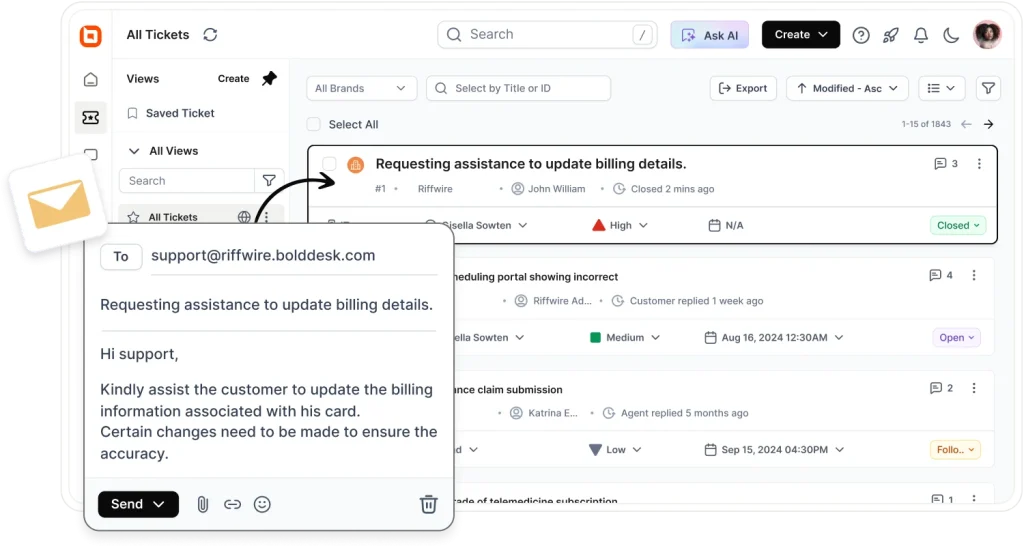
BoldDesk is an AI help desk software for small teams with a rich feature set, including a ticketing system, knowledge base, and collaborative tools.
By automating ticket routing and follow-ups, reducing time spent per ticket, and ensuring secure, data-driven support, BoldDesk helps small businesses elevate their customer experience and scale with confidence.
Why choose BoldDesk for your small business support
- Resolves and organizes tickets effortlessly: BoldDesk’s ticketing system automatically turns incoming requests into structured tickets, making it easy to track, prioritize, and assign tasks efficiently.
- Saves time on repetitive work: With built-in automation, routine tasks are handled in the background, helping teams streamline daily operations and stay focused on higher-value work.
- Responds faster across channels: Live chat enables real-time conversations while bringing all customer interactions into one place.
- Improves response accuracy: AI-powered support helps teams understand customer intent and deliver faster, more context-aware replies.
- Reduces ticket volume: Built-in knowledge base software gives customers quick access to answers, reducing repetitive queries and support load.
- Keeps all conversations centralized: An omnichannel support workspace brings together email, social media, and other channels into a single, unified view.
- Supports a global audience: Multilingual capabilities allow teams to communicate effectively with customers in their preferred language.
- Makes smarter decisions: Reporting and analytics provide clear insights into performance, helping teams identify gaps and continuously improve.
In the G2 Spring 2026 Reports, BoldDesk earned a Leader badge in the small business help desk software category.
This recognition reflects the platform’s focus on the needs of growing small business support teams.
Cons
- Limited native integrations compared to larger help desk platforms.
Pricing
Unlike tools with feature paywalls, BoldDesk includes all features in every plan, with monthly AI credits included at every tier and no hidden costs.
Need more agents or want to explore full pricing details? Visit our pricing page to learn more.
BoldDesk AI features
BoldDesk includes AI features that scale with ticket volume and help agents resolve requests faster.
AI Agents are included in every plan, with monthly AI credits that grow with your tier, and automatically handle routine support tasks.
AI Copilot is included in every plan, uses AI credits, and helps human agents summarize tickets, draft replies, refine tone, and create content faster.
G2 user review
“What I like most about BoldDesk is how easy it is to use. The clean interface makes it simple to process tickets and stay organized, making daily support smoother.”-Verified G2 reviewer
2. Kustomer
Best for: Teams that want centralized conversations across multiple channels and a CRM view of customer interactions.
Kustomer is another help desk software for small businesses, mainly used as a customer engagement platform.
With an omnichannel support system, they help businesses provide better customer experiences.
Key features
- AI agent
- Omnichannel
- Integrations
- Workflows
Pros
- Provides a unified customer timeline that gives agents complete conversation context.
- Strong omnichannel capabilities across messaging, chat, email, and social channels.
Cons
- Higher starting price may be difficult for budget-conscious small businesses.
Pricing
- Starts at $89/agent/month
G2 user review
“I like Kustomer’s ability to group multiple customer tickets. I can quickly see previous inquiries and current inquiries and make notes for the future.”-Verified G2 reviewer
3. Freshdesk
Best for: Small businesses looking for an easy-to-use, scalable help desk with strong automation.
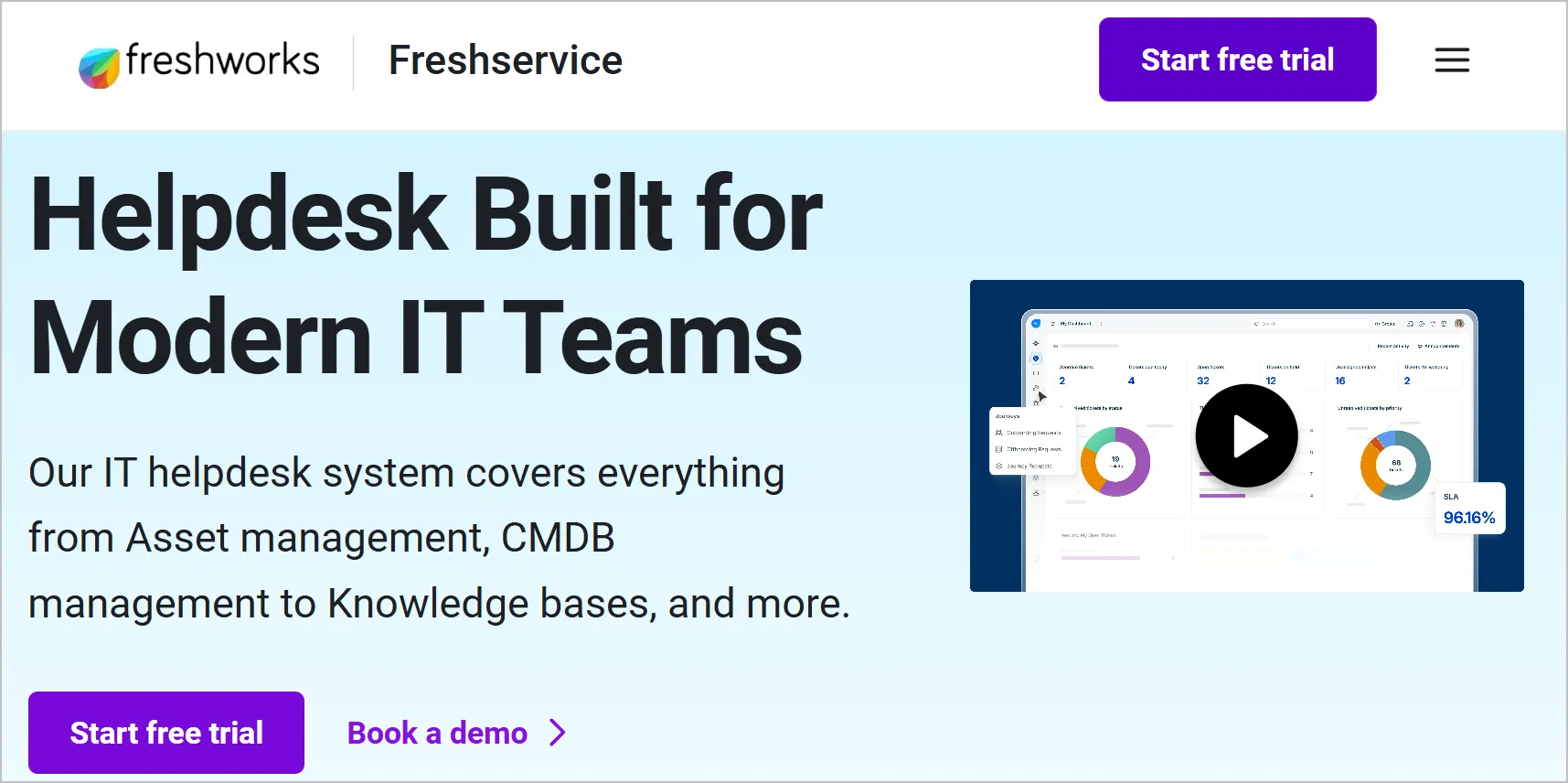
Freshdesk is a popular help desk solution that helps small businesses coordinate support efficiently across multiple channels.
It offers a balance of usability and advanced capabilities, making it suitable for teams that are just starting out.
Key features
- AI-powered assistance
- Workflow automation
- Omnichannel support
- Integrations
Pros
- Easy to set up and use without extensive technical expertise.
- Strong automation and ticket management capabilities for growing teams.
Cons
- Advanced AI and automation features require higher-tier plans.
Pricing
- Starts at $19/agent/month
G2 user review
“I like Freshdesk’s automation capabilities and flexibility. It makes it easy to customize workflows to match our processes.”- Verified G2 reviewer
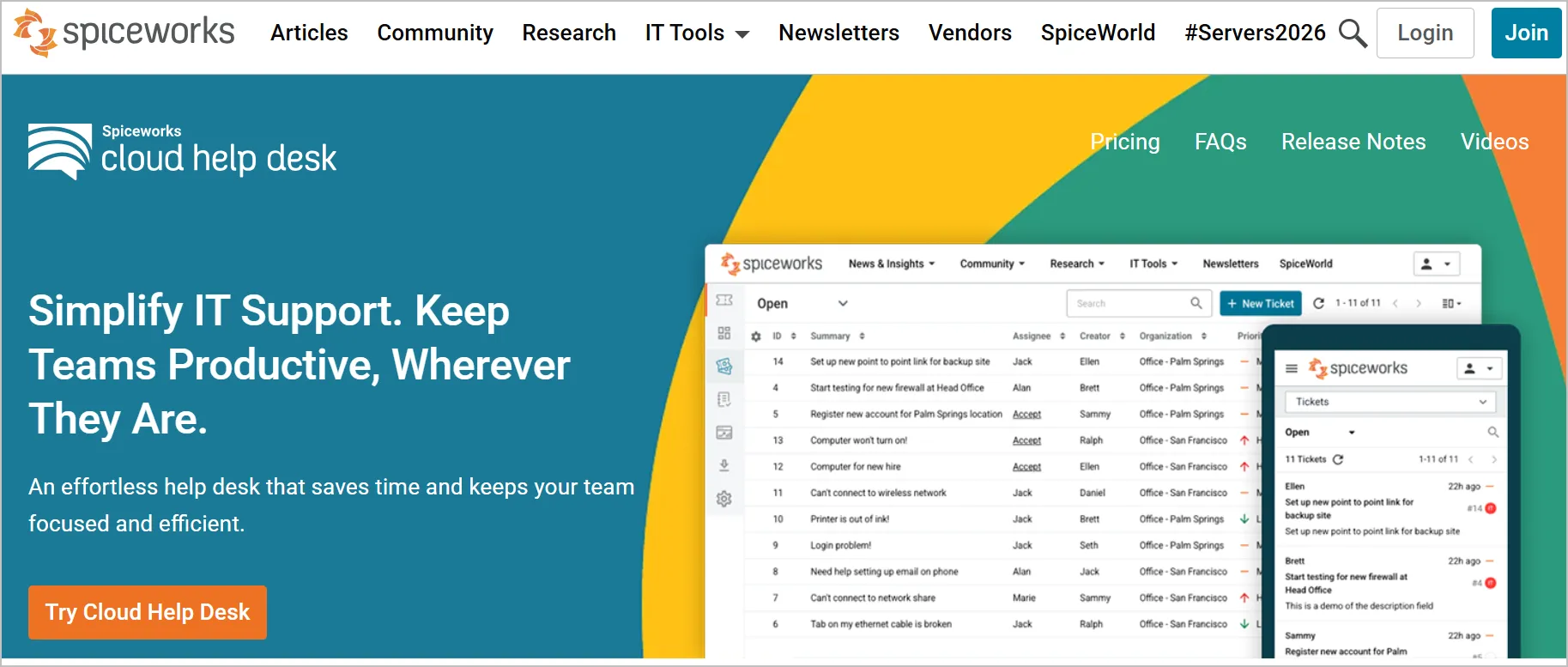
4. Spiceworks
Best for: Small teams that want a free, simple cloud-based help desk with basic ticket management and collaboration.
Spiceworks is a cloud-based help desk software for small businesses with features to improve team collaboration, automatic ticket management, and optimize support operations.
Key features
- Automation
- Customizable knowledge base
- Customization
- Ticket management
Pros
- Completely free to use.
- Simple ticket management with quick implementation.
Cons
- Limited advanced automation and AI functionality compared to paid alternatives.
Pricing
- Free
G2 user review
“I use Spiceworks Cloud Help Desk to handle support tickets, and it works well for our company.”-Verified G2 reviewer
5. SupportBee
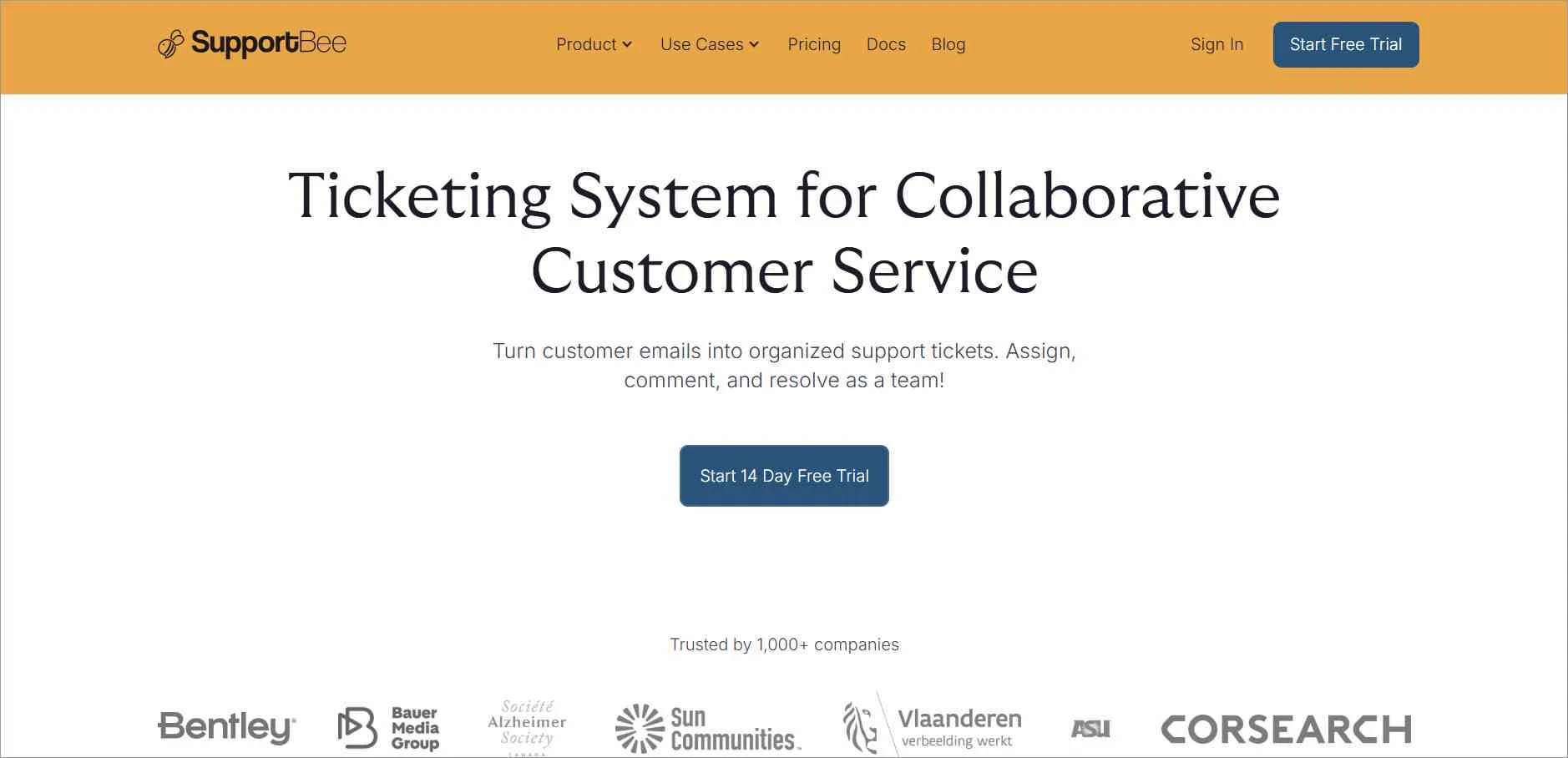
Best for: Small businesses transitioning from Gmail or Outlook chaos and need a clean ticketing and knowledge base setup.
SupportBee is a help desk software for small businesses that improves customer support with its ticketing system and knowledge base software.
Key features
- Ticketing system
- Knowledge base support
- Shared inbox
- Customer portal support
Pros
- Shared inbox functionality makes team collaboration straightforward.
- Clean and easy-to-use interface with minimal learning curve.
Cons
- Offers fewer advanced features than larger help desk platforms.
Pricing
- Starts at $20/agent/month
G2 user review
“SupportBee works well as a lightweight support solution with an easy-to-use knowledge base that can be hosted on a custom URL.”-Verified G2 reviewer
6. Front
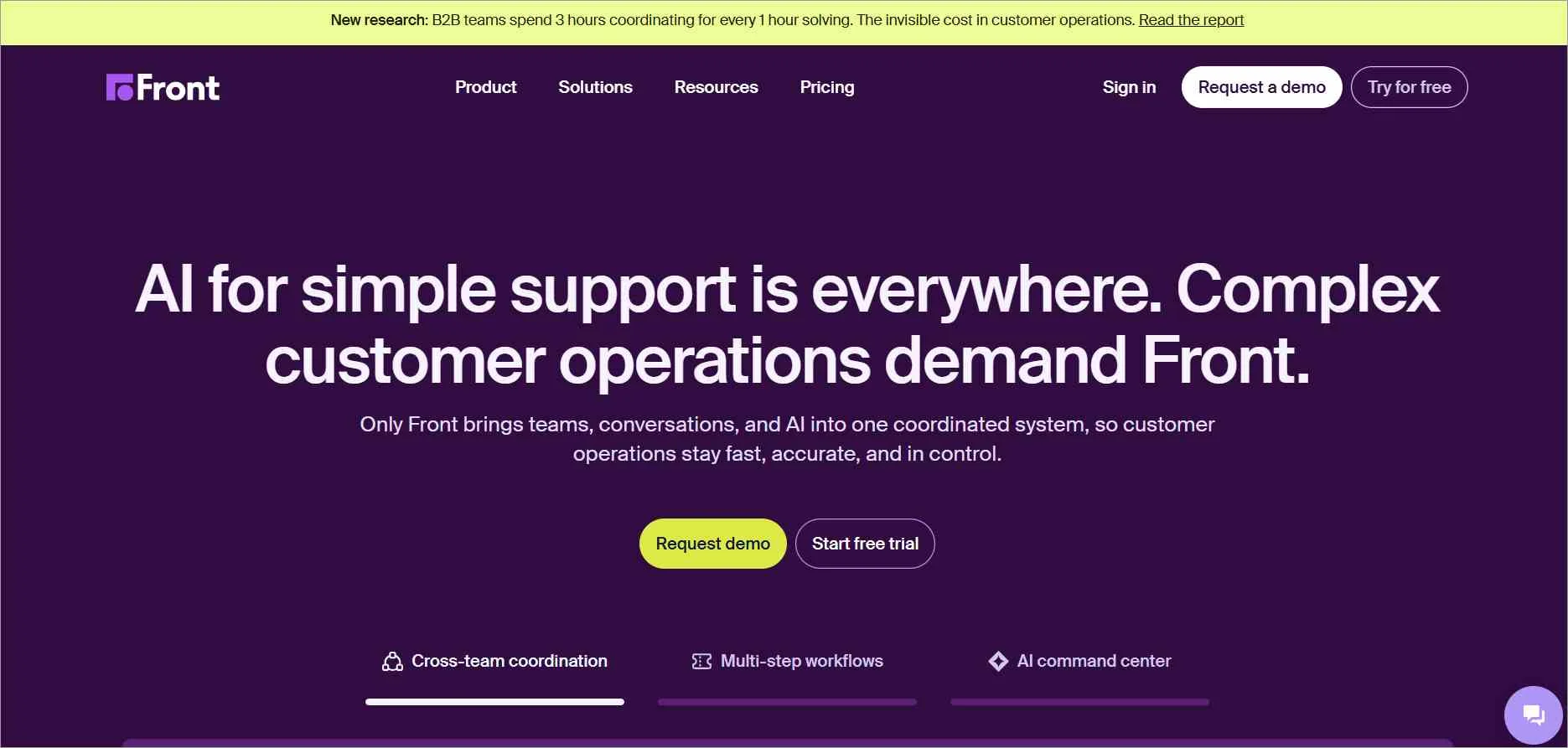
Best for: Small teams prioritizing collaboration and communication efficiency, especially those handling high-volume messaging across channels.
Front is an AI-driven small business help desk software with many collaborations and interaction features that simplify communication between customers and support agents.
Key features
- Omnichannel
- Collaboration
- Ticketing system
- Analytics
Pros
- Excellent collaboration tools for teams managing customer communications together.
- Familiar email-style experience reduces onboarding time.
Cons
- Pricing can become expensive as team size increases.
Pricing
- Starts at $25/agent/month, up to 10 agents
G2 user review
“I appreciate how Front makes team collaboration on support tasks easy and visible.”-Verified G2 reviewer
7. HappyFox
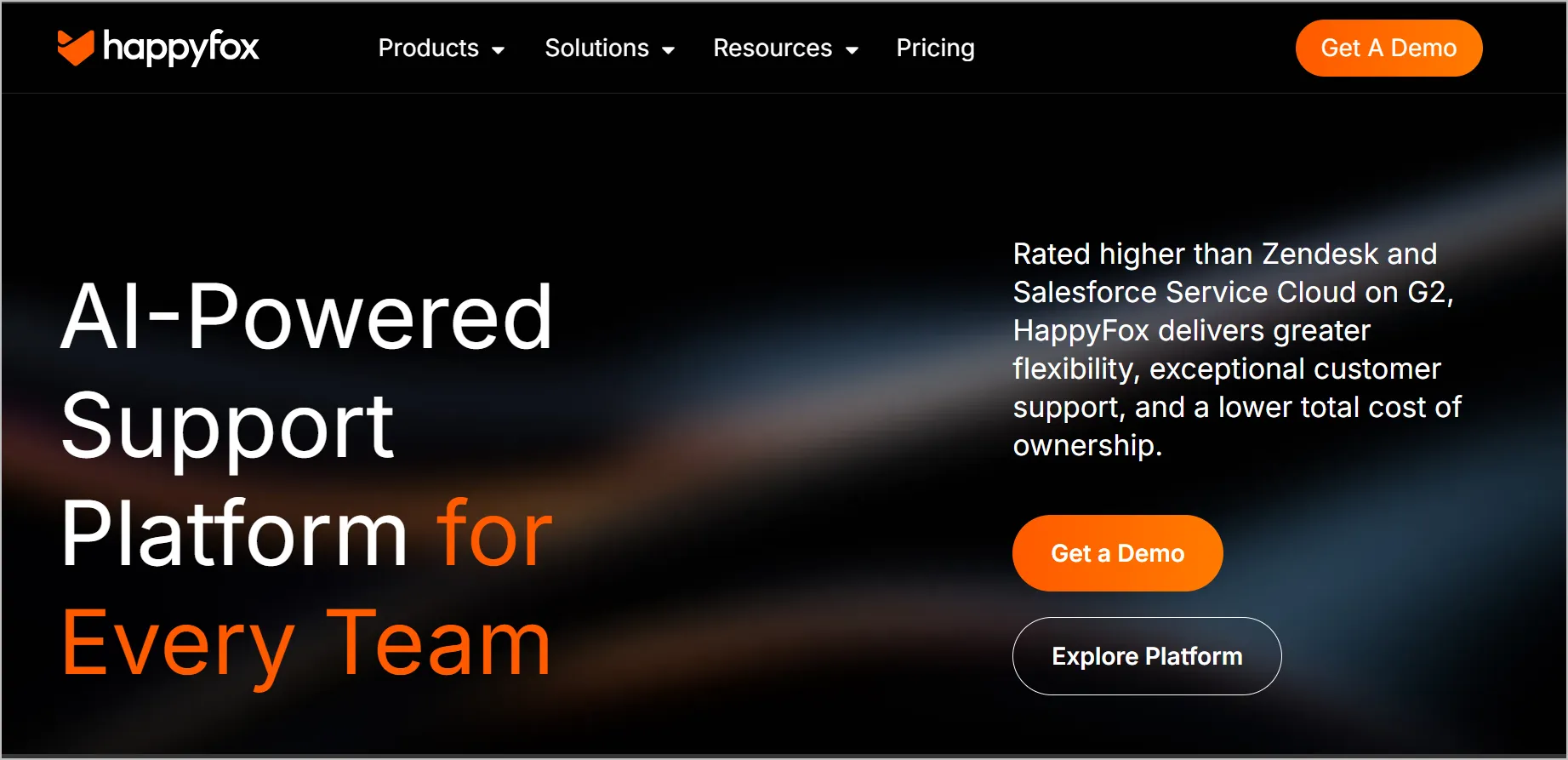
Best for: Small businesses that require visual workflows, ticketing, and live chat, including teams using Microsoft Teams integration for internal support.
HappyFox is a help desk software with the best ticketing system for small businesses that can be integrated with Microsoft Teams, so agents can optimize their workflow and resolve customer concerns.
Key features
- Ticketing system
- Knowledge base
- Live chat
- Workflow automation
Pros
- Strong workflow automation and ticket management capabilities.
- Supports multiple customer support channels from one platform.
Cons
- Lower-priced plans have limitations that may require upgrades as teams grow.
Pricing
- Starts at $24/agent/month
G2 user review
“I love how easy and intuitive the software is to set up and customize, including the knowledge base.”-Verified G2 reviewer
8. Jira Service Management
Best for: IT-centric small businesses that need incident, asset, change, and request management.
Jira Service Management is a help desk software for small businesses with appropriate features for incident, asset, change, and request management.
Key features
- Integrated with Slack and Microsoft Teams
- AI-powered virtual service agent
- Knowledge base
- Service level agreement
Pros
- Excellent choice for IT support and technical service teams.
- Deep integration with Atlassian products such as Jira Software and Confluence.
Cons
- Interface and setup can feel complex for non-technical small businesses.
Pricing
- Starts at $20/agent/month
G2 user review
“Jira Service Management is easy to use for both IT and non-IT teams, helping them deliver strong customer support.”-Verified G2 reviewer
9. Hiver
Best for: Small businesses that run support entirely through Gmail and want a Gmail-embedded help desk.
Hiver is a help desk software for small businesses that has been integrated with Gmail for email management. It blends smoothly with Gmail’s interface, allowing support agents to communicate with clients through email.
Key features
- Omnichannel inbox
- Ticketing system
- Knowledge base
- Workflow automation
Pros
- Built directly into Gmail, making adoption simple for Google Workspace users.
- Enables teams to manage shared support inboxes efficiently.
Cons
- Best suited for Gmail-centric workflows and may be less flexible than dedicated help desk platforms.
Pricing
- Starts at $25/agent/month
G2 user review
“What I really like about Hiver is that even the free plan offers amazing features, making it easy to organize emails with categories, tags, and assignments and maintain shared inboxes without confusion.”-Verified G2 reviewer
10. LiveAgent
Best for: Small businesses that need a feature-rich, budget-friendly help desk with live chat, ticketing, and omnichannel inbox support.
LiveAgent is another help desk solution worth considering for small businesses.
It includes ticketing, live chat, knowledge base, and omnichannel features that streamline customer support operations.
Key features
- Ticketing system
- Live chat
- Knowledge base
- Omnichannel customer service
Pros
- Affordable pricing for small teams.
- Combines ticketing, live chat, and omnichannel support in one platform.
Cons
- User interface can feel dated compared to newer competitors.
Pricing
- Starts at $15/agent/month
G2 user review
“What I like most about LiveAgent is its ease of use, with a user-friendly ticketing system that makes it simple to organize and respond to customer inquiries quickly.”-Verified G2 reviewer
11. Help Scout
Best for: Small businesses needing a clean, shared inbox experience with live chat, knowledge base, and easy onboarding.
Help Scout is a small business help desk software that values communication for any business. It offers a shared inbox to keep your support team organized.
Key features
- AI chatbot
- Live chat
- Insights and analytics
- Apps and integrations
Pros
- Clean, intuitive interface designed for customer-facing support teams.
- Strong knowledge base and self-service capabilities.
Cons
- Less suitable for complex IT service management requirements.
Pricing
- Starts at $25/agent/month
G2 user review
“What I like most is the application interface, which is simple and contained within a single window.”-Verified G2 reviewer
What are the key benefits of using help desk software for small businesses?
For small businesses, moving from manual support to a help desk system can significantly improve efficiency and reduce costs. Modern help desk software increasingly leverages AI to improve support efficiency.
ServiceNow reports that AI agents now support 89% of customer self-service requests, helping organizations deliver faster resolutions while reducing the workload on support teams.
While the shift may feel like a big step, the best help desk software can deliver measurable returns when it fits your workflow, including:
- Increase agent productivity: Small business help desk software enables teams to resolve issues faster and handle more requests, reducing repetitive work and making information easier to access.
- Strengthen team collaboration: Teams stay aligned more easily, with clearer context, smoother coordination, and less confusion or overlap when working on tickets.
- Improve accessibility and consistency: With all customer interactions organized in one place, teams deliver a smoother, more consistent customer service experience across channels.
- Enable better decision-making: Clear performance and customer insights enable teams to identify gaps and continuously improve support strategies.
- Build customer trust: Consistent processes and secure handling of customer information help build confidence in every interaction and strengthen long-term relationships.
Best practices for managing customer support tickets in small businesses
As ticket volume grows, small support teams need structured workflows to stay organized, prioritize urgent requests, and maintain consistent response times.
Here are some best practices that can help your small business handle support requests efficiently.
- Centralize all incoming requests: Maintain all customer conversations in a single shared inbox so no message goes unnoticed.
- Automatically convert and assign tickets: Instantly convert every incoming customer query into a support ticket and route it to the right agent based on issue type.
- Triage based on urgency: Sort and handle urgent issues first while scheduling less critical requests appropriately.
- Standardize responses with templates: Create a shared library of pre-written canned responses for common questions to speed up replies and maintain consistency.
- Set SLA-based deadlines: Configure specific time-based alerts on every ticket that notify the team when a response is due, so that no customer waits longer than the agreed timeframe.
- Apply structured categorization: Tag and group issues to spot trends, recurring issues, product gaps, and opportunities to improve processes over time.
By implementing these structured workflows, teams can move from reactive support to a more structured and scalable support workflow.
Streamline support with the best help desk software for small businesses
Help desk software for your small business can make support easier to manage today while giving your team room to scale tomorrow.
Look for the best help desk software for small businesses that combines ticketing, automation, reporting, knowledge base, omnichannel support, and security without adding unnecessary complexity.
With BoldDesk, small businesses get a cloud-based ticketing system with all features unlocked across plans, AI-powered support tools, automation, live chat, reporting, and knowledge base capabilities.
Start your free trial to see how BoldDesk can help your team deliver faster, more organized customer support. Have questions? Our support team is ready to help you choose the right setup for your support workflow.
You can also share your thoughts in the comment section below.
Related articles
- Best Free Help Desk Software for Startups (2026)
- Top 11 Ecommerce Help Desk Software in the Market
- 10 Effective Ideas for Help Desk Software Customization
FAQs
Yes, especially as the business grows. Small business help desk software centralizes customer communication, reduces missed messages, and improves response times.
For instance, BoldDesk offers flexible plans for growing teams, and eligible startups can explore free access options to get started and scale support.
Small businesses can use help desk systems to manage customer emails, support requests from chat and social media, internal IT issues, and tasks like billing, order tracking, and appointment scheduling, all from one platform.
Affordable help desk software for small businesses typically ranges from free to $20 per user/month, offering essential features such as ticketing, automation, and self-service tools. The right choice depends on your budget and support requirements.
When selecting help desk software for small businesses, you should prioritize robust security features to safeguard sensitive information, such as role-based access controls, encryption protocols, audit logs, and adherence to privacy regulations such as GDPR.
Effective help desk management means choosing the right software, prioritizing customer feedback, and setting clear goals and metrics for growth.
Yes. Scalable help desk platforms are designed to support additional agents, higher ticket volumes, advanced automation, and analytics as a small business expands.
Small businesses should prioritize ease of use, pricing transparency, essential features, scalability, customer support quality, and whether the software fits their specific industry or workflow requirements.
Pricing typically ranges from free to $100+ per agent/month, depending on features such as AI, automation, omnichannel support, integrations, and reporting. Many SMB-focused tools start between $15 and $30 per agent/month, while BoldDesk offers plans starting at $99/month for 5 agents.





