


AI Ticketing System: A Practical Guide for Modern Support Teams
-
by Cherine Apondi Okumu
- Updated on: September 11, 2026

TL;DR: An AI ticketing system helps automate ticket classification, prioritization, routing, and agent assistance, but not every ticket should be fully automated. The most effective approach is to match automation levels to the request’s complexity, risk, and business impact while maintaining appropriate human oversight for sensitive or high-impact issues.
Support teams handle a wide range of requests, from simple FAQs and order status inquiries to complex complaints and security-related issues.
Different support requests require different levels of automation. While some requests can often be resolved automatically, others may require approval workflows, human review, or specialist involvement due to their complexity, sensitivity, or business impact.
This creates a challenge for support teams: determining which requests can be automated, which require oversight, and how to apply automation consistently at scale.
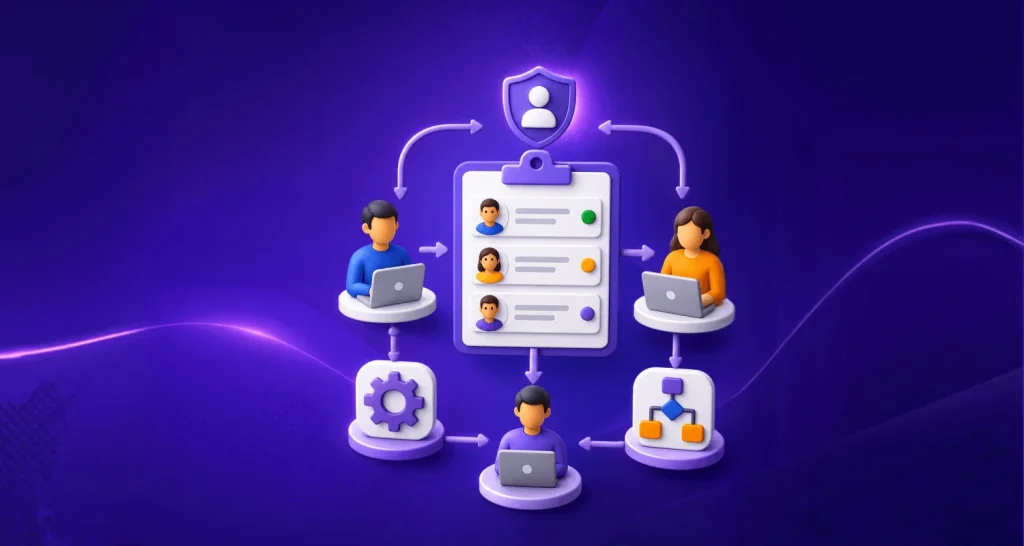
An AI ticketing system can analyze ticket content, intent, context, and risk signals to classify, prioritize, route, and support resolution workflows while maintaining appropriate safeguards where needed.
The system can also support broader AI agents in customer service by organizing incoming requests, providing ticket context, and triggering the appropriate support workflow.
In this blog, you’ll learn what AI ticketing systems are, how they work, which ticket types can be automated, and what to consider when evaluating AI ticketing software.
What is an AI ticketing system?
An AI ticketing system is customer support software that uses artificial intelligence, natural language processing (NLP), and machine learning (ML) to automatically analyze, prioritize, route, and assist in resolving customer support tickets across channels like email, chat, and social media.
For modern businesses, AI ticketing systems help reduce manual effort, speed up resolutions, and deliver more accurate and personalized customer support at scale.
How does AI ticketing work?
An AI ticketing system works by analyzing incoming customer requests in real-time, identifying intent and urgency, and automatically routing tickets to the right teams or agents without manual ticket triage.
Here’s a step‑by‑step breakdown of how it typically works in real-world support environments.
1. Ticket intake across channels
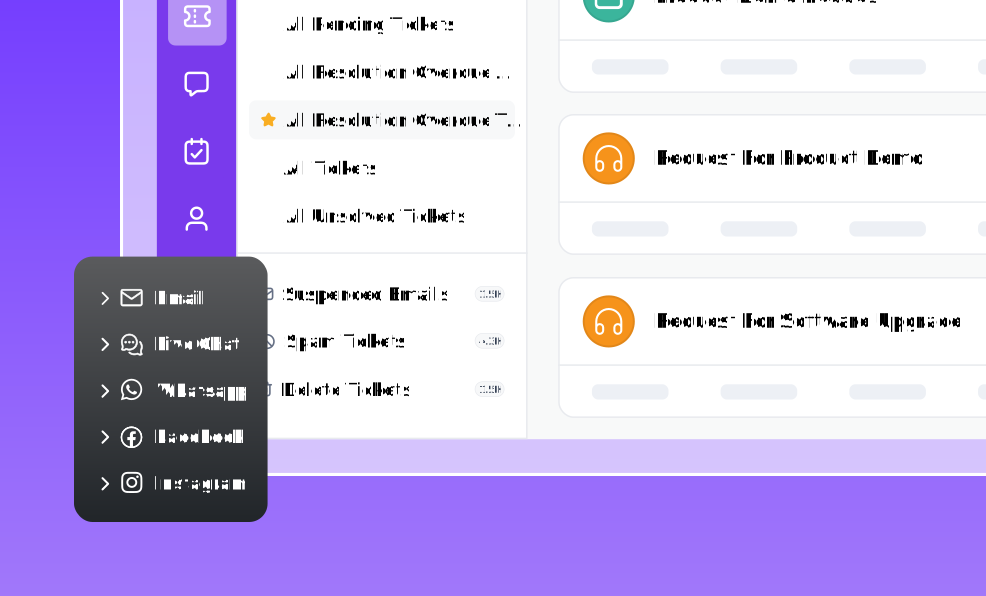
Customer requests are captured from multiple channels such as email, live chat, support portals, and contact forms. All requests are converted into tickets within a single system, ensuring no inquiry is missed.
2. Intent and sentiment detection
Using NLP, the system analyzes the text of each ticket to understand:
- The customer’s intent (for example, billing issue, technical problem, or request type)
- Sentiment and urgency signals (such as frustration or time sensitivity)
This understanding forms the foundation for all downstream automation.
3. Classification and tagging
Machine learning models trained on historical ticket data automatically categorize and tag tickets.
Teams can improve classification accuracy by reviewing misrouted tickets, correcting labels, updating training data, and retraining or reconfiguring the system.
4. Priority scoring
AI assigns priority levels by evaluating factors such as urgency, keywords, customer history, sentiment, and service-level agreements. High-impact or time-sensitive tickets are flagged for faster attention.
5. Automated assignment and escalation
Tickets are assigned to the most appropriate agent or team based on skills, workload, and availability. For complex or critical issues, AI can help trigger escalation workflows or flag tickets for human review.
6. Agent assistance and response generation
As agents work on tickets, AI provides support through:
- Ticket summaries for quick context
- Suggested replies to speed up responses
- Recommended knowledge base articles for accurate answers
This reduces handling time and improves response consistency.
When a ticket requires a system update rather than an answer, AI actions can retrieve account data, update permitted fields, or trigger an approved workflow.
What can an AI ticketing system automate?
While AI can automate a wide range of support requests, the level of automation should match the risk and complexity of the task.
Low-risk, repeatable requests can often be handled automatically, while sensitive or high-impact issues may require human review.
The table below shows how different ticket types are typically automated, what AI can do in each scenario, and the safeguards needed to maintain accuracy and oversight.
| Ticket type | Recommended automation level | What AI can do | Required safeguard |
| FAQs and how-to questions | End-to-end automation | Retrieve an approved answer and respond | Escalate when retrieval confidence is low |
| Order or service-status requests | End-to-end after verification | Retrieve current information and update the customer | Verify the customer and confirm the system response |
| Password resets and access requests | Guarded automation | Validate the request and trigger an approved reset workflow | Identity verification, audit logging, and attempt limits |
| Address or account-detail changes | Guarded automation | Validate and update permitted fields | Customer confirmation and field-level permissions |
| Refunds, credits, and cancellations | Approval-gated automation | Check eligibility and prepare or submit an approved action | Policy thresholds, identity checks, and human approval |
| Possible outages or incidents | AI-assisted triage | Detect patterns, prioritize, and route related tickets | Human-led incident investigation and resolution |
| Complaints and policy exceptions | Human-led | Summarize context and route the ticket | Human judgment and access to complete history |
| Security, privacy, or legal requests | Human-led | Detect and route the request securely | Restricted access and specialist review |
AI ticketing vs automated ticketing: What is the difference?
Automated help desk ticketing systems execute predefined rules, such as assigning every billing ticket to the finance queue or escalating a ticket when its SLA deadline approaches.
AI ticketing systems interpret unstructured requests and use signals such as intent, sentiment, customer history, and confidence to recommend or make decisions.
AI does not replace rule-based automation. It adds language understanding and contextual decision-making before a workflow runs.
| Capability | Automated ticketing system | AI ticketing system |
| Decision method | Fixed conditions and if-then rules | Intent, context, confidence, and learned patterns |
| Best input | Structured fields and known triggers | Unstructured customer messages |
| Typical tasks | SLA reminders, status updates, and rule-based assignments | Classification, sentiment detection, summaries, and suggested replies |
| Predictability | Produces the same result when conditions match | Results may vary according to context and confidence |
| Oversight | Requires rule maintenance | Requires testing, confidence thresholds, and human review |
Learn more about building predictable, rule-based workflows in our guide on automated ticketing system.
Key benefits of AI-powered ticketing over traditional ticketing systems
According to Salesforce State of Service 2025 survey, service teams estimated AI was handling 30% of service cases and expected that share to reach 50% by 2027.
As AI adoption increases, organizations need effective ways to classify, route, and manage support requests. Key benefits include:
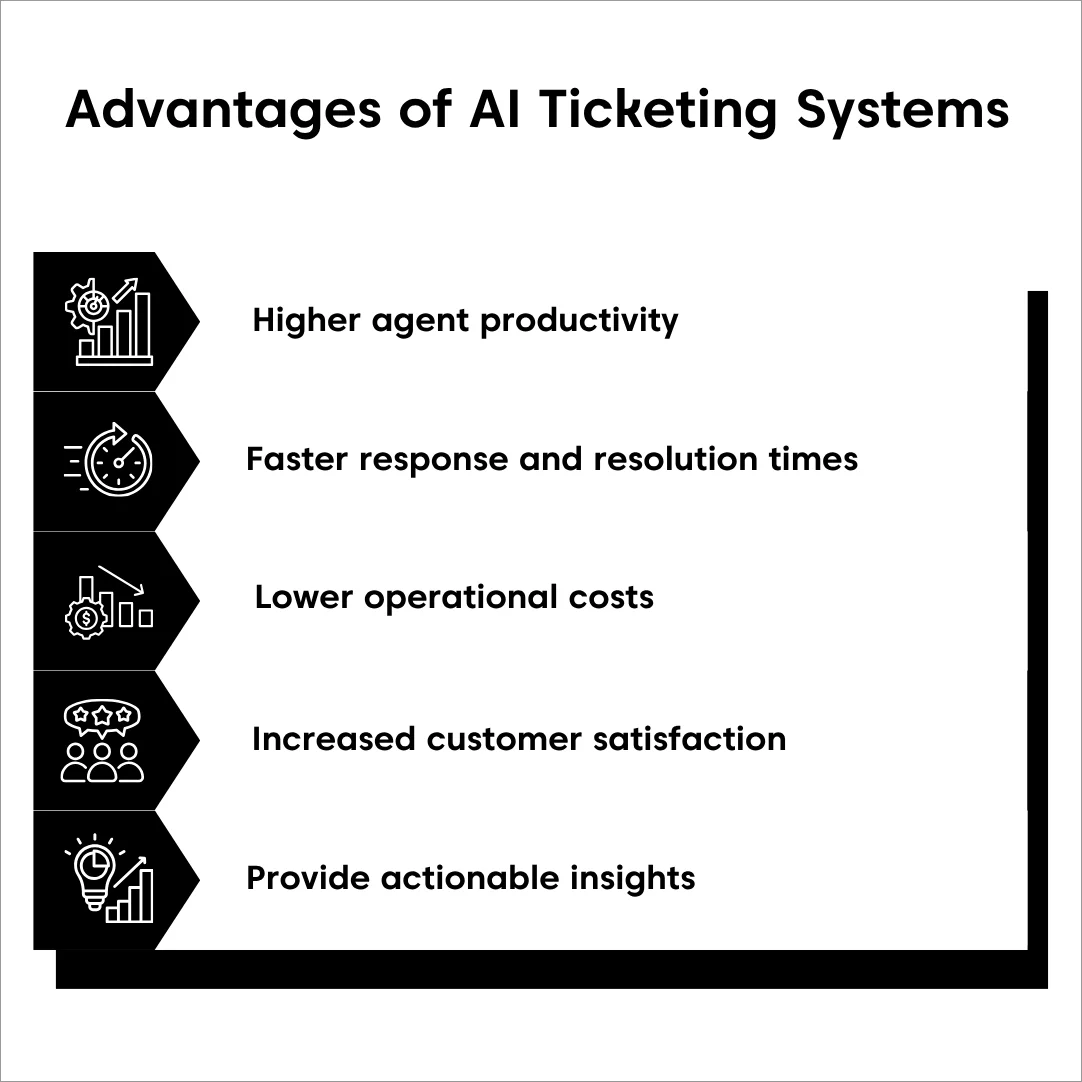
- Higher agent productivity: AI automates repetitive tasks such as ticket categorization, prioritization, and routing. This reduces manual workload and allows agents to focus on complex, high-value issues.
- Faster response and resolution times: AI-powered suggestions, summaries, and recommended responses help agents reply more quickly and accurately, leading to shorter first-response and overall resolution times.
- Lower operational and support costs: By automating routine inquiries, optimizing ticket assignment, and accelerating agent onboarding, AI ticketing systems reduce operational costs so teams can scale without matching increases in staffing.
- Increased customer satisfaction and loyalty: AI-powered ticketing systems deliver faster, more consistent, and more personalized support experiences by analyzing customer history, sentiment, and context.
- Actionable insights for continuous improvement: AI surfaces trends, recurring issues, and performance insights in real-time to help teams fix gaps, refine workflows, and improve knowledge bases.
AI ticketing software use cases across industries
The specific tasks an AI ticketing system automates vary by industry, but commonly include ticket intake, classification, prioritization, routing, agent assistance, and workflow execution where appropriate safeguards are in place.
The table below highlights common AI ticketing use cases across different industries and how organizations apply AI to manage support requests more efficiently.
| Industry | Common AI ticketing use cases |
| Travel and hospitality | Analyze booking, cancellation, and delay requests; prioritize urgent issues; route tickets to the appropriate team; assist agents with rebooking or compensation workflows. |
| Healthcare | Route patient inquiries to the correct department; prioritize urgent requests; automate responses to administrative questions; support agents with approved response suggestions. |
| IT and service desk | Detect recurring incidents; prioritize requests by impact and urgency; recommend self-service resources; route tickets to the appropriate specialist or team. |
| Retail and ecommerce | Categorize order, delivery, and return inquiries; determine when human intervention is required; surface customer and order context; suggest responses for common issues. |
| Education | Categorize inquiries by department; answer routine questions using knowledge resources; route requests to advisors or administrators; prioritize time-sensitive requests. |
While the underlying AI capabilities are often similar, the types of requests, workflows, and compliance requirements can vary significantly by industry.
5 Best AI ticketing systems for 2026
A growing number of customer support and service desk platforms now offer AI-powered ticketing features, but the quality, depth, and practical application of those capabilities can vary significantly between solutions.
To help you evaluate the available options, we selected the tools below based on customer reviews and ratings on trusted platforms such as G2, the breadth and maturity of AI capabilities, ease of use, scalability, customer feedback on usability, and relevance for modern support teams.
Note: Pricing and ratings were verified in August 2026 and may change.
Disclosure: BoldDesk is our product, and we evaluated it using the same criteria and evidence standards applied to every platform in this list.
| Tool | Best for | Pricing starts at | G2 rating |
| BoldDesk | SMB and mid‑market teams. | $99/month, unlimited agents, billed annually | 4.5/5 |
| Freshdesk | Customer support teams handling high ticket volumes. | $19/agent/month, billed annually | 4.4/5 |
| ServiceNow | Large enterprises with complex, ITSM-heavy workflows. | Custom | 4.4/5 |
| Zoho Desk | Growing support teams. | $7/agent/month, billed annually | 4.4/5 |
| Zendesk | Organizations running large-scale customer support operations. | $19/agent/month, billed annually | 4.3/5 |
1. BoldDesk
Best for: SMB and mid‑market teams that want fast deployment, reduced agent workload, and consistent support as ticket volume grows.
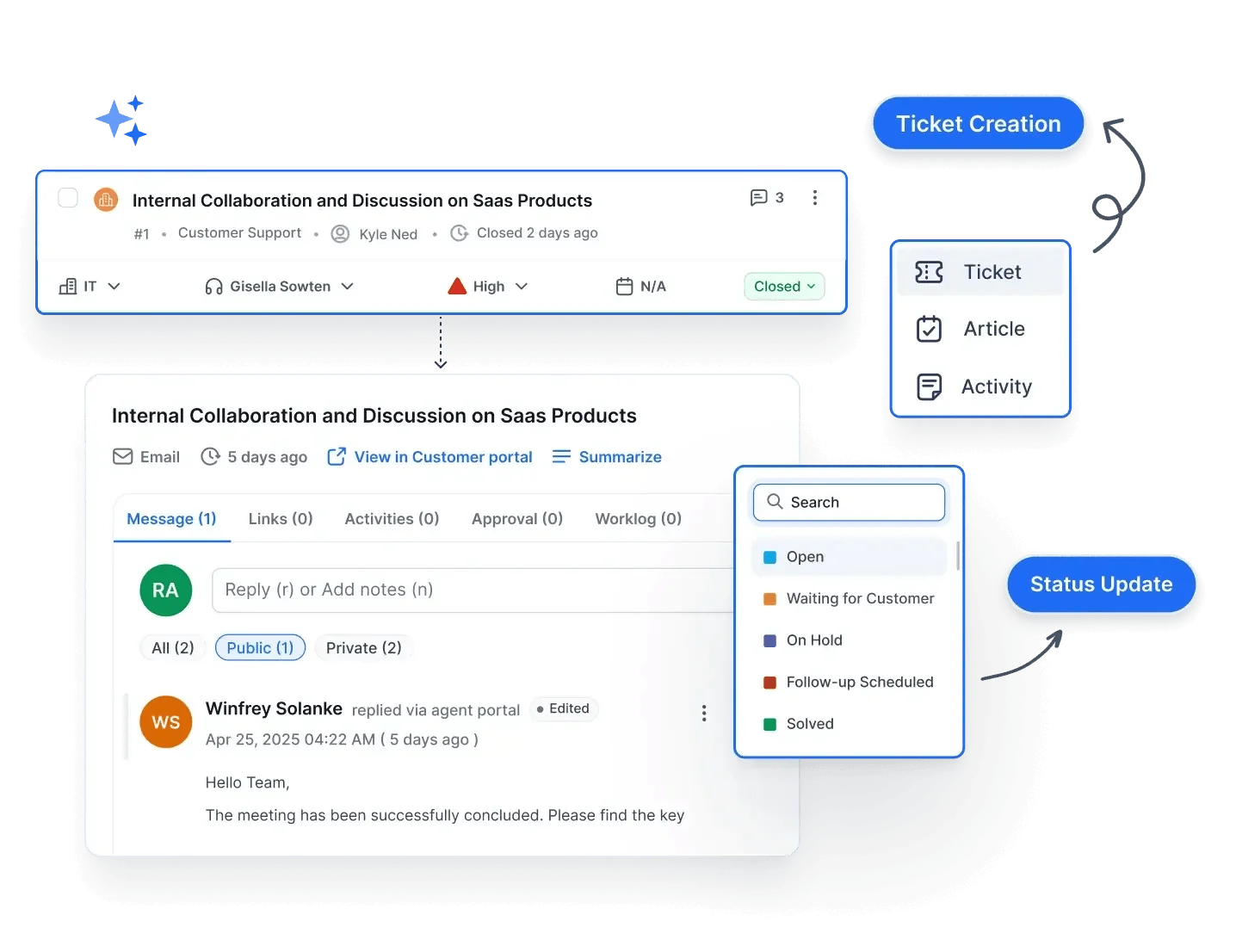
BoldDesk is an AI-powered help desk designed to remove manual effort from day‑to‑day ticket handling without introducing heavy configuration or complexity.
Its AI focuses on practical efficiency gains, speeding up triage, assisting agents, and keeping responses consistent as teams scale.
Features
- AI ticket triage
- Workflow automation
- Omnichannel inbox
Pricing
- Starts at $99/month with unlimited agents, billed annually
- AI credits: 1,000 AI credits a month included
Free trial: 15 days
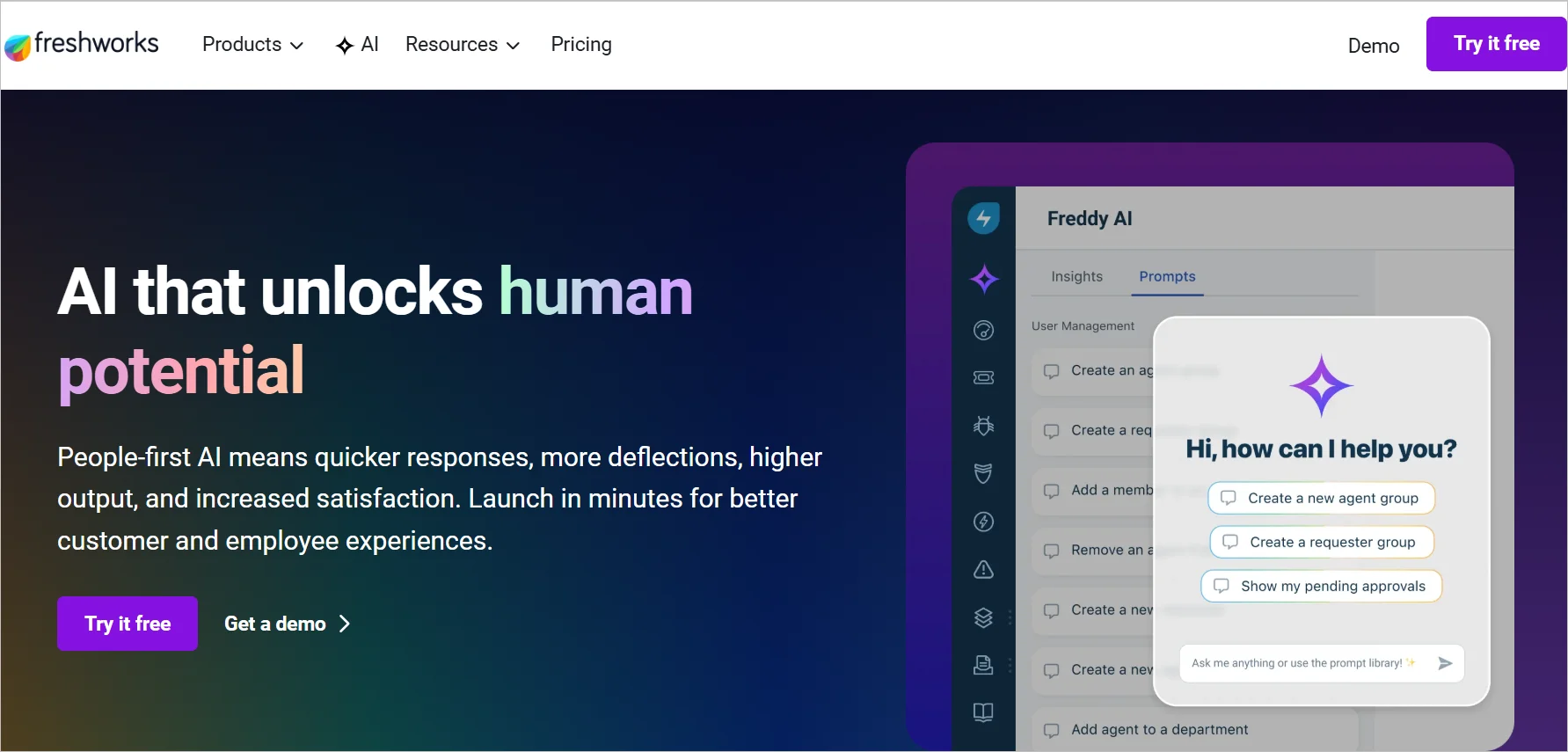
2. Freshdesk
Best for: Customer support teams handling high volumes of omnichannel conversations.
Freshdesk focuses on AI-driven automation for busy support environments, particularly where teams manage large volumes of customer conversations across multiple channels.
Features
- AI-driven ticket classification and prioritization
- AI-assisted responses
- Omnichannel support
Pricing
- Starts at $19/agent/month, billed annually
- AI Agent sessions: $49/100 sessions
Free trial: 14 days
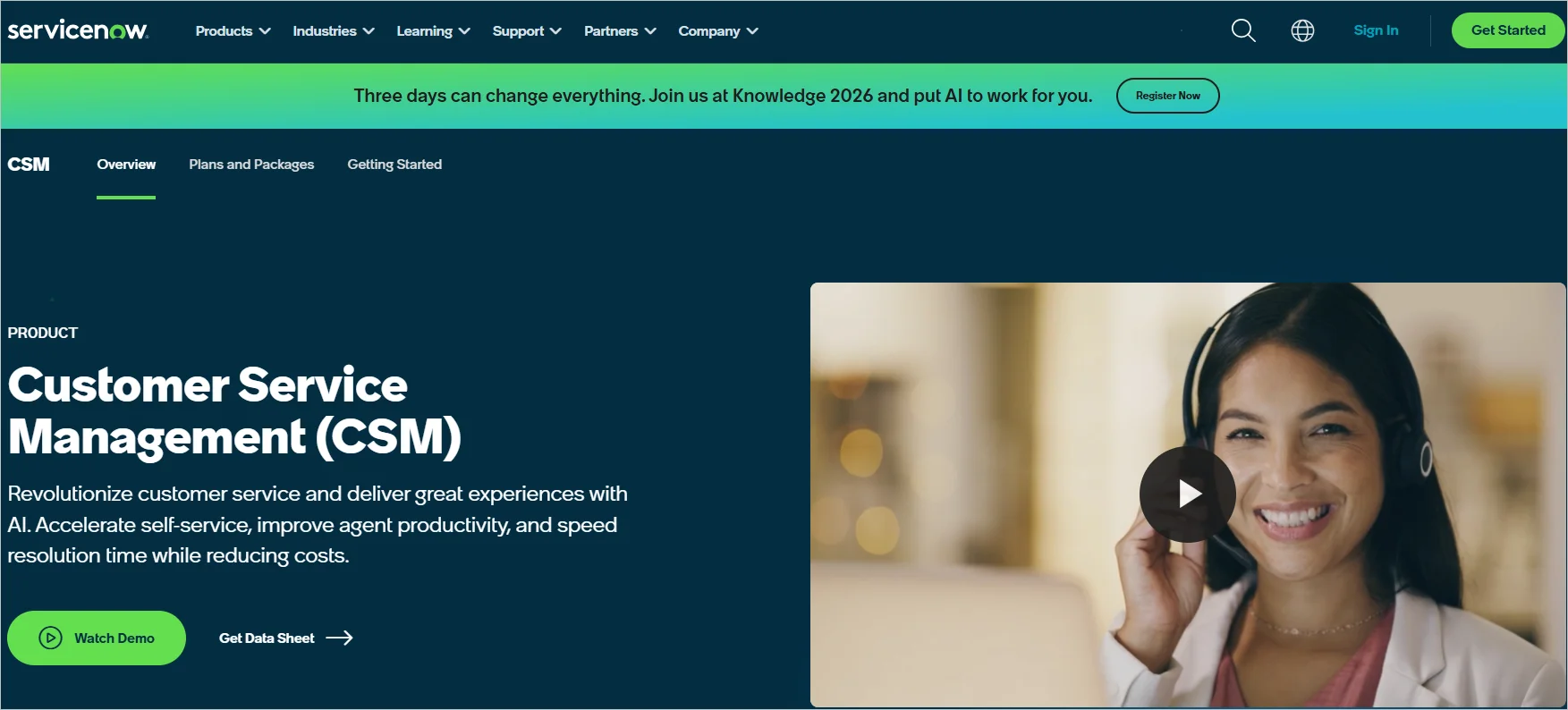
3. ServiceNow
Best for: Large enterprises with complex, ITSM-heavy workflows and automation needs.
ServiceNow is built for organizations that require deep workflow orchestration and enterprise-scale automation across IT, customer service, and internal operations.
Features
- Predictive intelligence and machine learning
- AI virtual agents
- Ticket summaries and response suggestions
Pricing
Custom pricing
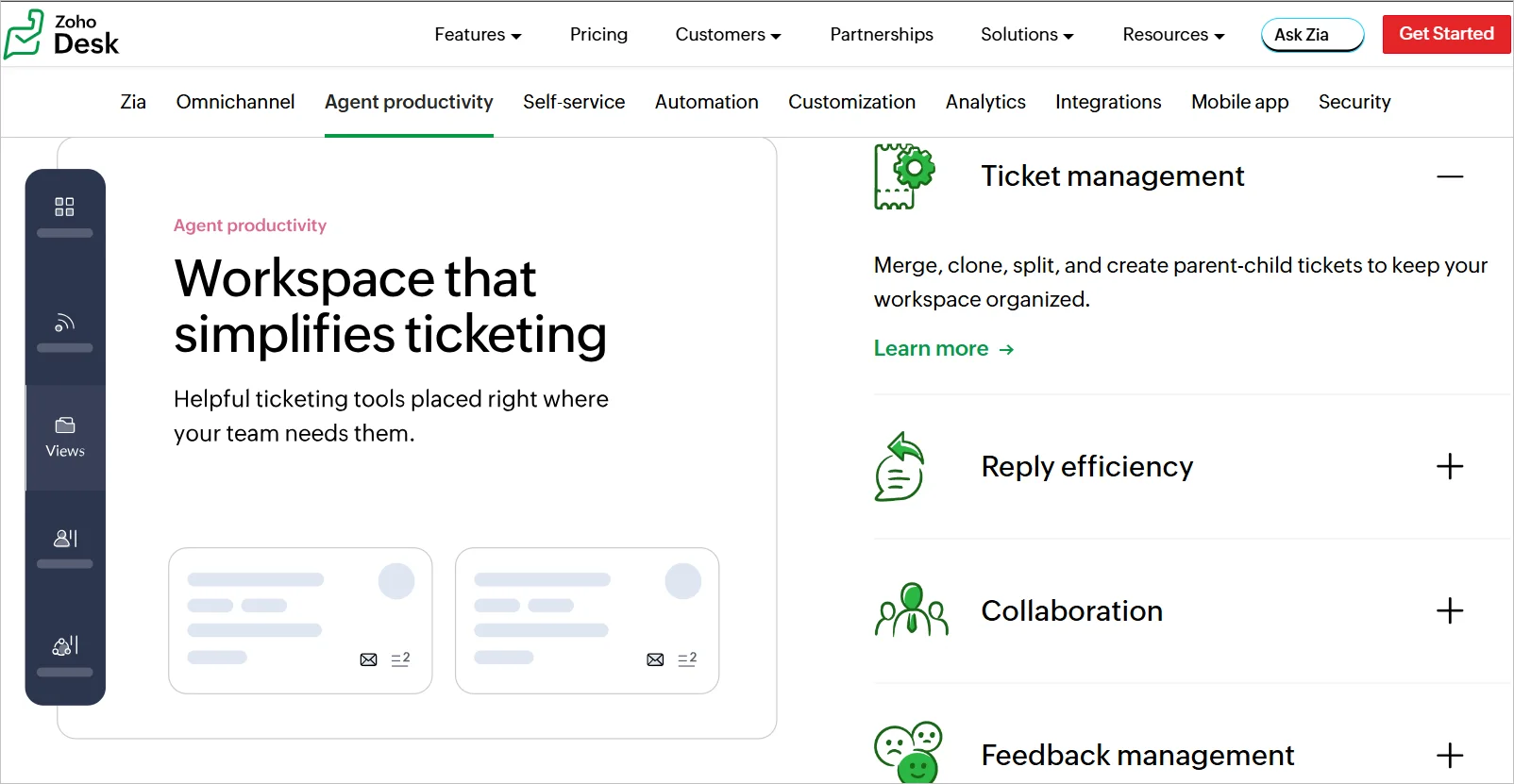
4. Zoho Desk
Best for: Growing teams that want affordable AI automation with self‑service capabilities.
Zoho Desk offers accessible AI features focused on prioritization, sentiment awareness, and self‑service, making it attractive for teams early in their scaling journey.
Features
- Automated ticket assignment
- Sentiment analysis
- Integrated self-service tools
Pricing
- Starts at $7/agent/month, billed annually
Free trial: 15 days
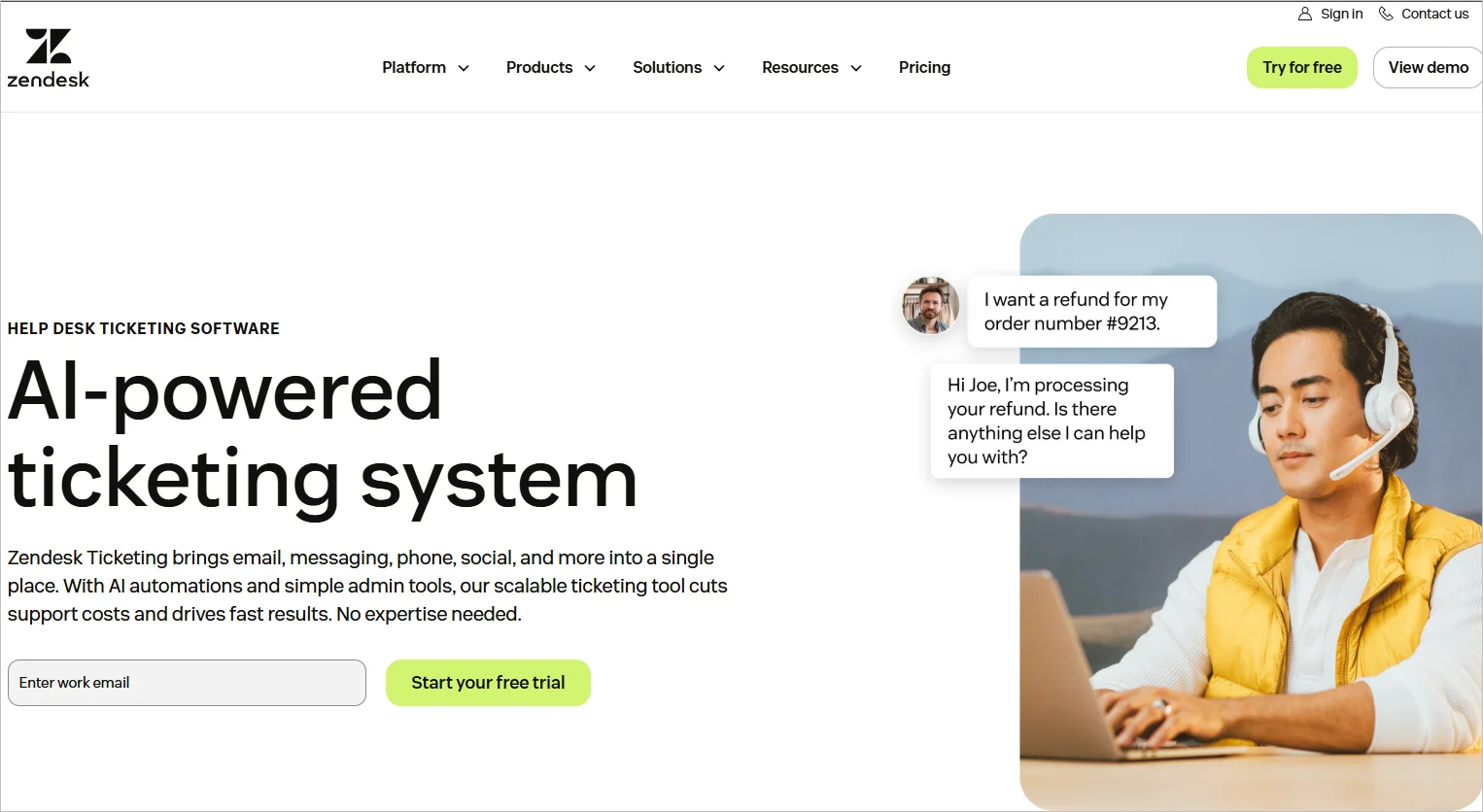
5. Zendesk
Best for: Organizations running large-scale, omnichannel customer support operations.
Zendesk’s AI capabilities are designed to support mature CX teams managing high ticket volumes and multiple customer touchpoints.
Features
- AI classification, intent detection, and prioritization
- Automated routing and escalation
- AI-assisted replies
Pricing
- Starts at $19/agent/month, billed annually
- Copilot: $50/agent/month, billed annually
Free trial: 14 days
How to choose the right AI ticketing system
It’s important to take a thoughtful approach when selecting an AI ticketing system so you can find the solution that best aligns with your business goals.
According to Gartner’s 2026 customer service AI survey, AI spending increased by 38%, while overall service and support budgets grew by only 2%.
With AI investment rising much faster than total budgets, organizations need to evaluate ticketing systems based on measurable outcomes, such as faster resolutions, improved routing accuracy, and operational efficiency, rather than feature volume alone.
Here are the key factors to consider:
- Identify your needs: Start by identifying the key challenges you face with customer support, whether it’s reducing response times, improving ticket routing, or streamlining communication across channels. Look out for tools with features that meet these specific needs.
- Evaluate AI capabilities: Prioritize a system with advanced AI features such as auto-tagging, intelligent routing, and suggested replies, among others, to ensure it can understand and respond to customer queries accurately.
- Ensure seamless integrations: The AI ticketing system should integrate smoothly with your communication channels, CRM, and knowledge base to support unified workflows and data across systems.
- Prioritize ease of use: Look for systems with simple layouts, clear workflows, and helpful onboarding tools to ensure agents focus on customer issues instead of figuring out how to use the software.
- Check for reporting and analytics: Go for platforms that offer real-time reporting and analytics dashboards to help you track performance and optimize support.
- Scalability and support: Choose a solution that grows with your team and provides reliable customer support, so you’re never left stranded when you need assistance.
- Security and compliance: Ensure the system complies with all relevant data privacy and security regulations to safeguard sensitive customer information, build trust, and minimize the risk of legal or financial penalties.
Common challenges in implementing AI ticketing systems and their solutions
While AI ticketing systems can significantly improve efficiency and response speed, successful adoption depends on understanding both technical and operational limitations.
The table below summarizes the most common challenges and how to address them effectively.
| Challenge | What it means | How to overcome it |
| Integration complexity | Connecting an AI ticketing system with CRMs, channels, and internal systems can require time and resources | Start with core integrations and expand gradually; choose tools with built-in connectors. |
| Automation errors | AI may misclassify tickets or route them incorrectly, especially early on | Use assisted routing first, define fallback rules, and continuously refine automation |
| Over-reliance on AI | Agents may rely too heavily on AI suggestions, leading to inaccurate or generic responses | Position AI as assistive; require human review for complex or sensitive cases |
| Poor training data | Incomplete or outdated data reduces AI accuracy and relevance | Maintain clean datasets and update knowledge bases regularly |
| Weak human handoff | Poor transitions between AI and agents can cause delays or lost context | Design clear escalation rules and preserve ticket context during handoffs |
| Agent adoption | Teams may resist AI or struggle to use it effectively | Provide training, set expectations, and involve agents in implementation |
| Governance and monitoring | Lack of visibility into AI decisions can lead to inconsistent outcomes | Track performance metrics, audit decisions, and regularly optimize models |
While these challenges can impact performance, most can be mitigated with the right setup, monitoring, and gradual adoption approach.
Enhance your support with AI ticketing systems
An AI ticketing system is most valuable when it automates the right tickets, not simply the highest number of tickets.
Start with high-volume, low-risk requests where outcomes are easy to verify. Use approval thresholds for sensitive or reversible actions, and keep complaints, policy exceptions, and security-related requests with qualified employees.
When comparing platforms, evaluate classification accuracy, automation controls, integration depth, human handoffs, total cost, and cost per successfully resolved ticket.
Related articles
- The Best Email Ticketing Systems: 15 Picks for 2026
- AI Customer Service Software: 9 Best Options for 2026
- AI Email Triage: How Support Teams Reduce Inbox Clutter Automatically
FAQs on AI ticketing systems
Can AI ticketing systems replace human agents?
No. AI ticketing systems are designed to support, not replace, human agents.
They automate repetitive tasks like ticket categorization, routing, and response suggestions, allowing agents to focus on complex issues that require empathy, judgment, and personalized problem-solving.
Do AI ticketing solutions ensure privacy and data security?
Yes, most enterprise-grade AI ticketing solutions are built with strong security and privacy controls. They typically use data encryption, role-based access controls, and comply with regulations such as GDPR.
Businesses should verify security certifications, data handling policies, and compliance standards before adoption.
Why is AI ticketing automation important?
AI ticketing automation is important because it helps support teams manage growing ticket volumes more efficiently.
By automating classification, prioritization, routing, and routine responses, organizations can reduce manual effort while maintaining consistent service quality.
How long does it take to implement an AI ticketing system?
Implementation time varies according to integration complexity, data quality, workflow design, security reviews, migration requirements, and testing.
A phased rollout usually begins with one ticket category or channel before expanding to higher-risk workflows.
Do all businesses need an AI ticketing system?
No. AI ticketing systems are most valuable for businesses that manage high ticket volumes, multiple support channels, or rapid growth.
Organizations facing slow response times, agent burnout, inconsistent service quality, or scaling challenges benefit the most from AI-powered automation.
ABOUT THE AUTHOR

Cherine Apondi Okumu 
Cherine is a content strategist at Syncfusion, combining her writing expertise with a passion for technology to produce clear and engaging content. Always eager to learn, she embraces new challenges and stays updated on trends that enhance customer support.
Read more articles by this author Connect with the author on LinkedIn.
Be the first to get updates