
Scale AI
AI-first email and self-service support
Extra credits $40 / 1,000
Start Free Trial- Email AI Agent and ticketing
- Knowledge base
- Workflow automation
- Custom fields, views, status
- Web widgets and forms
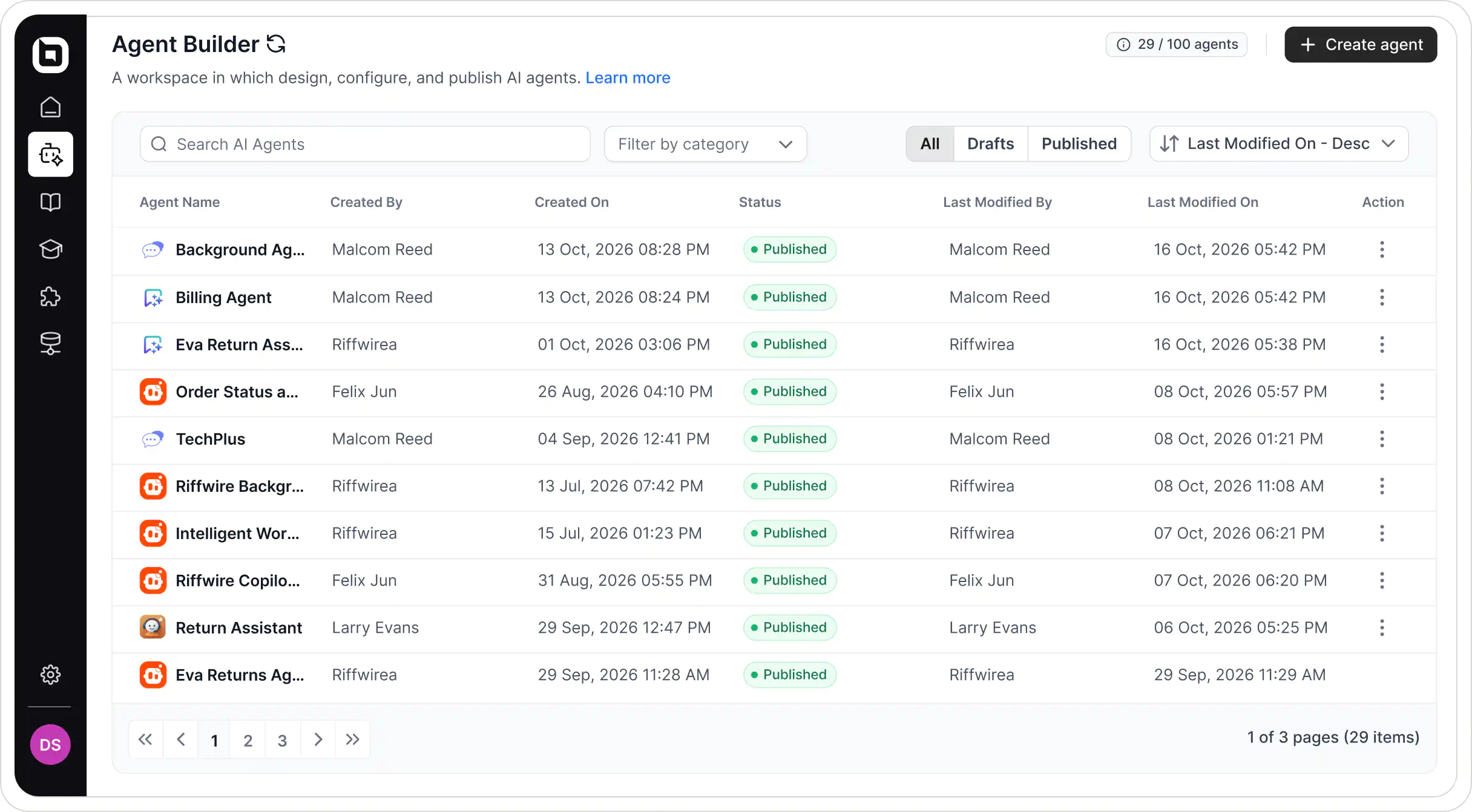
Create agents for any support job. Give them your knowledge, tools, and rules, then let them reply, take action, and escalate tickets when needed.

Trusted by Companies of All Sizes
Build in minutes
Describe the agent's job in plain language: what to handle, how to respond, and when to ask for approval.
Load files, Q&A, websites and your knowledge base into the library, so answers stay accurate.
Turn on web search, file or image generation, and connect MCP servers or API actions.
Assign the agent to tickets or add it to a trigger to start automating support tasks.
Custom agents
Every support team is different, so build agents around your own processes. Here are some examples:
Alerts your team on WhatsApp only when a weekend ticket has real business impact.
Aligns the ticket’s due date with the update date promised to the customer.
Corrects “Waiting for Customer” to “Waiting for Clarification” when you still need details.
Agents that work as a team: Connect your agents so one can call another. A front-line agent passes a billing question to your refund agent, so the customer receives one complete answer.
Your rules
Add approval conditions to the instructions, such as requiring approval for refunds over $200. The agent pauses until a reviewer signs off.
Agents read the screenshots and photos customers attach, so you can build agents that resolve visual issues too.
Give agents complex research tasks. They work in the background while the ticket keeps moving, then post the answer when ready.
AI agent assignment
Create agents for three roles and assign them to tickets, so every ticket is analyzed, answered and supported.
Analyzes tickets behind the scenes and shares useful insights to improve support.
Writes and sends accurate, on-brand replies directly to customers on their tickets, across every channel.
Suggests reply options tailored to the conditions you set, helping your team resolve tickets faster.
Workflow automation
Build trigger orchestrations that answer, tag, and prioritize every new ticket the moment it arrives, so nothing waits in the queue. Create as many as you need, and BoldDesk runs the right one for each event.
Pricing
AI-first email and self-service support
Extra credits $40 / 1,000
Start Free TrialAI on every channel, with routing and SLAs
Extra credits $40 / 1,000
Start Free TrialMulti-brand, compliance and advanced reporting
Extra credits $40 / 1,000
Start Free TrialHow credits work: 1–2 credits for an answer or draft, 3–5 for a lookup, and 8–12 for a multi-step workflow. Handoffs to humans are free.
Security & Compliance
The agent works inside the same secure infrastructure and access controls as the rest of your help desk — grounded in your content, holding only the scopes you grant.
No. You write instructions in plain language, add knowledge, and pick tools. No developers needed.
As many as your team needs. Build one for each type of request and connect them so they can hand work to each other.
Add approval conditions to the agent’s instructions. When a request meets those conditions, the agent waits for a reviewer’s approval before proceeding.
Yes. Connect your existing systems, such as your order management system, CRM, or billing tool, through MCP servers or API actions. Agents can then look up orders, update records, and perform tasks for your customers. Built-in web search, file generation, and image generation are also available when an agent needs them.
By task complexity: 1–2 credits for answers, summaries, and drafts; 3–5 for tasks using one skill or connected system; and 8–12 for multi-step workflows across several systems. Handoffs to a human with no AI answer are free.
Build your first agent today and watch it handle real tickets from day one.