











Email Ticketing System

Tired of Inbox Chaos? Try Smarter Support

  • Email Integration: Connect your existing support email easily. No tech headaches.
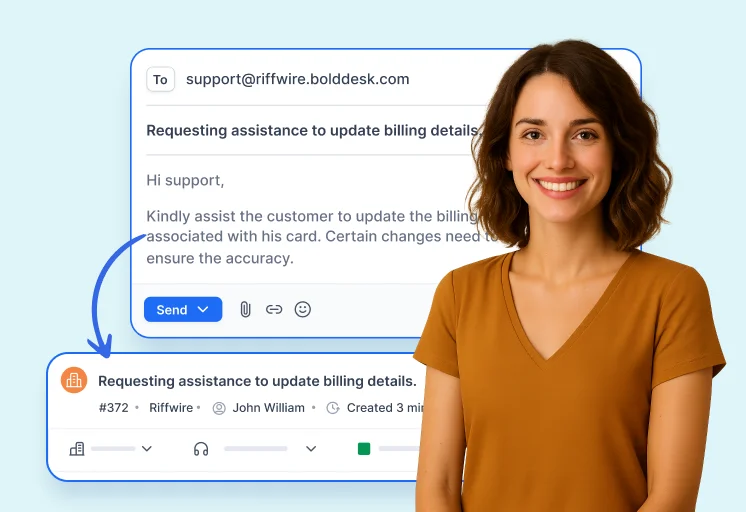
  • Auto Tickets: Emails become tickets instantly. No manual input.
  • Automated Workflows: Set up rules to auto-assign, escalate, or close tickets.
  • Live Insights: Monitor SLAs, CSAT, and team performance in real time.
  • No credit card required
  • Cancel anytime
  • No credit card required
  • Cancel anytime
Take a tour right-arrow
SprialArrow

Trusted by companies of all sizes

What is Email Ticketing System?

An email ticketing system automatically converts customer emails into organized support tickets, enabling businesses to track, prioritize, and resolve queries efficiently. It improves response times, accountability, and customer satisfaction for companies worldwide.

Why Choose Email Ticketing System?

Stay Organized and Efficient With the Best Email Ticketing System for Your Team

BoldDesk’s Email Ticketing System transforms your email support into a structured, efficient, and automated process. It centralizes incoming emails, enhances collaboration, and empowers your team to deliver exceptional customer service without the chaos.

Centralized Inbox

All support emails converted into manageable, trackable tickets in one place.

Smart Auto Assignment

Assign tickets instantly based on custom rules and agent workload.

Seamless Collaboration

Share private notes, tag teammates, and resolve issues faster.

No-Code Automation

Automate replies, updates, and escalations without coding.

SLA Management

Ensure timely responses with built-in SLA tracking and alerts.

Actionable Insights

Track performance with real-time reports and analytics. 

  • No credit card required
Not sure how it works?

Streamline Support with BoldDesk Email Ticketing Software Features

Email-To-Ticket Conversion

Never lose an email
Every message becomes a ticket

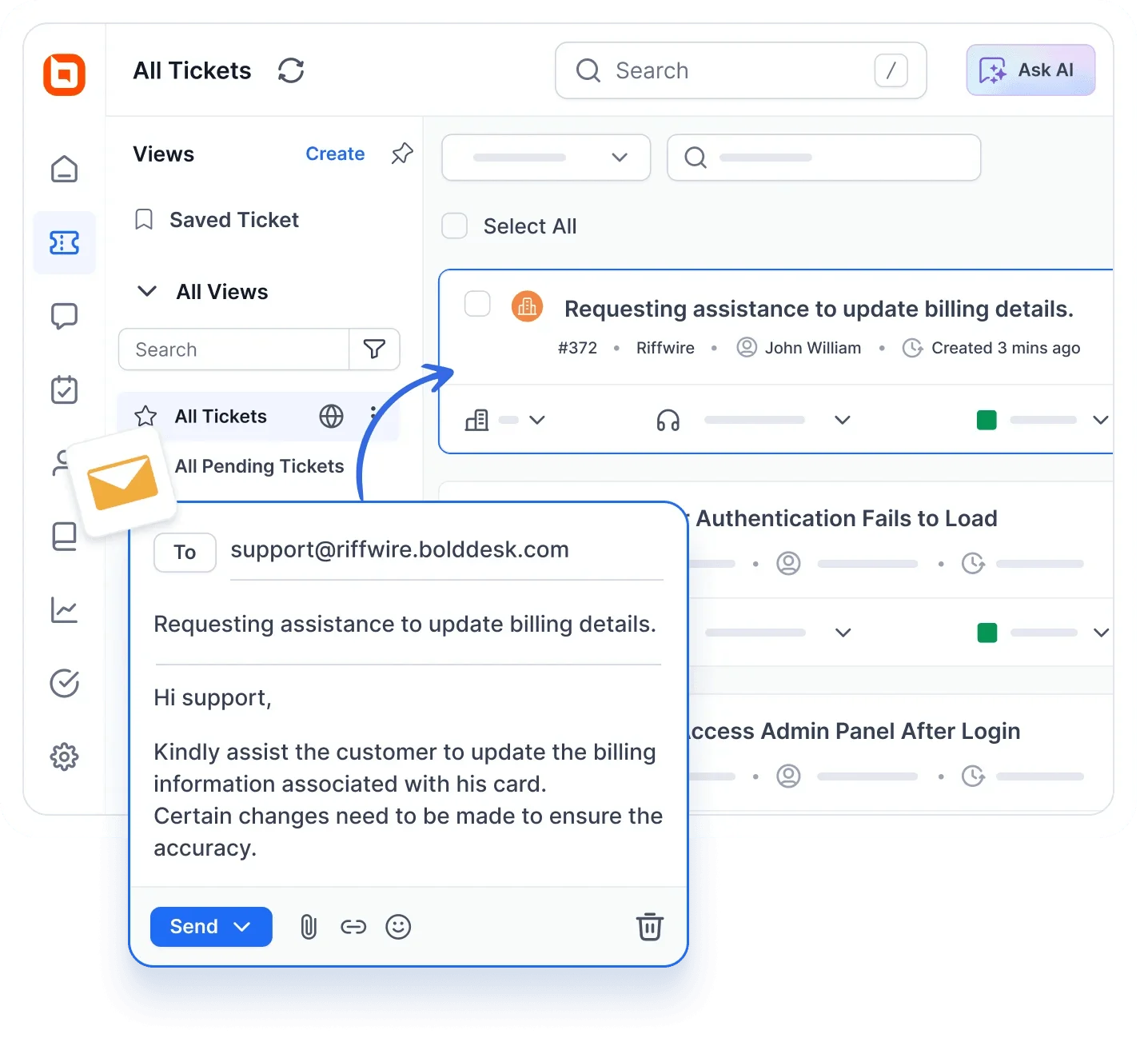
Automatically turn incoming emails into organized tickets with deduplication and threaded conversations, ensuring full visibility from first contact to resolution.

Automated Routing & Escalation

Assign and prioritize without manual effort

Use rule‑based workflows and priority tags to auto‑assign tickets, set SLAs, and escalate critical emails to the right agents instantly.

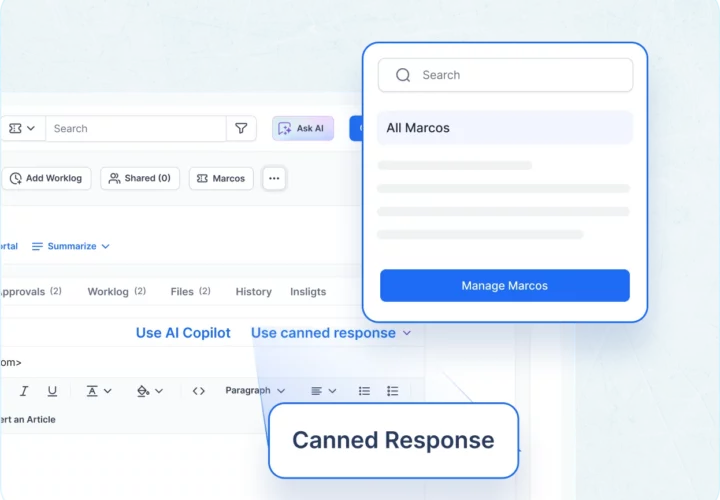
Smart Templates & Macros

Reply faster with built‑in response tools

Leverage customizable email templates, canned responses and macros to draft consistent, on‑brand replies in seconds.

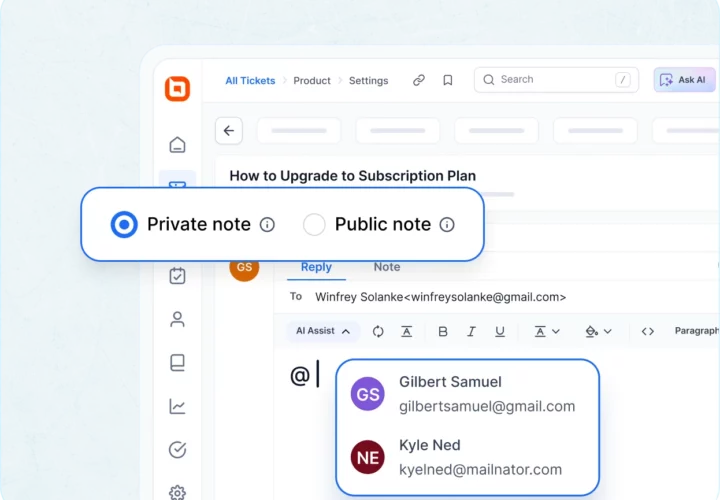
Internal Notes & Mentions

Collaborate seamlessly behind the scenes

Add private notes, @mention teammates, and share insights within ticket threads without exposing comments to customers.

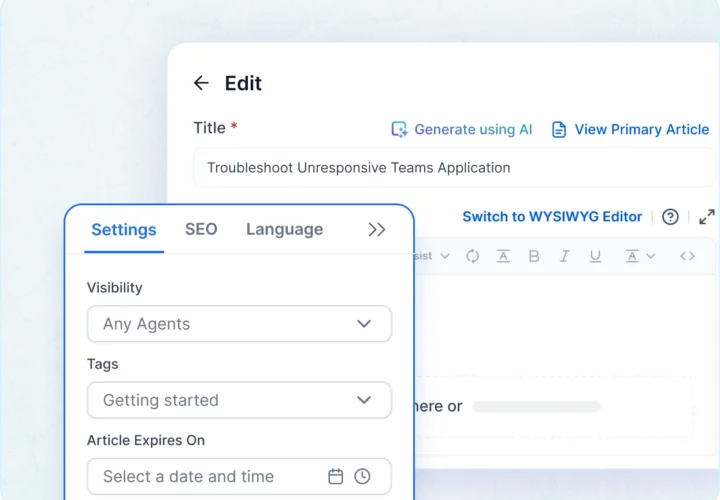
Internal Knowledge Base

Empower agents with instant access to internal know‑how

Share company policies, project/product details and internal documentation with authorized team members through a secure, role‑based knowledge repository so agents solve issues faster with the right information at their fingertips.

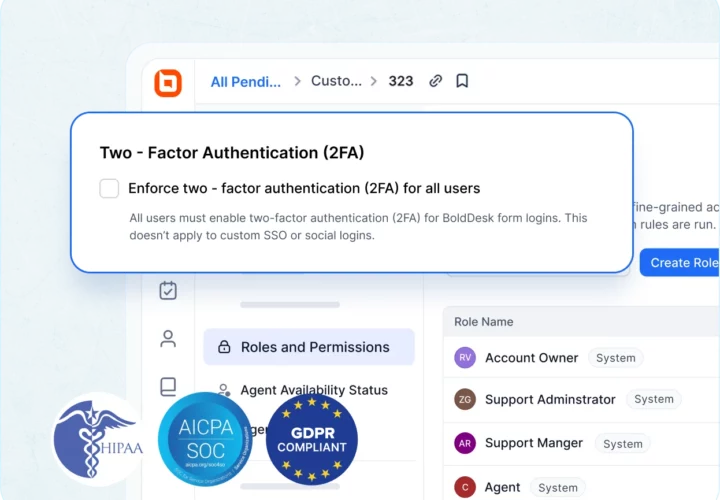
Security

Lock down your email channel with enterprise‑grade safeguards

Secure outbound emails with DKIM signing and protect inbound messages using advanced spam controls, blocklists and threat filters, ensuring every ticket is both authentic and free from malicious content.

Multilingual Email Templates

Communicate in any language, no extra tools needed

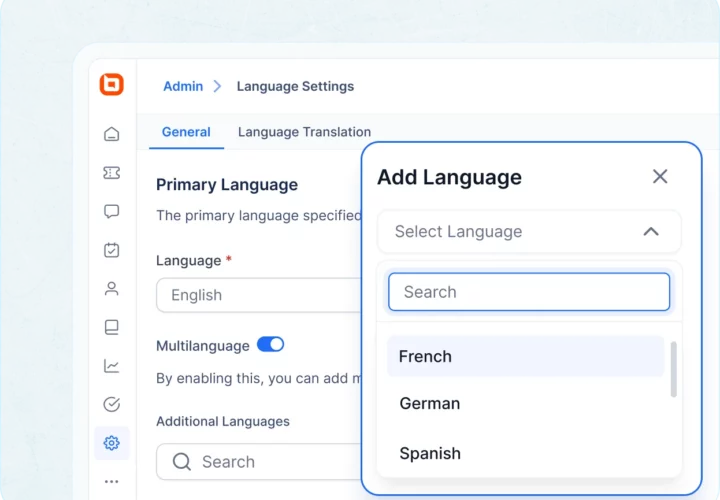
Create, store and send pre‑translated email templates so agents can reply in your customers’ native language with a single click.

SLA Monitoring & Reporting

Track performance and never miss a deadline

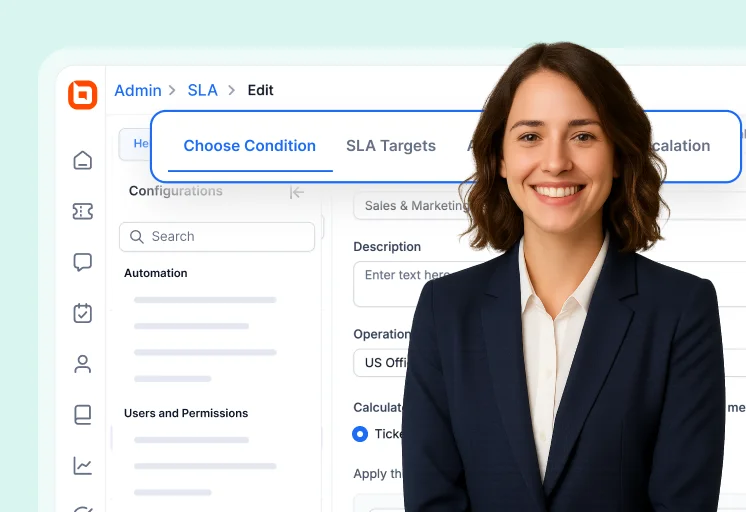
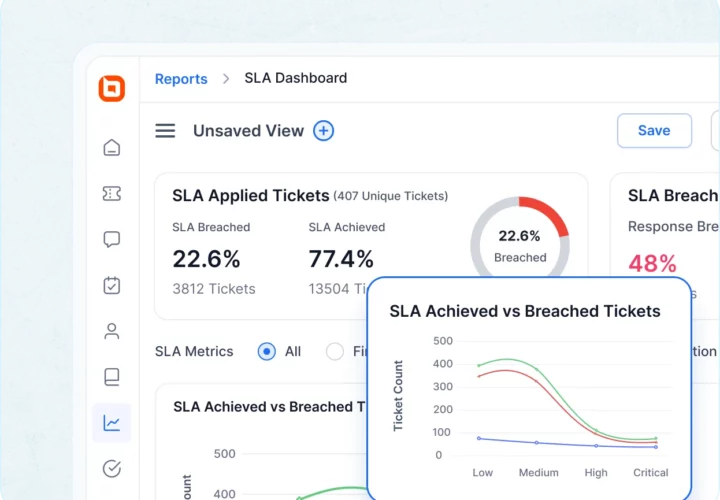
Monitor response and resolution times against SLAs with real‑time alerts and email‑specific analytics to keep service levels on target.

Email AI Agent

Auto-resolve Customer Tickets

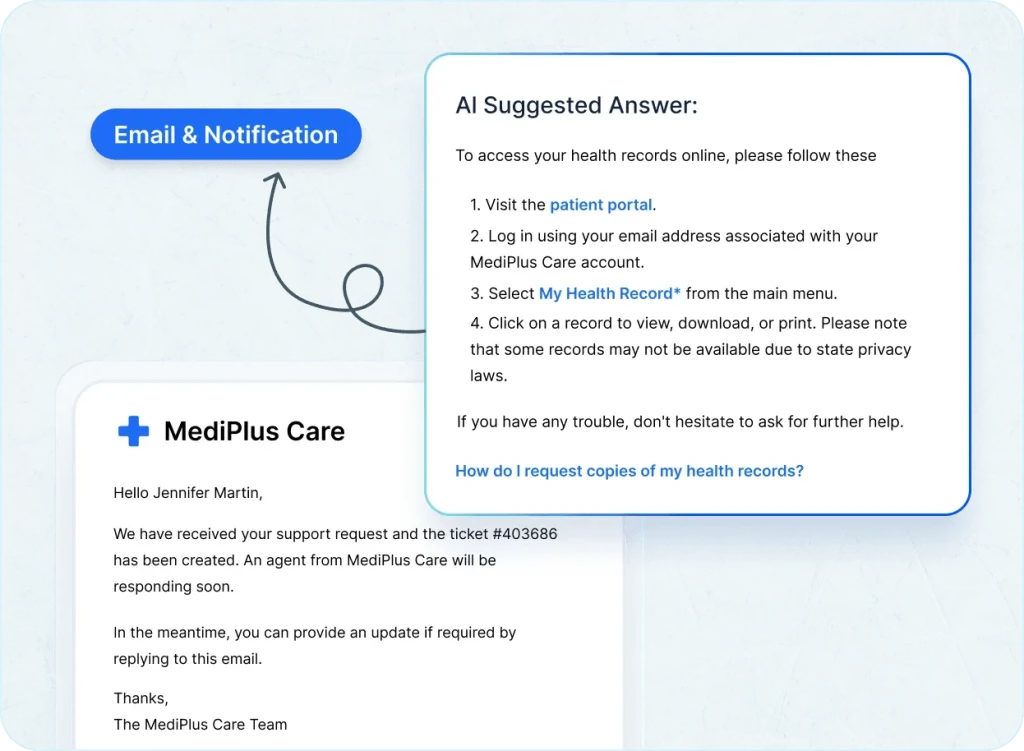
Empower your support team with the Email AI Agent, which enhances email notifications by automatically generating intelligent, context-aware responses the moment a ticket is created via email. This ensures customers receive instant, relevant answers, reducing wait times and eliminating manual effort. With the Email AI Agent, your team can deliver faster, smoother support experiences effortlessly.

Next-Gen Email Ticketing

Automate Smarter, Respond Faster

From parsing to prioritizing, BoldDesk AI streamlines every email ticket.

Edit Content

AI Agent

Intelligent Email Ticket Conversion

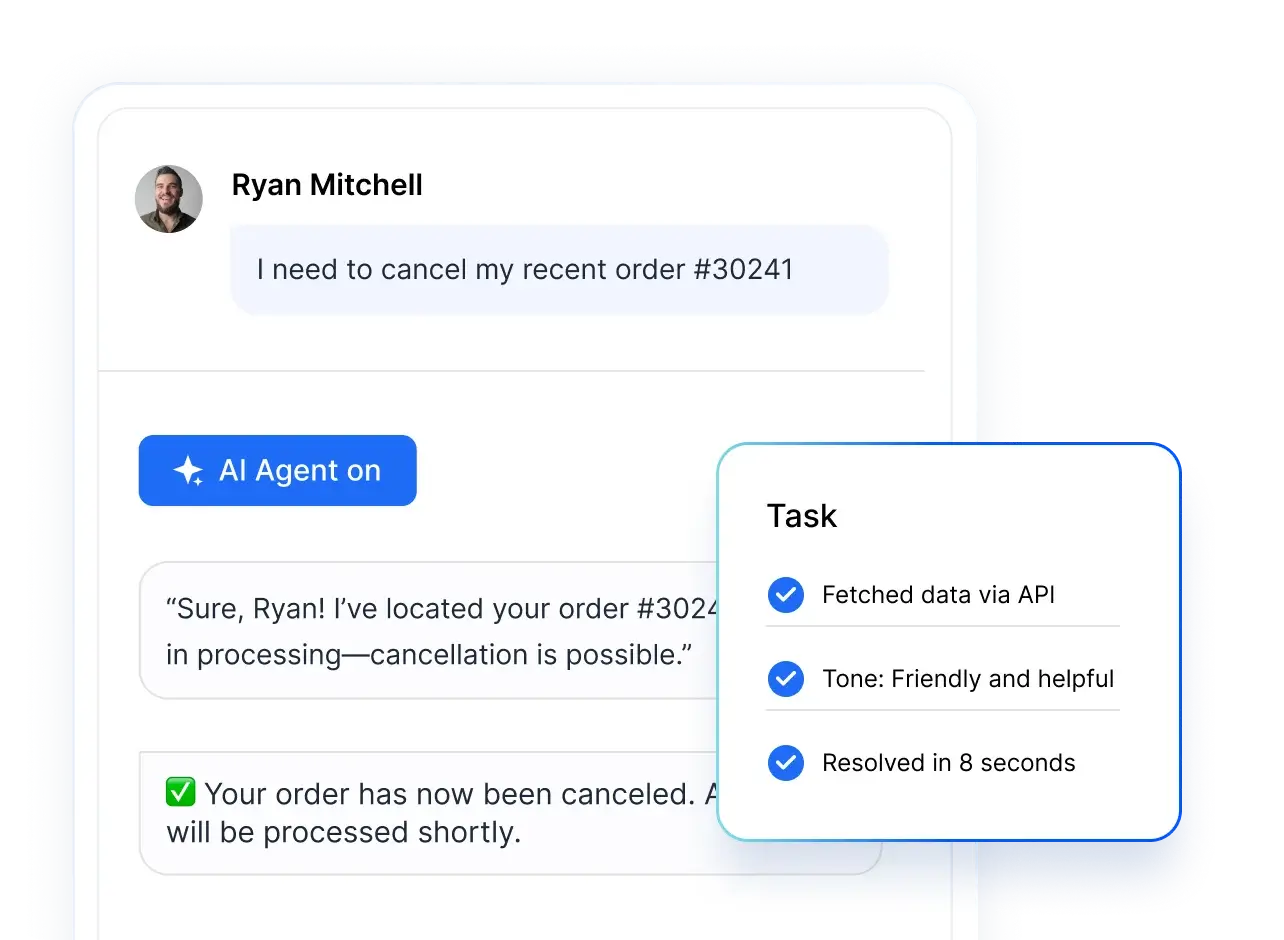
  • Email Parsing & Extraction: AI scans incoming emails to capture subject, sender, and intent.
  • Duplicate Thread Detection: Prevent multiple tickets from the same email chain.
  • Auto‑Acknowledgements: Instantly confirm receipt of customer emails with personalized replies.
ai agent
Edit Content

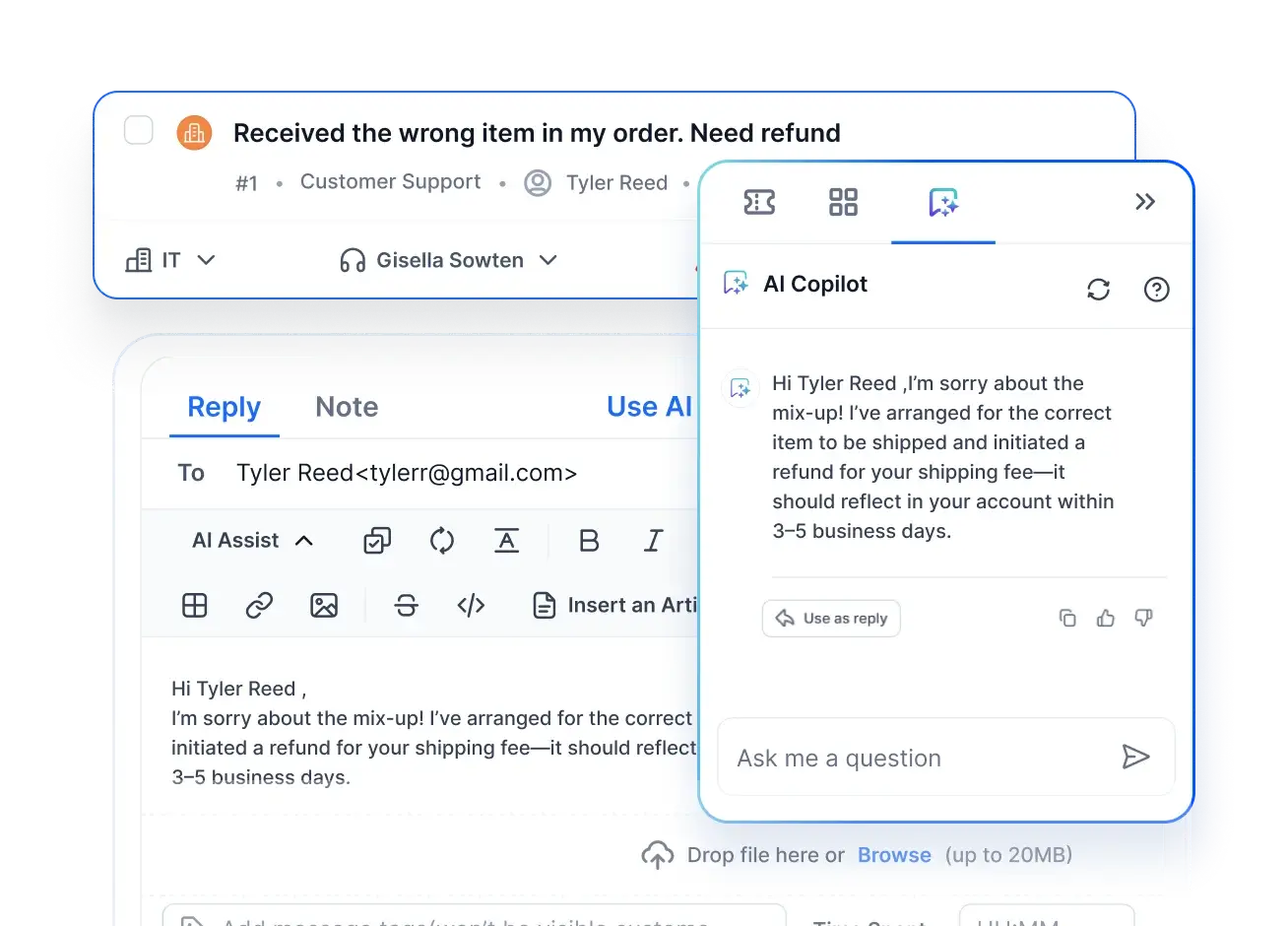
AI Copilot

Smarter Email Collaboration

  • Thread Summarization: Condense long email chains into quick overviews.
  • Contextual Reply Drafts: Suggest responses based on the customer’s email history.
  • Knowledge Article Linking: Recommend relevant documentation while composing replies.
ai copilot
Edit Content

AI Actions

Predictive Email Ticket Management

  • SLA Breach Forecasting: Predict delays in email ticket resolution before they occur.
  • Auto‑Categorization: Tag and route emails by topic, urgency, or department.
  • Sentiment & Tone Analysis: Detect frustration or urgency in customer emails to prioritize critical cases.
ai actions
  • No credit card required

Deliver A Familiar Email Experience, Powered By Bolddesk

Customers Waiting Too Long? An Email-Based Ticketing System Reduces Delays

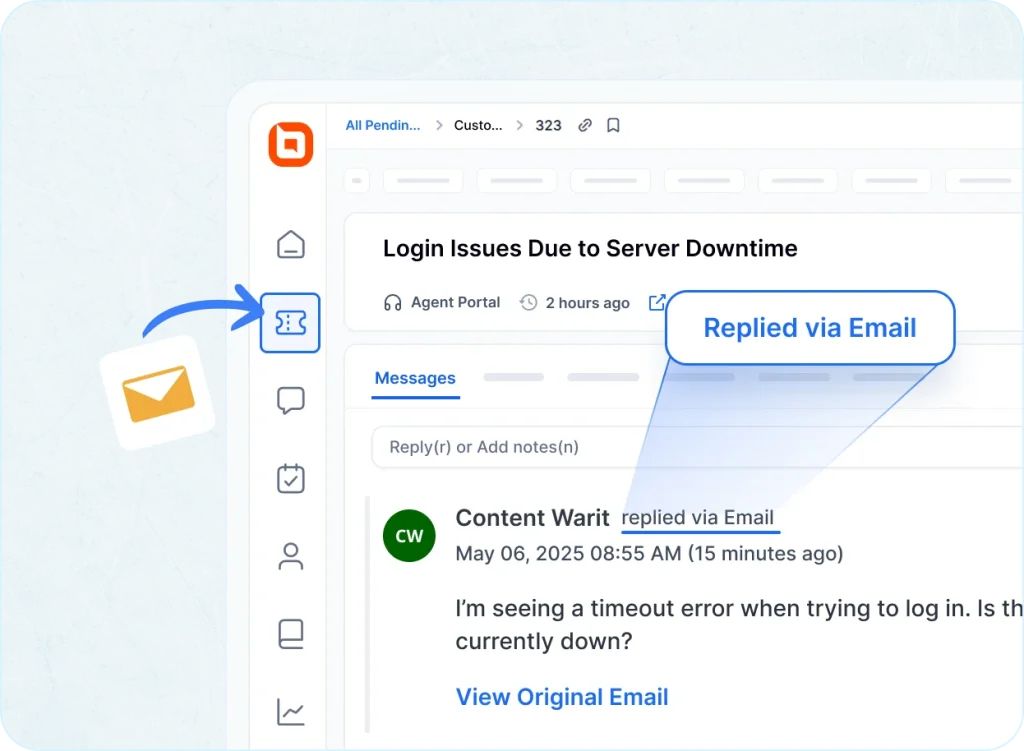
Your customers don’t need to know you’re using a ticketing system. With BoldDesk, every email can look and feel like a traditional one-on-one support exchange, while you benefit from the power of automation and organization behind the scenes

  • No credit card required
Still curious how it works?

Stay Connected Wherever You Are With Our Mobile App

Download our iOS or Android app to manage your conversations on the move. Easily receive and respond to messages across all channels using the app.

Support That Never Slows Down: BoldDesk’s Trusted Help Team

  • 24/5 expert guidance for smooth onboarding and growth 
  • Rich tutorials, docs, and how-to resources 
  • Proactive help to solve issues before they escalate 
  • No credit card required

Frequently Asked Questions

An email ticketing system improves support workflow by centralizing customer emails, converting them into trackable tickets, automating assignment, preventing missed inquiries, and ensuring timely responses through SLAs and workflow automation.

No. BoldDesk provides onboarding assistance and end‑to‑end migration support, making the transition smooth, guided, and hassle‑free for your team.

BoldDesk is ideal for growing teams because it offers automation tools, SLA management, built‑in collaboration features, and an easy-to-use interface that helps teams deliver faster and more consistent support.

Yes. BoldDesk allows full customization—ticket forms, email templates, branding, workflows, and more—so you can tailor the support experience to match your brand identity.

Yes. BoldDesk includes real‑time dashboards, performance metrics, SLA tracking, and detailed analytics so you can monitor agent productivity and support efficiency.

Yes. Your support team can manage, respond to, and track tickets from anywhere using BoldDesk’s responsive, mobile‑ready interface.

BoldDesk provides no‑code automation for ticket assignment, status updates, email responses, prioritization, tagging, and SLA enforcement—reducing manual work and speeding up support.

Yes. BoldDesk offers a free trial for all users and even provides free licenses for startups so you can explore all features with zero commitment.

Absolutely. BoldDesk supports e‑commerce, SaaS, education, healthcare, finance, logistics, and more—anywhere that needs efficient, email‑based customer support.

Click. Explore. Decide

Your Guided Tour of Bolddesk Starts Here

Bolddesk simplifes support with interactive tour, no setup or signup needed.
Just explore and see how it could fit your workflow.

How to Get Started with Your BoldDesk Free Trial

Support Email

Turn chaotic inboxes into organized, trackable customer threads. Never miss a message.

Take a tour right-arrow
Adding Agents and Organizing Them by Teams/Departments

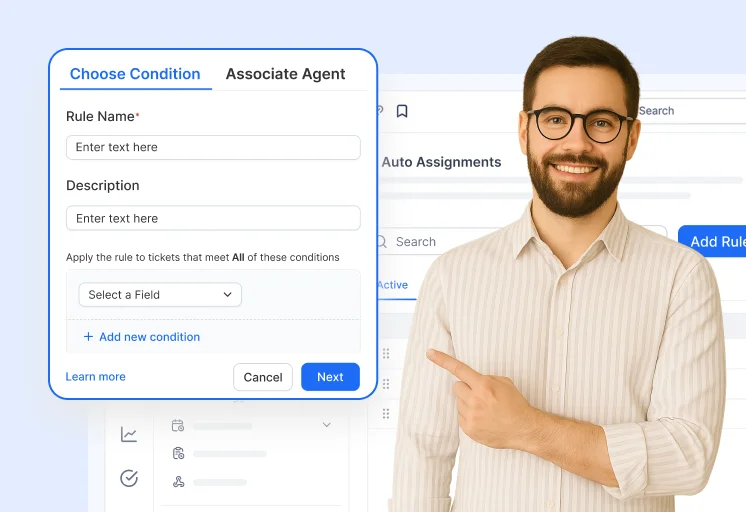
Auto Assignment Workflow

Route tickets intelligently with automation. Use rules and round-robin distribution to balance agent workloads.

Take a tour right-arrow
Automatically Assigning Tickets to Agents Upon Creation

SLA Management

Learn to set business hours and automate SLAs for faster, on-time support every time.

Take a tour right-arrow

Recent Activities in Email Ticketing System Tutorials and Blogs

Discover expert insights on email ticketing software. Learn best practices, explore key features, and stay ahead of trends with tools like email help desk software and efficient support ticketing systems.

Test out all the features of BoldDesk

Start your 15-day free trial with instant access

  • No credit card required
  • Easy setup
  • 80% AI Agent Automation
  • 100+ Rich Features
  • No credit card required
  • Easy setup
  • 80% AI Agent Automation
  • 100+ Rich Features
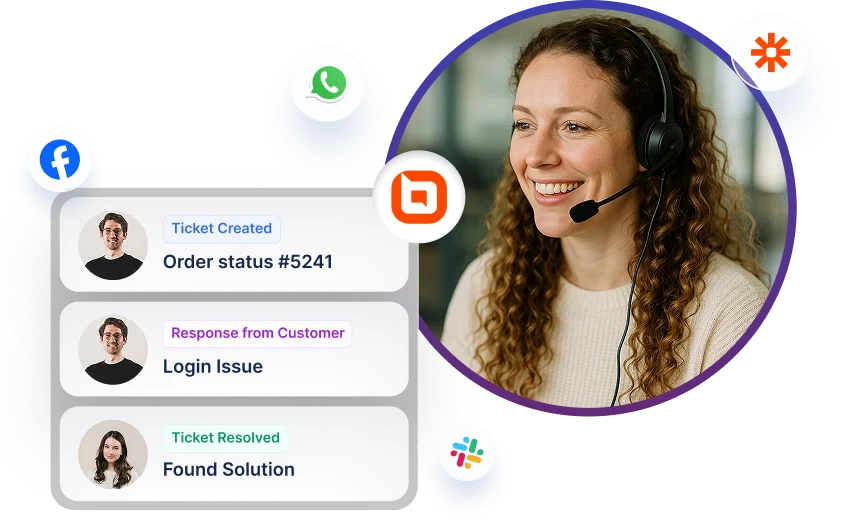
Help desk software interface showing ticket updates with multi-channel icons for Facebook, WhatsApp, and Slack.