

- Blogs Explore Blogs Blogs
AI Readiness Assessment for Customer Support: A Practical Scorecard
-
by Sarah Adhiambo Ogada
- Updated on: November 17, 2026
TL;DR: Before launching AI in customer support, evaluate 20 criteria across seven readiness areas, including knowledge, workflows, integrations, governance, and human handoff. An AI readiness scorecard identifies gaps and helps teams prioritize improvements before a pilot.
Imagine your support team plans to use an AI agent to handle subscription billing inquiries.
Your billing policies are up to date, but the AI agent cannot access customers' subscription or payment details.
As a result, the agent can explain billing policies but cannot resolve account-specific questions.
An AI readiness assessment helps teams identify gaps like missing system access before deployment.
Support teams can evaluate whether their proposed AI workflows have the necessary information, processes, and safeguards.
The 20-criterion assessment below helps support leaders calculate readiness scores, prioritize improvements, and determine what to address before an AI pilot.
What is an AI readiness assessment for customer support?
An AI readiness assessment for customer support checks whether your team is prepared to use a specific AI workflow safely and effectively.
This assessment covers seven areas: use case and goals, knowledge quality, support workflows, data and integrations, team adoption, governance and oversight, and human handoff.
Before you start: Choose the AI workflow to assess
Complete this assessment for one planned AI workflow, such as generating reply suggestions or handling subscription billing inquiries.
Gather recent ticket data, approved knowledge sources, workflow documentation, access policies, and baseline performance metrics. Use this evidence to support your scores.
How to run the assessment: Have the people responsible for support operations, knowledge, and relevant systems score the criteria independently. Review differences and agree on final scores before proceeding.
If you have not yet identified a suitable AI opportunity, start with an AI customer service business case.
20 criteria to assess your AI readiness
Use this AI readiness checklist to evaluate your selected support workflow across seven areas.
Score each criterion from 0 to 5 using your team's current processes, available evidence, and the readiness definitions below.
| Points | Readiness status |
| 0 | Not in place. |
| 1 | Planned with an owner. |
| 2 | Partially in place. Example: An AI workflow can retrieve information from one required system, but another required integration is still missing. |
| 3 | In place but inconsistent. Example: The required integrations are available, but some requests still fail because the workflow operates inconsistently. |
| 4 | In place and documented. |
| 5 | In place and validated with evidence. |
A planned initiative may be scored as 1 point only when a documented plan exists and an owner has been assigned. Do not award 1 point for improvements that are merely expected or informally discussed.
Where a criterion includes multiple requirements, use the lowest readiness level among them. For example, if a requirement is met for some systems but not others, score it as partially in place (2).
If you cannot verify a criterion, score it 0 provisionally and record “Unverified” in your assessment notes. Assign an owner to confirm it before making deployment decisions.
If a criterion does not apply to the selected AI use case, mark it as N/A and explain why.
Exclude N/A criteria from the readiness calculation. Required safeguards that are missing must be scored as 0, not N/A.
What counts as evidence
A score of 4 or 5 should be backed by evidence you can show. Use these examples to decide between scores and to record what supports each rating.
| Readiness area | Evidence that supports a score of 4 or 5 |
| Use case and goals | A written problem statement, an agreed split of AI and human tasks, and baseline metrics from recent ticket data. |
| Knowledge quality | Article review dates, named content owners, and test questions the AI answered correctly from approved sources. |
| Support workflows | Documented process steps, escalation rules, and ticket samples showing agents handle similar requests the same way. |
| Data and integrations | Test requests that successfully retrieve the customer data this workflow needs, and spot checks confirming records match across systems. |
| Team adoption | Agent feedback from planning sessions, a training plan with dates, and approved time or budget for testing and rollout. |
| Governance and oversight | A named AI owner, a written data-access and approval policy, and a defined process for reviewing failures and incidents. |
| Human handoff | A test conversation showing a customer reaching a human agent, with the full conversation history visible to that agent. |
Use case and goals
AI readiness starts with a clearly defined use case. Before investing in AI, support teams should understand the problem they want to solve, define AI's role, and establish how success will be measured.
- A customer support challenge has been identified that AI is expected to improve.
- The tasks AI should handle and the tasks that should remain with human agents are clearly defined.
- Baseline metrics and success measures have been defined for the proposed AI use case.
Knowledge quality
AI needs reliable information to answer customer questions accurately. Before deploying customer-facing AI, verify that the knowledge sources needed for your intended use case are current, complete, and approved.
Poor content quality can also increase the risk of AI hallucinations and inconsistent responses.
Teams that need to strengthen their content foundation can start by preparing an AI knowledge base.
- The knowledge sources needed for the selected AI use case have been reviewed and approved.
- The proposed AI solution can retrieve accurate information from approved knowledge sources.
Support workflows
AI performs best when support teams follow clear and repeatable processes.
When similar issues are handled in different ways, automation becomes harder to manage.
- The workflows involved in the selected AI use case are documented and standardized.
- Agents consistently follow the documented workflow when handling similar requests.
- Exceptions and requests requiring human judgment are clearly documented.
- Response, resolution, and quality targets are defined for the selected workflow.
Data and integrations
AI often relies on data from multiple systems to answer questions and complete tasks.
Disconnected tools can limit the quality of responses and create unnecessary manual work for agents.
- The data integrations required for the selected AI use case have been identified and tested.
- The AI workflow can access the customer context required for its approved tasks.
- Customer information is accurate across the systems used by this AI workflow.
Team adoption
Successful AI adoption requires training, practice, and confidence that employees can use AI effectively, recognize incorrect outputs, and escalate issues when needed.
- Support agents have been involved in planning for AI adoption.
- AI-related training and support plans have been defined for affected employees.
- Leaders have allocated the resources needed for AI training, testing, and rollout.
Governance and oversight
AI needs clear ownership and accountability. Teams should know who owns AI, reviews performance, and resolves issues.
- AI responsibilities are clearly assigned.
The safeguards required for this AI workflow are documented and implemented.
Check: Data-access limits, identity verification, approval requirements, and restrictions on sensitive AI actions. Base the rating on all applicable safeguards. Missing required controls must also be flagged as critical blockers.
- Processes are defined for reviewing and managing AI performance, failures, and incidents.
Human handoff
Human agents remain important in AI-powered customer support. In a March 2025 Gartner poll of 163 customer service and support leaders, 95% planned to retain human agents to help define AI's role.
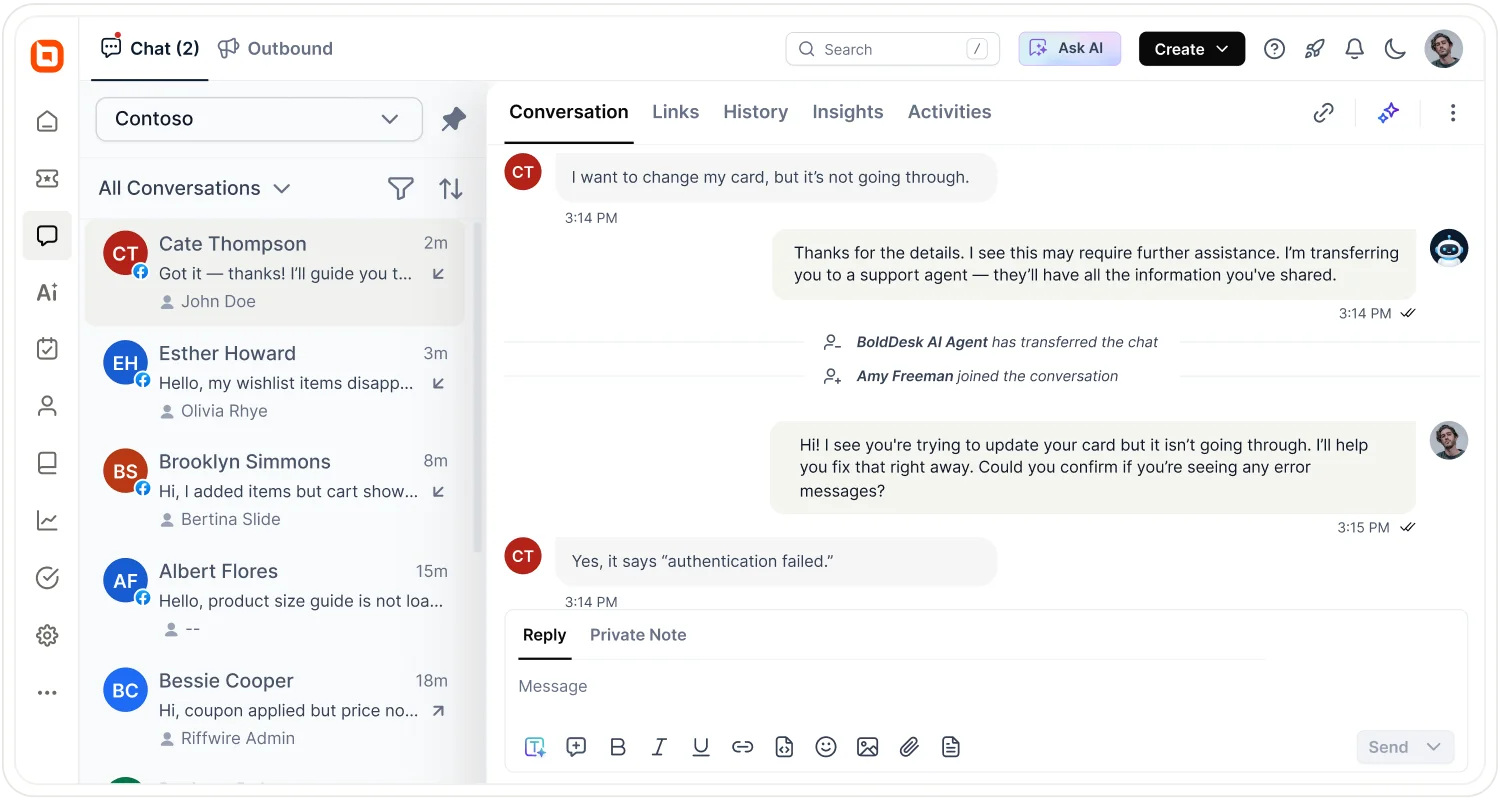
For customer-facing AI, teams should ensure customers can reach a human when needed and that relevant conversation context is transferred during AI-to-human handoffs.
- Customers can reach a human directly from the AI workflow when needed.
- The AI workflow transfers conversation history to the receiving agent during handoff.
Download the AI readiness score worksheet
Use our free worksheet to record your ratings, calculate your readiness score, identify critical blockers, and plan your next steps.
How to calculate your AI readiness score
Each of the 20 readiness criteria receives a score from 0 to 5. A fully applicable assessment has a maximum score of 100 points.
Follow the steps below to calculate your team's readiness.
Step 1: Rate each readiness criterion
Review the 20 statements and assign a score from 0 to 5 based on your current processes and supporting evidence.
Record each rating in the score worksheet. Mark a criterion N/A only when the requirement genuinely does not apply to the selected AI workflow.
Step 2: Calculate the applicable maximum
Each criterion contributes up to five points.
If all 20 criteria apply, the maximum possible score is: 20 × 5 = 100 points
For every criterion marked N/A, subtract five points from the maximum.
Applicable maximum = 100 − (5 × number of N/A criteria)
Apply the same approach when calculating readiness for individual areas. If every criterion in an area is N/A, record that area as N/A.
Required safeguards that are missing must receive a score of 0, not N/A.
Step 3: Add the points earned
Add the individual ratings within each readiness area. Then add the seven area totals to find your overall points earned.
Record your scores in the downloadable worksheet. The table below illustrates the format used to summarize readiness results before calculating the overall score.
| Readiness area | Points earned | Applicable maximum | Readiness % |
| Use case and goals | ___ | Up to 15 | ___% |
| Knowledge quality | ___ | Up to 10 | ___% |
| Support workflows | ___ | Up to 20 | ___% |
| Data and integrations | ___ | Up to 15 | ___% |
| Team adoption | ___ | Up to 15 | ___% |
| Governance and oversight | ___ | Up to 15 | ___% |
| Human handoff | ___ | Up to 10 | ___% |
| Total | ___ | 100 − (5 × N/A criteria) | ___% |
For example, a team assessing an AI subscription billing workflow rates its three Data and integrations criteria as follows:
- Criterion 10: Required integrations: 2/5. Some integrations are available, but the billing integration is missing.
- Criterion 11: Customer context access: 0/5. The AI cannot retrieve subscription or payment details.
- Criterion 12: Data accuracy: 4/5. The customer records available to the AI are accurate and documented.
Area score: 2 + 0 + 4 = 6 out of 15 points.
The team earns 68 points across all seven readiness areas, out of a possible 100.
Step 4: Calculate your readiness percentages
Use the following formulas:
Area readiness (%) = (Points earned in the area ÷ Maximum applicable area points) × 100
Overall readiness (%) = (Total points earned ÷ Total applicable points) × 100
For Data and integrations:
Area readiness (%) = (6 ÷ 15) × 100 = 40%
For the overall assessment:
Overall readiness (%) = (68 ÷ 100) × 100 = 68%
The team has an overall readiness score of 68%. Its Data and integrations readiness is only 40%, indicating that important integration and customer-data access requirements remain unmet.
If some criteria are N/A: Suppose a different assessment excludes two genuinely inapplicable criteria. The maximum becomes 90 points.
A team earning 72 points would have an overall readiness score of:
Overall readiness (%) = (72 ÷ 90) × 100 = 80%.
What your AI readiness score means
Compare your overall readiness percentage with the ranges below to identify your readiness level and next steps.
| Overall readiness % | Readiness level | Next step |
| 80% and above | Ready for a controlled pilot if no critical blockers remain | Test and monitor |
| 60% to under 80% | Nearly ready | Close major gaps |
| 40% to under 60% | Needs preparation | Fix foundations |
| Under 40% | Significant readiness gaps | Delay the intended AI rollout |
Note: These score ranges are intended as guidance for this assessment and are not industry-certified AI readiness benchmarks.
Critical blockers that override your readiness score
A high score does not automatically mean your team is ready to deploy AI. Some missing safeguards can create significant risks, regardless of your overall result.
These include:
- No clear path to human support for customer-facing AI workflows.
- No defined ownership for AI oversight.
- Missing policies for customer data access and AI usage.
- No approved knowledge sources for AI expected to answer customer questions.
- Missing identity verification or authorization checks for sensitive requests.
- No permission limits or human approval requirements for sensitive AI actions.
- No process for monitoring failures and responding to AI-related issues.
Critical blockers depend on the intended use case. For example, an AI agent issuing refunds requires stronger permissions and approval controls than a tool that only suggests replies for human review.
See the most common AI support implementation mistakes and how to avoid them.
Example: Interpreting a 68% readiness score
A fictional SaaS support team plans to deploy an AI agent to handle subscription billing inquiries.
All 20 readiness criteria apply to this workflow. After completing the assessment, the team records the following results:
| Area | Score | Readiness |
| Use case and goals | 13/15 | 87% |
| Knowledge quality | 7/10 | 70% |
| Support workflows | 14/20 | 70% |
| Data and integrations | 6/15 | 40% |
| Team adoption | 12/15 | 80% |
| Governance and oversight | 11/15 | 73% |
| Human handoff | 5/10 | 50% |
| Overall | 68/100 | 68% |
The fictional SaaS support team falls into the Nearly ready category. Use-case planning and team adoption are relatively strong.
However, Data and integrations (40%) and Human handoff (50%) are the weakest areas.
The team cannot reliably support subscription billing inquiries until the required subscription-data integration is available.
Customers can reach a human agent (Criterion 19: 4/5), but conversation history does not transfer during handoffs (Criterion 20: 1/5).
Critical blocker check: None of the defined governance, knowledge, ownership, or human-support blockers are present. However, the missing subscription-data integration remains a significant readiness gap that should be addressed before a customer-facing pilot.
Recommended next step: Establish the required subscription-data connection, verify access permissions, implement conversation history transfer during AI-to-human handoffs, and validate the workflow with realistic customer requests before launching a customer-facing pilot.
How to improve AI readiness before deployment
Use your assessment results to identify the areas that need attention before deployment.
Prioritize critical blockers first, then improve your lowest-scoring readiness areas.
| Lowest-scoring area | What to do before deployment |
| Use case and goals | Define the support problem, success metrics, ownership, and expected business outcomes before launching AI. |
| Knowledge quality | Review support content, remove outdated information, and assign content owners. |
| Support workflows | Document support processes, define escalation paths, and standardize issue handling. |
| Data and integrations | Verify integrations, data access requirements, and customer context availability. |
| Team adoption | Involve agents in planning, provide training, and clarify expectations for AI usage. |
| Governance and oversight | Define ownership, usage policies, and performance review processes. |
| Human handoff | Establish escalation triggers and ensure conversation history transfers during handoffs. |
For practical ways to address these gaps, explore our guide to AI customer support challenges and fixes.
How to plan your first AI support pilot
Once critical readiness gaps are resolved, test the selected workflow in a limited pilot.
- Prepare realistic test cases: Include common requests, exceptions, and situations requiring human intervention.
- Test the workflow: Run the pilot with approved permissions and the necessary human oversight.
- Measure performance: Compare accuracy, efficiency, handoff quality, and customer outcomes with your baseline.
- Review failures: Identify and correct knowledge gaps, workflow errors, and integration issues.
- Expand gradually: Increase AI responsibilities only after the pilot meets its success criteria and required safeguards.
Put your AI readiness results into action
BoldDesk combines knowledge management, ticket workflows, and AI capabilities to support your pilot.
Assist Agent helps agents prepare responses, while Support Agent handles suitable customer requests with human handoff when needed.
Start a 15-day free trial to explore your selected workflow. No credit card required.
Related articles
- AI Agent Limitations: What AI Still Can’t Do in Customer Support
- AI Agent Security for Customer Support: Risks and Controls
- SLAs for AI Agents: How to Set Response and Resolution Targets
FAQs on AI readiness for customer support
Can AI succeed without a knowledge base?
Yes. AI can help with tasks such as ticket summaries, classification, and routing without a traditional knowledge base.
However, AI systems that answer customer questions need reliable, approved information sources such as knowledge base articles, policies, documentation, or connected systems.
Can a support team be ready for an AI copilot but not an autonomous AI agent?
Yes. AI copilots and autonomous AI agents have different requirements.
A team may be ready to use AI-generated suggestions and agent-assist features while still lacking the permissions, approvals, integrations, or controls needed for autonomous actions.
What is a good AI readiness score?
A score of 80% or higher suggests readiness for a controlled AI pilot, provided no critical blockers remain.
The ranges are indicative, not industry-standard benchmarks. Lower scores highlight areas requiring improvement before deployment.
Who should complete an AI readiness assessment?
The assessment should include the people responsible for support operations, knowledge management, governance, and any systems involved in the selected AI use case.
Including the right stakeholders helps ensure scores reflect actual readiness rather than assumptions.
How often should you reassess AI readiness?
Organizations should reassess AI readiness whenever they introduce a new AI use case, make major workflow changes, integrate new systems, or significantly update governance requirements.
Regular reassessments help ensure readiness keeps pace with operational changes.
What's the difference between an AI readiness assessment and an AI maturity assessment?
An AI readiness assessment evaluates whether a team is prepared for a specific AI use case or deployment.
An AI maturity assessment evaluates an organization's broader AI capabilities, processes, and adoption across multiple functions. This scorecard focuses on readiness for a selected customer support use case.
ABOUT THE AUTHOR

Sarah Adhiambo Ogada 
Sarah Adhiambo Ogada is a content strategist at Syncfusion with a strong interest in writing blogs that explain customer support topics in a simple, practical way, so teams can improve response times, stay organized, and deliver a better customer experience. She focuses on clear writing, real examples, and step-by-step tips readers can use right away.
Read more articles by this author Be the first to get updates