



Webinar  Transform Your Support with an AI‑Ready Knowledge Base: RAG, Metadata Mastery & Continuous Feedback Loops. Mar 3rd 202610:00 AM ET  Register Now  arrow-yellow-color

Webinar banner close

KNOWLEDGE MANAGEMENT SYSTEM Create, Share & Scale Your Knowledge Easily

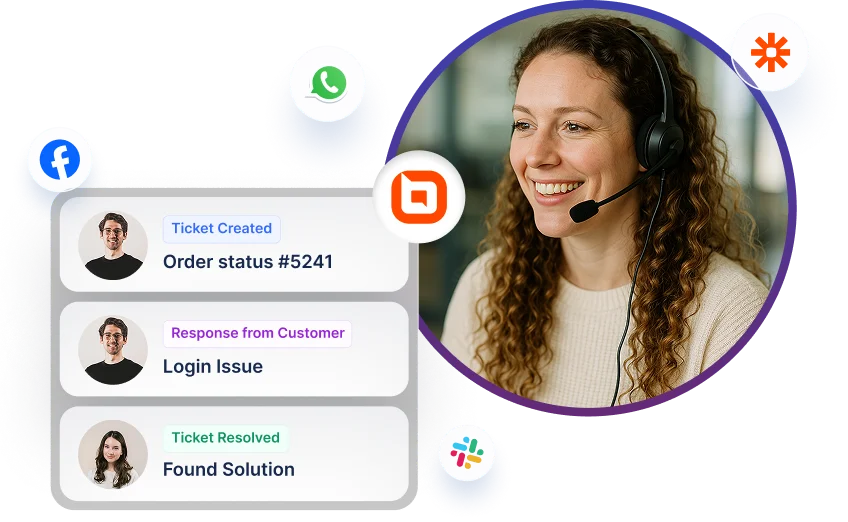
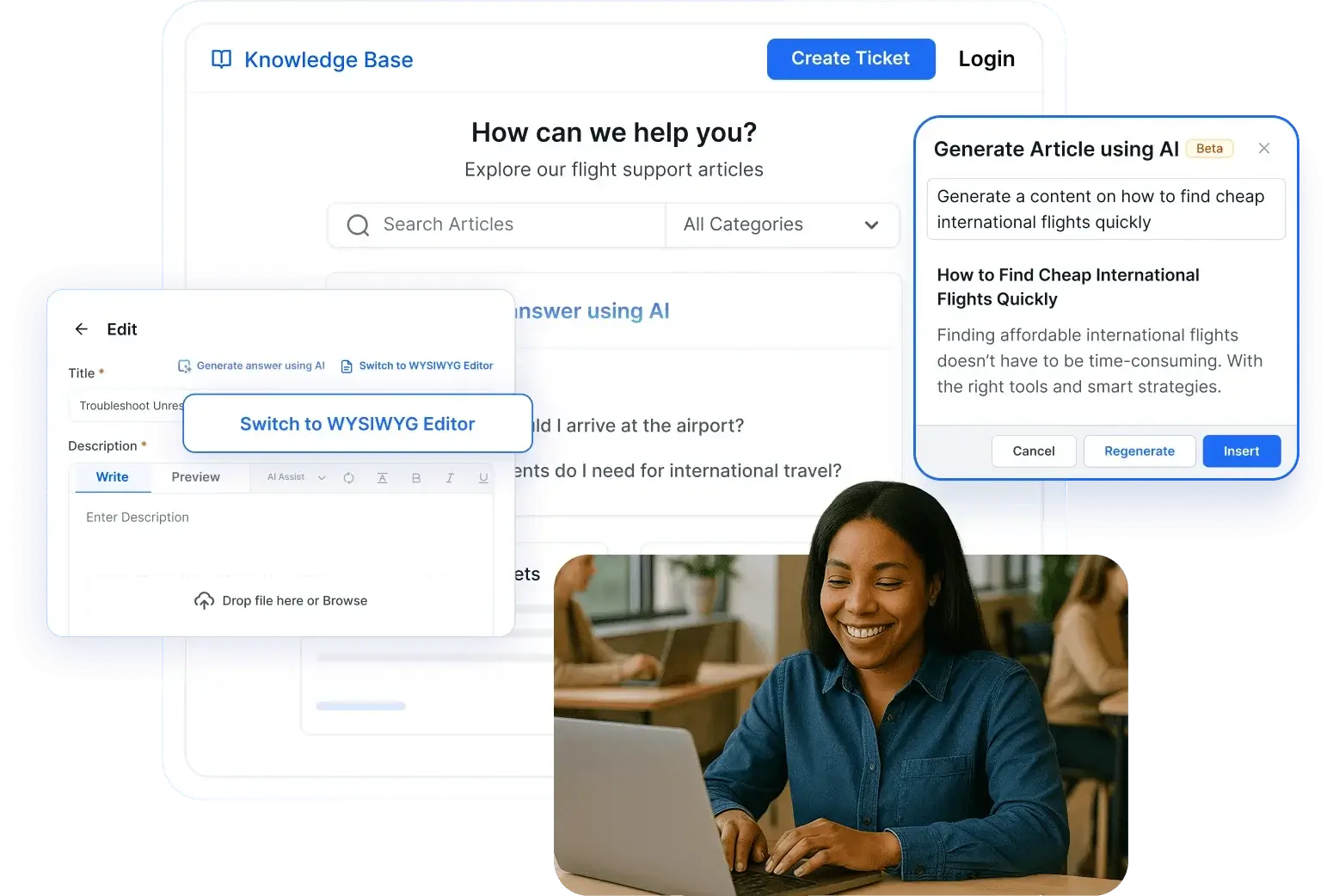
A woman uses a knowledge management system with AI writing tools, reviewing knowledge base content and support ideas.

Trusted by companies of all sizes

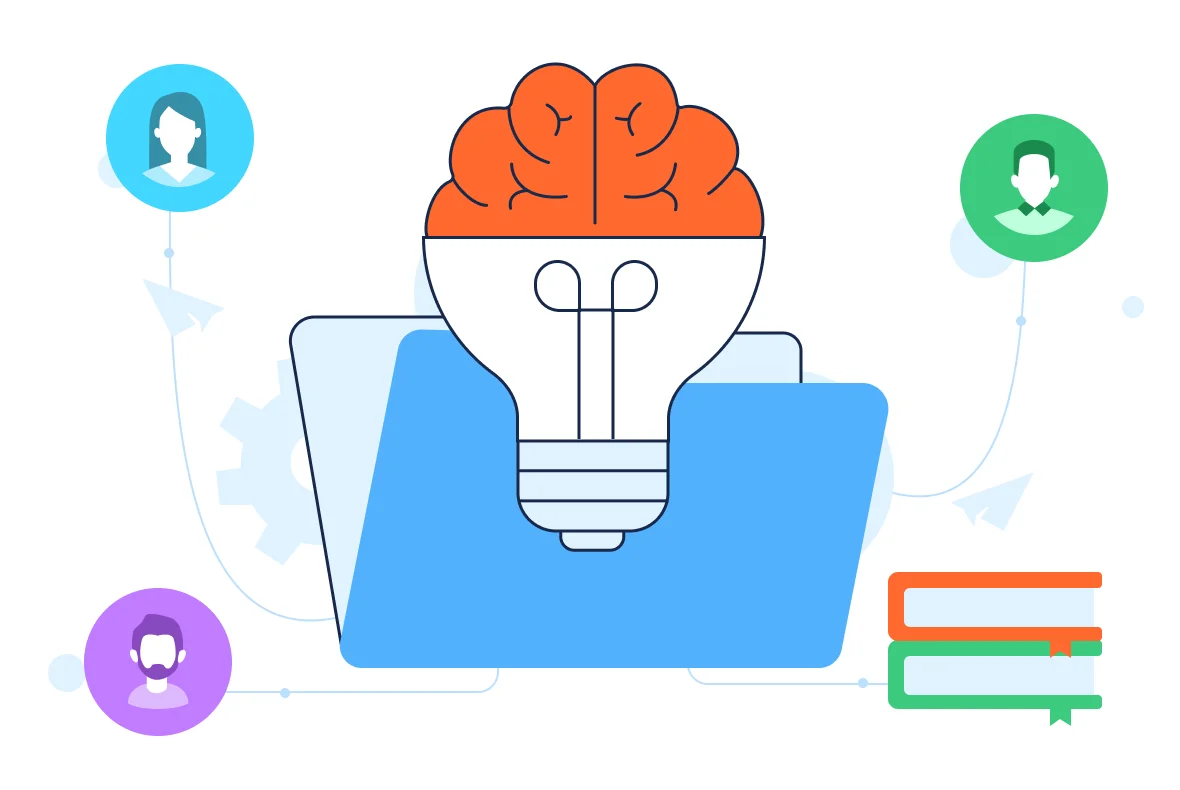
An illustration of a knowledge management system shown as a brain-shaped light bulb in a folder, highlighting organizational knowledge sharing.

What is a Knowledge Management System?

When Knowledge Gaps Hurt Productivity and CX

Facing Rising Ticket Volumes and Repeated Queries?

A smart knowledge system reduces workload and improves customer experience. Without one:

Agents spend time answering the same questions.

Customers struggle to find answers on their own.

Knowledge can become outdated or scattered.

Onboarding new agents takes too long.

You'll lack visibility into what content performs well.

Poor SEO limits content discoverability.

Agents spend time answering the same questions.

Customers struggle to find answers on their own.

Knowledge can become outdated or scattered.

Onboarding new agents takes too long.

You'll lack visibility into what content performs well.

Poor SEO limits content discoverability.

Why Choose BoldDesk Knowledge Management System?

Empower, Support, and Educate Your Users

Deliver consistent answers, improve agent productivity, and boost customer satisfaction with an AI-Enhanced knowledge base.

AI-Enabled Search

Let customers and agents instantly find relevant articles through intelligent, context-aware search suggestions.

Content Management Workflows

Keep articles up to date with approval flows, version history, and collaborative editing tools for your internal teams.

Self-Service Portal

Reduce support tickets by enabling customers to solve issues on their own through multilingual, SEO-friendly knowledge portals.

Faster Agent Onboarding

Cut training time by giving new agents instant access to centralized product knowledge and support documentation.

Access From Anywhere

Ensure consistent knowledge access for field agents and remote teams via mobile-friendly portals.

Reports & Analytics

Track article views, helpfulness ratings, and feedback to identify gaps and continuously improve your knowledge base.

Must-Have Features in a Powerful Knowledge Management Software

Deliver reliable self-service with features that streamline content creation, access, and management.

AI Search
Knowledge Base
Permissions & Security
Version Control
Portal Customization
SEO Friendly

Faster Answers with AI‑Ready Search

Deliver relevant results through an intelligent AI search that understands context and intent. Integrated with BoldDesk AI Agent and AI Copilot for smarter resolution paths.
  • bullet
    Surfaces precise answers instantly.
  • bullet
    Expands queries to interpret meaning.
  • bullet
    Improves relevance through feedback.
See Smart Results right-arrow-icon
AI agent interface showing automated order cancellation steps supported by a Knowledge Management System workflow.

Organized Articles with Clear Structure

Publish and maintain content in a structured knowledge base software built for clarity, consistency, and scalable team documentation.
  • bullet
    Editor supports media elements.
  • bullet
    Templates ensure article uniformity.
  • bullet
    Taxonomy organizes large libraries.
Structure Your Content right-arrow-icon
Knowledge Management System interface showing a banking guide with a menu, search panel, and share options visible.

Controlled Access with Role Based Governance

Protect sensitive information with role-based access, SSO integration, and compliance‑ready auditability for enterprise‑level control.
  • bullet
    Assign granular viewing rights.
  • bullet
    Enforce secure authentication.
  • bullet
    Track activity for compliance.
Manage User Access right-arrow-icon
An HR Manager role setup in a knowledge management system shows role-based permissions with toggles and compliance badges for SOC, GDPR, and HIPAA.

Accurate Content with Review and History

Maintain up‑to‑date knowledge using version control that tracks edits, highlights changes, and schedules periodic verification.
  • bullet
    Restore any previous version.
  • bullet
    Review changes side‑by‑side.
  • bullet
    Automate content verification cycles.
Maintain Content Integrity right-arrow-icon
Knowledge Management System screen showing article version history with options to open or restore previous versions.

Branded Help Centers Customers Trust

Create multilingual, mobile‑optimized portals with custom branding that deliver intuitive, consistent self‑service experiences worldwide.
  • bullet
    Customize themes and layouts.
  • bullet
    Configure navigation components.
  • bullet
    Localize content by region and language.
Customize Your Portal right-arrow-icon
A knowledge management system settings screen shows the Knowledge Base tab open with brand customization and color selection tools.

Help Content That Ranks and Converts

Publish SEO friendly knowledge articles with structured metadata, clean URLs, and automatic sitemap updates for strong organic visibility.
  • bullet
    Optimize titles and descriptions.
  • bullet
    Maintain canonical clarity.
  • bullet
    Improve crawlability at scale.
Boost Search Visibility right-arrow-icon
Knowledge Management System screen displaying an article editor with an SEO settings panel for titles and metadata.

Why Your Business Needs a Knowledge Management System

BoldDesk simplifies support by giving customers instant answers, reducing agent workload, and helping businesses scale without increasing costs.

Think Switching is Hard?
We’ll Migrate You for Free!

Switch to BoldDesk for an intuitive, AI-driven Knowledge Management System that empowers your team to organize, access, and share information effortlessly, boosting productivity and accelerating decision-making!

An abstract graphic shows a green folder, cost‑saving icons, tickets, gears, and a digital interface representing process optimization in a knowledge management system.

Frequently Asked Questions

What Our Customers Say

Awards
Awards

PRICING

Flexible Plans, Clear Pricing

Find the perfect plan for your business with No hidden costs, No surprises, and No lock-ins.

Recent Activities in Knowledge Management System Tutorials and Blogs

Get the latest on knowledge Management System tools with expert articles and tutorials. Explore best practices, highlighted features, and industry trends to improve your self-service support.

Test out all the features of BoldDesk

Start your 15-day free trial with instant access


Start your 15-day free trial of the best knowledge management software with instant access.
Up arrow icon