


Self-Service in Help Desk: Benefits and Best Practices
-
by Esther Omuhatia Khachina
- Updated on: September 10, 2026

TL;DR: Help desk self-service enables customers to resolve issues through a self-service portal, knowledge base, and FAQs before contacting support. It improves efficiency and reduces ticket volume through deflection. To maximize success, keep content searchable and current, enable SSO, and use AI to create and prioritize articles.
As support teams grow, so does the volume of routine requests competing for agent attention. Handling every password reset, account update, and common troubleshooting issue through assisted support can increase workloads, slow response times, and limit operational efficiency.
Self-service in help desk addresses this challenge by giving users a structured way to obtain assistance before creating a support request.
By allowing routine issues to be handled independently, organizations can reduce repetitive tickets, improve support efficiency, and create a more scalable support operation.
In this article, you’ll learn what help desk self-service is, how it works, why it’s important, and the best practices for implementing it successfully.
What is self-service in help desk?
Self-service in help desk is a support model that enables users to resolve issues independently through digital support resources instead of relying solely on support agents.
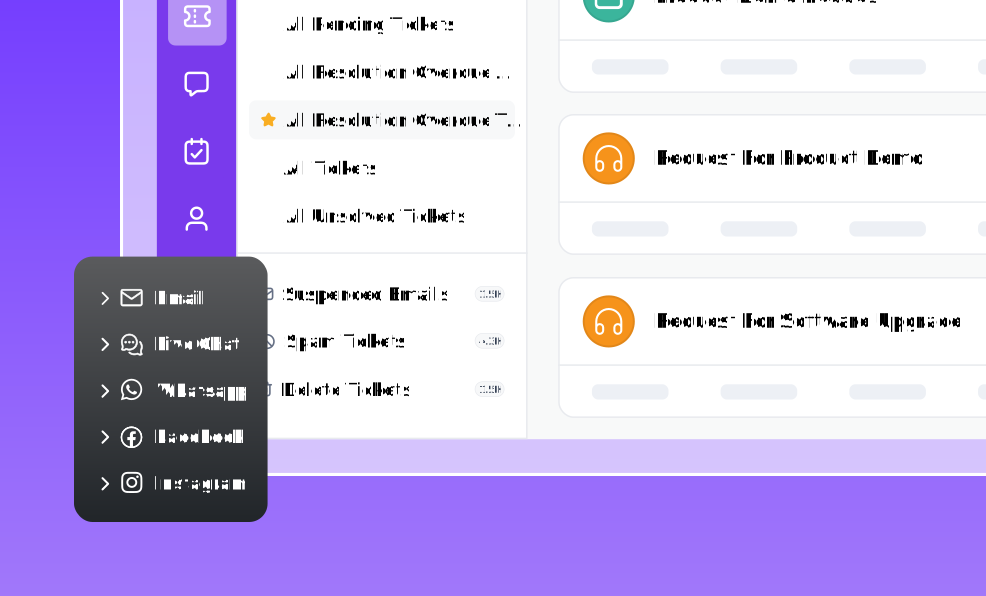
Users typically access help desk software through a centralized environment where support resources and support interactions are managed.
Research by NICE found that 81% of customers prefer businesses that allow them to manage service interactions without direct assistance.
When implemented effectively, self-service becomes the first point of contact in the support journey, with live agents handling only requests that genuinely require human expertise.
What is a help desk self-service portal?
A help desk self-service portal is a centralized space where users can access support resources, submit requests, track ticket status, and manage support interactions without relying solely on a support agent.
It serves as the primary entry point for obtaining assistance, allowing users to address routine support needs independently while maintaining a clear path to escalation when additional help is required.
Many organizations deliver self-service through dedicated client portal software, which provides users with a single place to access support resources, submit requests, and manage interactions.
How does a self-service help desk work?
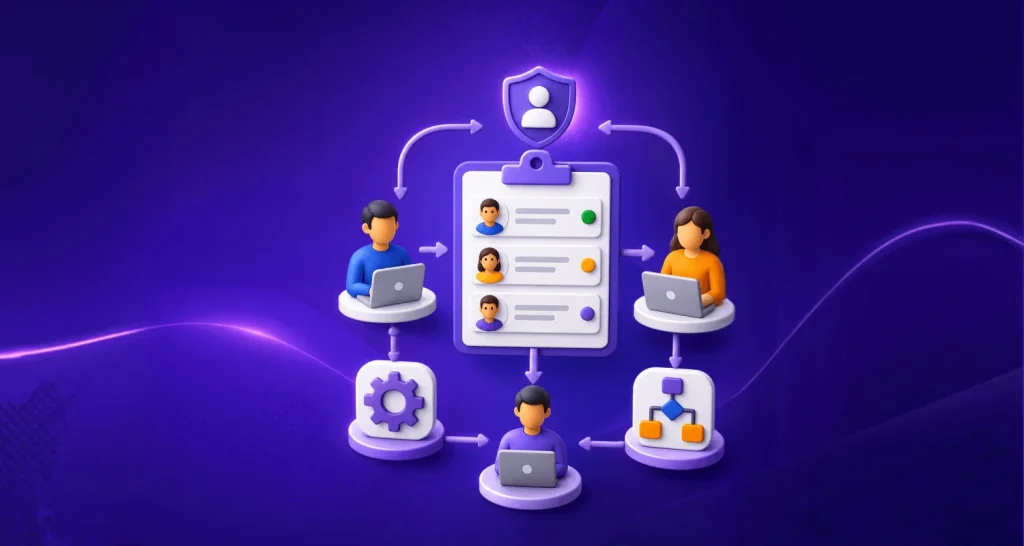
Help desk self-service creates a structured path for users to obtain assistance before submitting a support request.
Rather than directing every issue to a support agent, it gives users an opportunity to resolve routine requests independently while keeping escalation available when additional help is needed.
A typical help desk self-service workflow follows these steps:
- A user encounters an issue: The support journey begins when a user needs help with a task, account setting, product feature, or technical problem.
- The user initiates a self-service interaction: Instead of contacting support immediately, the user accesses available support resources to look for guidance related to their issue.
- The user reviews available guidance: The user follows the provided instructions, recommendations, or troubleshooting steps to determine whether the issue can be resolved independently.
- The issue is resolved or escalated: If the guidance addresses the issue, the support journey ends there. If additional assistance is needed, the user proceeds to create a support request.
- A support agent handles unresolved issues: Requests that cannot be resolved through self-service are routed through the normal support process, where agents investigate the issue and provide assistance.
- Support data drives continuous improvement: User feedback, search behavior, escalations, and recurring requests help support teams identify content gaps, refine self-service resources, and improve future support outcomes.
What are the best practices for implementing self-service help desk?
Implementing help desk self-service successfully requires more than publishing support content. The following best practices help create a self-service experience that remains useful, reliable, and sustainable over time:
Prioritize recurring support requests
Not every support request should be handled through self-service. The most effective starting point is identifying issues that occur frequently, follow a consistent resolution path, and require little to no specialist intervention.
These requests are easier to document, easier to maintain, and more likely to be adopted by users.
Focus on high-volume topics that can be resolved through clear guidance rather than individual investigation.
Building self-service around proven demand helps ensure that resources are created for issues users actively need assistance with, rather than topics they rarely encounter.
Keep content fresh and relevant
Self-service is only effective when users can rely on the information it provides. As products, services, and processes evolve, support content should be reviewed regularly to ensure it remains accurate and aligned with current requirements.
Establish a review schedule for frequently used resources and update content whenever changes affect existing instructions.
Consistent maintenance helps prevent outdated guidance from creating confusion, reducing trust, or increasing unnecessary support requests.
Design your self-service help desk for ease of use
The effectiveness of self-service depends on how easily users can access and use the information provided.
Support resources should be available when users need them most, whether they’re searching for help, reporting an issue, or looking for guidance on a specific task.
Clear instructions, logical content organization, and focused guidance help users complete tasks with minimal effort and reduce the likelihood of unnecessary escalation to support.
Organizations can further improve accessibility by adopting web self-service approaches that make support resources easier to reach and navigate.
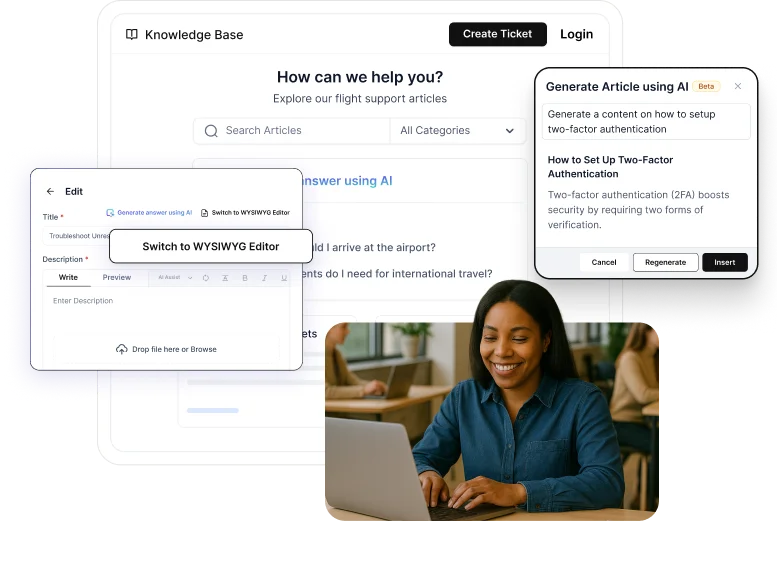
Use AI to improve knowledge base content
Keeping support content up to date can be challenging as new questions and issues emerge.
AI can help by turning resolved tickets into article drafts, suggesting updates to existing content, and highlighting areas where additional documentation may be needed.
This reduces the time spent creating content from scratch and helps teams maintain a knowledge base that remains accurate, relevant, and useful as support needs evolve.
Organizations can further streamline repetitive support tasks by combining self-service with help desk automation workflows.
Simplify access with Single Sign-On (SSO)
Nothing slows down a support experience quite like an extra login screen.
SSO allows users to access self-service resources using the credentials they already use for other workplace applications, removing the need to remember additional usernames and passwords.
Beyond convenience, SSO helps organizations manage access more effectively by connecting self-service to existing identity and security policies.
This creates a smoother experience for users while giving administrators greater control over who can access support resources.
Encourage feedback and monitor performance
User interactions can reveal weaknesses that are often missed during content creation. Encourage feedback to understand where users encounter confusion, abandon self-service, or continue seeking assistance despite existing guidance.
Pay close attention to signals such as:
- Repeated questions
- Unresolved issues
- Recurring requests that continue reaching support teams
These patterns often highlight content gaps, unclear instructions, or opportunities to improve the overall self-service experience.
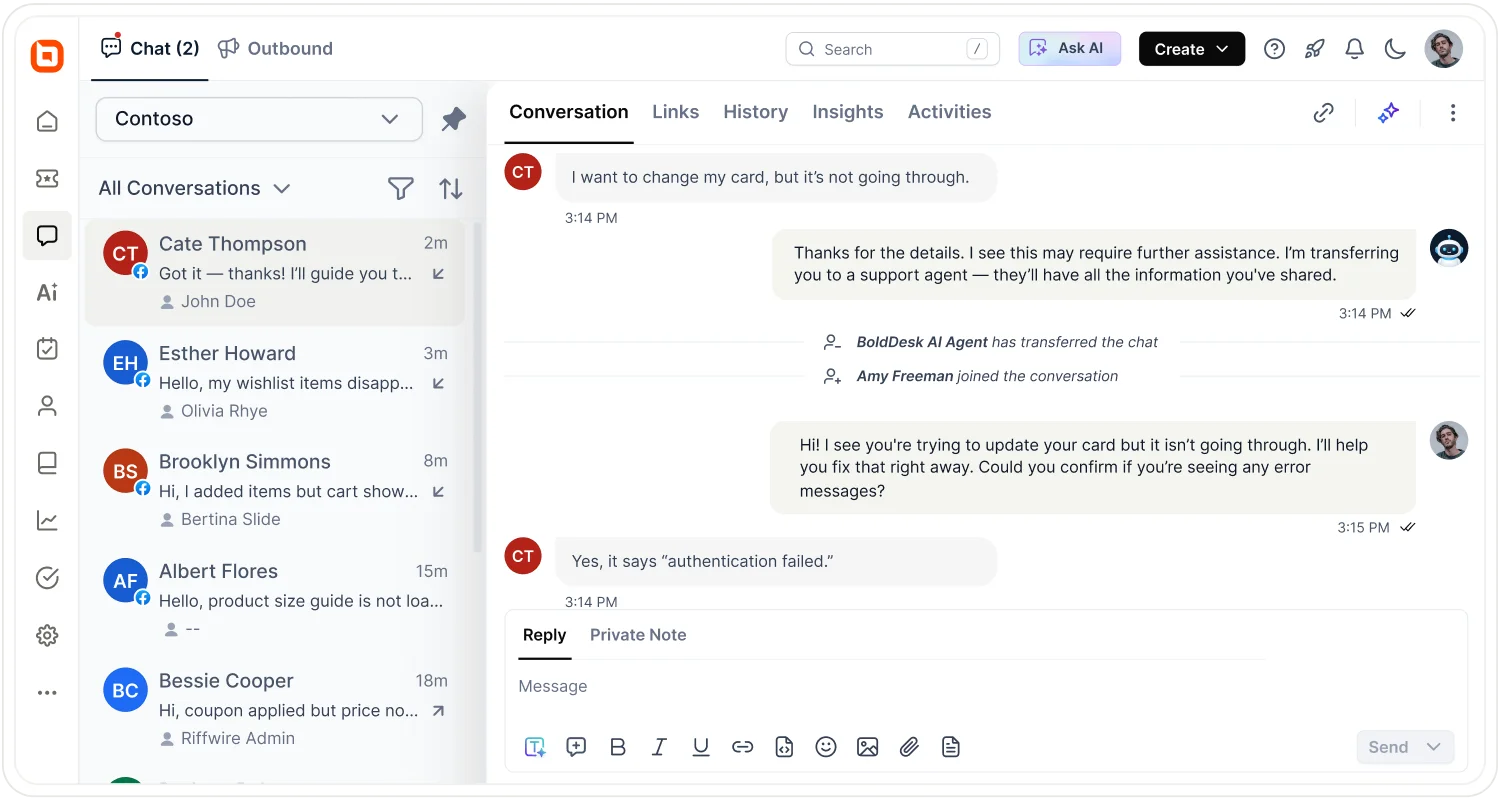
Make it easy to connect to a human support agent
Where users face complex or emotionally frustrating issues, like billing errors, account lockouts, or data loss, make it easy for them to contact a real support agent.
To ensure a smooth hand-off:
- Incorporate a clear “Contact Us” button, live chat option, or escalation link within help articles.
- Use empathetic language like “Need more help? We’re here for you” to reassure users.
- Track escalation patterns to understand which issues consistently require human intervention and improve your self-service accordingly.
Why is self-service in help desk important?
A study by Salesforce shows that 80% of high-performing brands include self-service support tools as one of their customer support offerings.
Help desk self-service delivers value beyond issue resolution. Some of its most significant operational benefits include:
Reduces repetitive support requests
Many support teams spend a significant amount of time handling the same questions repeatedly.
Help desk self-service provides users with access to guidance for common issues, reducing the need for agents to answer identical requests multiple times.
Improves agent productivity
When routine requests are handled through self-service, support teams can spend more time resolving issues that require investigation, decision-making, or specialized expertise.
This allows agents to focus on higher-value support activities.
Promotes consistent support delivery
Self-service helps standardize how information is presented to users. Instead of receiving different responses depending on the agent or channel, users can access the same approved guidance whenever they need assistance.
This consistency can also strengthen broader customer self-service efforts across the support experience.
Supports operational scalability
As organizations grow, ticket volumes often increase alongside their user base. Help desk self-service provides a scalable way to extend support without relying exclusively on additional staffing.
Strengthens ticket deflection efforts
By helping users resolve routine issues on their own, self-service can reduce unnecessary ticket creation and free up support teams for more complex requests.
A growing ticket deflection rate is often a strong sign that users are finding the answers they need without requiring agent assistance.
For a deeper look at the metrics used to evaluate self-service and support performance, see our guide on knowledge base metrics.
What challenges do teams face with help desk self-service?
While the right implementation approach lays a strong foundation, maintaining an effective self-service experience requires ongoing attention.
Along the way, organizations often encounter challenges such as:
- Low adoption: Users may continue contacting support directly simply because it’s the process they’re familiar with. Without consistent usage, self-service delivers little operational value.
- Outdated information: Support content that does not reflect current products, services, or processes can quickly erode trust and drive users back to assisted support.
- Content gaps: When common questions or recurring issues are not covered, users have no choice but to submit a request, reducing the effectiveness of self-service.
- Poor search experience: Even when answers exist, users may abandon self-service if they cannot locate relevant information quickly.
- Over-reliance on automation: Some issues require context, investigation, or judgment that automation cannot provide. Attempting to automate every interaction can create more frustration than value.
- Unclear escalation paths: Users should know exactly where to go when self-service cannot resolve their issue. A smooth transition to assisted support helps prevent dead ends and unnecessary friction.
Self-service works best as part of a broader help desk management framework that balances customer independence with efficient agent-assisted support.
Level up your customer support with the right self-service help desk software
As support operations grow, efficiency becomes less about working harder and more about directing effort where it matters most.
Help desk self-service creates that balance by allowing routine needs to be handled independently while preserving human expertise for situations that genuinely require it.
When approached thoughtfully, it becomes a long-term capability that strengthens the entire support ecosystem.
With BoldDesk, you can simplify the implementation of help desk self-service across your support operation.
Start your BoldDesk free trial and explore what’s possible with modern help desk self-service.
We hope this article was insightful. Do you have any additional suggestions or feedback? Please leave your comments in the section below!
Related articles
- HR Help Desk Software: Benefits and 5 Top Examples
- Reasons Why a Knowledge Base is Important in an Organization
- Best Techniques for Reducing Customer Service Response Time
FAQs on self-service help desk
What is the difference between a help desk self-service portal and a knowledge base?
A knowledge base stores support information, while a help desk self-service portal provides a broader environment where users can access information, submit requests, track tickets, and manage support interactions from a single location.
Can help desk self-service replace human support?
No. Help desk self-service tools are designed to handle routine and predictable requests, while support agents remain essential for issues that require investigation, judgment, or personalized assistance.
What types of issues are best suited for help desk self-service?
Help desk self-service is most effective for recurring requests with a consistent resolution path, such as password resets, account updates, onboarding guidance, and common troubleshooting procedures.
How does AI improve help desk self-service?
AI helps users reach relevant information faster through intelligent search, contextual recommendations, content summaries, and automated assistance. It can also help support teams identify content gaps and improve support resources over time.
ABOUT THE AUTHOR

Esther Omuhatia Khachina 
Esther Khachina is a Customer Experience Specialist focused on delivering clarity and value through well-structured, user-centric content. She's dedicated to enhancing customer interactions by simplifying complex information and creating resources that empower and inspire.
Read more articles by this author Connect with the author on LinkedIn.
Be the first to get updates