BoldDesk + Microsoft Teams Integration
Schedule and manage MS Teams meetings directly from BoldDesk.

Why you should integrate MS Teams Meeting
-
Simplifies agent workflows by scheduling MS Teams Meetings in BoldDesk.
-
Improve communication with the requester and decrease ticket resolution time.
-
Allows agents to address customer inquiries more quickly.
-
Increase your overall productivity in the workplace.
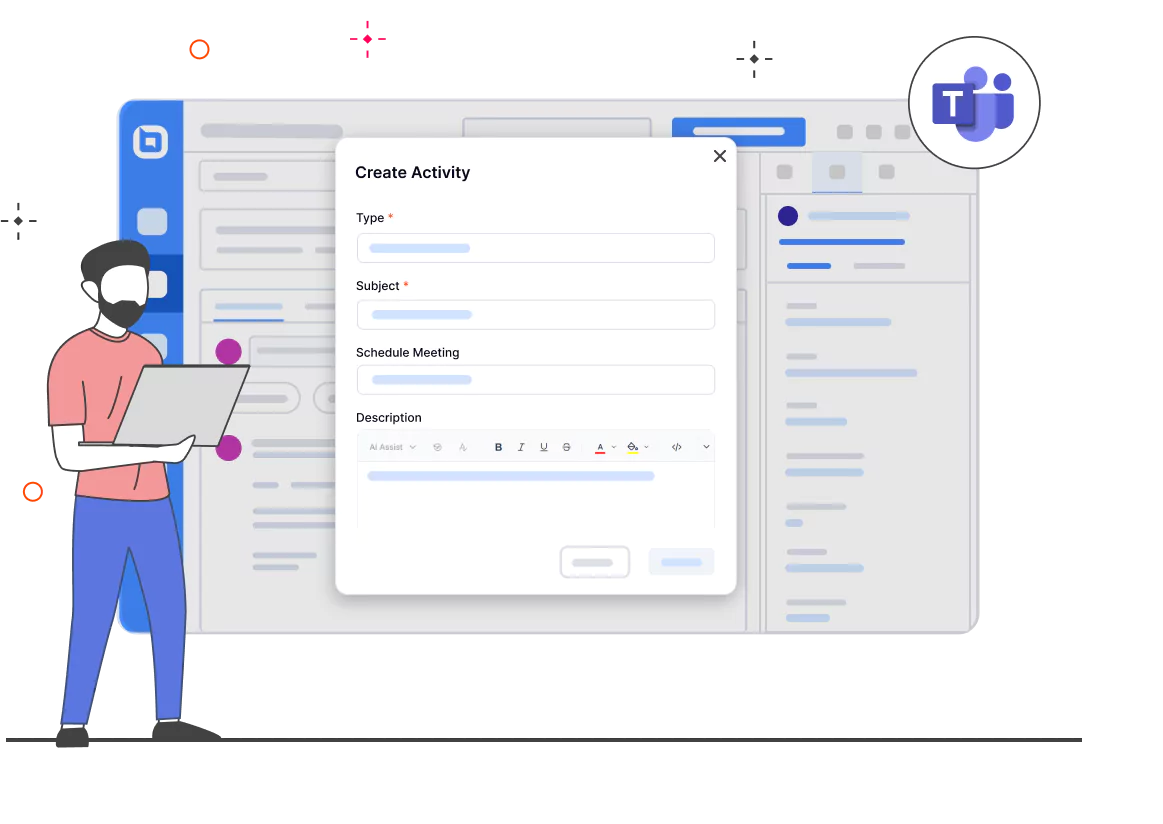
Schedule meetings from BoldDesk
-
Schedule, modify, or cancel an online meeting from BoldDesk.
-
Access the meeting through BoldDesk.
-
Include attendees for the meeting.
Create events for a scheduled meeting in Microsoft Calendar
-
Meeting events can be added to your Microsoft Calendar.
-
A reminder email will be sent to the attendees via Microsoft Teams.

For more information on how to get started with the Microsoft Teams integration
Test out all the features of BoldDesk
Start your 15-day free trial with instant access
-
No credit card required
-
Easy setup
-
80% AI Agent Automation
-
100+ Rich Features
-
No credit card required
-
Easy setup
-
80% AI Agent Automation
-
100+ Rich Features