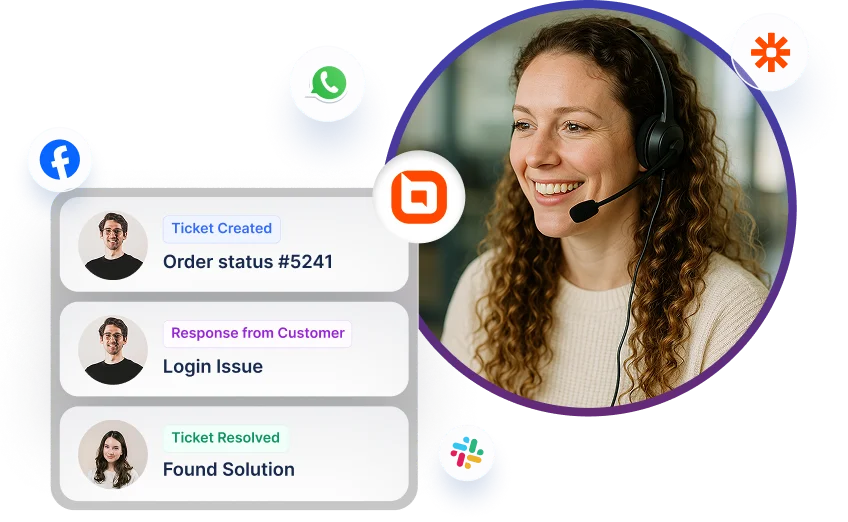
BoldDesk + KrispCall Integration
Make and receive calls and SMS from KrispCall.
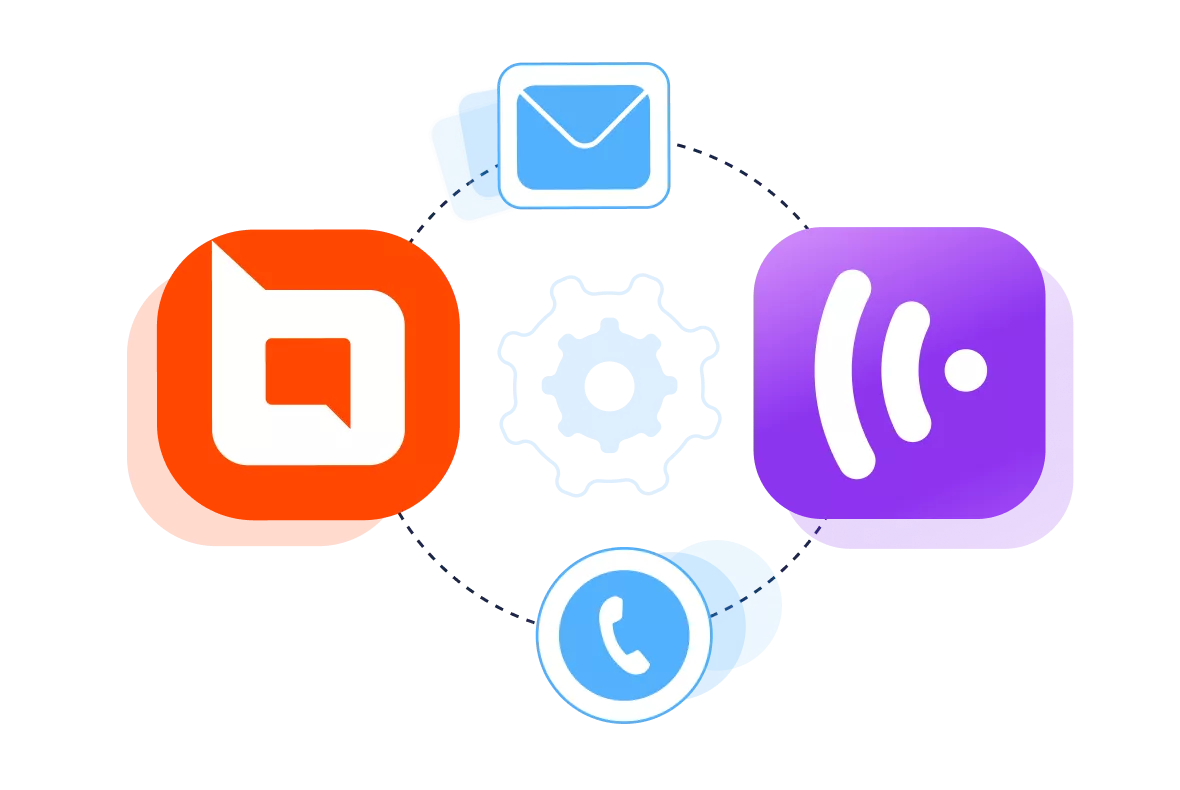
Why integrate KrispCall with BoldDesk
-
Enhancing quality with efficient call management.
-
Simplify communication processes and boost organizational efficiency.
-
Improve customer management with real-time monitoring capabilities.
Quickly Initiate Calls with Click to Dial
-
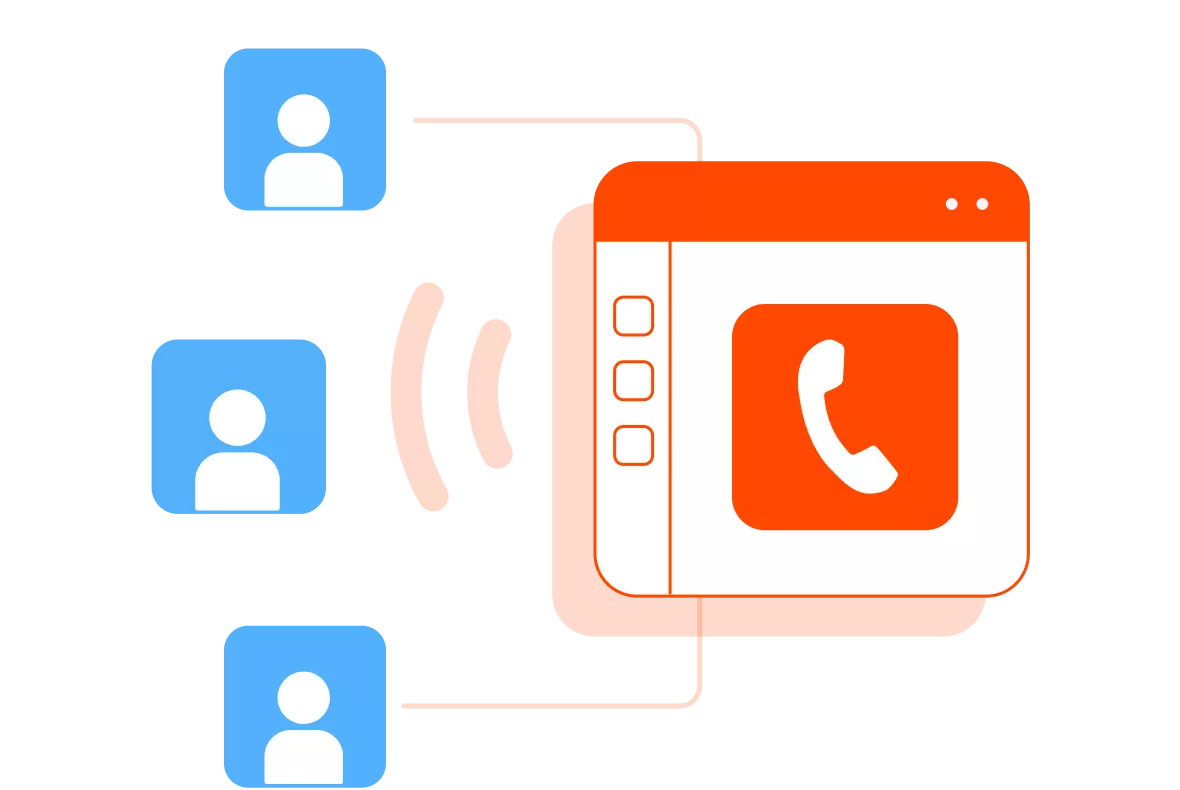
Make and receive calls directly inside BoldDesk without switching tabs or tools. Agents can respond to tickets and speak with customers from the same screen, saving time and reducing confusion. The dialer appears inside the workspace for a smooth, uninterrupted workflow.
-
Agents can start calls instantly by clicking any phone number inside BoldDesk. KrispCall connects the call while BoldDesk automatically loads the related ticket or customer details.


Automatic Call Logging
-
Every call your team makes or receives is recorded inside the correct ticket with duration, time, and call outcome. The system syncs this data automatically, removing the need for manual entry. Your team gets consistent, error-free records and keeps your customer information updated in real time.
-
Sales representatives can easily access previous conversations for seamless client interactions, while support teams benefit from a comprehensive SMS history to track and resolve issues more efficiently.
Send & Receive SMS for Fast Updates
-
Send and receive SMS directly inside BoldDesk through KrispCall’s built-in messaging features. Agents can deliver quick reminders, confirmations, ticket updates, or instructions without switching between tools. Every SMS syncs automatically to the correct ticket, keeping all conversations organized and easy for the team to follow.
-
You can send SMS instantly using the KrispCall Chrome extension. Simply click the dialer icon beside any customer’s phone number and choose between “Call” or “SMS.” Selecting “SMS” will open the messaging screen where you can type your message and hit send.


Access Call Recordings & Voicemails in Tickets
-
Every call recording and voicemail is automatically attached to the customer’s ticket or contact profile. Teams can review past conversations for training, escalations, or resolving misunderstandings. Managers get a complete view of all interactions, helping them monitor quality and strengthen customer service standards.
-
Agents can also revisit details without asking customers to repeat themselves. This leads to smoother telephony conversations, faster issue resolution, and more consistent support across the entire team.
Easy Access to Conversation History
-
All interactions, whether it be calls, SMS, or chats, are stored under a single, organized customer timeline. Agents can instantly access past issues, shared notes, resolutions, and previous conversations before responding.
-
With a centralized customer conversation view, your team can speed up response time and improve the overall support experience. It also ensures your every team member delivers consistent, personalized service across every touchpoint.

For more information on how to get started with the KrispCall integration
Test out all the features of BoldDesk
Start your 15-day free trial with instant access
-
No credit card required
-
Easy setup
-
80% AI Agent Automation
-
100+ Rich Features
-
No credit card required
-
Easy setup
-
80% AI Agent Automation
-
100+ Rich Features