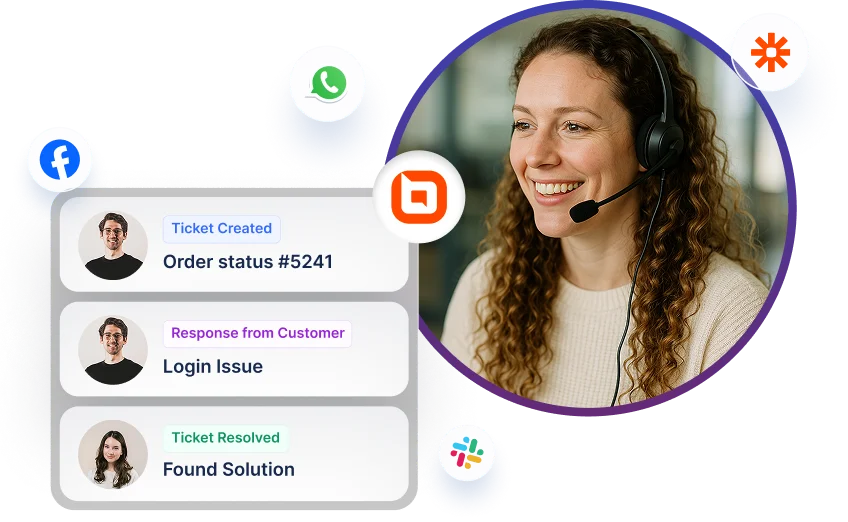
BoldDesk + Exotel Integration
Track and manage phone calls as tickets.
Why should integrate Exotel with BoldDesk
-
Enhance support quality with call insights and streamline communication.
-
Overall productivity can be enhanced.
-
Enhance communication workflows and support to improve customer service efficiency.

Make calls from BoldDesk
-
Agent calls customer from BoldDesk.
-
Connect with clients instantly with click-to-call.
-
Outgoing calls are automatically recorded.
Track all your conversation
-
Agents can view call history directly from BoldDesk.
-
Tickets and activities are automatically created for outbound, inbound, and missed calls.
-
Agents can manually create tickets based on call history as needed.
-
Agents can access complete call details, including call recordings.
-
Users can listen to recorded calls from BoldDesk.


Categorize your calls
-
Link Exotel number to brand and category for issue tracking.
-
Assign Exotel number to group for task resolution.
For more information on how to get started with the Exotel integration
Test out all the features of BoldDesk
Start your 15-day free trial with instant access
-
No credit card required
-
Easy setup
-
80% AI Agent Automation
-
100+ Rich Features
-
No credit card required
-
Easy setup
-
80% AI Agent Automation
-
100+ Rich Features