BoldDesk + BoldSign Integration
Connect BoldSign to send, track, and manage eSignatures.
Why integrate BoldSign with BoldDesk?
-
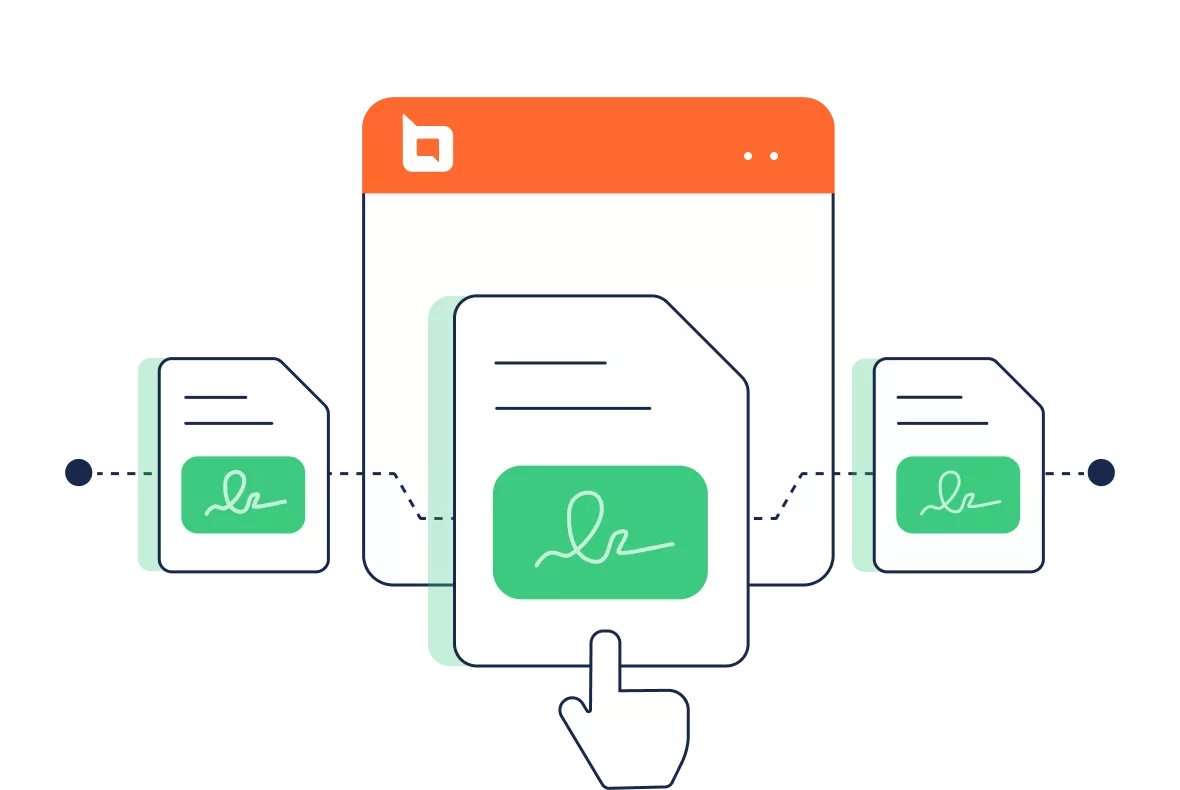
Integrating BoldSign with BoldDesk allows you to: Manage e-signature workflows directly within BoldDesk.
-
Minimize delays by initiating e-signature requests during support interactions.
-
Ensure secure document handling within BoldDesk.
-
Attach signed contracts to relevant support tickets.
Send documents for eSignature
-
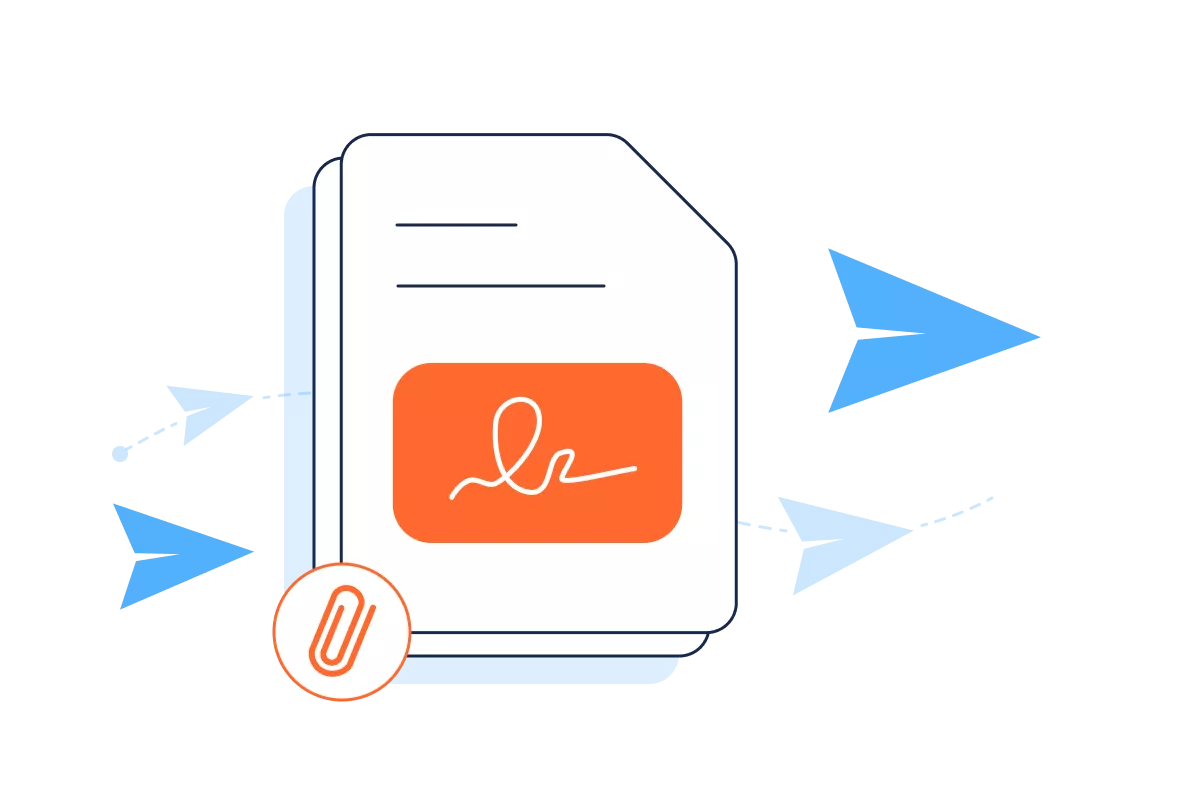
Attach documents to support tickets for quick access and context.
-
Send eSignature requests directly from BoldDesk using BoldSign.
-
Monitor signing status and finalize approvals without leaving your help desk platform.
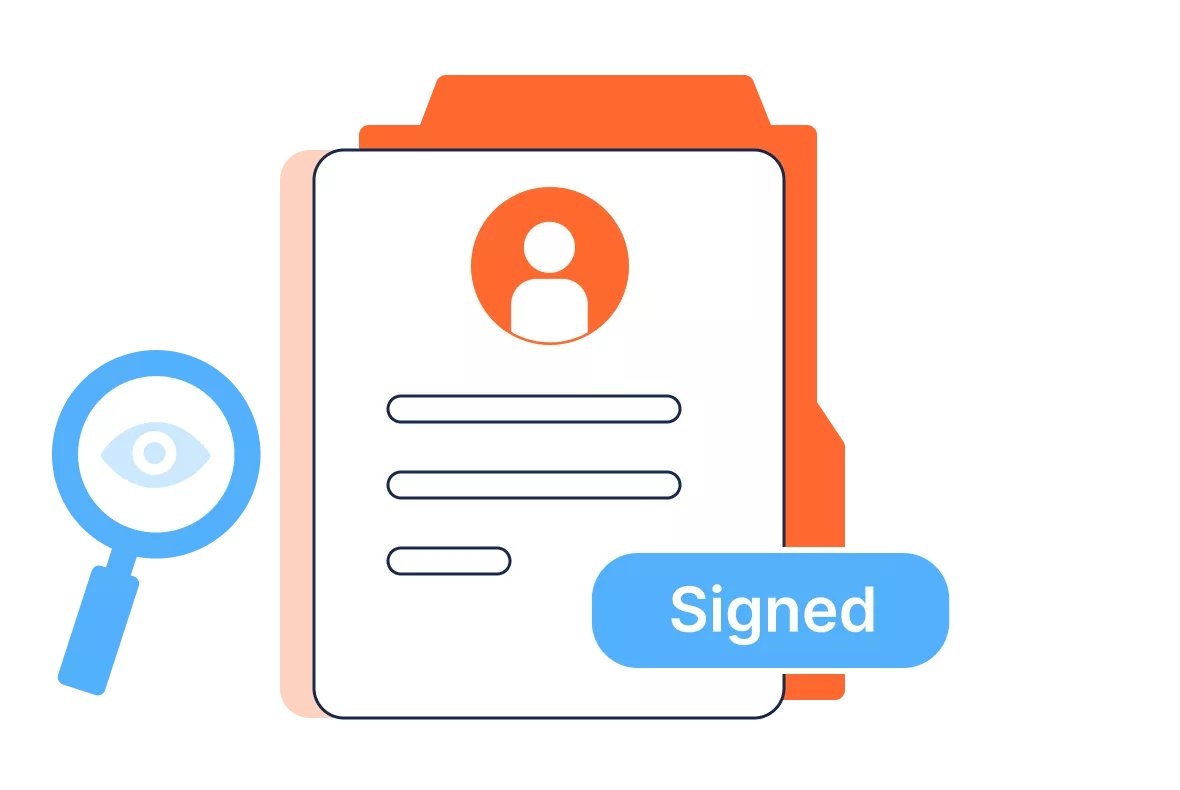
View document details
-
Instantly see participants who are involved in the signing process, including names, email addresses, signer, and reviewer.
-
Track every action with precise timestamps from document creation to final signature.
-
Know at a glance whether a document is Awaiting Signature, In Progress, Signed, or Revoked.
Document revoke
-
Automatically inform all signers when a document is revoked from within the support ticket interface.
-
Revoked documents are logged with reasons and timestamps for future reference.
-
Clear status updates ensure customers and agents know the document is no longer active.

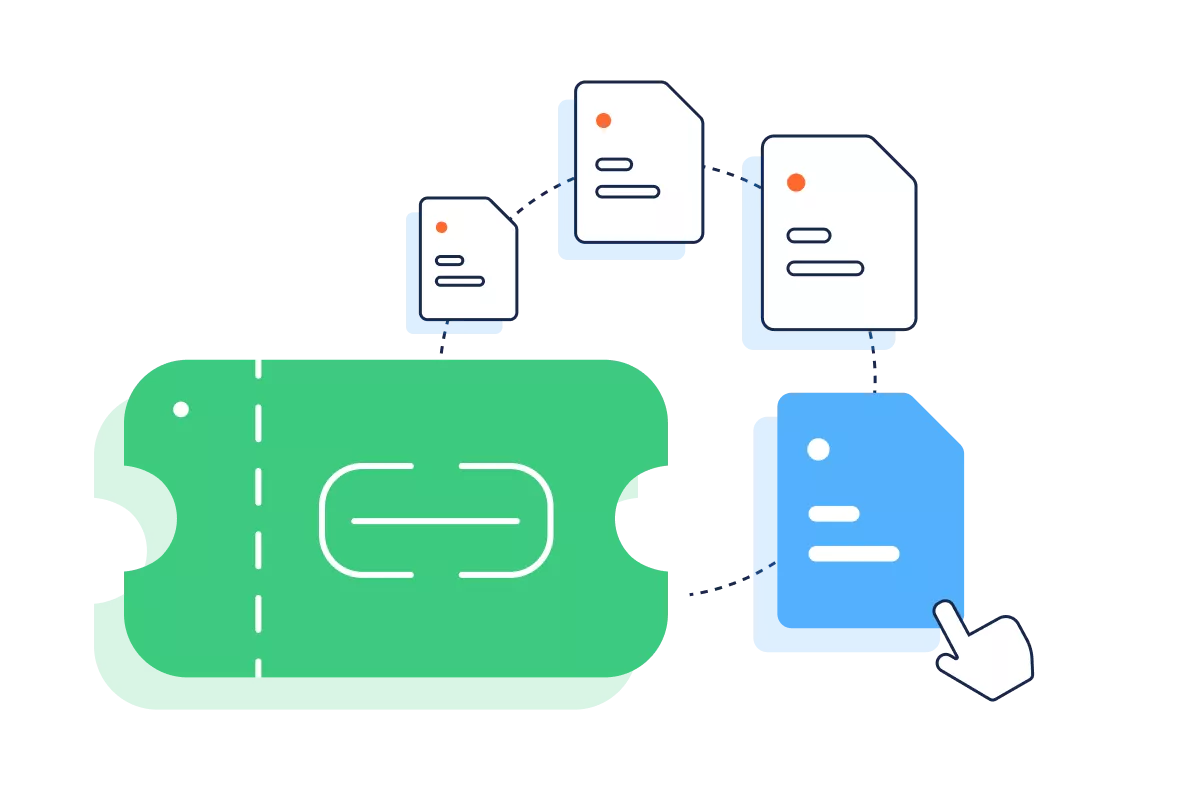
Manage multiple documents and recipients
-
Link several documents to a single ticket for complete context.
-
Reduce repetitive steps by dispatching the same document to several signers simultaneously.
-
Assign signers and reviewers across different roles in one streamlined process.
For more information on how to get started with the BoldSign integration
Test out all the features of BoldDesk
Start your 15-day free trial with instant access
-
No credit card required
-
Easy setup
-
80% AI Agent Automation
-
100+ Rich Features
-
No credit card required
-
Easy setup
-
80% AI Agent Automation
-
100+ Rich Features